
Camera for Stop Motion Studio
Cateater
3.2 ★
865 ratings
100,000+
downloads
Free
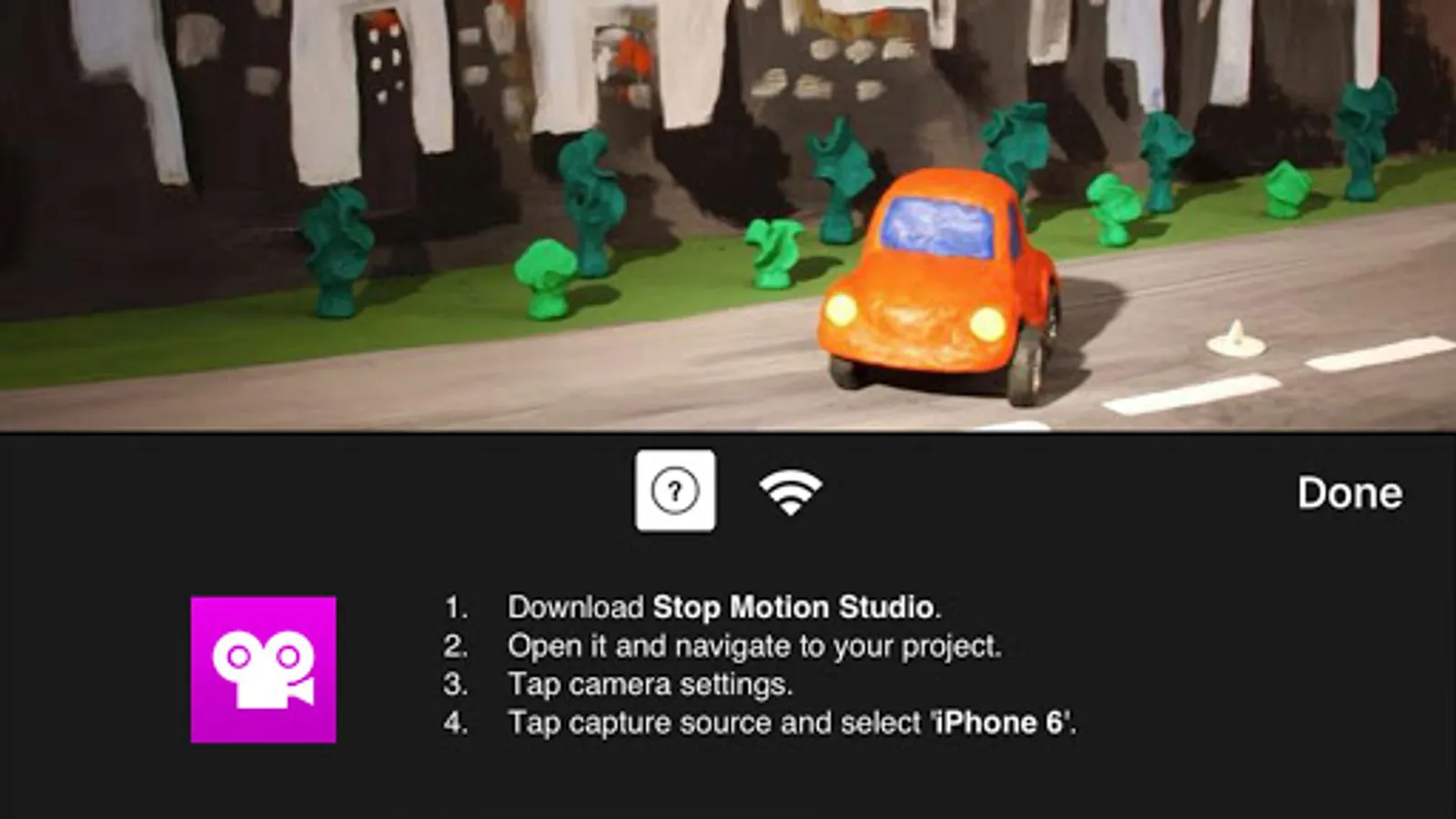
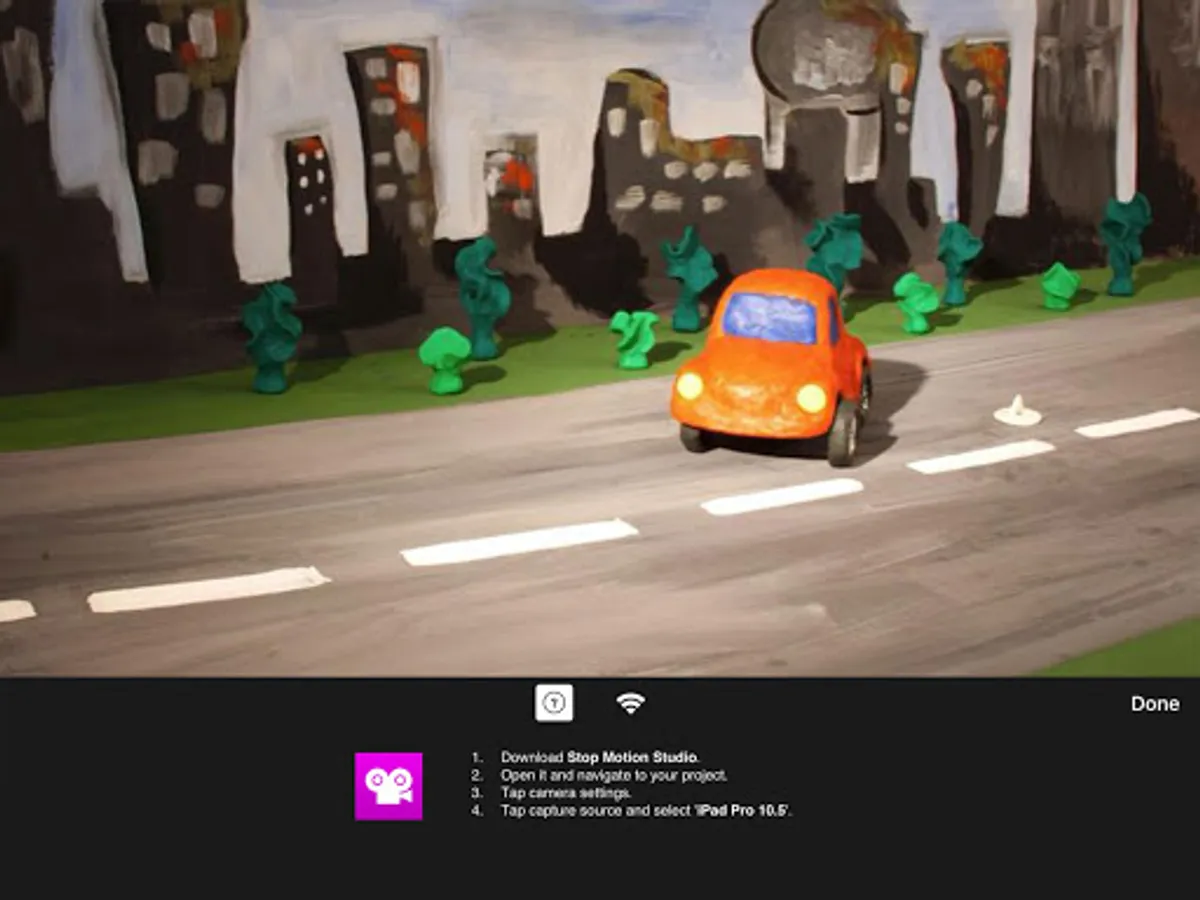
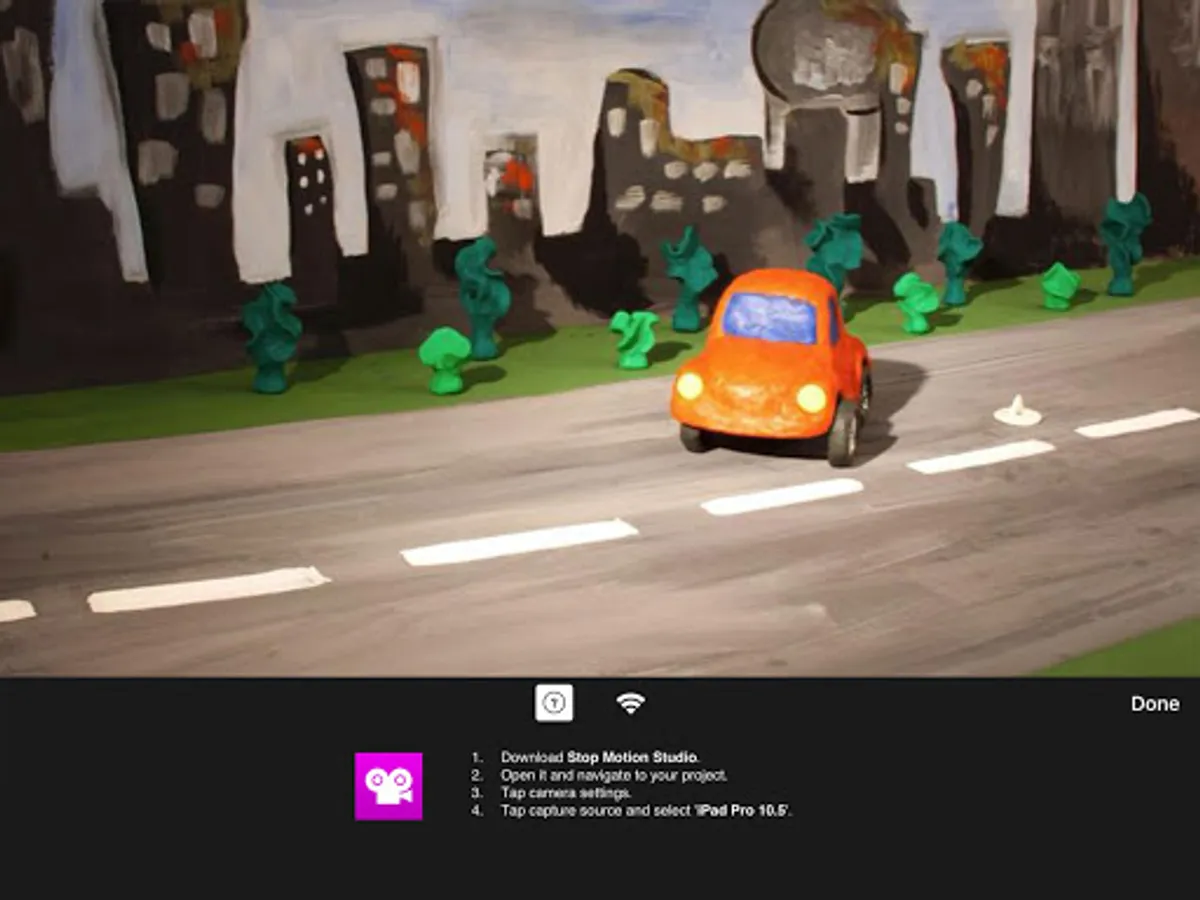
In this app, you can use a second device as a remote camera to capture stop motion images from different angles. Includes camera controls, device pairing, and support for multiple cameras.
AppRecs review analysis
AppRecs rating 3.3. Trustworthiness 81 out of 100. Review manipulation risk 21 out of 100. Based on a review sample analyzed.
★★★☆☆
3.3
AppRecs Rating
Ratings breakdown
5 star
41%
4 star
7%
3 star
13%
2 star
8%
1 star
31%
What to know
✓
Low review manipulation risk
21% review manipulation risk
✓
Credible reviews
81% trustworthiness score from analyzed reviews
⚠
High negative review ratio
39% of sampled ratings are 1–2 stars
About Camera for Stop Motion Studio
Turn your device into a remote camera for Stop Motion Studio.
Stop Motion Studio allows you to use a second device as a remote camera. This means you can use the camera on your mobile device while controlling it remotely with Stop Motion Studio on your tablet or desktop computer. With this feature, you can easily capture your stop motion animations from different angles and perspectives to create more dynamic and visually appealing videos.
* Requires a second device running Stop Motion Studio. Stop Motion Studio is a separate purchase and is not included with this application.
Stop Motion Studio allows you to use a second device as a remote camera. This means you can use the camera on your mobile device while controlling it remotely with Stop Motion Studio on your tablet or desktop computer. With this feature, you can easily capture your stop motion animations from different angles and perspectives to create more dynamic and visually appealing videos.
* Requires a second device running Stop Motion Studio. Stop Motion Studio is a separate purchase and is not included with this application.
Camera for Stop Motion Studio Screenshots
Tap to Rate:
Reviews for Camera for Stop Motion Studio
Wesley R
11/8/2025
Coming off what I wrote for the other app, come on. You can do better than this. I'm not paying 5.99 to connect a good camera to my chromebook. One star again.
Thiel C.
11/8/2025
sucks, when i download it i cant do anything just manuals