
Stop Motion Studio
Cateater
4.1 ★
125K ratings
10,000,000+
downloads
Free
+ in-app
In this stop motion animation app, users can create movies using a simple frame-by-frame editing process and various customization tools. Includes overlay mode, animation guides, and a built-in layer editor.
AppRecs review analysis
AppRecs rating 3.9. Trustworthiness 81 out of 100. Review manipulation risk 27 out of 100. Based on a review sample analyzed.
★★★☆☆
3.9
AppRecs Rating
Ratings breakdown
5 star
62%
4 star
14%
3 star
6%
2 star
3%
1 star
15%
What to know
✓
Low review manipulation risk
27% review manipulation risk
✓
Credible reviews
81% trustworthiness score from analyzed reviews
⚠
Pricing complaints
Many low ratings mention paywalls or pricing
About Stop Motion Studio
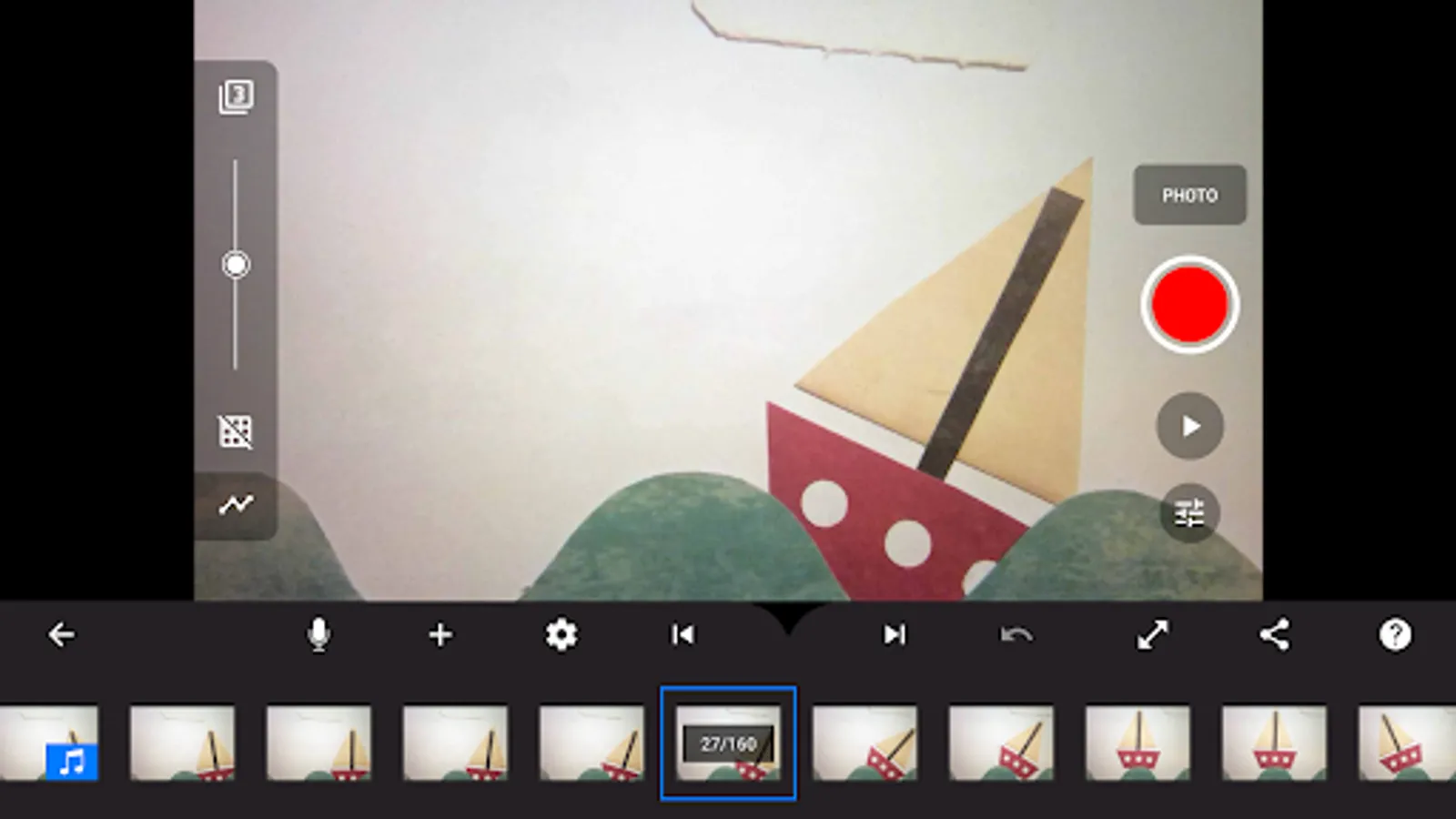
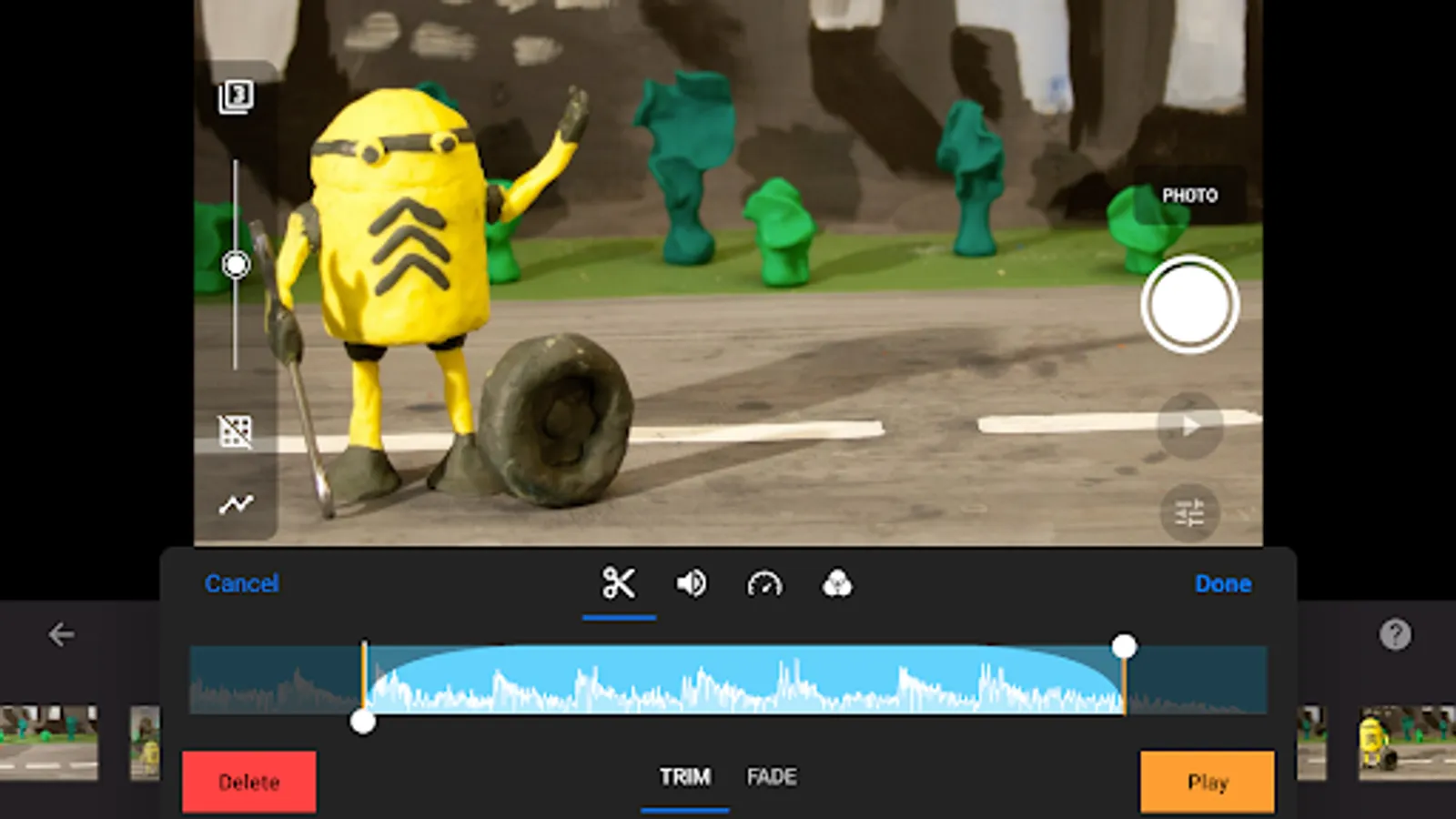
With its easy-to-use interface, Stop Motion Studio lets you create beautiful movies like Wallace and Gromit or those groovy Lego shorts on YouTube. It's simple to use, deceptively powerful, and insanely fun to play with.
Stop Motion Studio is a powerful, full-featured movie editor with a whole host of features:
• A simplistic, easy-to-use interface
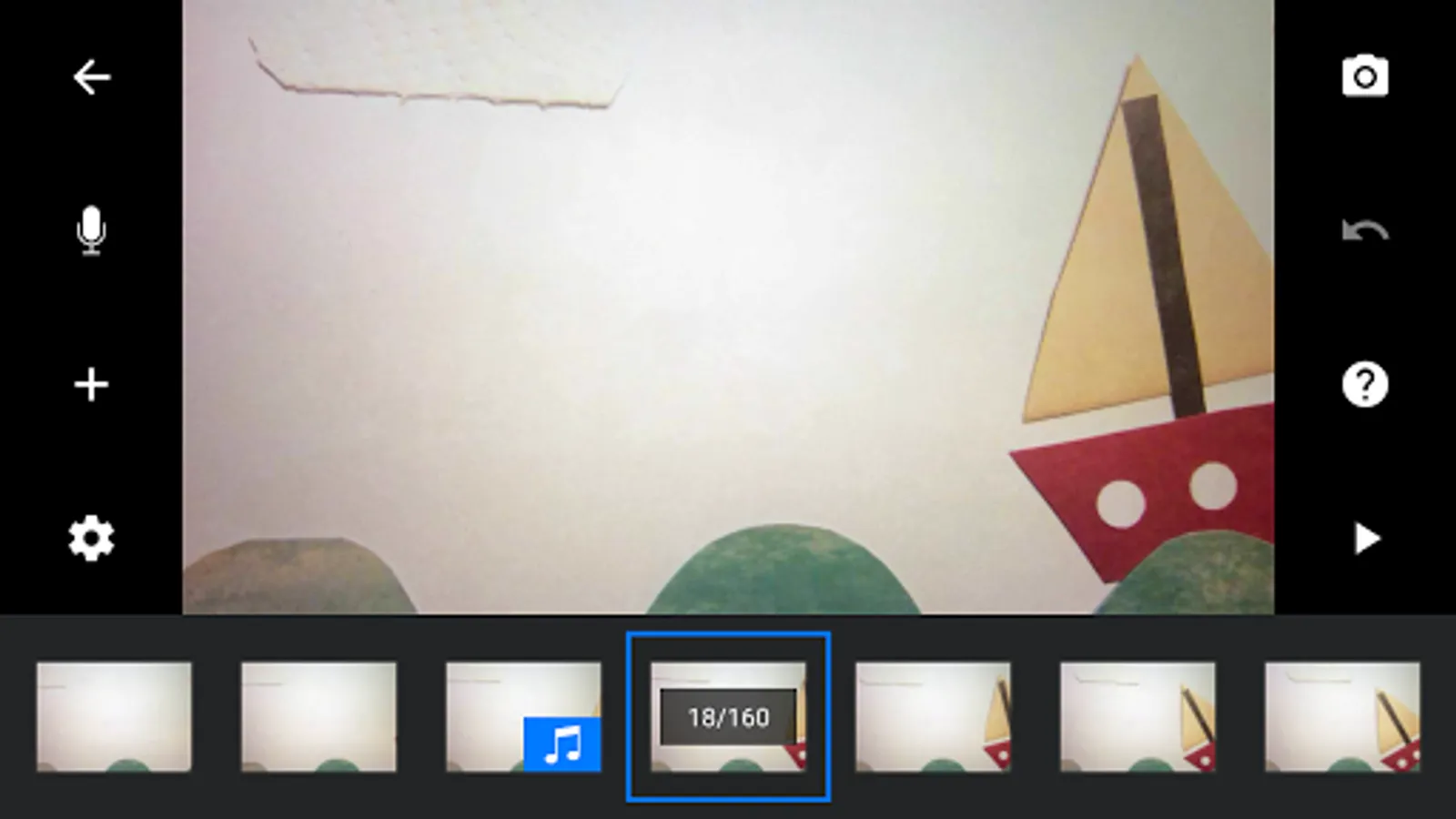
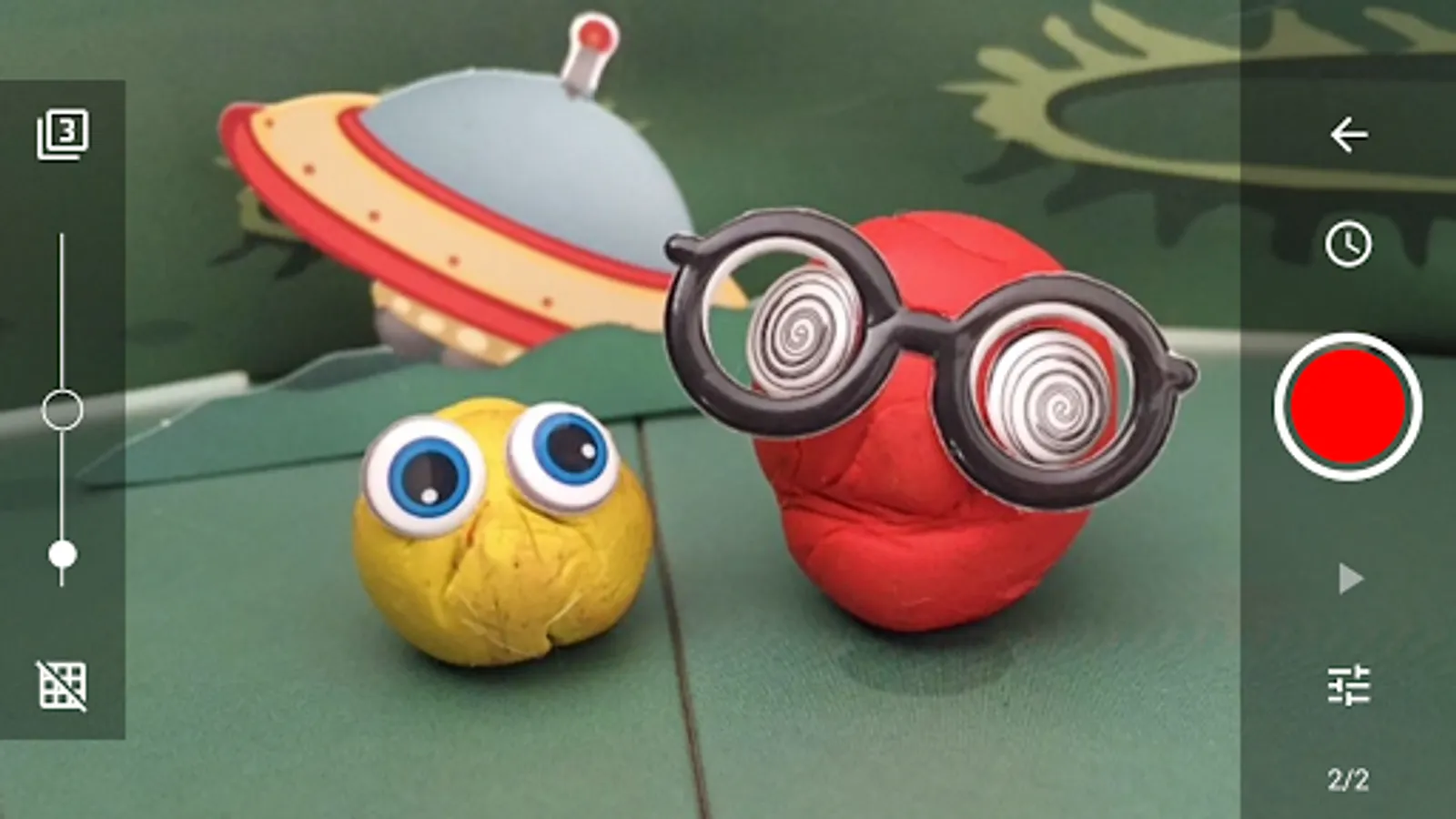
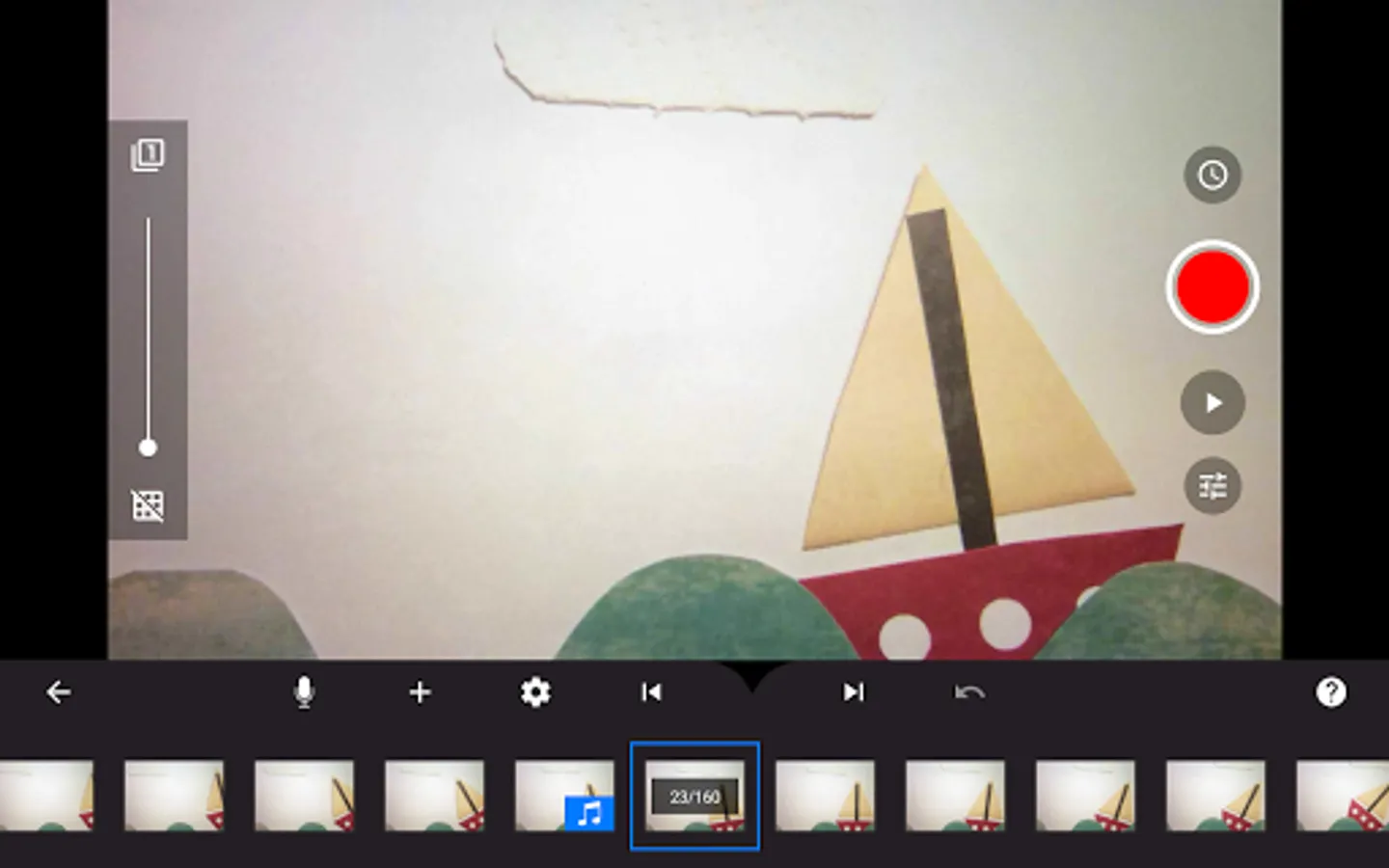
• Overlay mode showing the differences between frames
• Animation guides to position animated objects more easily
• Copy, paste, cut, and insert frames at any position
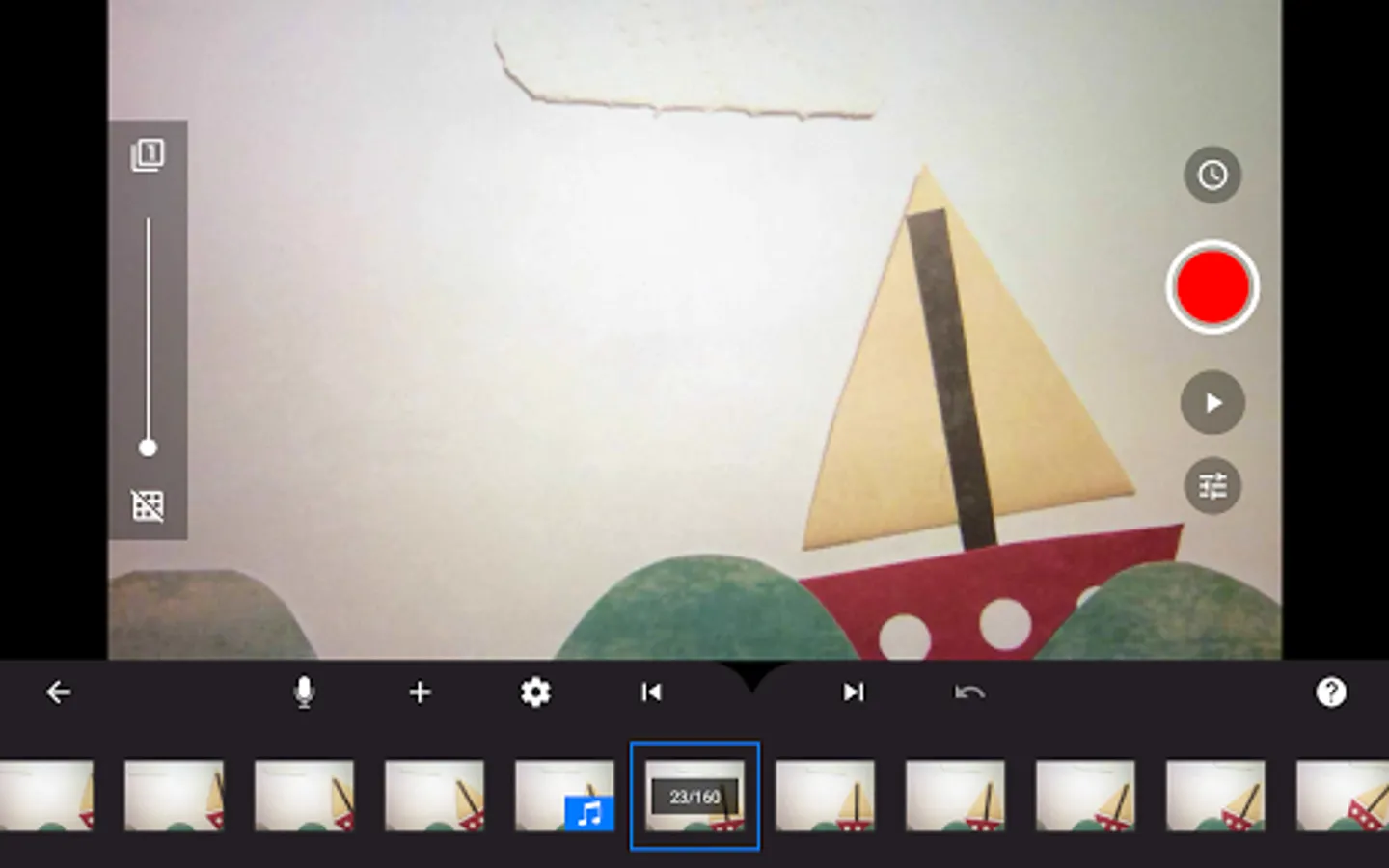
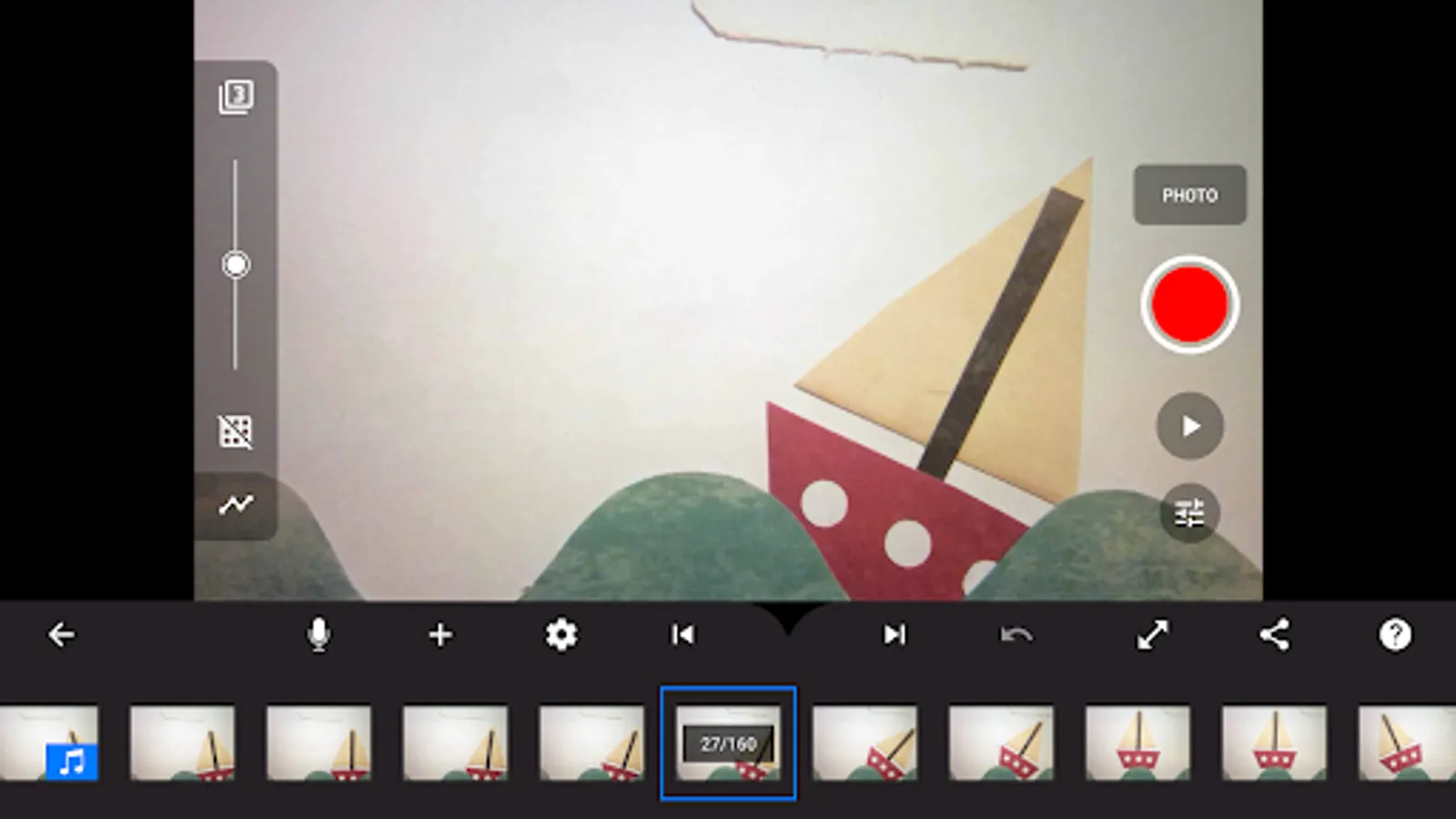
• Interactive timeline so you never get lost, even if you have hundreds of frames
Create beautiful movies:
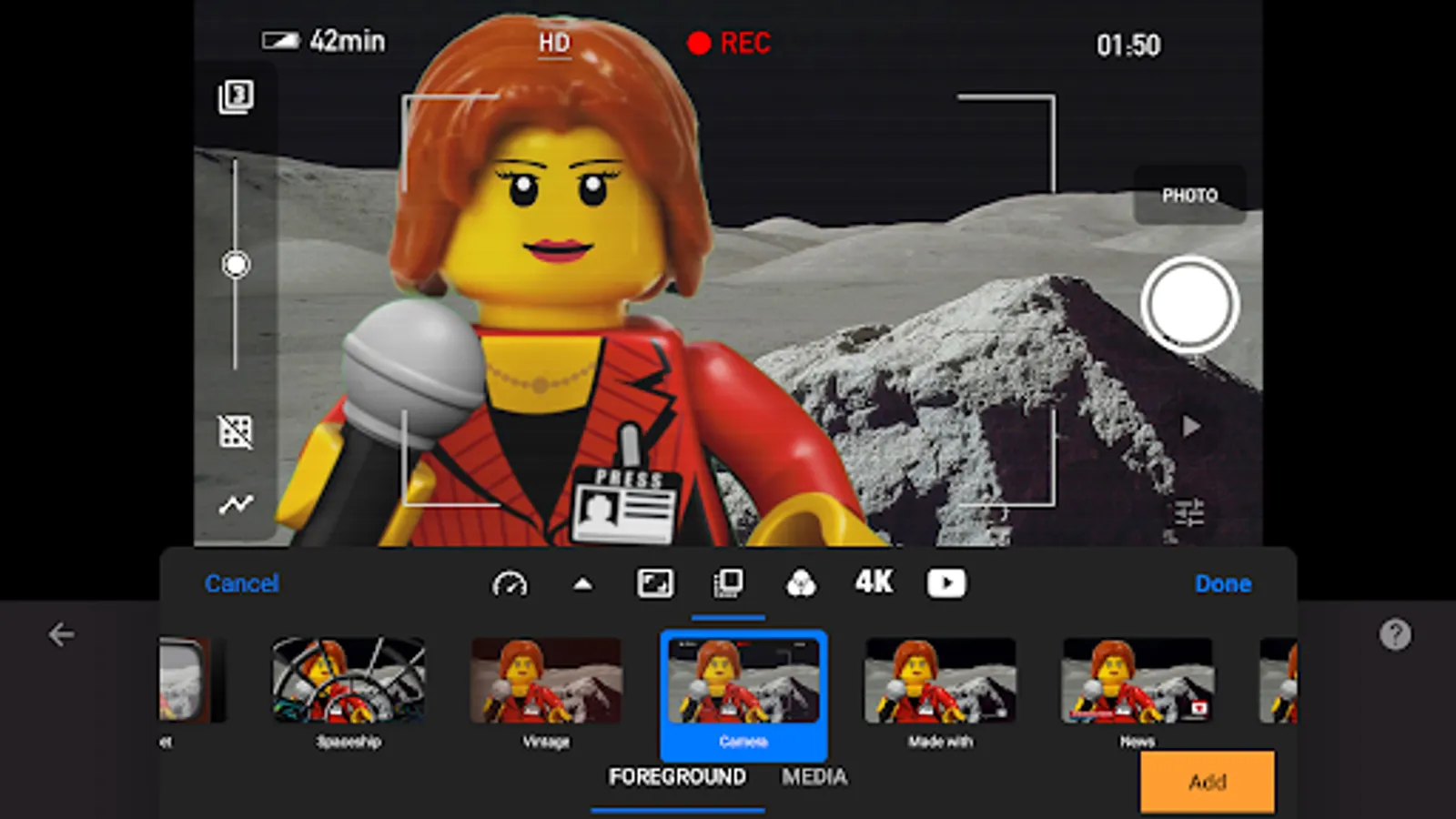
• Choose from a whole lot of unique titles, credits, and text cards, or create your very own with the built-in editor
• Give your movie the perfect look with different video filters
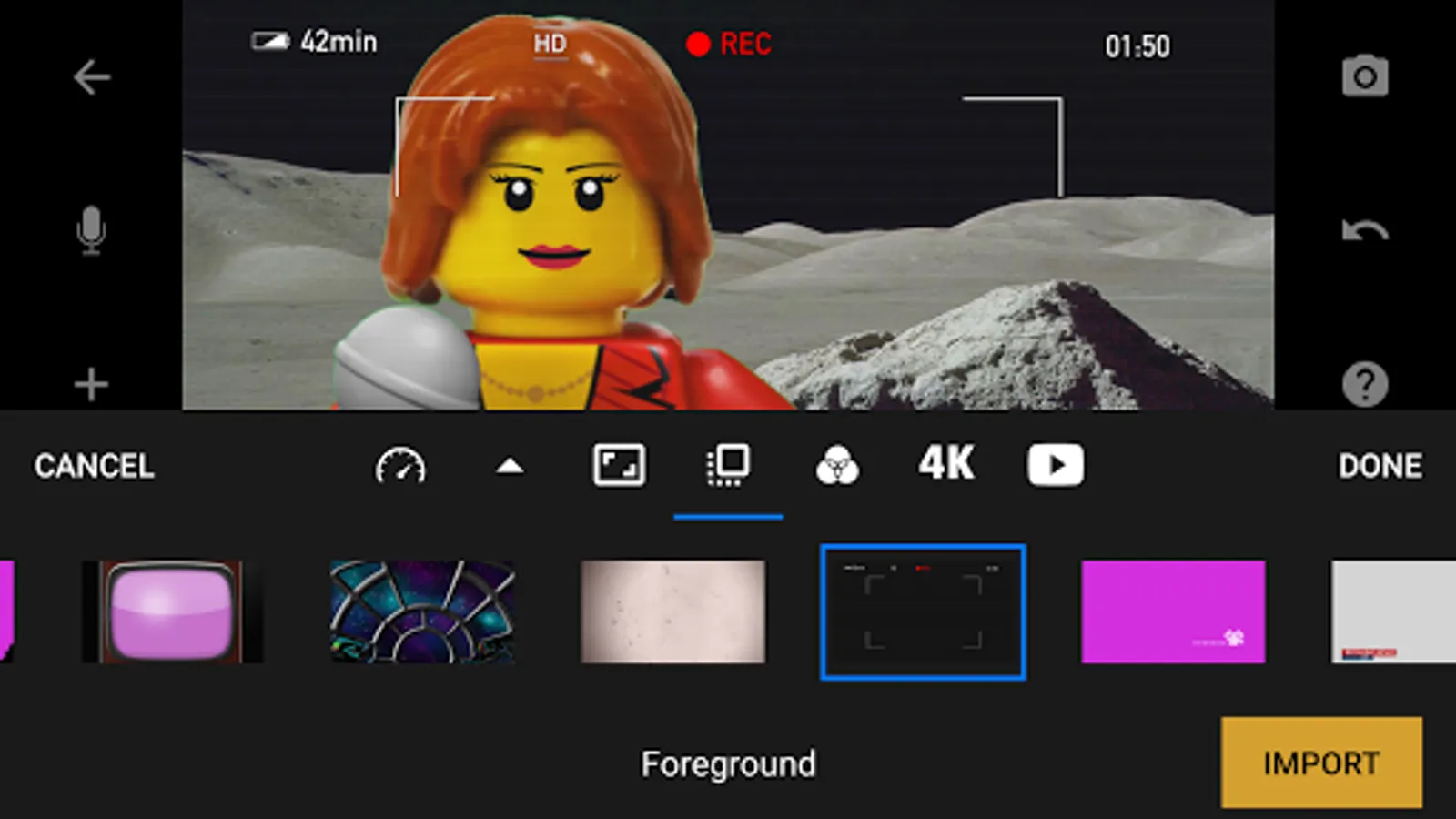
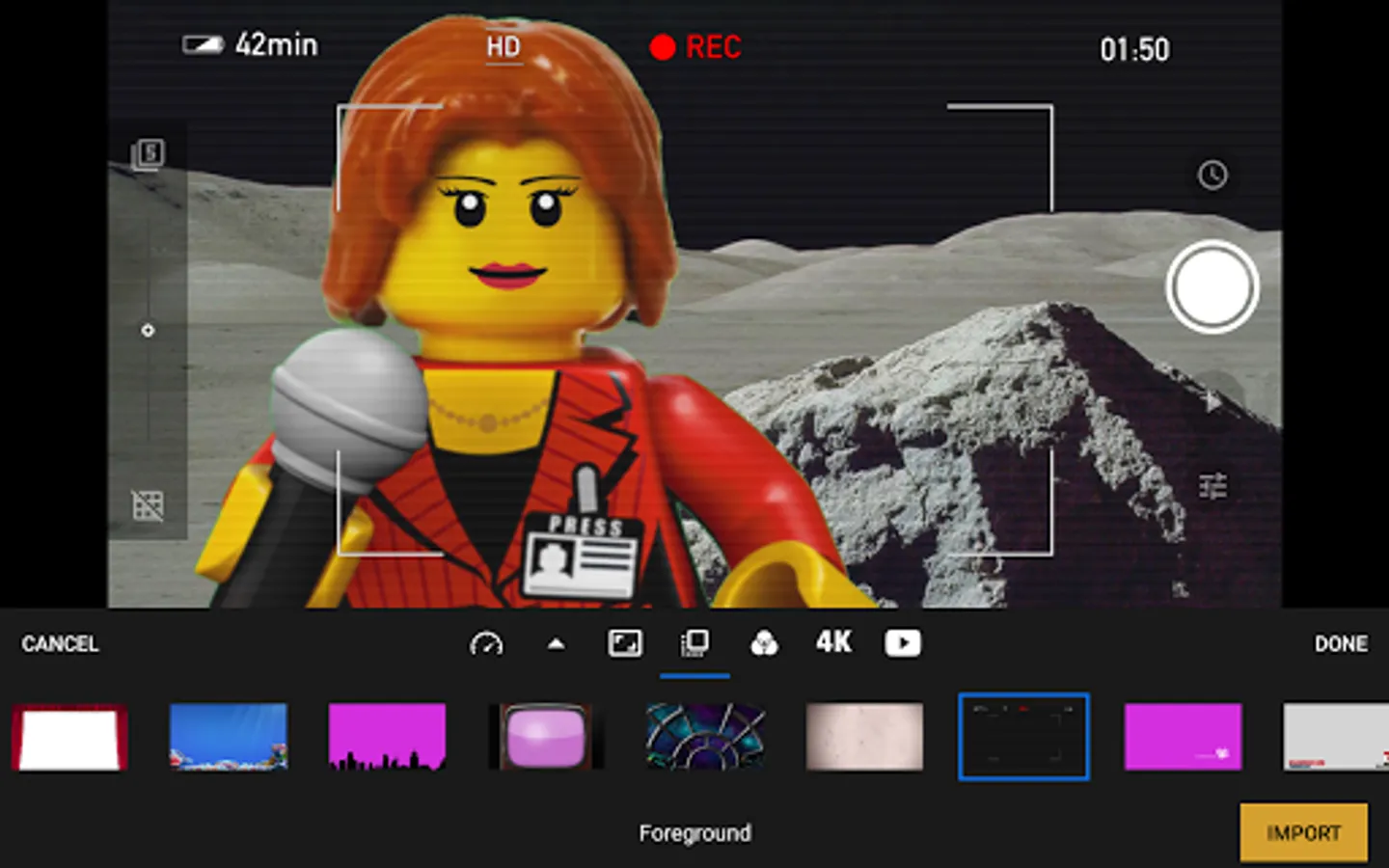
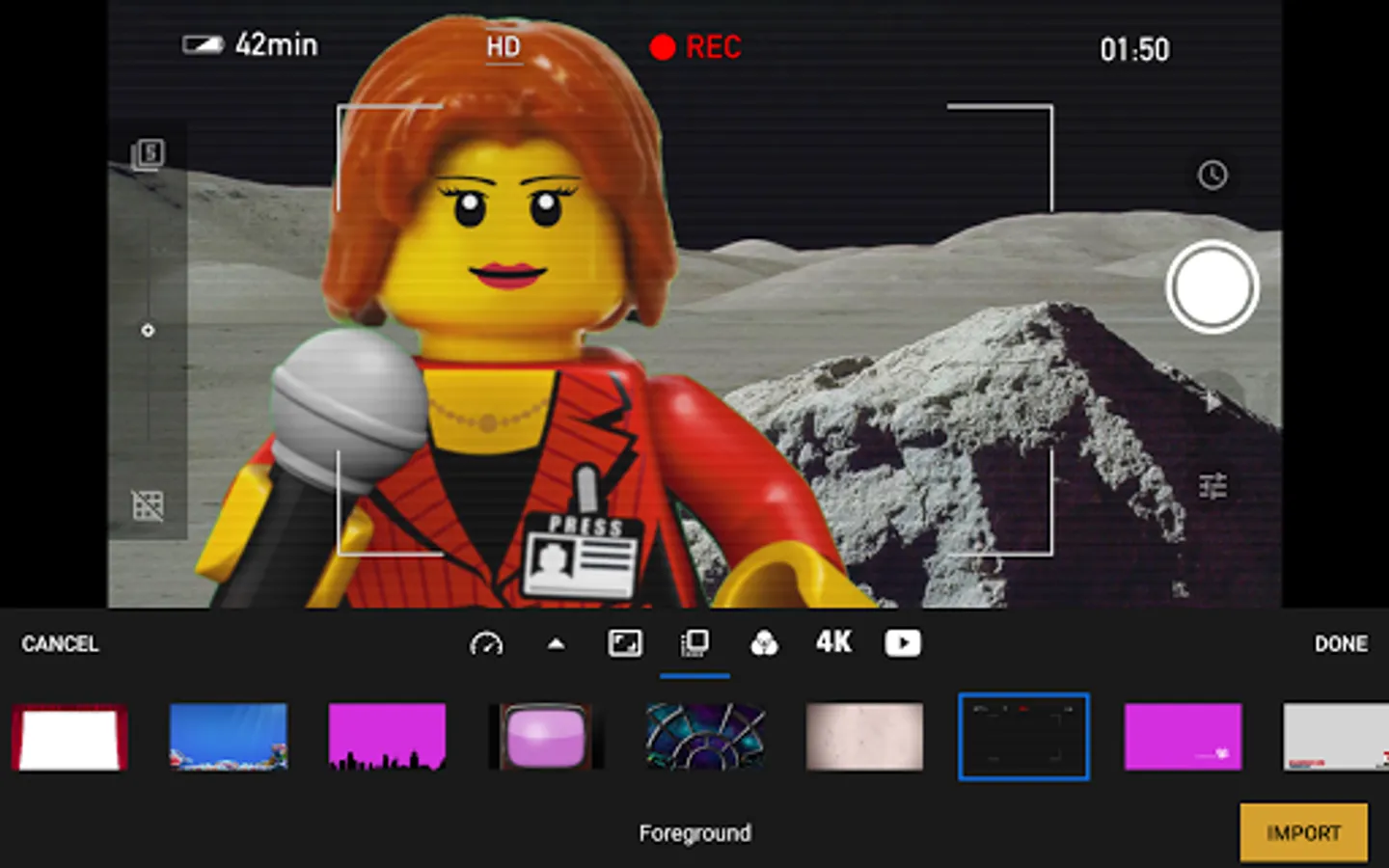
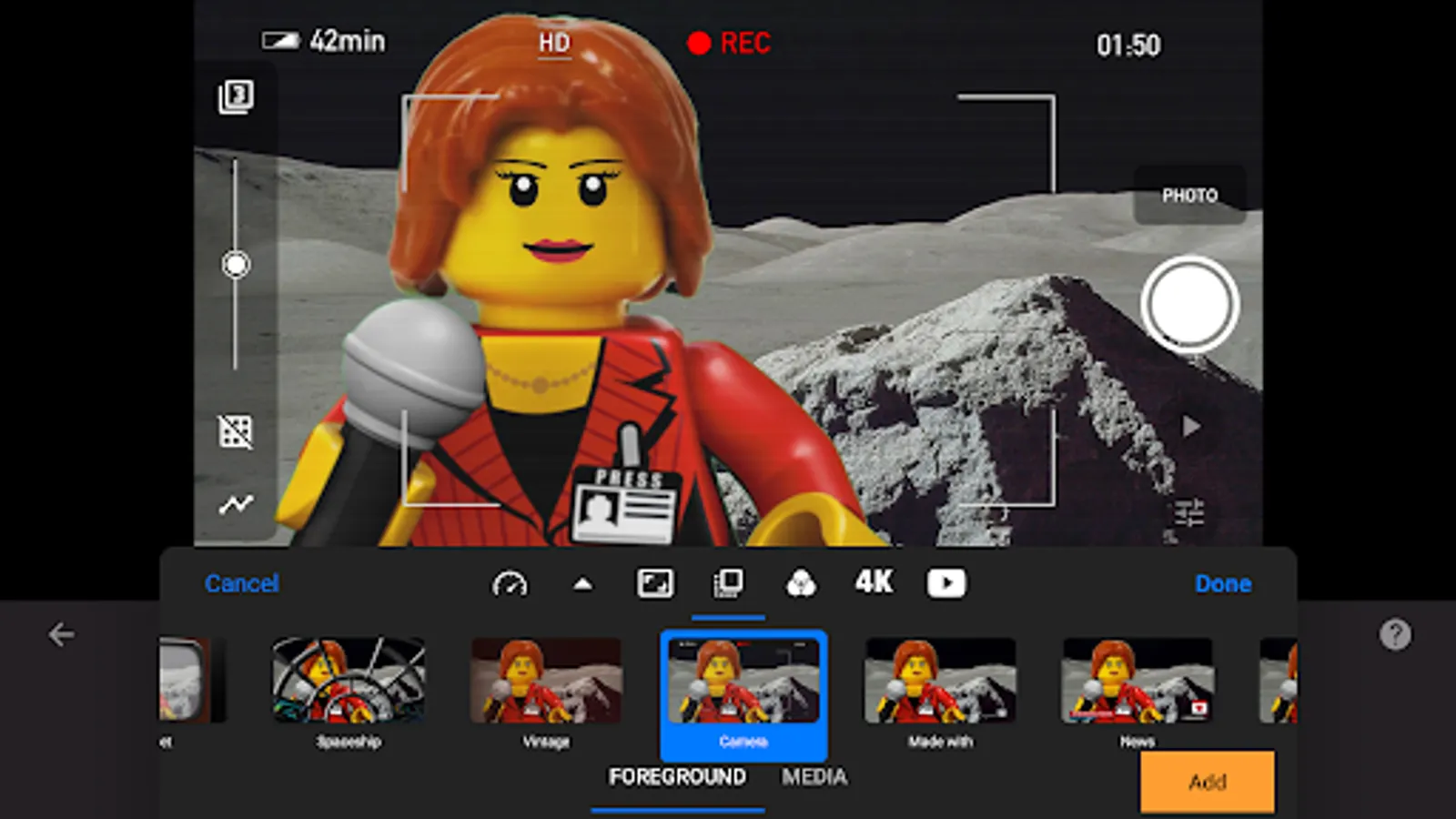
• Enhance your movie with different foregrounds, backgrounds, aspect ratios, and fade effects
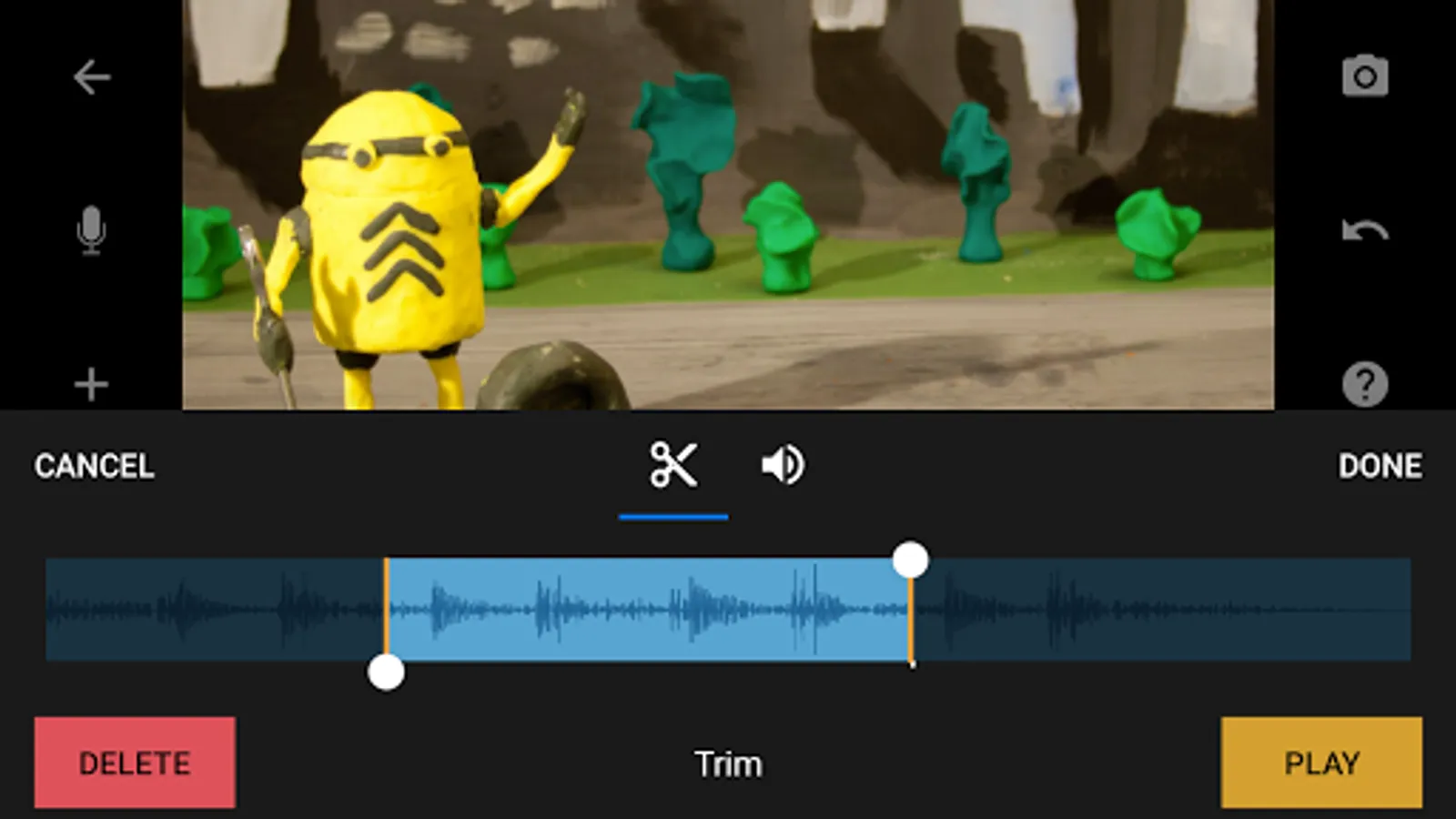
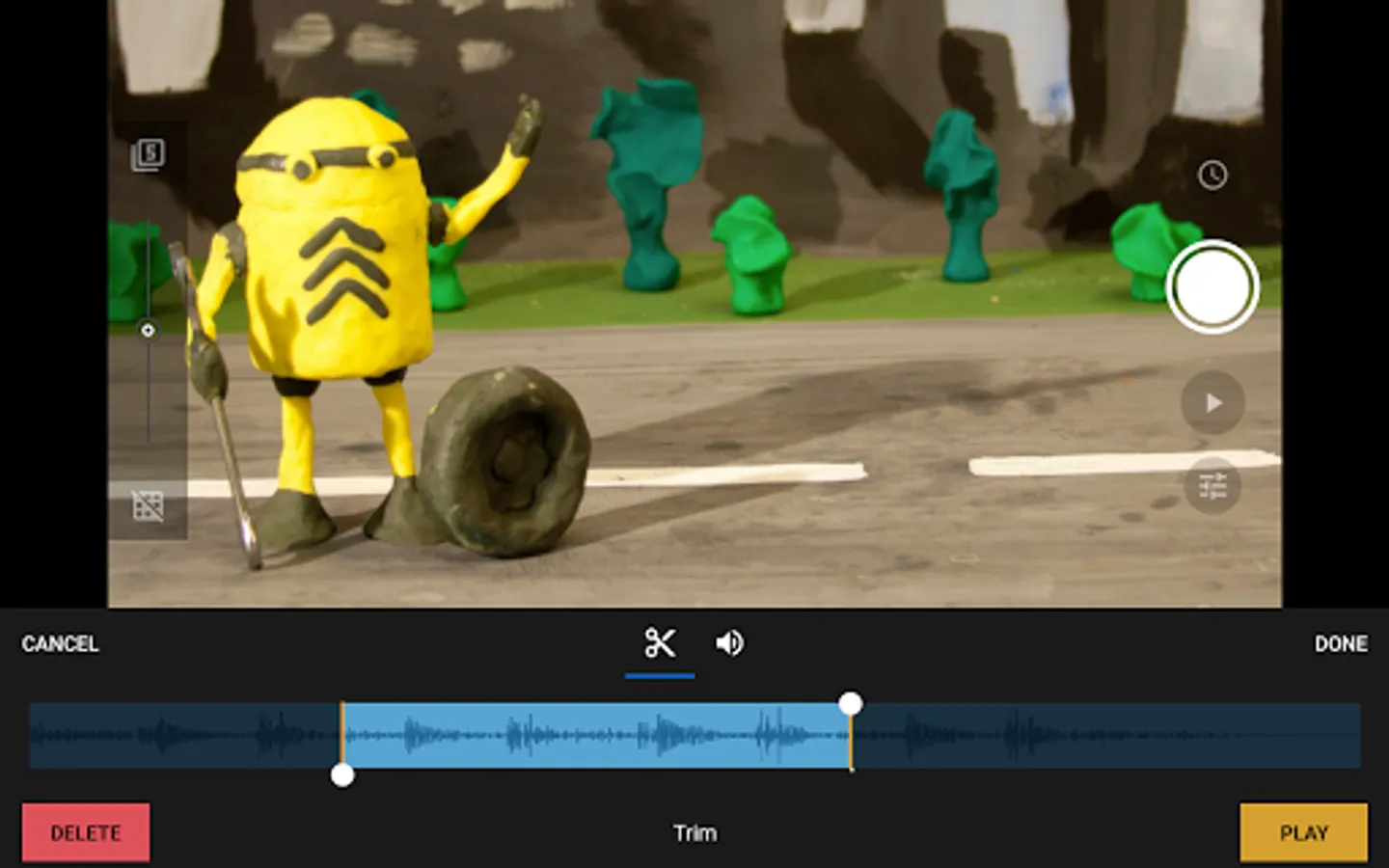
• Create a soundtrack using built-in music, sound effects, songs from your music library, or your narration
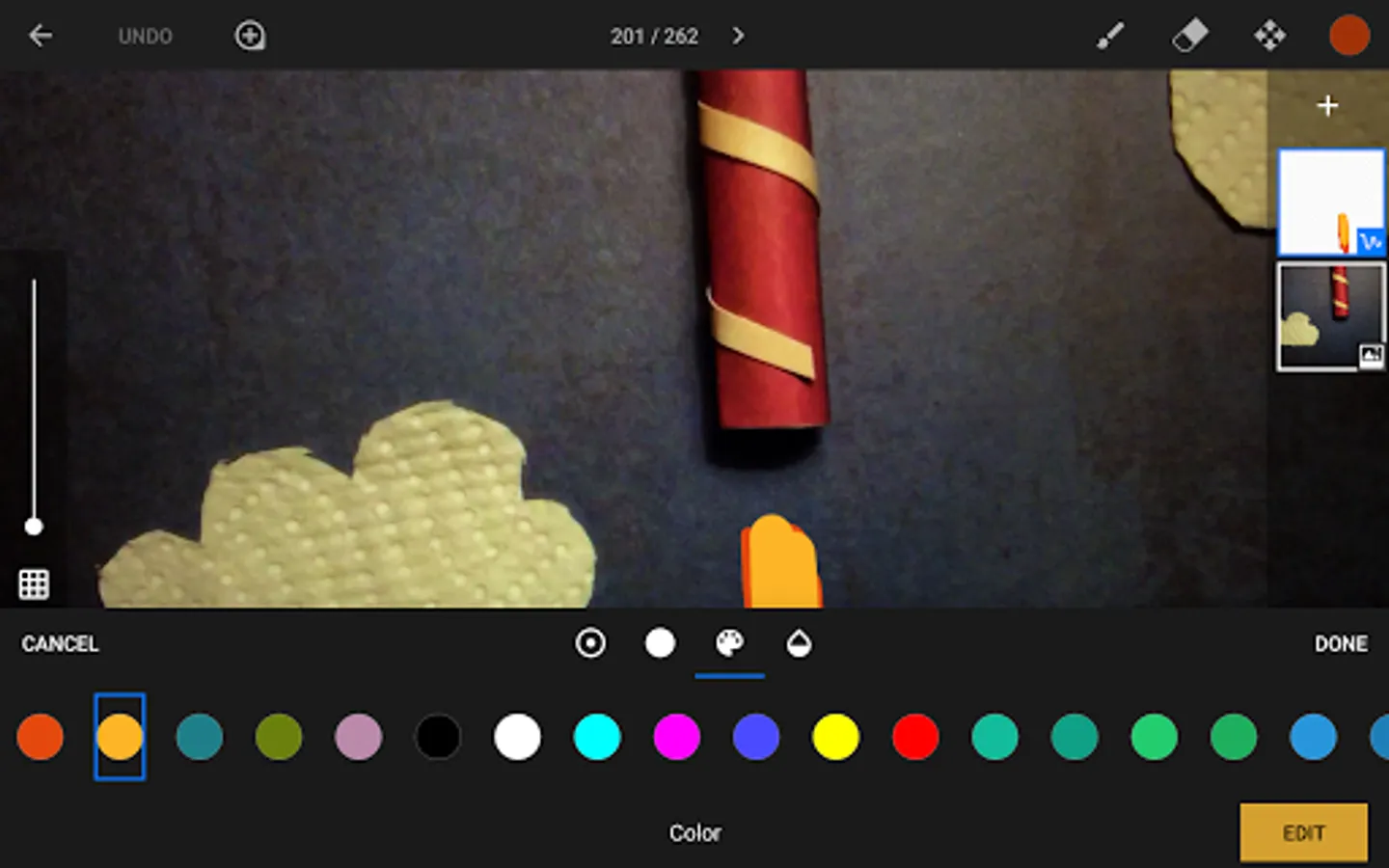
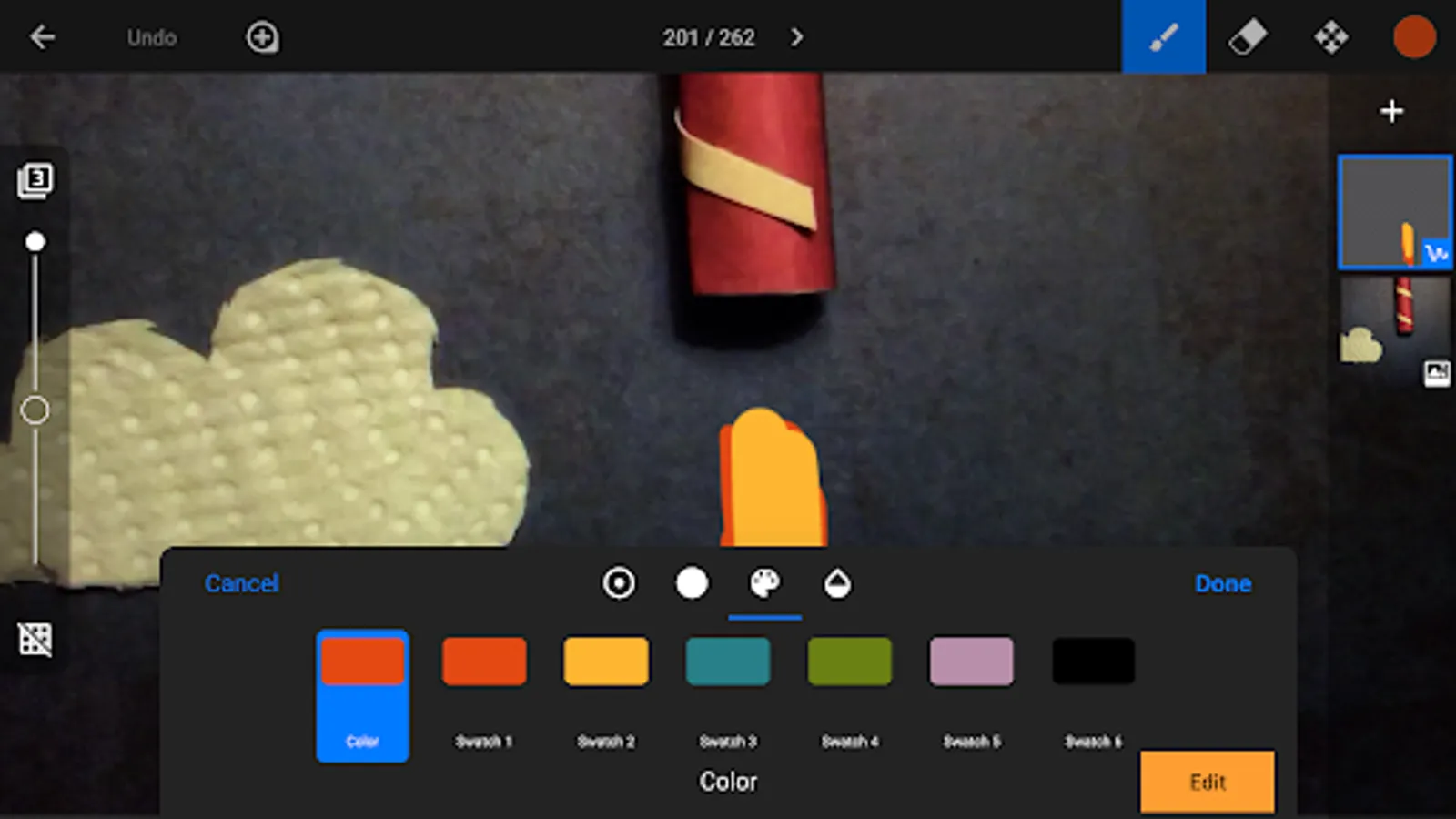
• Rotoscoping: Import video clips and create stunning animations by drawing over them.
• Green Screen: Change the background of your scene to make the figures you capture fly or appear anywhere you can imagine.
• Animation Guides: Use the animation guides editor to add gridlines, draw a marker or set up a movement path.
• Import Media: Import photos from your photo library into your movie.
• Connect a keyboard and use simple shortcuts to edit movies quickly
Capture like a pro:
• Capture with an adjustable time interval feature
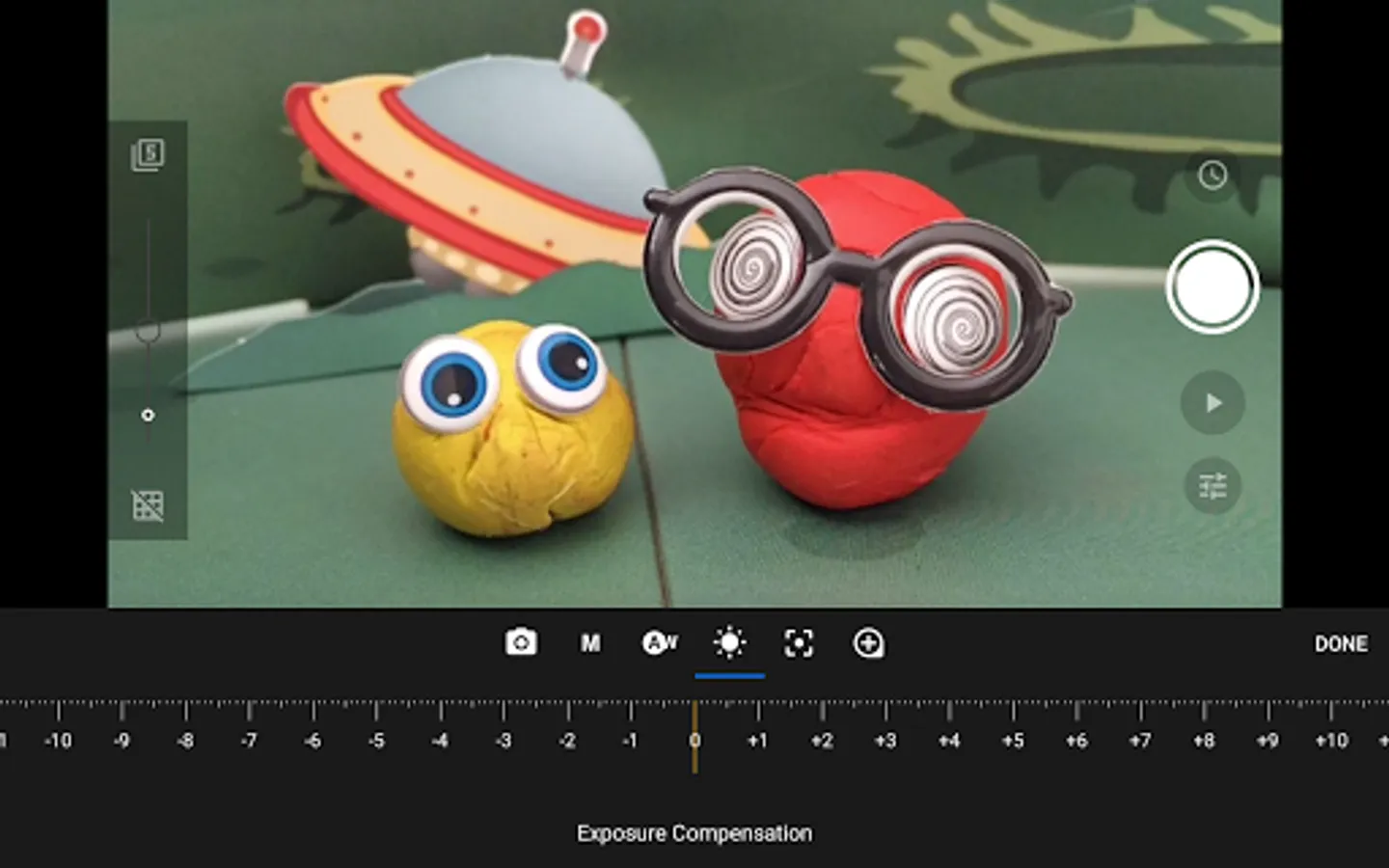
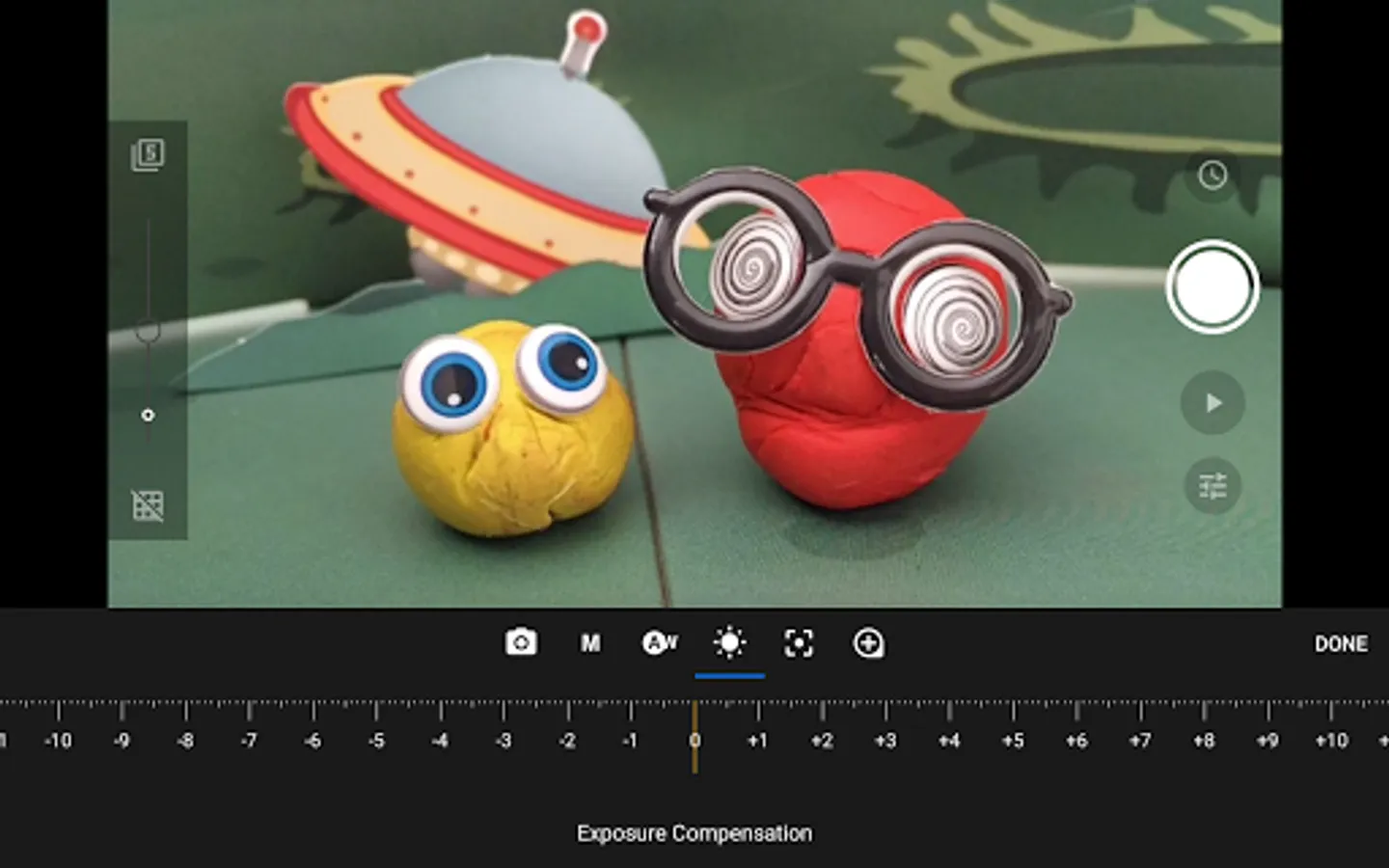
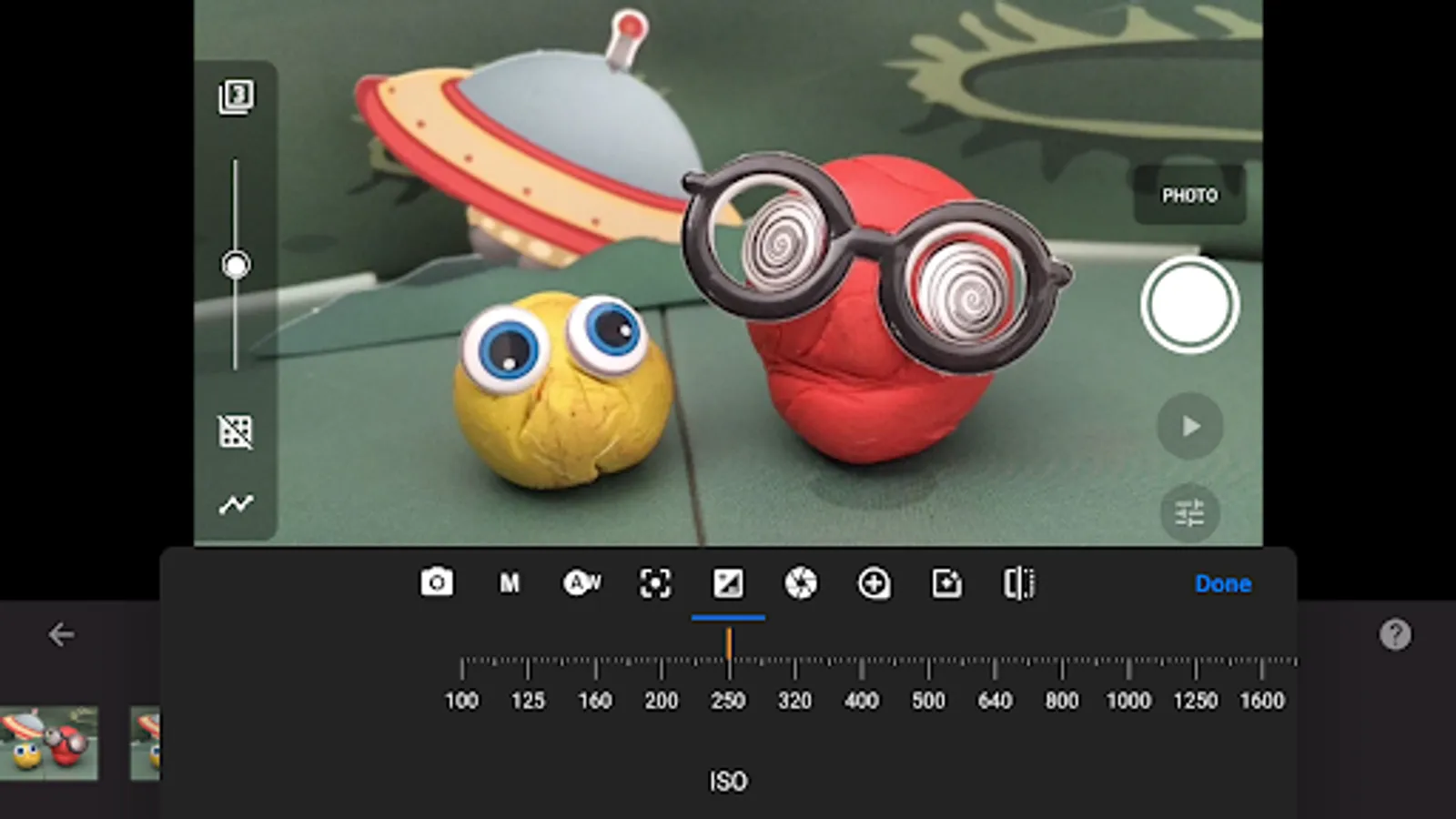
• Full camera control with automatic or manual white balance, focus and exposure, ISO, and shutter speed
• Use a second device as a remote camera
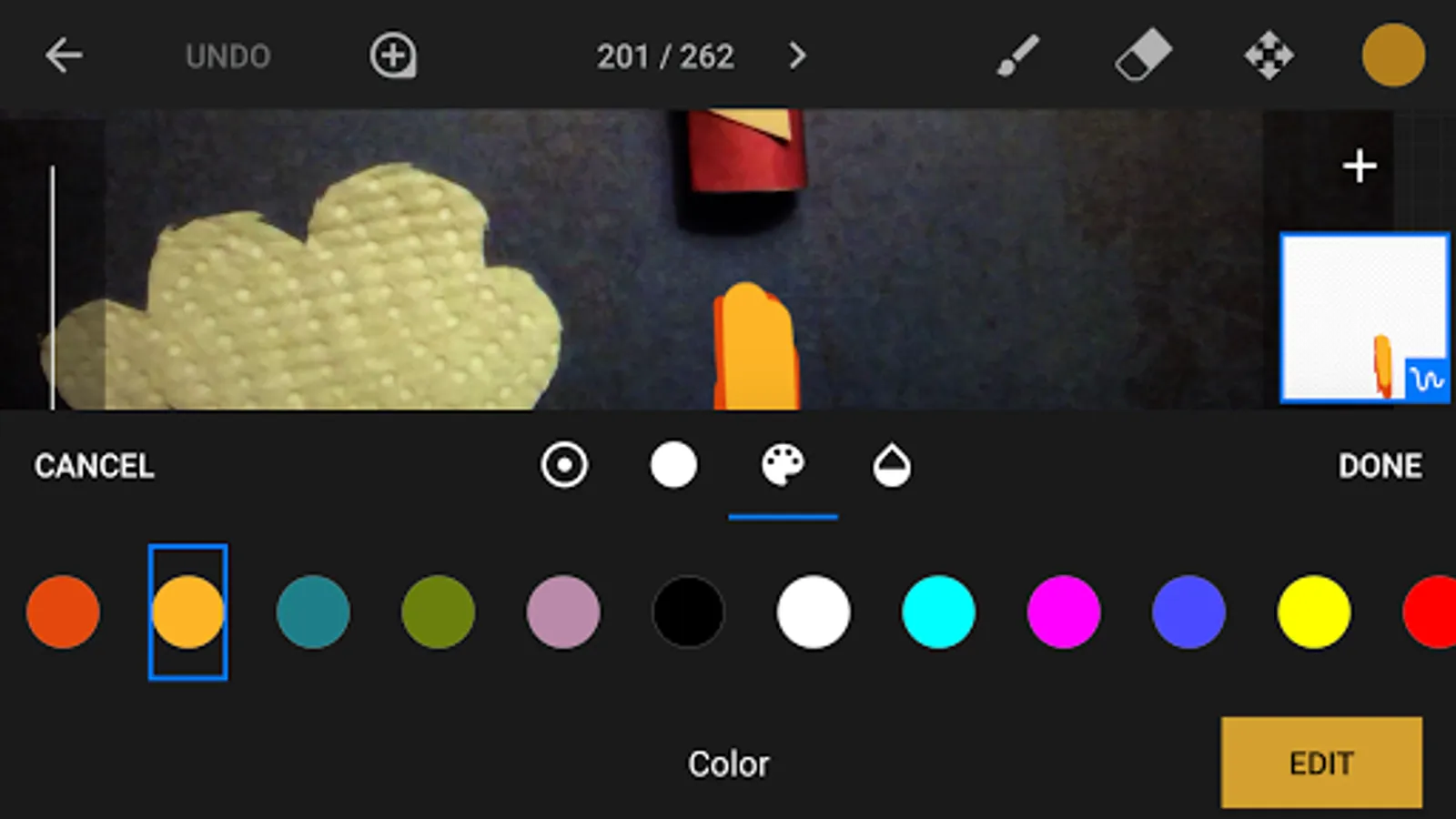
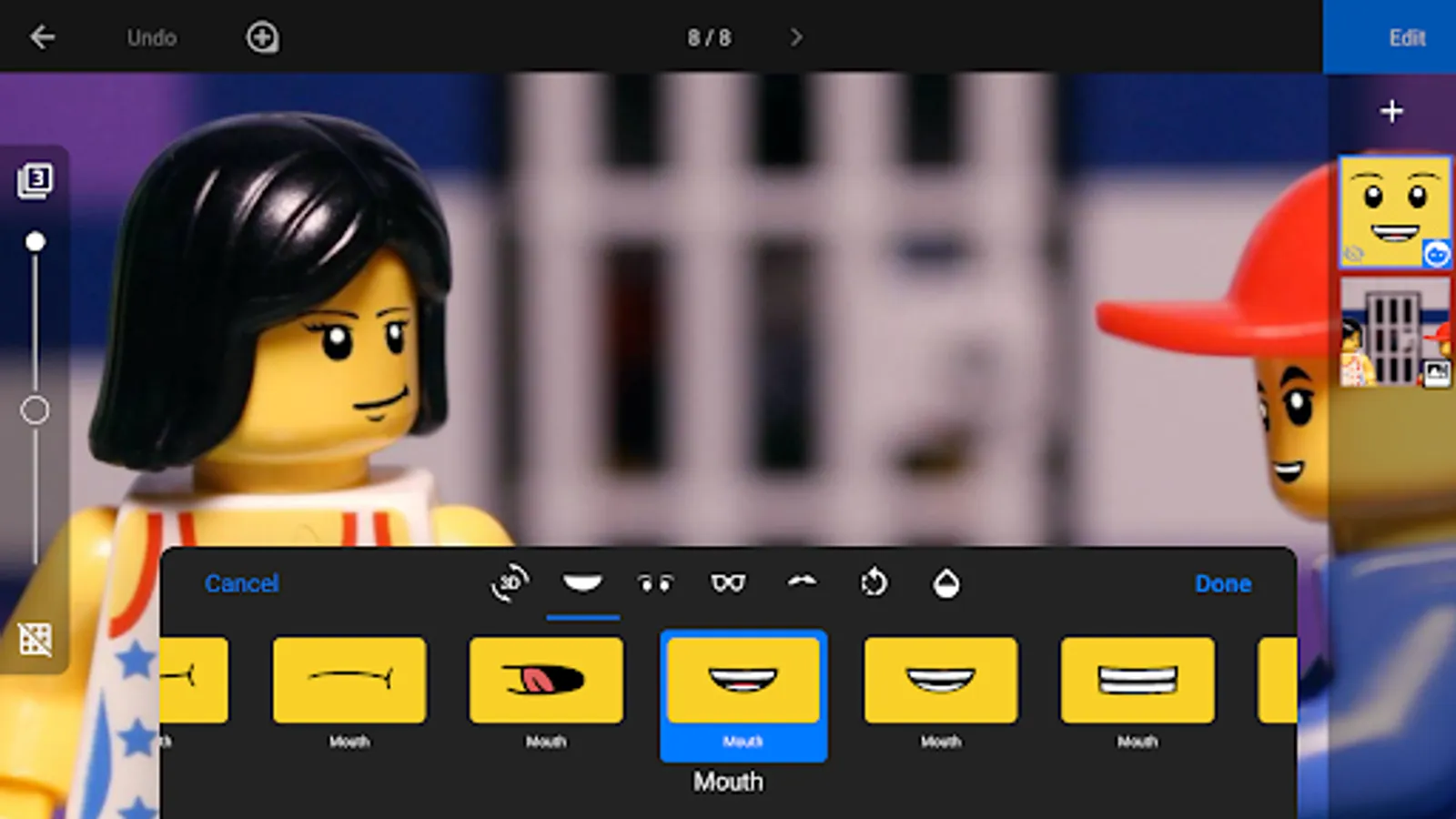
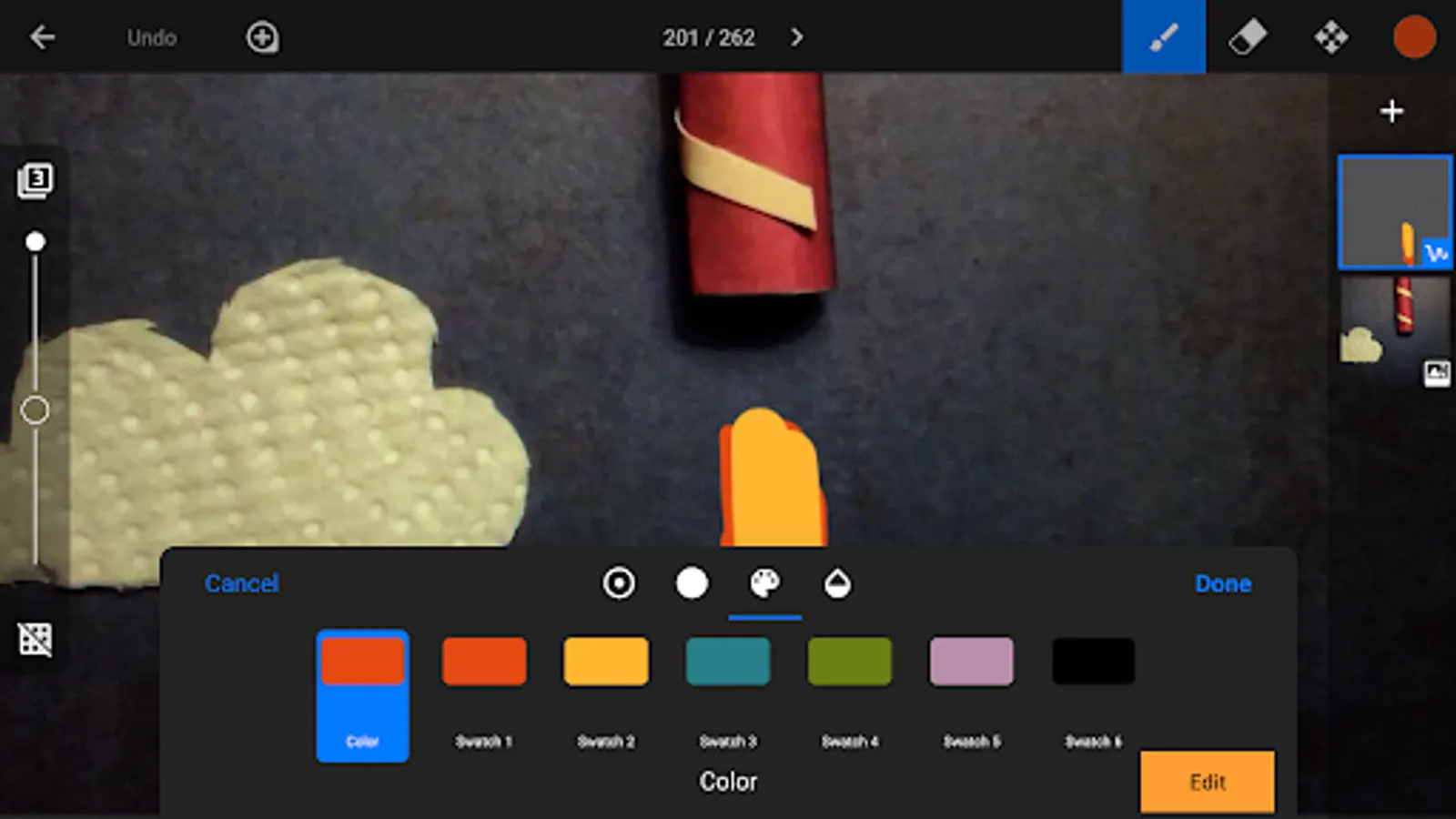
Powerful, built-in layer-based image editor:
• Add text and speech bubbles or create titles
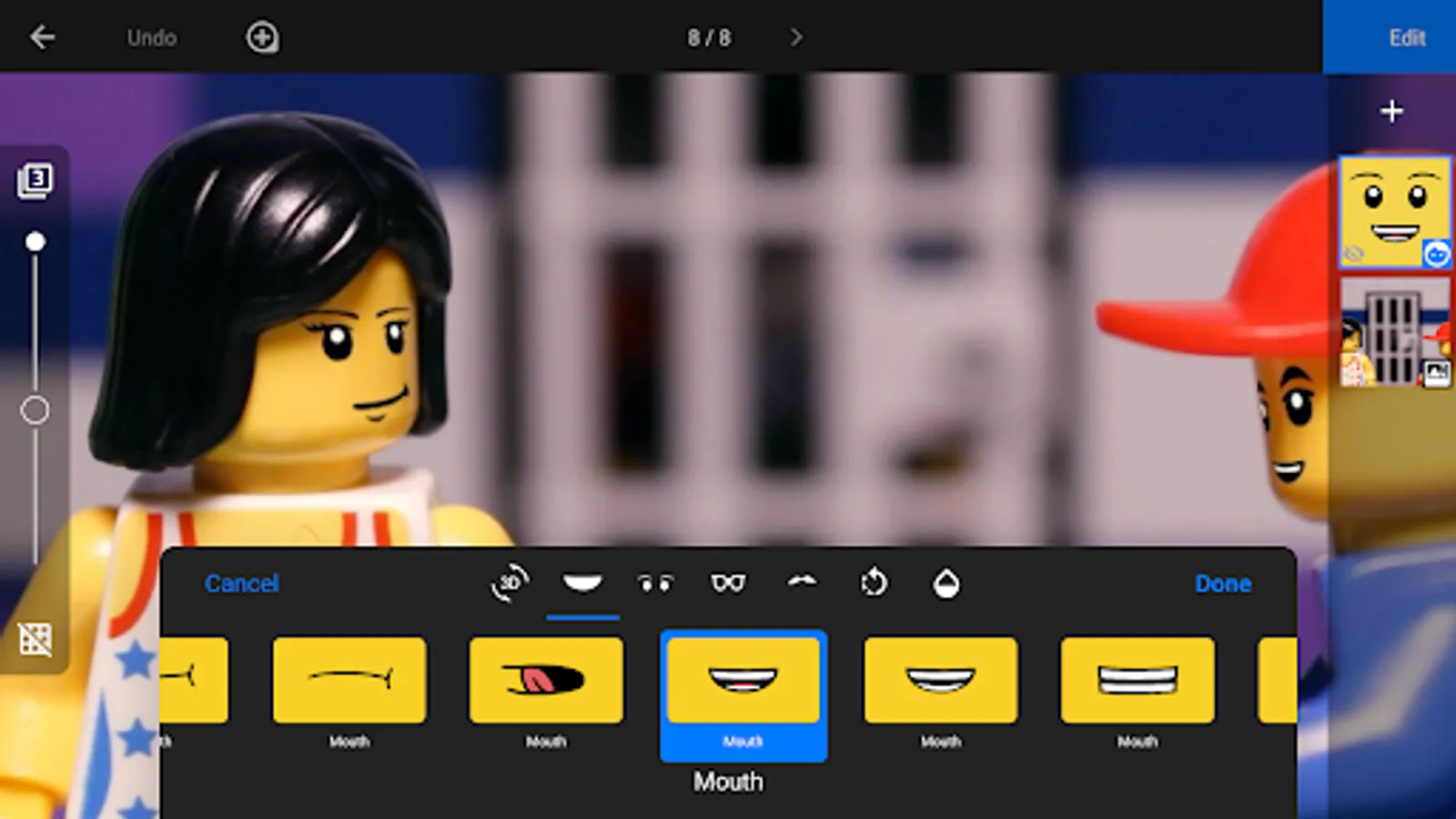
• Add facial expressions to figures
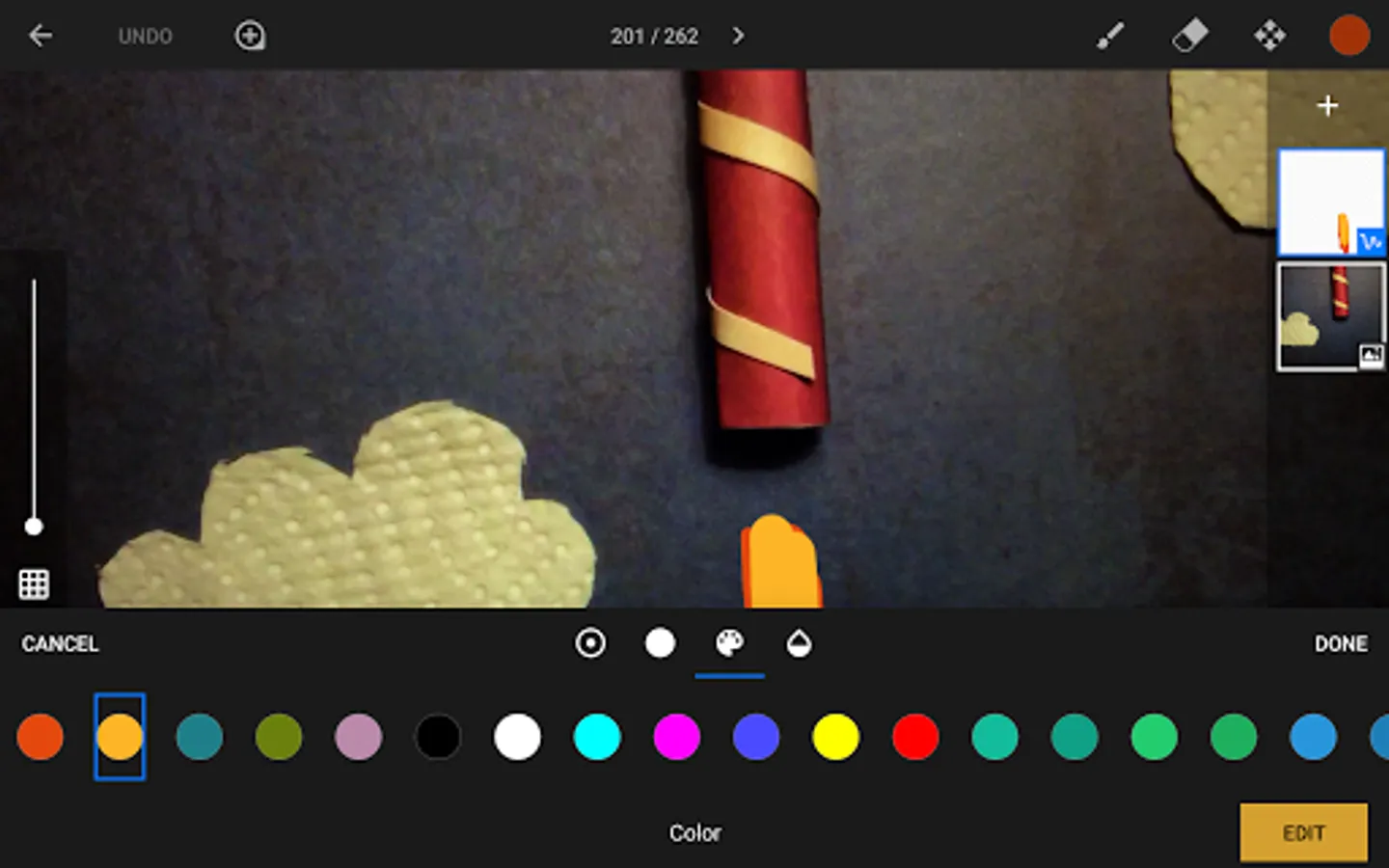
• Touch up and enhance images, sketch, and paint
• Wipe away unwanted objects with the eraser tool
• Merge frames to simulate fast movement
Share with friends and family:
• Save to your photo library or share to YouTube in 4K or 1080p
• Save as animated GIF
• Save all images for further processing
• Easily transfer projects between devices using Dropbox or Google Drive
• Start creating on your mobile device and continue right where you left off on your desktop computer
Learn to animate:
• Watch the included tutorial videos
• Read the comprehensive manual
• Use the animation tips and tricks provided
* Some features require in-app purchases. All features are included in the Pro version.
Stop Motion Studio Screenshots
Tap to Rate:
Reviews for Stop Motion Studio
Clark Kendrick Mamauag
12/31/2025
when i was in middle of making a new video, my phone died, i charged it, and next day, its full, i go to Stop motion studios, my latest video cant open AFTER ALL HARD WORKS! FIX IT PLEASE!!!! I DONT WANNA DO IT AGAIN!
Emmett
12/29/2025
makes you spend money to add photos you have already taken