
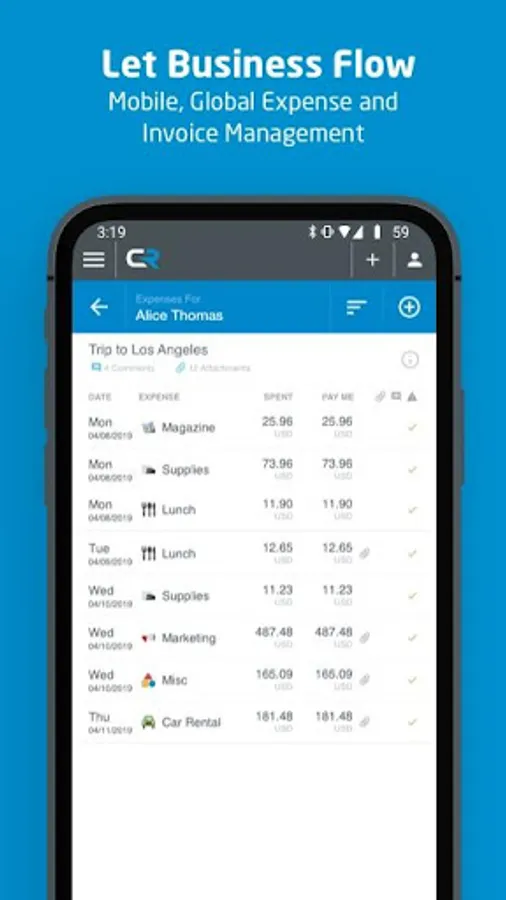
In this expense management app, users can create, submit, and approve expense reports and invoices from any device. Includes receipt photo capture, OCR functionality, and biometric login options.
AppRecs review analysis
AppRecs rating 3.0. Trustworthiness 77 out of 100. Review manipulation risk 17 out of 100. Based on a review sample analyzed.
★★★☆☆
3.0
AppRecs Rating
Ratings breakdown
5 star
42%
4 star
7%
3 star
5%
2 star
10%
1 star
36%
What to know
✓
Low review manipulation risk
17% review manipulation risk
✓
Credible reviews
77% trustworthiness score from analyzed reviews
⚠
High negative review ratio
46% of sampled ratings are 1–2 stars
About Chrome River
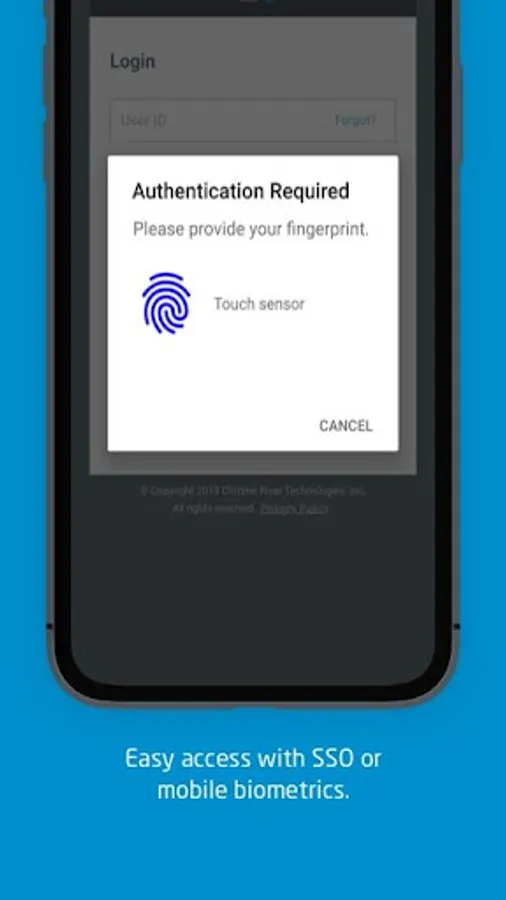
This is an optional mobile application that can be downloaded to your personal device to help provide easier access to the Chrome River web app. We have made it easier for our users to access Chrome River on the go by allowing you to easily log in with biometric authentication or leverage single sign-on capabilities required by your organization.
With Chrome River, you can:
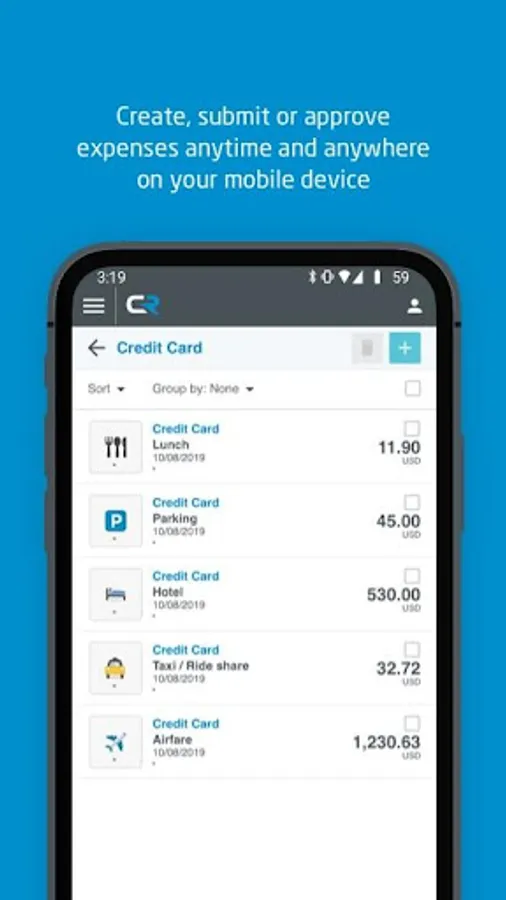
• Create, submit, and approve expense reports and invoices on-the-go
• Capture and upload photos of your receipts with complete OCR functionality
• Let business rules ensure expenses and invoices comply with spending policies.
• Access your credit card data to quickly create expense reports.
• Itemize expenses including hotel receipts with Chrome River FOLIO
• Easily log in using single sign-on authentication (SSO) or enable mobile biometrics like touch and face identification for simplified access
• Much more
Learn more at www.chromeriver.com. Must be an existing Chrome River user.
System requirements: Chrome River is committed to provide support for mainstream Android devices, but we recognize that the Android hardware is so diverse that we cannot ensure adequate testing for all devices.
Chrome River Screenshots
Tap to Rate:
Reviews for Chrome River
François Pron (fh)
12/3/2025
the issue is quite simple : i have to scan the invoices twice so that the app keeps it. always twice. why...
Charles Stanton
9/2/2025
Not just a terrible app, but also a company with a terrible overall product. They will freely admit that, even though you can set up your direct deposit account as a savings account, their system ASSUMES that everything is a checking account. This is after months of my company requesting support for why my direct deposits are being rejected by my bank, with every one support requsst returned 'resolved' with no contact from Emburse. Do not use this product!