AppRecs review analysis
AppRecs rating 1.4. Trustworthiness 73 out of 100. Review manipulation risk 17 out of 100. Based on a review sample analyzed.
★☆☆☆☆
1.4
AppRecs Rating
Ratings breakdown
5 star
0%
4 star
0%
3 star
0%
2 star
40%
1 star
60%
What to know
✓
Low review manipulation risk
17% review manipulation risk
✓
Credible reviews
73% trustworthiness score from analyzed reviews
⚠
Mixed user feedback
Average 1.4★ rating suggests room for improvement
About SpringAhead Time
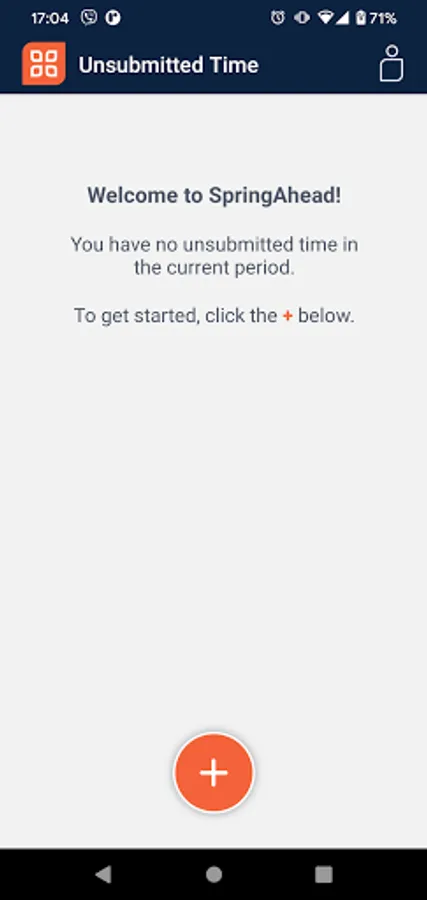
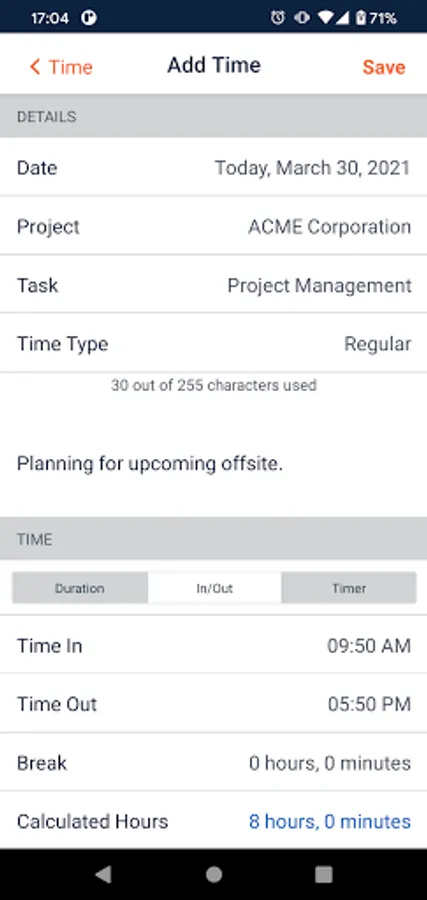
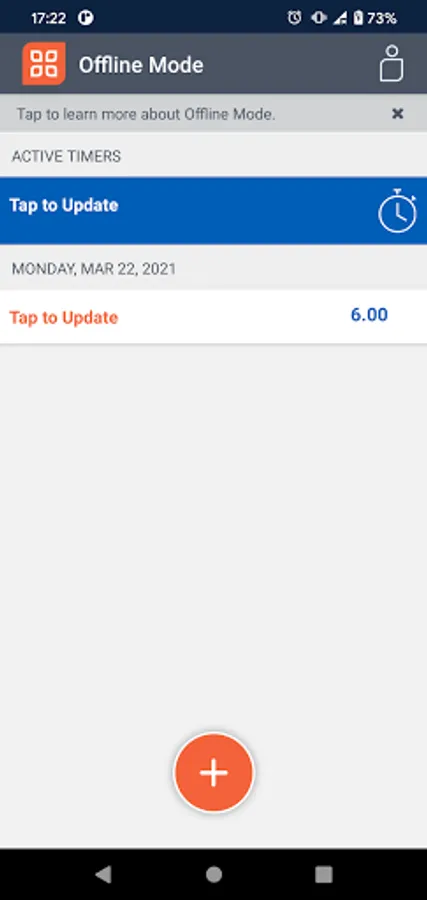
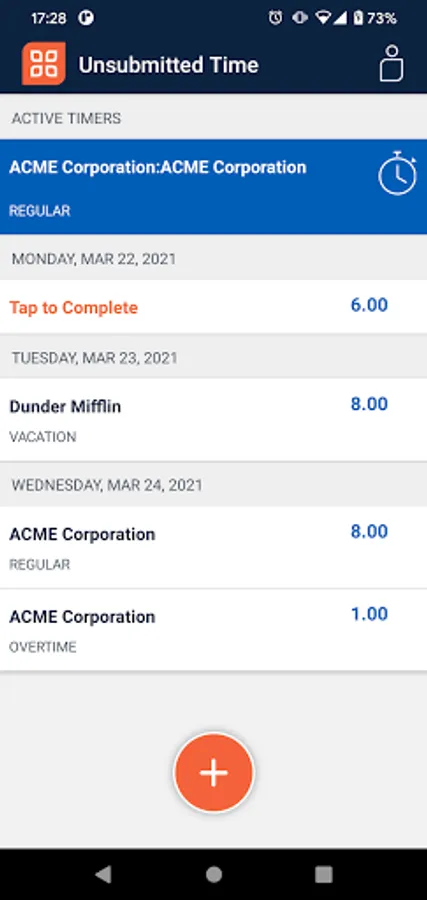
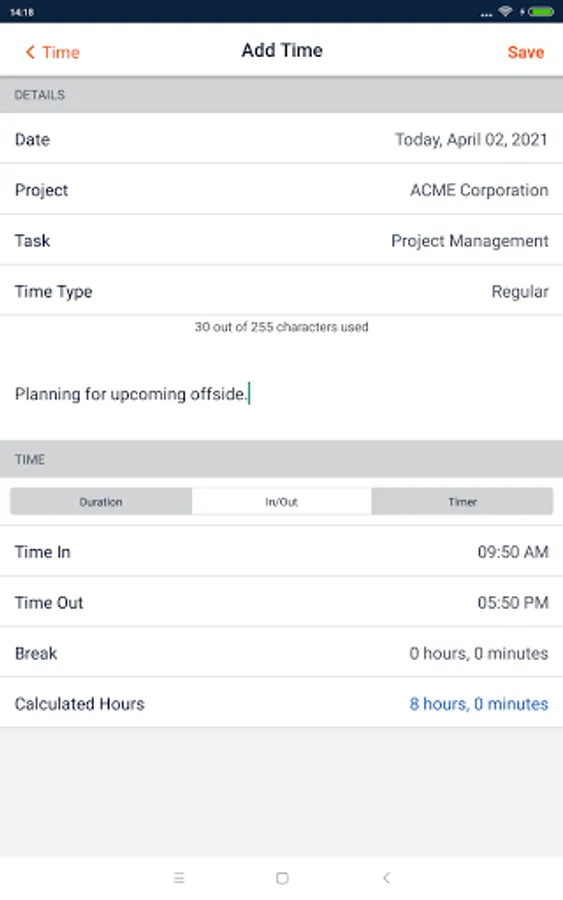
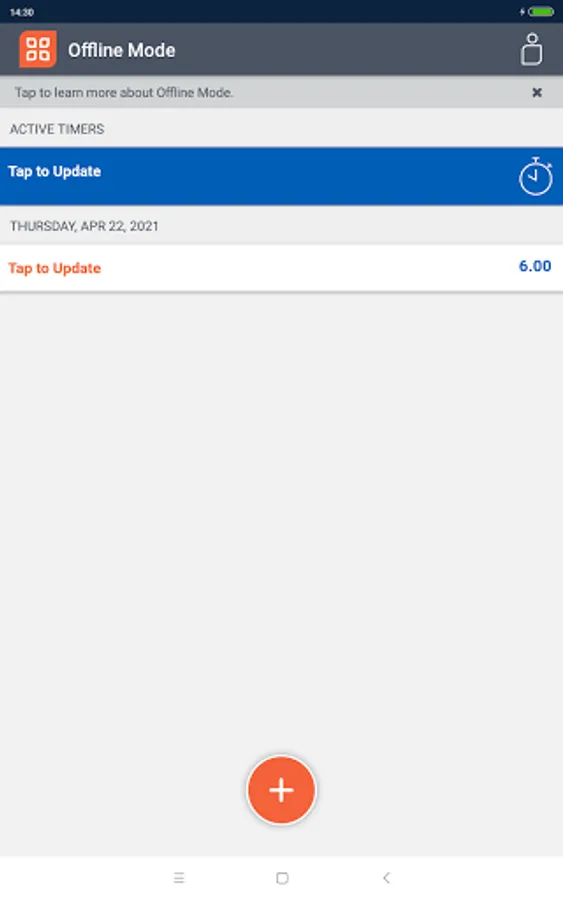
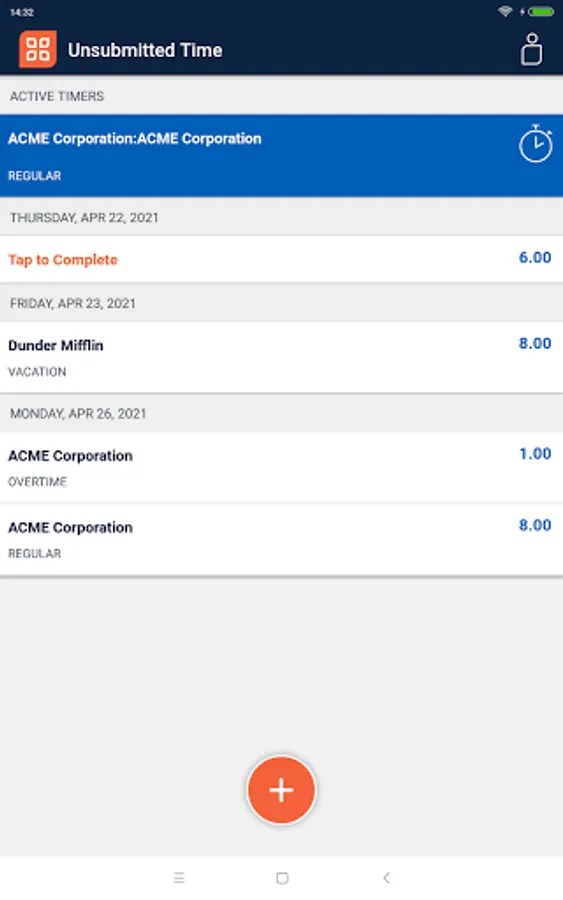
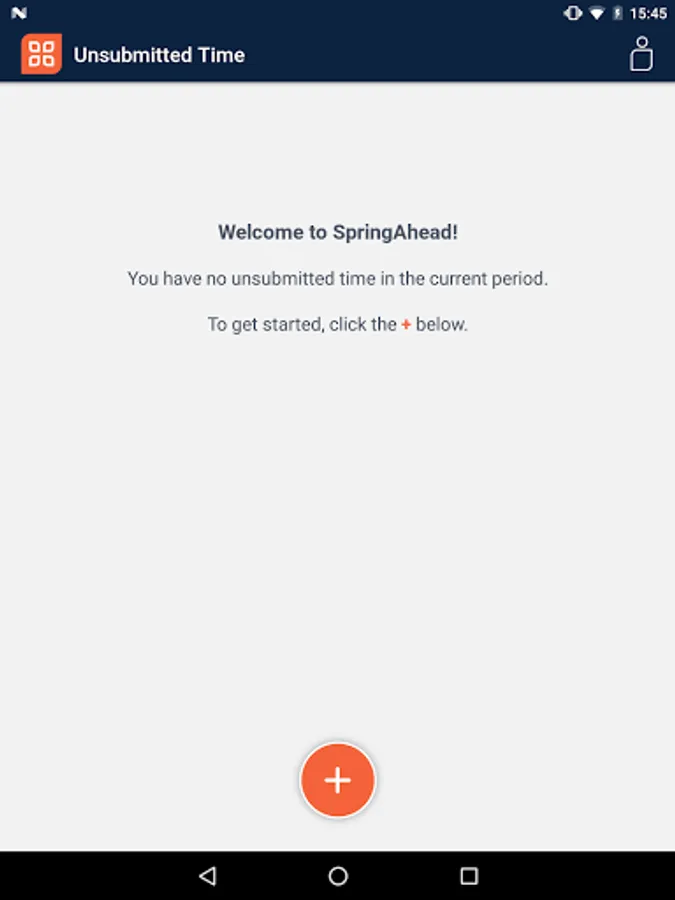
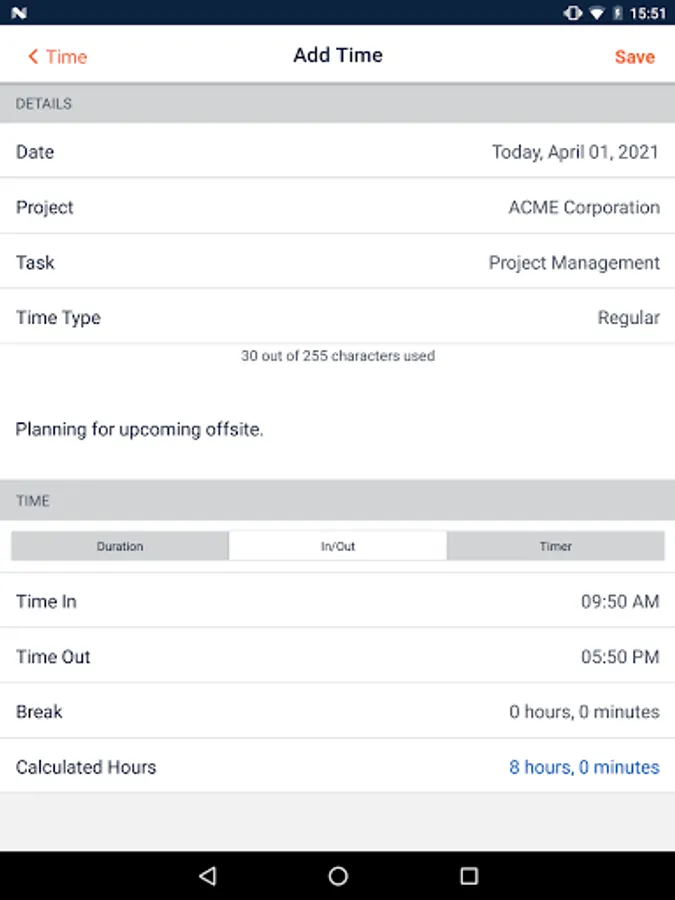
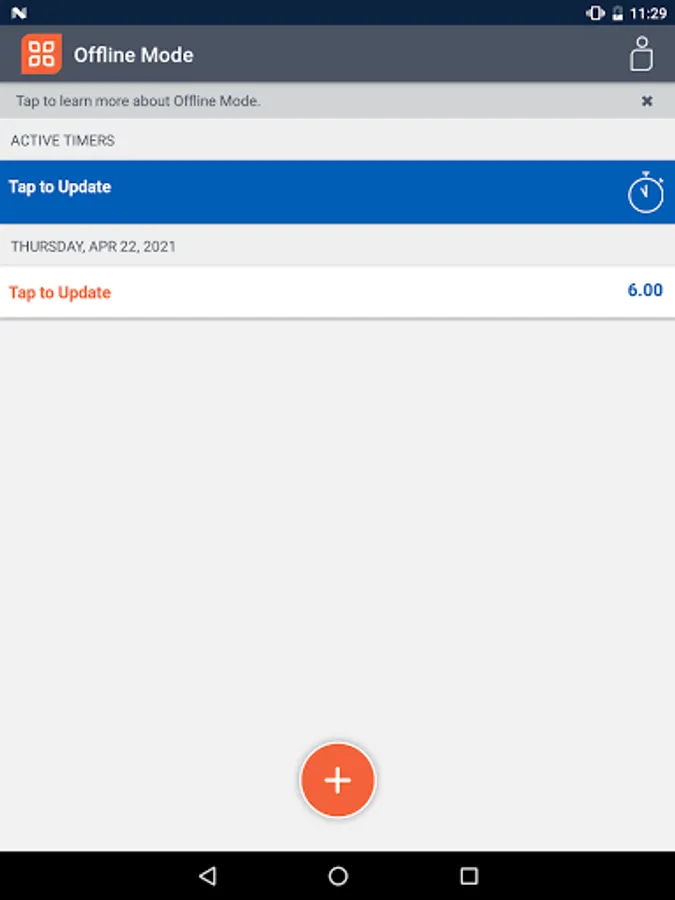
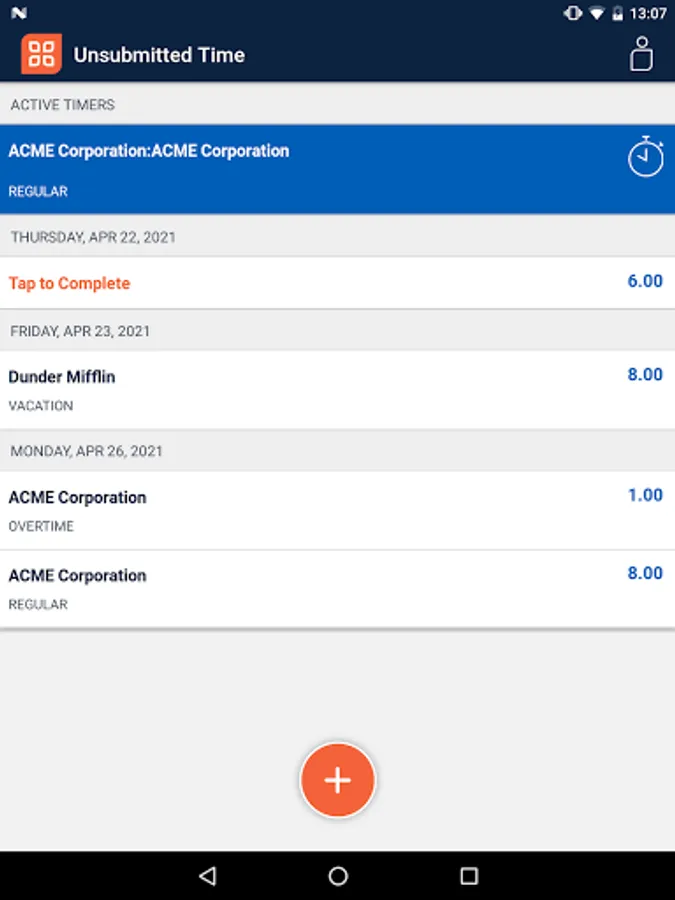
SpringAhead is a comprehensive time recording solution. Users can input a duration of hours worked, or provide time in, time out and any break you took and let the app do the math for you. Timers allow you to accurately record the time spent on each task. If you tend to juggle multiple tasks at the same time, let the app help you manage that while allowing you to pause and resume timers whenever. For those who work in a remote location without a data or wifi connection, our mobile exclusive feature, offline mode, will be your best friend. Now you can log your hours offline and continue with your workday without any interruption.
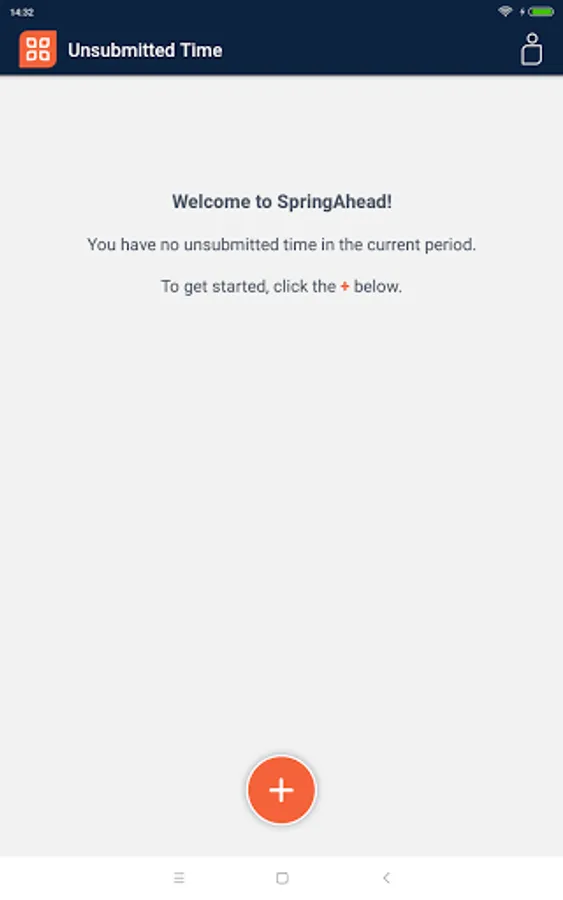
SpringAhead Time Screenshots

Tap to Rate:
Reviews for SpringAhead Time
Matthew Mansell
8/5/2024
I use these apps with a number of contracting companies have been part of over the last few years. This one for spring ahead has to be the worst. It creates more work at the end of the period because every project/task entry is treated at a separate line item even though the task for chargeable hours stays the same. Monday through Friday are all separate line item entries and therefore makes me read it all five days into one line item to consolidate Monday through Friday. This is crazy.
A Google user
6/25/2024
After selecting a project the app crashes as soon as I attempt to select a task under that project.