
Poster Printing
Codenia
3.8 ★
309 ratings
100,000+
downloads
Free
+ in-app
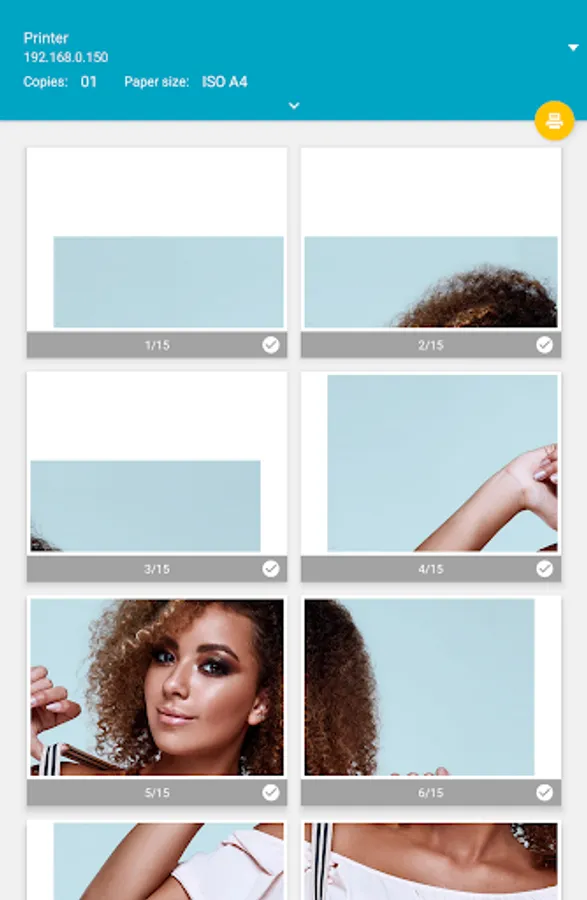
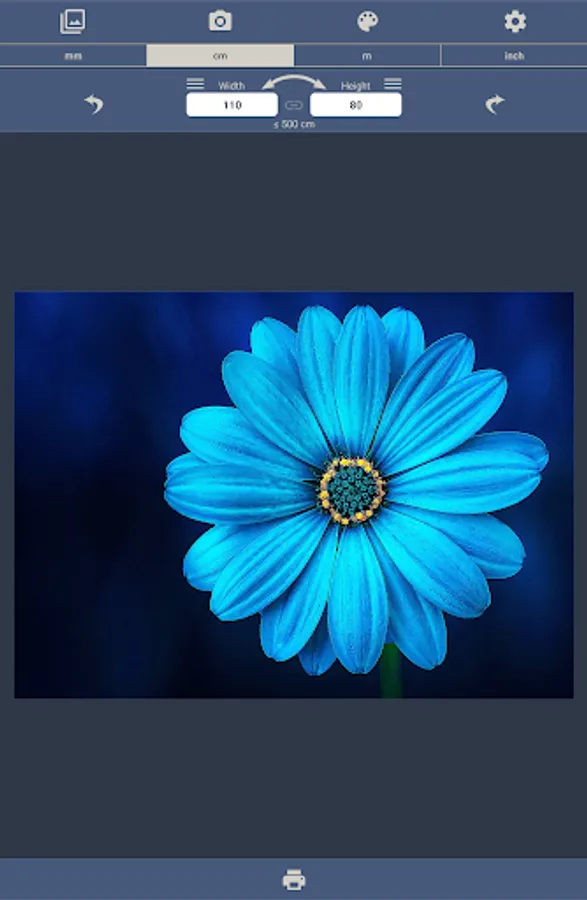
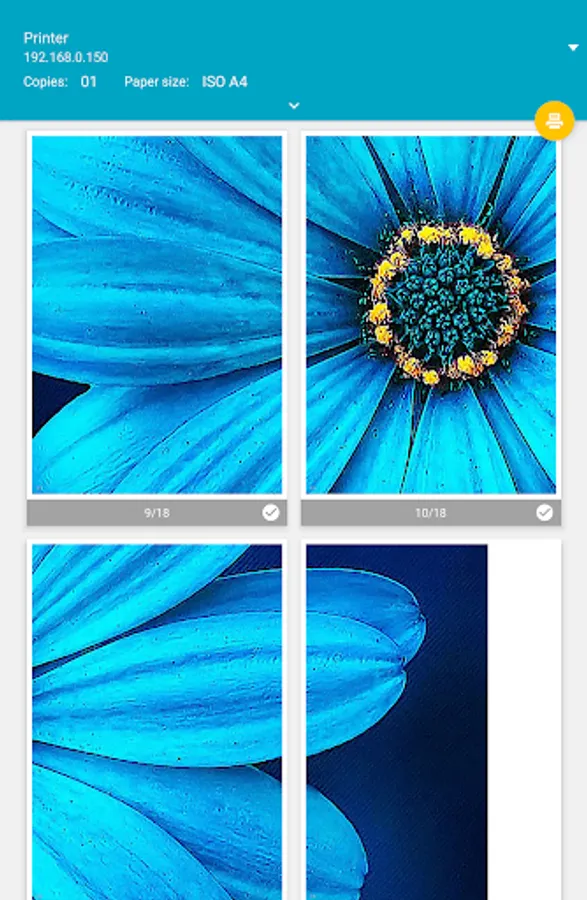
Use this poster printing app to create large posters by dividing images into pages and assembling them after printing. Includes page borders, numbering, automatic rotation, and options to remove ads and extend poster size.
AppRecs review analysis
AppRecs rating 3.8. Trustworthiness 81 out of 100. Review manipulation risk 34 out of 100. Based on a review sample analyzed.
★★★☆☆
3.8
AppRecs Rating
Ratings breakdown
5 star
59%
4 star
12%
3 star
6%
2 star
0%
1 star
23%
What to know
✓
Credible reviews
81% trustworthiness score from analyzed reviews
✓
Good user ratings
71% positive sampled reviews
✓
Authentic reviews
Natural distribution, no red flags
About Poster Printing
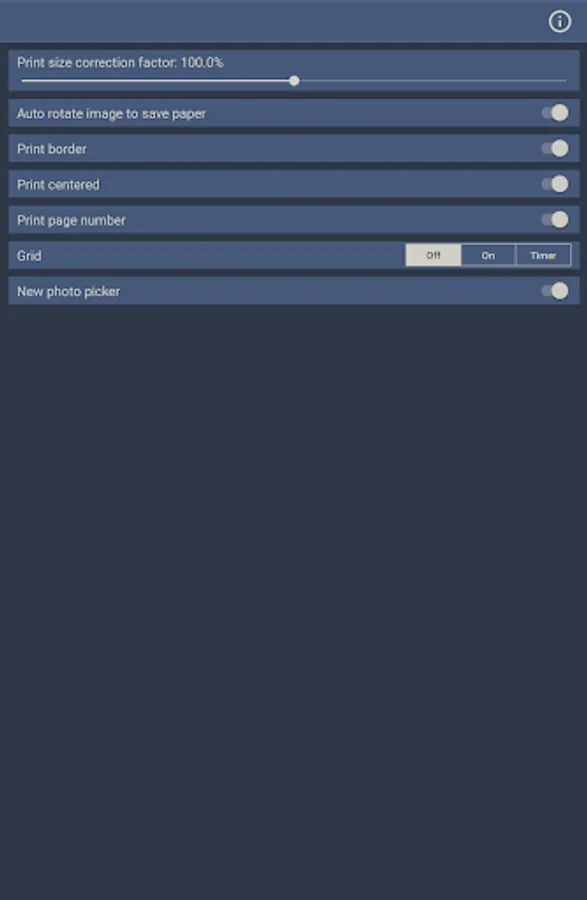
After printing, the white border must be cut off in order to assemble the individual pages into a poster. A thin border line is printed to help with the cutting.
The pages are numbered barely visible at the bottom left to avoid confusion when putting together the poster. Printing of page numbers can be deactivated in the settings.
The image is automatically rotated to better fit the paper size to reduce the number of pages needed.
In the free version of this app, ads are displayed and the size of the poster is limited to 60 centimeters and 24 inches. The size limit can be extended with a one-time in-app purchase. The ads can be completely removed with another one-time in-app purchase.
Please note that very large posters require a large number of pages to be printed. Please check the entered size in order not to waste paper unnecessarily.
Poster Printing Screenshots


Tap to Rate:
Reviews for Poster Printing
Tammy Kauffman
11/6/2025
This has been a total game-changer for creating my artwork! I can do any size needed! Forever fan!
BL
11/5/2025
so many adds pop up and no instructions to walk you through the process. They sent a response to this , Developer response: Thank you for your review. Select an image, enter the required size, and print. That's all you need to do. You have to convert into a pdf, get the file, then reconfigure that file, then it will print it correctly.