Image Size - Photo Resizer
Codenia
4.5 ★
104K ratings
5,000,000+
downloads
Free
+ in-app
In this photo resizer app, you can resize images by entering specific dimensions, crop using multitouch gestures, and rotate photos easily. Includes options to save, share, print images, and edit with filters, text, and stickers.
AppRecs review analysis
AppRecs rating 4.5. Trustworthiness 73 out of 100. Review manipulation risk 31 out of 100. Based on a review sample analyzed.
★★★★☆
4.5
AppRecs Rating
Ratings breakdown
5 star
79%
4 star
9%
3 star
3%
2 star
3%
1 star
6%
What to know
✓
Credible reviews
73% trustworthiness score from analyzed reviews
✓
High user satisfaction
79% of sampled ratings are 5 stars
⚠
Ad complaints
Many low ratings mention excessive ads
About Image Size - Photo Resizer
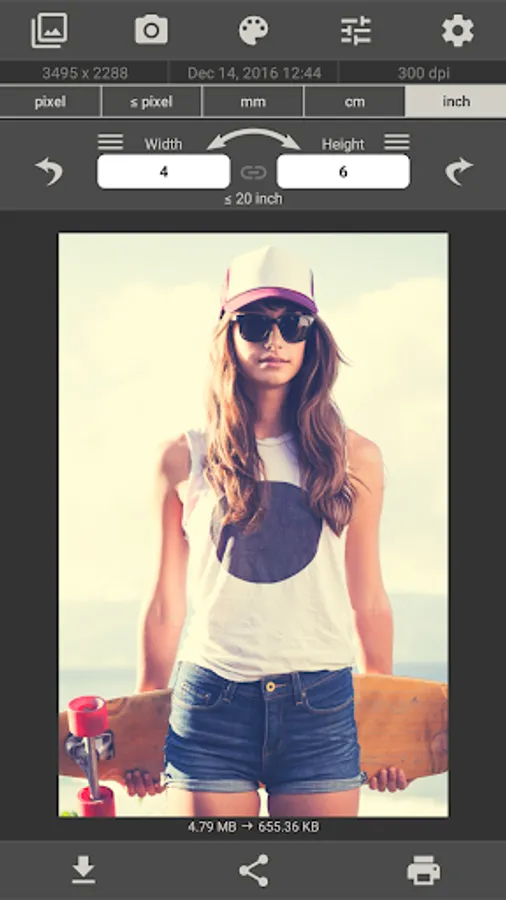
This app allows you to resize an image to whatever size you like (with limitation), quickly and easily. It is a really resizer app.
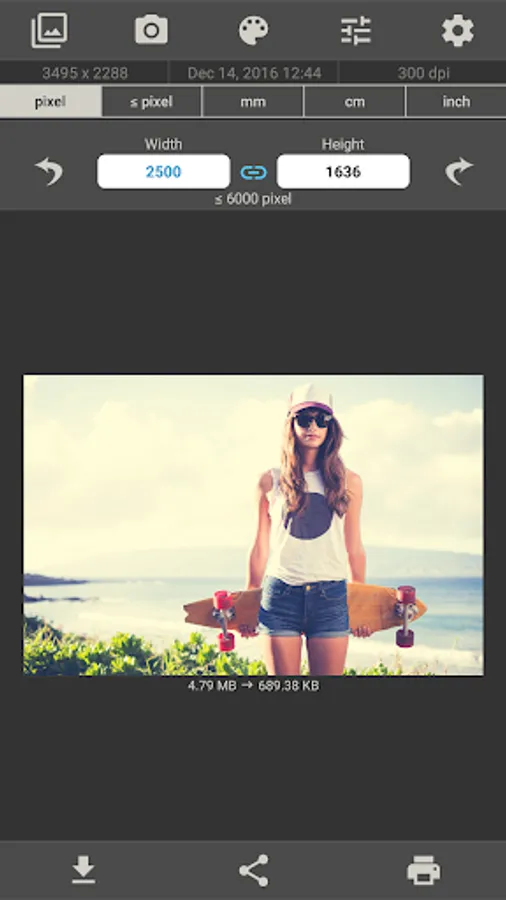
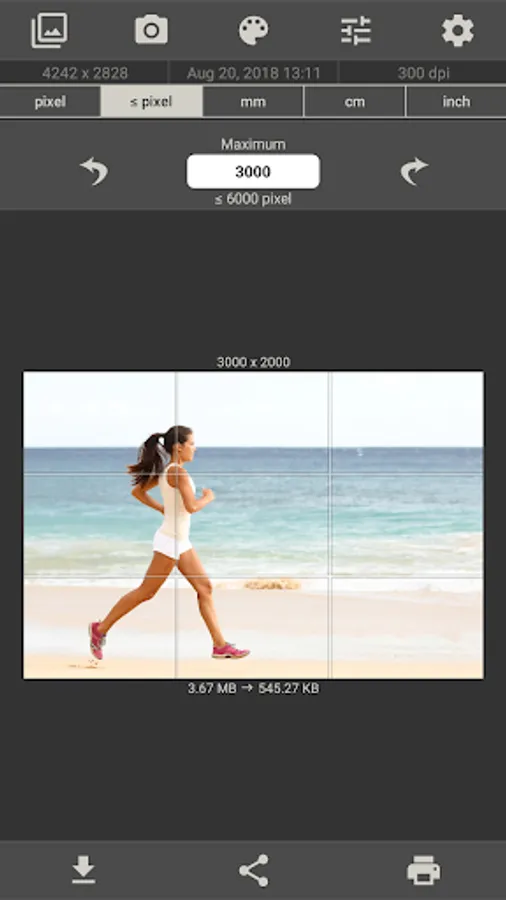
You can specify the output format using one of the following four units of measurement: pixels, millimeters, centimeters, inches
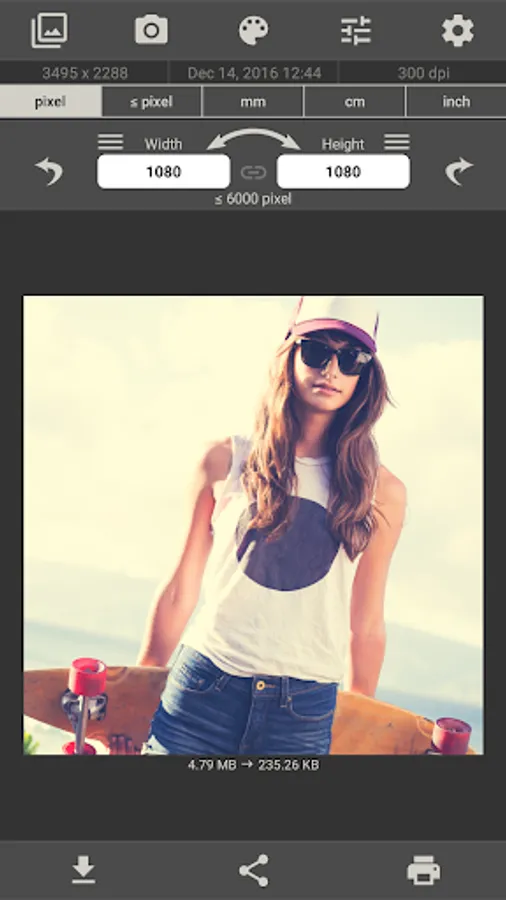
To preserve aspect ratio just tap on the chain icon between width and height input fields.
Image Size gives you the option of saving, emailing, printing or sharing the final image.
Resize your image in just four easy steps:
1. Open an image or take a photo
2. Enter your desired output size
3. Crop the image with your fingers using multitouch gestures
4. Save / print / send / share image
Resize a photo or image with this app in seconds.
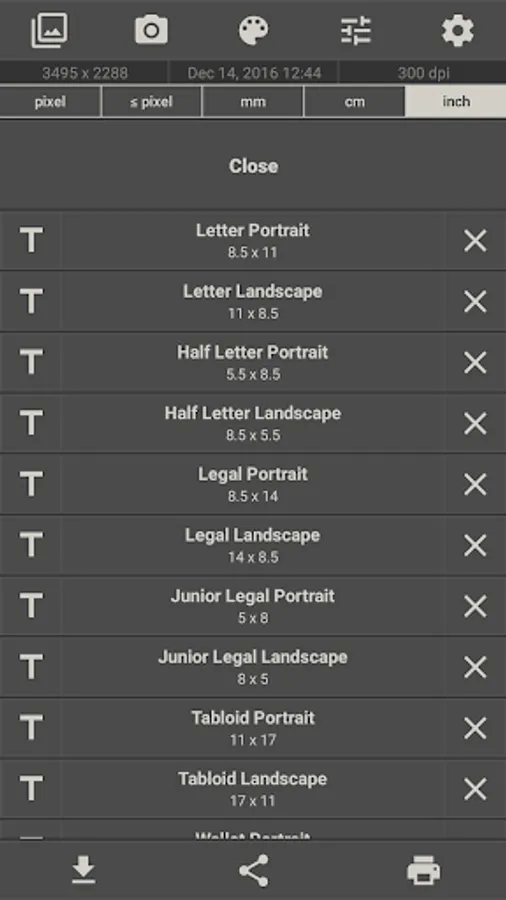
The image sizes used are saved and can be quickly selected from a list.
The image can be rotated 90 ° right and left.
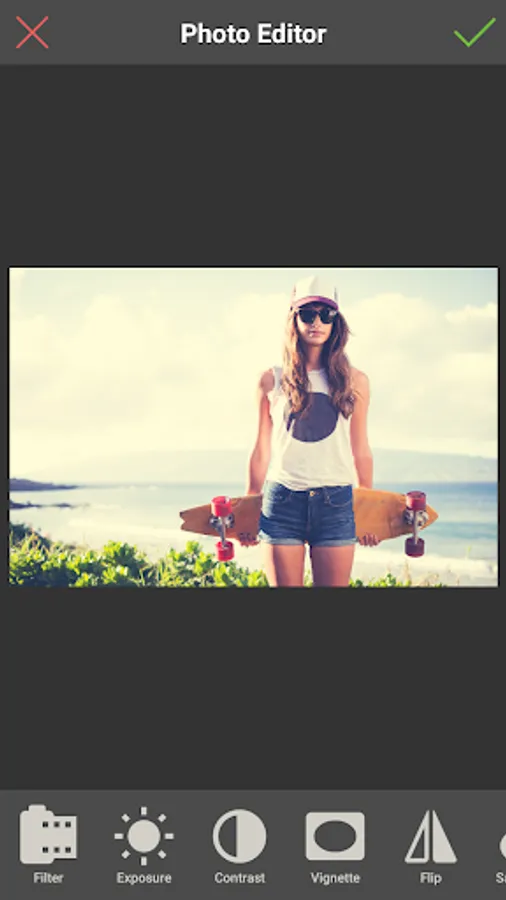
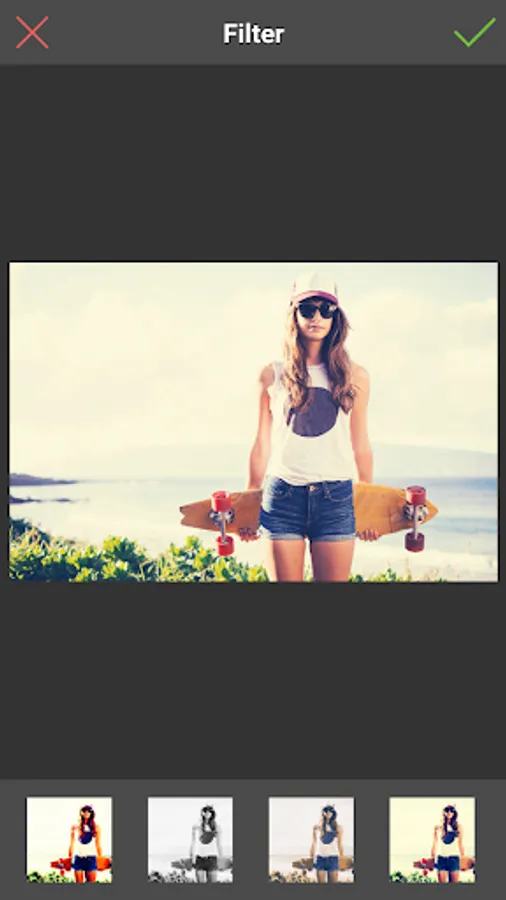
A photo editor has been added. (Filters, text, sticker, etc.)
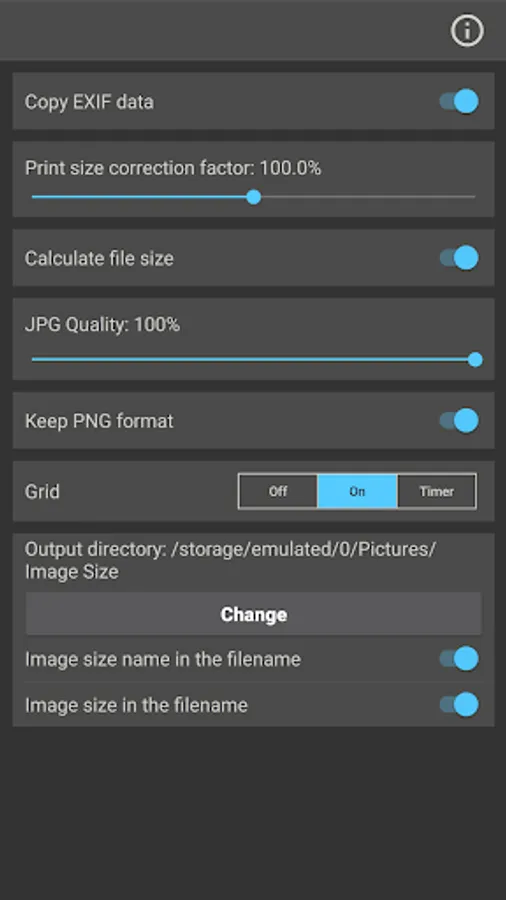
The JPG quality can be adjusted in the settings.
The storage path for the output images can be changed in the settings.
The Exif data is copied from the original image. (This function can be deactivated in the settings)
You can specify the output format using one of the following four units of measurement: pixels, millimeters, centimeters, inches
To preserve aspect ratio just tap on the chain icon between width and height input fields.
Image Size gives you the option of saving, emailing, printing or sharing the final image.
Resize your image in just four easy steps:
1. Open an image or take a photo
2. Enter your desired output size
3. Crop the image with your fingers using multitouch gestures
4. Save / print / send / share image
Resize a photo or image with this app in seconds.
The image sizes used are saved and can be quickly selected from a list.
The image can be rotated 90 ° right and left.
A photo editor has been added. (Filters, text, sticker, etc.)
The JPG quality can be adjusted in the settings.
The storage path for the output images can be changed in the settings.
The Exif data is copied from the original image. (This function can be deactivated in the settings)
Image Size - Photo Resizer Screenshots
Tap to Rate:
Reviews for Image Size - Photo Resizer
Mattie Love
3/7/2026
crapp app
adarsha chakma
3/7/2026
This app is very nice