In this image converter app, you can upload images, select desired formats, and initiate conversions with a single tap. Includes support for over 260 graphic formats, resizing options, and multiple output settings.
AppRecs review analysis
AppRecs rating 3.7. Trustworthiness 60 out of 100. Review manipulation risk 30 out of 100. Based on a review sample analyzed.
★★★☆☆
3.7
AppRecs Rating
Ratings breakdown
5 star
64%
4 star
0%
3 star
6%
2 star
19%
1 star
11%
What to know
✓
Low review manipulation risk
30% review manipulation risk
✓
Good user ratings
64% positive sampled reviews
⚠
High negative review ratio
30% of sampled ratings are 1–2 stars
About Image Converter
At the moment, there is supported a record number of graphic formats (more than 260) and various dialects (more than 800). You can get images such as JPEG, BMP, GIF, PDF, PSD, PNG, TIFF and others.
How to convert:
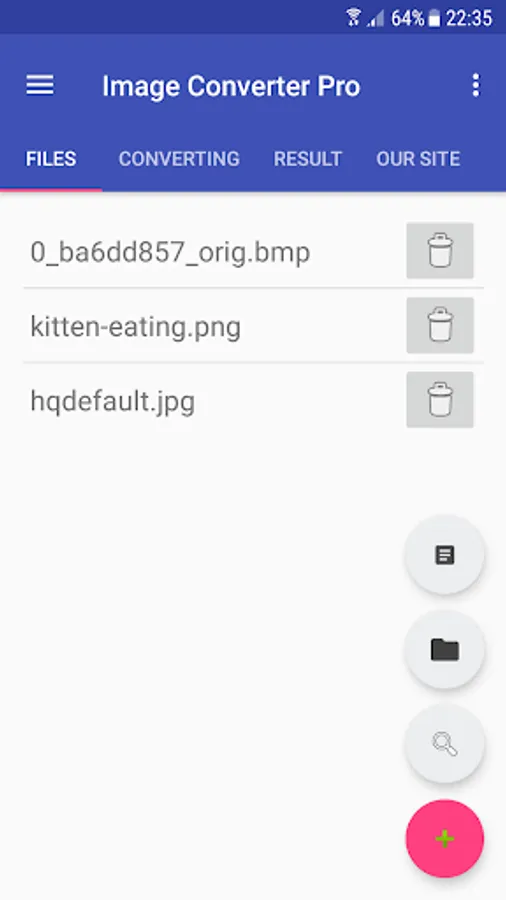
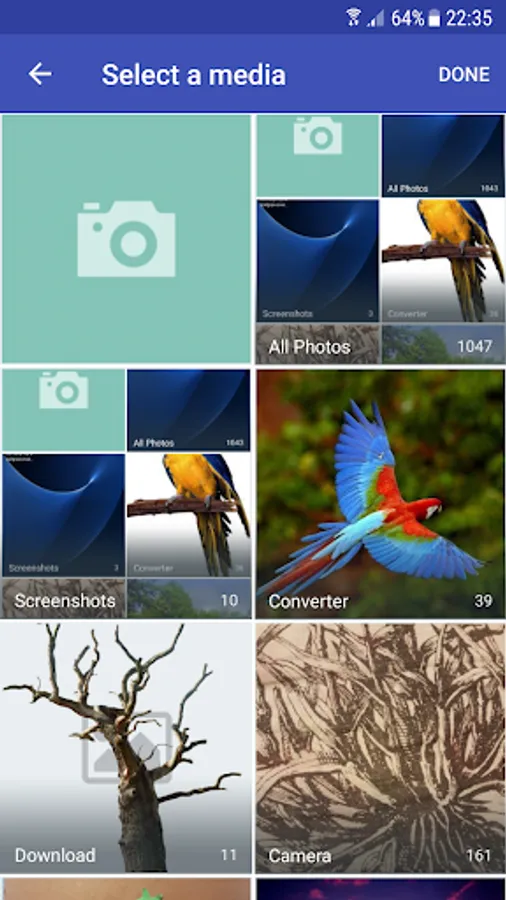
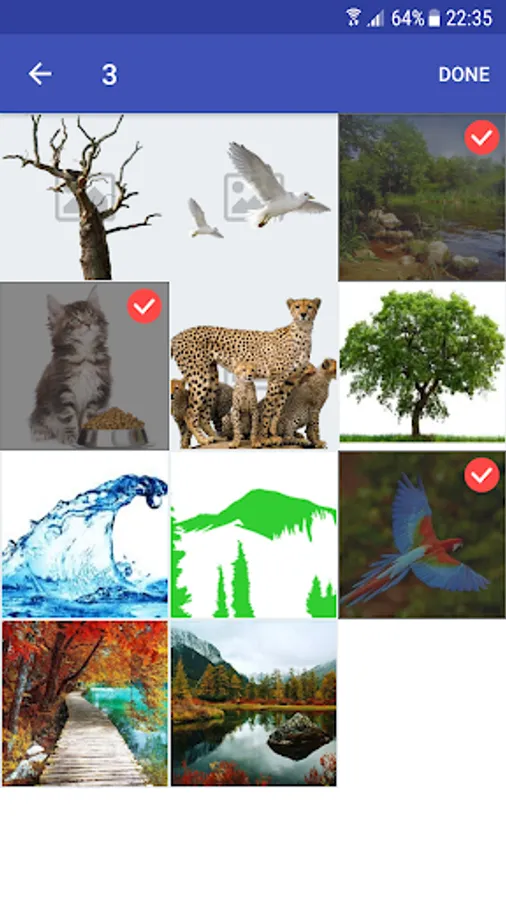
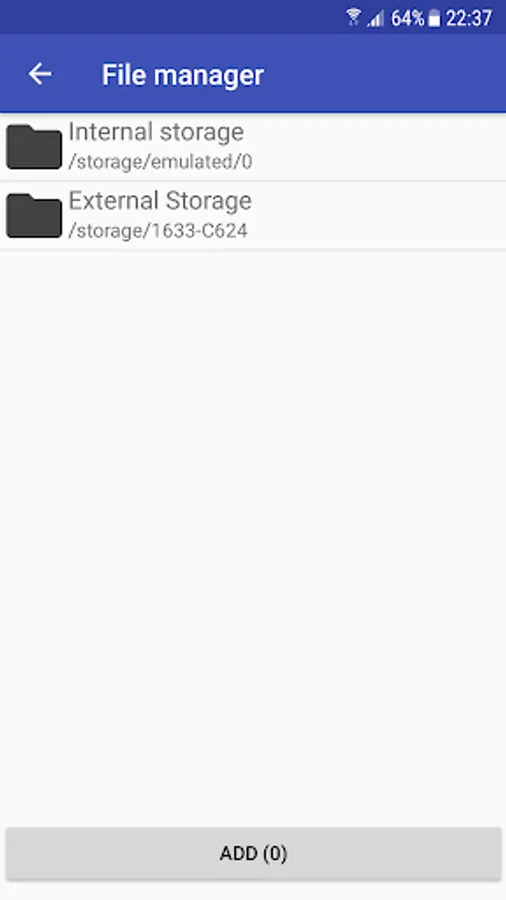
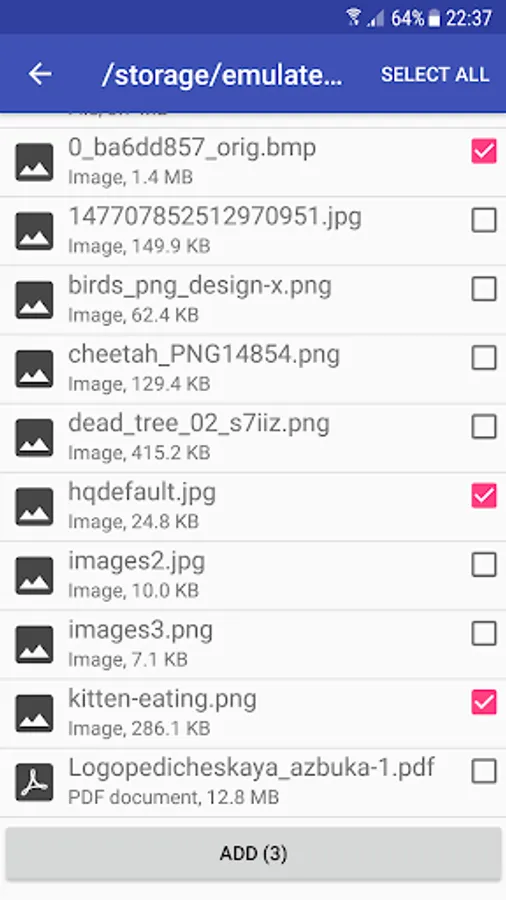
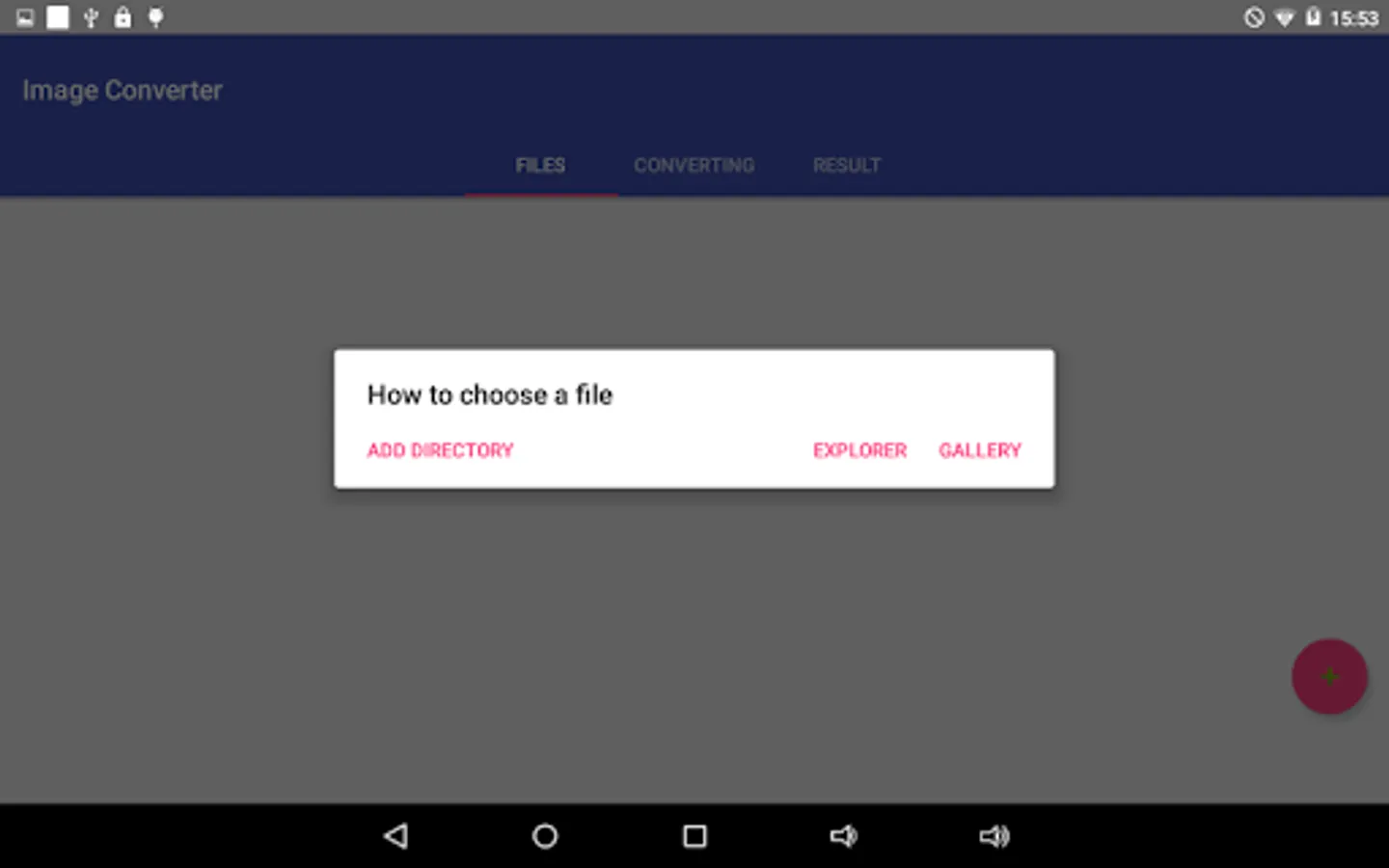
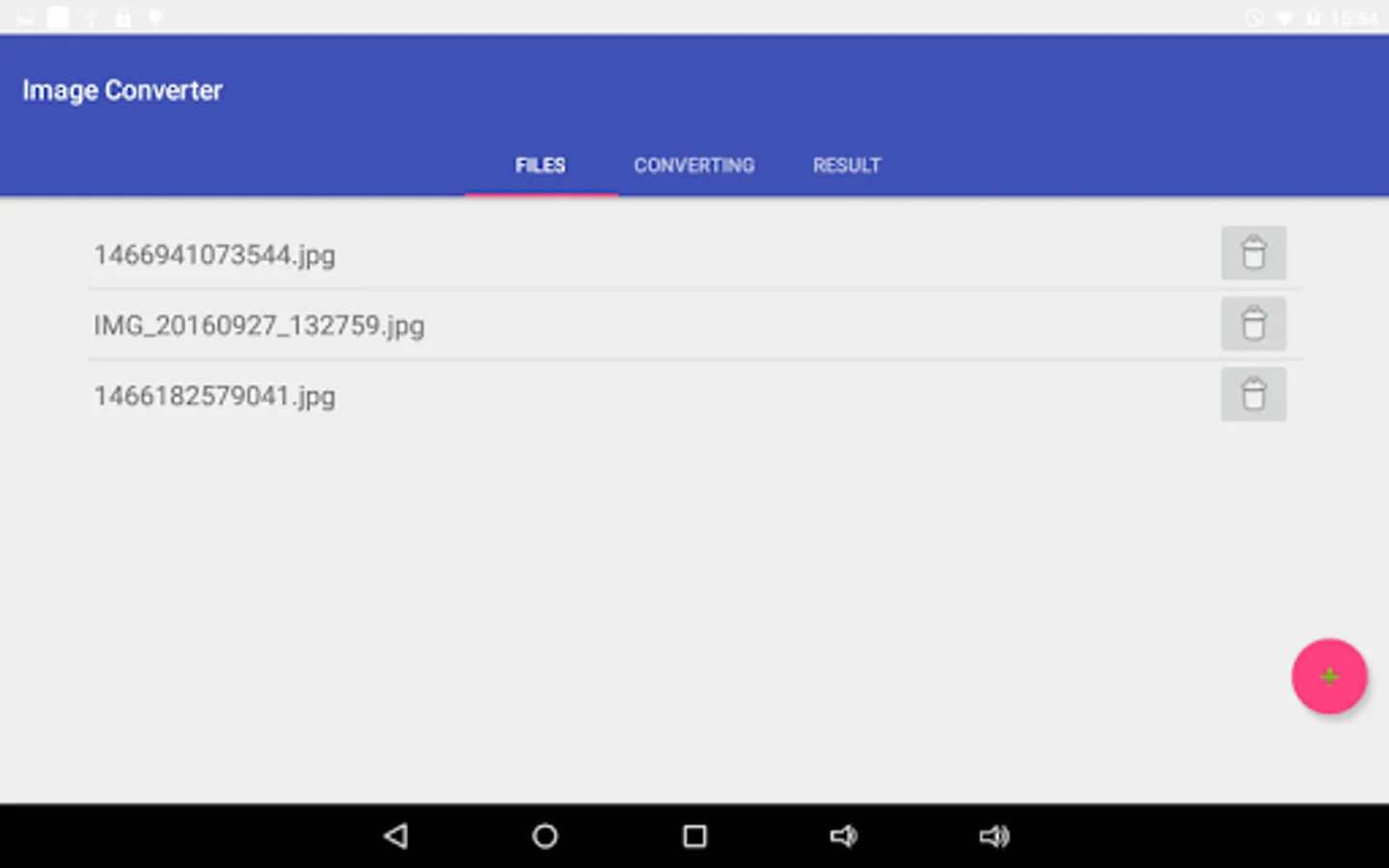
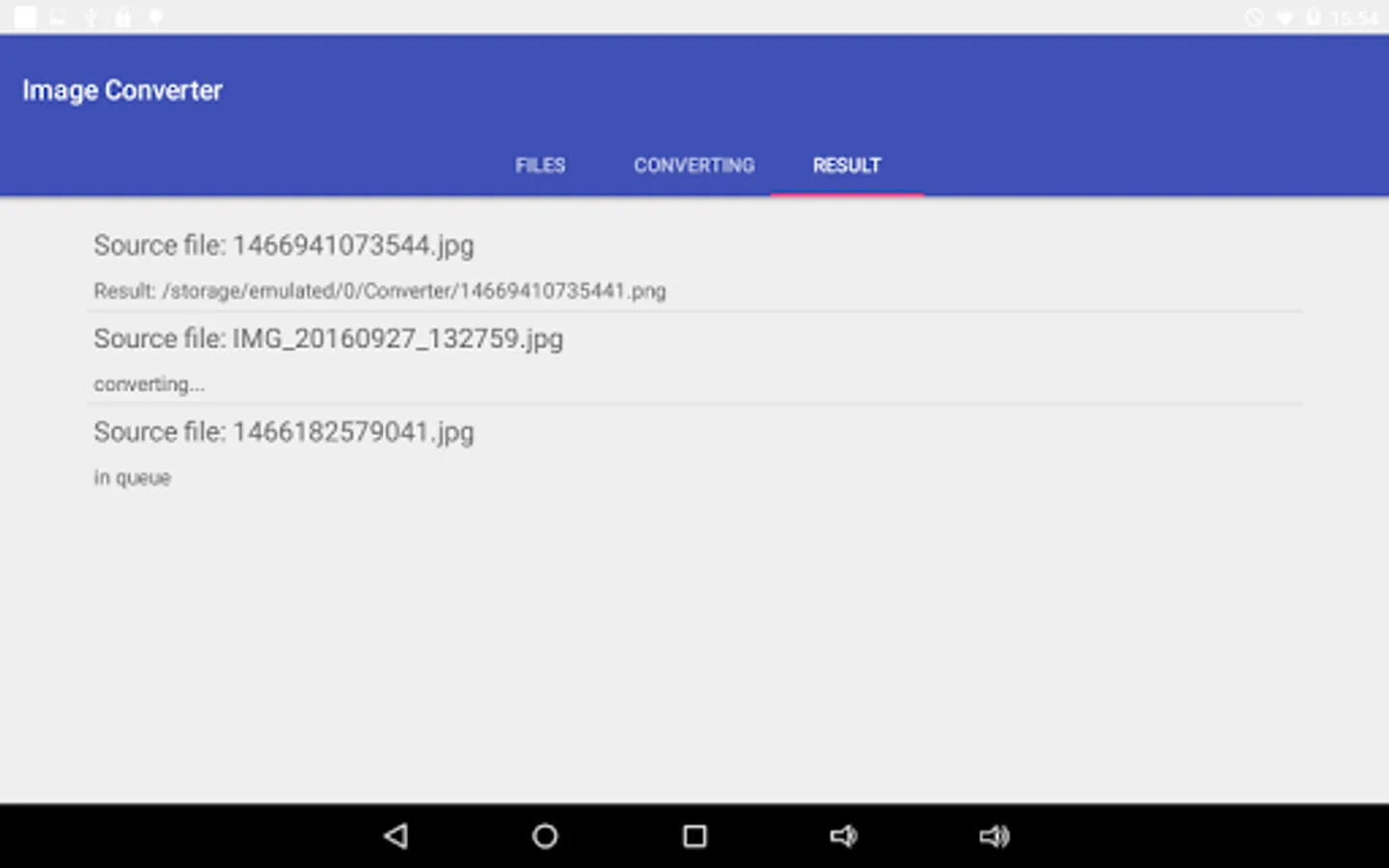
• Add files to the conversion list.
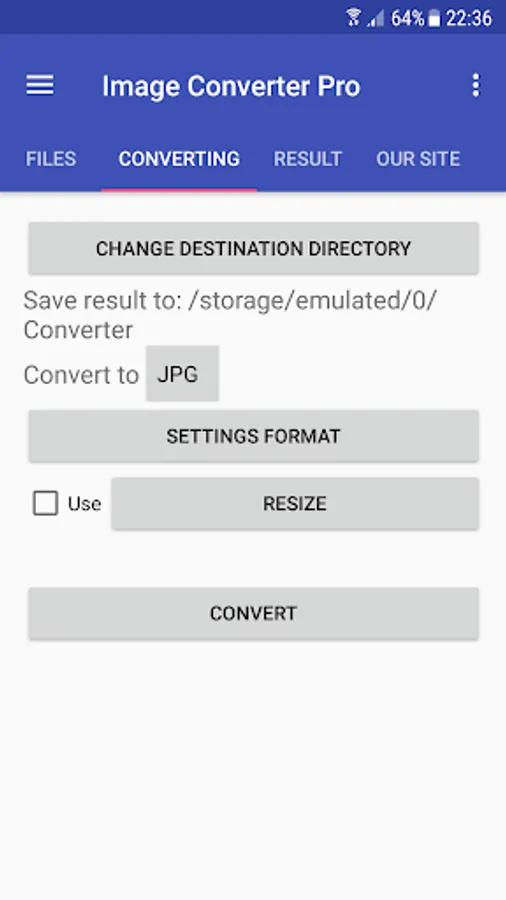
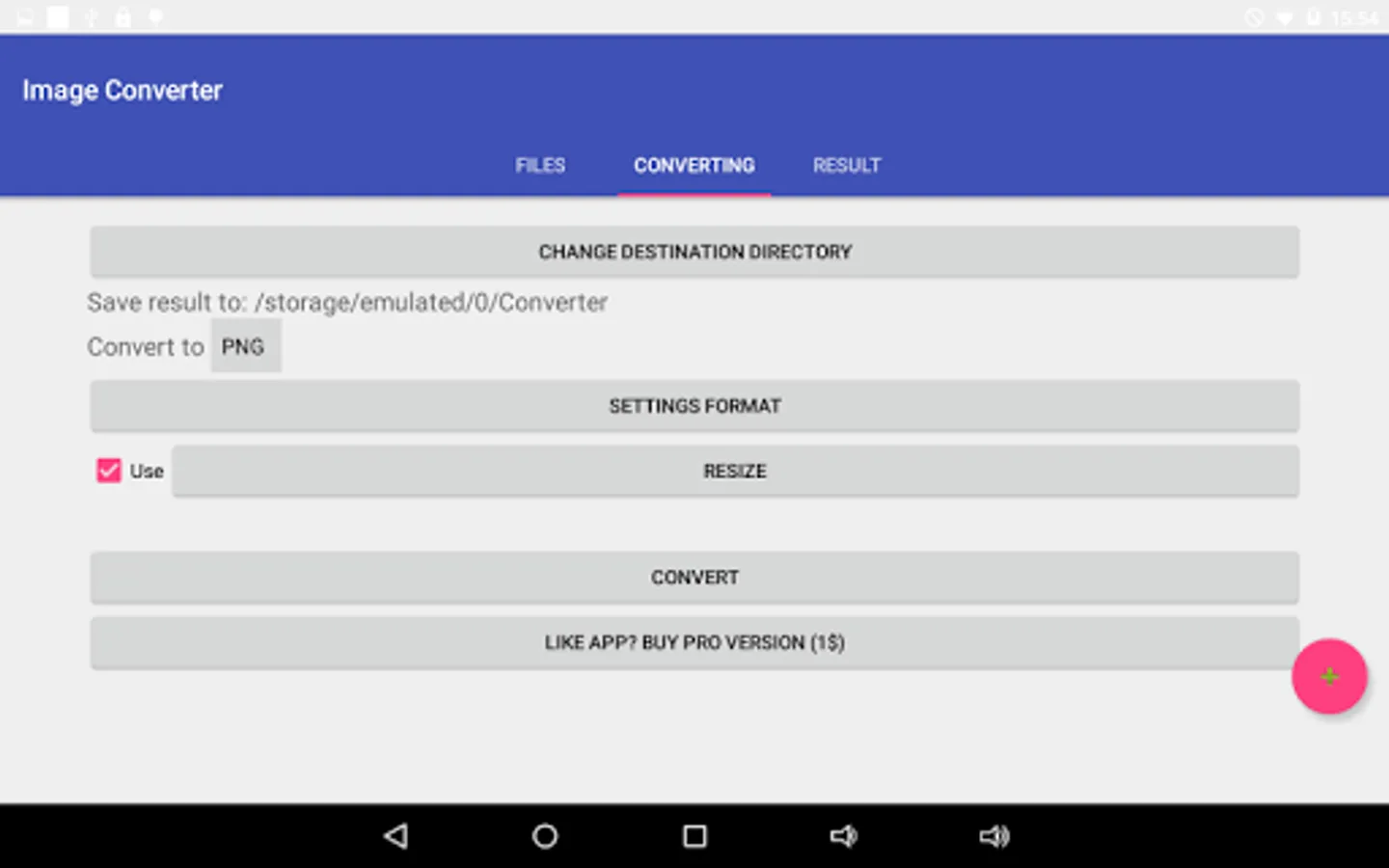
• Choose the format: BMP, DDS, EPS, EXR, GIF, ICO, JPG, MNG, PCX, PNG, PSD, PDF, SVG, TGA, TIFF, VTF (some formats support the settings - use them to get the best result).
• Click "Convert!".
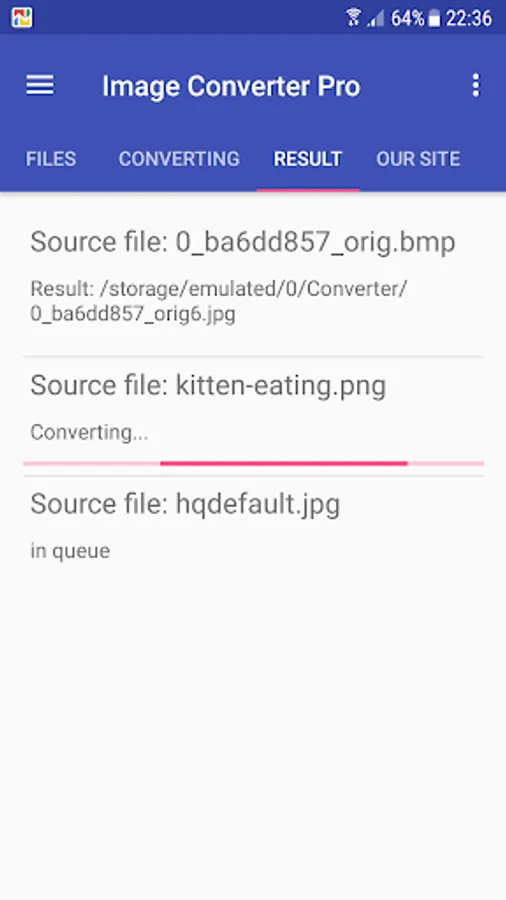
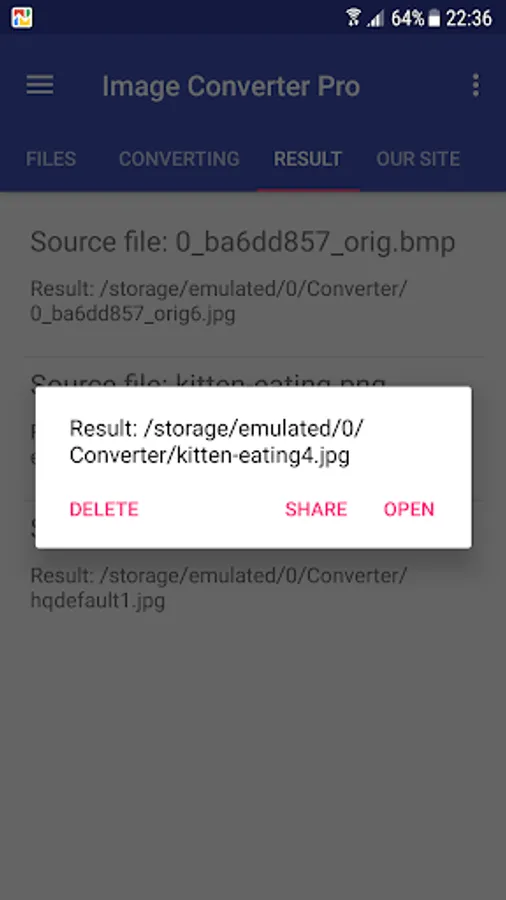
• Find the result in the specified output directory
Searching for how to look at a HEIC (HEIF) format? Use our converter - just convert HEIC to JPEG or any other format.
Examples of conversions:
* HEIC to JPEG
* PNG to JPEG
* JPEG to PNG
* DDS to JPEG
* PNG to DDS
* JPG to VTF
RAW formats support: CR2 to JPG and NEF to JPG
To convert RAW we use the utility DCRAW. It provides the maximum possible support for new formats.
In addition, you can make a resize, just specify the required size!
Did not find the right option or operation? Write to us and we will try to implement it.
A short list of FAQ:
Q: I cannot convert images as there is a constant error, what should I do?
A: Write to us, we will try to sort it out.
Q: How can I combine images into one PDF?
A: For this we developed a free utility "Image to PDF" - you can find it on our developer page.
Image Converter Screenshots

Tap to Rate:
Reviews for Image Converter
Jordan
6/1/2022
Failed to convert any of my files from heic to png. Waste of money Edit: Creator says to send the files to them, but their inbox is full 🙃
Julian La Cour
11/27/2020
Needs select all, ect. Cannot seem to convert a massive batch of dds images to PNG without the program crashing. Definitely fix this. Cannot choose a "select all" method and when I choose by directory the application closes. Otherwise the program works as intended.