Image to PDF converter
OnlineConverting
4.2 ★
545 ratings
50,000+
downloads
Free
With this image to PDF converter, you can combine multiple images into a single PDF file by adding images, arranging their order, and adjusting settings like size and color. Includes image sorting options, drag and drop functionality, and password protection for output files.
AppRecs review analysis
AppRecs rating 4.3. Trustworthiness 53 out of 100. Review manipulation risk 45 out of 100. Based on a review sample analyzed.
★★★★☆
4.3
AppRecs Rating
Ratings breakdown
5 star
69%
4 star
10%
3 star
7%
2 star
3%
1 star
10%
What to know
✓
Authentic reviews
Natural distribution, no red flags
⚠
Questionable review patterns
45% review manipulation risk - some review patterns appear unusual
⚠
Review quality concerns
43% of sampled 5-star reviews are very short
About Image to PDF converter
Combain your images to one PDF files. It`s simple and easy.
This is offline converter.
2 step for converting:
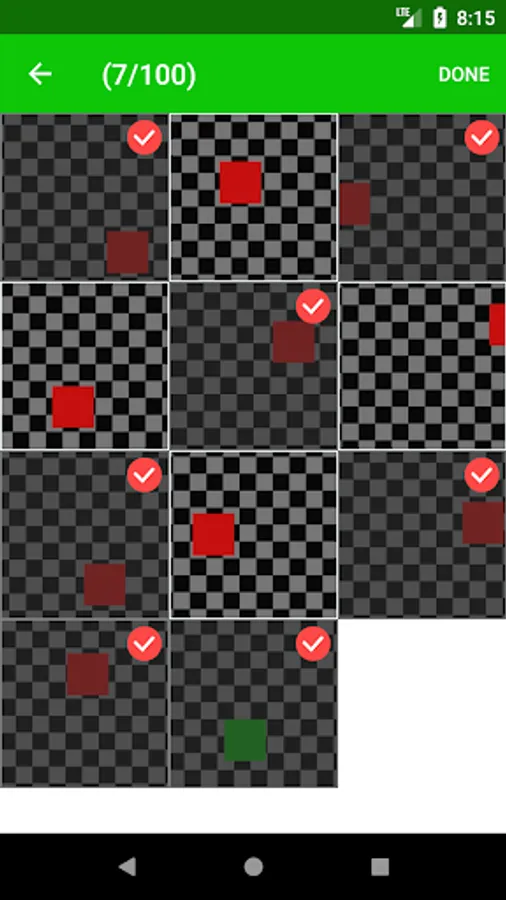
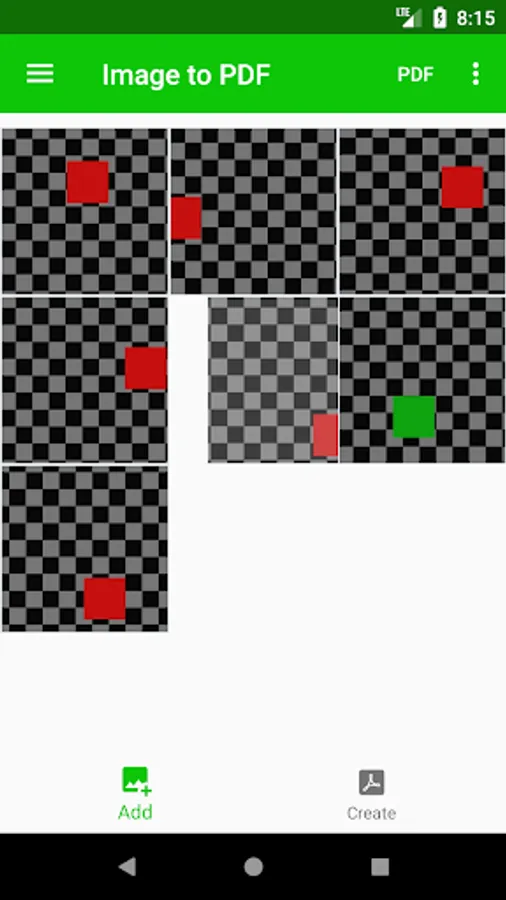
1. Add images (JPG, PNG, BMP, WEBP)
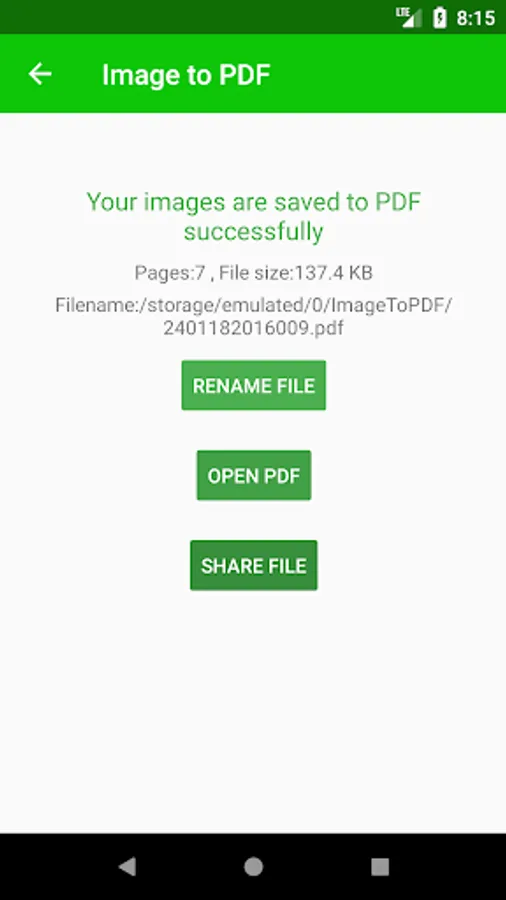
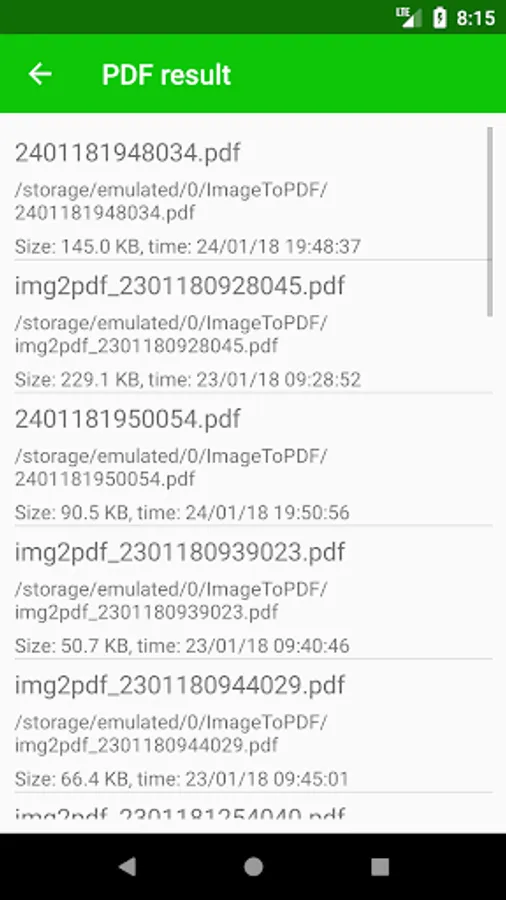
2. Generate PDF
Working with images:
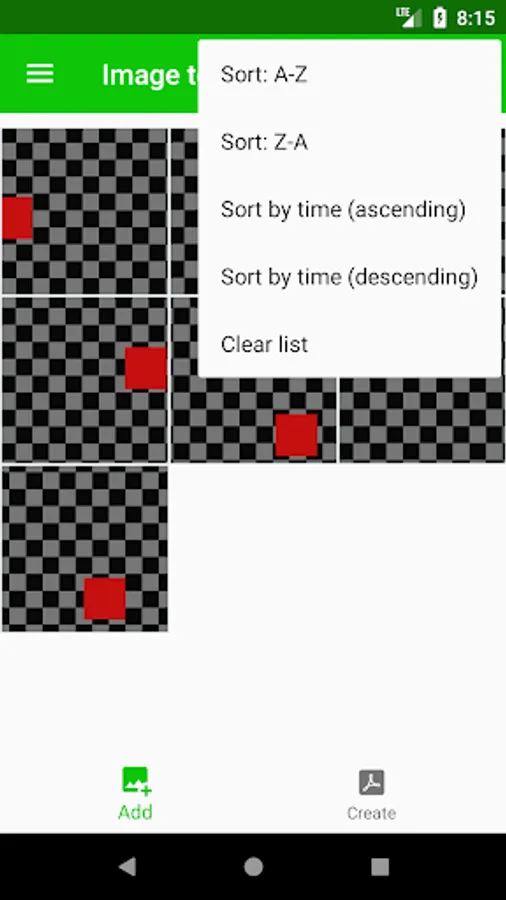
*. Several way sort: A-Z, Z-A, Time
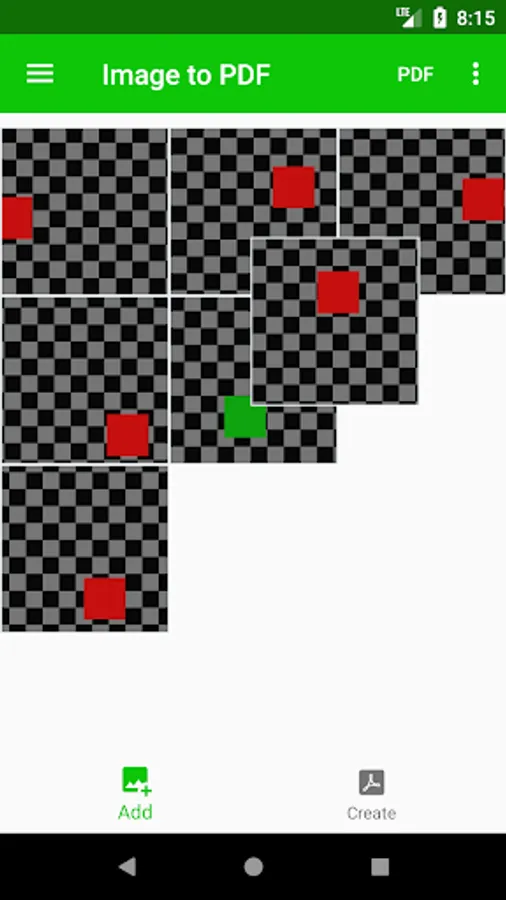
*. Drag and Drop your images (long tap on image then drag to new place)
*. Delete one (swipe to right) or all images (in menu "Clear list").
You can settings output file:
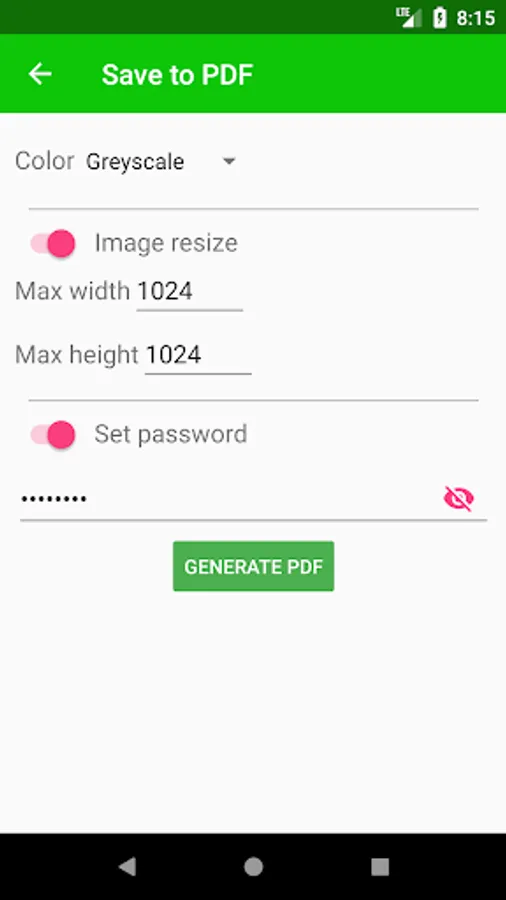
*. Choise color (As is, greyscale, black and white).
*. Set maximum size images (keep proportion).
*. Set password
Other features:
*. Autodetect rotation images.
This is beta. We are still developing this app and adding other features.
Keep the updates.
If you have any suggestions - write to us.
Sample convert:
* JPG to PDF
* PNG to PDF
* BMP to PDF
* WEBP to PDF
This is offline converter.
2 step for converting:
1. Add images (JPG, PNG, BMP, WEBP)
2. Generate PDF
Working with images:
*. Several way sort: A-Z, Z-A, Time
*. Drag and Drop your images (long tap on image then drag to new place)
*. Delete one (swipe to right) or all images (in menu "Clear list").
You can settings output file:
*. Choise color (As is, greyscale, black and white).
*. Set maximum size images (keep proportion).
*. Set password
Other features:
*. Autodetect rotation images.
This is beta. We are still developing this app and adding other features.
Keep the updates.
If you have any suggestions - write to us.
Sample convert:
* JPG to PDF
* PNG to PDF
* BMP to PDF
* WEBP to PDF
Image to PDF converter Screenshots
Tap to Rate:
Reviews for Image to PDF converter
Fapohunda Oluwafemi Felix
12/29/2023
Nice App
Shubham Yadav
3/1/2023
Top