PPT to PDF Converter
OnlineConverting
3.8 ★
4K ratings
500,000+
downloads
Free
+ in-app
With this app, you can convert presentation files such as PPT, PPTX, and ODP to PDF format. Includes secure file transfer, batch processing, and automatic deletion of documents.
AppRecs review analysis
AppRecs rating 3.8. Trustworthiness 77 out of 100. Review manipulation risk 36 out of 100. Based on a review sample analyzed.
★★★☆☆
3.8
AppRecs Rating
Ratings breakdown
5 star
55%
4 star
15%
3 star
6%
2 star
3%
1 star
21%
What to know
✓
Credible reviews
77% trustworthiness score from analyzed reviews
✓
Good user ratings
70% positive sampled reviews
✓
Authentic reviews
Natural distribution, no red flags
About PPT to PDF Converter
We tried to make a simple and convenient converter.
If your phone does not have an office app or any other program to view documents, you can use our app and easily convert presentation document to a PDF.
For example, you have downloaded from the website the presentation in PPT format, or you received the document in PPTX format and you are unable to view it, we give you the opportunity - just convert it to PDF.
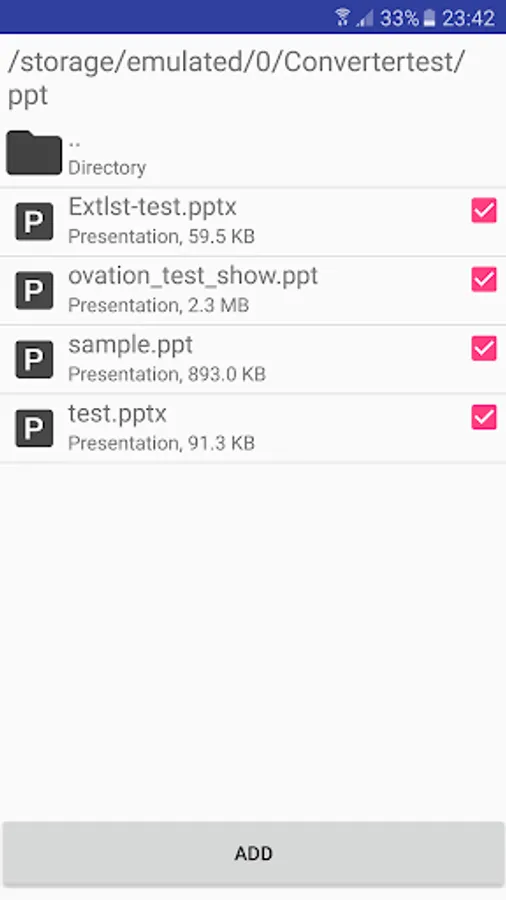
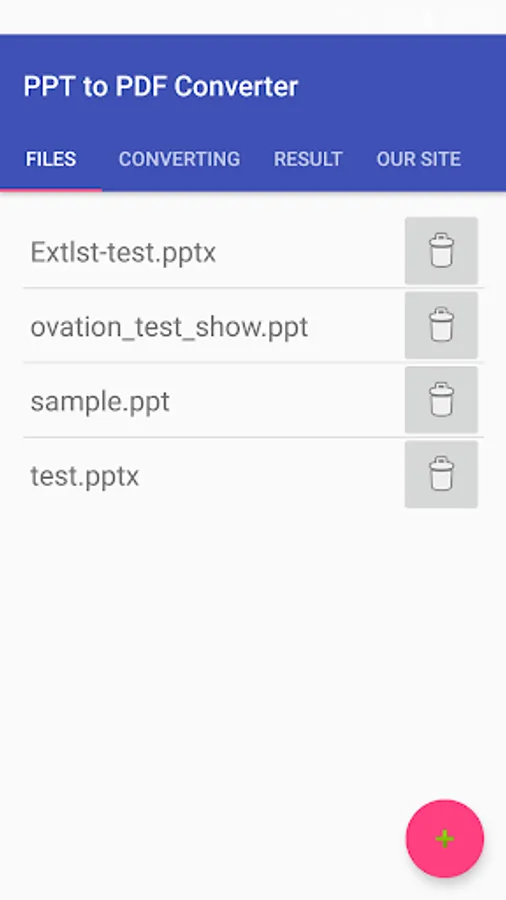
With our Converter you can add to task several documents at once, simply select the built-in file manager multiple documents and click "Add".
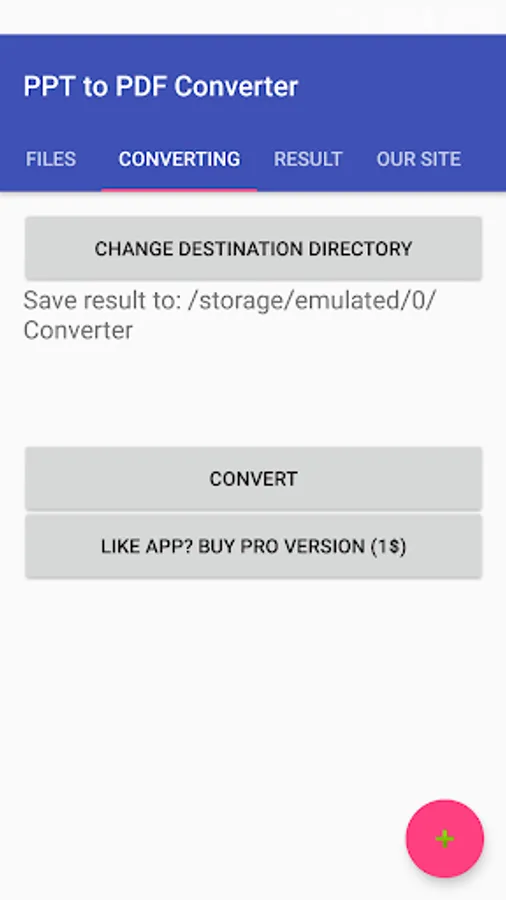
Then, on the "Converting" page click "Convert".
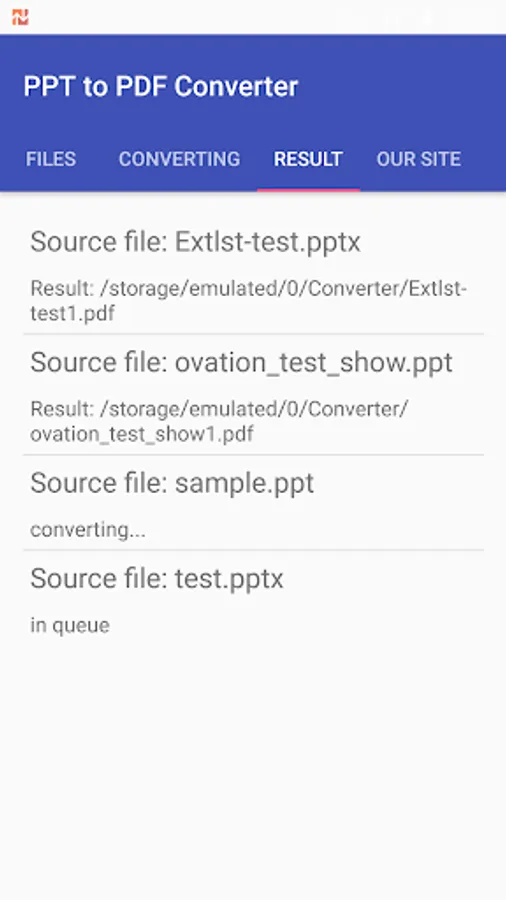
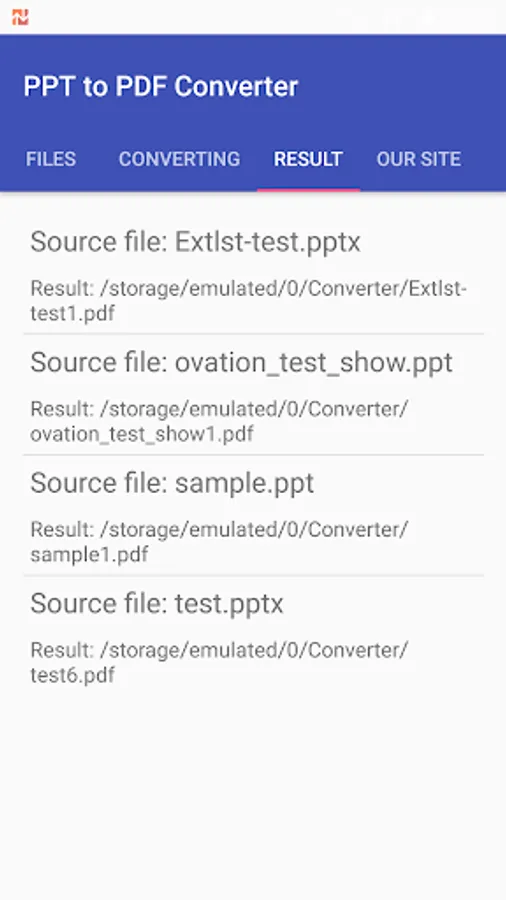
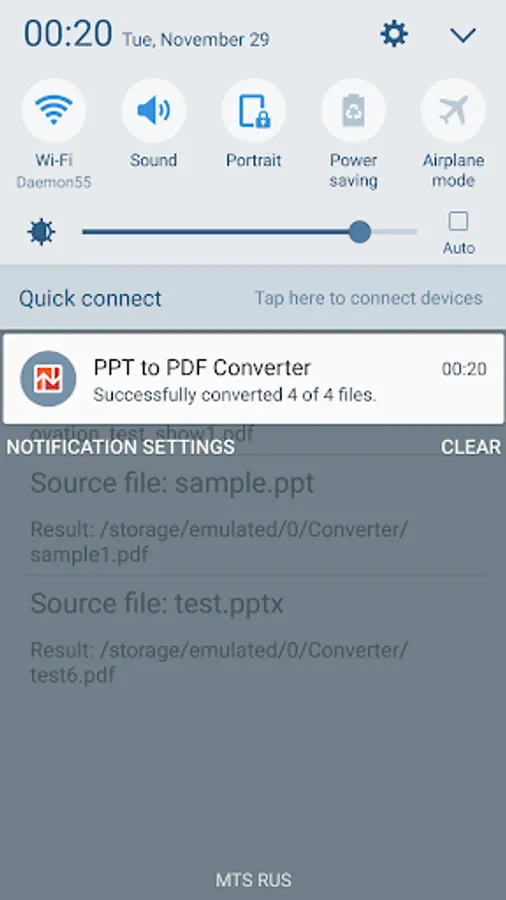
And this is it. You just have to wait for the result. You can minimize the app without any limitations, the whole process will happen in background. You can see the progress of the conversion in the notifications.
The result will be saved in the specified directory; you can always change it. It will stay the same for the next application launch.
Briefly about the conversion:
1. All convert documents occur on our servers.
2. Your documents are transmitted via secure HTTPS Protocol.
3. We will not use your documents in any way. They are deleted automatically in an hour after the conversion.
4. If you have an error occurred during the conversion try again, you will succeed.
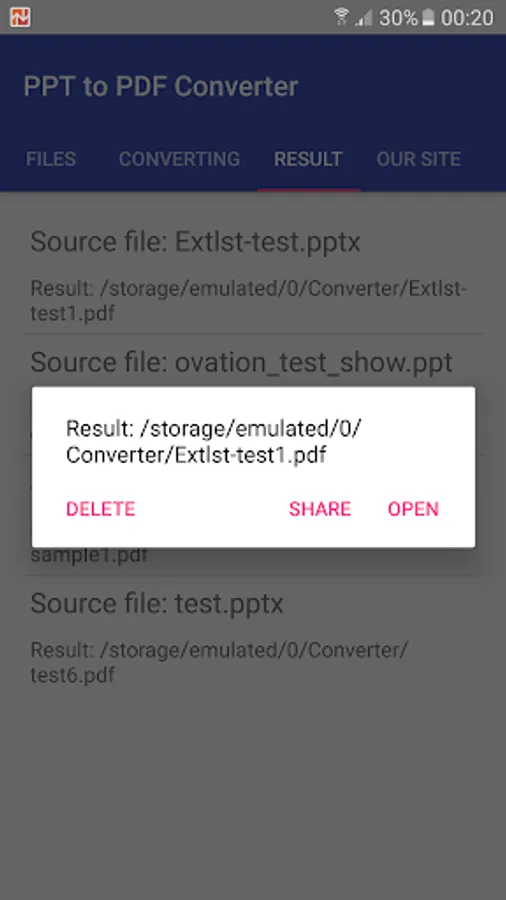
At the moment the app has no built-in PDF viewer, but you can always go into any available PDF viewer on your device.
If you have feedback or suggestions - write us.
PPT to PDF Converter supports the following file conversions:
* .ppt to .pdf
* .pptx to .pdf
* .odp to .pdf
* and more office document
If your phone does not have an office app or any other program to view documents, you can use our app and easily convert presentation document to a PDF.
For example, you have downloaded from the website the presentation in PPT format, or you received the document in PPTX format and you are unable to view it, we give you the opportunity - just convert it to PDF.
With our Converter you can add to task several documents at once, simply select the built-in file manager multiple documents and click "Add".
Then, on the "Converting" page click "Convert".
And this is it. You just have to wait for the result. You can minimize the app without any limitations, the whole process will happen in background. You can see the progress of the conversion in the notifications.
The result will be saved in the specified directory; you can always change it. It will stay the same for the next application launch.
Briefly about the conversion:
1. All convert documents occur on our servers.
2. Your documents are transmitted via secure HTTPS Protocol.
3. We will not use your documents in any way. They are deleted automatically in an hour after the conversion.
4. If you have an error occurred during the conversion try again, you will succeed.
At the moment the app has no built-in PDF viewer, but you can always go into any available PDF viewer on your device.
If you have feedback or suggestions - write us.
PPT to PDF Converter supports the following file conversions:
* .ppt to .pdf
* .pptx to .pdf
* .odp to .pdf
* and more office document
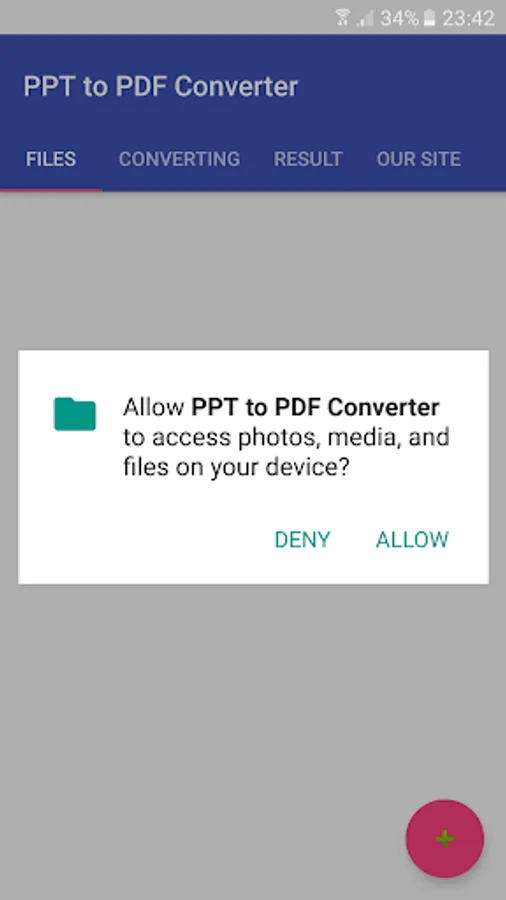
PPT to PDF Converter Screenshots
Tap to Rate:
Reviews for PPT to PDF Converter
Usama Tariq
2/26/2024
It's a waste of time so don't install it at all
ainara aguirre
2/15/2024
does this app have collaboration feature?