Chore Checklist CloudConnector
DotNetIdeas
3.8 ★
62 ratings
1,000+
downloads
$1.99
With this app, you can upload and download chore checklists to and from the cloud, enabling backup and online editing. Includes registration at dotnetideas.com, syncing via Chore Checklist Full Version, and user support options.
AppRecs review analysis
AppRecs rating 3.8. Trustworthiness 0 out of 100. Review manipulation risk 0 out of 100. Based on a review sample analyzed.
★★★☆☆
3.8
AppRecs Rating
Ratings breakdown
5 star
43%
4 star
36%
3 star
0%
2 star
5%
1 star
16%
What to know
✓
Good user ratings
79% positive sampled reviews
✓
Authentic reviews
Natural distribution, no red flags
About Chore Checklist CloudConnector
The Chore Checklist Cloud Connector will be retired at the end of 2023. We are excited to introduce our newly redesigned app, "Opus - Task Helper," which now offers seamless and instant automatic syncing through a brand-new cloud service. This app is available for free with banner ads. If you are a current Chore Checklist full user, the ads will be automatically removed when you register in the new app. Additionally, you can easily migrate your existing lists to the new app.
You can download "Opus - Task Helper" from the Google Play Store by following this link:
https://play.google.com/store/apps/details?id=com.dotnetideas.opus
Please feel free to contact us at support@dotnetideas.com if you have any questions.
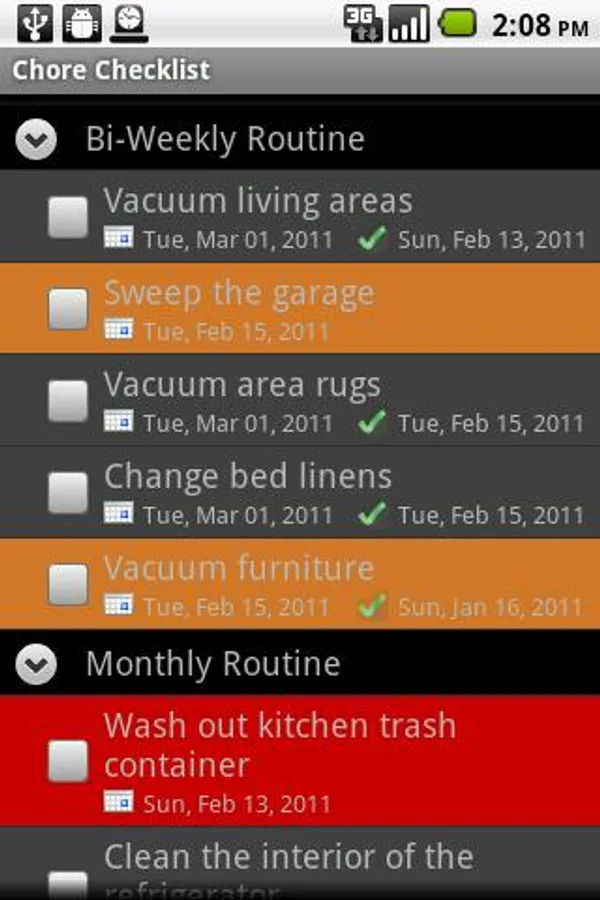
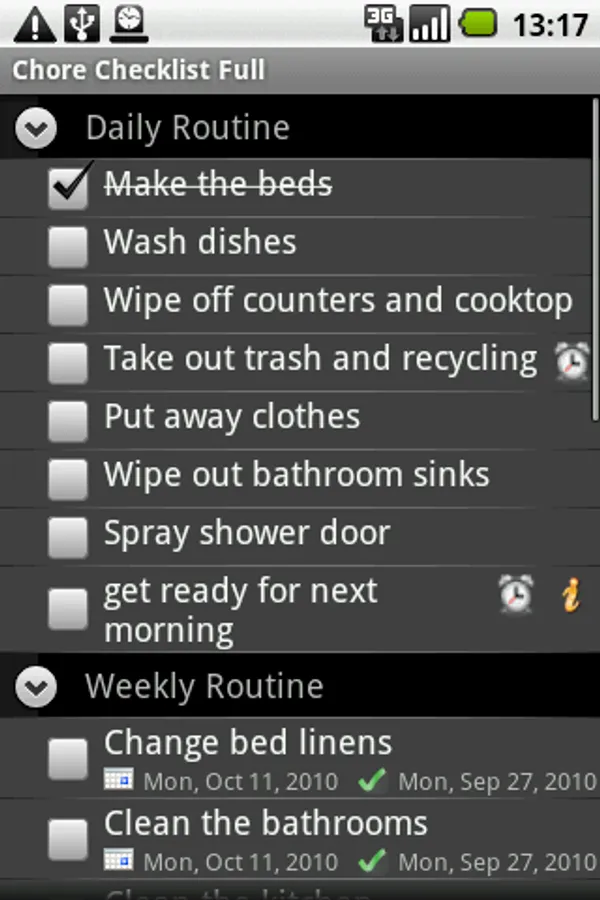
Chore Checklist Cloud Connector is NOT a standalone application. It needs to be used along with Chore Checklist Full Version (v2.0.0 or later). You cannot open it. When you have it installed, you can upload/download your chore checklists to/from our cloud server using the Chore Checklist Full app. You can backup your lists, edit them online and share with other users.
You will need to register at www.dotnetideas.com first. After you download and install this cloud connector, please stop and re-start Chore Checklist Full app in order for it to recognize this add-on. The "Sync List" menu will be enabled. It will prompt you to login if you haven't done so.
If you run into any issue, please feel free to contact us at support@dotnetideas.com. We will always work with you and try to solve it. If we can't solve it or you decide you don't want it anymore, we will always give you a full refund within one year of purchase. Thank you for your support.
Release history:
4/11/2012 V1.0.1
Fix "Force Close" error when download list on some devices
You can download "Opus - Task Helper" from the Google Play Store by following this link:
https://play.google.com/store/apps/details?id=com.dotnetideas.opus
Please feel free to contact us at support@dotnetideas.com if you have any questions.
Chore Checklist Cloud Connector is NOT a standalone application. It needs to be used along with Chore Checklist Full Version (v2.0.0 or later). You cannot open it. When you have it installed, you can upload/download your chore checklists to/from our cloud server using the Chore Checklist Full app. You can backup your lists, edit them online and share with other users.
You will need to register at www.dotnetideas.com first. After you download and install this cloud connector, please stop and re-start Chore Checklist Full app in order for it to recognize this add-on. The "Sync List" menu will be enabled. It will prompt you to login if you haven't done so.
If you run into any issue, please feel free to contact us at support@dotnetideas.com. We will always work with you and try to solve it. If we can't solve it or you decide you don't want it anymore, we will always give you a full refund within one year of purchase. Thank you for your support.
Release history:
4/11/2012 V1.0.1
Fix "Force Close" error when download list on some devices
Chore Checklist CloudConnector Screenshots
Tap to Rate: