In this chore management app, users can create, track, and reset recurring chores with customizable settings. Includes routines, progress tracking, reminders, and statistics reports.
AppRecs review analysis
AppRecs rating 3.8. Trustworthiness 72 out of 100. Review manipulation risk 31 out of 100. Based on a review sample analyzed.
★★★☆☆
3.8
AppRecs Rating
Ratings breakdown
5 star
63%
4 star
11%
3 star
3%
2 star
5%
1 star
17%
What to know
✓
Credible reviews
72% trustworthiness score from analyzed reviews
✓
Good user ratings
74% positive sampled reviews
✓
Authentic reviews
Natural distribution, no red flags
About Chore Checklist
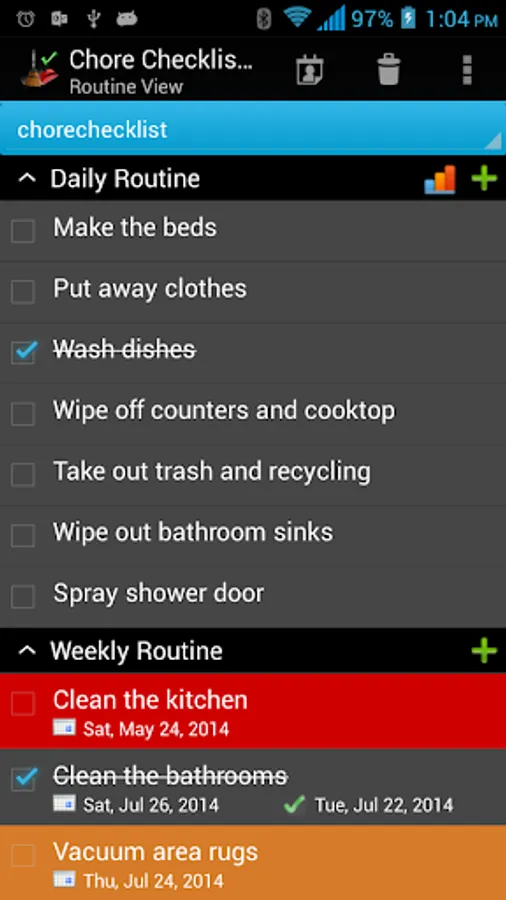
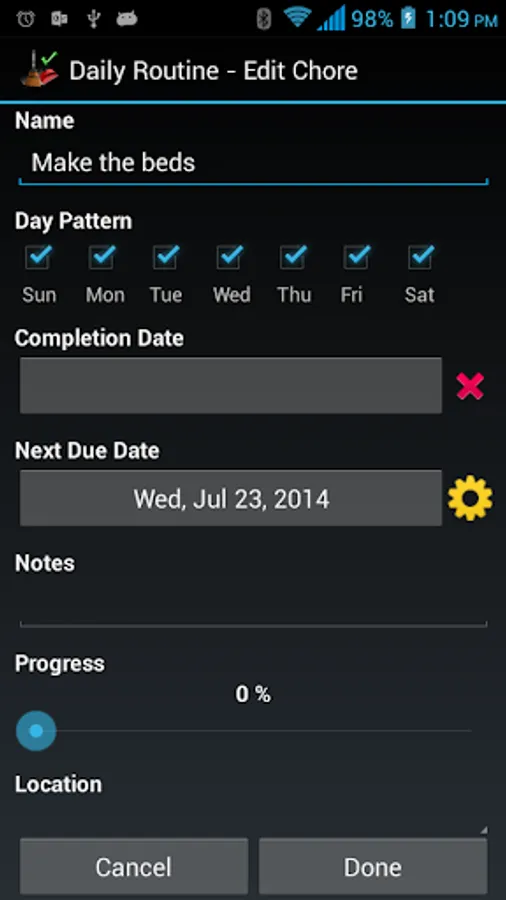
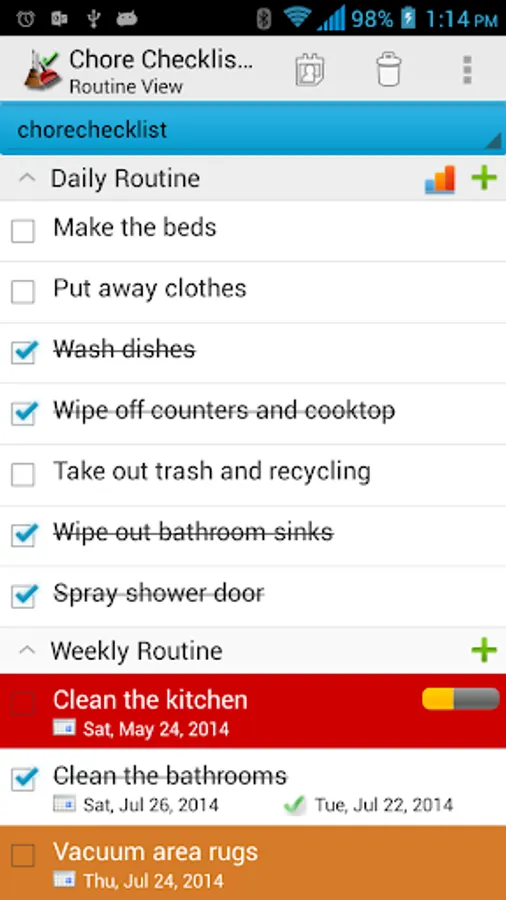
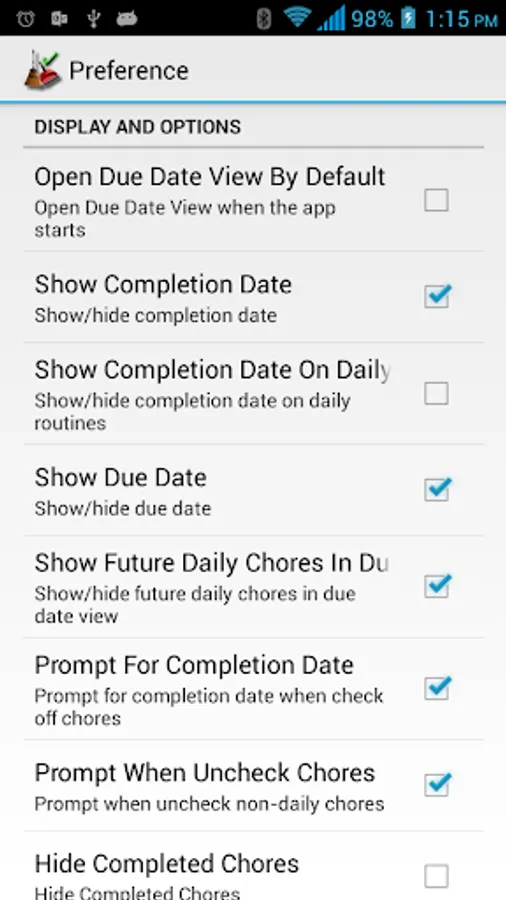
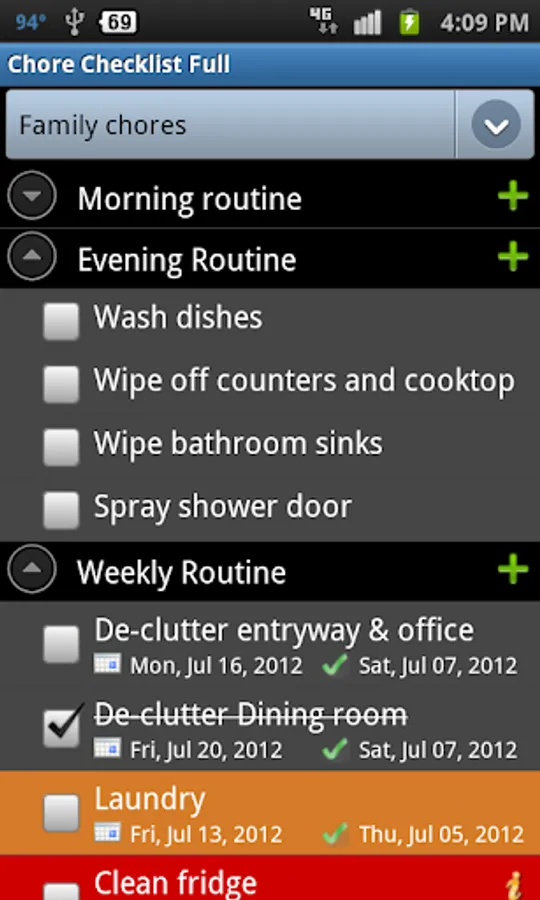
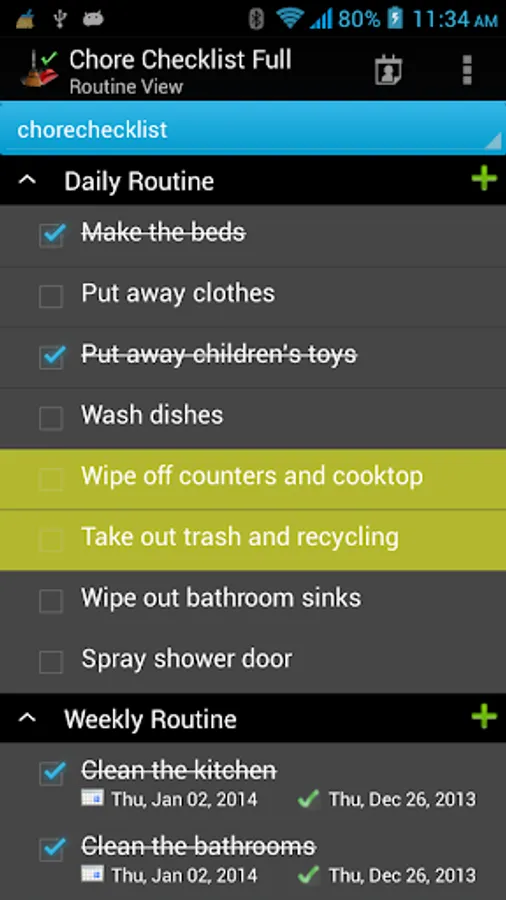
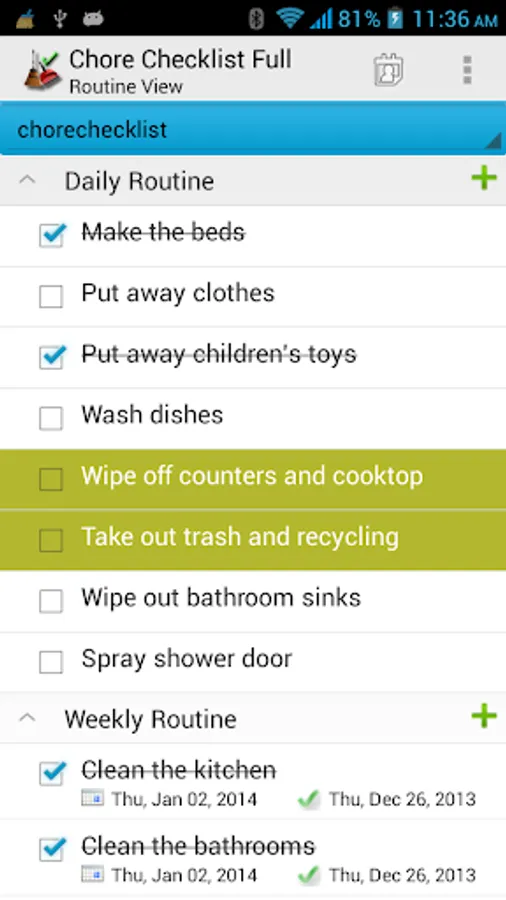
It comes with a pre-loaded check list which has routines, such as "Daily Routine", "Weekly Routine", "Monthly Routine" and etc. You can edit them or add new routine/chores. You can set start/end date, reminder, progress, and notes for each chore.
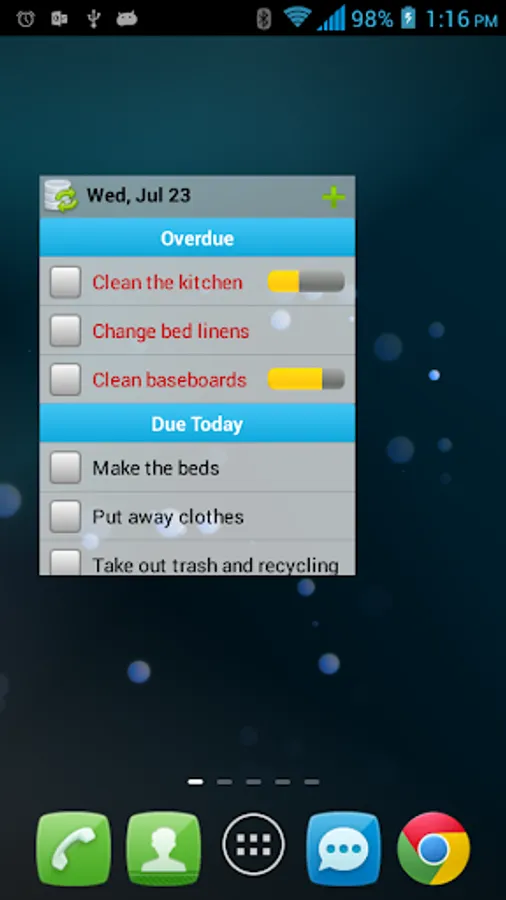
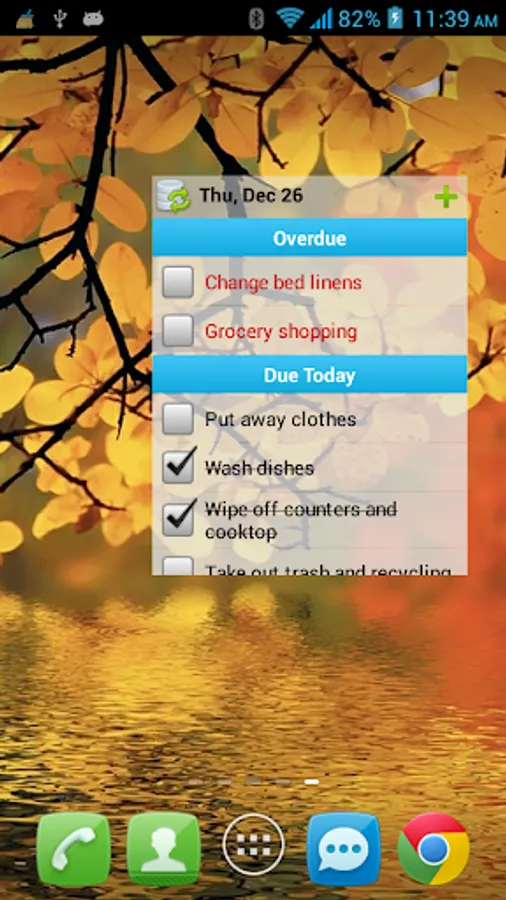
You will need to install this app on your phone(not SD card) in order to add a widget to home screen.
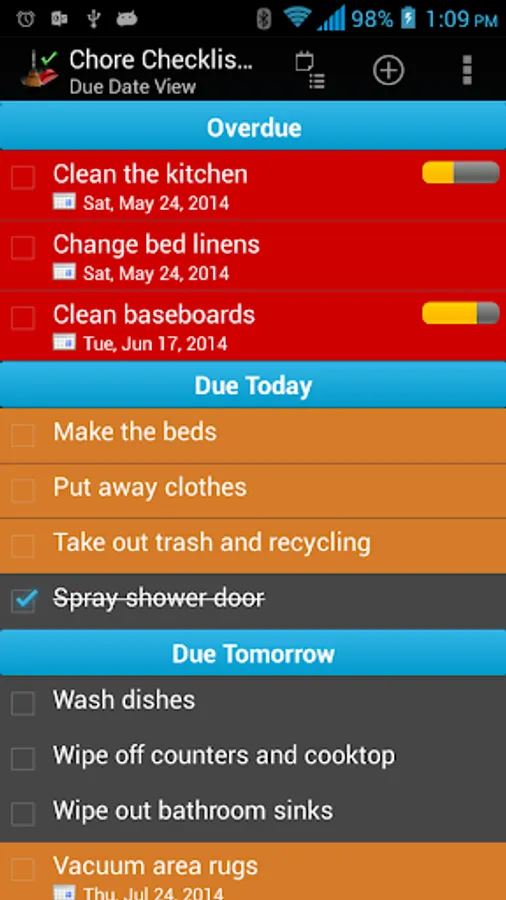
The app also allows you to create multiple lists. In "Due Date View", the user can combine multiple lists into one view sorted by due date.
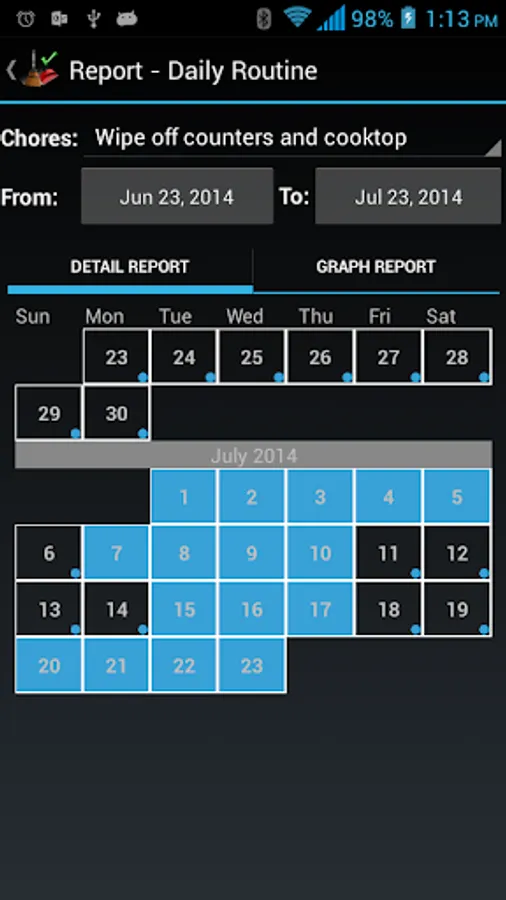
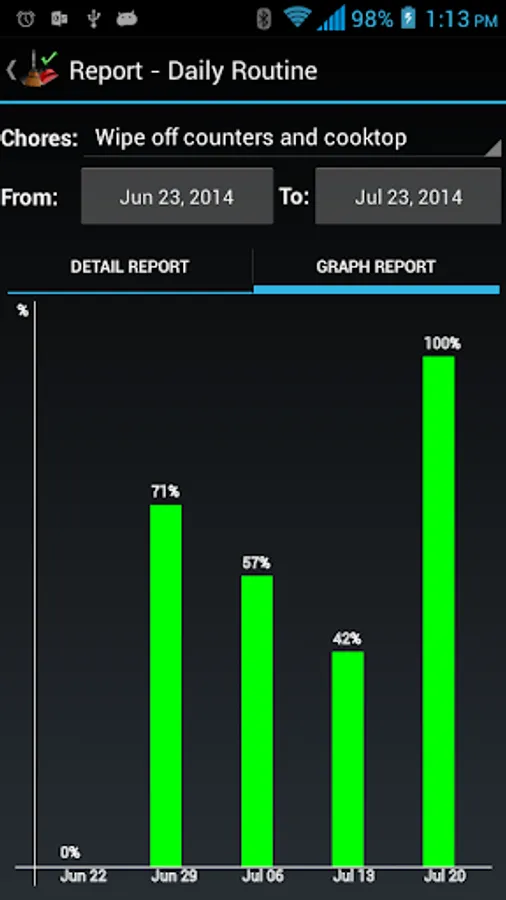
The full version doesn't have Ads. There are also statistics reports to record chore completion history. With separate purchase of Chore Checklist Cloud Connector, the full version users can sync/backup to the cloud and share their lists between devices and users. We also provide free online editor at www.dotnetideas.com for easy list editing. However, this list syncing feature will be retired at the end of 2023. We highly recommend trying out our newly redesigned "Opus - Task Helper" app, which offers a seamless and instant automatic sync feature through a new cloud service. The app is free, supported by banner Ads. You can download the app from the Google Play store at https://play.google.com/store/apps/details?id=com.dotnetideas.opus
***Upgrade from Lite to Full app:
When you upgrade from lite to full, you can use the "Backup and Restore" feature to migrate your data.
To backup your lists, open the lite app and click on "Menu"->"Backup and Restore"->"Backup" in Routine View. Then click on "Backup" to use the default folder or "Select Folder" to choose different location.
Then open the full version, click on "Menu"->"Backup and Restore"->"Restore". It will open default backup location. Choose the folder which contains backup files and click on "Restore". If you have chosen different backup location, then navigate to that location and click on "Restore".
Chore Checklist Screenshots
Tap to Rate:
Reviews for Chore Checklist
Afterburnerdynamo
12/4/2025
Not working for the Pixel 8a because no sd card from phone, please fix so i can run on the internal drive on my pixel 8a?
judy B
8/10/2025
So disappointed. Stopped using the app for a few years because I didn't have the data so I uninstalled and couldn't remember what this app was called, but I finally found it today. Why do you devs do this?? Nothing wrong with this app. Pretty sure I bought this app and this is why I will not spend money on apps again because all my favorite apps that I spent money on have gone away. 5 stars still for the old app before you devs changed everything.