Opus - Task Helper
DotNetIdeas
2.8 ★
35 ratings
500+
downloads
Free
+ in-app
In this task management app, you can create, customize, and organize chores and responsibilities. Includes task tracking, automatic resets, and list sharing features.
AppRecs review analysis
AppRecs rating 2.9. Trustworthiness 92 out of 100. Review manipulation risk 15 out of 100. Based on a review sample analyzed.
★★☆☆☆
2.9
AppRecs Rating
Ratings breakdown
5 star
33%
4 star
0%
3 star
18%
2 star
9%
1 star
39%
What to know
✓
Low review manipulation risk
15% review manipulation risk
✓
Credible reviews
92% trustworthiness score from analyzed reviews
⚠
Mixed user feedback
Average 2.8★ rating suggests room for improvement
About Opus - Task Helper
Key Features:
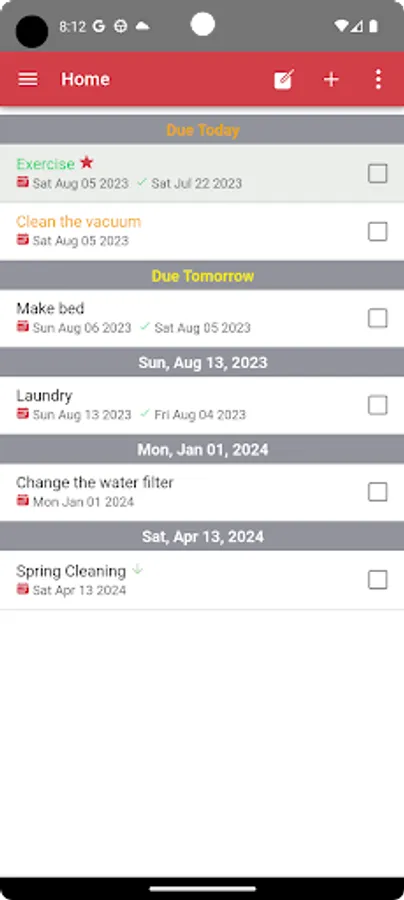
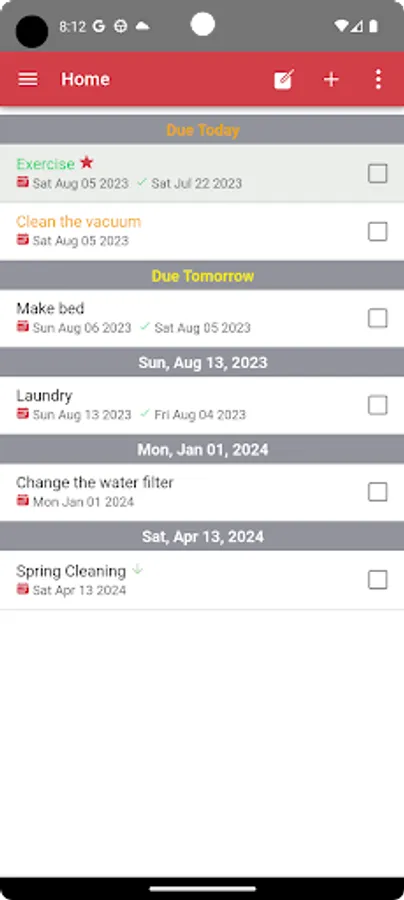
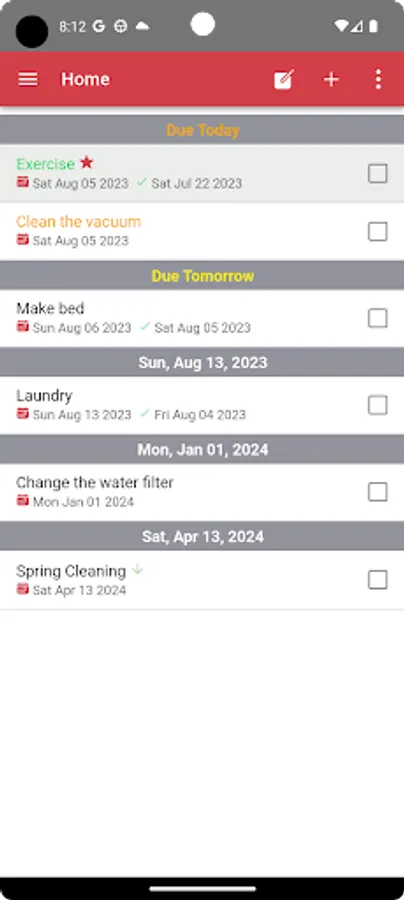
1. Efficient Task Tracking: Opus records the completion date of each task and calculates the next due date based on your preferences. Say goodbye to missed deadlines and confusion, and stay on top of your responsibilities effortlessly.
2. Automatic Reset: Enjoy a fresh start for recurring chores with Opus' automatic reset feature. Daily chores reset after midnight (or any hour you specify in "Preferences"). For weekly, monthly, or other recurring tasks, progress is reset based on customizable conditions for optimal efficiency. Check out the "Automatic Reset" section in the Help menu for more details.
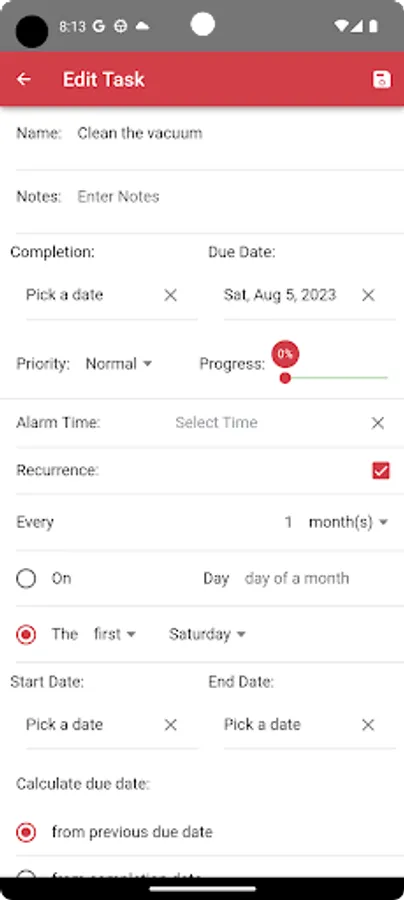
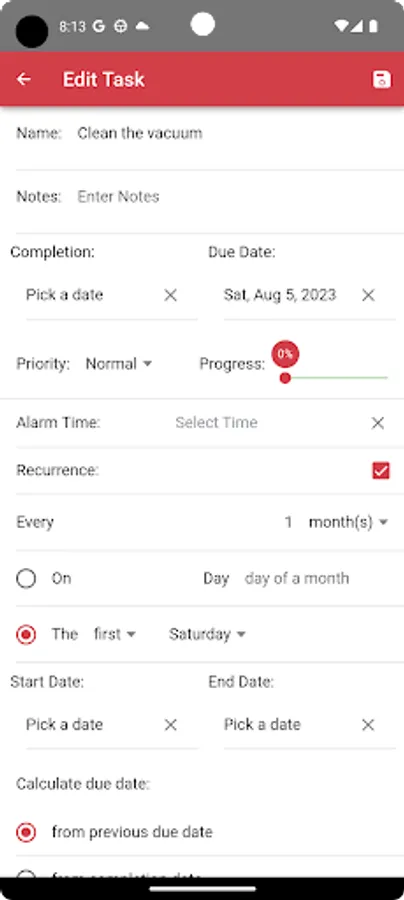
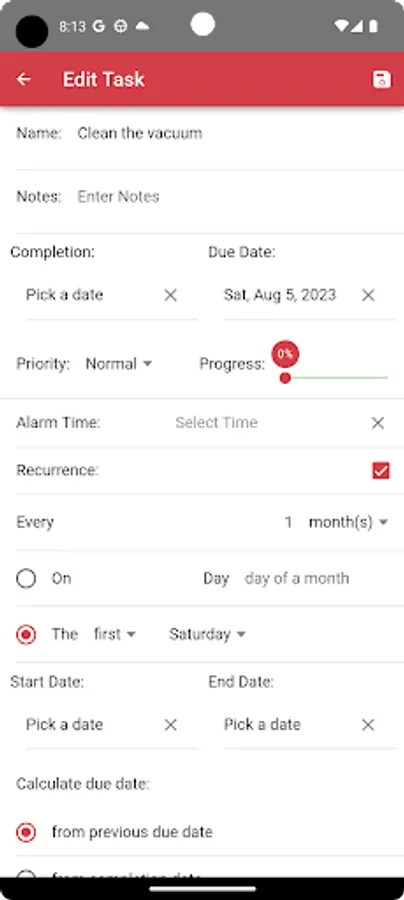
3. Customizable Task Details: Tailor each chore to your specific requirements. Opus allows you to set start/end dates, reminders, progress tracking, and notes for every task. Personalize your tasks to suit your unique preferences and stay organized in your own way.
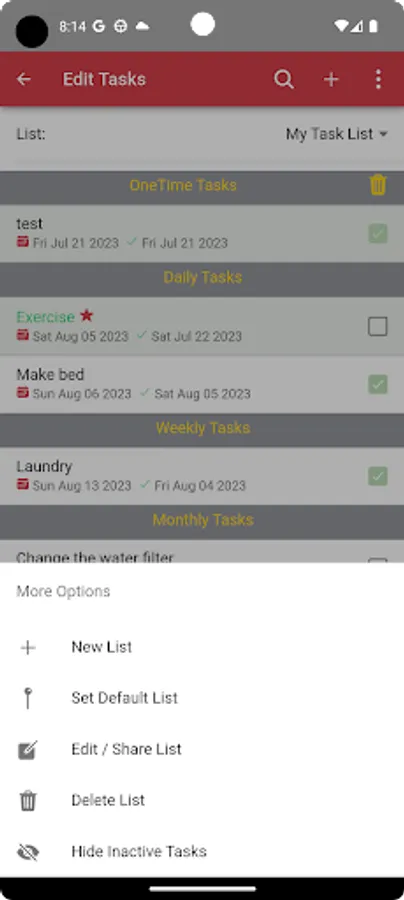
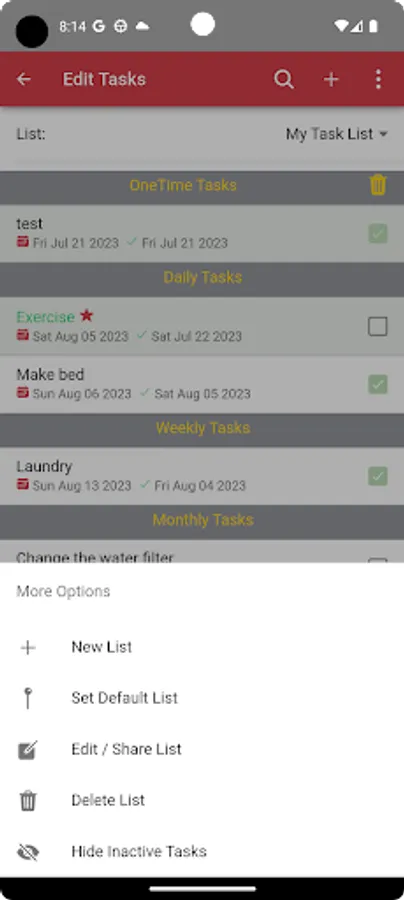
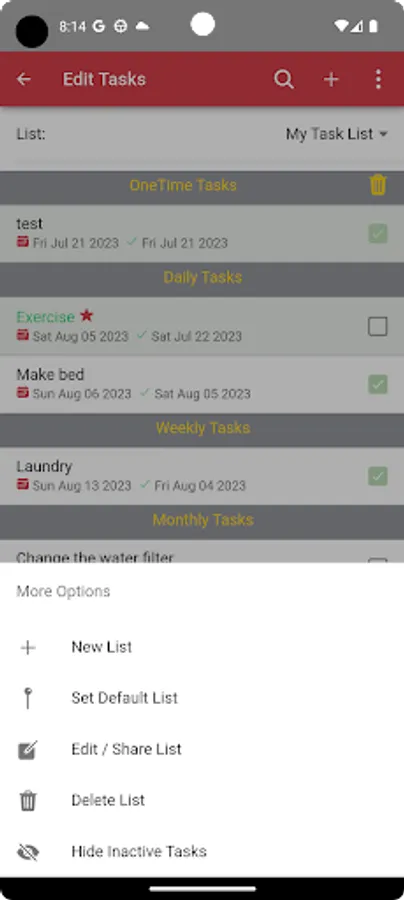
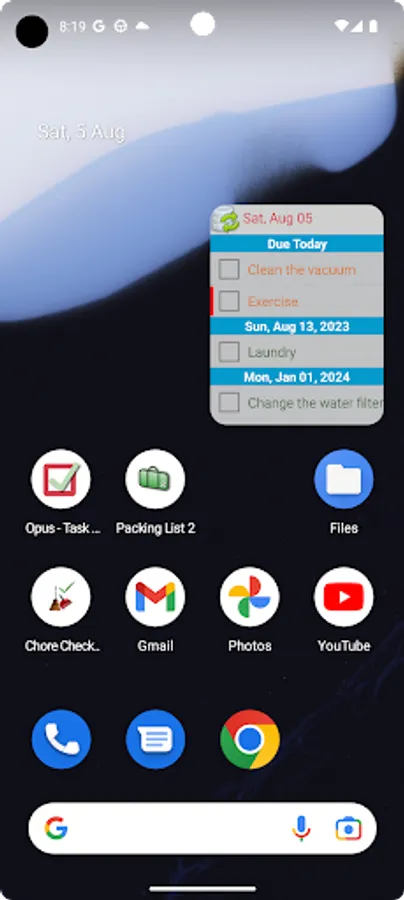
4. Multiple List Creation: Create multiple lists within Opus to categorize tasks effectively. Whether it's chores at home, work-related tasks, or special projects, you can effortlessly manage them all in one app. Combine multiple lists in the "Due Date View" to have a comprehensive overview, sorted by due dates, for seamless task management.
5. Auto Sync: Opus offers the convenience of auto sync, ensuring your task lists are always up to date across multiple devices. With this feature, any changes made to your tasks or lists on one device will automatically sync and reflect on all your connected devices.
6. Share Lists with Other Users: Collaboration made easy! Opus enables you to share your task lists with other users, promoting teamwork and shared responsibility. Whether it's managing household chores with family members or coordinating tasks with colleagues, simply invite others to join your list and keep everyone on the same page. Enjoy effortless task delegation, real-time updates, and improved productivity with the ability to collaborate and share lists within the app.
Experience the joy of a well-organized life with Opus - Task Helper. Download now and take control of your tasks like never before!
Opus - Task Helper Screenshots
Tap to Rate:
Reviews for Opus - Task Helper
M J
1/12/2026
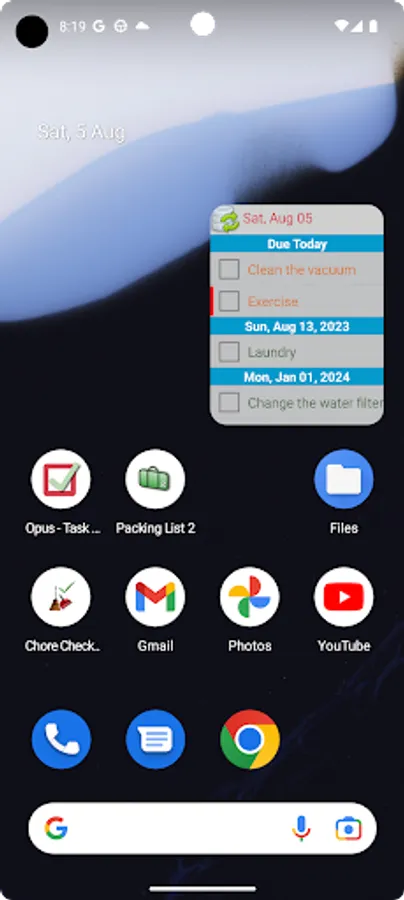
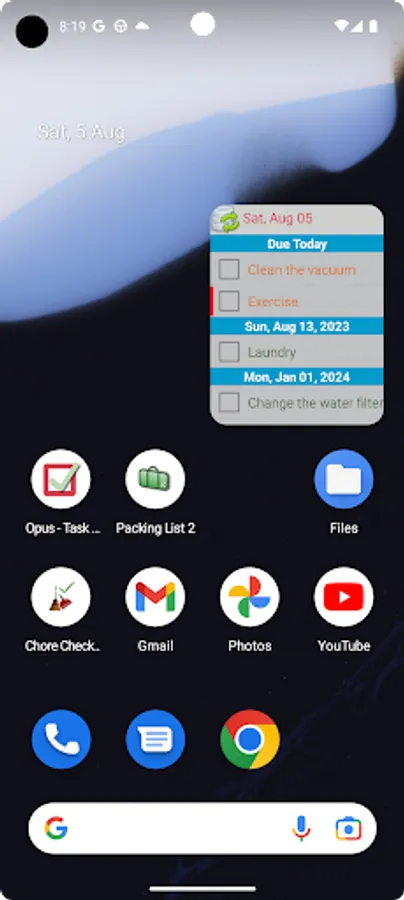
It will not let me change my password or my email. It logs me out. I have lost access on one of my devices. So frustrating because their old app was so perfect!!!!
Joint Schake
7/25/2025
needs the ability to assign to family members with widgets for each family member. Opus specifically doesn't show up in the widget list to be added? found 1 widget for this. chores list and routines. need a single task list that stays until complete without having to set up in settings. I'm finding it hard to figure out which settings to change to make a single task. I love most of the repetitions, but setting up multiple family members without copy is tedious. needs widget customization colors