
CloudPlayer™ cloud & offline
doubleTwist ™
3.7 ★
18K ratings
1,000,000+
downloads
Free
+ in-app
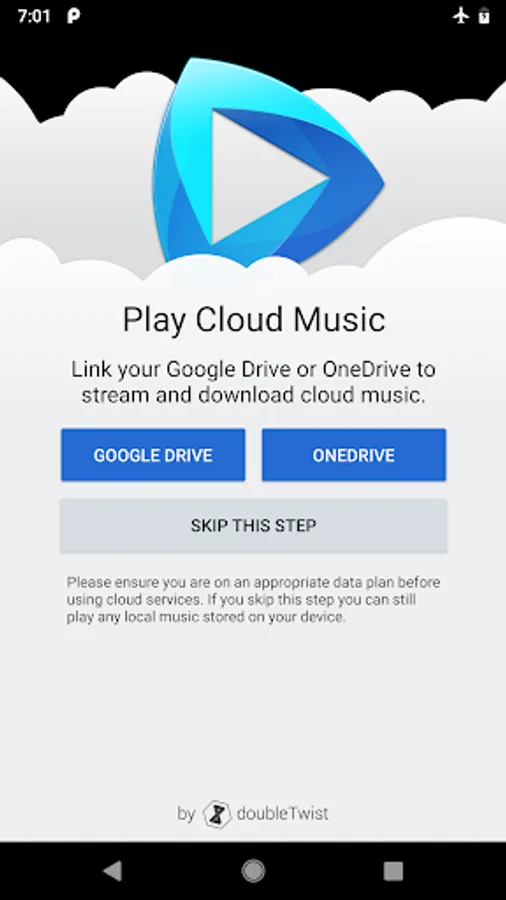
With this music player, you can stream or download music from cloud services and organize your library with filtering and sorting options. Includes support for lossless audio formats, playlist backup and sync, and Chromecast compatibility.
AppRecs review analysis
AppRecs rating 3.5. Trustworthiness 88 out of 100. Review manipulation risk 21 out of 100. Based on a review sample analyzed.
★★★☆☆
3.5
AppRecs Rating
Ratings breakdown
5 star
55%
4 star
10%
3 star
6%
2 star
8%
1 star
22%
What to know
✓
Low review manipulation risk
21% review manipulation risk
✓
Credible reviews
88% trustworthiness score from analyzed reviews
✓
Good user ratings
64% positive sampled reviews
About CloudPlayer™ cloud & offline
CloudPlayer features:
User Interface:
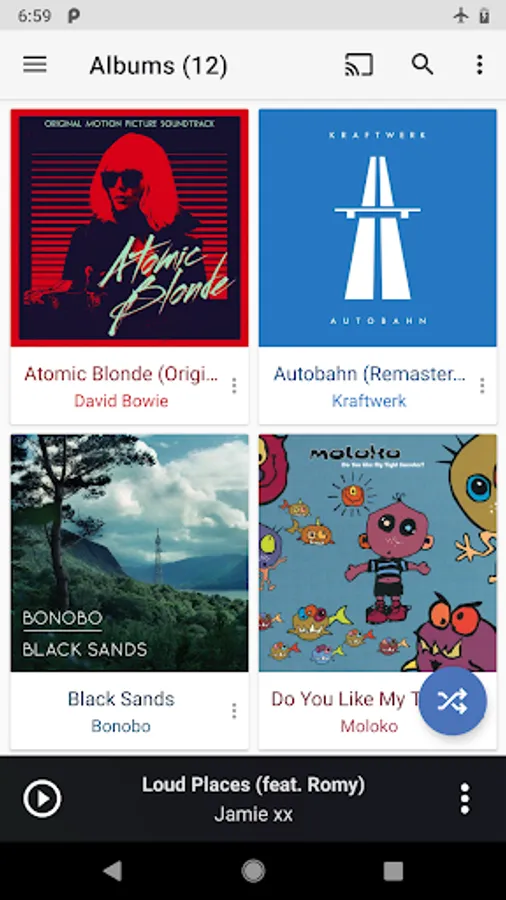
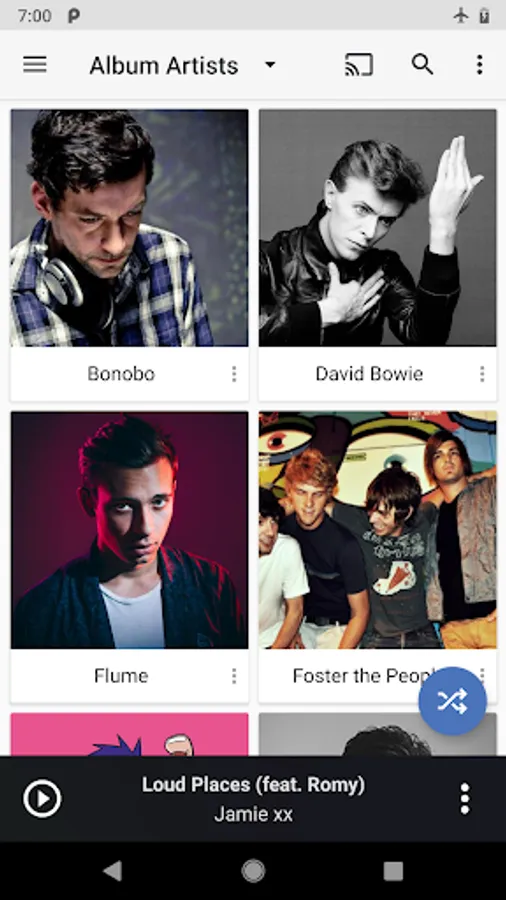
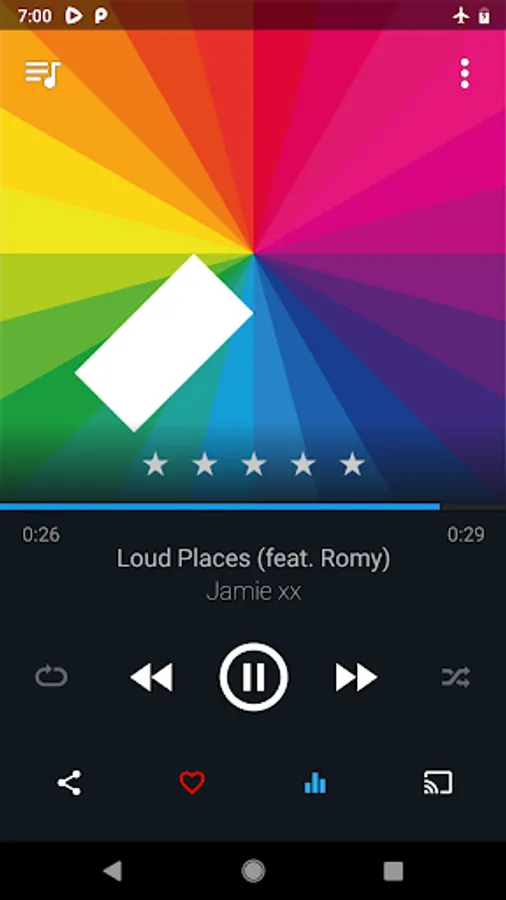
♬ Snappy material design UI
♬ High resolution Artist and album images
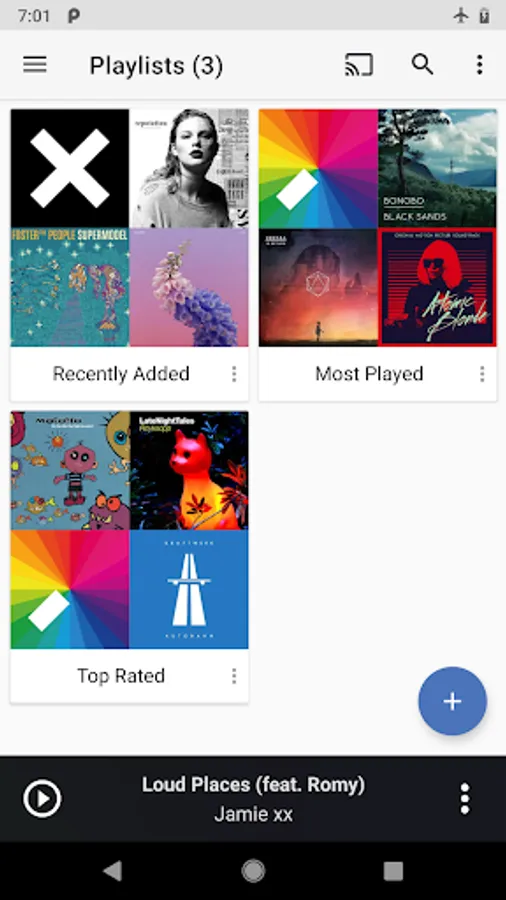
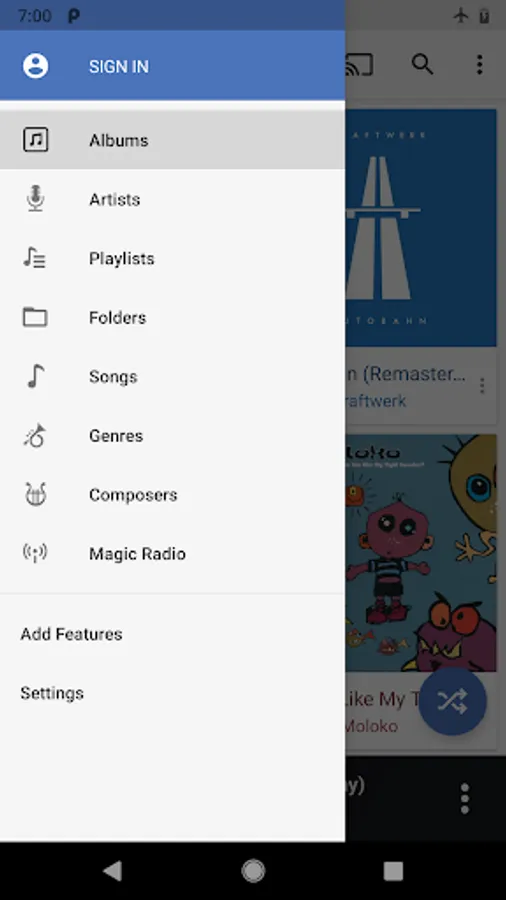
♬ Advanced sorting options for Albums, Artists, Composers, Genres and more
♬ Default screen selection
Premium Sound:
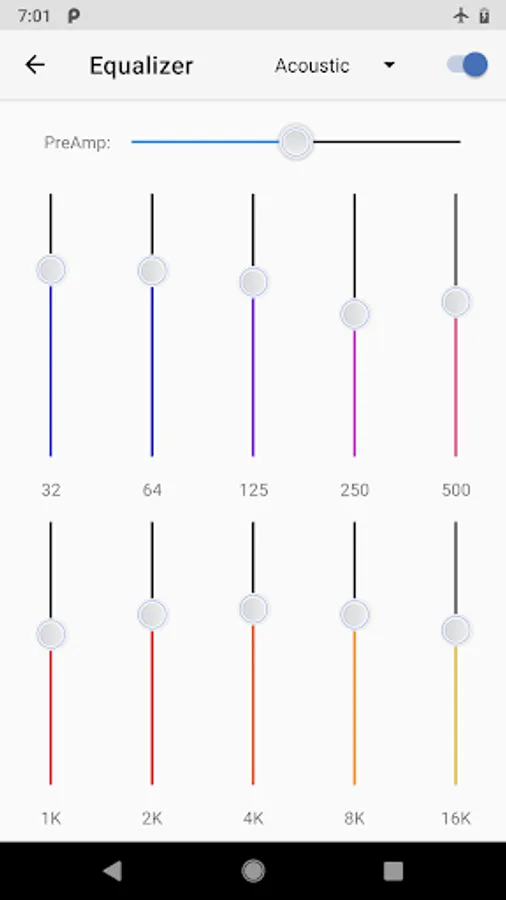
♬ Advanced 10 band equalizer with 17 presets and Preamp (premium)
♬ SuperSound™: Customize your sound with headphone enhancement, bass boost and widening effects (premium)
♬ Support for Lossless file formats such as FLAC and ALAC, including 24-bit audio files
♬ Support for Gapless playback for FLAC, ALAC and MP3/AAC tracks containing gapless metadata (premium)
♬ Support for MP3, AAC, OGG, m4a, wav and more
♬ Support for importing and streaming WMA files from the cloud
Cloud Playlists: (requires optional sign in)
♬ Free back-up of your playlists so you never lose your playlists if you change phones. (optional)
♬ Free playlist sync across your Android devices. For example, playlist changes you make on your tablet will be automatically reflected on your phone and vice versa. (optional)
Cloud music for Dropbox and OneDrive: (premium feature)
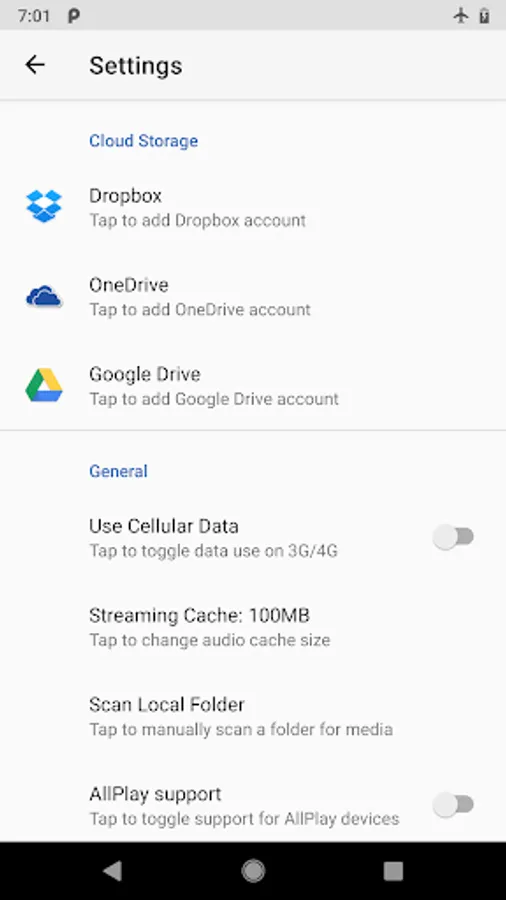
♬ Download or stream music directly from your Dropbox and OneDrive without arbitrary restrictions
♬ DOWNLOADED ONLY switch to filter out cloud songs and only show locally stored music
♬ Cellular Data switch disables the app from using cellular data so you can stream on WiFi without worrying about data caps
Cast to wireless speakers and devices: (premium feature)
♬ Chromecast support
♬ Cast music to supported devices & wireless speakers from your phone or your Dropbox and OneDrive
Other:
♬ Android Wear support
♬ Android Auto support
♬ Scrobble to Last.fm
♬ Beautiful small and large widgets
The basic version of CloudPlayer is free and you automatically get 30 days to try CloudPlayer's premium features: SuperSound™, EQ, gapless playback, Chromecast and cloud support. If you like the premium features, please upgrade and help support future development from our Austin, Texas based team.
Use of this app is subject to the doubleTwist Terms of Use and Privacy Policy available at: http://www.doubletwist.com/legal/
doubleTwist is an authorized Dropbox and OneDrive developer. Use of Dropbox and OneDrive APIs and trademarks is consistent with the Dropbox and Microsoft TOS and TOU:
https://www.dropbox.com/developers/reference/tos
https://docs.microsoft.com/en-us/onedrive/developer/terms-of-use
CloudPlayer™ cloud & offline Screenshots
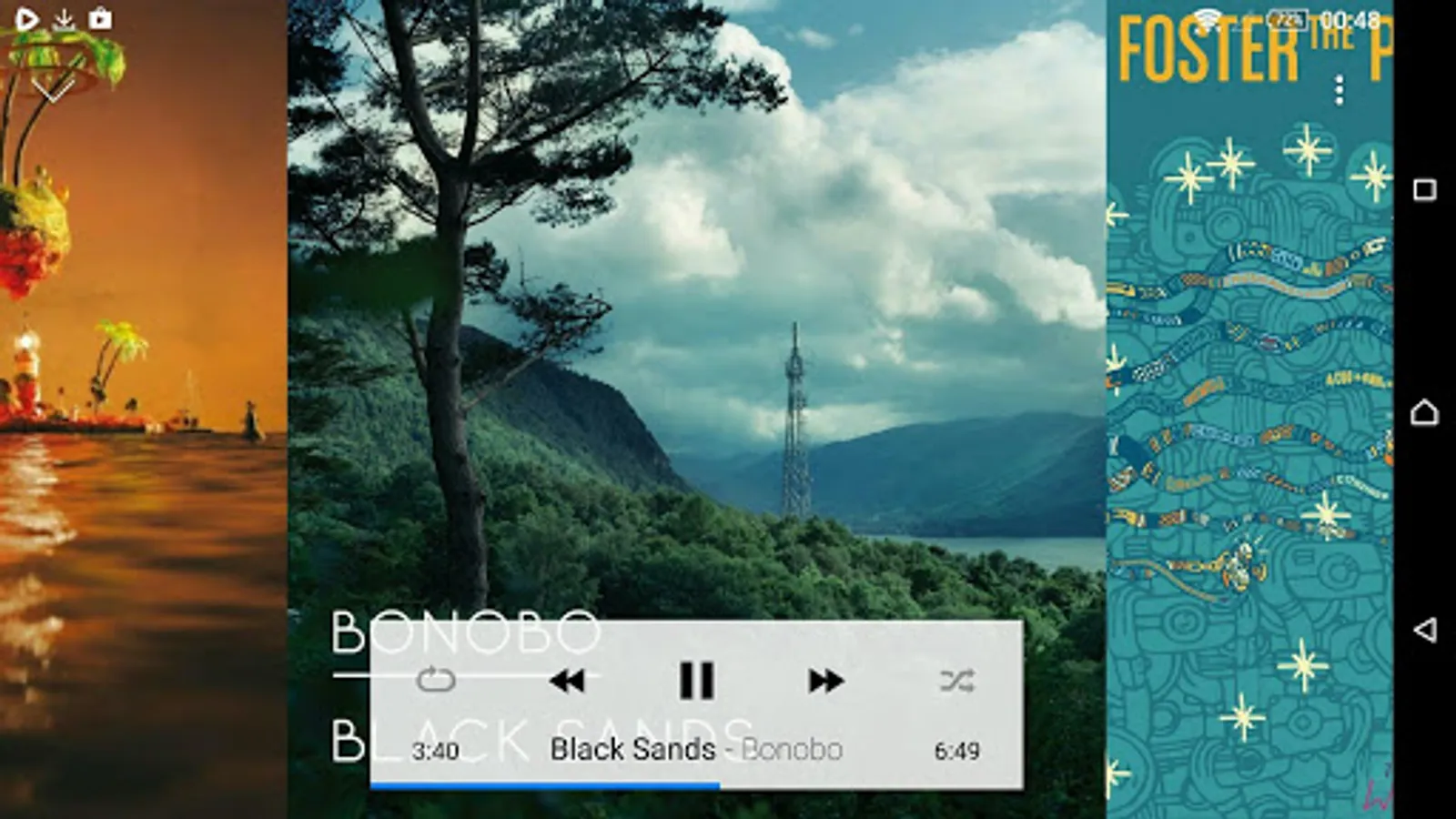
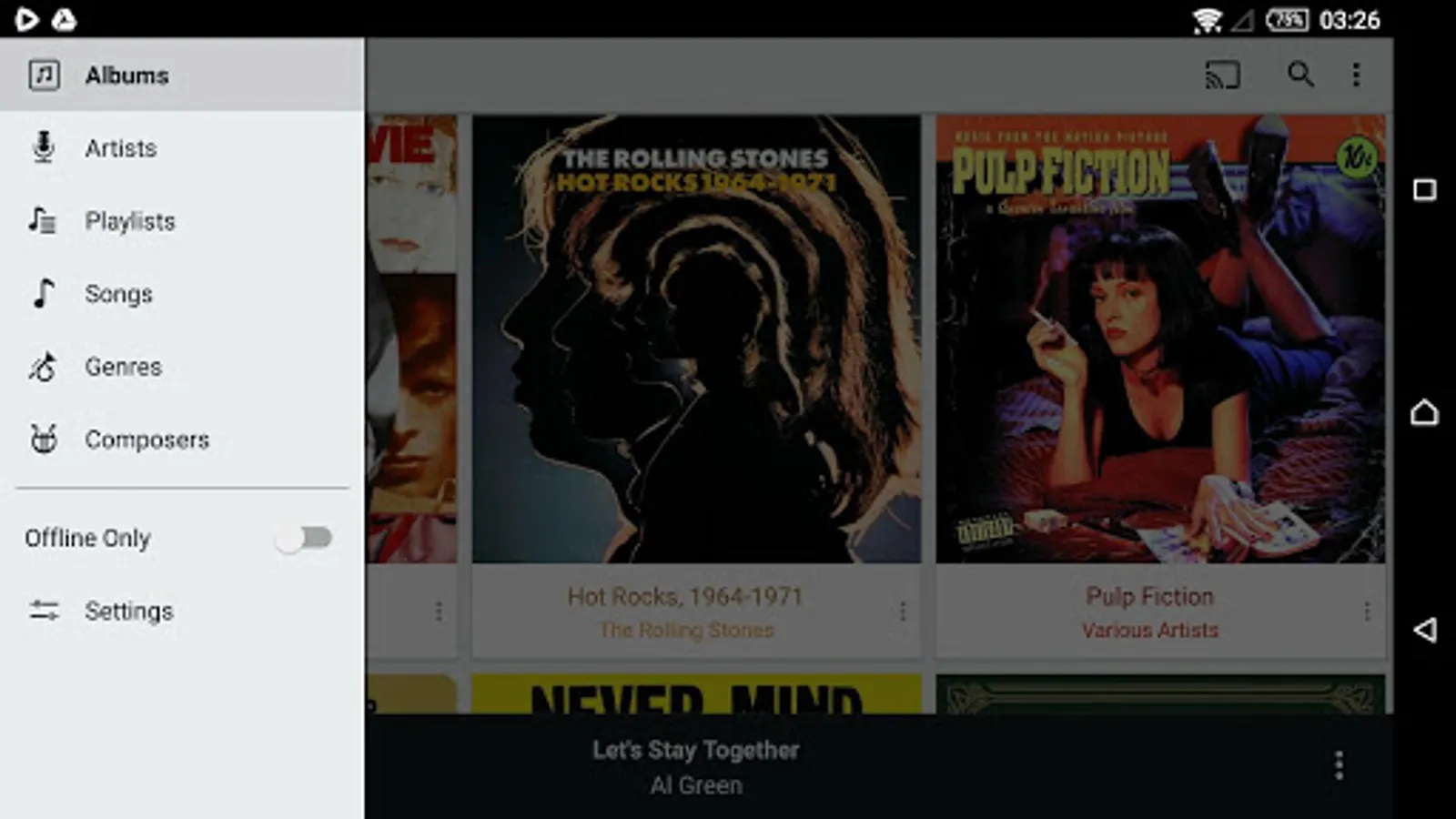
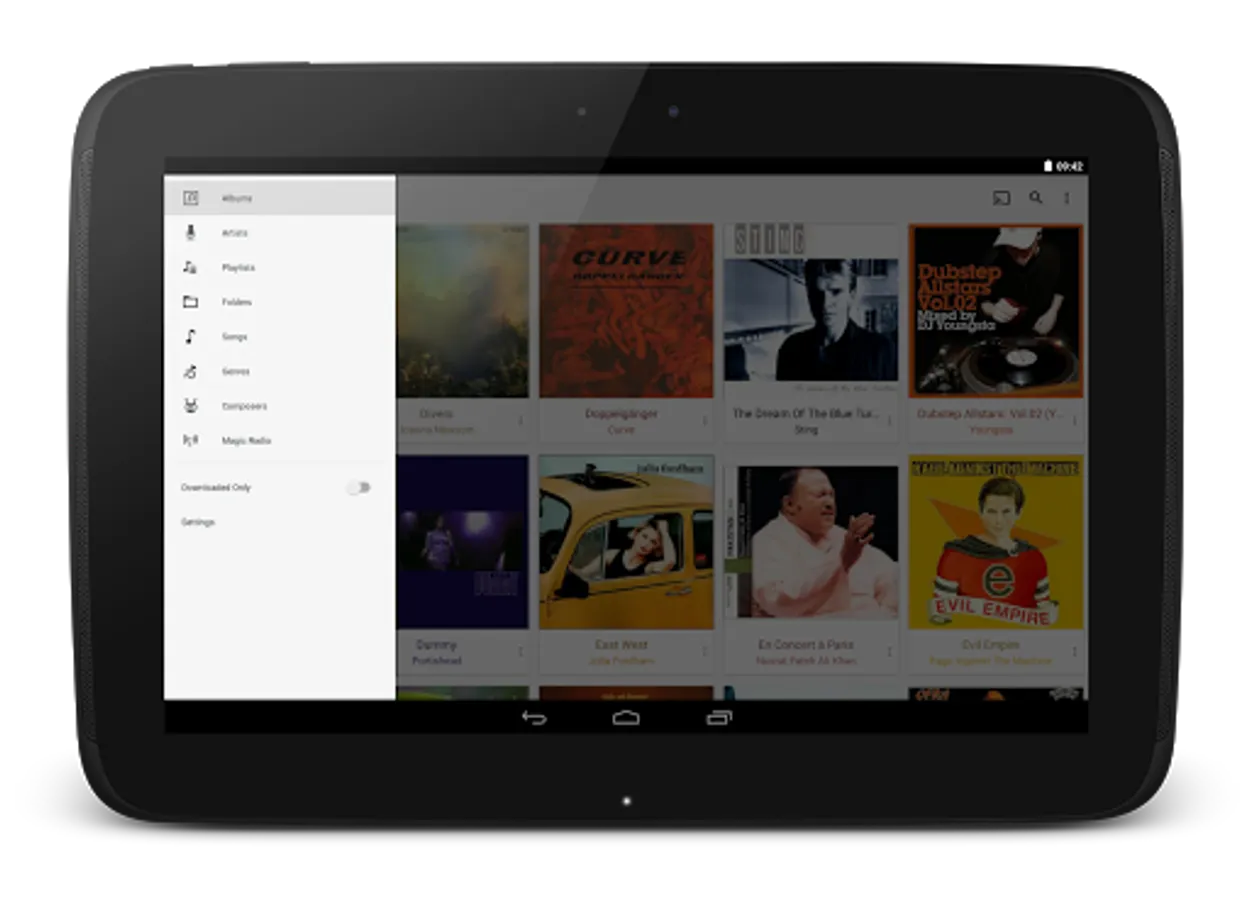
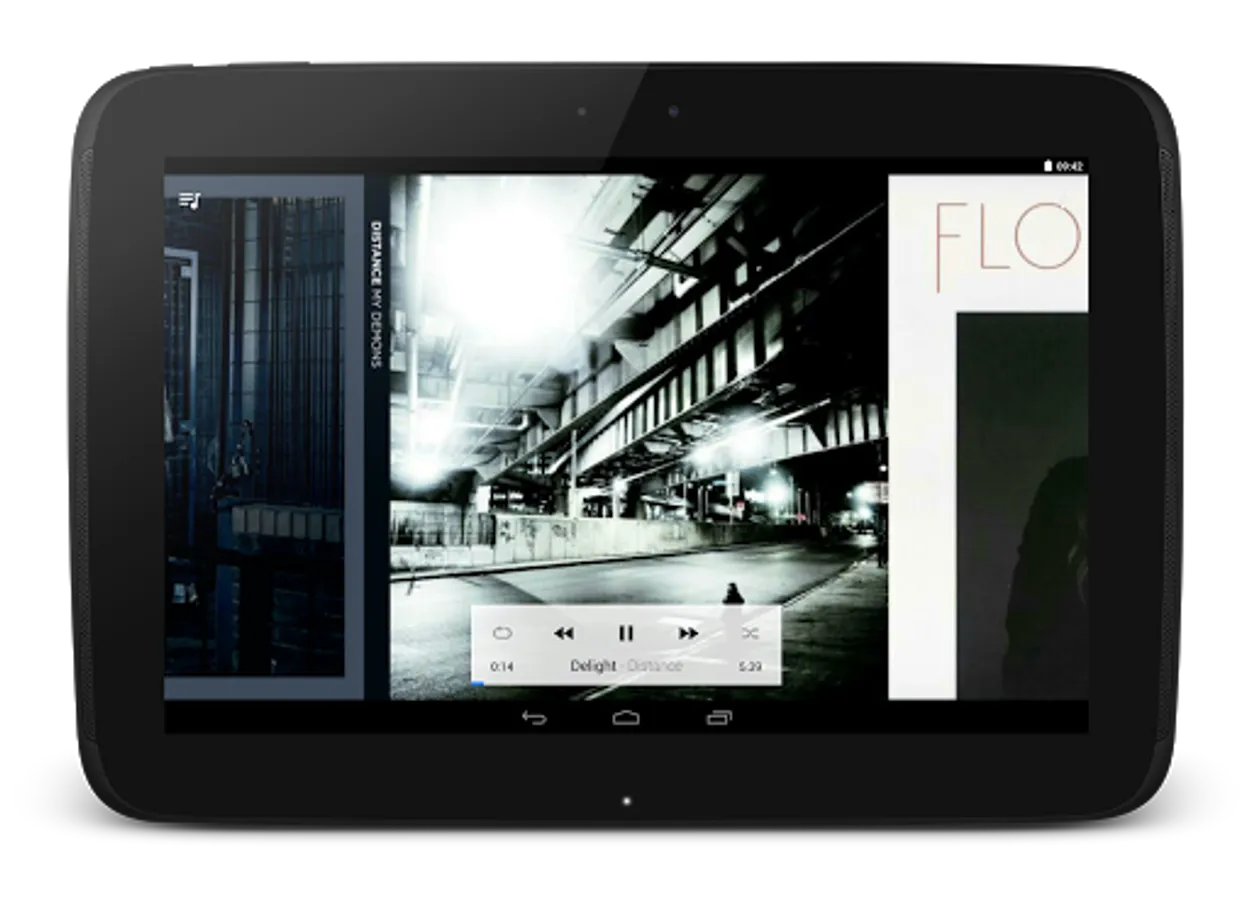
Tap to Rate:
Reviews for CloudPlayer™ cloud & offline
Reuben Pugh
12/29/2025
Scam...Don't pay for the paid version if you're looking to play music via cloud. The free trial works only because it uses OneDrive Cloud API, but once upgraded, it switches to local-file mode for OneDrive, so it will recognise all your OneDrive files, but they won't work... apparently has been like this for a long time...if only I'd known..
Christian Jacqz
12/26/2025
They deleted my entire classical music collection. Disaster...no reply to request for help.