Photo Markup: Draw & Annotate
DVG Tech Apps
3.0 ★
175 ratings
10,000+
downloads
Free
+ in-app
In this photo editing app, users can add text, shapes, and drawings to images from gallery or camera. Includes tools for freehand drawing, shape creation, and text customization.
AppRecs review analysis
AppRecs rating 2.6. Trustworthiness 81 out of 100. Review manipulation risk 22 out of 100. Based on a review sample analyzed.
★★☆☆☆
2.6
AppRecs Rating
Ratings breakdown
5 star
38%
4 star
10%
3 star
7%
2 star
3%
1 star
41%
What to know
✓
Low review manipulation risk
22% review manipulation risk
⚠
Ad complaints
Many low ratings mention excessive ads
⚠
High negative review ratio
45% of sampled ratings are 1–2 stars
About Photo Markup: Draw & Annotate
A very useful tool for everyone specially for students, teachers, architect, doctors and other professionals. With this tool we can point out important portions on photos, add text for further explanations, free hand drawing to write or draw something on photos.
App Features:
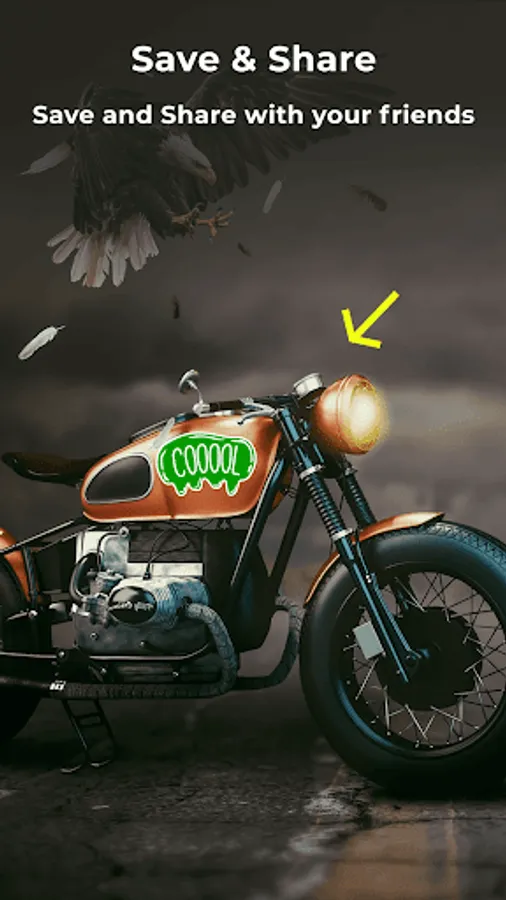
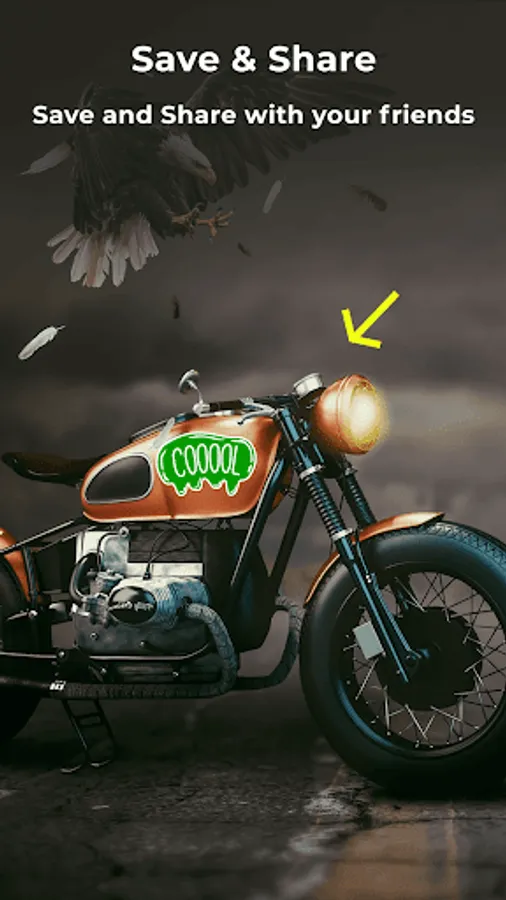
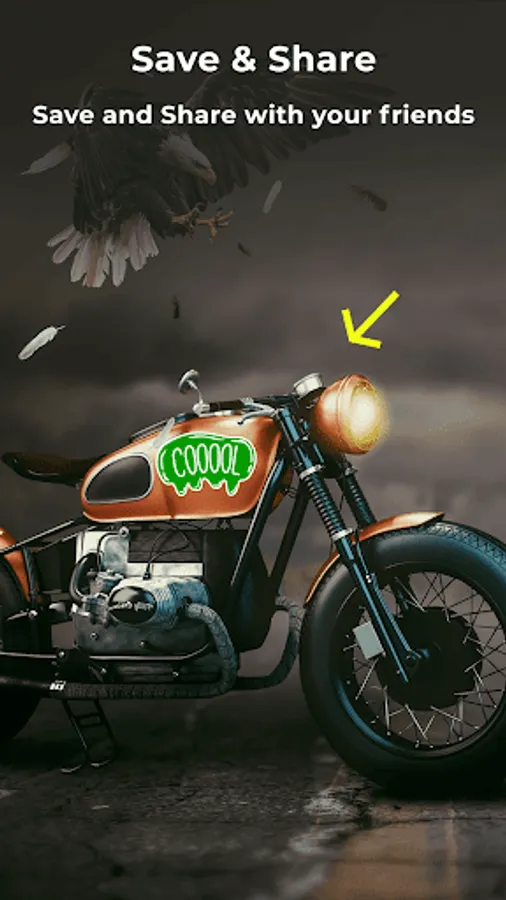
- Add markups on images from gallery or capture new images using mobile camera.
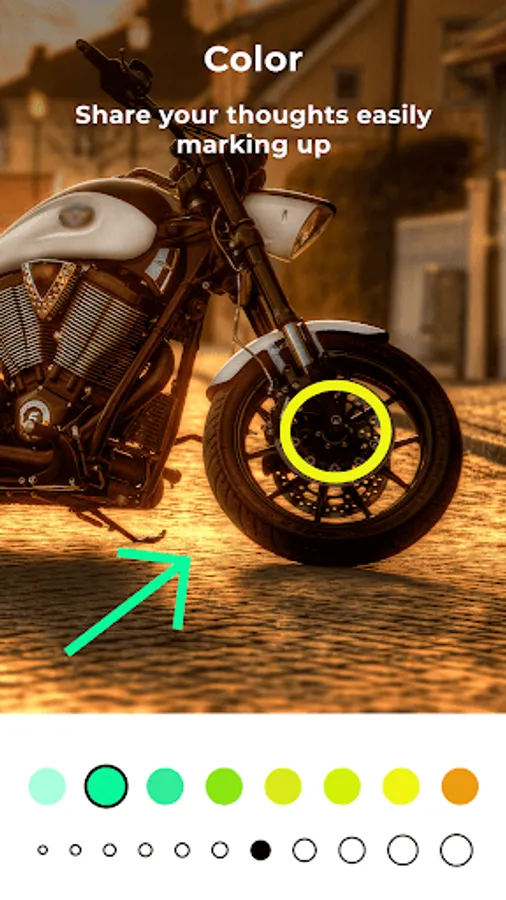
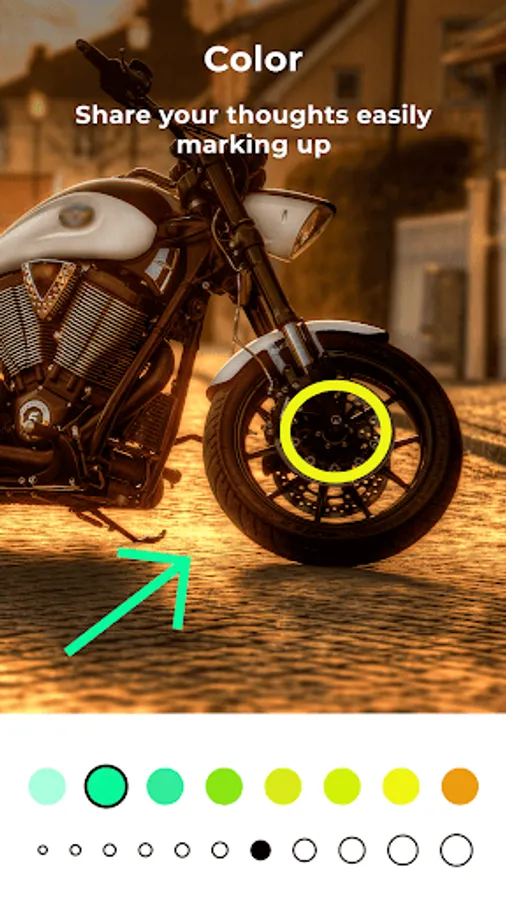
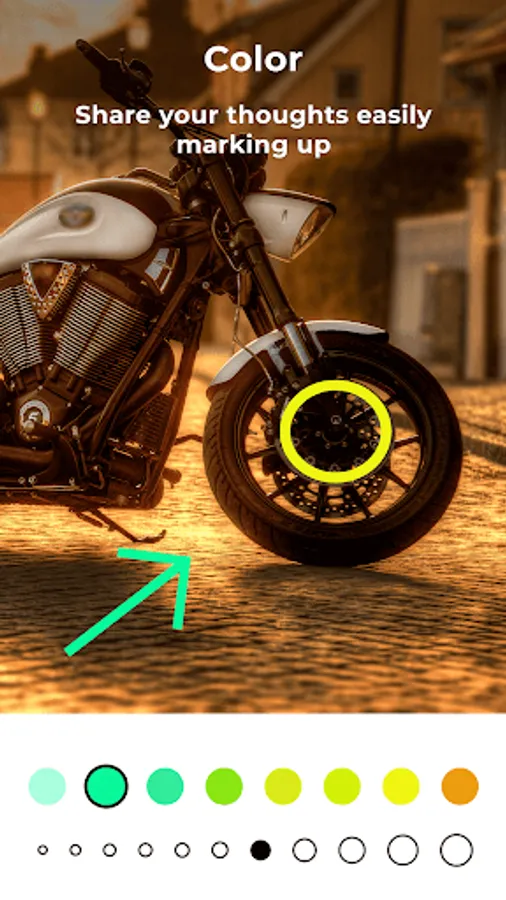
- Use pencil tool for freehand drawing or writing on photo with different thickness and color option.
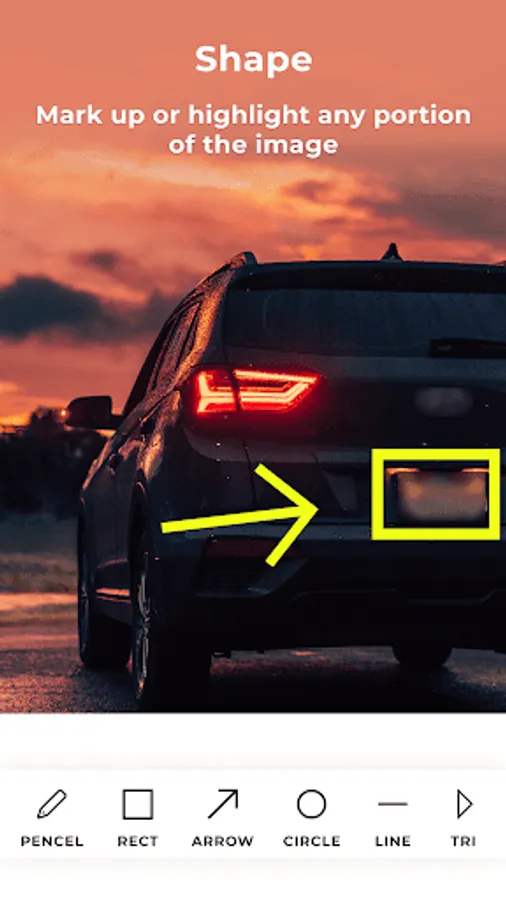
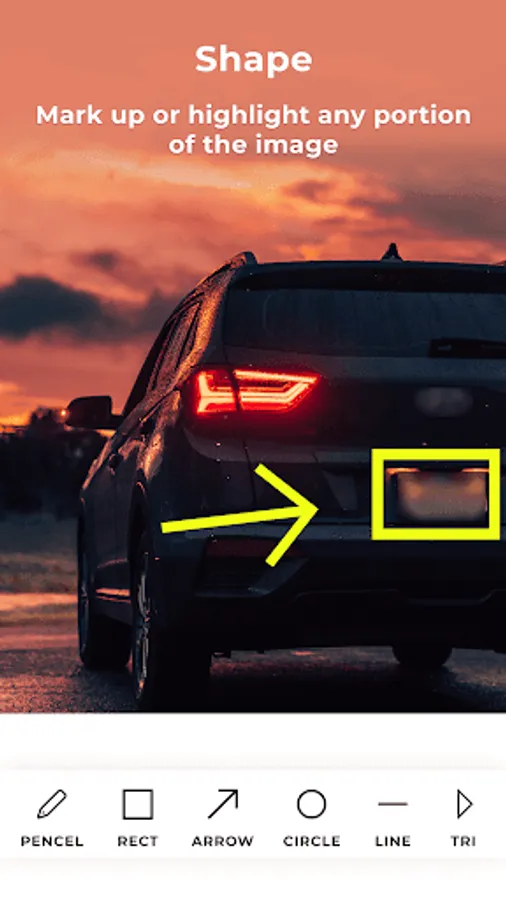
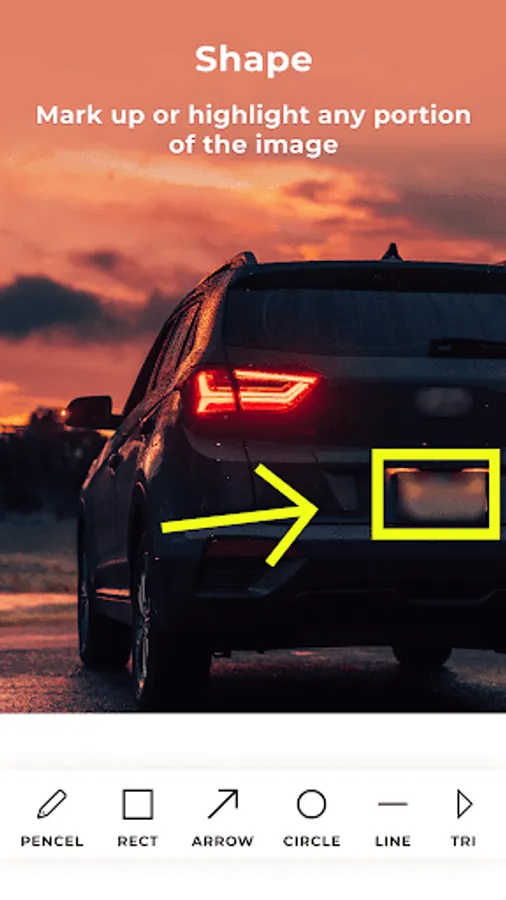
- Create any size or thickness arrow with arrow tool with different thickness and color option.
- Add ready shapes like triangle, rectangle, lines or circles.
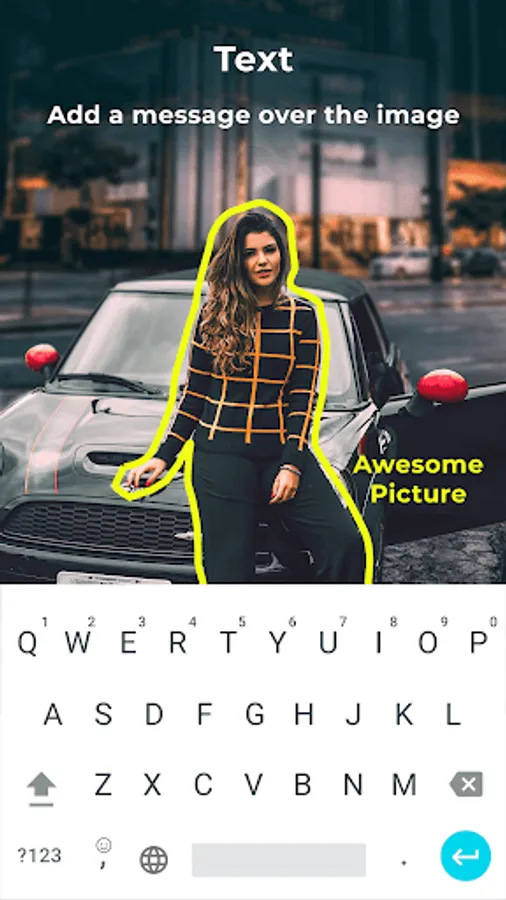
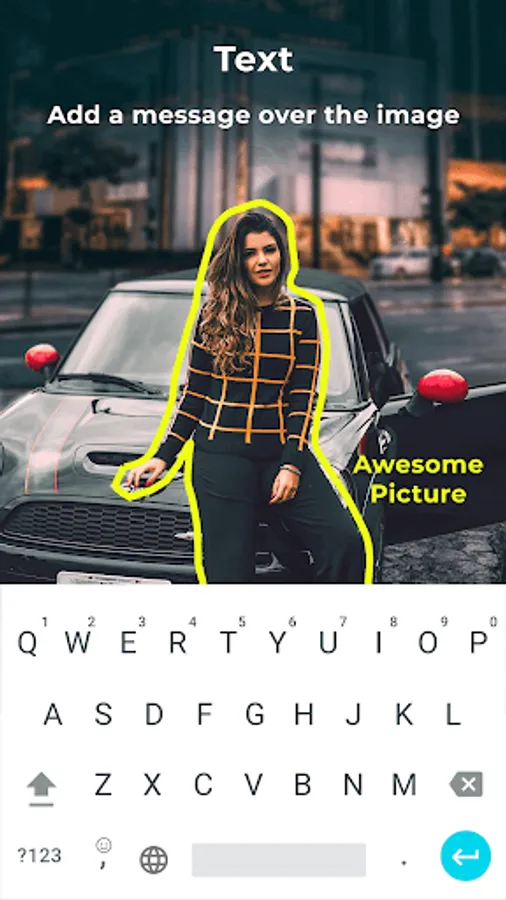
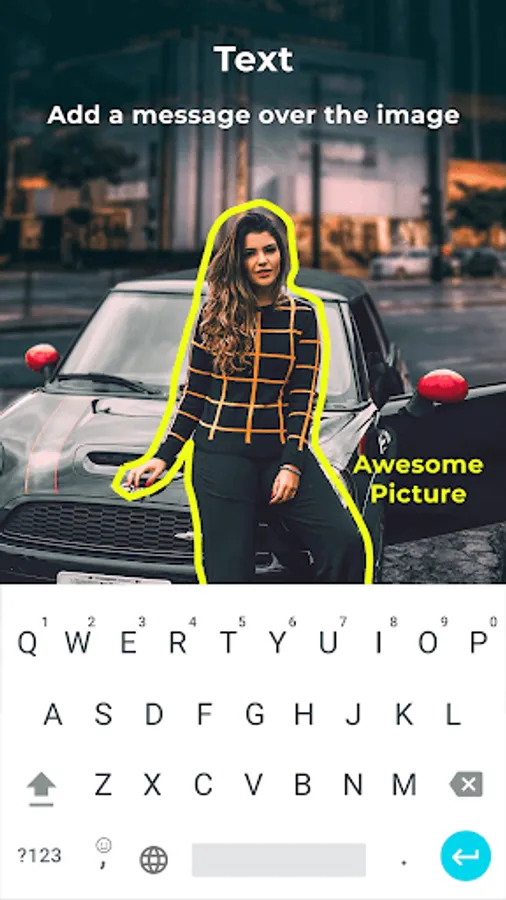
- Add text to images with different color, size and font style.
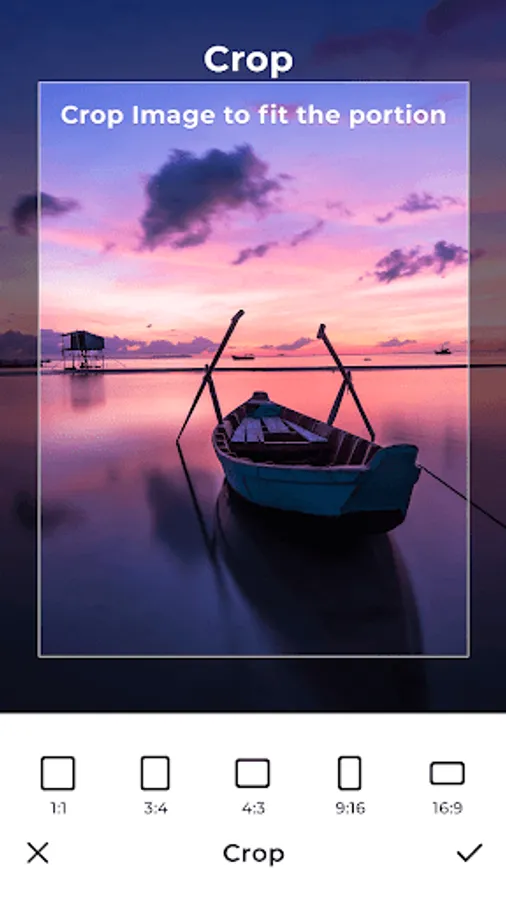
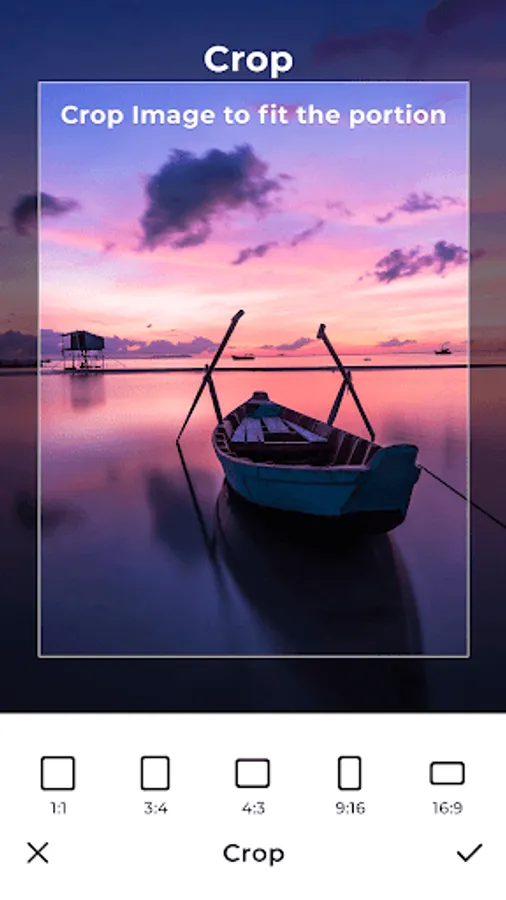
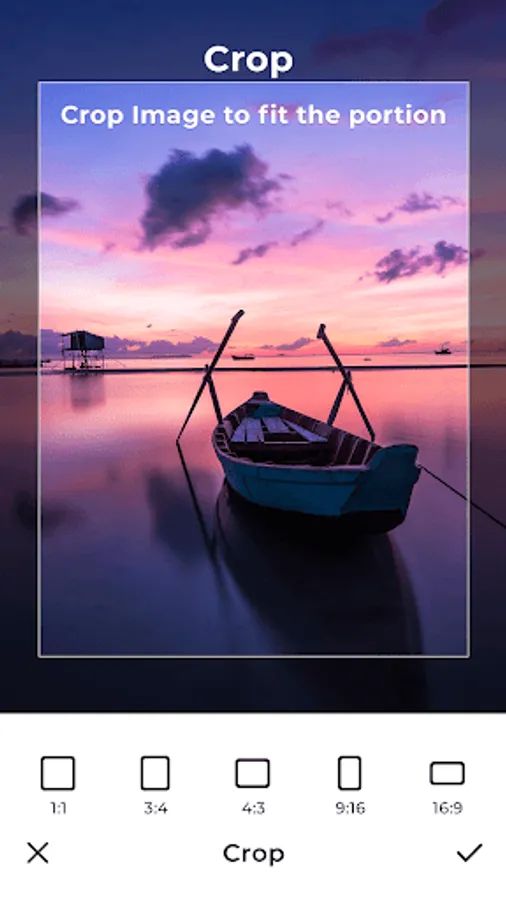
- Cropping feature to crop image with desired size and ratio.
Photo Markup: Draw & Annotate Screenshots
Tap to Rate:
Reviews for Photo Markup: Draw & Annotate
Manoj Bright
12/11/2025
too much ads.could't use it. waste of time trying to use it
Tim Frazer
11/29/2025
For it's small size and limited capabilities this is the most ad intensive app I've ever used. But not only are the ads pervasive, they tend to lock up and don't respond to taps. Taps to close the ad after watching it completely, for example. Apart from the ads, this app can put symbols such as arrows on your photos, and that's about it. I highly suggest you not waste your time with this app.