In this media streaming app, you can watch live broadcasts from six channels, including EBS1TV, and search for programs easily. Includes live TV access, program recommendations, and favorite list management.
AppRecs review analysis
AppRecs rating 4.1. Trustworthiness 54 out of 100. Review manipulation risk 35 out of 100. Based on a review sample analyzed.
★★★★☆
4.1
AppRecs Rating
Ratings breakdown
5 star
51%
4 star
20%
3 star
20%
2 star
0%
1 star
10%
What to know
✓
High user satisfaction
71% of sampled ratings are 4+ stars (4.0★ average)
✓
Authentic reviews
Natural distribution, no red flags
About EBS play
[EBS Play Key Features]
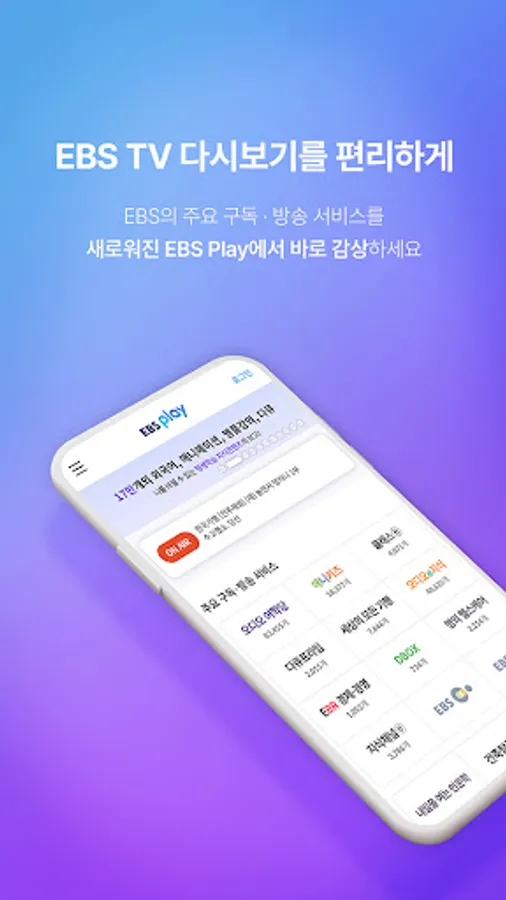
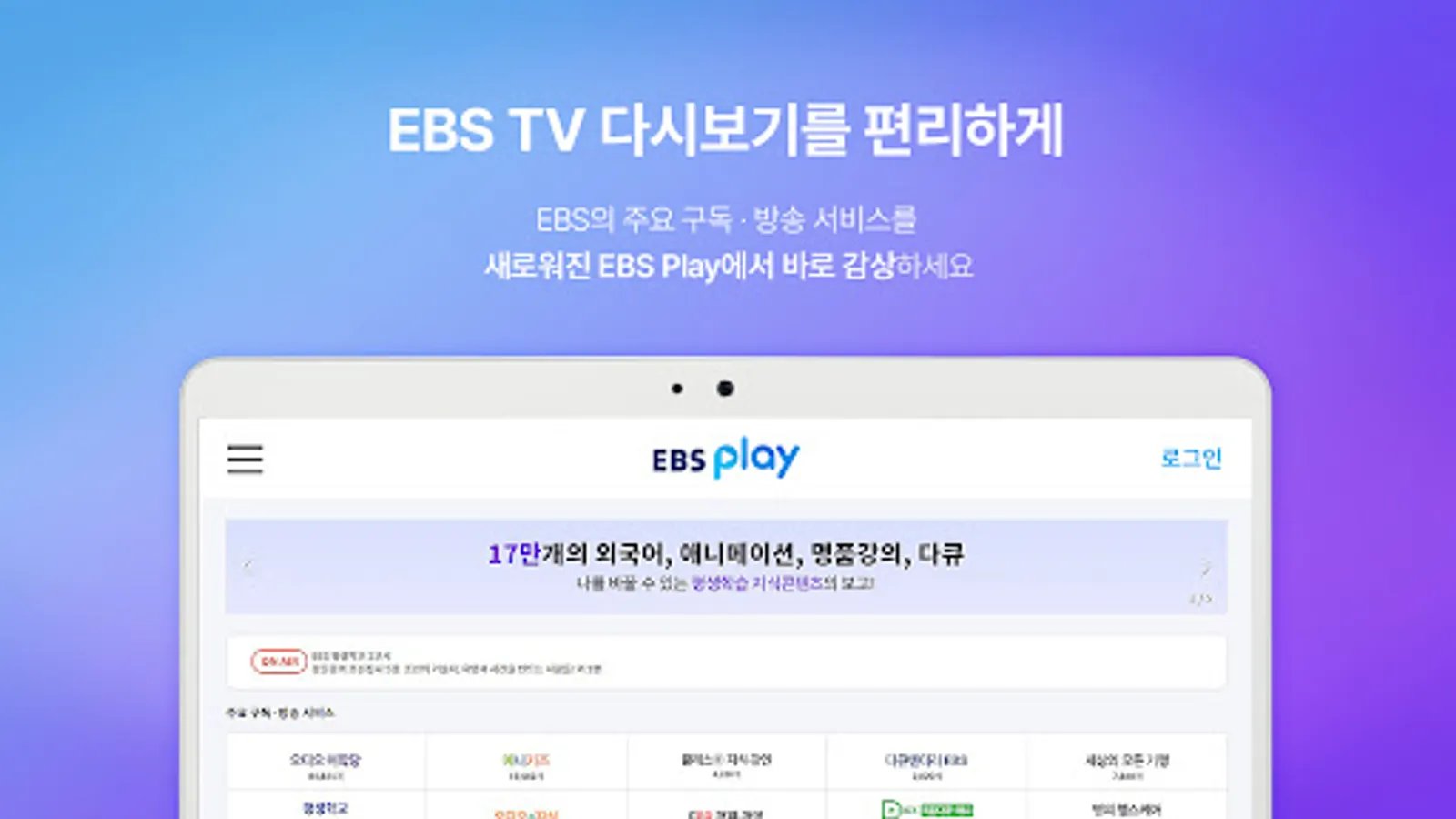
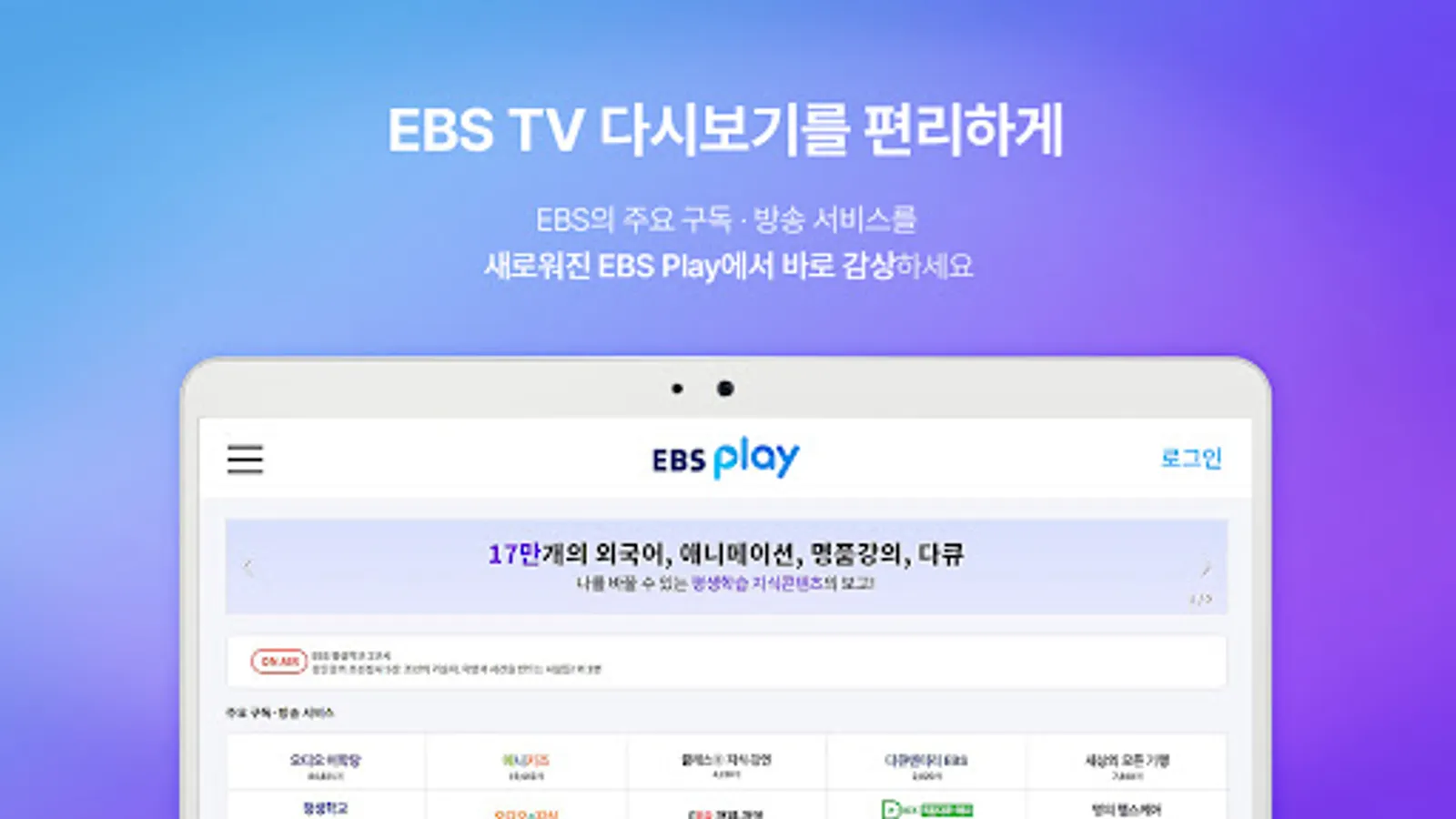
- We've revamped the home screen UI/UX to make your subscription service more convenient.
- Stream live on-air services from six channels, including EBS1TV, for free.
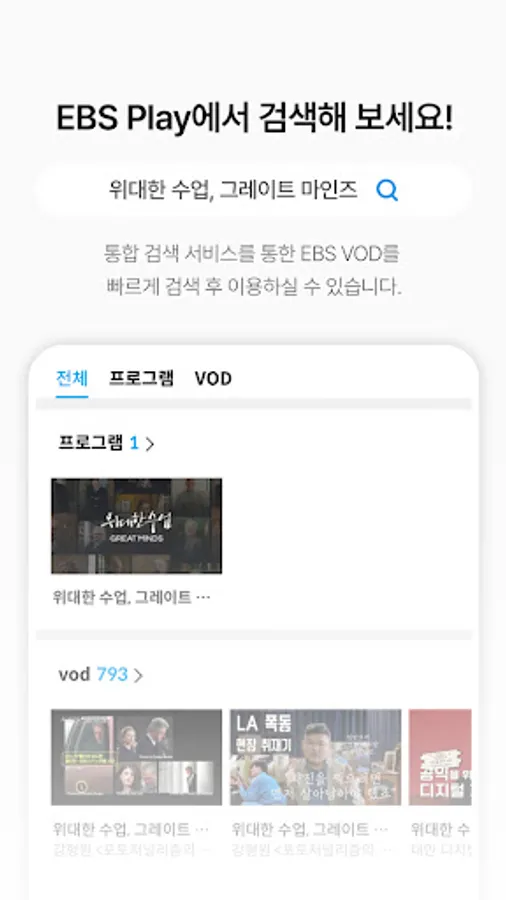
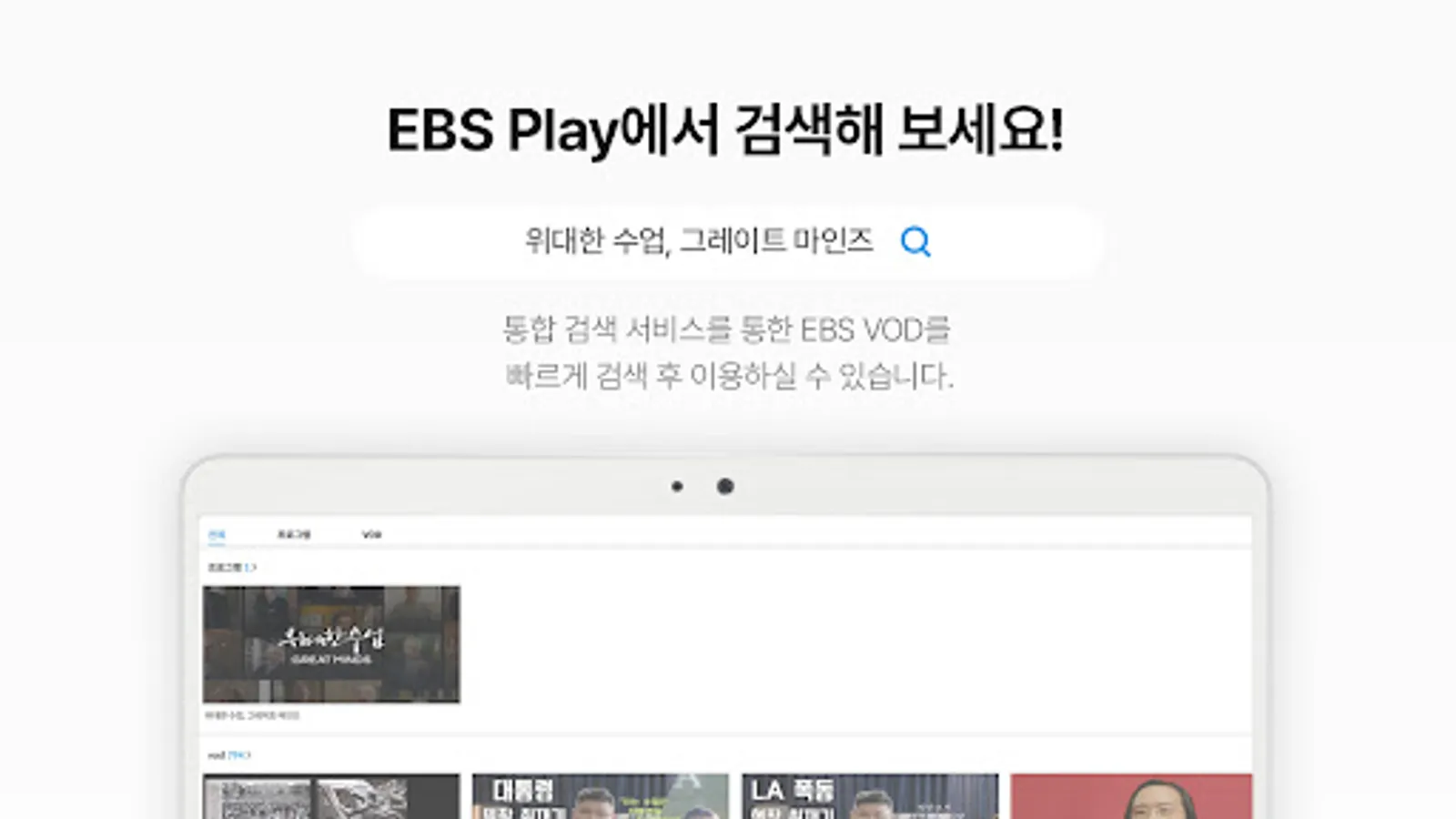
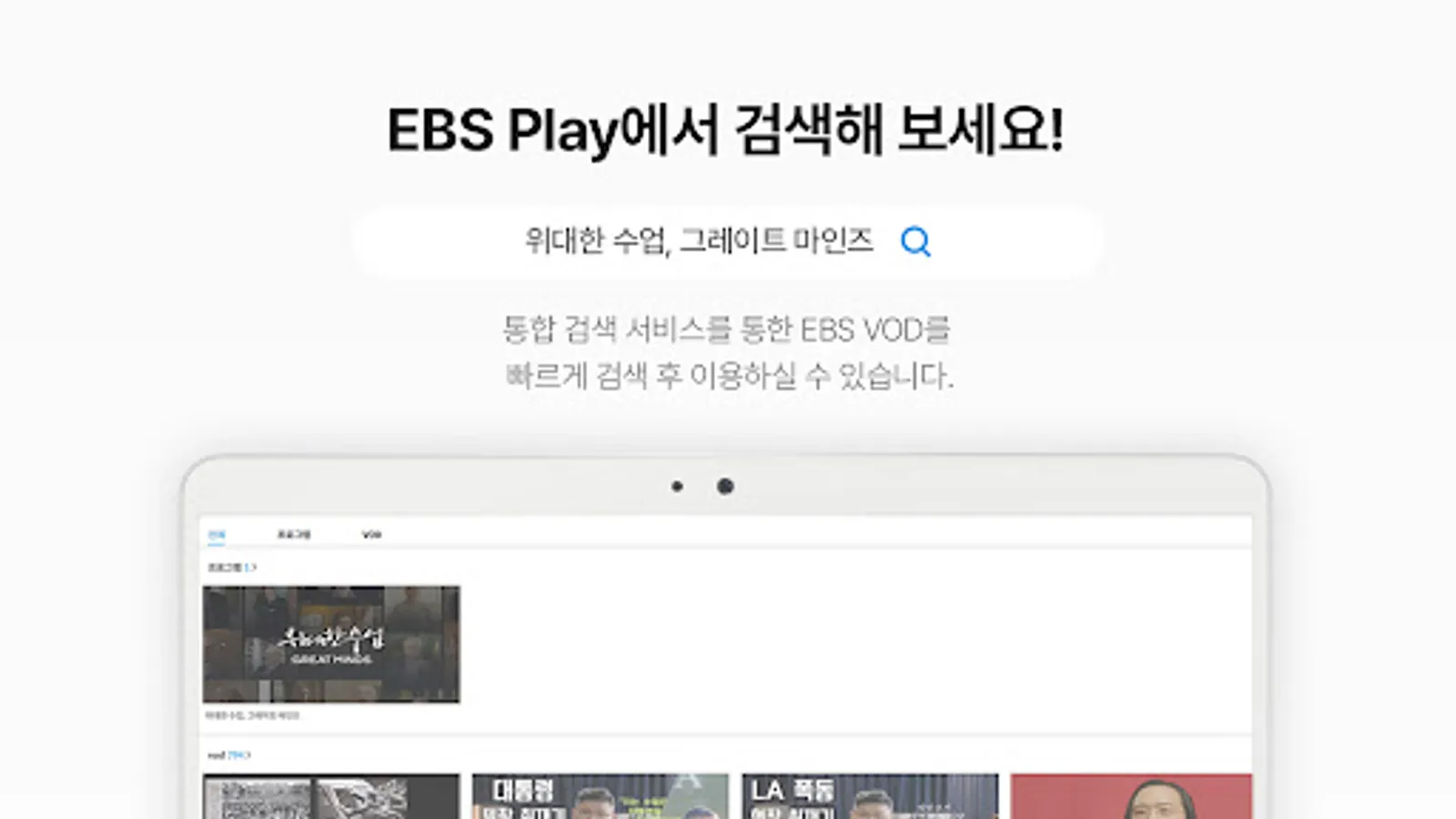
- Quickly find the program you're looking for with our integrated search service.
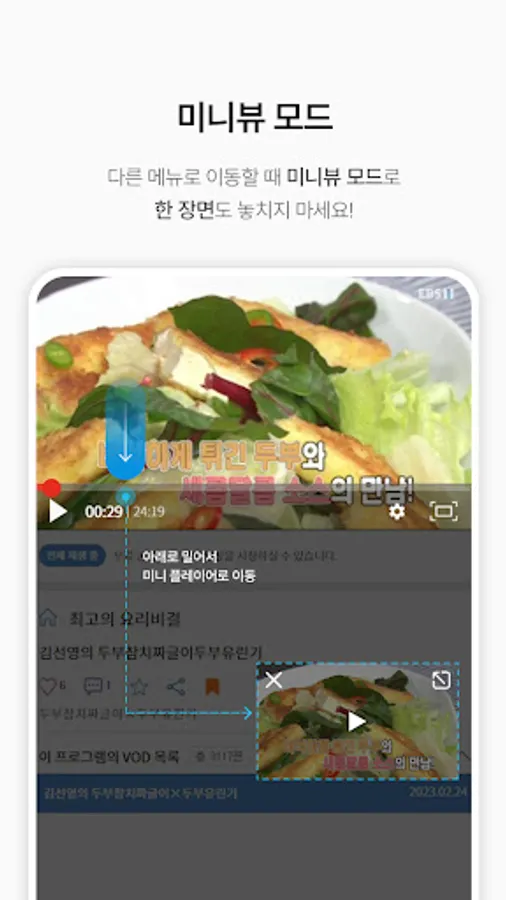
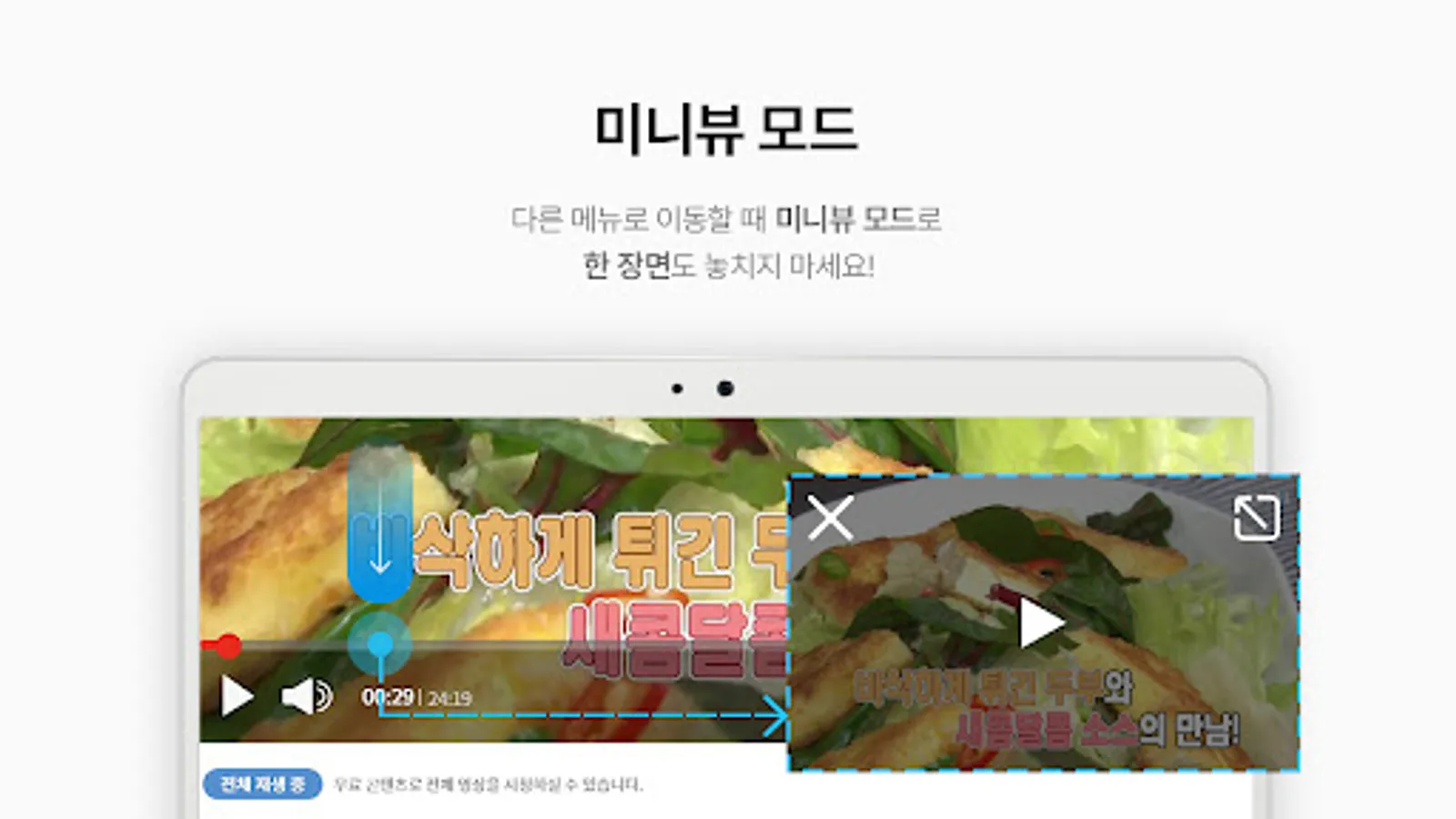
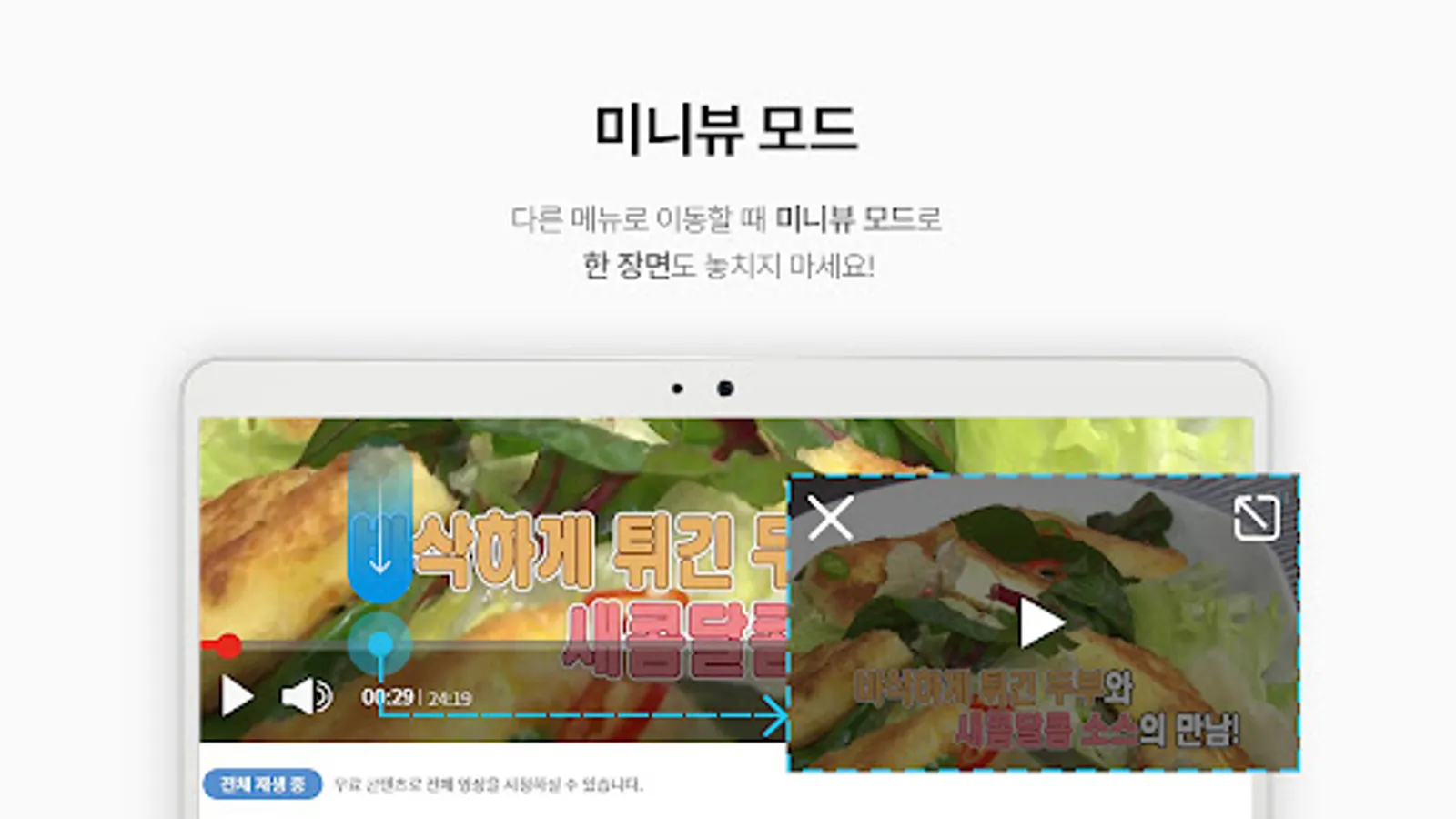
- Switch to mini-view mode and navigate to other menus while a video is playing.
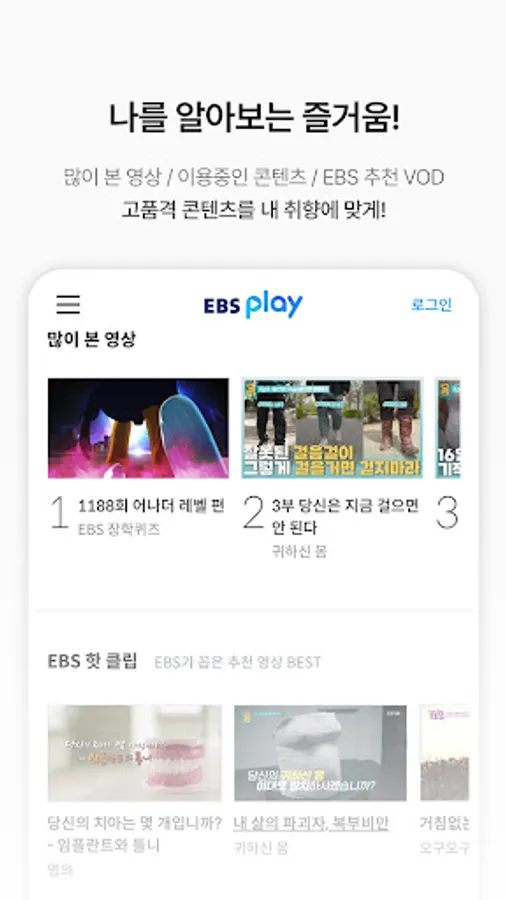
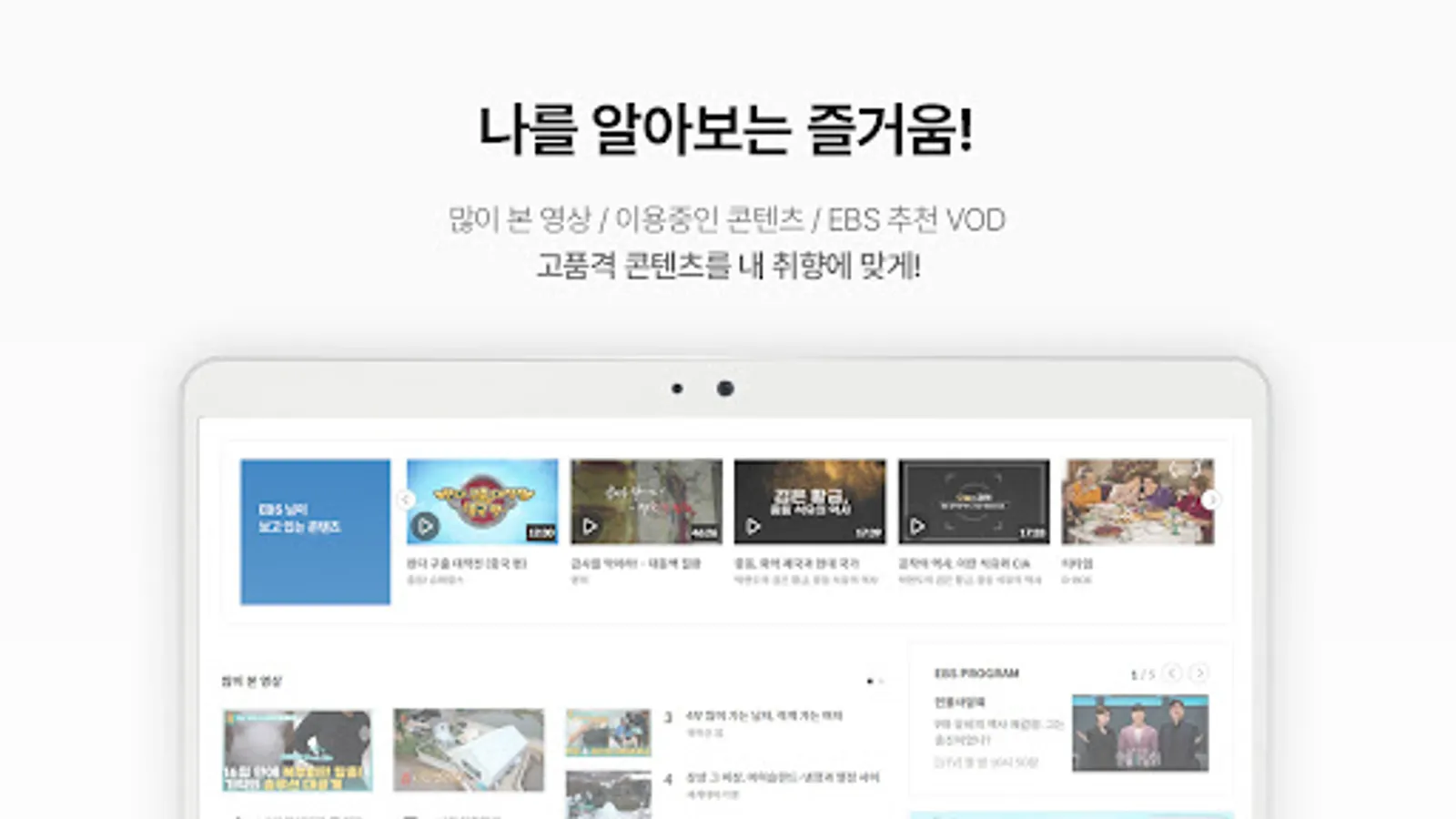
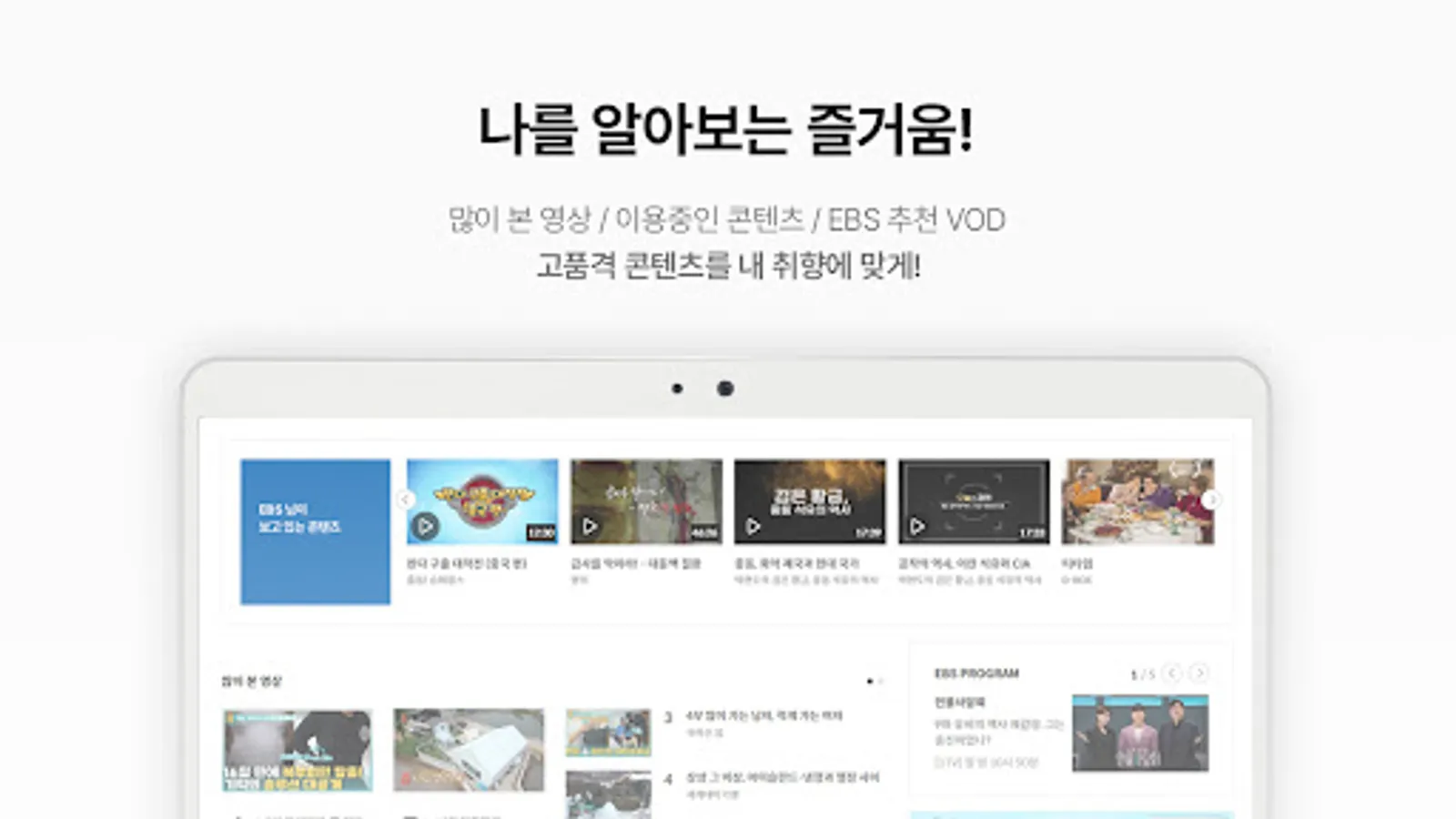
- We provide a list of recommended videos based on your preferences.
- Save your favorite programs and VODs. You can access them directly from the MY menu.
[Notes on Using the Service]
- Service usage may be affected by your network conditions.
- Data charges may apply when using 3G/LTE.
- Some content may not be available in the app at the request of the copyright holder.
- Some content may not be available in high or ultra-high definition due to the content provider's circumstances.
[App Access Permission Guide]
* Required Permissions
Android 12 and below
- Storage: This permission is required to download EBS VOD videos and related materials, search EBS videos, post Q&A questions, and attach saved images when writing posts.
Android 13 and above
- Notifications: This permission is required to receive device notifications for service announcements, such as program schedule notifications and new VOD uploads for My Programs, as well as event information such as promotions and discounts.
- Media (music and audio, photos and videos): This permission is required to play VODs, search VOD videos, post Q&A questions, and attach images when writing posts.
* Optional Permissions
- Phone: This permission is required to check app launch status and send push notifications.
** Optional permissions require permission to use the corresponding features. If not granted, other services can still be used.
[App Usage Guide]
- [Minimum Requirements] OS: Android 5.0 or higher
※ Minimum system requirements for high-quality lectures (1MB) at 2x speed: Android 5.0 or higher, CPU: Snapdragon/Exynos
※ Customer Center: 1588-1580 (Mon-Fri 8:00 AM - 6:00 PM, Lunch 12:00 PM - 1:00 PM, Closed on Saturdays, Sundays, and public holidays)
EBS Play will listen to our customers' feedback and strive to provide better service.
- We've revamped the home screen UI/UX to make your subscription service more convenient.
- Stream live on-air services from six channels, including EBS1TV, for free.
- Quickly find the program you're looking for with our integrated search service.
- Switch to mini-view mode and navigate to other menus while a video is playing.
- We provide a list of recommended videos based on your preferences.
- Save your favorite programs and VODs. You can access them directly from the MY menu.
[Notes on Using the Service]
- Service usage may be affected by your network conditions.
- Data charges may apply when using 3G/LTE.
- Some content may not be available in the app at the request of the copyright holder.
- Some content may not be available in high or ultra-high definition due to the content provider's circumstances.
[App Access Permission Guide]
* Required Permissions
Android 12 and below
- Storage: This permission is required to download EBS VOD videos and related materials, search EBS videos, post Q&A questions, and attach saved images when writing posts.
Android 13 and above
- Notifications: This permission is required to receive device notifications for service announcements, such as program schedule notifications and new VOD uploads for My Programs, as well as event information such as promotions and discounts.
- Media (music and audio, photos and videos): This permission is required to play VODs, search VOD videos, post Q&A questions, and attach images when writing posts.
* Optional Permissions
- Phone: This permission is required to check app launch status and send push notifications.
** Optional permissions require permission to use the corresponding features. If not granted, other services can still be used.
[App Usage Guide]
- [Minimum Requirements] OS: Android 5.0 or higher
※ Minimum system requirements for high-quality lectures (1MB) at 2x speed: Android 5.0 or higher, CPU: Snapdragon/Exynos
※ Customer Center: 1588-1580 (Mon-Fri 8:00 AM - 6:00 PM, Lunch 12:00 PM - 1:00 PM, Closed on Saturdays, Sundays, and public holidays)
EBS Play will listen to our customers' feedback and strive to provide better service.
EBS play Screenshots
Tap to Rate:
Reviews for EBS play
redzza Playz
10/24/2024
안녕하세요. 실제로 앱에 문제가 있습니다. 메탈카드봇 시즌2 한 편 보고 싶을 때마다 영상 길이가 2분 59초밖에 안 돼요
Carolan _
7/10/2022
가끔 이용중에 앱이 꺼지는 점은 개선해 주시면 좋을 것 같아요. 메뉴 접근도가 좋아서 원하는 콘텐츠를 편리하게 이용할 수 있다는 점이 만족스럽습니다 :-)