In this educational app, users can watch broadcast programs, download lecture videos, and receive personalized AI recommendations. Includes features like content curation, online courses, and vocabulary learning tools.
AppRecs review analysis
AppRecs rating 4.7. Trustworthiness 38 out of 100. Review manipulation risk 62 out of 100. Based on a review sample analyzed.
★★★★☆
4.7
AppRecs Rating
Ratings breakdown
5 star
80%
4 star
10%
3 star
10%
2 star
0%
1 star
0%
What to know
⚠
Questionable review patterns
62% review manipulation risk - some review patterns appear unusual
⚠
Questionable review trustworthiness
38% trustworthiness - reviews show concerning patterns
⚠
Rating authenticity concerns
High rating concentration (80% 5-star) in sampled ratings
About EBS English
EBSe, closer! EBSe, more convenient!
EBSe, Korea's leading English channel, leading English education.
Enjoy EBSe anytime, anywhere, with greater convenience.
[Main Services]
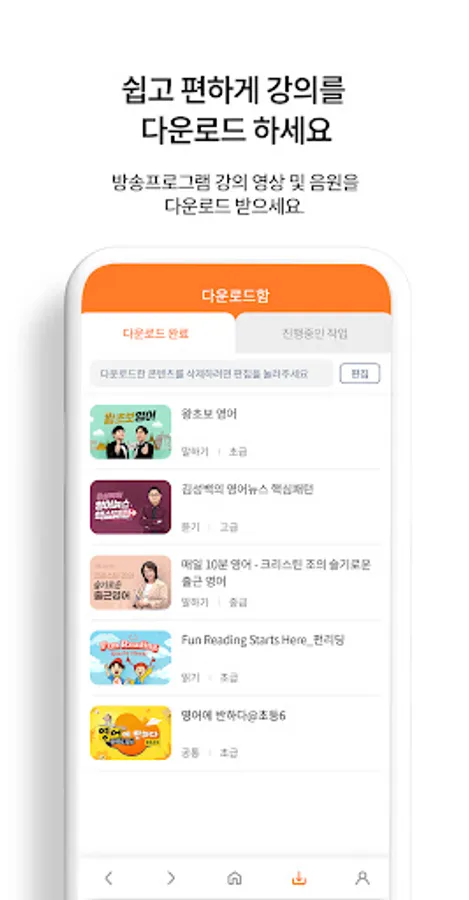
1. Lecture Download
Download videos and audio from your favorite TV shows!
Play them anytime, even without a data connection.
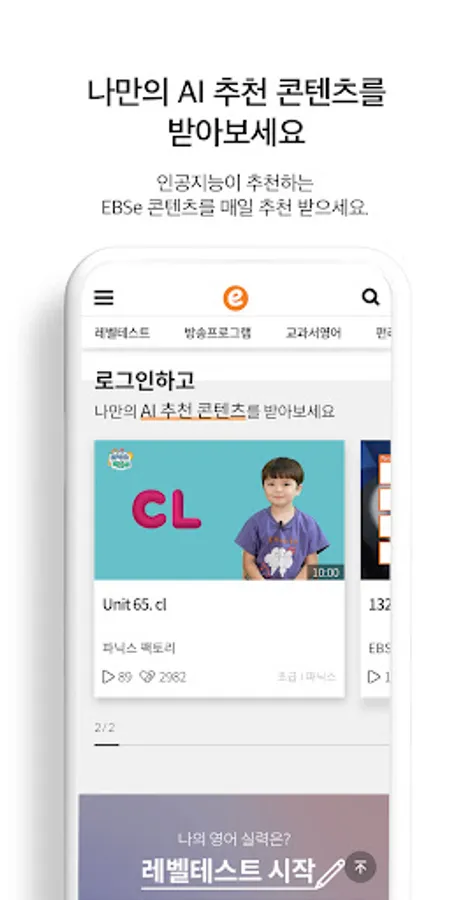
2. Personalized AI Recommended Content
Our intelligent AI recommends personalized lecture content.
3. How about e-Gun? Curation
We recommend weekly themed lectures based on trends.
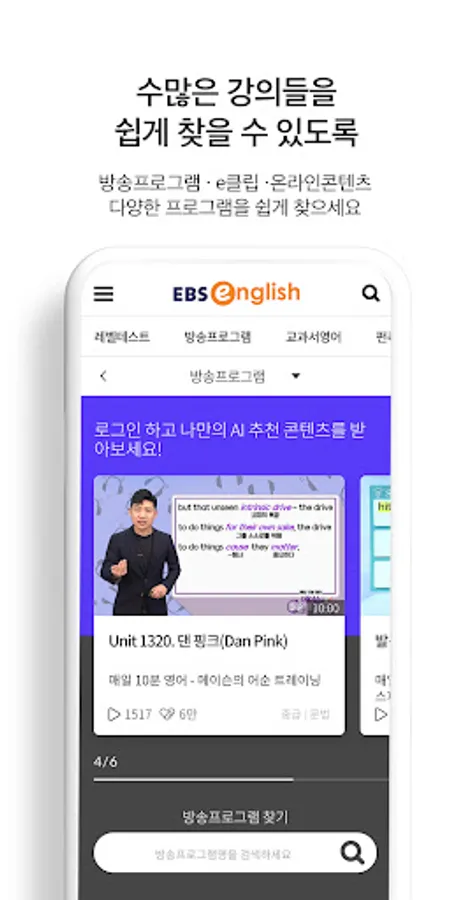
4. Broadcast Programs, e-Clips, and Online Content
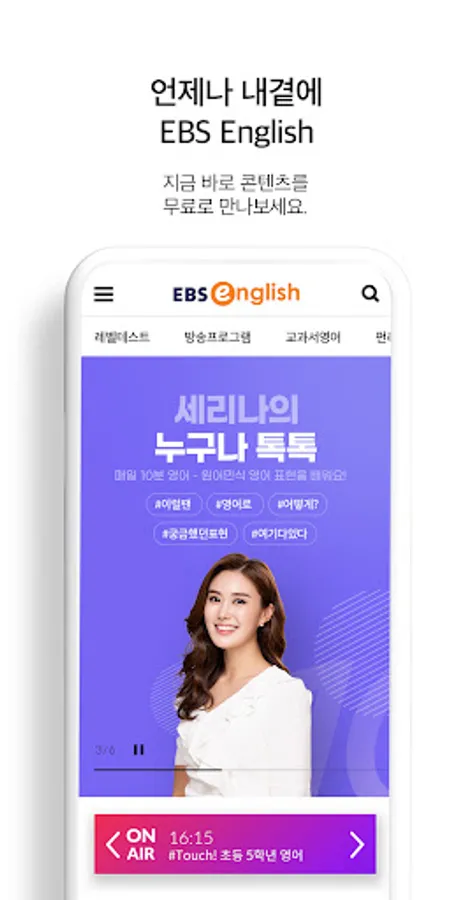
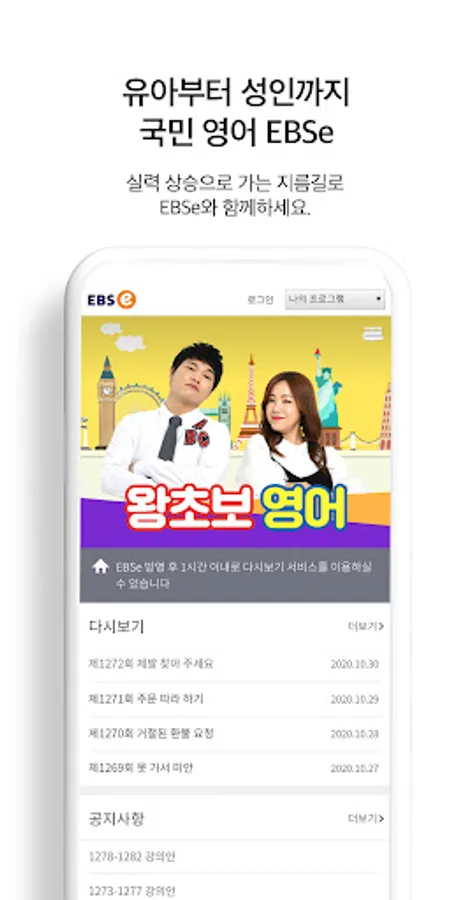
Watch broadcast programs airing on EBSe TV for free on the EBSe app!
Learn with e-Clips, which cover key points in 3 minutes,
and a variety of online content, including fun games and vocabulary learning.
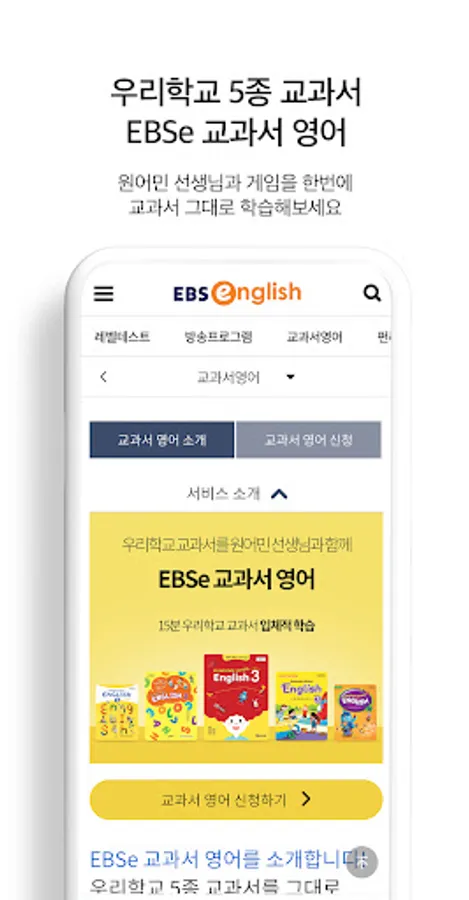
5. Textbook English and After-School English
Study with native-speaking teachers using the same five textbooks used in our school, and enjoy learning with game content.
After-School English, which is linked to the regular curriculum, not only supports regular classes by providing learning materials and content, but also serves as a self-directed learning service.
[Service Access Permissions Guide]
[Required Permissions]
- Storage: Permission to save (write) and play (read) downloaded media content.
[Optional Permissions]
- Notifications: Permission to receive service announcements and event notifications (PUSH).
- Camera: Permission to take and upload photos when writing a Q&A or course review.
** Optional permissions require permission to use the corresponding function. If permission is not granted, other services can still be used.
Please grant the above permissions to use the EBSe app.
[If the permission consent window does not appear]
- Go to Settings > Application Manager > Select App > Permissions and consent to the permissions.
[How to Set and Revoke Access Permissions]
- OS 6.0 or higher: Settings > Application Manager > Select App > Permissions > Set and Revoke Access Permissions
- OS 6.0 or lower: Access permissions cannot be revoked, so they can be revoked by deleting the app.
EBSe, Korea's leading English channel, leading English education.
Enjoy EBSe anytime, anywhere, with greater convenience.
[Main Services]
1. Lecture Download
Download videos and audio from your favorite TV shows!
Play them anytime, even without a data connection.
2. Personalized AI Recommended Content
Our intelligent AI recommends personalized lecture content.
3. How about e-Gun? Curation
We recommend weekly themed lectures based on trends.
4. Broadcast Programs, e-Clips, and Online Content
Watch broadcast programs airing on EBSe TV for free on the EBSe app!
Learn with e-Clips, which cover key points in 3 minutes,
and a variety of online content, including fun games and vocabulary learning.
5. Textbook English and After-School English
Study with native-speaking teachers using the same five textbooks used in our school, and enjoy learning with game content.
After-School English, which is linked to the regular curriculum, not only supports regular classes by providing learning materials and content, but also serves as a self-directed learning service.
[Service Access Permissions Guide]
[Required Permissions]
- Storage: Permission to save (write) and play (read) downloaded media content.
[Optional Permissions]
- Notifications: Permission to receive service announcements and event notifications (PUSH).
- Camera: Permission to take and upload photos when writing a Q&A or course review.
** Optional permissions require permission to use the corresponding function. If permission is not granted, other services can still be used.
Please grant the above permissions to use the EBSe app.
[If the permission consent window does not appear]
- Go to Settings > Application Manager > Select App > Permissions and consent to the permissions.
[How to Set and Revoke Access Permissions]
- OS 6.0 or higher: Settings > Application Manager > Select App > Permissions > Set and Revoke Access Permissions
- OS 6.0 or lower: Access permissions cannot be revoked, so they can be revoked by deleting the app.
EBS English Screenshots
Tap to Rate:
Reviews for EBS English
Solar Runner
5/29/2022
Real upgrade has been made in EBS English app!!
Summer 2020
8/11/2021
EBS 사랑해