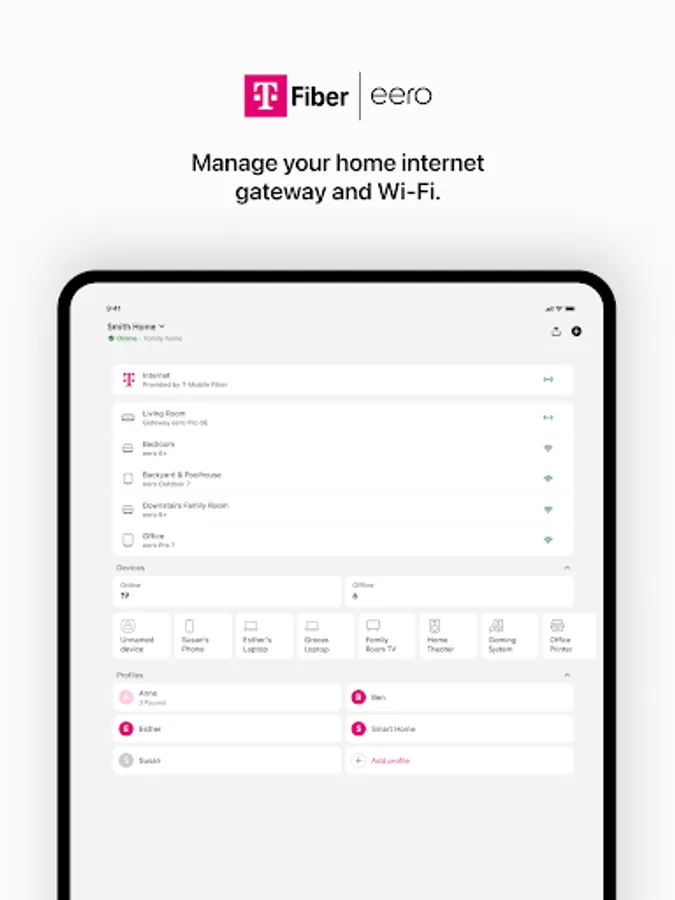
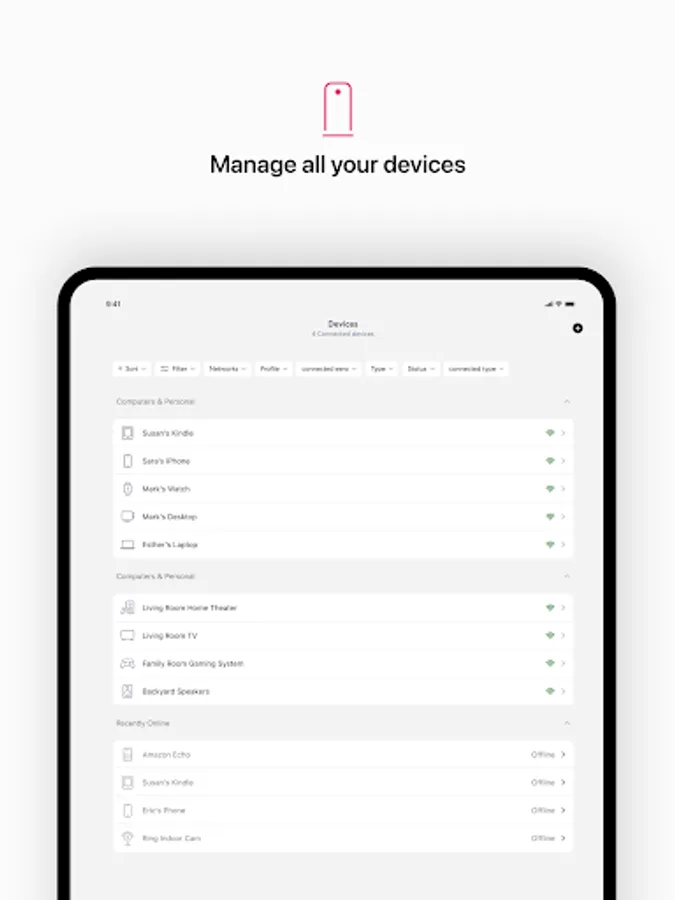
In this app, you can set up and manage your T-Mobile Fiber eero network, monitor device connections, and control internet access. Includes network management tools, security features, remote access, and guest sharing options.
AppRecs review analysis
AppRecs rating 4.5. Trustworthiness 63 out of 100. Review manipulation risk 40 out of 100. Based on a review sample analyzed.
★★★★☆
4.5
AppRecs Rating
Ratings breakdown
5 star
90%
4 star
7%
3 star
1%
2 star
0%
1 star
2%
What to know
✓
High user satisfaction
90% of sampled ratings are 5 stars
About T-Mobile Fiber: eero
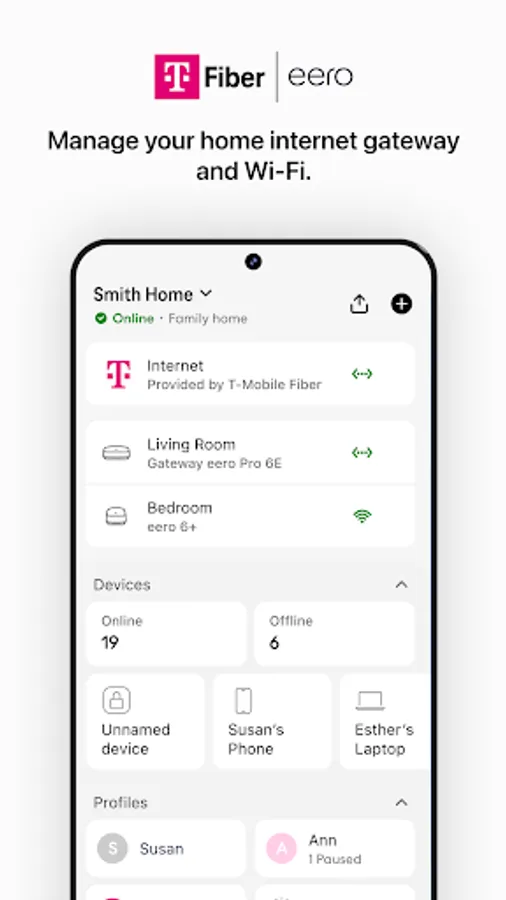
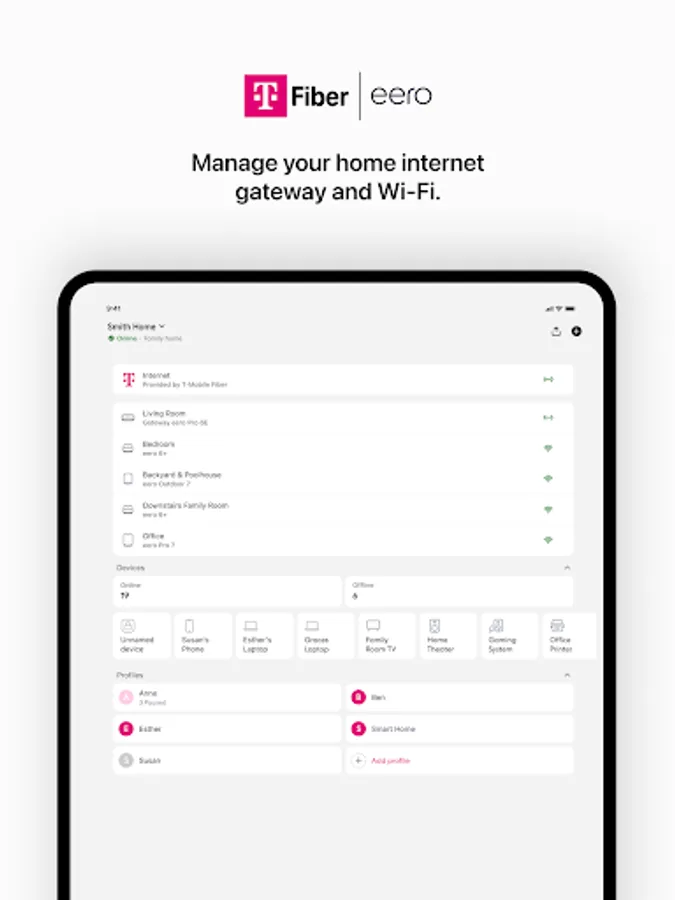
The T-Mobile Fiber: eero app allows you to easily set up and manage the eero devices provided with your T-Mobile Fiber WiFi system (sold separately).
The world’s first home WiFi system, eero blankets your home in fast, reliable WiFi. eero stays new and gets better with frequent software updates, improving performance, while also bringing new features and security improvements. It’s simple to set up and easy to manage. With a network that expands as far as you need, you’ll finally be able to stream, work, and play, from every corner of your home — and from the backyard, too.
eero features:
- Setup in minutes
- Automatic updates with new features, performance improvements, and the latest eero security standards
- View and manage your network from anywhere
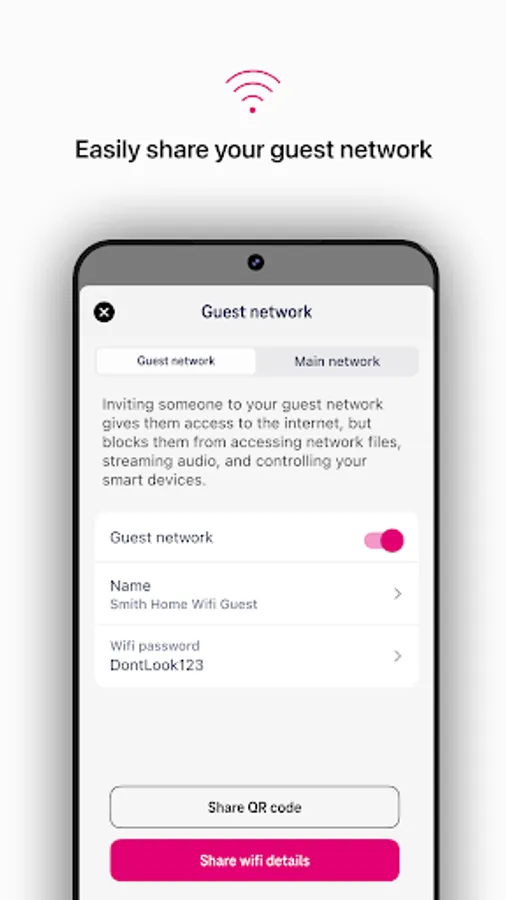
- Easily and securely share your network with guests
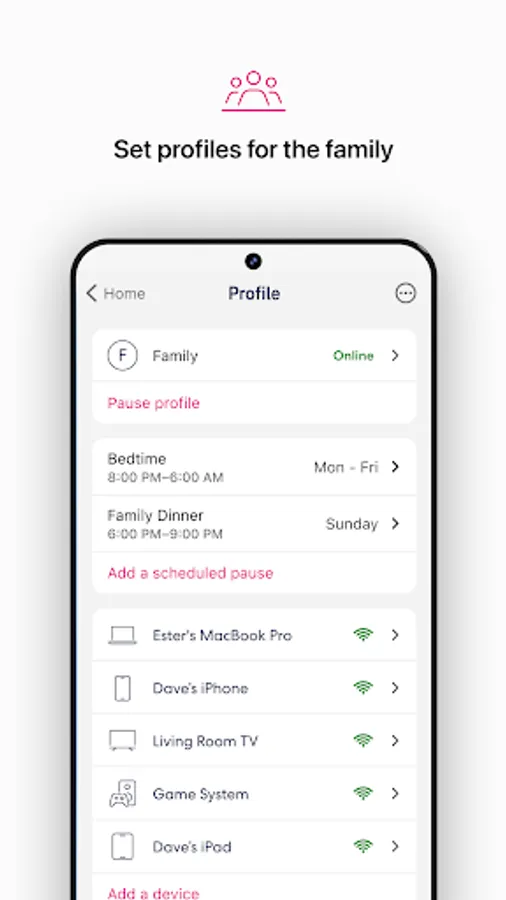
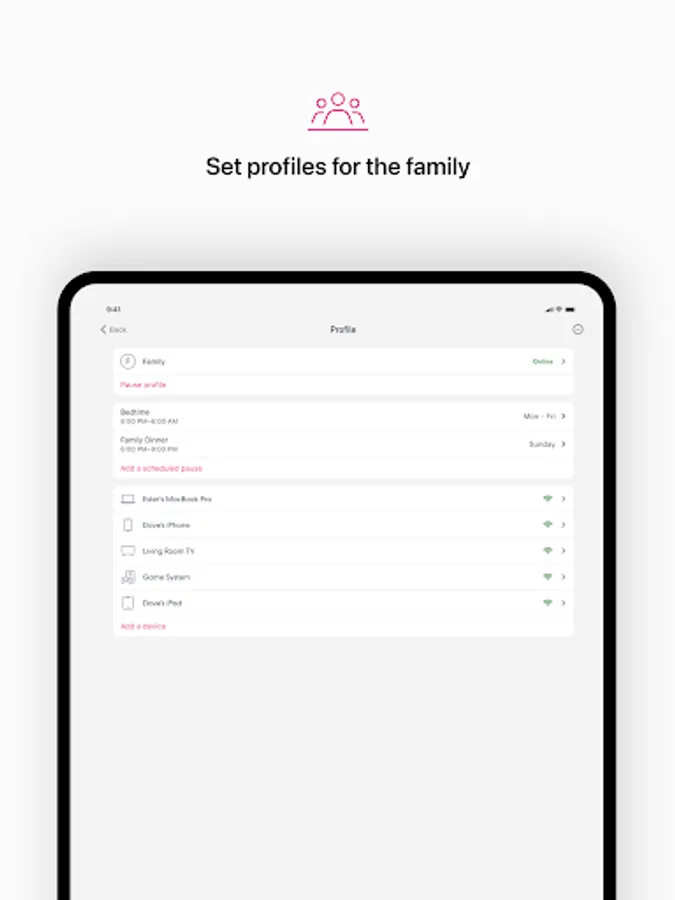
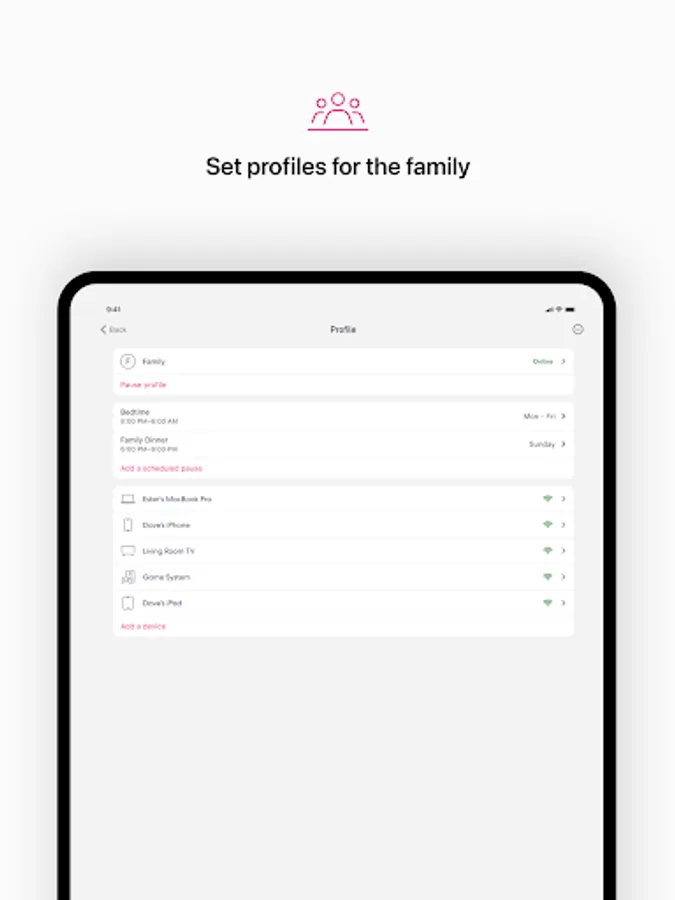
- Schedule or pause internet access to manage screen time
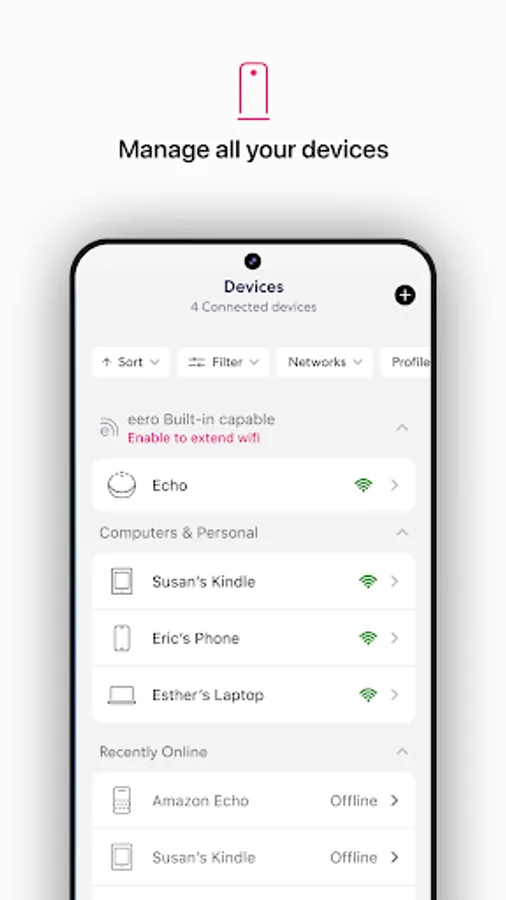
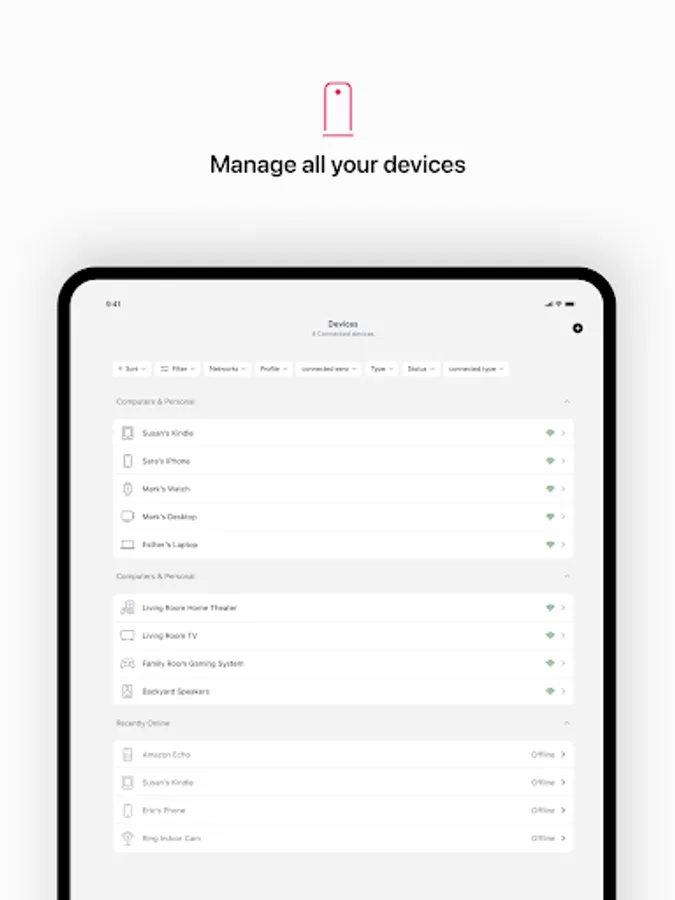
- Block devices from using your network
We want to hear your feedback. For any feature requests or thoughts on how we can improve, reach out at https://fiber.t-mobile.com/support
By using this app, you agree to eero’s Terms of Service (https://eero.com/legal/tos) and Privacy Policy (https://eero.com/legal/privacy).
T-Fiber residential Terms of Service: https://fiber.t-mobile.com/legal/residential-terms
VpnService Utilization: If you enable the VPN feature, the eero app will utilize Android's VpnService to set up a Virtual Private Network (VPN) connection to help keep your device private and secure.
The world’s first home WiFi system, eero blankets your home in fast, reliable WiFi. eero stays new and gets better with frequent software updates, improving performance, while also bringing new features and security improvements. It’s simple to set up and easy to manage. With a network that expands as far as you need, you’ll finally be able to stream, work, and play, from every corner of your home — and from the backyard, too.
eero features:
- Setup in minutes
- Automatic updates with new features, performance improvements, and the latest eero security standards
- View and manage your network from anywhere
- Easily and securely share your network with guests
- Schedule or pause internet access to manage screen time
- Block devices from using your network
We want to hear your feedback. For any feature requests or thoughts on how we can improve, reach out at https://fiber.t-mobile.com/support
By using this app, you agree to eero’s Terms of Service (https://eero.com/legal/tos) and Privacy Policy (https://eero.com/legal/privacy).
T-Fiber residential Terms of Service: https://fiber.t-mobile.com/legal/residential-terms
VpnService Utilization: If you enable the VPN feature, the eero app will utilize Android's VpnService to set up a Virtual Private Network (VPN) connection to help keep your device private and secure.
T-Mobile Fiber: eero Screenshots
Tap to Rate:
Reviews for T-Mobile Fiber: eero
Brahim Max
2/19/2026
error login, error new account, error in my brain when iam looking at the device in my hands
Gamargioba
2/16/2026
No service for almost week and nobody came to check the issue