Image to Text - Text Scanner
MoEssa Apps
4.1 ★
3K ratings
500,000+
downloads
Free
+ in-app
In this image to text scanner app, users can upload or capture images to extract editable text using OCR technology. Includes multi-language support, handwriting recognition, and export options like copying, downloading, or sharing.
AppRecs review analysis
AppRecs rating 3.6. Trustworthiness 77 out of 100. Review manipulation risk 35 out of 100. Based on a review sample analyzed.
★★★☆☆
3.6
AppRecs Rating
Ratings breakdown
5 star
70%
4 star
11%
3 star
0%
2 star
0%
1 star
19%
What to know
✓
Credible reviews
77% trustworthiness score from analyzed reviews
✓
High user satisfaction
81% of sampled ratings are 4+ stars (4.1★ average)
⚠
Ad complaints
Many low ratings mention excessive ads
About Image to Text - Text Scanner
Image to text Converter- Text Scanner
Introducing the image to text converter app:
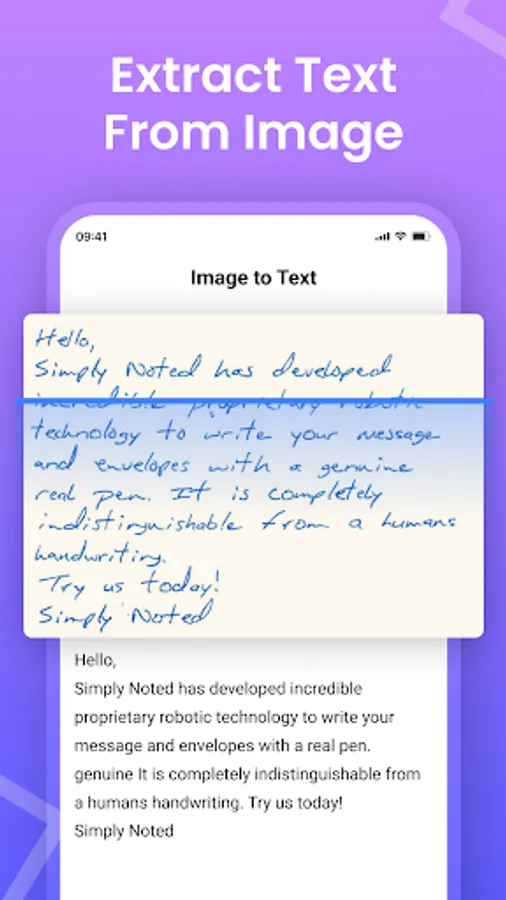
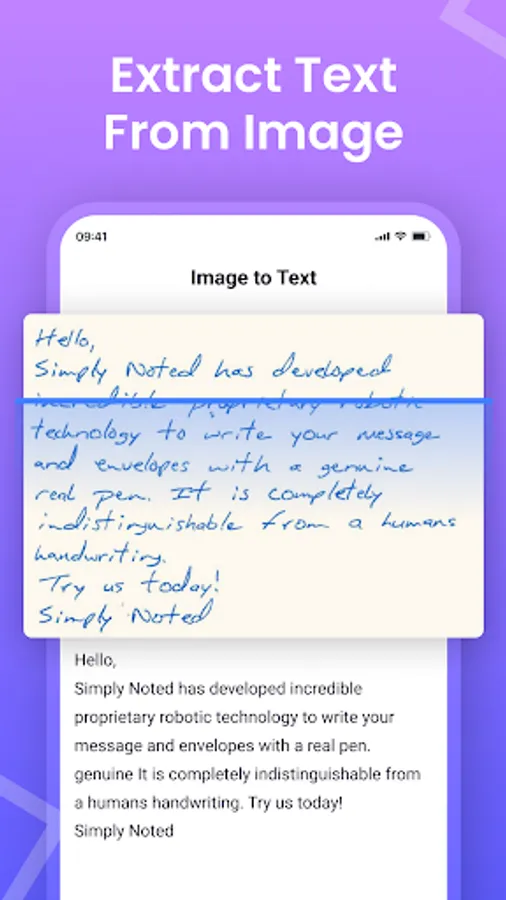
The image to text scanner app is developed to convert images and photos into editable text. The text scanner uses advanced OCR technology to recognize text from the provided image and convert it into an editable form that users can share or download as well.
The picture to text scanner app is a useful solution for users who want to convert images or documents into editable and searchable text.
How to Use the Text Scanner App
You just need to follow some simple steps to extract text by using our picture to text converting app:
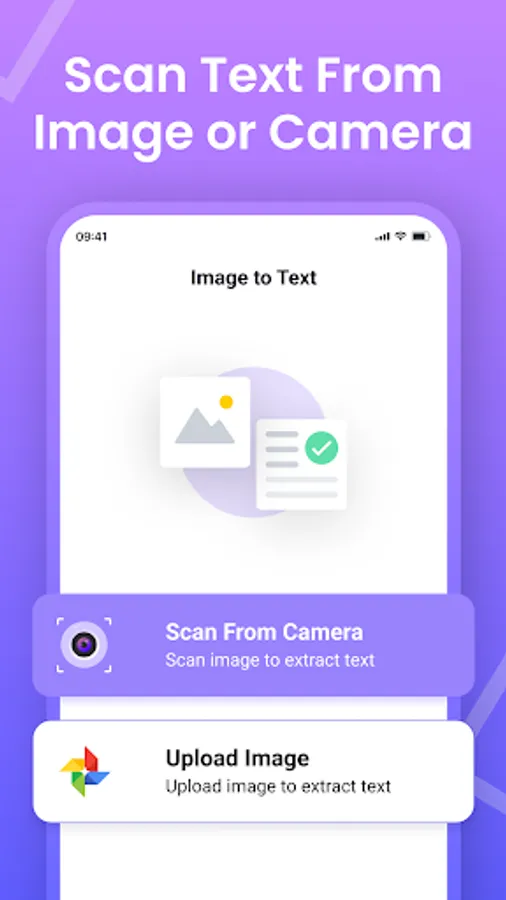
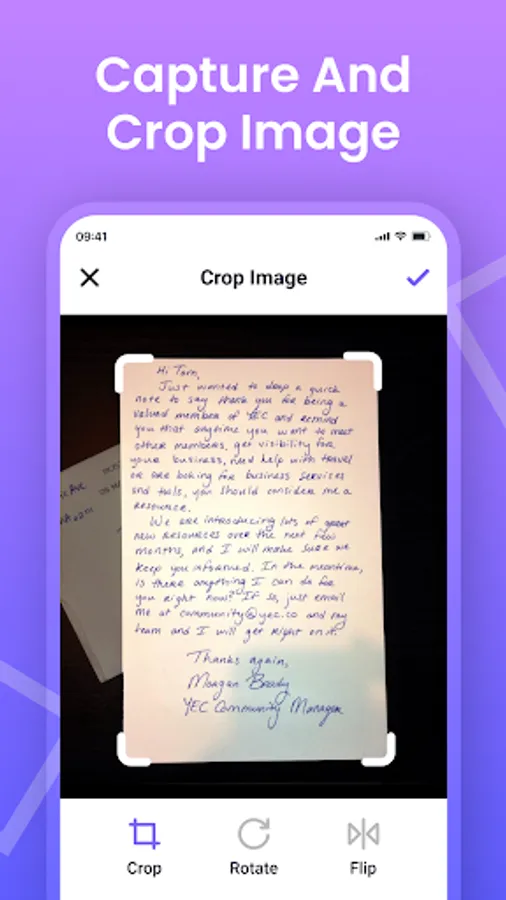
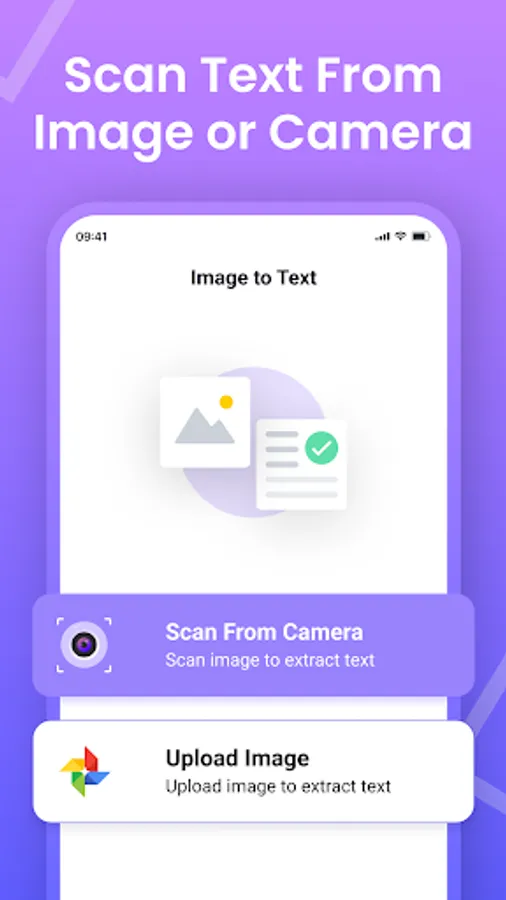
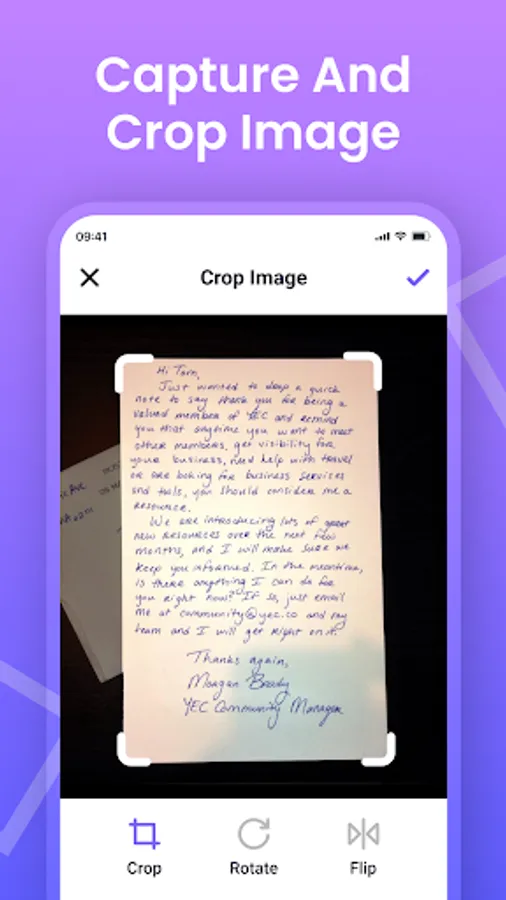
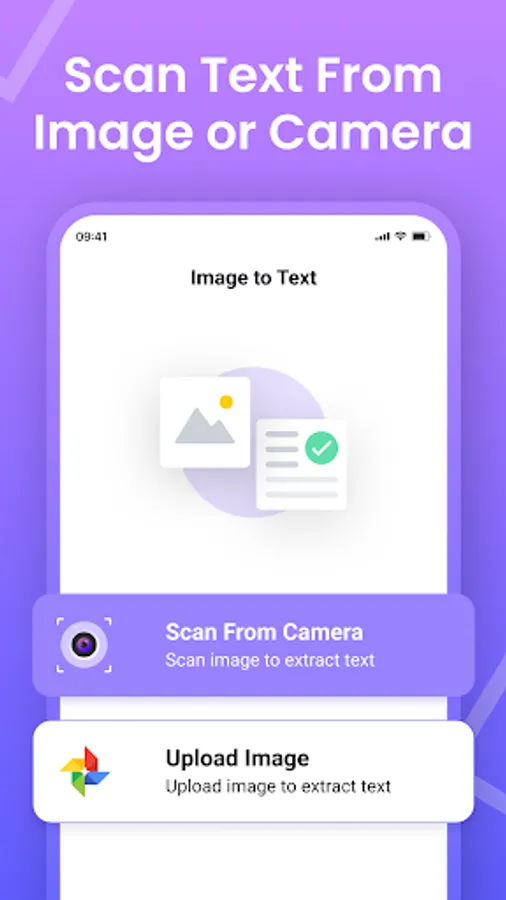
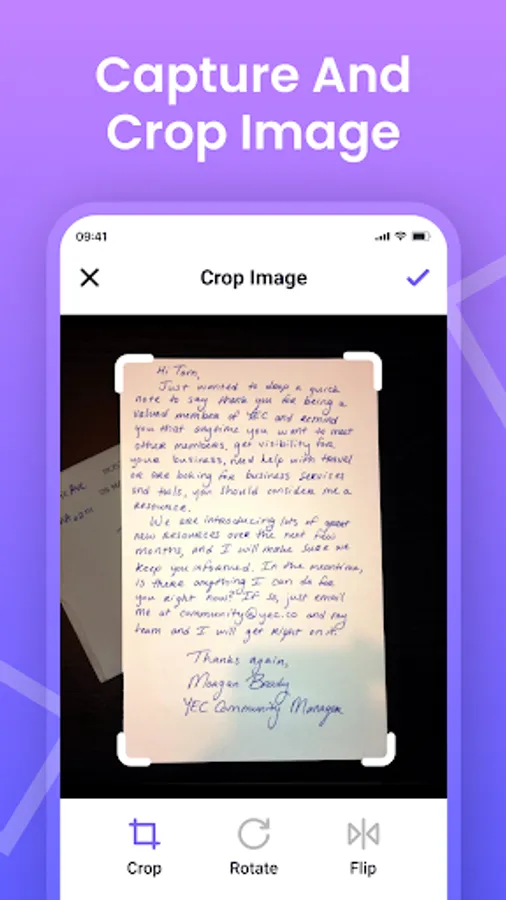
Capture the image file directly from your smartphone camera or upload it from your gallery. Also, you can add the URL to upload your image with a link.
Click the “Submit File” button and the app will convert your photo to text in no time.
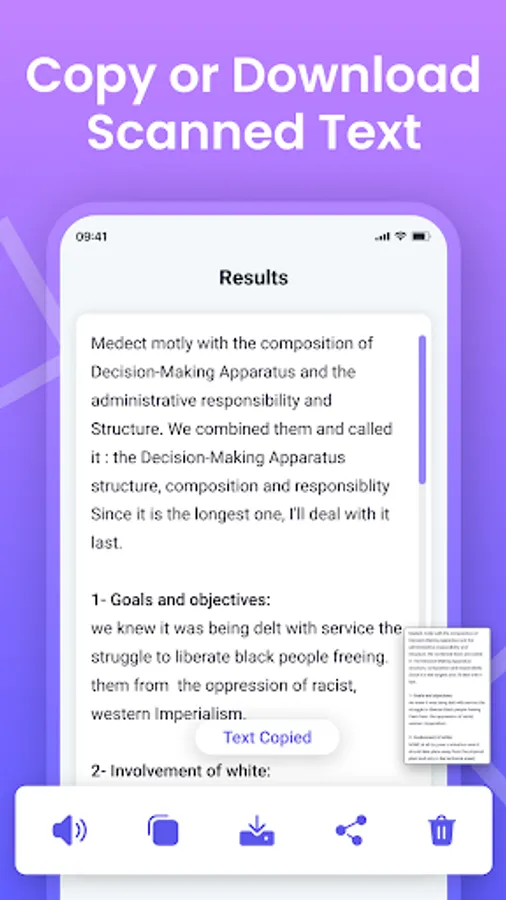
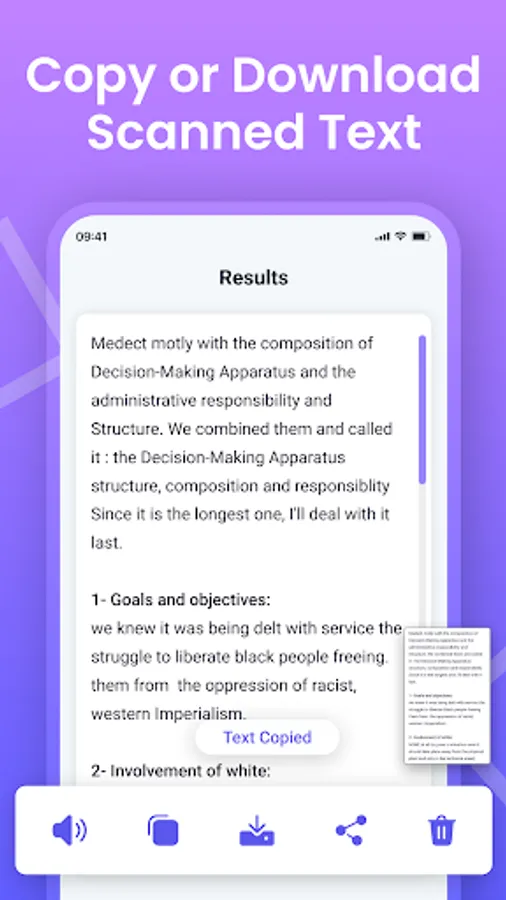
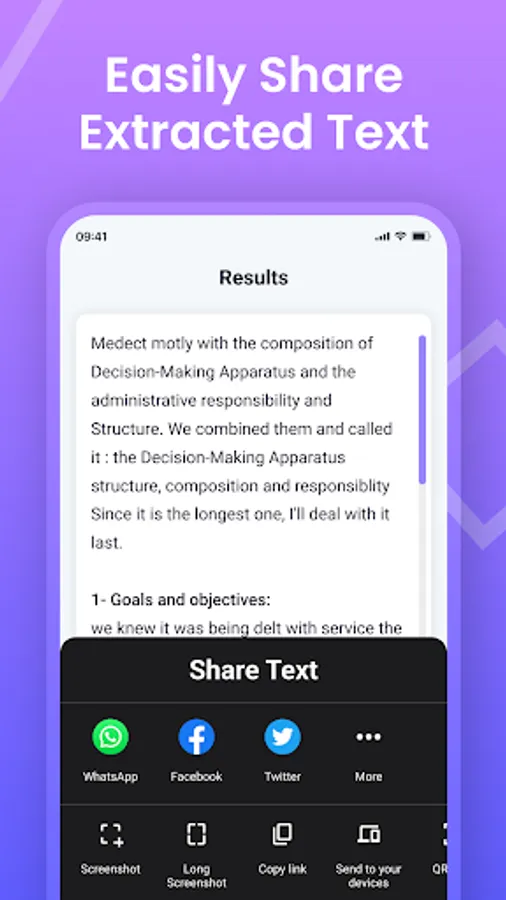
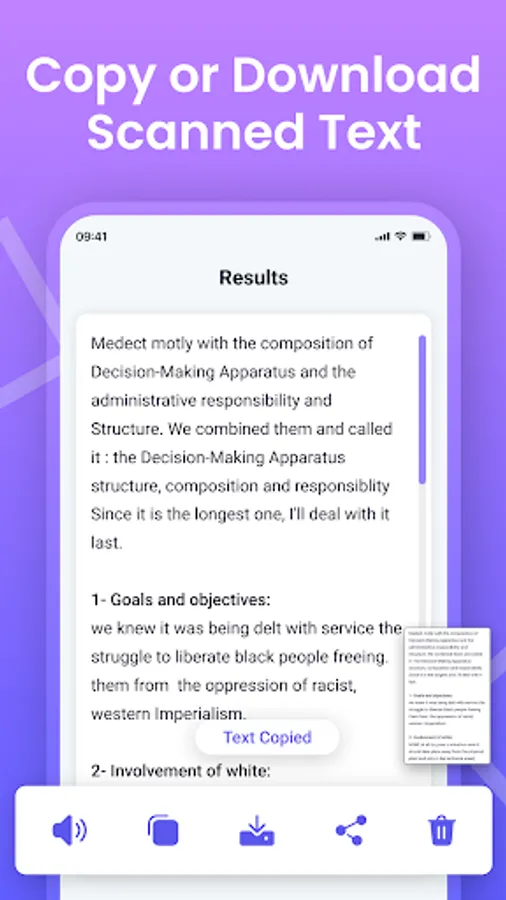
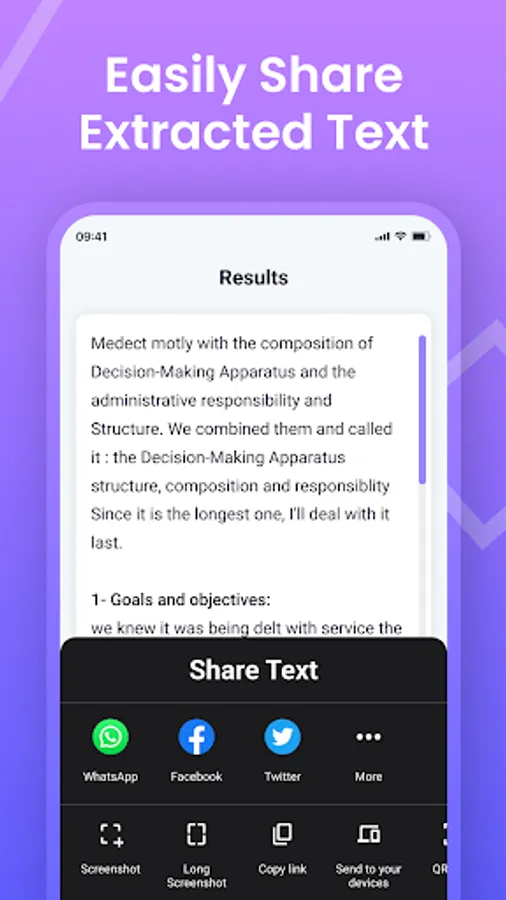
Now, you can Download, Copy or Share the extracted text from the image.
Features of Photo to Text Scanner App
Below are some useful features offered by our image to text scanner app:
1. Fast and Accurate Text Extractor:
Our photo to text converter works on advanced technology that enables it to fastly and accurately scan text without missing any character or word.
2. Multiple Export Options:
The text scanner app provides multiple export options to get output. You can Copy, Download or Share the text.
3. Multiple Language Support:
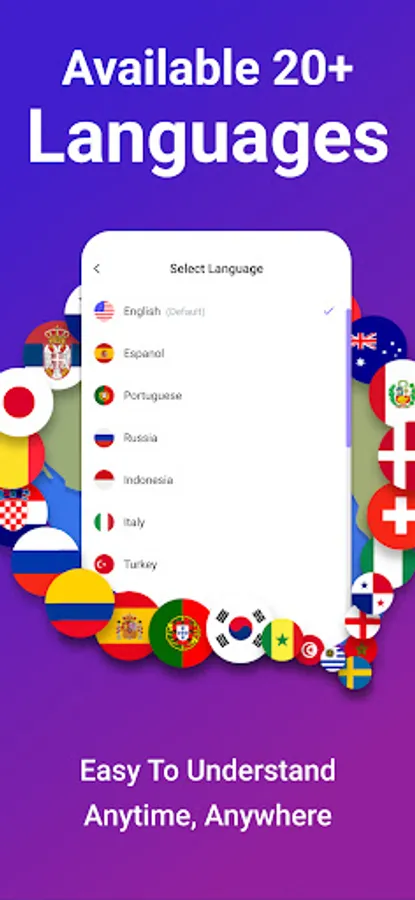
Our picture to text converter app comes up with no language barriers. It is capable of extracting text from multiple languages.
4. Handwriting Recognition:
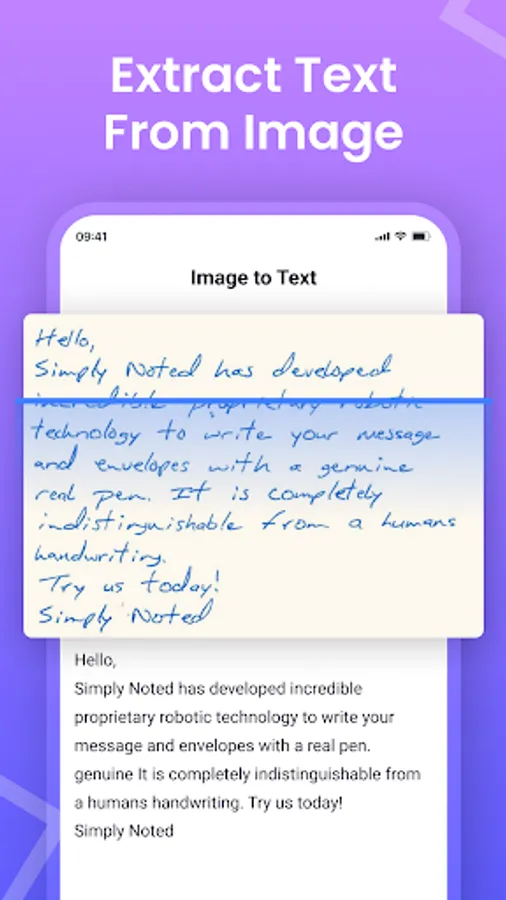
The text scanner uses recent OCR technology to recognize different styles of handwriting. It can accurately convert any handwriting into digital text.
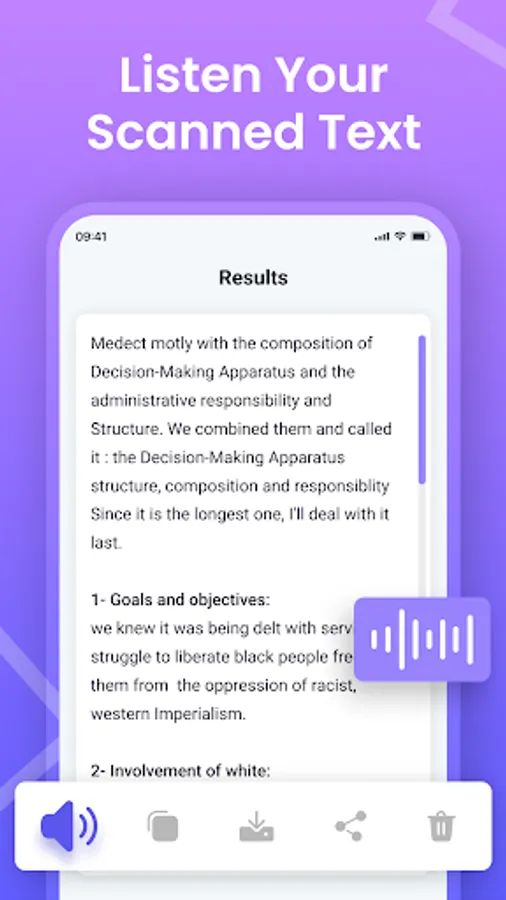
5. Listen Your Scanned Text:
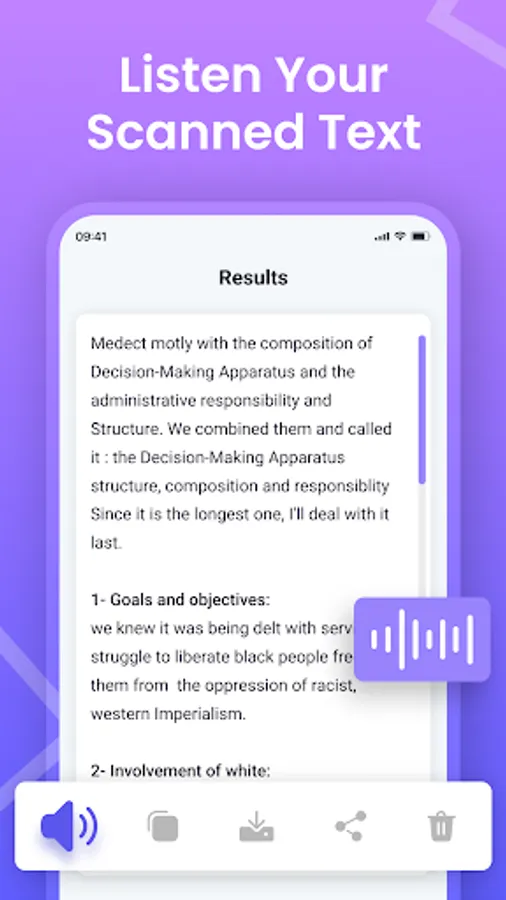
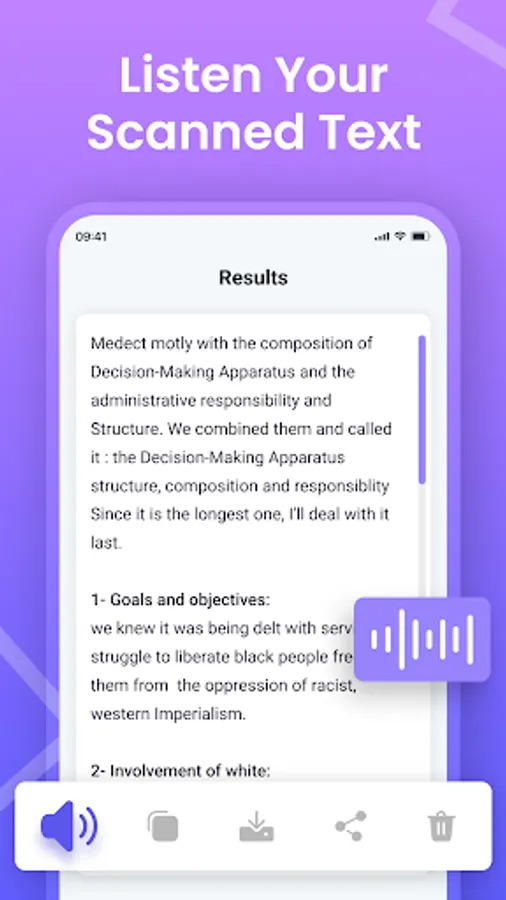
The text scanner app provides a feature to listen to the extracted text from images.
6. Different Conversions:
You can convert types of conversions with our picture to text converter. Here, you can do PDF to text, PDF to Word, and JPG to Word conversion.
7. Maintains History:
Our Image to text converter maintains conversion history. This feature can help you get the converted results later also.
Why Choose Our Image to Text Converter App
Here are some reasons to choose our photo to text converter app
With the image text scanner app, you can upload unlimited images for scanning.
The app can extract every type of text.
Our image to text converter app ensures 100% data safety and security.
Here, you can extract text from images as well as PDFs.
It is free to use and a fast text extractor.
We have built our image to text converter app to make it easier for everyone to convert images to text. You can use our all-in-one text extractor app without any registration or payment. Our mission is to provide users with the best experience for image to text and file conversion.
Introducing the image to text converter app:
The image to text scanner app is developed to convert images and photos into editable text. The text scanner uses advanced OCR technology to recognize text from the provided image and convert it into an editable form that users can share or download as well.
The picture to text scanner app is a useful solution for users who want to convert images or documents into editable and searchable text.
How to Use the Text Scanner App
You just need to follow some simple steps to extract text by using our picture to text converting app:
Capture the image file directly from your smartphone camera or upload it from your gallery. Also, you can add the URL to upload your image with a link.
Click the “Submit File” button and the app will convert your photo to text in no time.
Now, you can Download, Copy or Share the extracted text from the image.
Features of Photo to Text Scanner App
Below are some useful features offered by our image to text scanner app:
1. Fast and Accurate Text Extractor:
Our photo to text converter works on advanced technology that enables it to fastly and accurately scan text without missing any character or word.
2. Multiple Export Options:
The text scanner app provides multiple export options to get output. You can Copy, Download or Share the text.
3. Multiple Language Support:
Our picture to text converter app comes up with no language barriers. It is capable of extracting text from multiple languages.
4. Handwriting Recognition:
The text scanner uses recent OCR technology to recognize different styles of handwriting. It can accurately convert any handwriting into digital text.
5. Listen Your Scanned Text:
The text scanner app provides a feature to listen to the extracted text from images.
6. Different Conversions:
You can convert types of conversions with our picture to text converter. Here, you can do PDF to text, PDF to Word, and JPG to Word conversion.
7. Maintains History:
Our Image to text converter maintains conversion history. This feature can help you get the converted results later also.
Why Choose Our Image to Text Converter App
Here are some reasons to choose our photo to text converter app
With the image text scanner app, you can upload unlimited images for scanning.
The app can extract every type of text.
Our image to text converter app ensures 100% data safety and security.
Here, you can extract text from images as well as PDFs.
It is free to use and a fast text extractor.
We have built our image to text converter app to make it easier for everyone to convert images to text. You can use our all-in-one text extractor app without any registration or payment. Our mission is to provide users with the best experience for image to text and file conversion.
Image to Text - Text Scanner Screenshots
Tap to Rate:
Reviews for Image to Text - Text Scanner
Vikram Dubey
12/28/2025
good
Kiran Manhas
12/26/2025
Its good but for mathematics still i have to edit a lot. which makes work still difficult.