EShare
EShare Technology Corporation
4.1 ★
25K ratings
10,000,000+
downloads
Free
In this multi-screen interaction app, users can mirror screens, control devices remotely, and stream media content to a connected display. Includes screen mirroring, remote control, and media streaming features.
AppRecs review analysis
AppRecs rating 4.1. Trustworthiness 78 out of 100. Review manipulation risk 29 out of 100. Based on a review sample analyzed.
★★★★☆
4.1
AppRecs Rating
Ratings breakdown
5 star
67%
4 star
11%
3 star
3%
2 star
3%
1 star
16%
What to know
✓
Low review manipulation risk
29% review manipulation risk
✓
Credible reviews
78% trustworthiness score from analyzed reviews
✓
High user satisfaction
78% of sampled ratings are 4+ stars (4.1★ average)
About EShare
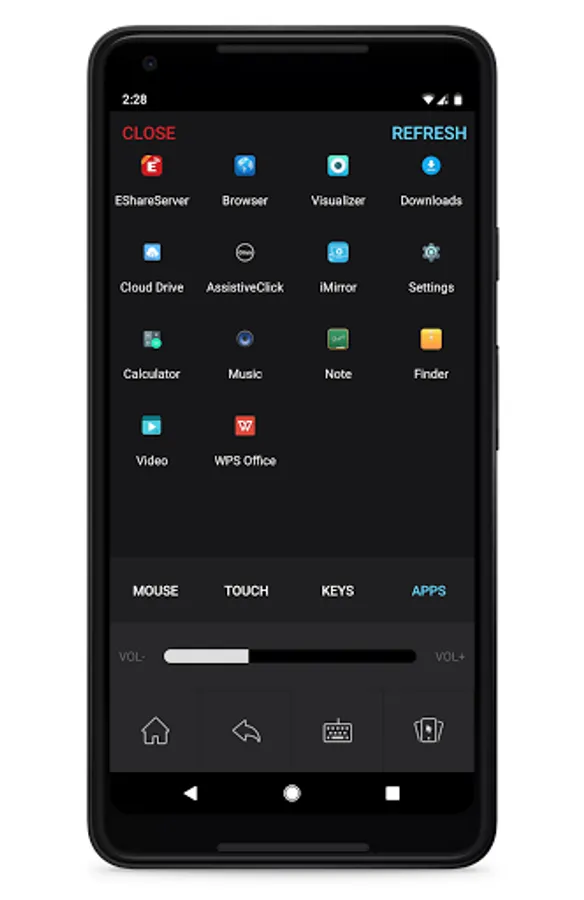
EShare is a multi-screen interaction application which makes the user experience natural and enjoyable for home entertainment, business presentation, and educational training. To use this app on your Android phone or tablet, you need a TV/Projector/IFPD/IWB with EShareServer or ESharePro pre-installed.
With EShare you can:
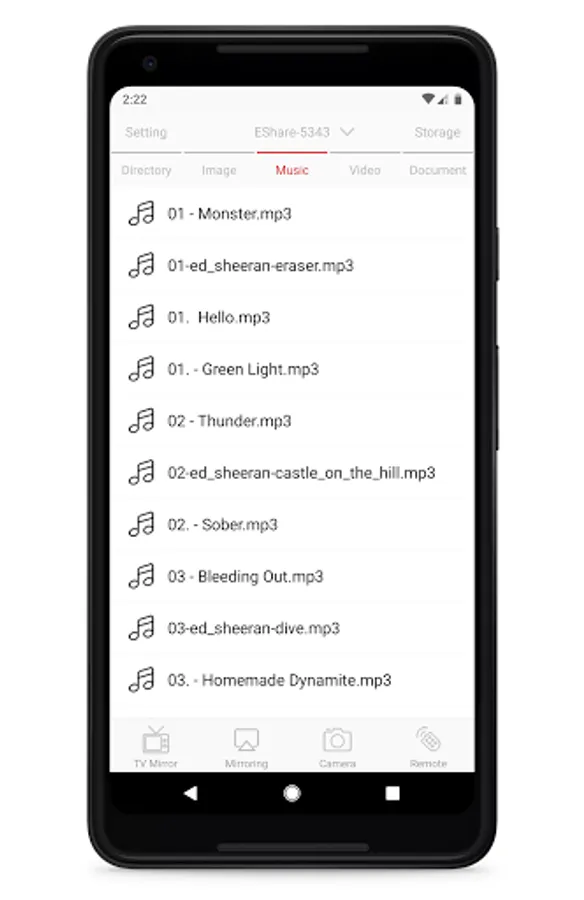
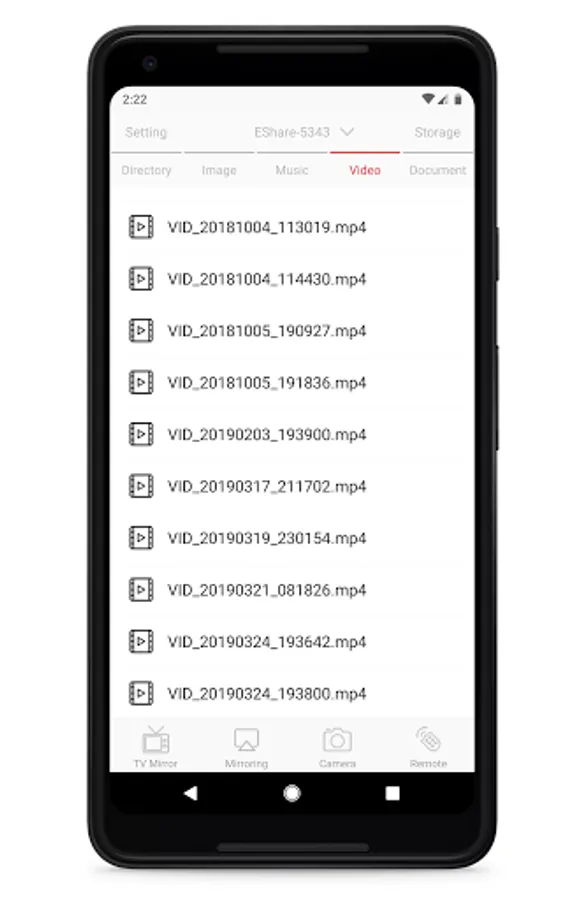
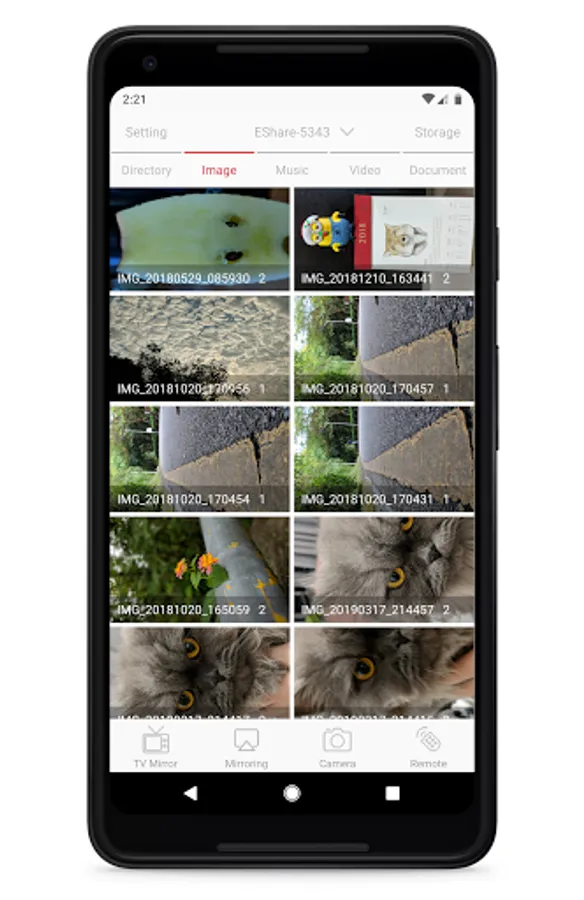
1. Stream any audio or video file to your TV.
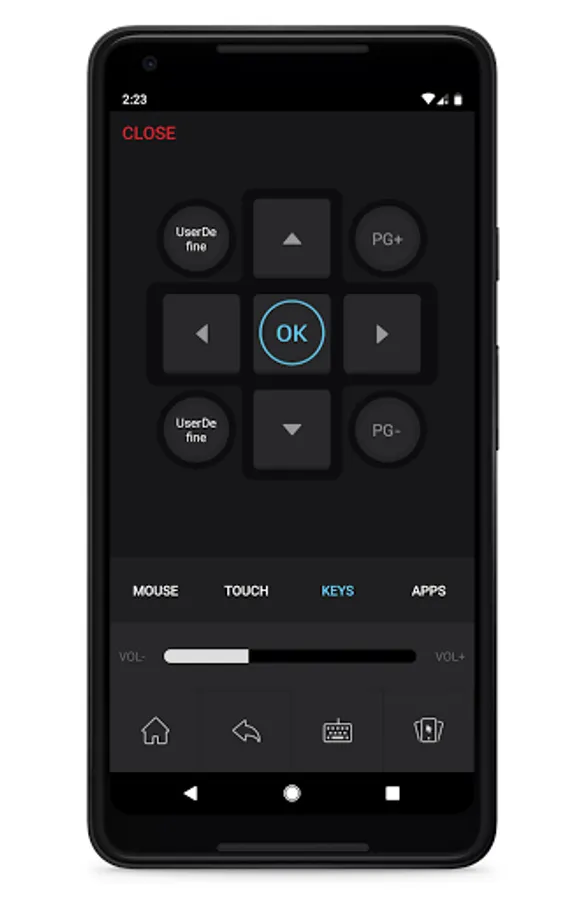
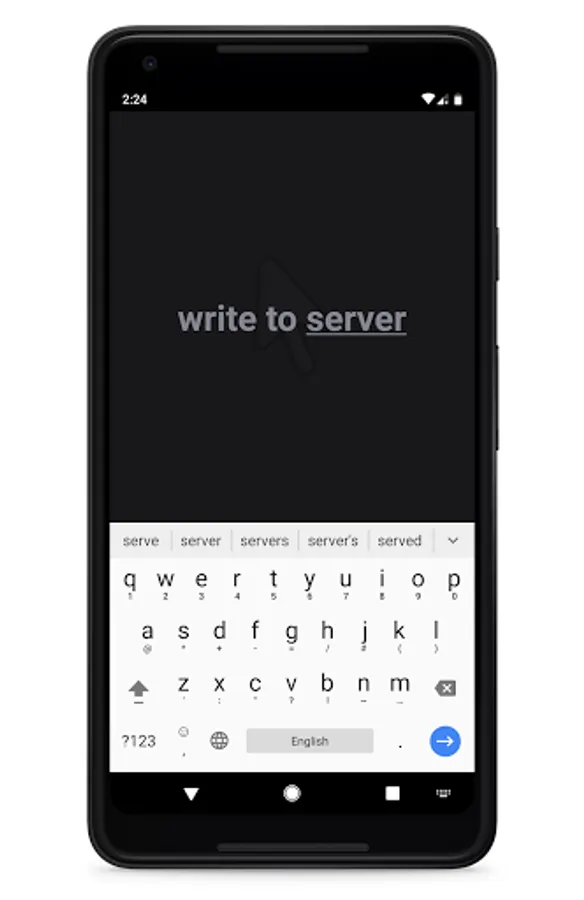
2. Use your smartphone as Remote Control for your TV.
3. Mirror the screen of Android device to your TV.
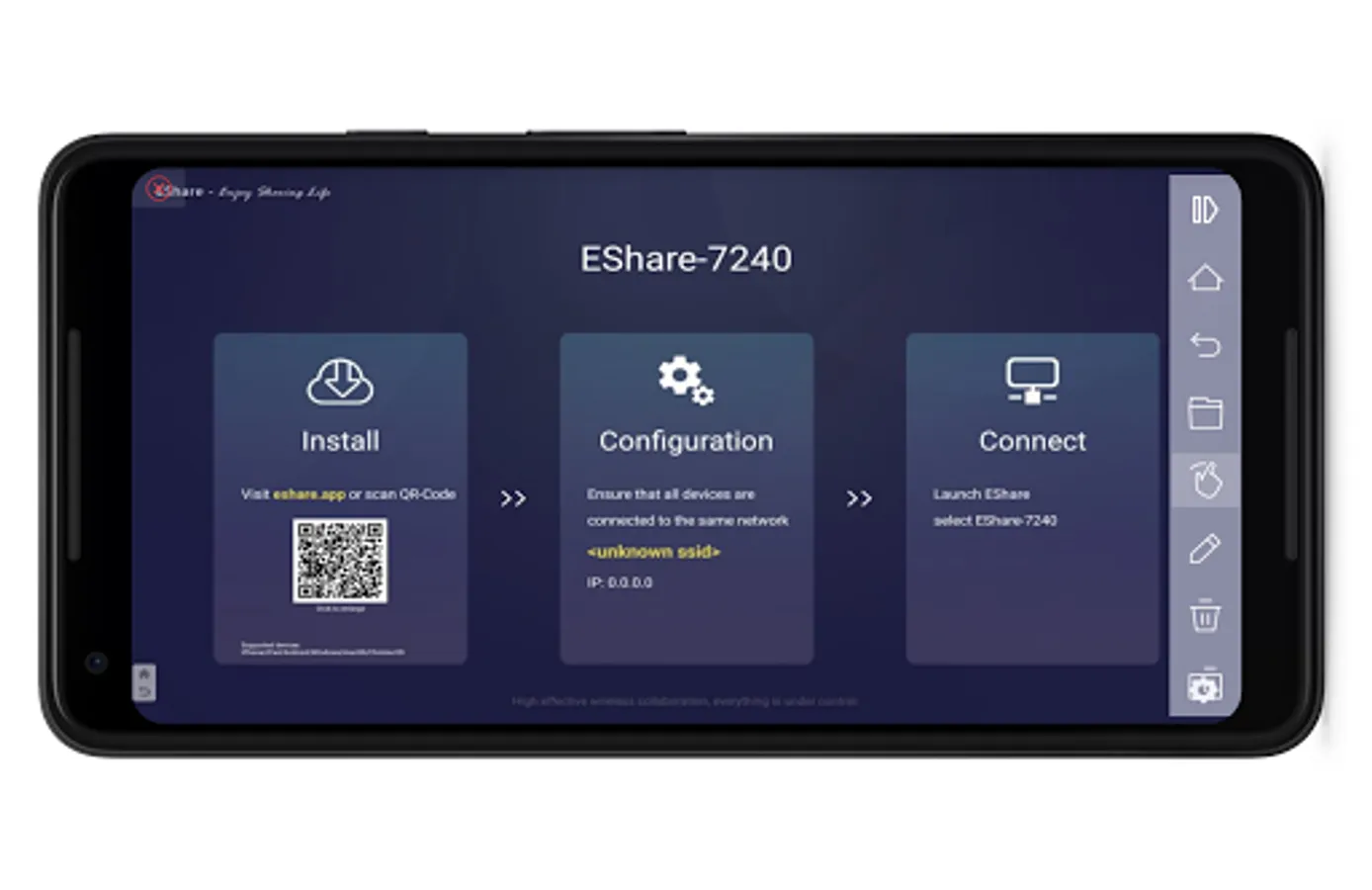
4. Mirror TV screen to smartphone and touch the screen directly to control TV, just like you are touching your TV.
Accessibility Service API Usage:
This application uses the Accessibility Service API for the functionality of the “Reversed Device Control” feature only.
EShare will temporarily collect and transmit the content displayed on your device screen to the receiving device you select while enabling the "Mirroring" functionality. Combined with "Reversed control of device" (which uses Accessibility Service API), you can view and control your device on the receiving device.
In a meeting or teaching scenario, with this feature enabled, you can operate your personal device from the designated more prominent display you are casting to – adding convenience and enhancing the interactive experience.
This app is the client, the server app is ONLY found on the TV/Projector/IFPD that built in with EShareServer or ESharePro.
With EShare you can:
1. Stream any audio or video file to your TV.
2. Use your smartphone as Remote Control for your TV.
3. Mirror the screen of Android device to your TV.
4. Mirror TV screen to smartphone and touch the screen directly to control TV, just like you are touching your TV.
Accessibility Service API Usage:
This application uses the Accessibility Service API for the functionality of the “Reversed Device Control” feature only.
EShare will temporarily collect and transmit the content displayed on your device screen to the receiving device you select while enabling the "Mirroring" functionality. Combined with "Reversed control of device" (which uses Accessibility Service API), you can view and control your device on the receiving device.
In a meeting or teaching scenario, with this feature enabled, you can operate your personal device from the designated more prominent display you are casting to – adding convenience and enhancing the interactive experience.
This app is the client, the server app is ONLY found on the TV/Projector/IFPD that built in with EShareServer or ESharePro.
EShare Screenshots
Tap to Rate:
Reviews for EShare
Rajesh Sharma
12/29/2025
very bad app not good many issu in casting not audio
Mohamed Hamouda
12/28/2025
جيد