RICOH Smart Device Connector
Ricoh Co., Ltd.
3.3 ★
5K ratings
1,000,000+
downloads
Free
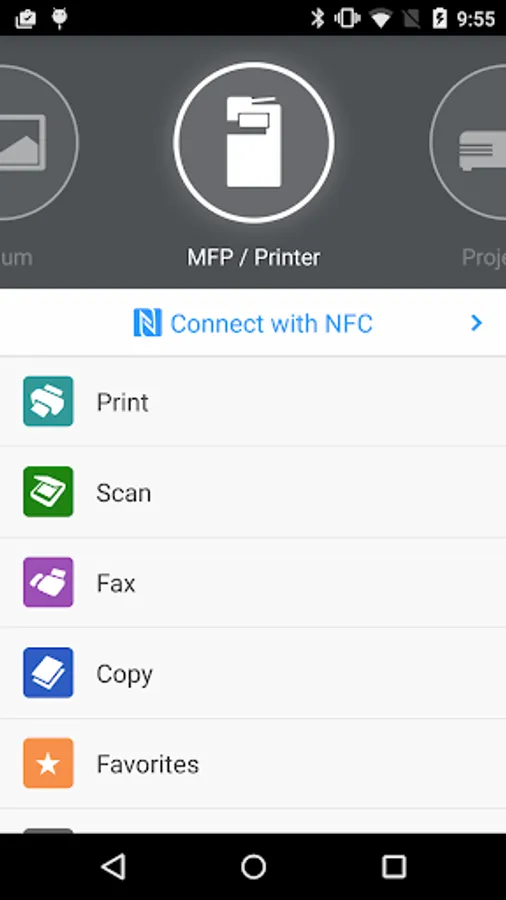
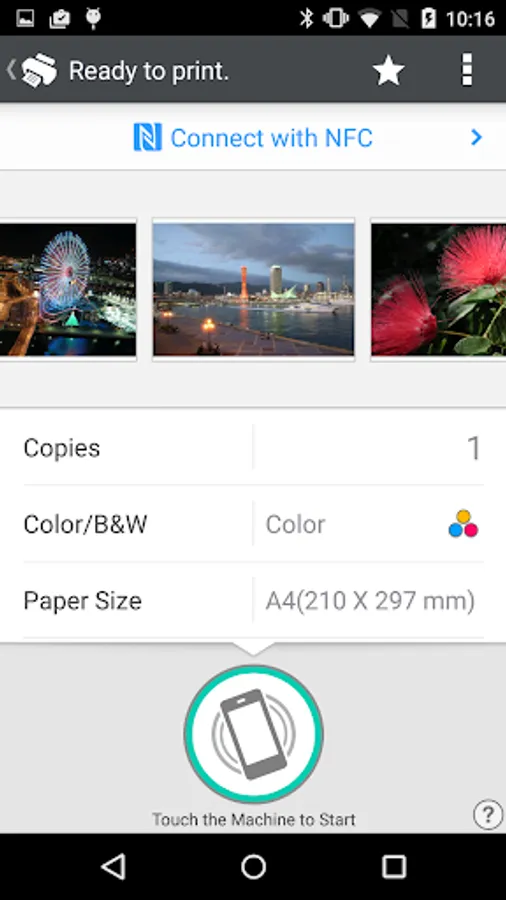
In this app, you can connect to RICOH devices using NFC, Bluetooth, QR code, or IP, then print, scan, or project documents and images. Includes device discovery, user authentication, and cloud storage integration.
AppRecs review analysis
AppRecs rating 3.4. Trustworthiness 82 out of 100. Review manipulation risk 30 out of 100. Based on a review sample analyzed.
★★★☆☆
3.4
AppRecs Rating
Ratings breakdown
5 star
43%
4 star
11%
3 star
8%
2 star
8%
1 star
30%
What to know
✓
Credible reviews
82% trustworthiness score from analyzed reviews
✓
Authentic reviews
Natural distribution, no red flags
⚠
High negative review ratio
38% of sampled ratings are 1–2 stars
About RICOH Smart Device Connector
RICOH Smart Device Connector lets you quickly access a RICOH multifunction printer (MFP) or projector by registering it with a smart device via NFC, Bluetooth Low Energy, a QR code, or the IP address or hostname of an MFP.
Print-related features:
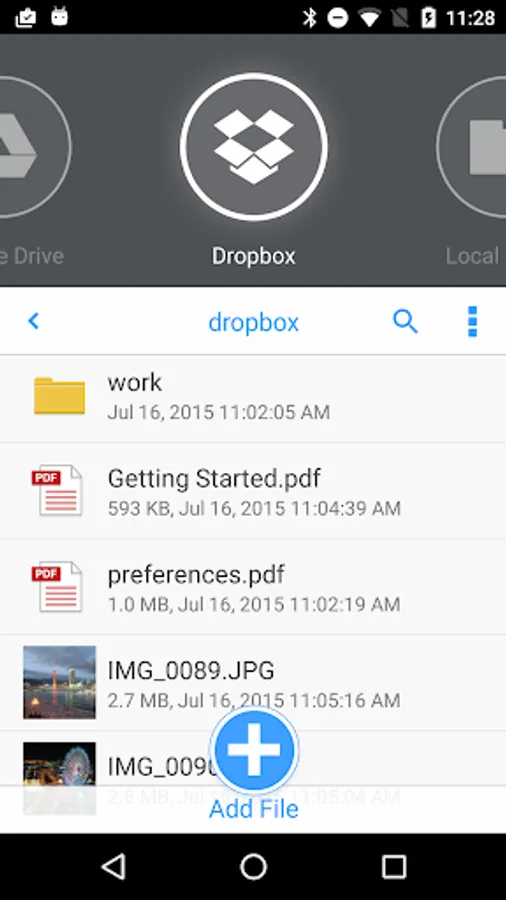
- Print or project documents and images stored on a smart device or on Box, Dropbox, Google Drive, Microsoft OneDrive.
- Print emails, file attachments, and webpages.
- Print from print server.
Scan-related features:
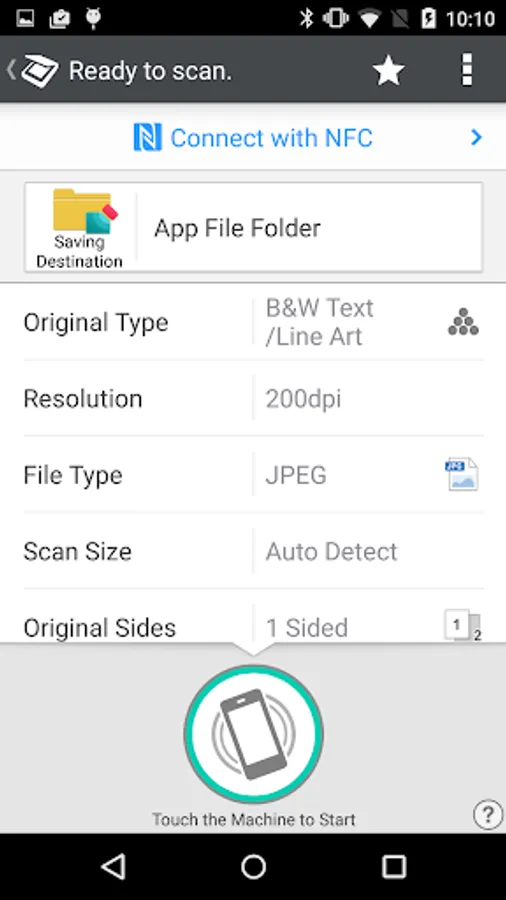
- Scan to a smart device or to Box, Dropbox, Google Drive, or Microsoft OneDrive.
Projection-related features:
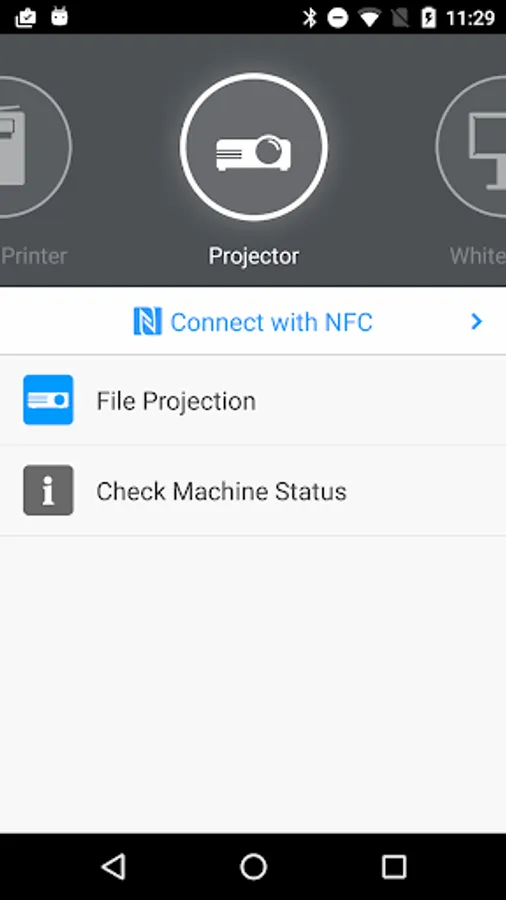
- Project documents and images on a smart device or in Box, Dropbox, Google Drive, or Microsoft OneDrive to a RICOH projector and the RICOH Interactive Whiteboard.*
- Project emails, file attachments, and webpages.
- Save documents that have been annotated on the RICOH Interactive Whiteboard.
Other features:
- Conduct user authentication by using a smart device.
- Automatically search for available machines on the same network.**
Supported languages:
Arabic, Brazilian Portuguese, Catalan, Chinese (Traditional and Simplified), Czech, Denmark, Dutch, English, Finnish, French, German, Greek, Hebrew, Hungarian, Italian, Japanese, Korean, Norwegian, Polish, Portuguese, Russian, Spanish, Swedish, Thai, Turkish, Vietnamese
Supported models:
https://www.ricoh.com/software/connector/
*RICOH Interactive White Board D6500/D5510 requires firmware v1.7 or later.
**Except for the RICOH Interactive Whiteboard.
Print-related features:
- Print or project documents and images stored on a smart device or on Box, Dropbox, Google Drive, Microsoft OneDrive.
- Print emails, file attachments, and webpages.
- Print from print server.
Scan-related features:
- Scan to a smart device or to Box, Dropbox, Google Drive, or Microsoft OneDrive.
Projection-related features:
- Project documents and images on a smart device or in Box, Dropbox, Google Drive, or Microsoft OneDrive to a RICOH projector and the RICOH Interactive Whiteboard.*
- Project emails, file attachments, and webpages.
- Save documents that have been annotated on the RICOH Interactive Whiteboard.
Other features:
- Conduct user authentication by using a smart device.
- Automatically search for available machines on the same network.**
Supported languages:
Arabic, Brazilian Portuguese, Catalan, Chinese (Traditional and Simplified), Czech, Denmark, Dutch, English, Finnish, French, German, Greek, Hebrew, Hungarian, Italian, Japanese, Korean, Norwegian, Polish, Portuguese, Russian, Spanish, Swedish, Thai, Turkish, Vietnamese
Supported models:
https://www.ricoh.com/software/connector/
*RICOH Interactive White Board D6500/D5510 requires firmware v1.7 or later.
**Except for the RICOH Interactive Whiteboard.
RICOH Smart Device Connector Screenshots
Tap to Rate:
Reviews for RICOH Smart Device Connector
Shireen Ahmed
12/26/2025
too many bugs all the time
Humayun Abbas
12/20/2025
Pdf files when sent to print the app shut downs