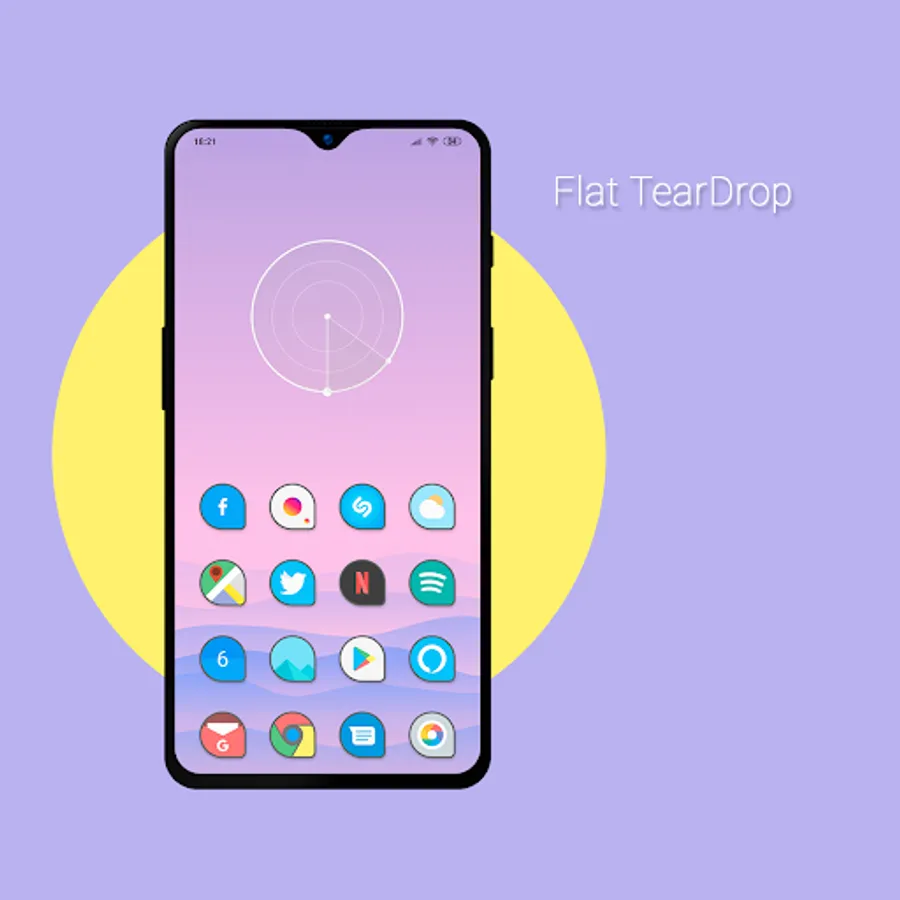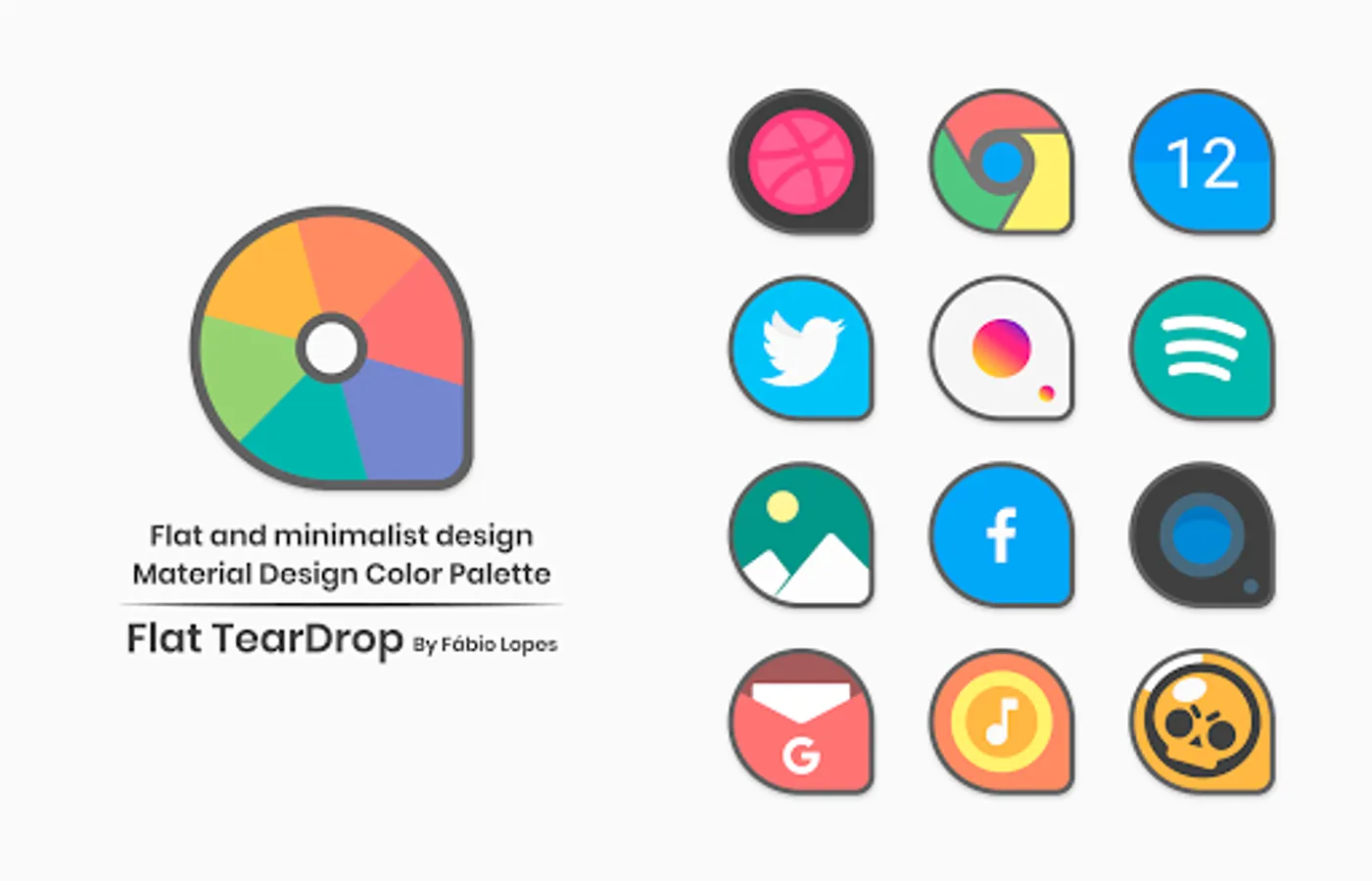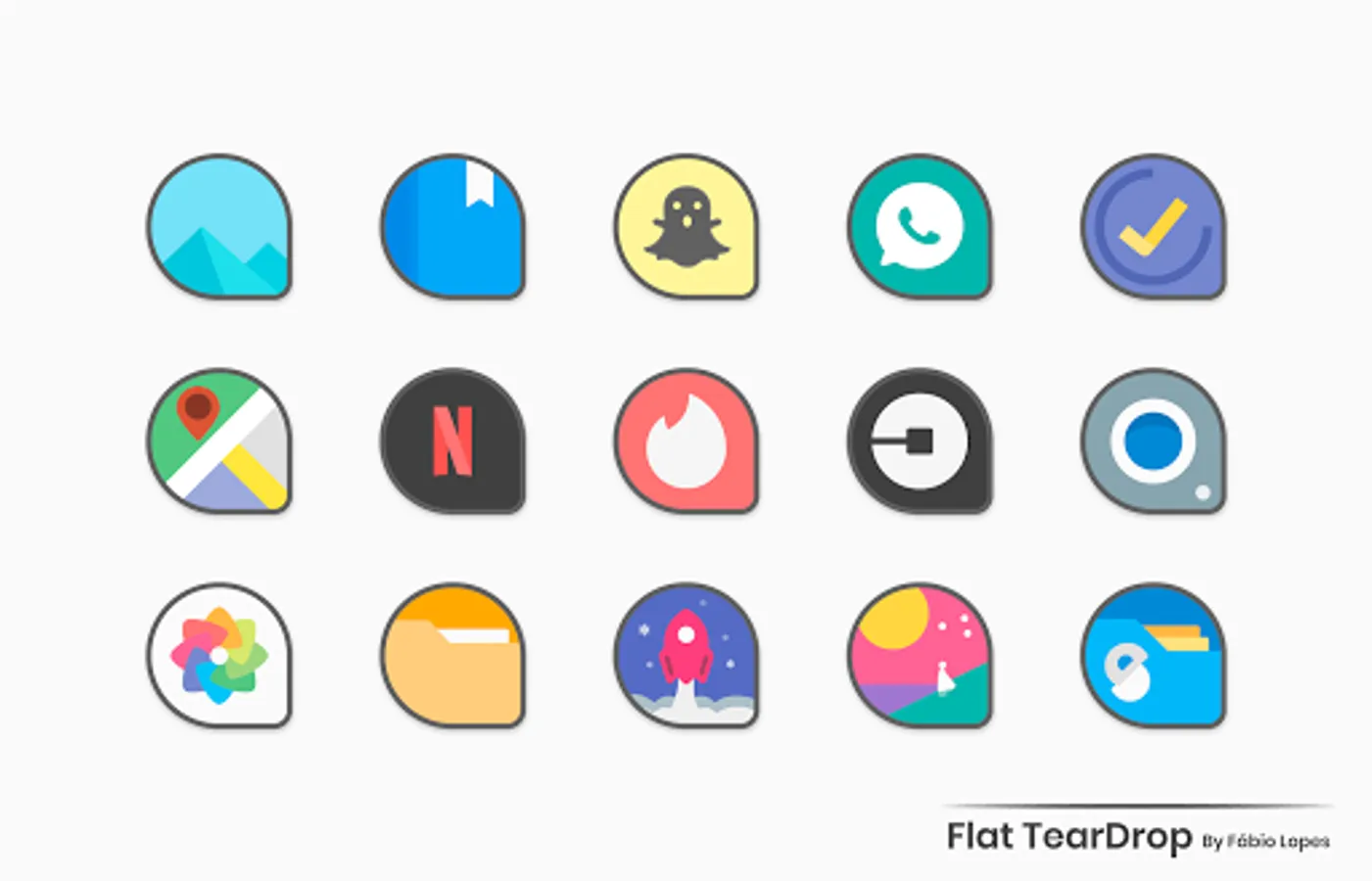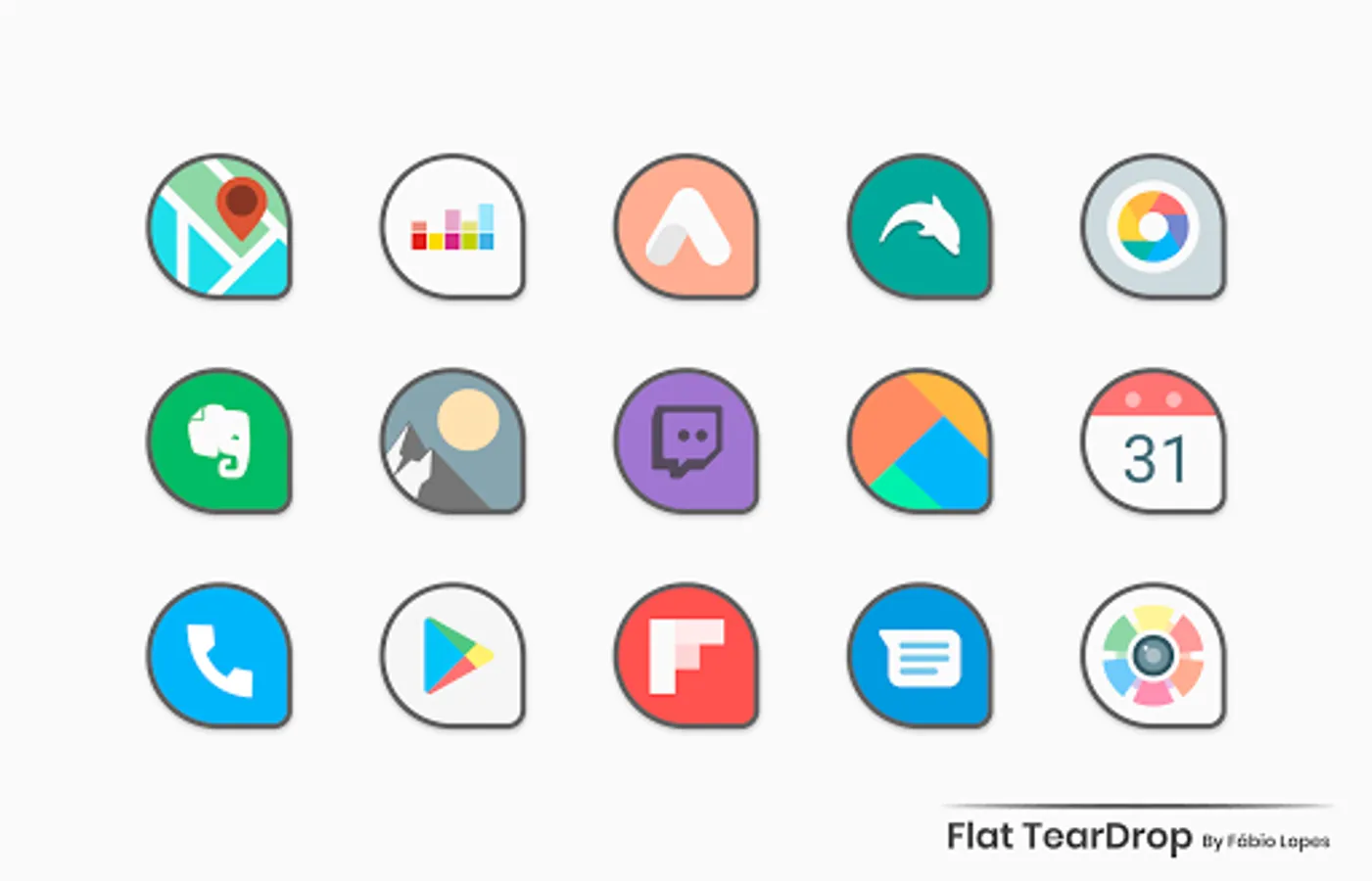
Flat TearDrop - Icon Pack
FLDESIGN
4.6 ★
57 ratings
1,000+
downloads
$2.49
+ in-app
With this icon pack, you can customize your device's appearance by applying over 3,000 high-quality icons with support for dynamic calendars and icon requests. Includes weekly updates, alternative icons, and search functionality.
AppRecs review analysis
AppRecs rating 4.6. Trustworthiness 49 out of 100. Review manipulation risk 45 out of 100. Based on a review sample analyzed.
★★★★☆
4.6
AppRecs Rating
Ratings breakdown
5 star
81%
4 star
0%
3 star
19%
2 star
0%
1 star
0%
What to know
✓
Authentic reviews
Natural distribution, no red flags
⚠
Questionable review patterns
45% review manipulation risk - some review patterns appear unusual
⚠
Rating authenticity concerns
High rating concentration (81% 5-star) in sampled ratings
About Flat TearDrop - Icon Pack
Features:
• 3080+ high quality Icons inspired by Flat and Material Design.
• Weekly Updates.
• Alternative Icons.
• Dynamic Calendar support.
• Icon Request Tool.
• Icon Search.
On some launchers you need to enter the launcher settings to activate the icon pack. :)
Supports
• Nova Launcher
• Apex Launcher
• One Plus Launcher
• Go Launcher
• ADW2
• Action Launcher
• ABC Launcher
• Aviate Launcher
• Evie Launcher
• Holo Launcher
• ICS Holo Launcher
• Lucid Launcher
• M launcher
• Zero launcher
• V Launcher
• Smart Launcher
• Mix Launcher
• Cool Pixel Launcher
• Lawnchair Launcher
• Evie Launcher
• Super P Launcher
• Rootles Launcher
• Solo Launcher and many more...
If you are using OnePlus launcher just enter the launcher settings: hold your finger on the home screen, then click "home settings" and then "icon pack".
How to Apply Icons with Flat TearDrop Icon Pack
1- Open Flat TearDrop Icon Pack
2- Navigate to Apply Flat TearDrop
3- Select Your Launcher
4- Enjoy Your New Theme :)
Stay in touch:
https://twitter.com/FLDesign5
https://www.instagram.com/fl_icon_design/
This app has no wallpapers.
• 3080+ high quality Icons inspired by Flat and Material Design.
• Weekly Updates.
• Alternative Icons.
• Dynamic Calendar support.
• Icon Request Tool.
• Icon Search.
On some launchers you need to enter the launcher settings to activate the icon pack. :)
Supports
• Nova Launcher
• Apex Launcher
• One Plus Launcher
• Go Launcher
• ADW2
• Action Launcher
• ABC Launcher
• Aviate Launcher
• Evie Launcher
• Holo Launcher
• ICS Holo Launcher
• Lucid Launcher
• M launcher
• Zero launcher
• V Launcher
• Smart Launcher
• Mix Launcher
• Cool Pixel Launcher
• Lawnchair Launcher
• Evie Launcher
• Super P Launcher
• Rootles Launcher
• Solo Launcher and many more...
If you are using OnePlus launcher just enter the launcher settings: hold your finger on the home screen, then click "home settings" and then "icon pack".
How to Apply Icons with Flat TearDrop Icon Pack
1- Open Flat TearDrop Icon Pack
2- Navigate to Apply Flat TearDrop
3- Select Your Launcher
4- Enjoy Your New Theme :)
Stay in touch:
https://twitter.com/FLDesign5
https://www.instagram.com/fl_icon_design/
This app has no wallpapers.