
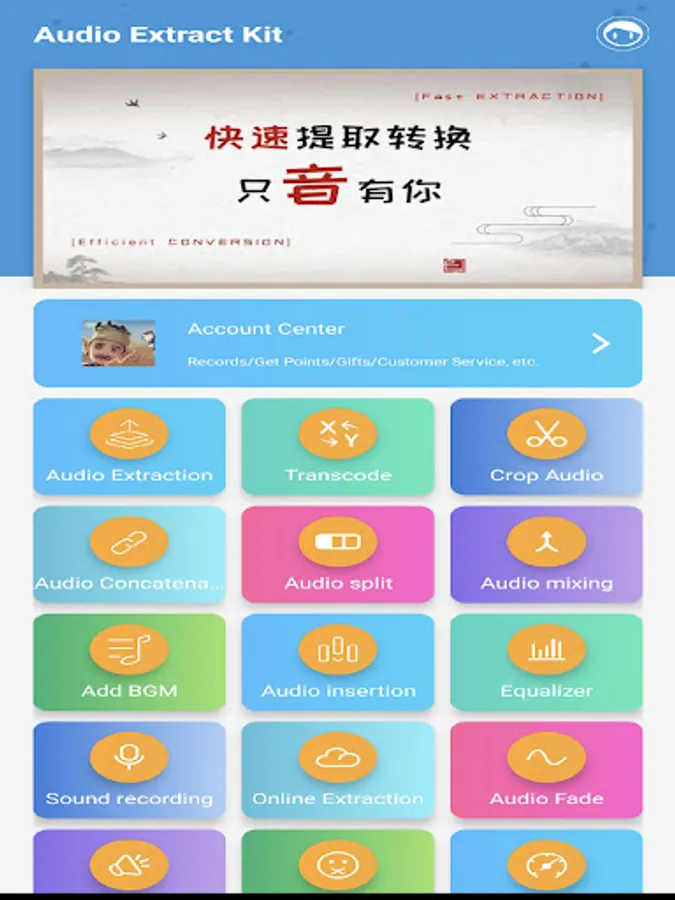
In this audio processing app, you can convert, trim, and extract audio files, as well as apply effects like noise reduction and volume adjustment. Includes batch conversion, audio editing tools, and support for multiple formats.
AppRecs review analysis
AppRecs rating 4.2. Trustworthiness 82 out of 100. Review manipulation risk 23 out of 100. Based on a review sample analyzed.
★★★★☆
4.2
AppRecs Rating
Ratings breakdown
5 star
60%
4 star
19%
3 star
9%
2 star
3%
1 star
8%
What to know
✓
Low review manipulation risk
23% review manipulation risk
✓
Credible reviews
82% trustworthiness score from analyzed reviews
✓
High user satisfaction
80% of sampled ratings are 4+ stars (4.2★ average)
About Mp3 Converter
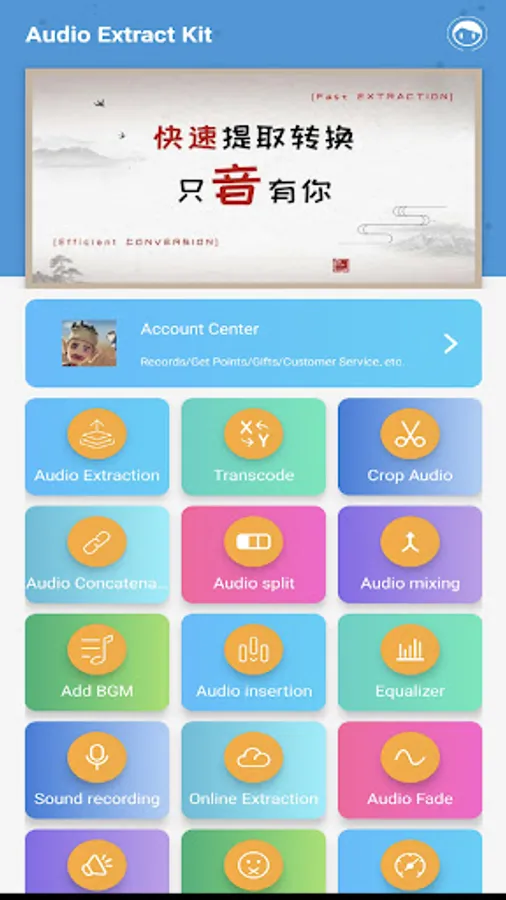
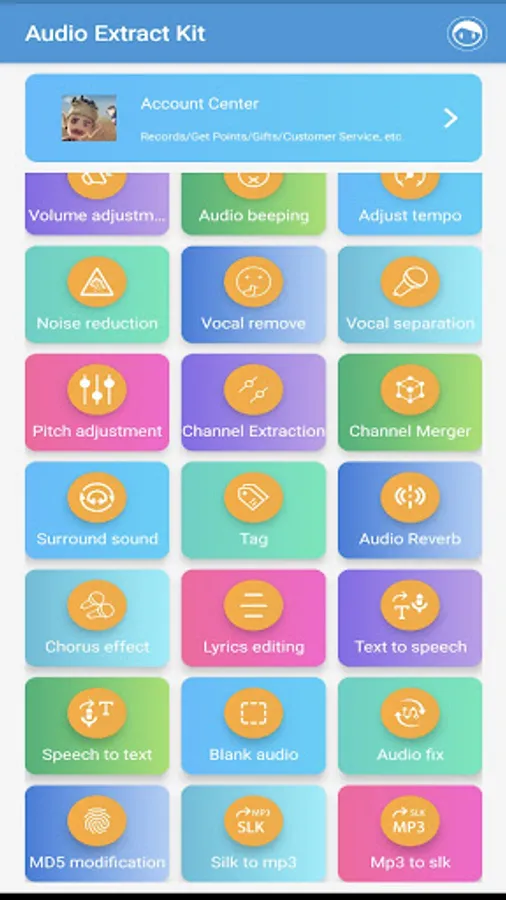
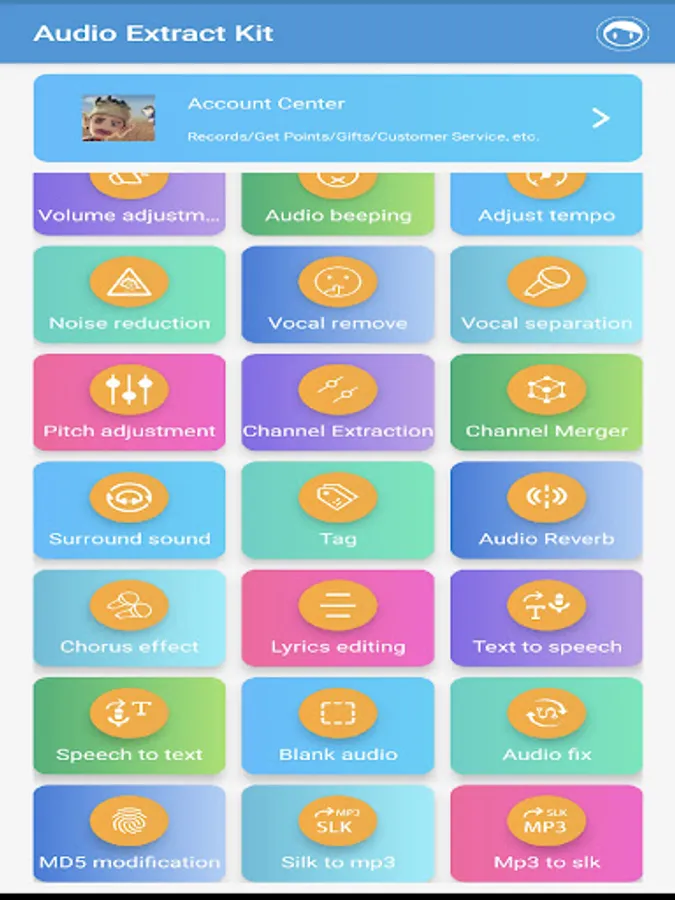
Mp3 Converter is not just a simple batch mp3 converter, it is also a powerful audio processing APP that can perform some commonly used audio processing tasks, export lossless MP3, and give you good sound.It is a super mp3 converter and bulk mp3 converter.
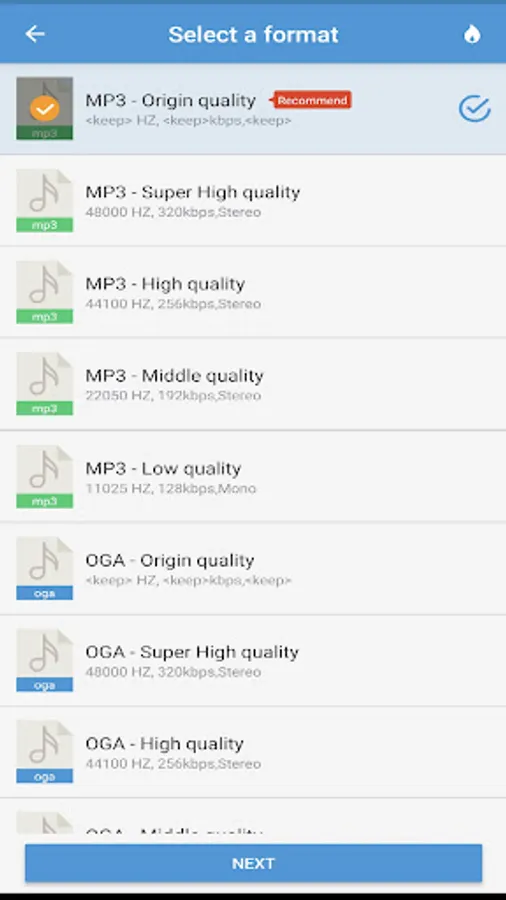
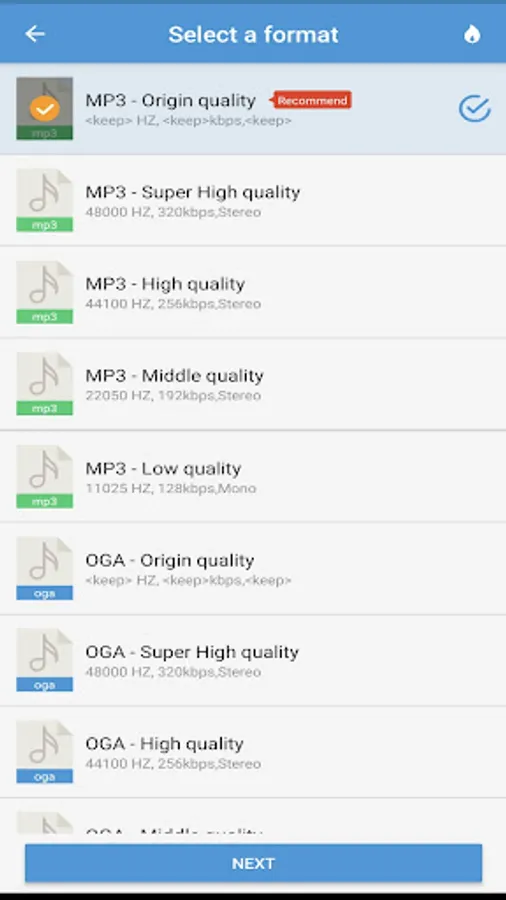
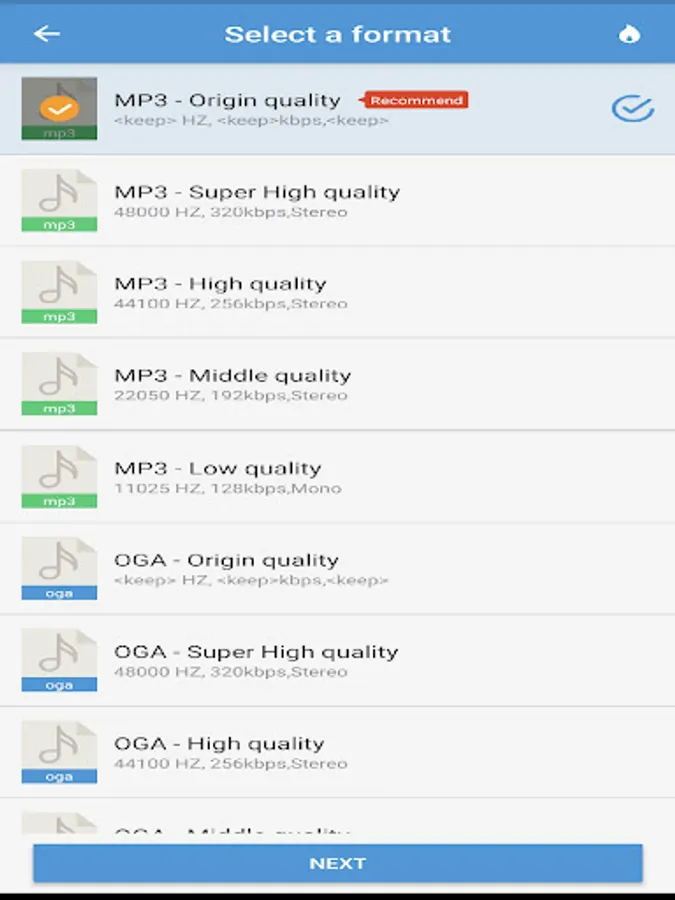
Supported formats: mp3,wav,ogg,m4a,aac,m4r,wma,flac,ac3,mmf,amr,wv,slk,silk,mp2,mpegh 3d audio,mhm1,mha1.
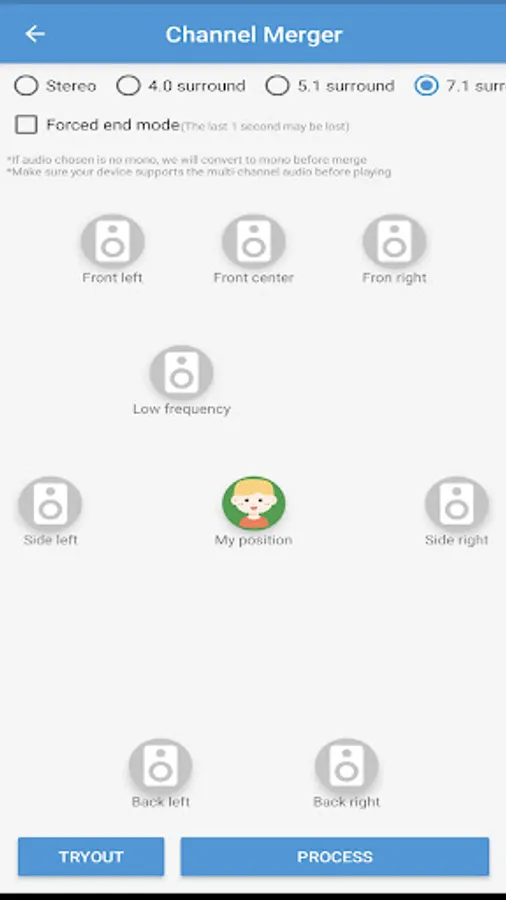
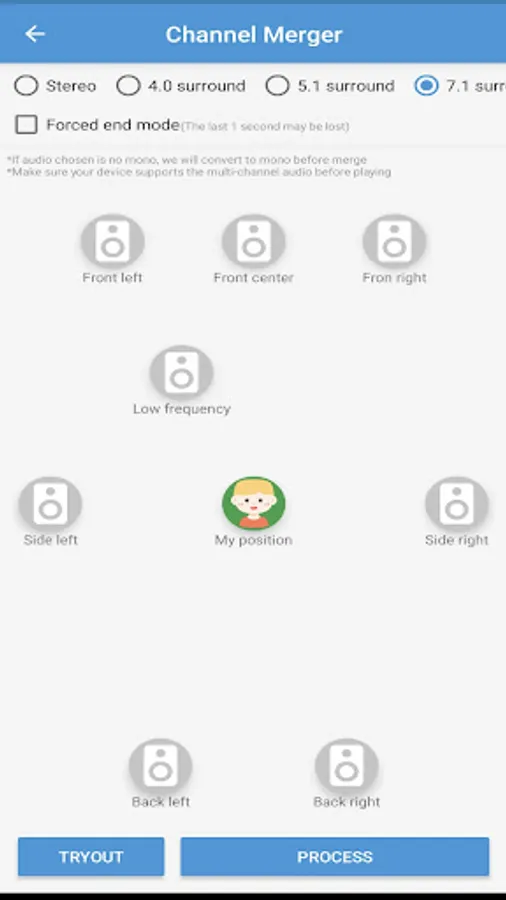
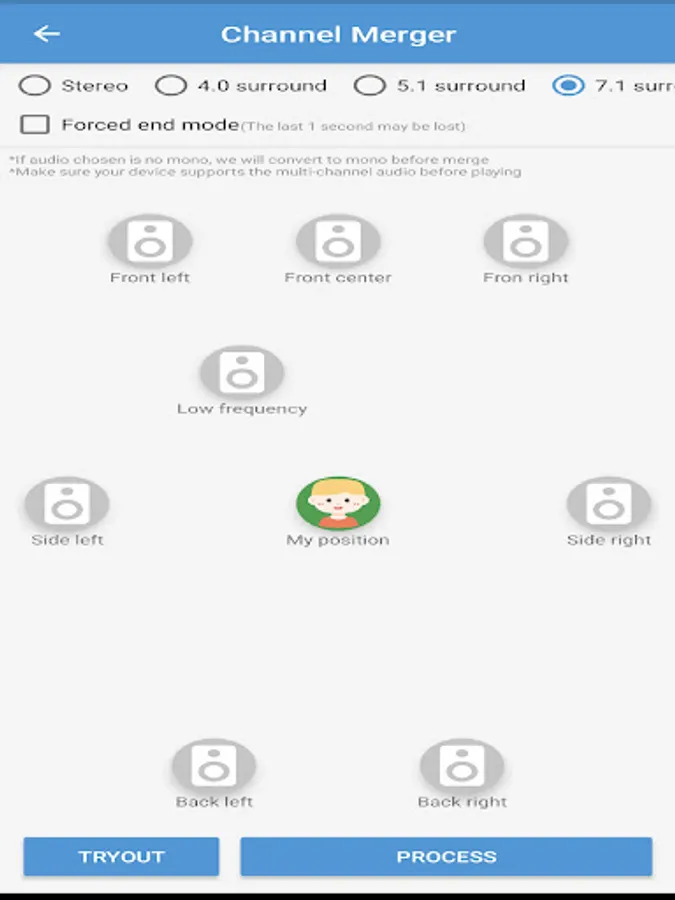
Supported channel type:mono, stereo, quad surround, 5.1 stereo, 7.1 stereo
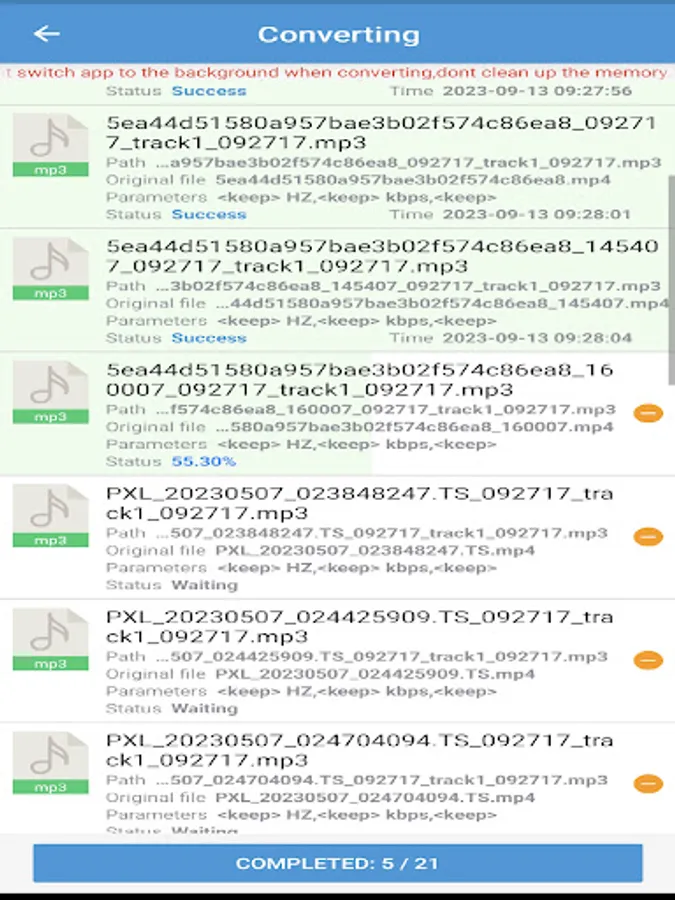
Format Conversion:Convert audio files to different music formats.
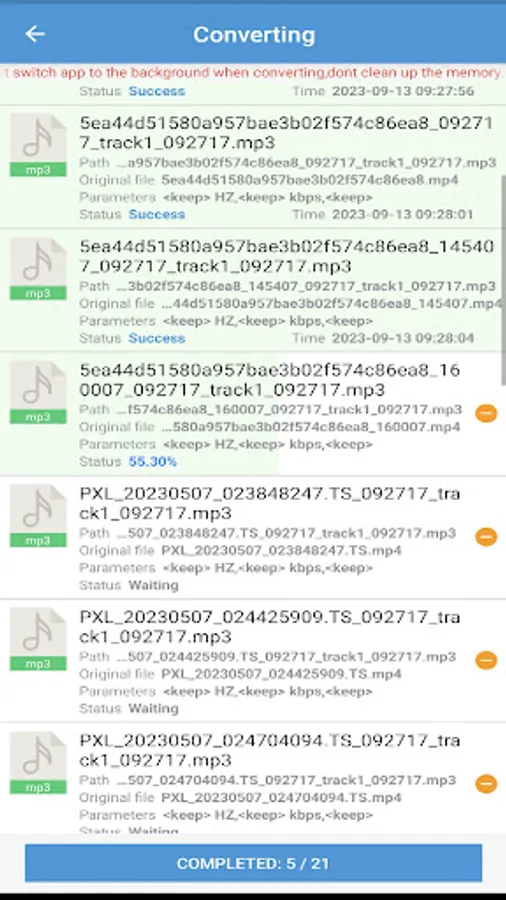
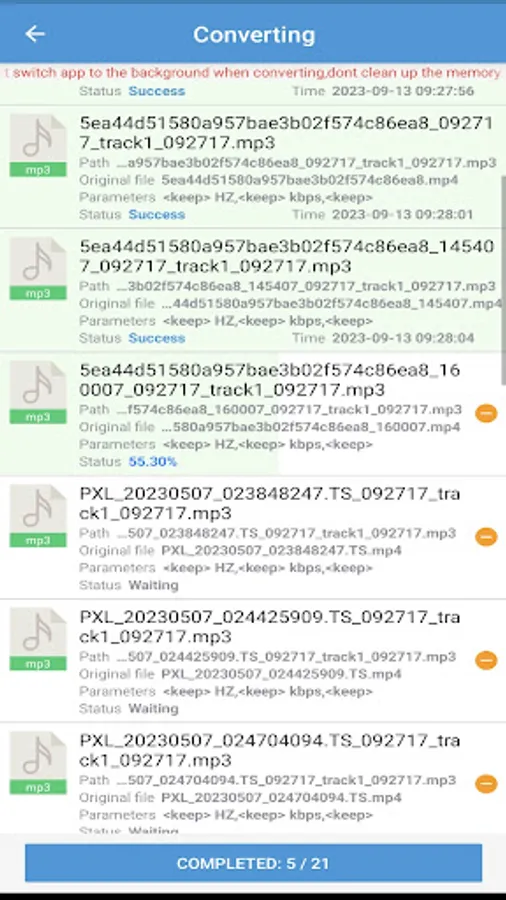
Audio Extraction: Extract lossless mp3 or other format audio from the video ,supports batch mode. supports multi-audio track extraction.
Audio Trimming: Selected section from audio to generate a new audio or remove selected section, it can make ringtone for your phone.
Web Media Downloader: Download audio and video from website url
Audio Concatenation: Concat multiple audio into one mp3 or other format audio.
Audio Splitting: Splite audio by duration or number of files.
Audio Mixing: Mix multiple audios into one audio.
Audio Fade: Fade the beginning and end of audio.
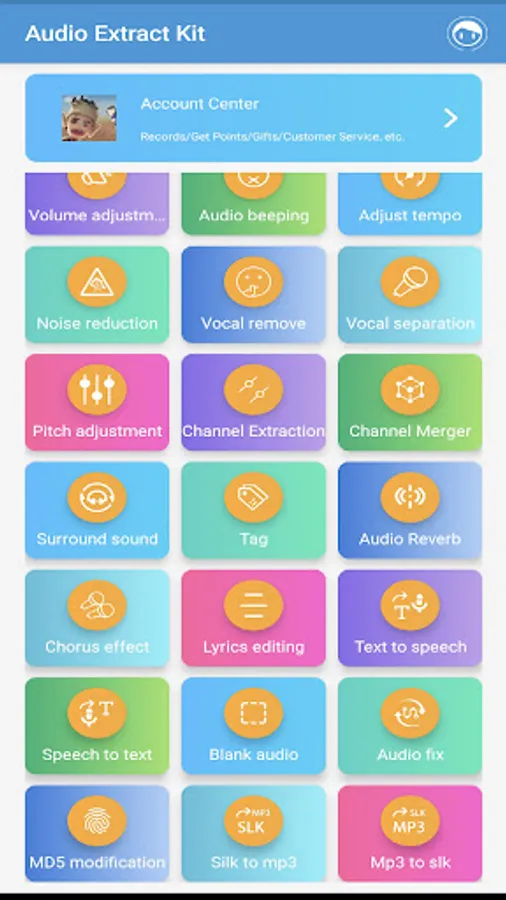
Volume Adjuster: Increase and reduce the volume of audio files in mp3 or other formats.
Audio Beeping: Repace the section of audio with 'beeping'.
Adjust Tempo: Adjust the audio playback speed.
Noise Reduction: reduce the noise in the audio.
Audio Insertion:Insert a new audio at the specified position
Audio Capture:Capture system sounds into mp3 files
Audio Recording:Record the microphone sound into an audio file
Vocal Remover: remove the vocal from the music, only keep the accompaniment.
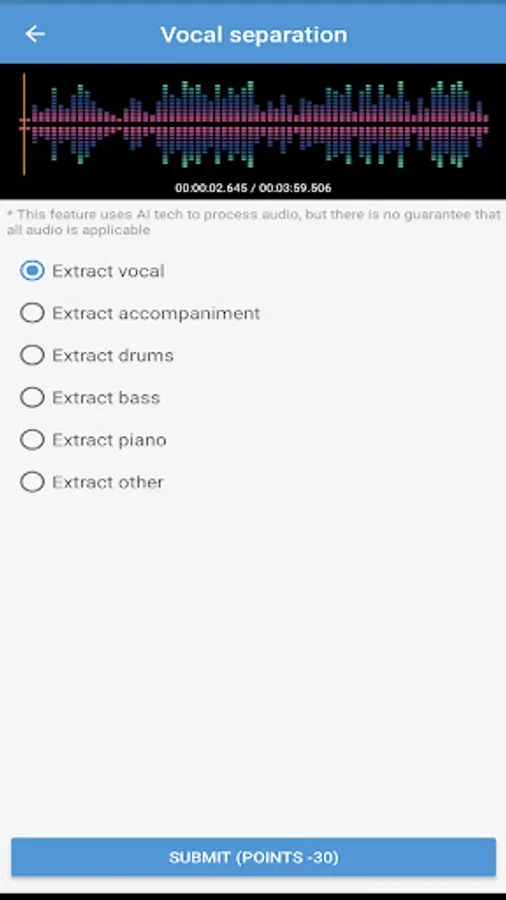
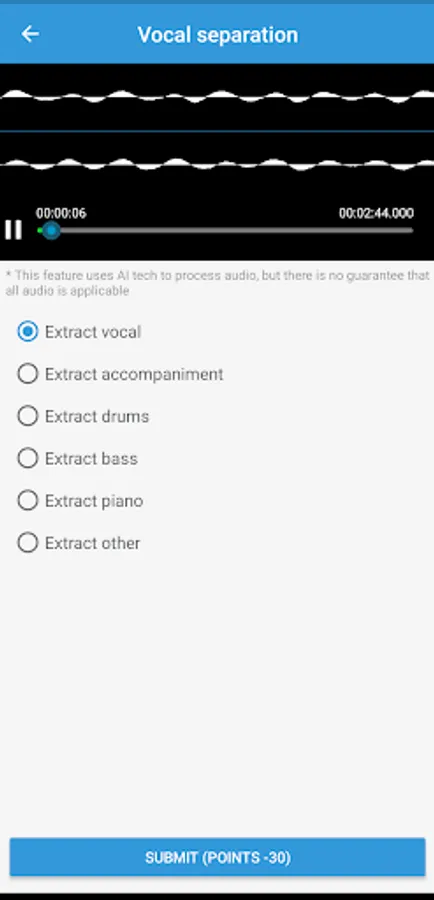
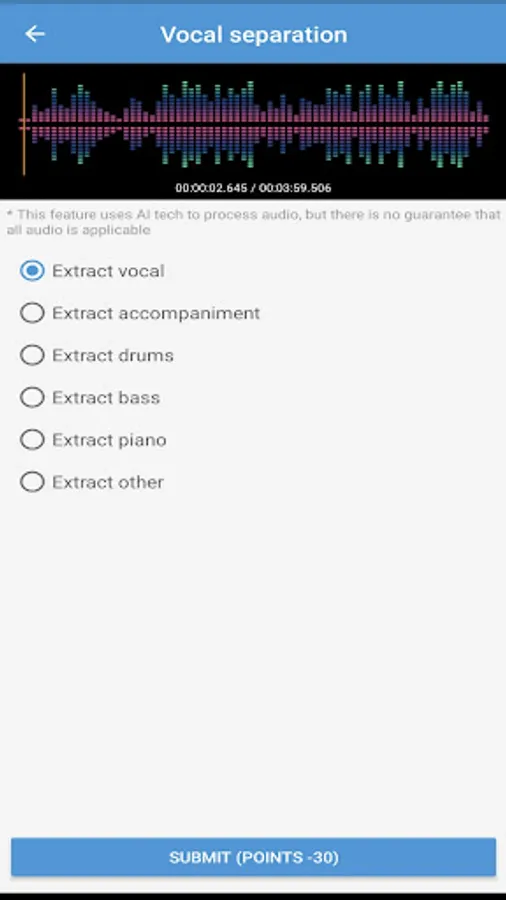
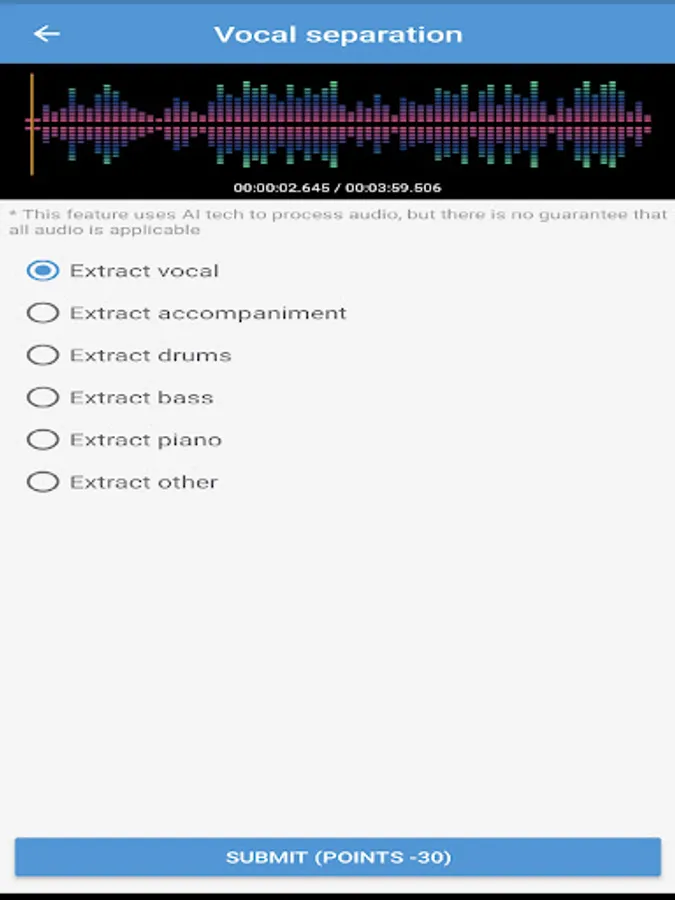
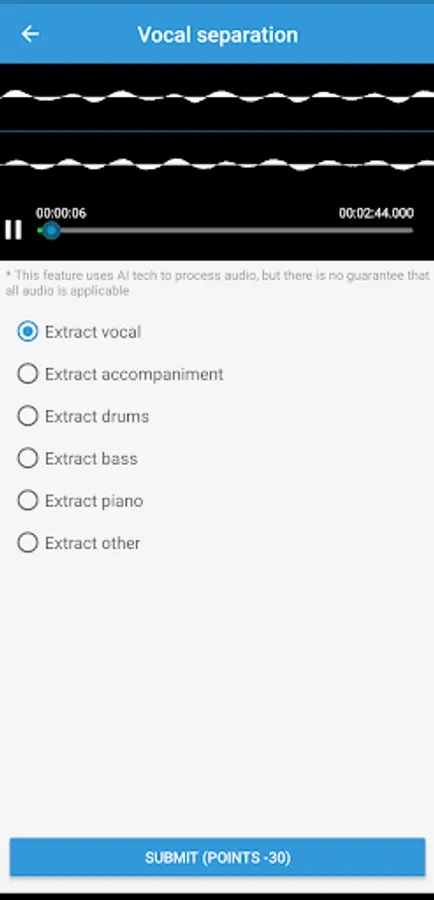
Vocal Separation:Separate sound/vocal/accompaniment/drums/bass/piano sound effects from a audio.
Pitch Adjuster Change the pitch of the audio
Channel Separator: Separate multiple channels in audio.
Channel Merger: Merge multiple channels into one mp3 audio
Surround Sound: make audio into 3D surround sound
Tags And Cover: add album and cover information to audio
Audio Reverb: Reverberation of audio
Lyrics editing: making Lrc lyrics
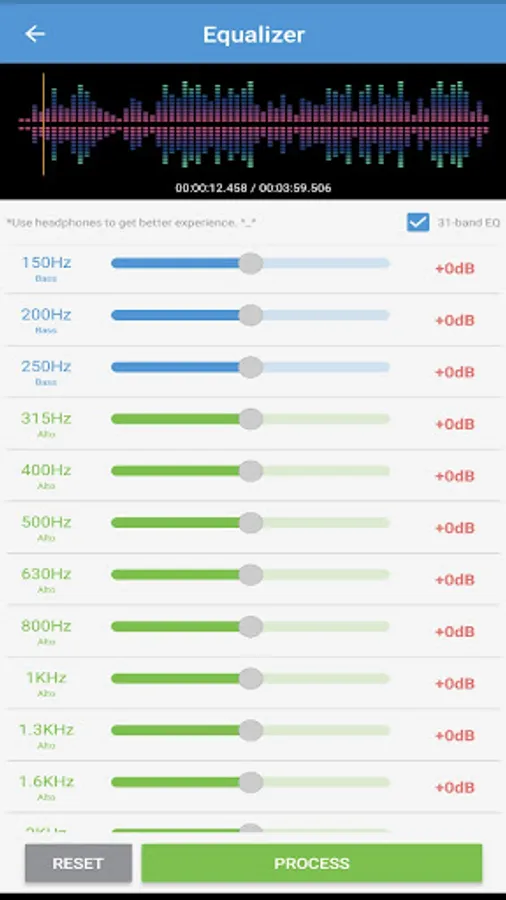
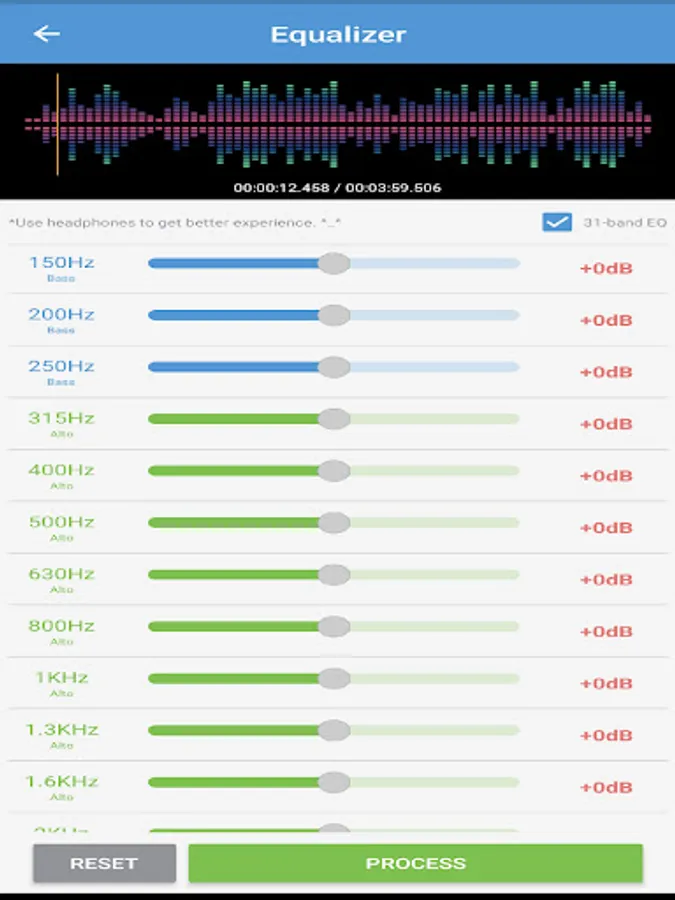
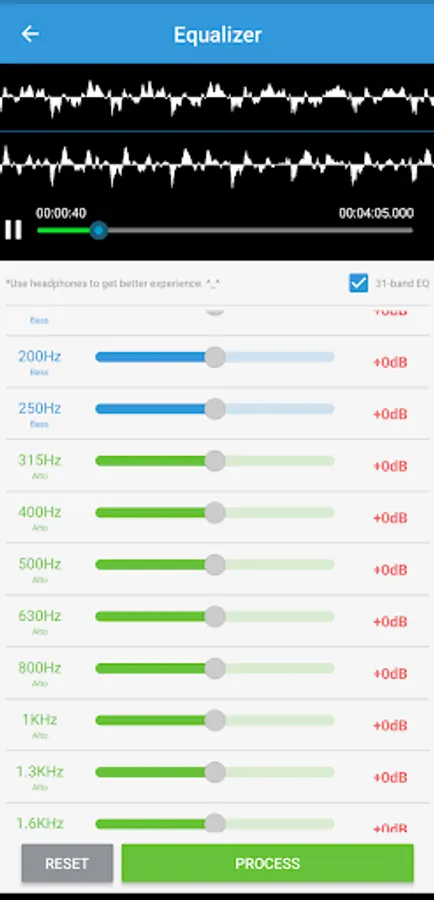
Equalizer: 31-band equalizer adjustment
Chorus effect: Produce chorus effects such as two/three/multiple people
Speech to text: Convert recording audio to text txt files
Text to speech: Convert text into audio speech, and provide a variety of timbres
MD5 modification: Change the MD5 information of the audio file
SLK to MP3: Convert SLK format to MP3 format
MP3 to SLK: Convert MP3 format to SLK format
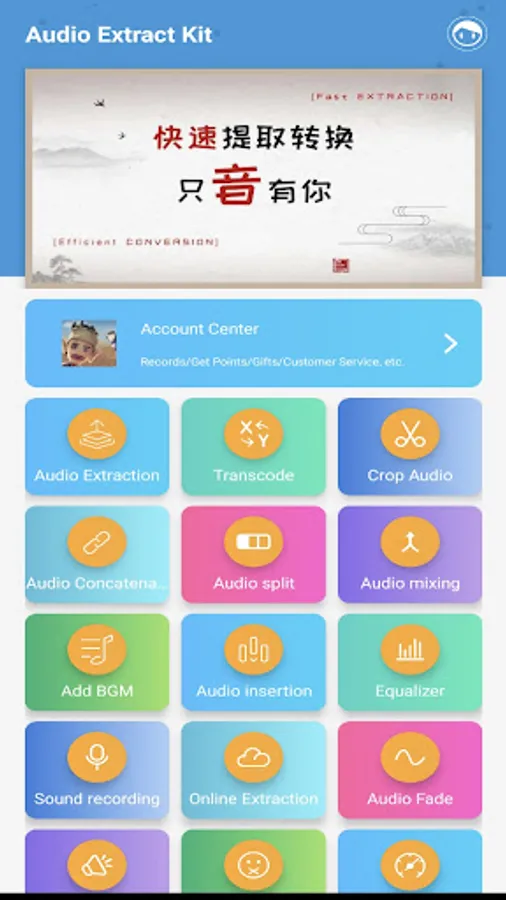
More features are waiting for you to discover.
Supported formats: mp3,wav,ogg,m4a,aac,m4r,wma,flac,ac3,mmf,amr,wv,slk,silk,mp2,mpegh 3d audio,mhm1,mha1.
Supported channel type:mono, stereo, quad surround, 5.1 stereo, 7.1 stereo
Format Conversion:Convert audio files to different music formats.
Audio Extraction: Extract lossless mp3 or other format audio from the video ,supports batch mode. supports multi-audio track extraction.
Audio Trimming: Selected section from audio to generate a new audio or remove selected section, it can make ringtone for your phone.
Web Media Downloader: Download audio and video from website url
Audio Concatenation: Concat multiple audio into one mp3 or other format audio.
Audio Splitting: Splite audio by duration or number of files.
Audio Mixing: Mix multiple audios into one audio.
Audio Fade: Fade the beginning and end of audio.
Volume Adjuster: Increase and reduce the volume of audio files in mp3 or other formats.
Audio Beeping: Repace the section of audio with 'beeping'.
Adjust Tempo: Adjust the audio playback speed.
Noise Reduction: reduce the noise in the audio.
Audio Insertion:Insert a new audio at the specified position
Audio Capture:Capture system sounds into mp3 files
Audio Recording:Record the microphone sound into an audio file
Vocal Remover: remove the vocal from the music, only keep the accompaniment.
Vocal Separation:Separate sound/vocal/accompaniment/drums/bass/piano sound effects from a audio.
Pitch Adjuster Change the pitch of the audio
Channel Separator: Separate multiple channels in audio.
Channel Merger: Merge multiple channels into one mp3 audio
Surround Sound: make audio into 3D surround sound
Tags And Cover: add album and cover information to audio
Audio Reverb: Reverberation of audio
Lyrics editing: making Lrc lyrics
Equalizer: 31-band equalizer adjustment
Chorus effect: Produce chorus effects such as two/three/multiple people
Speech to text: Convert recording audio to text txt files
Text to speech: Convert text into audio speech, and provide a variety of timbres
MD5 modification: Change the MD5 information of the audio file
SLK to MP3: Convert SLK format to MP3 format
MP3 to SLK: Convert MP3 format to SLK format
More features are waiting for you to discover.
Mp3 Converter Screenshots
Tap to Rate:
Reviews for Mp3 Converter
helen okpara
11/29/2025
easy to use
Saeede Nedaee
10/21/2025
it doesn't have manual spliting