
Bulk Rename File
QiuFuQuan
2.8 ★
388 ratings
10,000+
downloads
Free
+ in-app
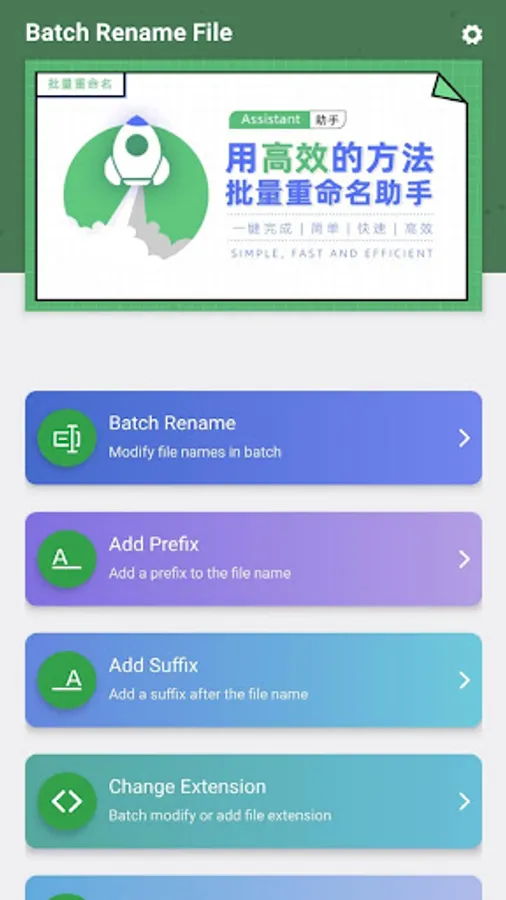
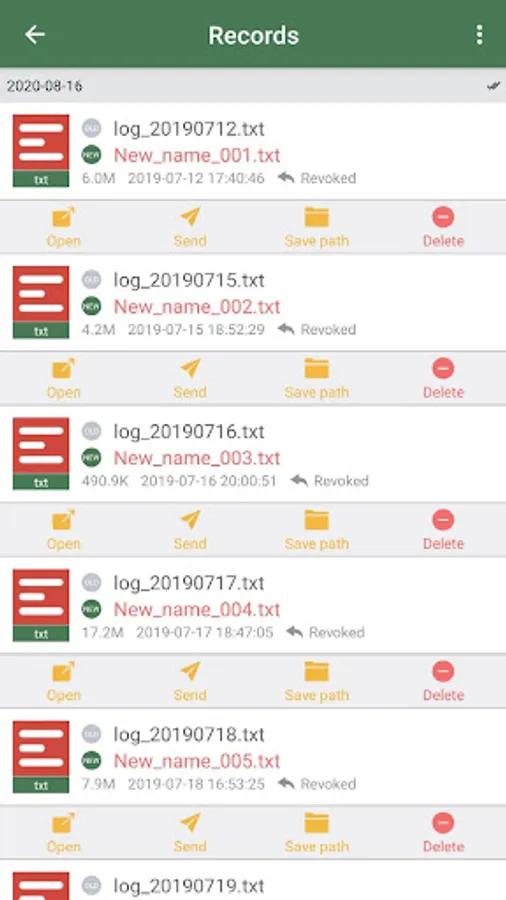
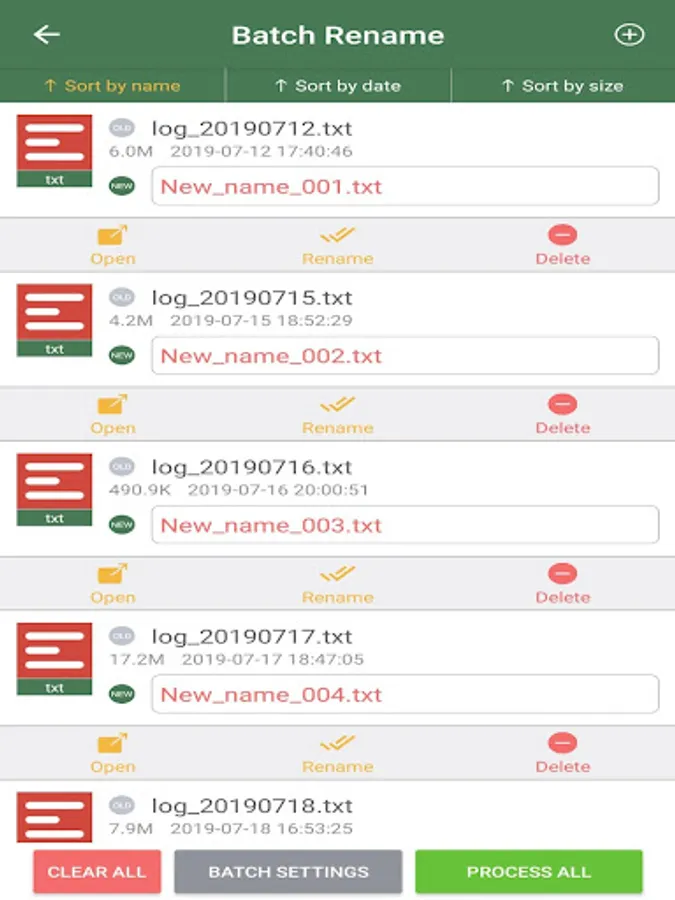
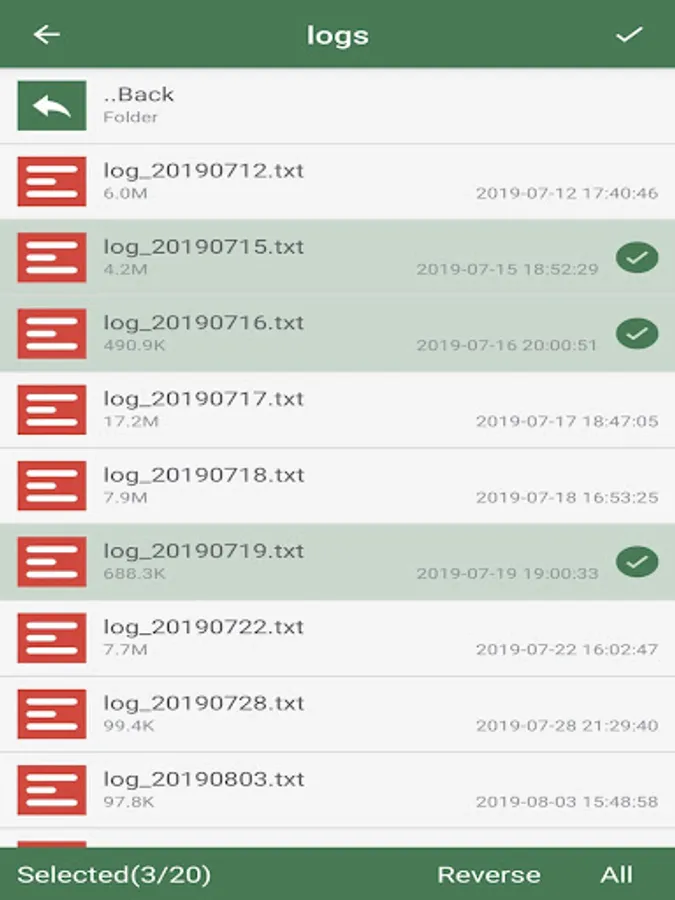
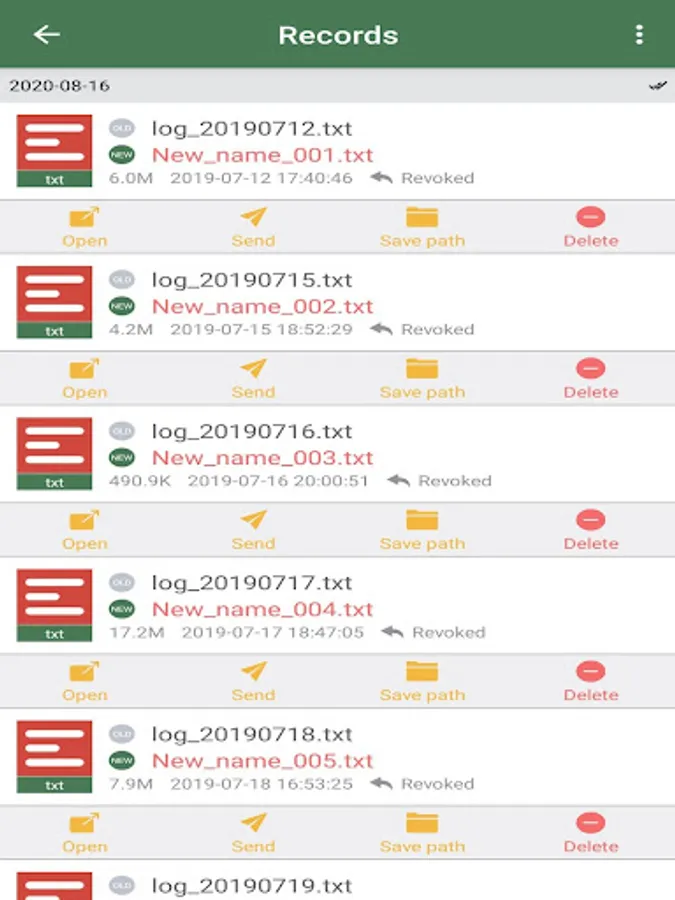
In this app, you can modify multiple file names simultaneously using various batch operations. Includes features such as adding prefixes or suffixes, changing extensions, and replacing characters.
AppRecs review analysis
AppRecs rating 2.4. Trustworthiness 80 out of 100. Review manipulation risk 18 out of 100. Based on a review sample analyzed.
★★☆☆☆
2.4
AppRecs Rating
Ratings breakdown
5 star
32%
4 star
12%
3 star
8%
2 star
4%
1 star
44%
What to know
⚠
Ad complaints
Many low ratings mention excessive ads
⚠
Mixed user feedback
Average 2.8★ rating suggests room for improvement
⚠
High negative review ratio
48% of sampled ratings are 1–2 stars
About Bulk Rename File
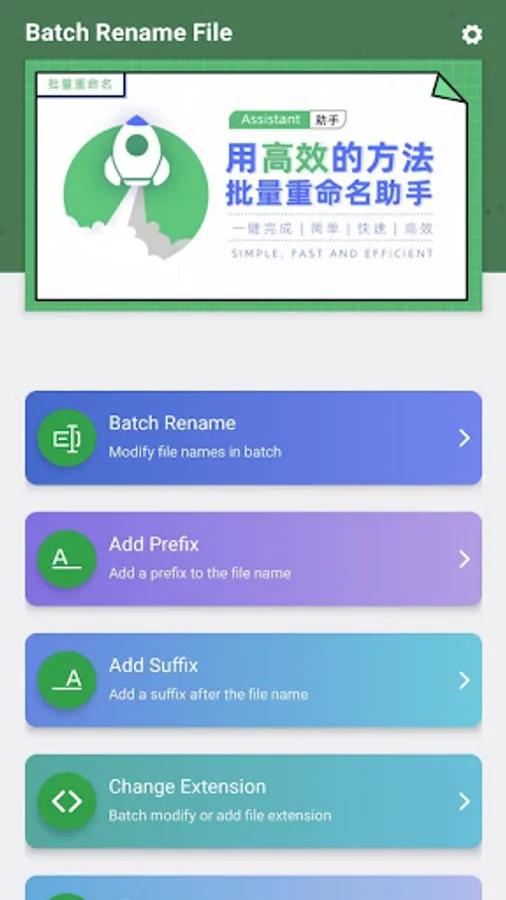
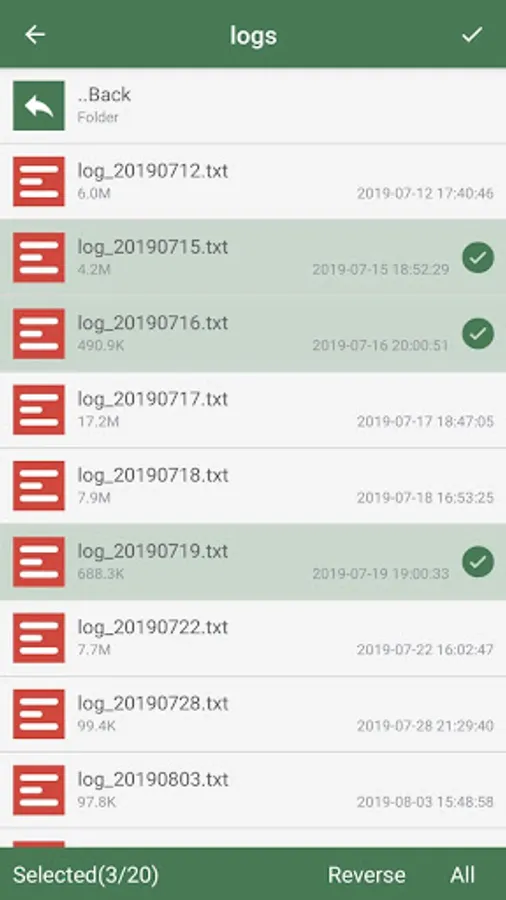
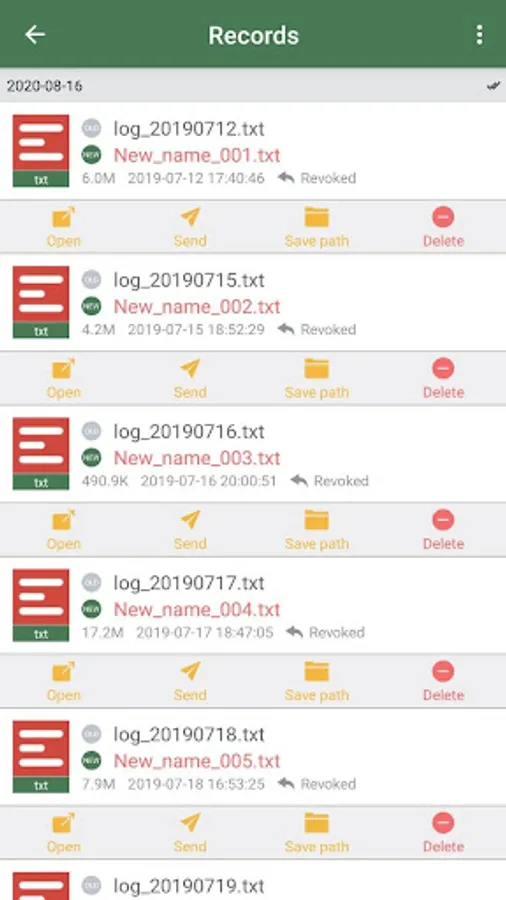
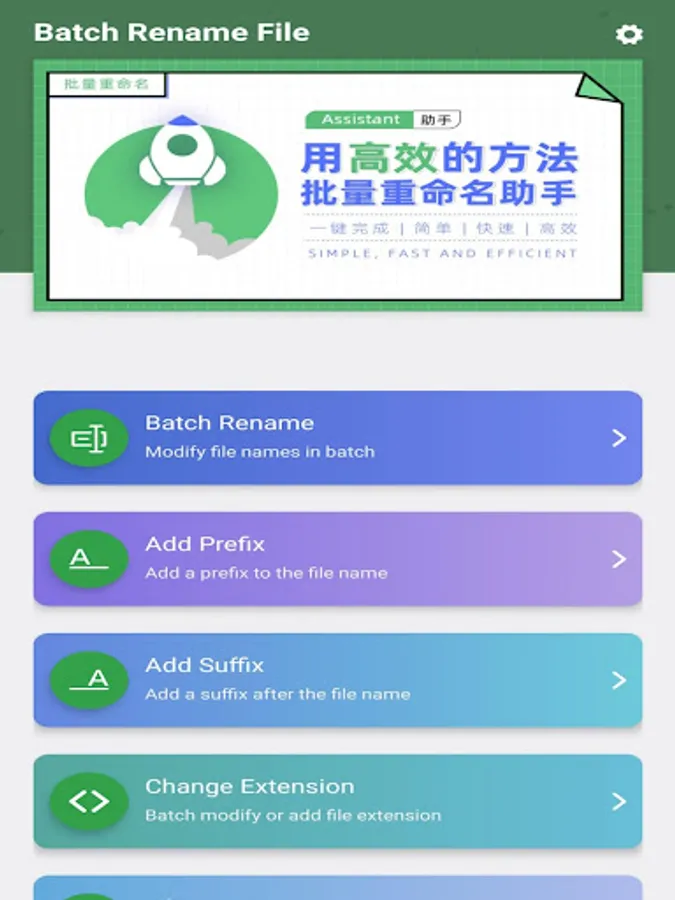
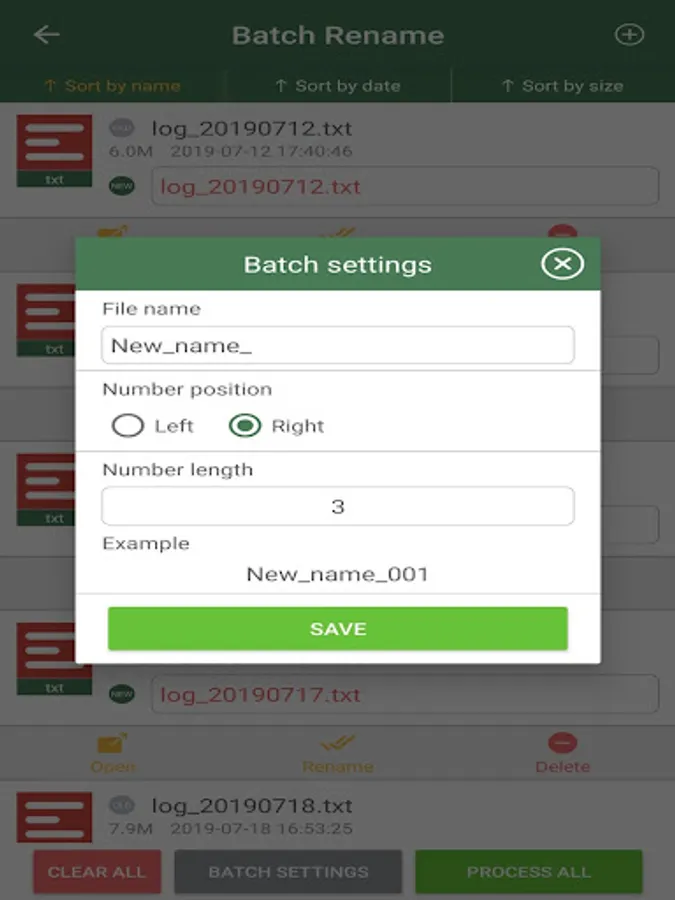
The batch renaming File includes the following functions:
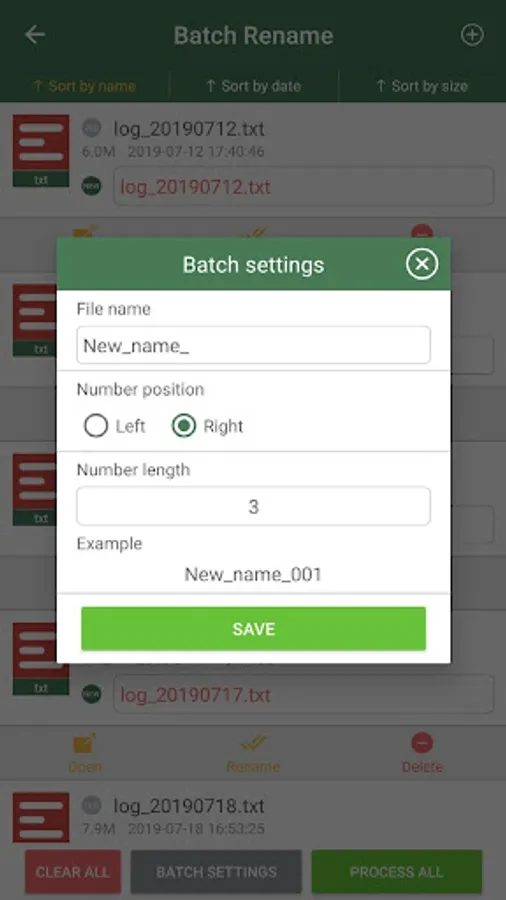
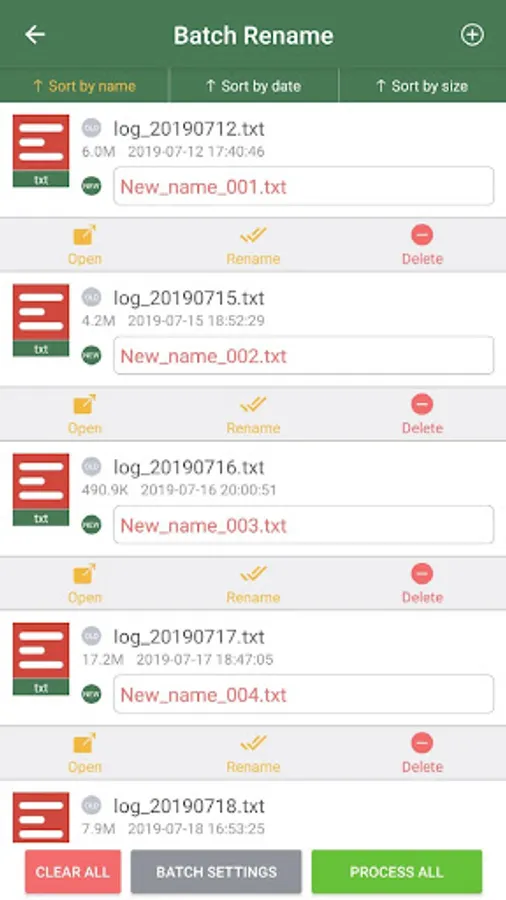
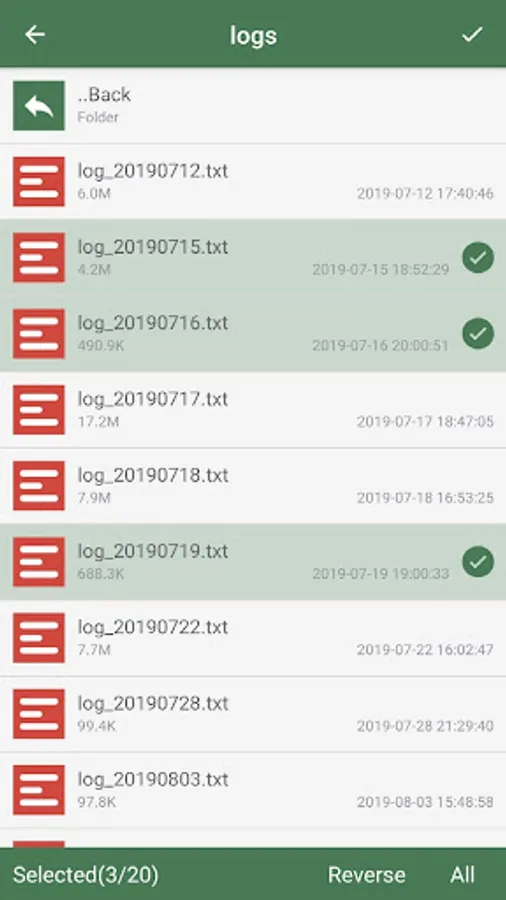
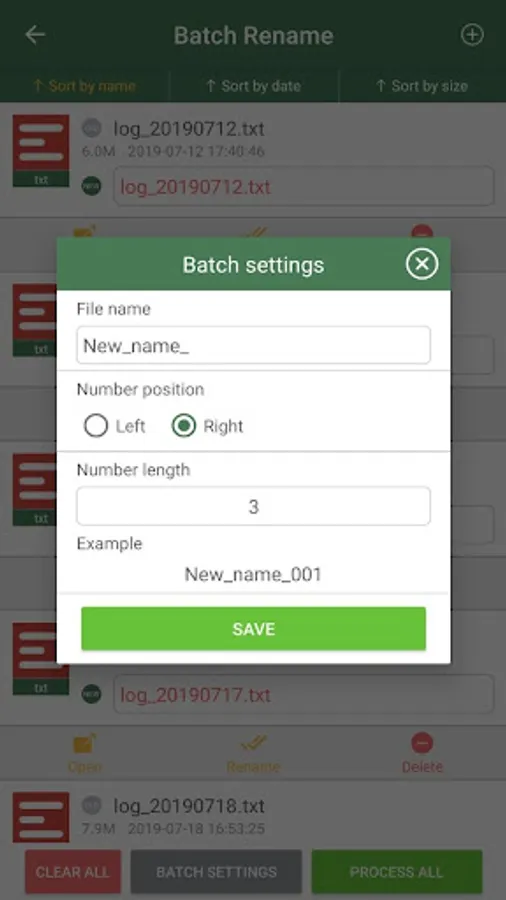
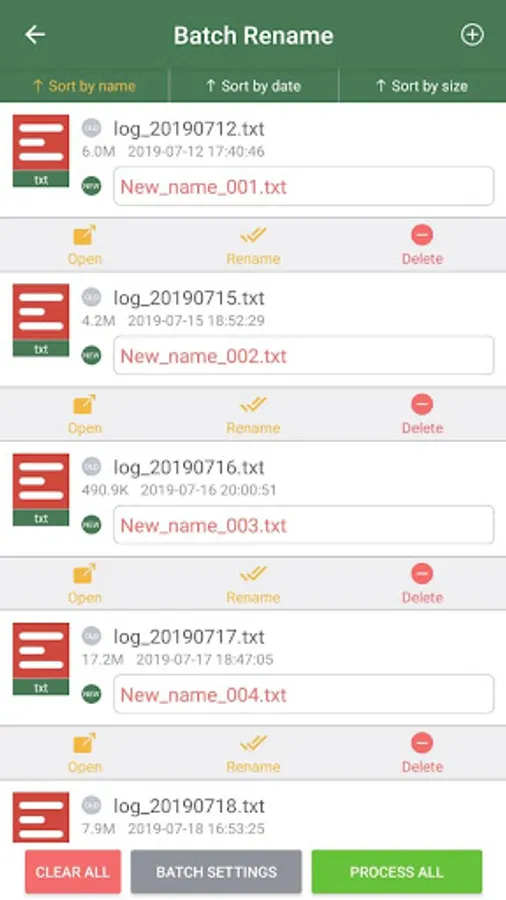
Batch Rename: Rename files in batch
Add prefix in batch: add prefix to file name in batch
Add suffix in batch: Add suffix in batch to file name
Batch change extension: batch change file name extension
Add serial number: add serial numbers to file names
Add last modify time: append last modify time to file name
Add file size: append file size to file name
Replace characters: replace or delete some characters in file name
File name case conversion: batch conversion of file name case
Bulk Rename File Screenshots
Tap to Rate:
Reviews for Bulk Rename File
Ashley Simmons
2/11/2026
wants you to obtain POINTS. no good
tom waugh
2/8/2026
Clunky interface and took a long time to load on my Pixel 8. after spending 3 or 4 minutes trying to figure out how it worked. I selected eight files to rename. It then told me I don't have enough points and I should buy some. Uninstalled