In this driving app, you can access navigation, make calls, and control media with voice commands. Includes GPS route guidance, message management, and media app support.
AppRecs review analysis
AppRecs rating 4.1. Trustworthiness 59 out of 100. Review manipulation risk 24 out of 100. Based on a review sample analyzed.
★★★★☆
4.1
AppRecs Rating
Ratings breakdown
5 star
62%
4 star
16%
3 star
6%
2 star
3%
1 star
13%
What to know
✓
High user satisfaction
78% of sampled ratings are 4+ stars (4.1★ average)
✓
Authentic reviews
Natural distribution, no red flags
✓
Proven track record
Strong volume of user ratings
About Android Auto
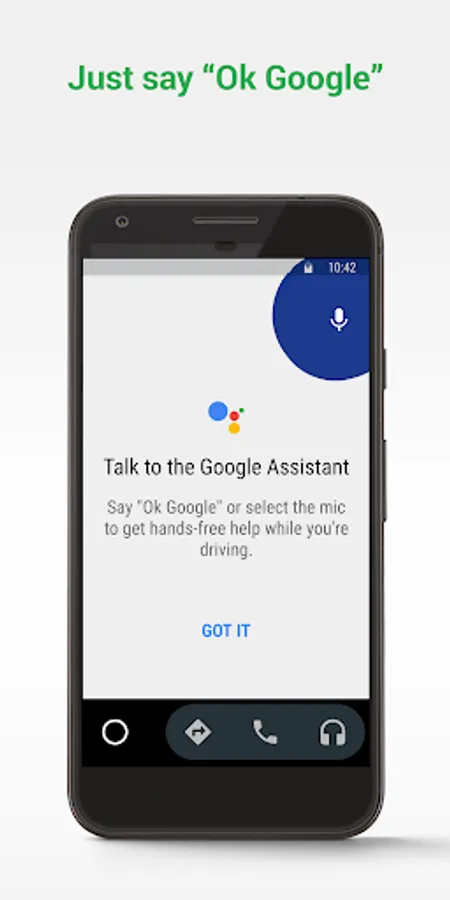
Just say “Ok Google” to...
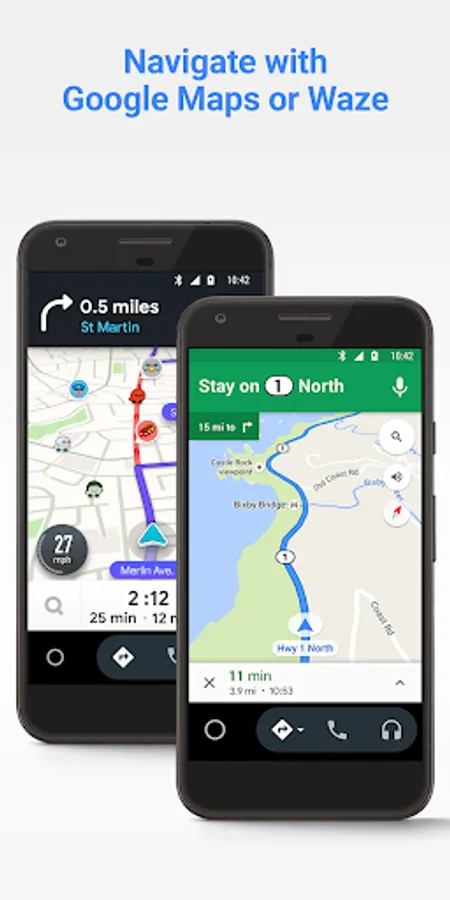
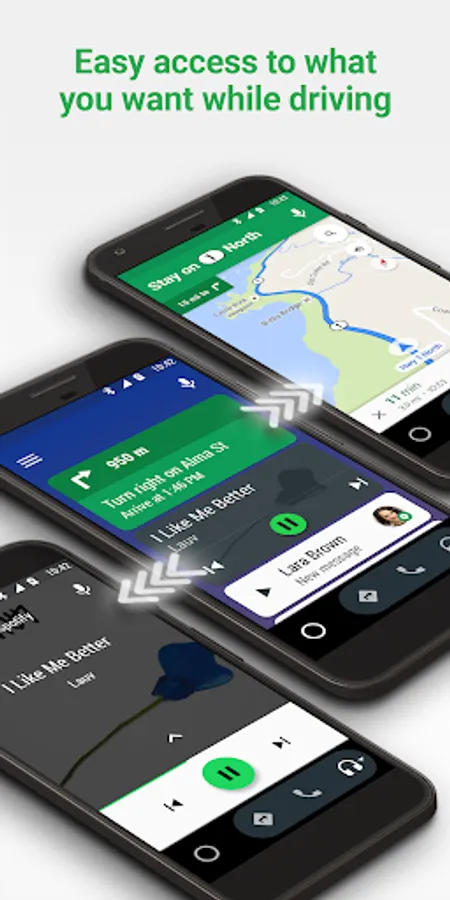
• Route to your next destination using Google Maps or Waze with real-time GPS navigation and traffic alerts.
• Get updates on your route, ETA, and hazards in real-time.
• Have the Google Assistant check your calendar for you so you know where you need to be.
• Set reminders, get updates on the news, and check last night’s score.
• Avoid distractions while driving by setting a custom do not disturb message while driving.
• Make calls using Google Assistant and answer incoming calls with just a tap.
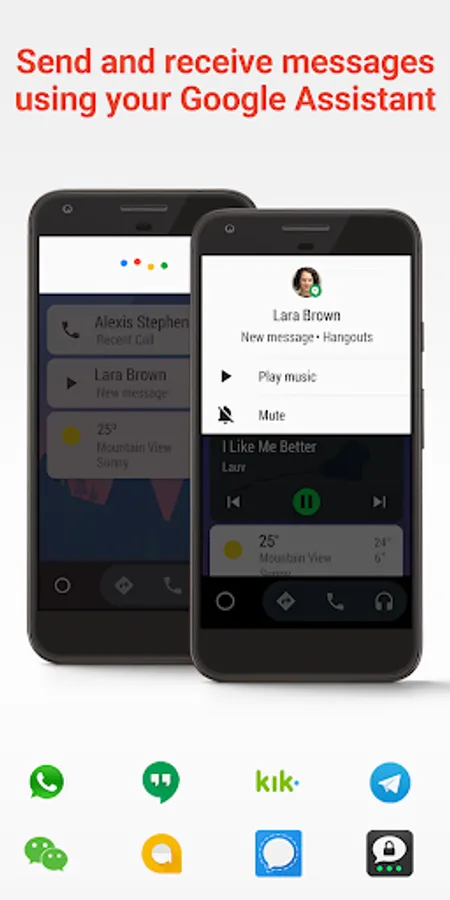
• Access your contacts folder and send and receive messages with the Google Assistant using SMS, Hangouts, WhatsApp, Skype, Telegram, WeChat, Kik, Google Allo, and many more messaging apps.
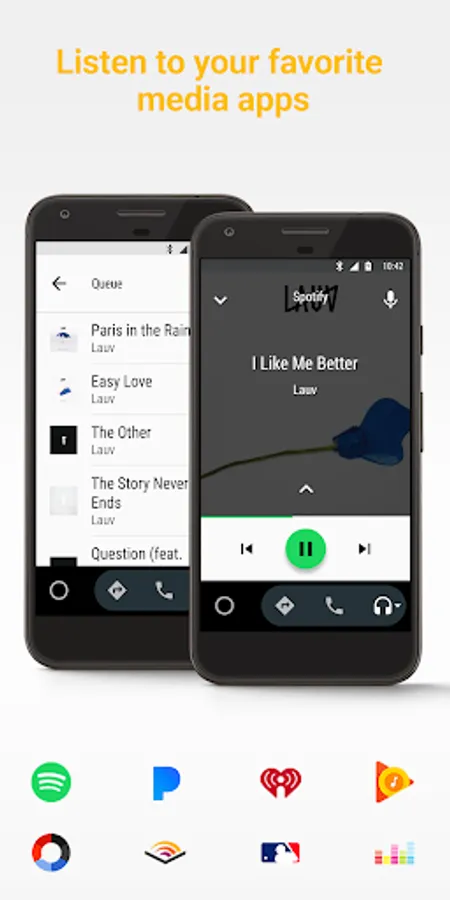
• Manage your infotainment system like never before. Listen to your favorite media apps including Spotify, Pandora, iHeartRadio, Google Play Music, Amazon Music, SiriusXM, TIDAL - High Fidelity Music Streaming, Napster Music, and Deezer. Many more music, radio, news, sports news, audiobook, and podcast apps are also supported.
The number of compatible apps is always growing! For a full list of compatible apps, go to http://g.co/androidauto
To use Android Auto, you’ll need a phone running Android 6.0 or higher and an active data connection.
Over 400 car models now support Android Auto! To find out if your car display is compatible and how to enable it, check your owner’s manual or contact your car’s manufacturer. Once enabled, use a high quality USB cable to connect your phone to your car, then launch Android Auto to get going!
Learn more about Android Auto and compatible cars at http://android.com/auto
For support: http://support.google.com/androidauto
Get help from our community: https://productforums.google.com/forum/#!forum/android-auto
Android Auto Screenshots
Tap to Rate:
Reviews for Android Auto
Stan Trojanowski
2/22/2026
I can no longer use apple music with the new update. I tried every setting imaginable. This needs to be fixed. I have all my playlists and kids playlists with the paid version and 1 month into owning a car with android auto, I can't even listen to music with one of the top music apps.
A H
2/22/2026
I use it frequently and it is easy to use and allows me to run apps whilst I am in the car. I get much better maps apps than the one that comes with the car. The only improvement I need is better pairing and connectivity so that once I am in the car it should always activate.