Bizarre Watch Face
Martin Halachev
3.7 ★
195 ratings
50,000+
downloads
Free
With this Wear OS watch face app, you can customize the appearance with themes, display the current hour larger, and access configuration options easily. Includes complications, theme choices, battery indicator, and date display.
AppRecs review analysis
AppRecs rating 3.7. Trustworthiness 52 out of 100. Review manipulation risk 25 out of 100. Based on a review sample analyzed.
★★★☆☆
3.7
AppRecs Rating
Ratings breakdown
5 star
53%
4 star
12%
3 star
12%
2 star
6%
1 star
17%
What to know
✓
Good user ratings
65% positive sampled reviews
✓
Authentic reviews
Natural distribution, no red flags
About Bizarre Watch Face
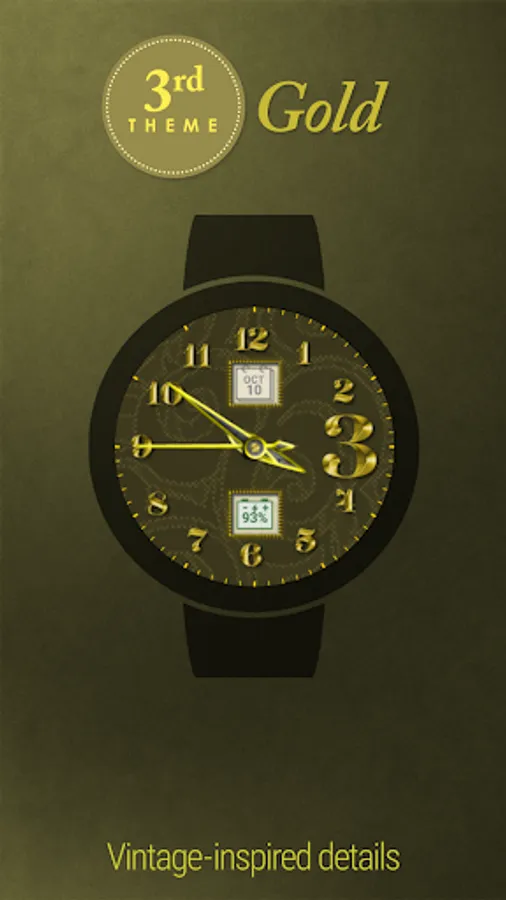
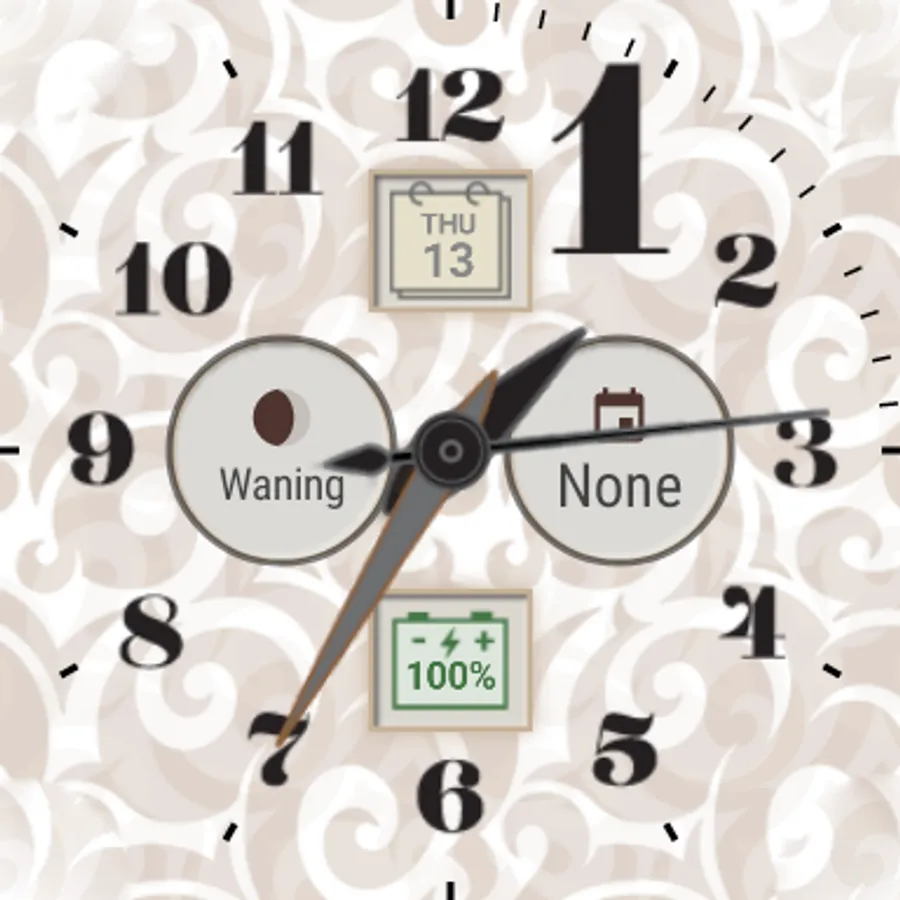
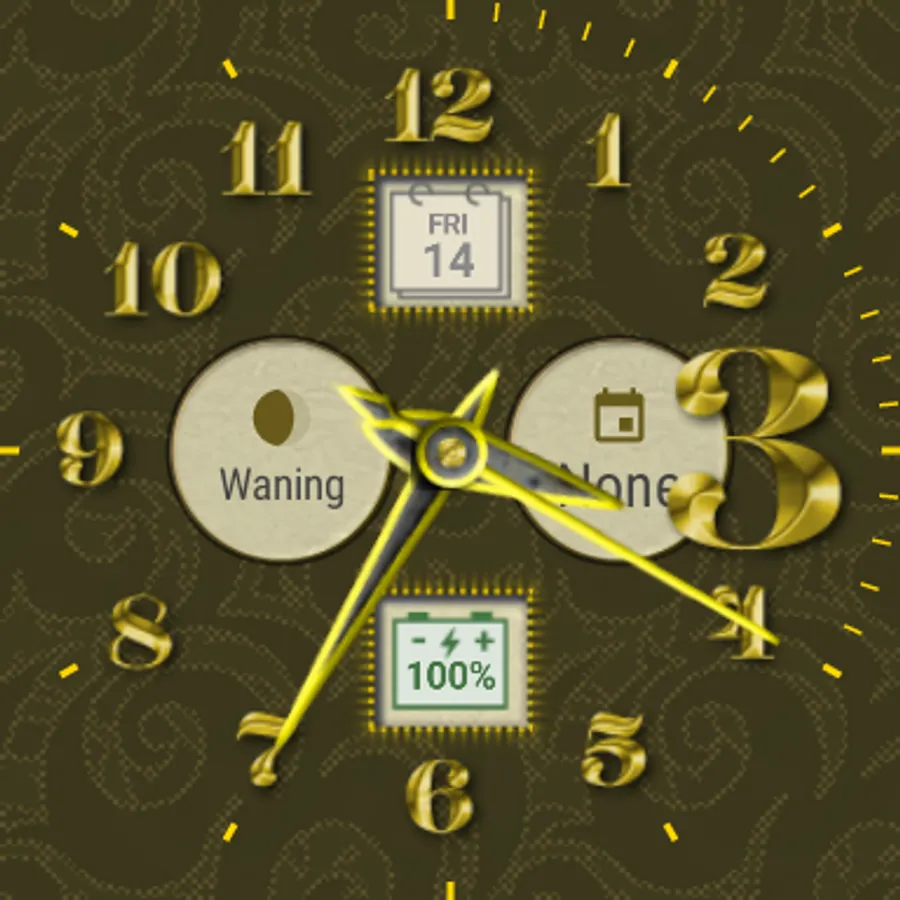
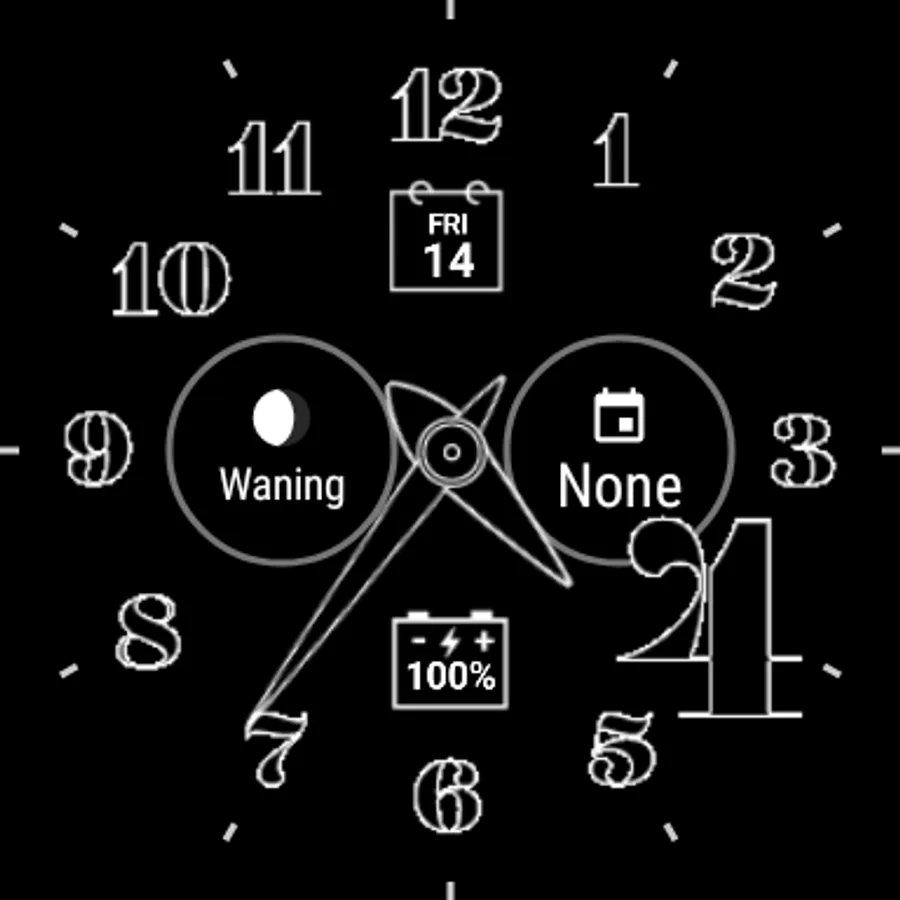
Vintage-inspired watch face for Wear OS with bizarre analogue clock dial.
Features
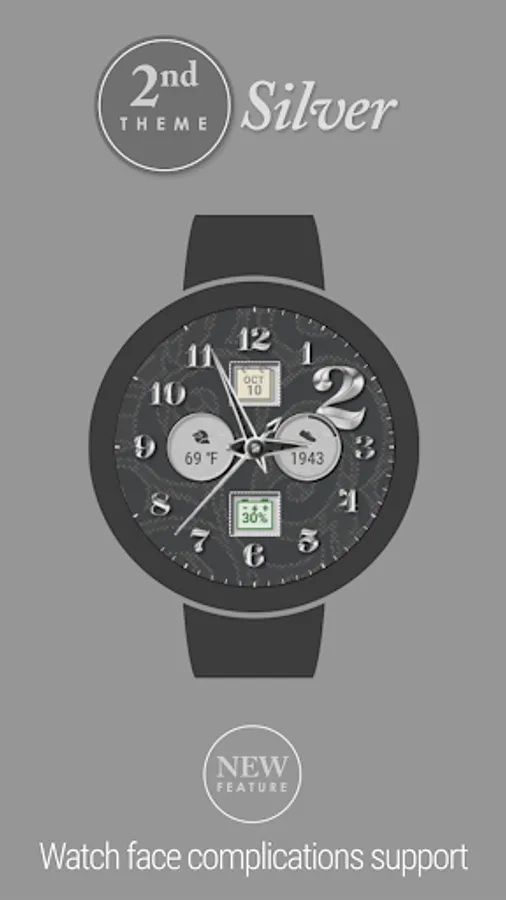
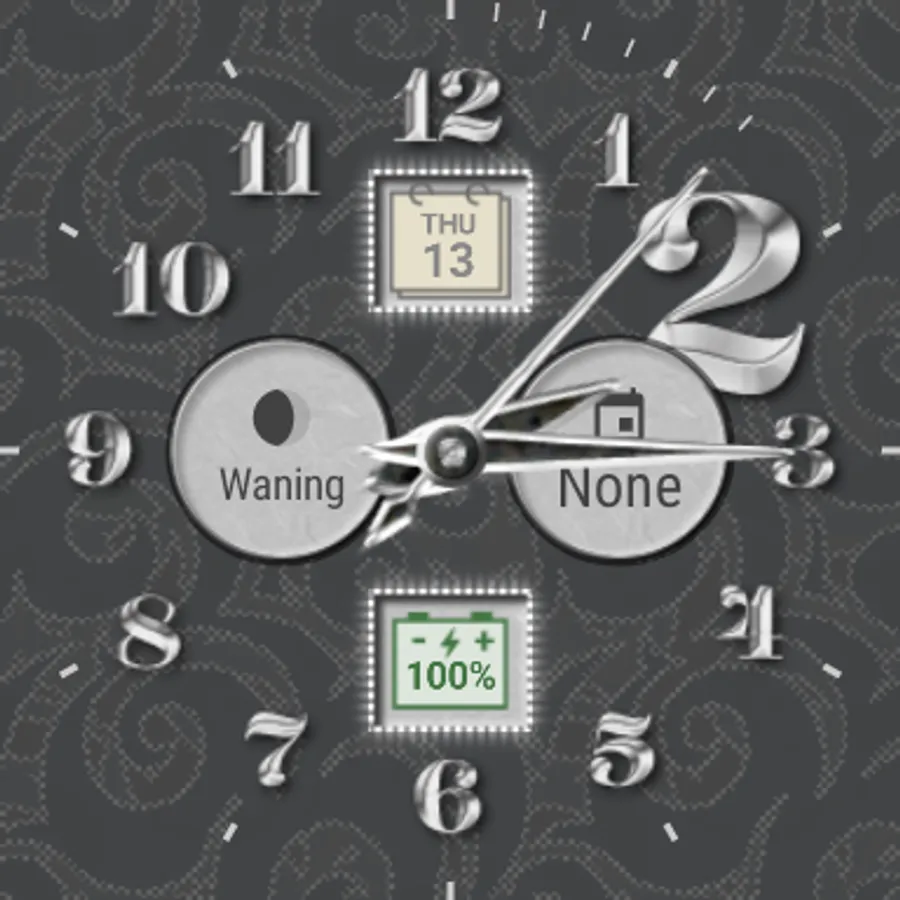
• New! Watch face complications*
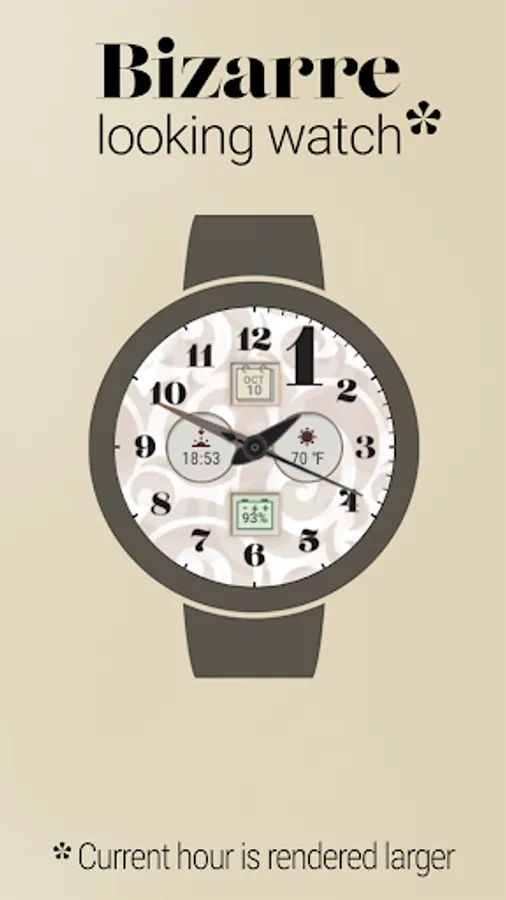
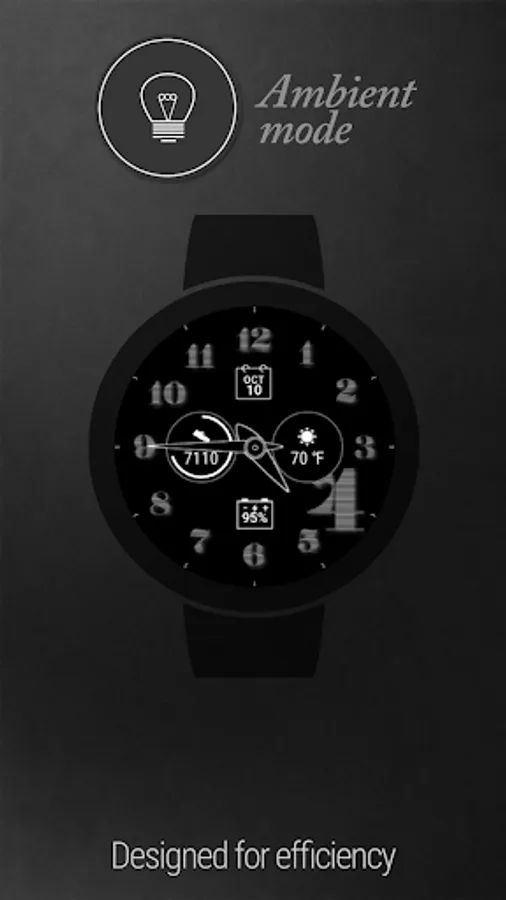
• Current hour is rendered larger
• Themes: Silver, Gold and Bizarre
• Date displayed on a tiny calendar
• Old-fashioned battery indicator
• Seconds hand with moving ticks
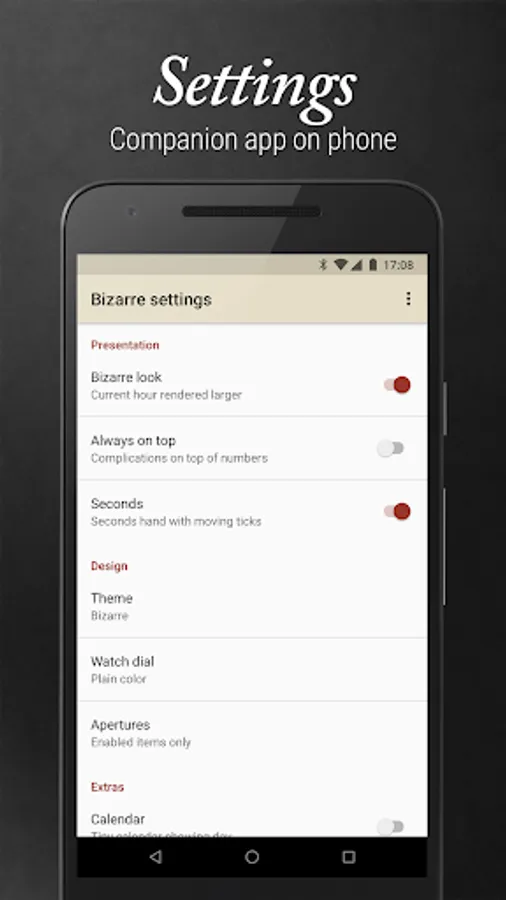
• Various configuration options.
Accessing Watch face settings
• Option 1, using the phone: Open the Wear OS (Android Wear) app, and then tap the white gear icon in the center of the selected watch face.
• Option 2, directly on watch: Tap and hold on the watch face until you see the settings screen (Wear 2.x) or tap, hold and then select the white gear icon (Wear 1.x).
Requirements: Wear OS smartwatch. Both square and round screen devices are supported. (Minimum supported version is Android Wear 1.4, based on Android 6.0.1)
This app is intended exclusively for use with smartwatches and cannot be started on a smartphone.
Disclaimer: The application is provided as is without liabilities or warranties of any kind, either express or implied.
* Watch face complications support requires Wear OS 1.0 (formerly Android Wear 2.0, based on Android 7.1.1)
Features
• New! Watch face complications*
• Current hour is rendered larger
• Themes: Silver, Gold and Bizarre
• Date displayed on a tiny calendar
• Old-fashioned battery indicator
• Seconds hand with moving ticks
• Various configuration options.
Accessing Watch face settings
• Option 1, using the phone: Open the Wear OS (Android Wear) app, and then tap the white gear icon in the center of the selected watch face.
• Option 2, directly on watch: Tap and hold on the watch face until you see the settings screen (Wear 2.x) or tap, hold and then select the white gear icon (Wear 1.x).
Requirements: Wear OS smartwatch. Both square and round screen devices are supported. (Minimum supported version is Android Wear 1.4, based on Android 6.0.1)
This app is intended exclusively for use with smartwatches and cannot be started on a smartphone.
Disclaimer: The application is provided as is without liabilities or warranties of any kind, either express or implied.
* Watch face complications support requires Wear OS 1.0 (formerly Android Wear 2.0, based on Android 7.1.1)
Bizarre Watch Face Screenshots
Tap to Rate:
Reviews for Bizarre Watch Face
A Google user
3/28/2020
limitations make it unusable. Theme and color options make watchface difficult to read and impossible at a quick glance.
A Google user
10/13/2019
Colors are too light and not energy/battery efficient. Even the face showing to the left of this review is much darker than the watch faces that are available. Two stars are because it installed and ran with no problems.