Chinese Watch Face
Martin Halachev
4.2 ★
124 ratings
10,000+
downloads
Free
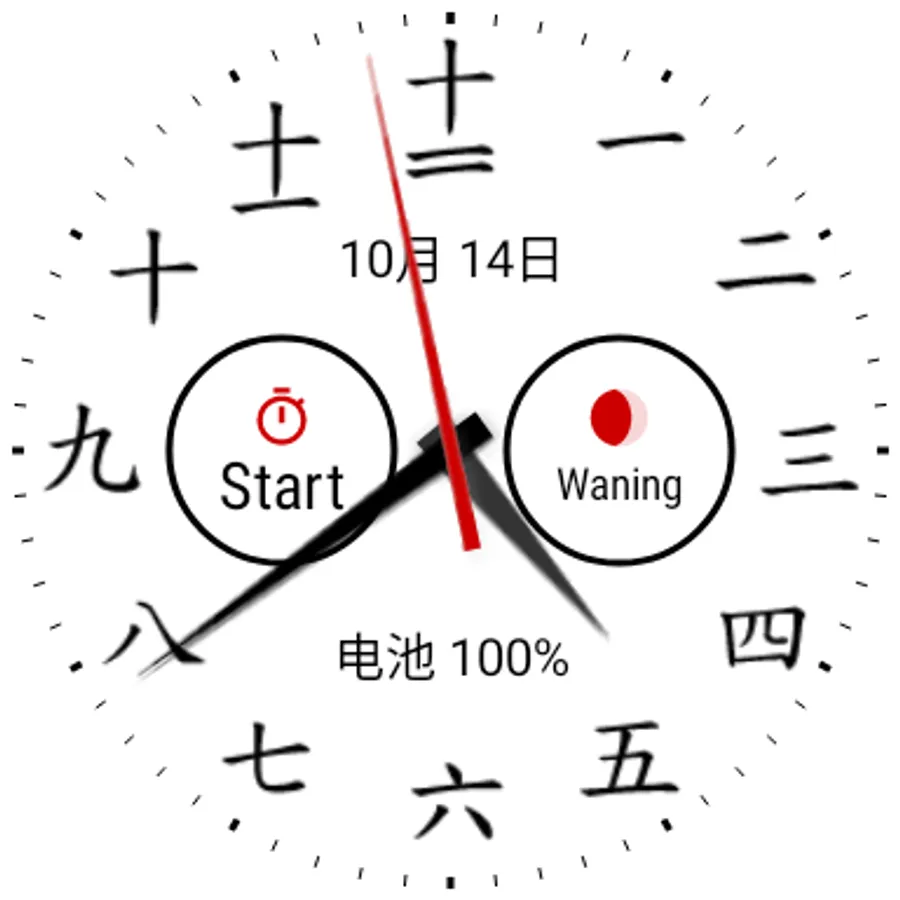
In this watch face app, users can customize an analogue dial with Chinese numerals and various styles. Includes color themes, complications, date display, and configuration options.
AppRecs review analysis
AppRecs rating 4.2. Trustworthiness 58 out of 100. Review manipulation risk 26 out of 100. Based on a review sample analyzed.
★★★★☆
4.2
AppRecs Rating
Ratings breakdown
5 star
74%
4 star
13%
3 star
0%
2 star
0%
1 star
13%
What to know
✓
High user satisfaction
87% of sampled ratings are 4+ stars (4.2★ average)
✓
Authentic reviews
No red flags detected
About Chinese Watch Face
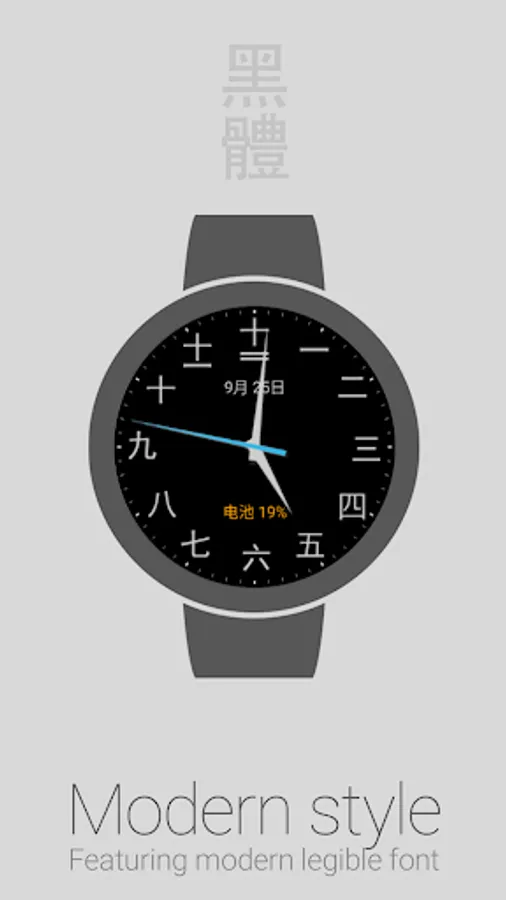
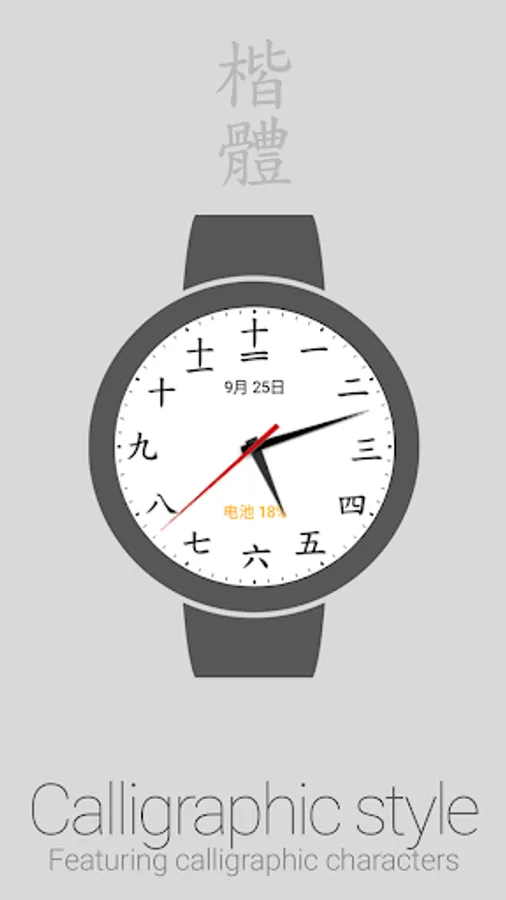
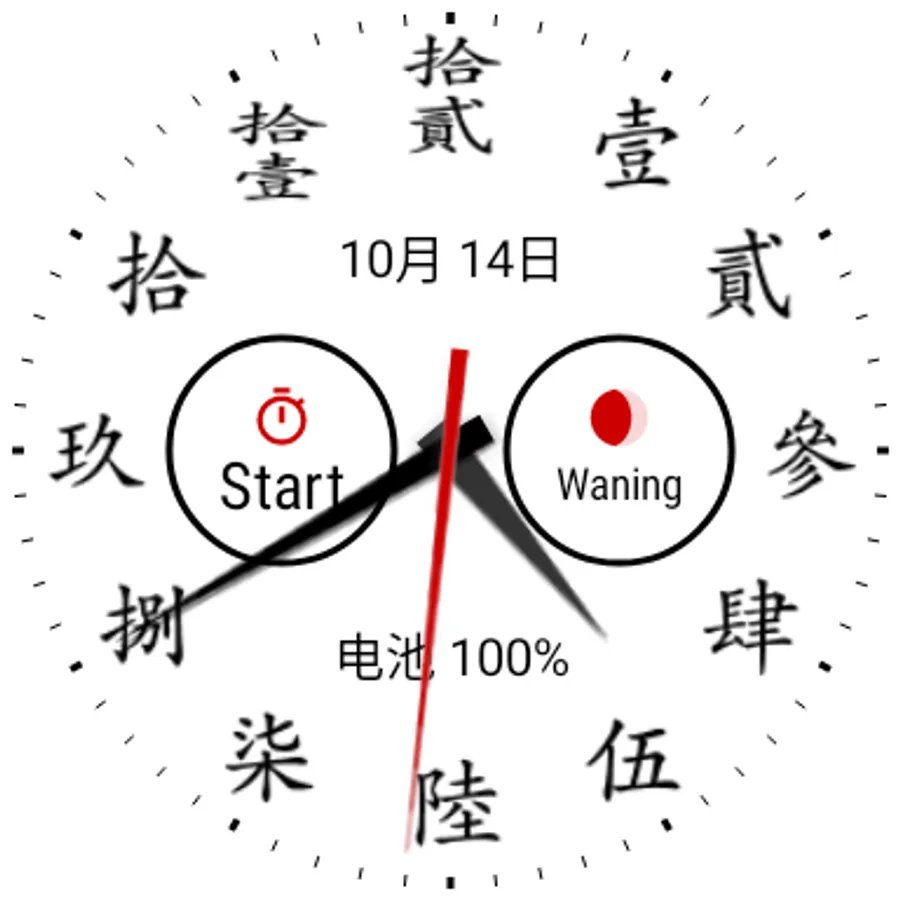
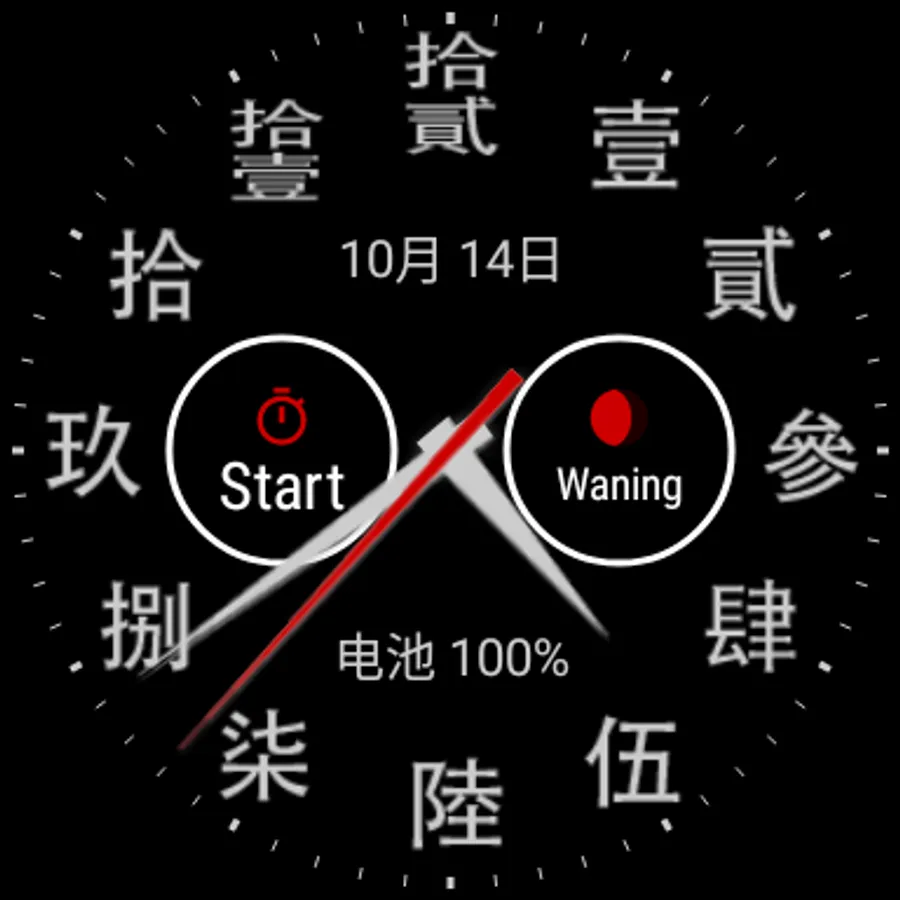
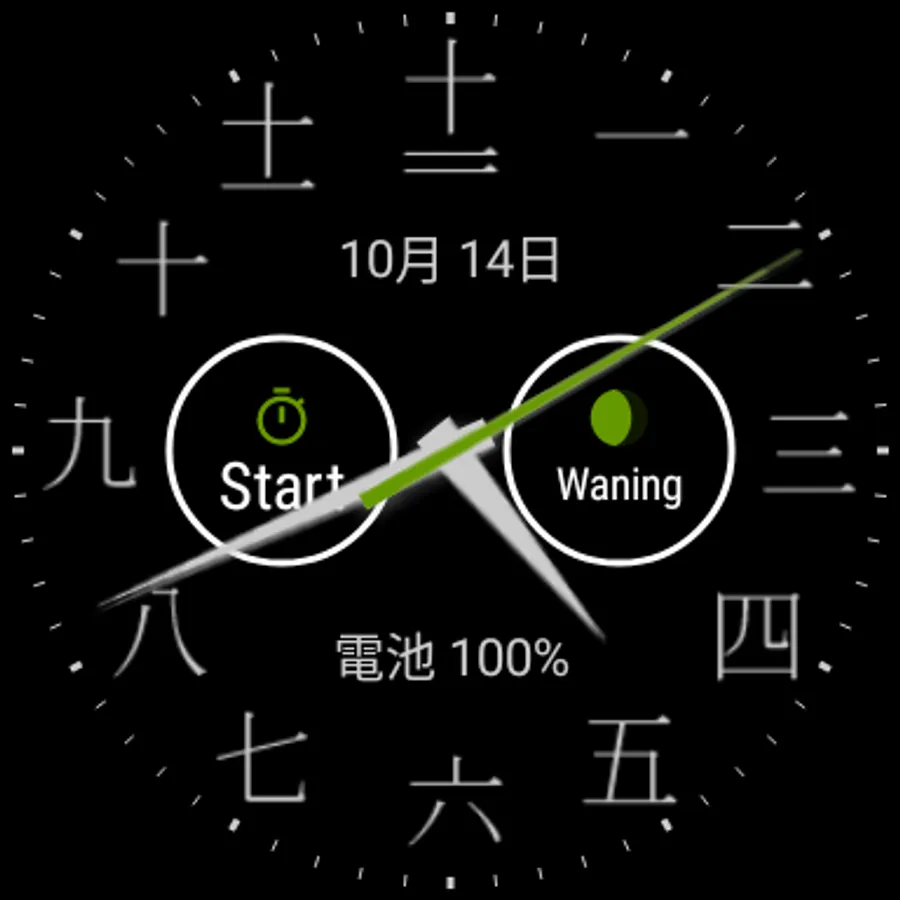
Analogue clock dial watch face for Wear OS featuring Chinese numerals.
Features
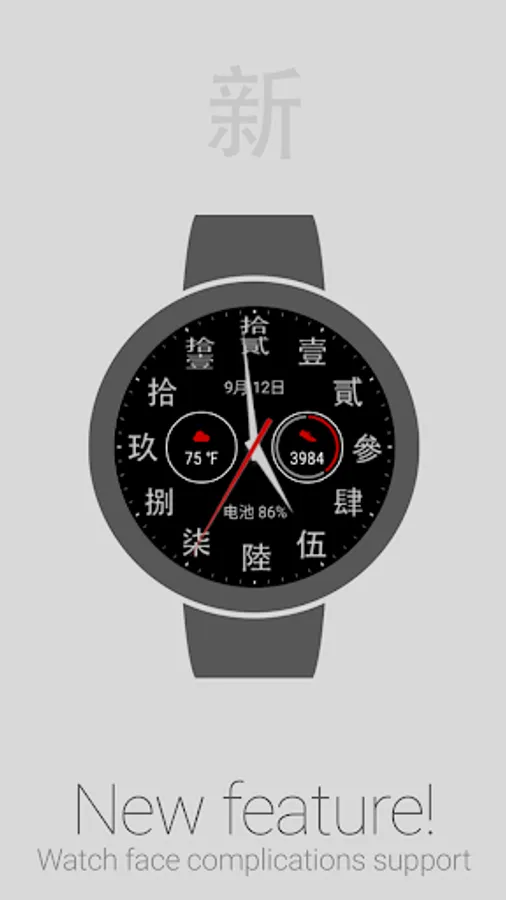
• NEW: Complications*
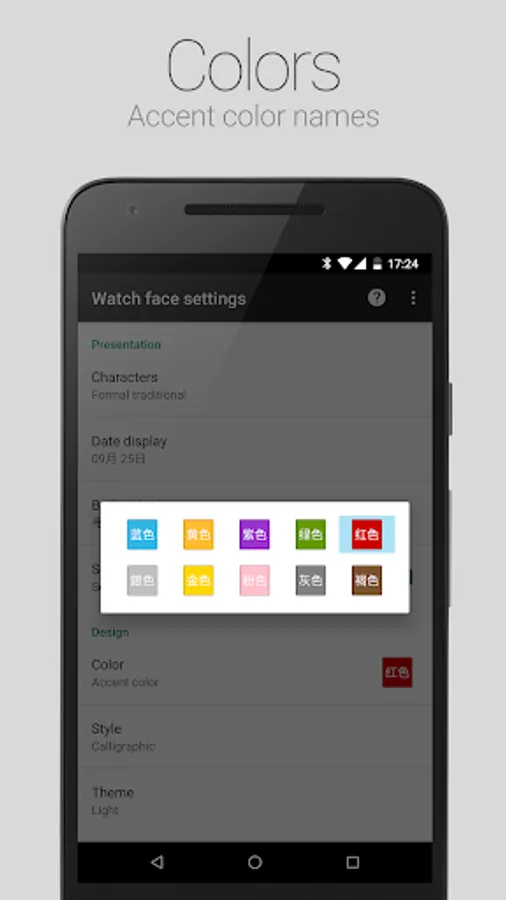
• Accent color selection
• Dark and Light color themes
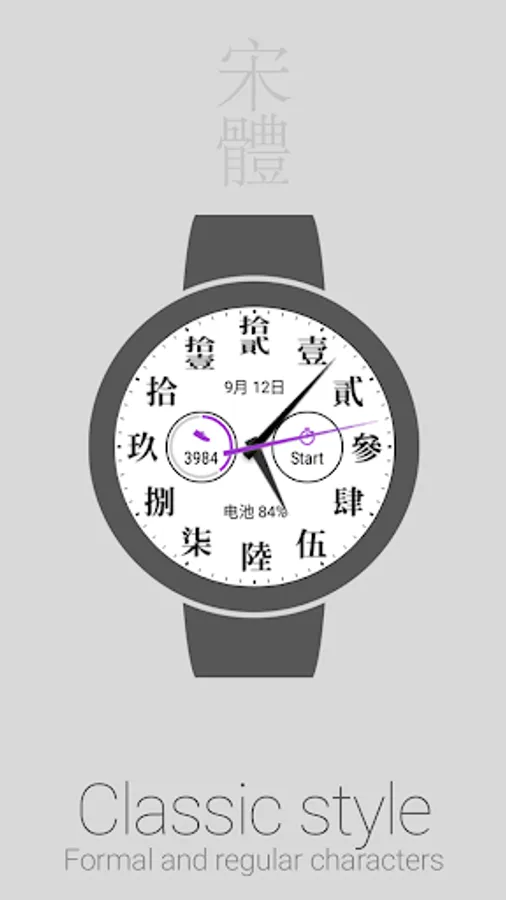
• Formal traditional and Regular simplified characters
• Calligraphic, Classic and Modern character styles
• Date display: 月 (yuè) stands for month, 日 (ri) stands for day
• Battery level indicator: 电池 (diànchí) stands for battery
• Alternate date and battery level indicators
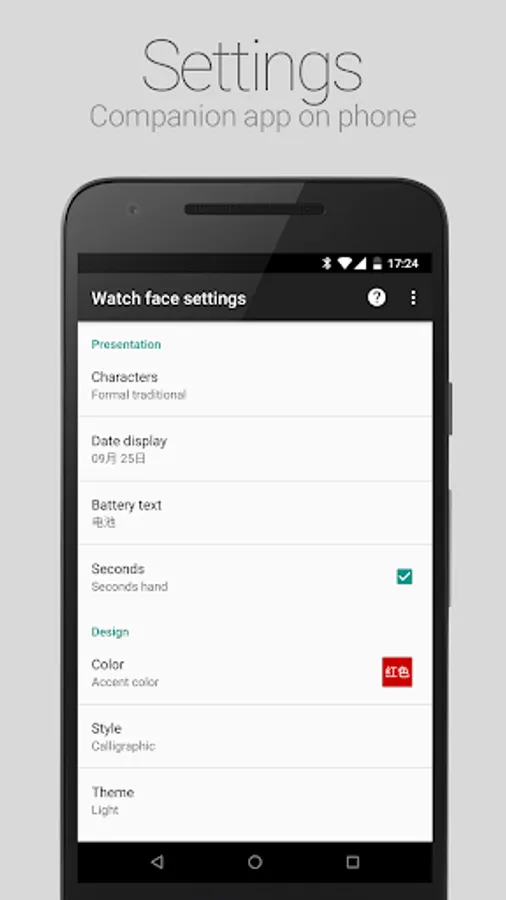
• Configuration options
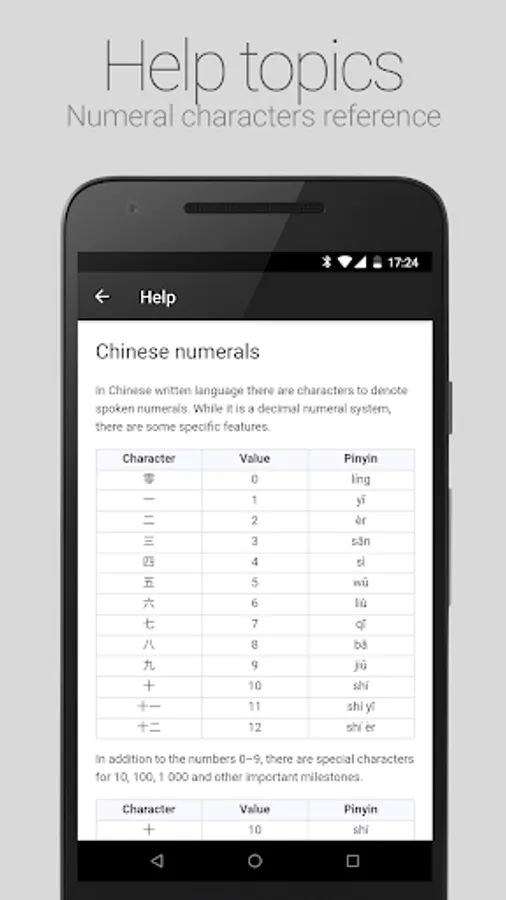
• Help topics
Accessing Watch face settings
• Option 1, using the phone: Open the Wear OS (Android Wear) app, and then tap the white gear icon in the center of the selected watch face.
• Option 2, directly on watch: Tap and hold anywhere on the watch face, and then select the white gear icon.
Reading Chinese numbers
For detailed information, select Help from the options menu of the Watch face settings companion app on the phone.
Requirements: Wear OS smartwatch.
Both square and round screen devices are supported.
This app is intended exclusively for use with smartwatches and cannot be started on a smartphone.
Disclaimer: The application is provided as is without liabilities or warranties of any kind, either express or implied.
* Watch face complications require Wear OS 1.0 (formerly Android Wear 2.0)
Features
• NEW: Complications*
• Accent color selection
• Dark and Light color themes
• Formal traditional and Regular simplified characters
• Calligraphic, Classic and Modern character styles
• Date display: 月 (yuè) stands for month, 日 (ri) stands for day
• Battery level indicator: 电池 (diànchí) stands for battery
• Alternate date and battery level indicators
• Configuration options
• Help topics
Accessing Watch face settings
• Option 1, using the phone: Open the Wear OS (Android Wear) app, and then tap the white gear icon in the center of the selected watch face.
• Option 2, directly on watch: Tap and hold anywhere on the watch face, and then select the white gear icon.
Reading Chinese numbers
For detailed information, select Help from the options menu of the Watch face settings companion app on the phone.
Requirements: Wear OS smartwatch.
Both square and round screen devices are supported.
This app is intended exclusively for use with smartwatches and cannot be started on a smartphone.
Disclaimer: The application is provided as is without liabilities or warranties of any kind, either express or implied.
* Watch face complications require Wear OS 1.0 (formerly Android Wear 2.0)
Chinese Watch Face Screenshots
Tap to Rate:
Reviews for Chinese Watch Face
Gary L
9/10/2025
My default face watch for years!
Sailing Gravy Boat
2/5/2023
Won't even install on my phone