
Audio Cutter app - Trim, Cut
HARDCODED JOY S.R.L.
1,000+
downloads
Free
+ in-app
AppRecs review analysis
AppRecs rating . Trustworthiness 67 out of 100. Review manipulation risk 35 out of 100. Based on a review sample analyzed.
★
AppRecs Rating
Ratings breakdown
5 star
67%
4 star
0%
3 star
33%
2 star
0%
1 star
0%
What to know
✓
Good user ratings
67% positive sampled reviews
About Audio Cutter app - Trim, Cut
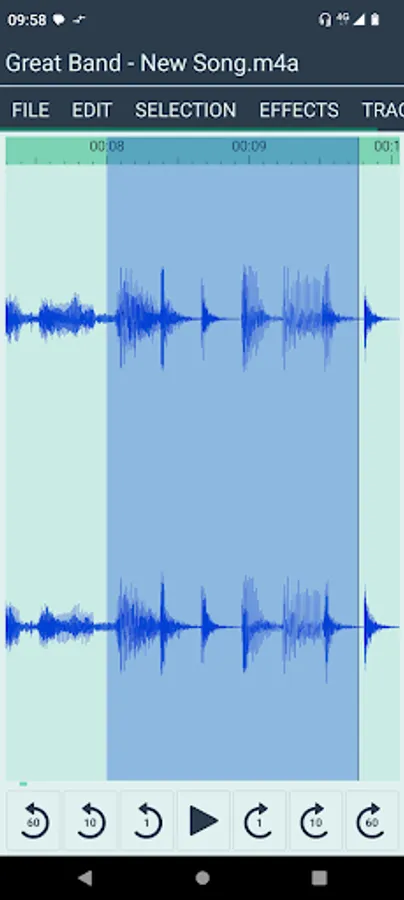
Audio Cutter allows you to trim or cut parts from audio file.
The app works with local audio files that you already have stored on your device.
The app can also be started via audio file Intent.ACTION_VIEW or Intent.ACTION_SEND (share an audio file to the app).
Features:
• open file (if multiple files are selected, they will be automatically joined in the order in which they were selected)
• select start
• select end
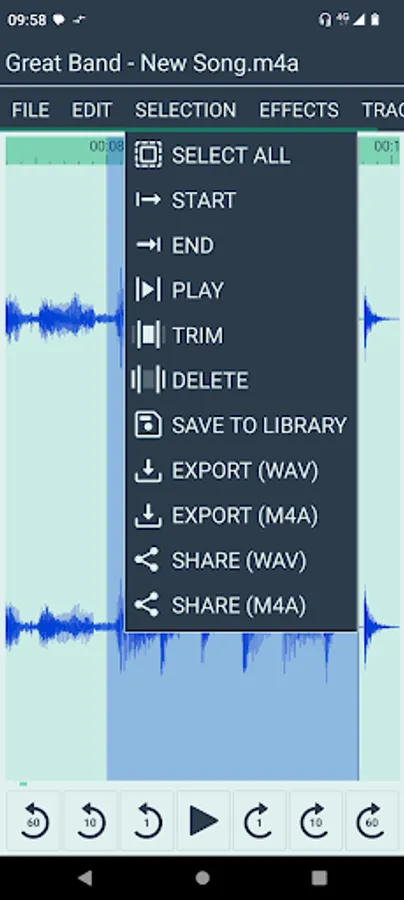
• select all
• play the selected part
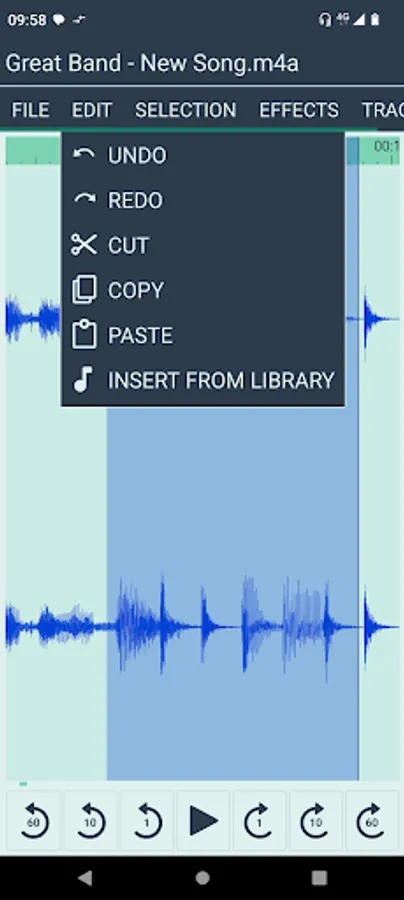
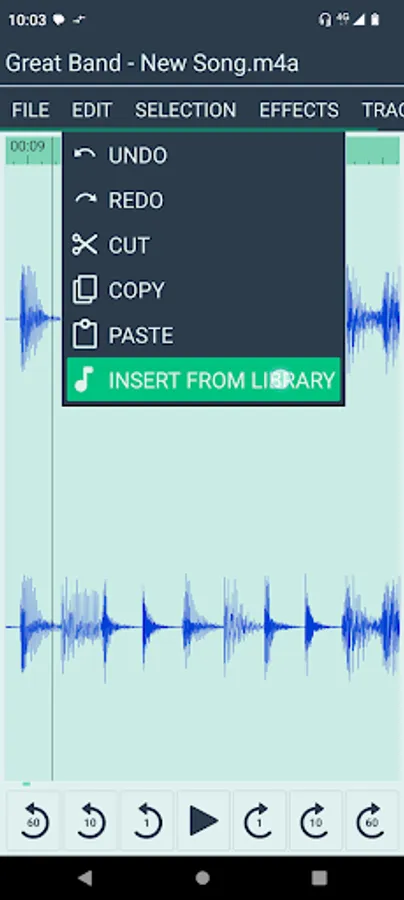
• cut / copy / paste
• trim selection (only selected part will remain)
• delete selection (the rest of the audio will remain)
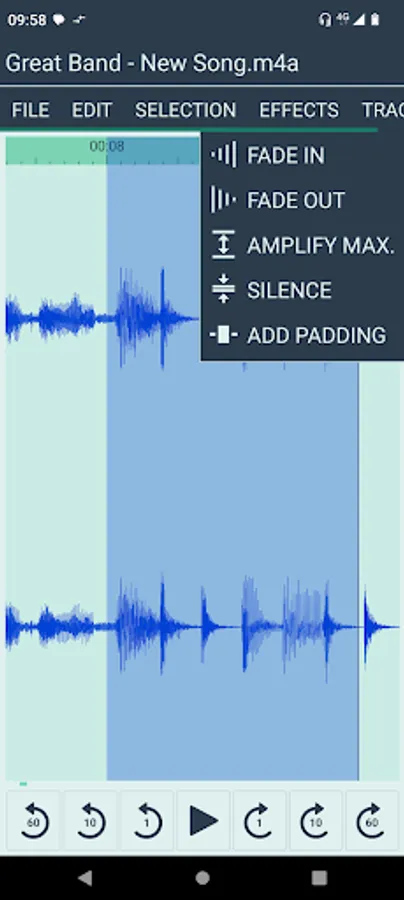
• "fade in" effect
• "fade out" effect
• "add padding" effect (prepare for WhatsApp sharing where playing back the message cuts a few milliseconds)
• amplify max. (to maximum, without distorsion)
• silence (mute) the selected part
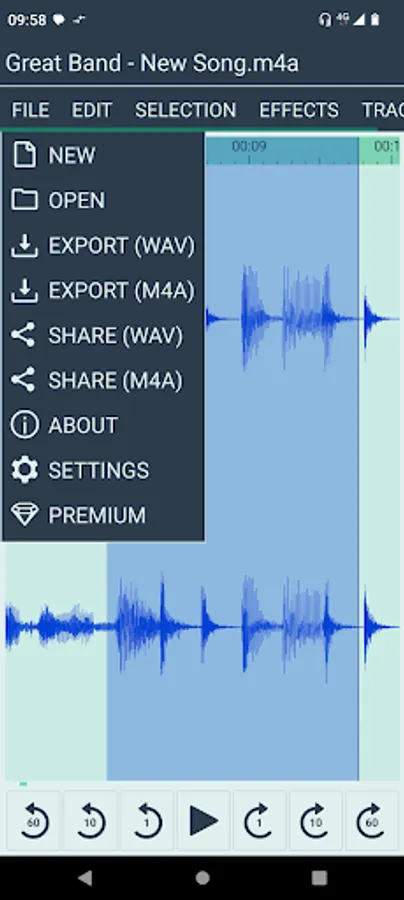
• export audio (WAV / M4A)
• share audio (WAV / M4A)
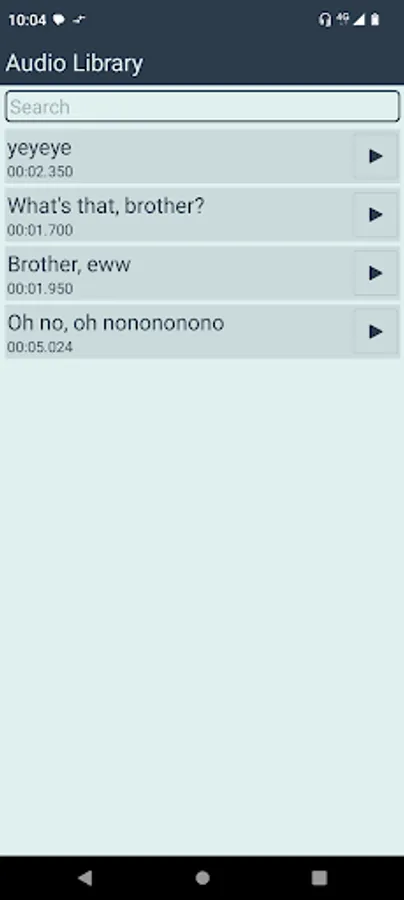
• save selection to library, to use it later
• insert from library
• library search function
• rename / delete library entry (long tap)
The app has NO ADS.
Free version limitations:
• the duration of the exported / shared audio files will be limited to the first 15 seconds. (enough for evaluating the app, creating short audio replies, audio effects and music for insta stories)
• the audio library is limited to 5 entries.
• "fade in", "fade out", "add padding" effects are disabled.
Users can upgrade to Premium Version via in-app purchase (one time payment).
App uses non-destructive editing.
When opening an audio file, the app loads all samples as 32-bit float pcm.
3 min stereo song at 48 kHz requires about 70 MB.
Opening a file may take some time for decoding, depending on your device performance.
Exporting to m4a may also take some time.
Exporting to wav is much faster.
When saving a fragment to the audio library, the app will render the edits and save the resulting samples.
Temporary files are cleared when the app is closed with the back key.
Library files remain until you delete them, uninstall the app or clear the app storage.
System requirements
• Android 5.0+ (Android 8.0+ for writing M4A)
• free space on the local storage (according to the task, about 25MB per minute of opened audio)
The app works with local audio files that you already have stored on your device.
The app can also be started via audio file Intent.ACTION_VIEW or Intent.ACTION_SEND (share an audio file to the app).
Features:
• open file (if multiple files are selected, they will be automatically joined in the order in which they were selected)
• select start
• select end
• select all
• play the selected part
• cut / copy / paste
• trim selection (only selected part will remain)
• delete selection (the rest of the audio will remain)
• "fade in" effect
• "fade out" effect
• "add padding" effect (prepare for WhatsApp sharing where playing back the message cuts a few milliseconds)
• amplify max. (to maximum, without distorsion)
• silence (mute) the selected part
• export audio (WAV / M4A)
• share audio (WAV / M4A)
• save selection to library, to use it later
• insert from library
• library search function
• rename / delete library entry (long tap)
The app has NO ADS.
Free version limitations:
• the duration of the exported / shared audio files will be limited to the first 15 seconds. (enough for evaluating the app, creating short audio replies, audio effects and music for insta stories)
• the audio library is limited to 5 entries.
• "fade in", "fade out", "add padding" effects are disabled.
Users can upgrade to Premium Version via in-app purchase (one time payment).
App uses non-destructive editing.
When opening an audio file, the app loads all samples as 32-bit float pcm.
3 min stereo song at 48 kHz requires about 70 MB.
Opening a file may take some time for decoding, depending on your device performance.
Exporting to m4a may also take some time.
Exporting to wav is much faster.
When saving a fragment to the audio library, the app will render the edits and save the resulting samples.
Temporary files are cleared when the app is closed with the back key.
Library files remain until you delete them, uninstall the app or clear the app storage.
System requirements
• Android 5.0+ (Android 8.0+ for writing M4A)
• free space on the local storage (according to the task, about 25MB per minute of opened audio)
Audio Cutter app - Trim, Cut Screenshots
Tap to Rate:
Reviews for Audio Cutter app - Trim, Cut
AVATAR
1/29/2025
[v1.0.8] potensial tp lupakan sj.
Stefan Berzan
11/17/2024
Excelent ! 👏