Sound Recorder Pro
HARDCODED JOY S.R.L.
4.3 ★
116 ratings
10,000+
downloads
$9.99
In this sound recorder app, you can capture high-quality audio using adjustable settings and automatic gain control. Includes in-app playback and file conversion features.
AppRecs review analysis
AppRecs rating 4.3. Trustworthiness 81 out of 100. Review manipulation risk 23 out of 100. Based on a review sample analyzed.
★★★★☆
4.3
AppRecs Rating
Ratings breakdown
5 star
76%
4 star
8%
3 star
0%
2 star
8%
1 star
8%
What to know
✓
Low review manipulation risk
23% review manipulation risk
✓
Credible reviews
81% trustworthiness score from analyzed reviews
✓
High user satisfaction
84% of sampled ratings are 4+ stars (4.3★ average)
About Sound Recorder Pro
High quality sound recorder for Android.
Features:
• record in PCM WAV (lossless), or M4A (compressed - small file size)
• raw MIC data (captures all sound)
• also recording with screen OFF
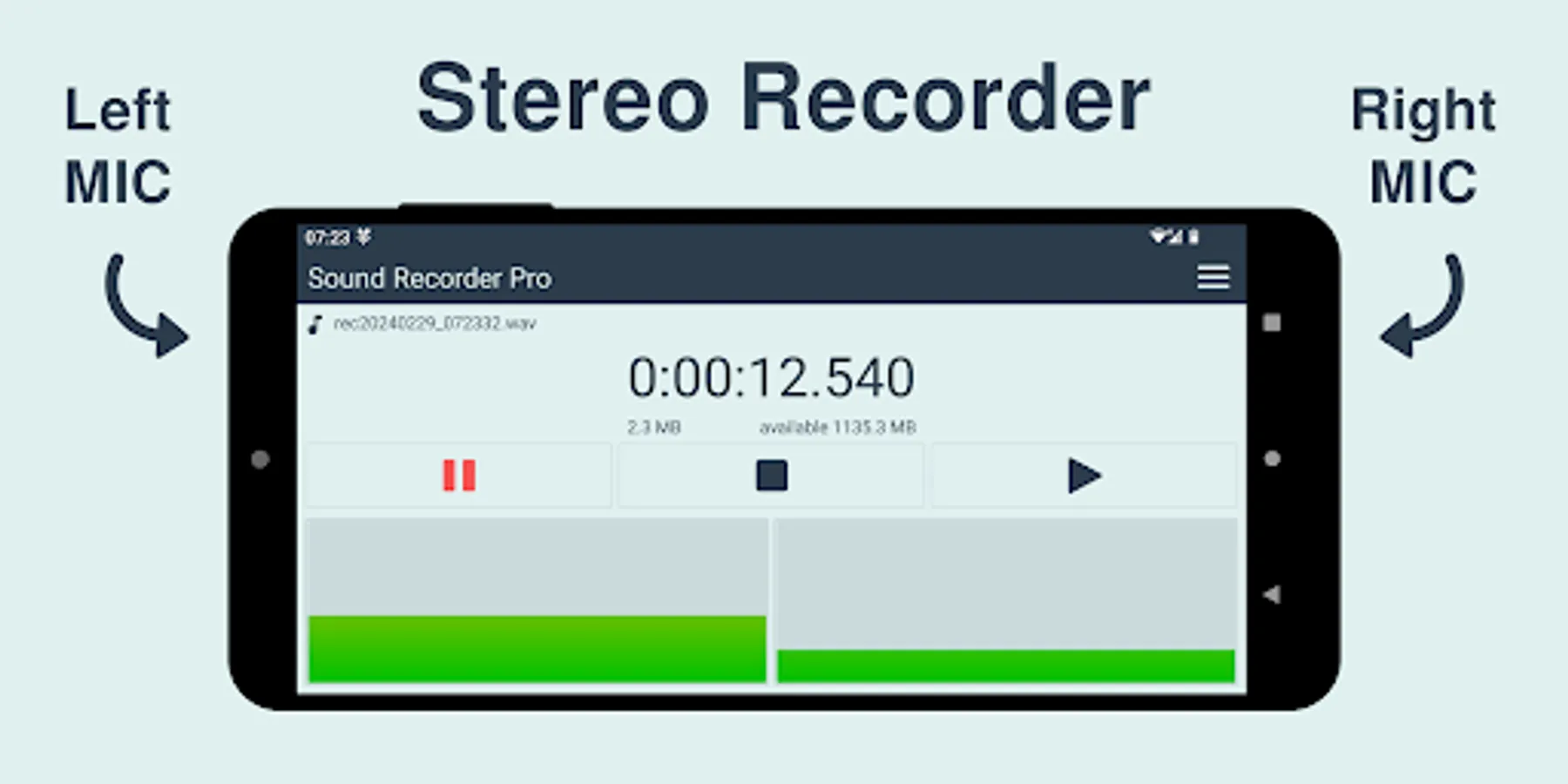
• stereo MIC (if device has 2 MICs) - listen with headphones and feel surrounded by the sound
• select the Audio Source (UNPROCESSED / CAMCORDER / MIC / DEFAULT)
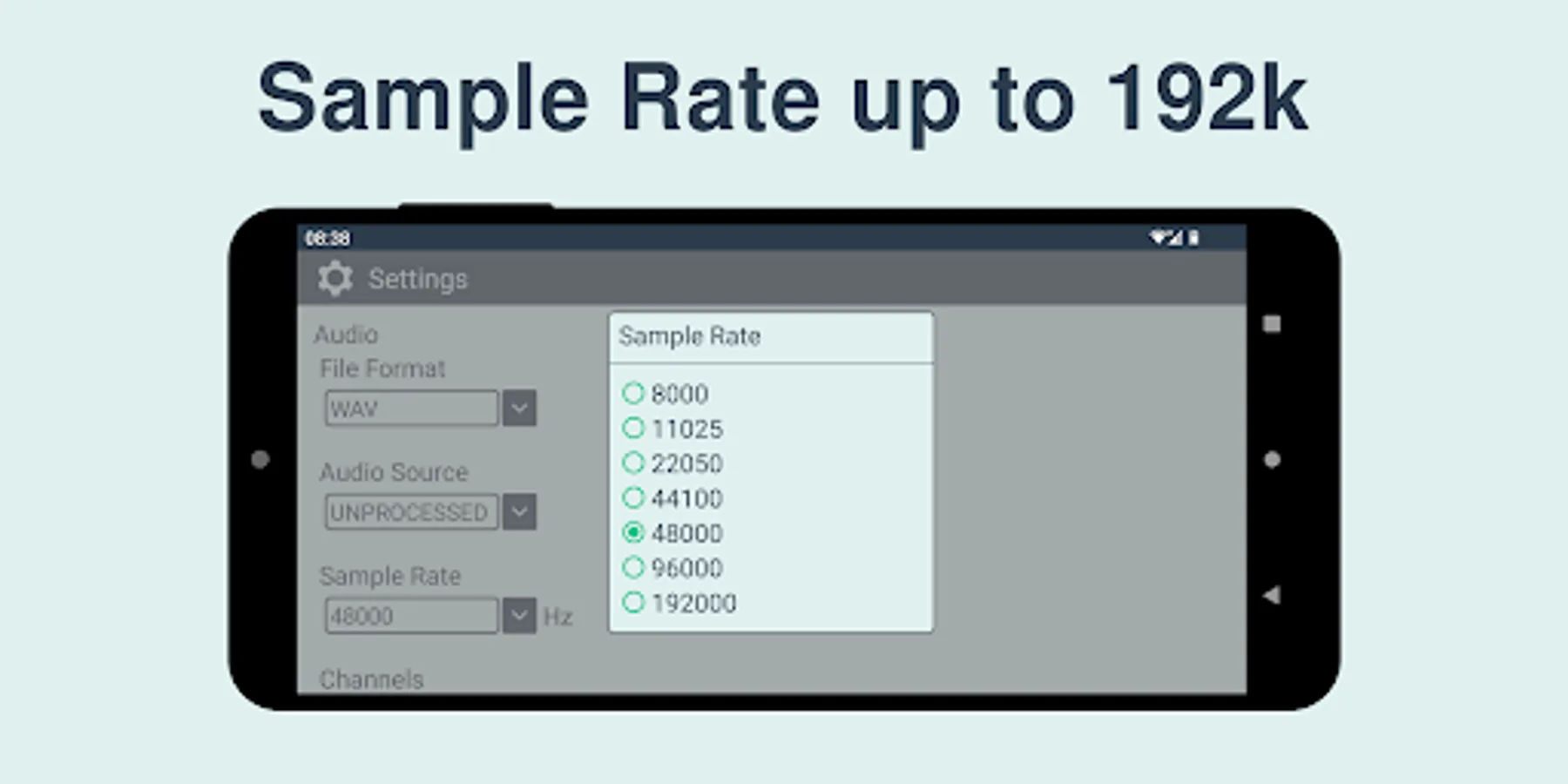
• sample rate 8kHz to 192kHz (older devices may not support all the sample rates)
• bits per sample selection 16-bit (high quality) / 8-bit (record files to use in some embedded systems)
• ajustable gain 0 to 60 dB or automatic (look-ahead AGC)
• AGC processing step selection 10ms to 500ms
• AGC measured amplitude averaging factor A_avg 0 = max. amplitude, 1 = buffer average
• user-configurable file name including date and time
• stereo / mono channel selection
• option to swap left / right channels
• left / right channel balance +/- 10 dB
• keep screen ON - option so that device does not enter sleep mode
• disable ringing and vibration while recording - option so that the recording does not get ruined by the phone ring or vibration
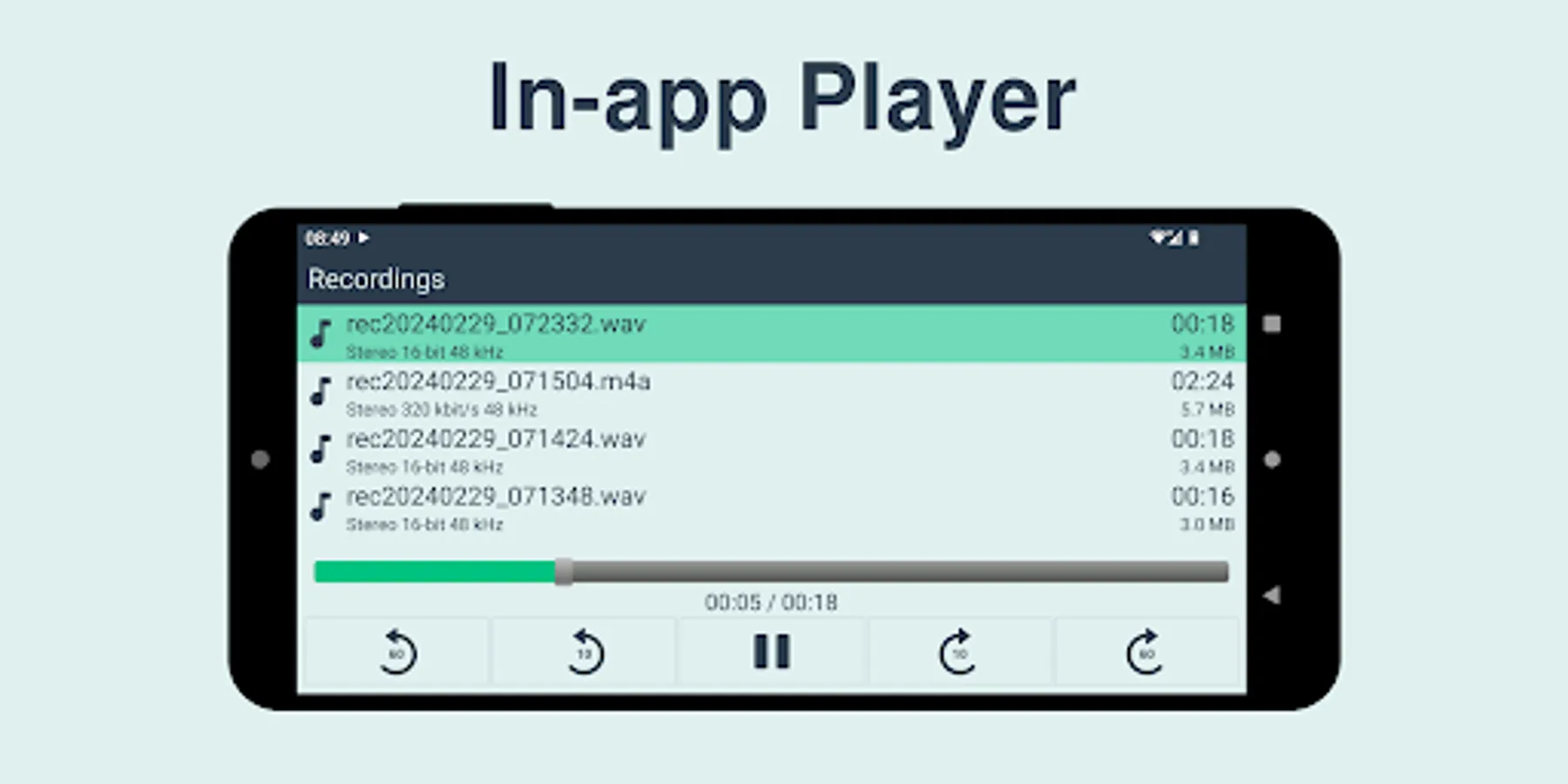
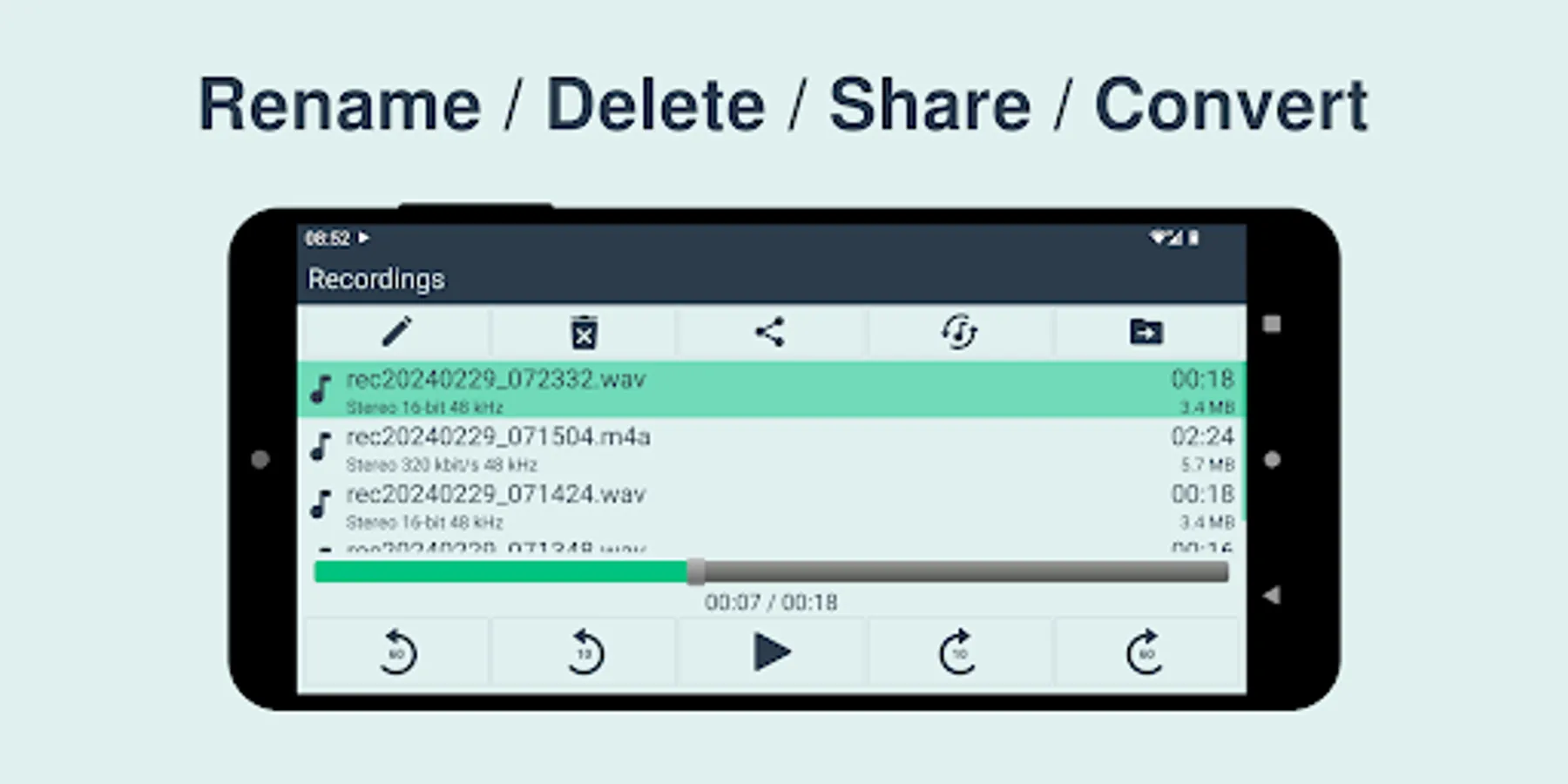
• in-app audio player (listen to the recordings)
• in-app audio file converter (WAV / M4A to M4A / WAV)
You have to see the magic of automatic sound level / gain control (AGC), especially if you use to record meetings / lectures. It works as follows: it amplifies the quiet sounds to capture all, but then if a loud sound happens, it gets reduced volume to not damage your ears.
App. intended for personal and commercial use.
WAV files are limited to maximum 4GB per file, that is the technical limit of the WAV file format.
M4A files don't have the 4GB limit and they are usually much smaller anyway.
Features:
• record in PCM WAV (lossless), or M4A (compressed - small file size)
• raw MIC data (captures all sound)
• also recording with screen OFF
• stereo MIC (if device has 2 MICs) - listen with headphones and feel surrounded by the sound
• select the Audio Source (UNPROCESSED / CAMCORDER / MIC / DEFAULT)
• sample rate 8kHz to 192kHz (older devices may not support all the sample rates)
• bits per sample selection 16-bit (high quality) / 8-bit (record files to use in some embedded systems)
• ajustable gain 0 to 60 dB or automatic (look-ahead AGC)
• AGC processing step selection 10ms to 500ms
• AGC measured amplitude averaging factor A_avg 0 = max. amplitude, 1 = buffer average
• user-configurable file name including date and time
• stereo / mono channel selection
• option to swap left / right channels
• left / right channel balance +/- 10 dB
• keep screen ON - option so that device does not enter sleep mode
• disable ringing and vibration while recording - option so that the recording does not get ruined by the phone ring or vibration
• in-app audio player (listen to the recordings)
• in-app audio file converter (WAV / M4A to M4A / WAV)
You have to see the magic of automatic sound level / gain control (AGC), especially if you use to record meetings / lectures. It works as follows: it amplifies the quiet sounds to capture all, but then if a loud sound happens, it gets reduced volume to not damage your ears.
App. intended for personal and commercial use.
WAV files are limited to maximum 4GB per file, that is the technical limit of the WAV file format.
M4A files don't have the 4GB limit and they are usually much smaller anyway.
Sound Recorder Pro Screenshots
Tap to Rate:
Reviews for Sound Recorder Pro
Andreas Delabie
1/4/2026
Amazing easy to use app that provides clean unprocessed and uncompressed 32bit WAV audio!
Hoàng Dương Quang Ngọc Phụng
9/7/2025
please add internal audio recording function