Timelapse Video Maker
HARDCODED JOY S.R.L.
3.3 ★
76 ratings
10,000+
downloads
Free
+ in-app
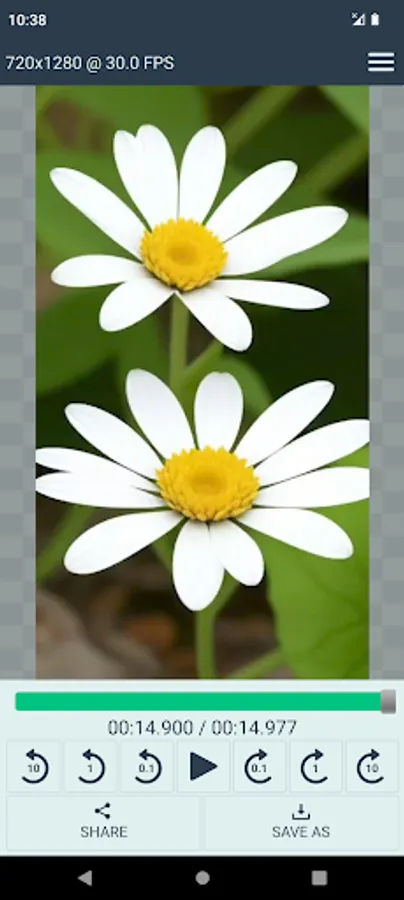
In this app, you can create timelapse videos from images or videos and add soundtracks to customize the output. Includes options for resolution, frame rate, and aspect ratio adjustments.
AppRecs review analysis
AppRecs rating 3.3. Trustworthiness 84 out of 100. Review manipulation risk 22 out of 100. Based on a review sample analyzed.
★★★☆☆
3.3
AppRecs Rating
Ratings breakdown
5 star
33%
4 star
33%
3 star
0%
2 star
0%
1 star
33%
What to know
✓
Low review manipulation risk
22% review manipulation risk
✓
Credible reviews
84% trustworthiness score from analyzed reviews
⚠
High negative review ratio
33% of sampled ratings are 1–2 stars
About Timelapse Video Maker
A timelapse video is a video that's been created by taking a series of photos at a regular interval (often a few seconds apart), then speeding them up and stitching them together. The result is a video that shows changes in the subject matter over time, but much faster than normal speed. For example, you might see a video of a flower blooming in seconds, or of a sunset in a few minutes.
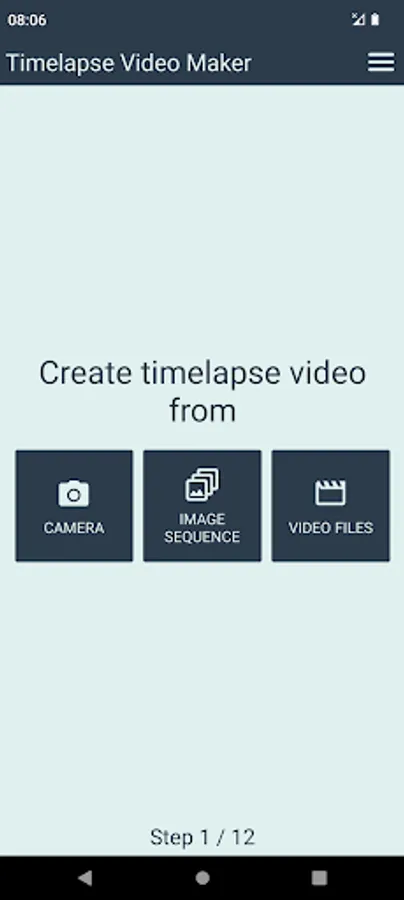
This app allows you to create timelapse video from already existing images or video files, or using the device's camera.
Current app features:
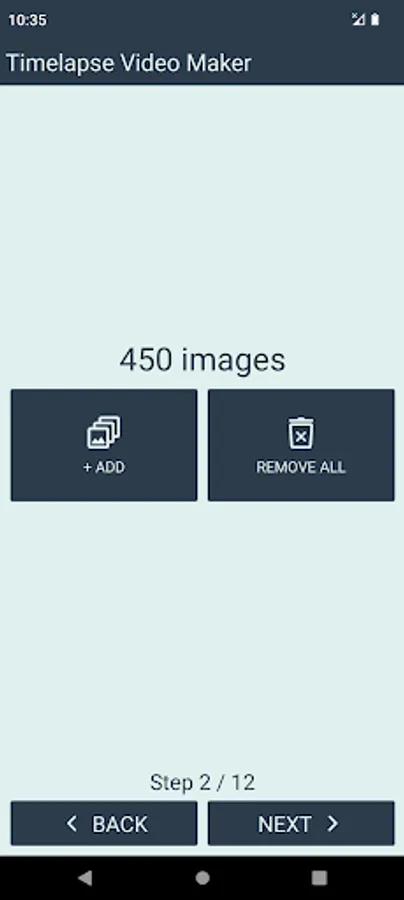
• create timelapse video from image sequence
• create timelapse video from video files
• images / videos will be included in the order of selection
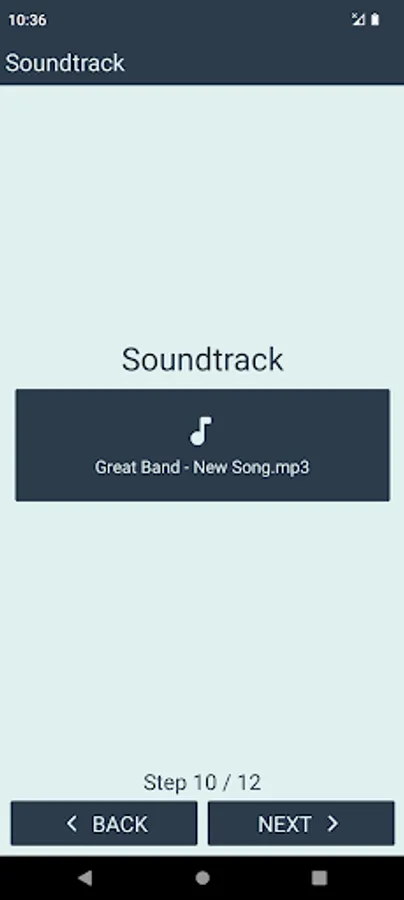
• add soundtrack (select local audio file from your device)
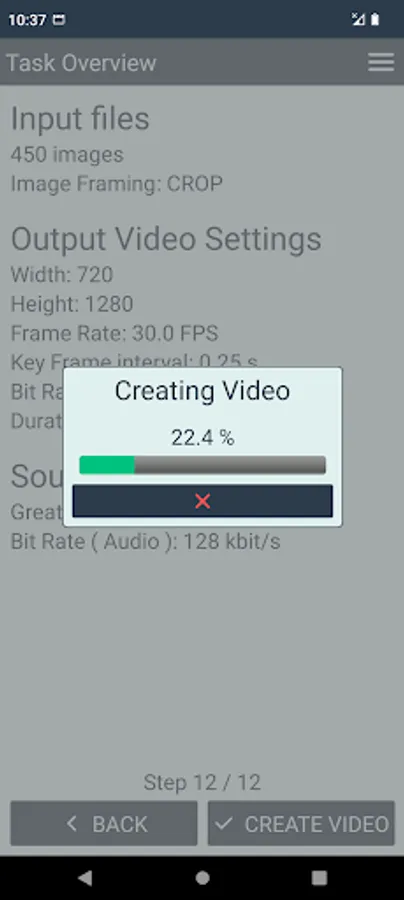
• configurable settings for the output video file
• NEW! create timelapse video using camera
Output video settings:
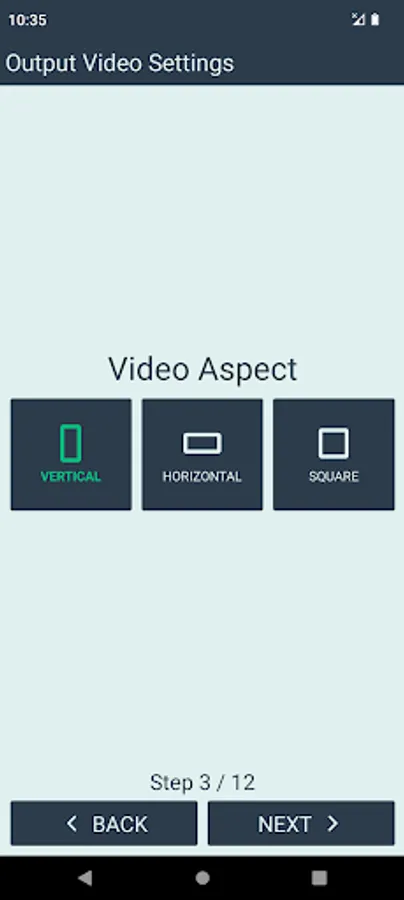
• aspect (portrait / landscape / square)
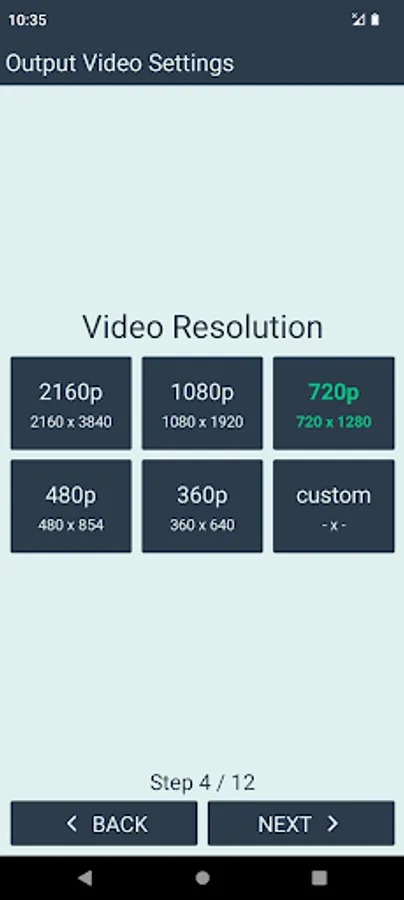
• resolution (up to 4k + custom)
• image framing mode (crop / fit / fill)
• frame rate (up to 60 FPS)
• audio and video bit rate
• key frame interval
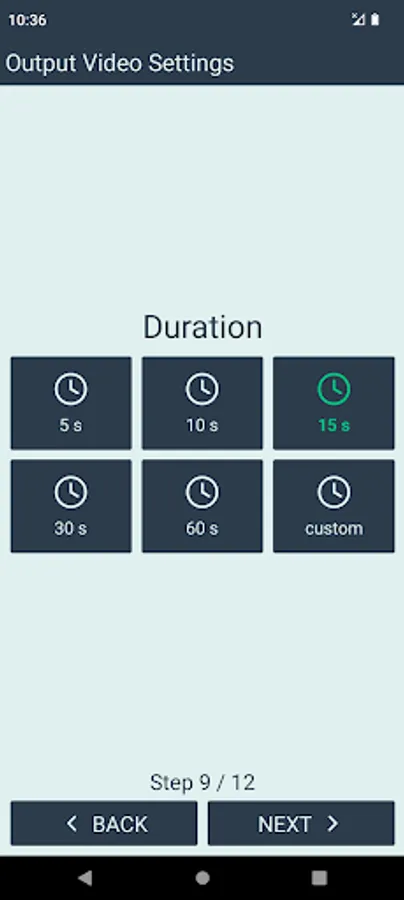
• duration
Free version limitations:
• maximum 500 images per timelapse
• maximum 2 input videos per timelapse
• only 30 FPS
• limited options for the:
• output resolution
• audio and video bitrate
• Key Frame Interval
• duration of the resulting video
• camera capture duration
• app logo automatically added at the end of the video
Users can upgrade to Premium Version via in-app purchase (one time payment).
Premium version advantages:
• no limit for the input image count
• no limit for the input video count
• higher output resolution + custom resolution
• more FPS options
• more audio and video bitrate options
• more Key Frame Interval options
• more video duration options + custom duration
• more options for the camera capture duration + custom duration
• removed ending logo
Note - supported video resolutions:
Supported resolutions may vary, depending on your device.
Most devices usually support resolutions up to:
• 1920x1080
• 1080x1920
Some devices also support 4k:
• 2160x3840
• 3840x2160
For custom resolutions, it is recommended that both width and height are:
• at least 128
• even number
This app allows you to create timelapse video from already existing images or video files, or using the device's camera.
Current app features:
• create timelapse video from image sequence
• create timelapse video from video files
• images / videos will be included in the order of selection
• add soundtrack (select local audio file from your device)
• configurable settings for the output video file
• NEW! create timelapse video using camera
Output video settings:
• aspect (portrait / landscape / square)
• resolution (up to 4k + custom)
• image framing mode (crop / fit / fill)
• frame rate (up to 60 FPS)
• audio and video bit rate
• key frame interval
• duration
Free version limitations:
• maximum 500 images per timelapse
• maximum 2 input videos per timelapse
• only 30 FPS
• limited options for the:
• output resolution
• audio and video bitrate
• Key Frame Interval
• duration of the resulting video
• camera capture duration
• app logo automatically added at the end of the video
Users can upgrade to Premium Version via in-app purchase (one time payment).
Premium version advantages:
• no limit for the input image count
• no limit for the input video count
• higher output resolution + custom resolution
• more FPS options
• more audio and video bitrate options
• more Key Frame Interval options
• more video duration options + custom duration
• more options for the camera capture duration + custom duration
• removed ending logo
Note - supported video resolutions:
Supported resolutions may vary, depending on your device.
Most devices usually support resolutions up to:
• 1920x1080
• 1080x1920
Some devices also support 4k:
• 2160x3840
• 3840x2160
For custom resolutions, it is recommended that both width and height are:
• at least 128
• even number
Timelapse Video Maker Screenshots
Tap to Rate:
Reviews for Timelapse Video Maker
Billy Ruben
11/12/2025
I find it a little difficult to load the file that I want. So much so that I sometimes have to just give up. A simple link to all of my files would be so much easier
Kyla Davidson
9/26/2025
Scam