
With this app, you can access step-by-step guides for product configuration and review related documentation. Includes technical support contact details and fault reporting features.
AppRecs review analysis
AppRecs rating 3.5. Trustworthiness 75 out of 100. Review manipulation risk 34 out of 100. Based on a review sample analyzed.
★★★☆☆
3.5
AppRecs Rating
Ratings breakdown
5 star
50%
4 star
17%
3 star
0%
2 star
0%
1 star
33%
What to know
✓
Credible reviews
75% trustworthiness score from analyzed reviews
✓
Good user ratings
67% positive sampled reviews
⚠
High negative review ratio
33% of sampled ratings are 1–2 stars
About SharePa by Idemia
This app is developed by IDEMIA: The global leader in Augmented Identity.
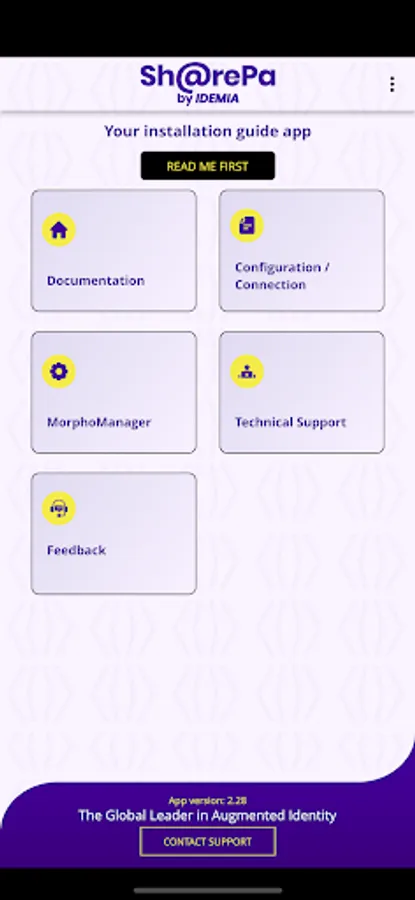
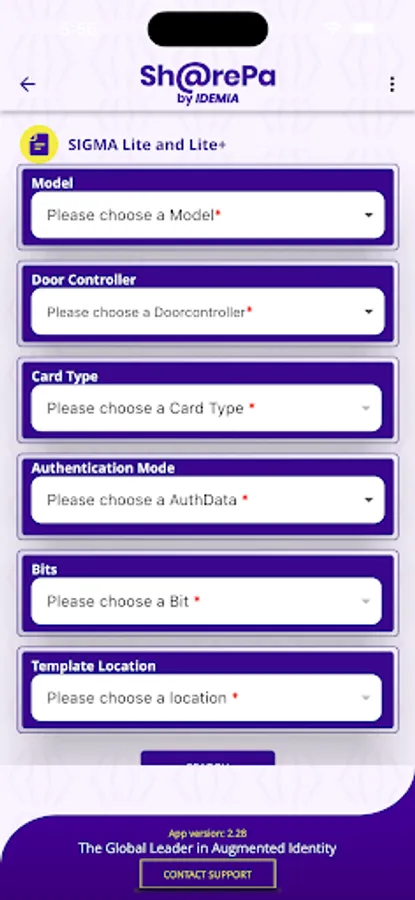
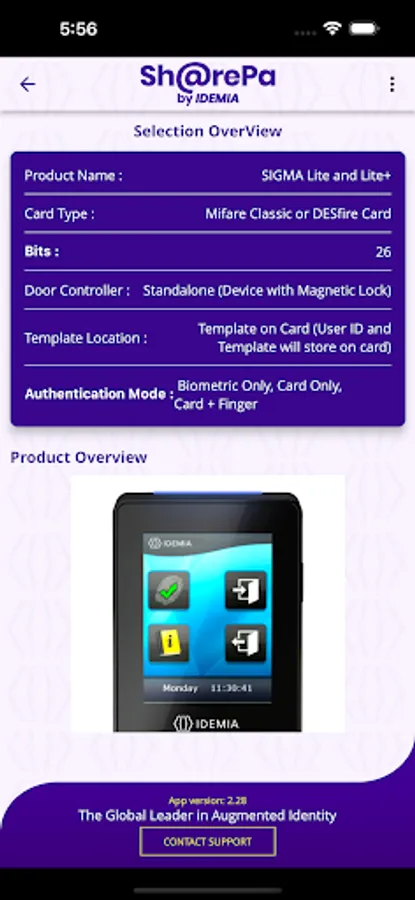
The prime purpose of the application is to provide step by step user Guide for product configuration.
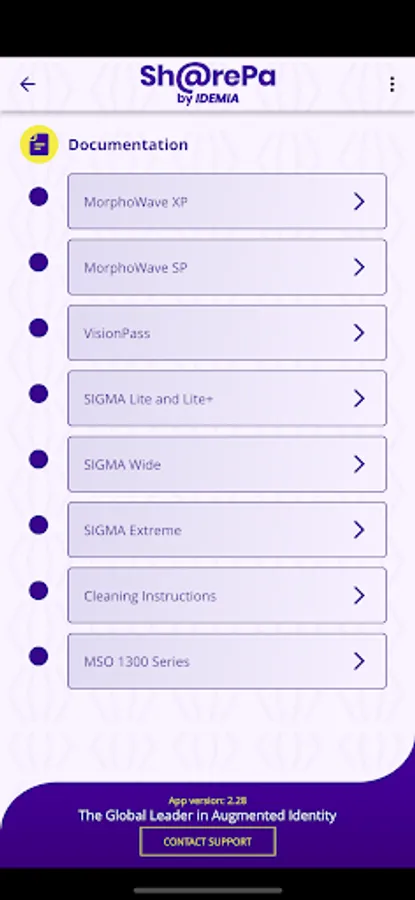
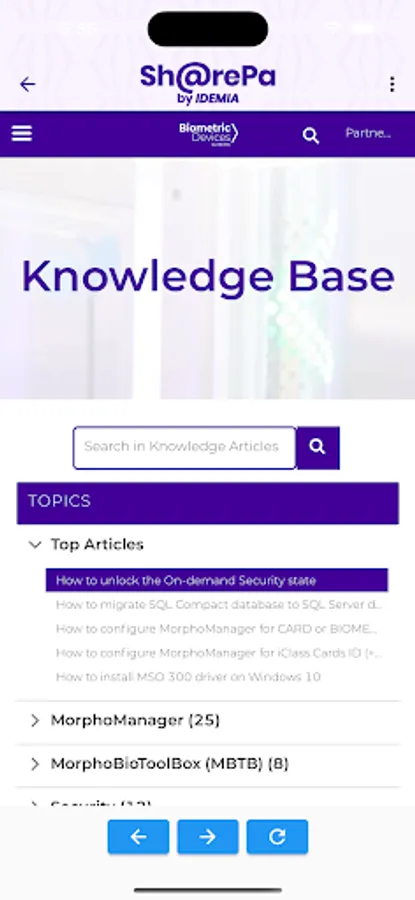
Documentation: Follow this section to know more about the products and configuration, read the documents related to the product.
Configuration/Connection: Follow this section to check how to do wire connection and assign IP address in devices.
MorphoManager: Follow this section to do configuration of device using MorphoManager application.
For basic configuration follow the "MorphoManager Express Configuration" and for advance configuration go through “Advance MorphoManager Configuration"
Fault report: To report fault or to do self-diagnosis of fault in device, follow this section (Only for ID Screen Device)
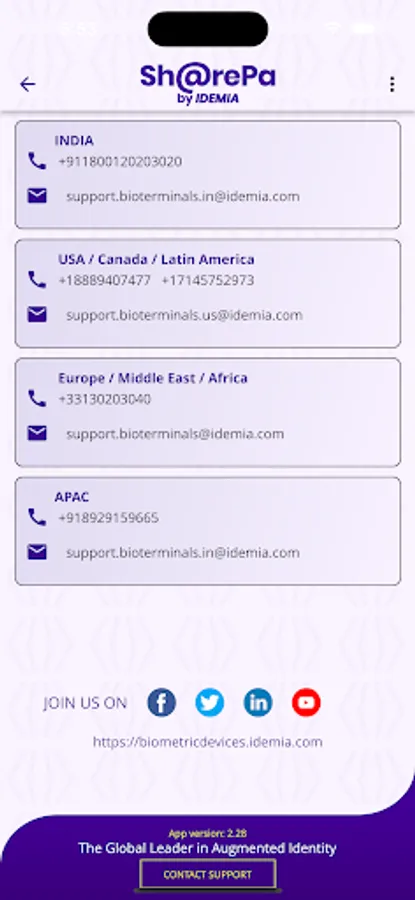
Technical Support: Access to IDEMIA's Technical support Email and phone number.
Feedback: Please rate us, it will be very helpful to improve our services.
IDEMIA will not be responsible for any physical damage or burn issues, hence we recommend you to go through the documentation section on Home Page for more details.
Note: This application shall be used only with IDEMIA access control devices with MorphoManager software application.
Please share your feedback to improve our services.
The prime purpose of the application is to provide step by step user Guide for product configuration.
Documentation: Follow this section to know more about the products and configuration, read the documents related to the product.
Configuration/Connection: Follow this section to check how to do wire connection and assign IP address in devices.
MorphoManager: Follow this section to do configuration of device using MorphoManager application.
For basic configuration follow the "MorphoManager Express Configuration" and for advance configuration go through “Advance MorphoManager Configuration"
Fault report: To report fault or to do self-diagnosis of fault in device, follow this section (Only for ID Screen Device)
Technical Support: Access to IDEMIA's Technical support Email and phone number.
Feedback: Please rate us, it will be very helpful to improve our services.
IDEMIA will not be responsible for any physical damage or burn issues, hence we recommend you to go through the documentation section on Home Page for more details.
Note: This application shall be used only with IDEMIA access control devices with MorphoManager software application.
Please share your feedback to improve our services.
SharePa by Idemia Screenshots
Tap to Rate:
Reviews for SharePa by Idemia
REJWAN ALI
10/1/2025
nice
Maa Shanti
1/19/2025
Nice products