With this app, you can verify your identity securely using your phone and control information sharing during transactions. Includes biometric authentication, layers of security, and privacy controls.
AppRecs review analysis
AppRecs rating 3.9. Trustworthiness 0 out of 100. Review manipulation risk 0 out of 100. Based on a review sample analyzed.
★★★☆☆
3.9
AppRecs Rating
Ratings breakdown
5 star
62%
4 star
12%
3 star
2%
2 star
2%
1 star
22%
What to know
✓
Good user ratings
74% positive sampled reviews
✓
Authentic reviews
Natural distribution, no red flags
About Missouri Mobile ID
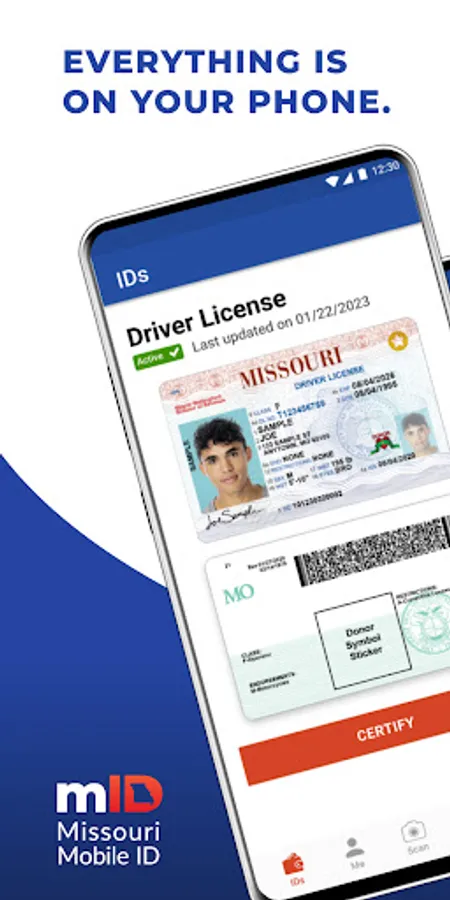
Missouri Mobile ID is a contactless, convenient way to verify your identity from your phone while providing layers of security and privacy controls.
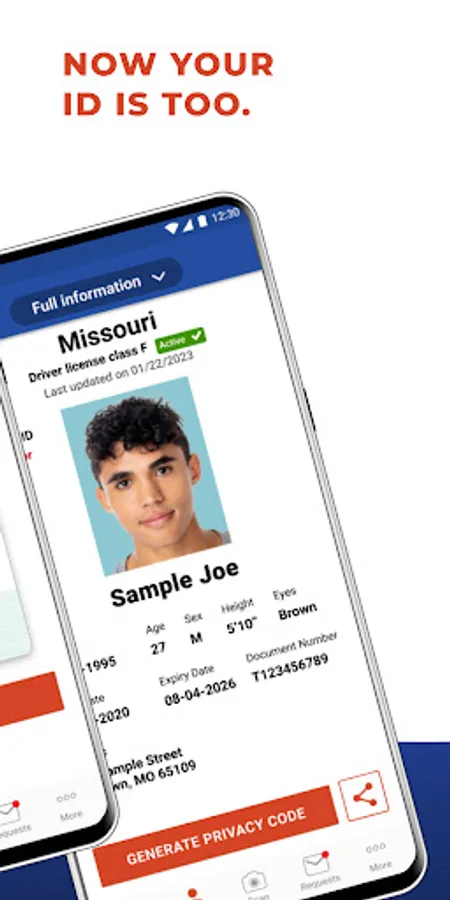
Missouri Mobile ID allows you to control what information you share during a transaction. For example, when buying age-restricted items, the app can confirm you are of legal age without having to share your birth date or address.
Intuitive and easy-to-use, Mobile ID is unlocked by using a self-selected pin or TouchID/FaceID so your personal information is always protected.
In five simple steps, you can register for your Missouri mID:
1. Download the app and set permissions
2. Verify access to your phone number
3. Use your device camera to scan the front and back of your driver’s license or ID card
4. Follow the app’s registration steps to take a selfie
5. Set up app security and you’re good to go!
Please note:
Missouri Mobile ID is an official state-issued ID, serving as a companion to your physical ID. As not all entities are able to verify mID, you should continue to carry your physical ID.
For more information, please visit https://dor.mo.gov/driver-license/mobile-driver-license.html
This app requires an Android 7 and newer. Android 10-based EMUI 10 devices are NOT supported.
Missouri Mobile ID allows you to control what information you share during a transaction. For example, when buying age-restricted items, the app can confirm you are of legal age without having to share your birth date or address.
Intuitive and easy-to-use, Mobile ID is unlocked by using a self-selected pin or TouchID/FaceID so your personal information is always protected.
In five simple steps, you can register for your Missouri mID:
1. Download the app and set permissions
2. Verify access to your phone number
3. Use your device camera to scan the front and back of your driver’s license or ID card
4. Follow the app’s registration steps to take a selfie
5. Set up app security and you’re good to go!
Please note:
Missouri Mobile ID is an official state-issued ID, serving as a companion to your physical ID. As not all entities are able to verify mID, you should continue to carry your physical ID.
For more information, please visit https://dor.mo.gov/driver-license/mobile-driver-license.html
This app requires an Android 7 and newer. Android 10-based EMUI 10 devices are NOT supported.
Missouri Mobile ID Screenshots
Tap to Rate: