
With this remote support app, you can receive on-demand or scheduled assistance and chat with technicians during sessions. Includes secure connections with TLS encryption and technician verification features.
AppRecs review analysis
AppRecs rating 1.6. Trustworthiness 67 out of 100. Review manipulation risk 25 out of 100. Based on a review sample analyzed.
★☆☆☆☆
1.6
AppRecs Rating
Ratings breakdown
5 star
11%
4 star
2%
3 star
1%
2 star
2%
1 star
84%
What to know
✓
Low review manipulation risk
25% review manipulation risk
⚠
Mixed user feedback
Average 1.5★ rating suggests room for improvement
⚠
High negative review ratio
86% of sampled ratings are 1–2 stars
About HelpDesk Host
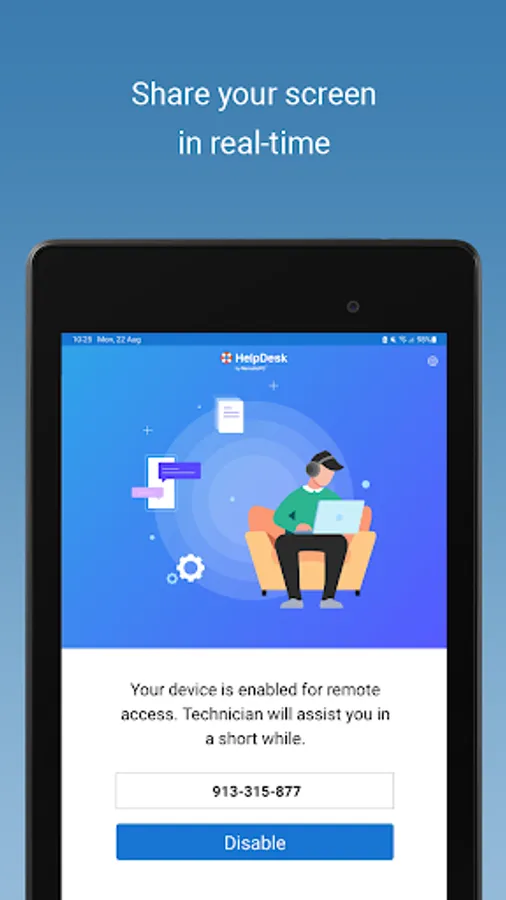
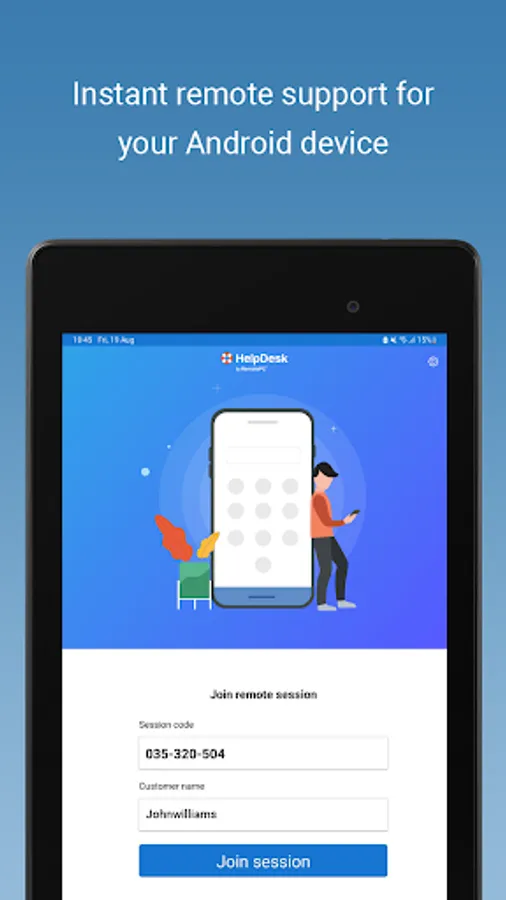
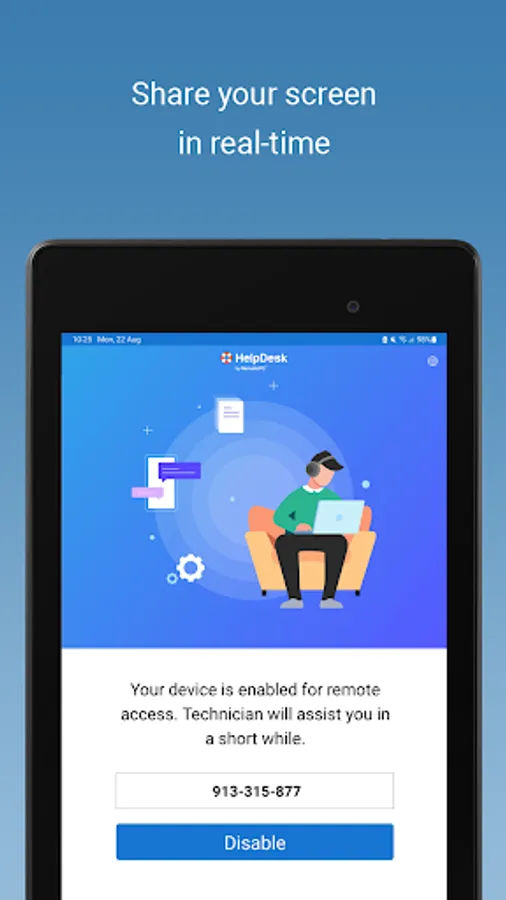
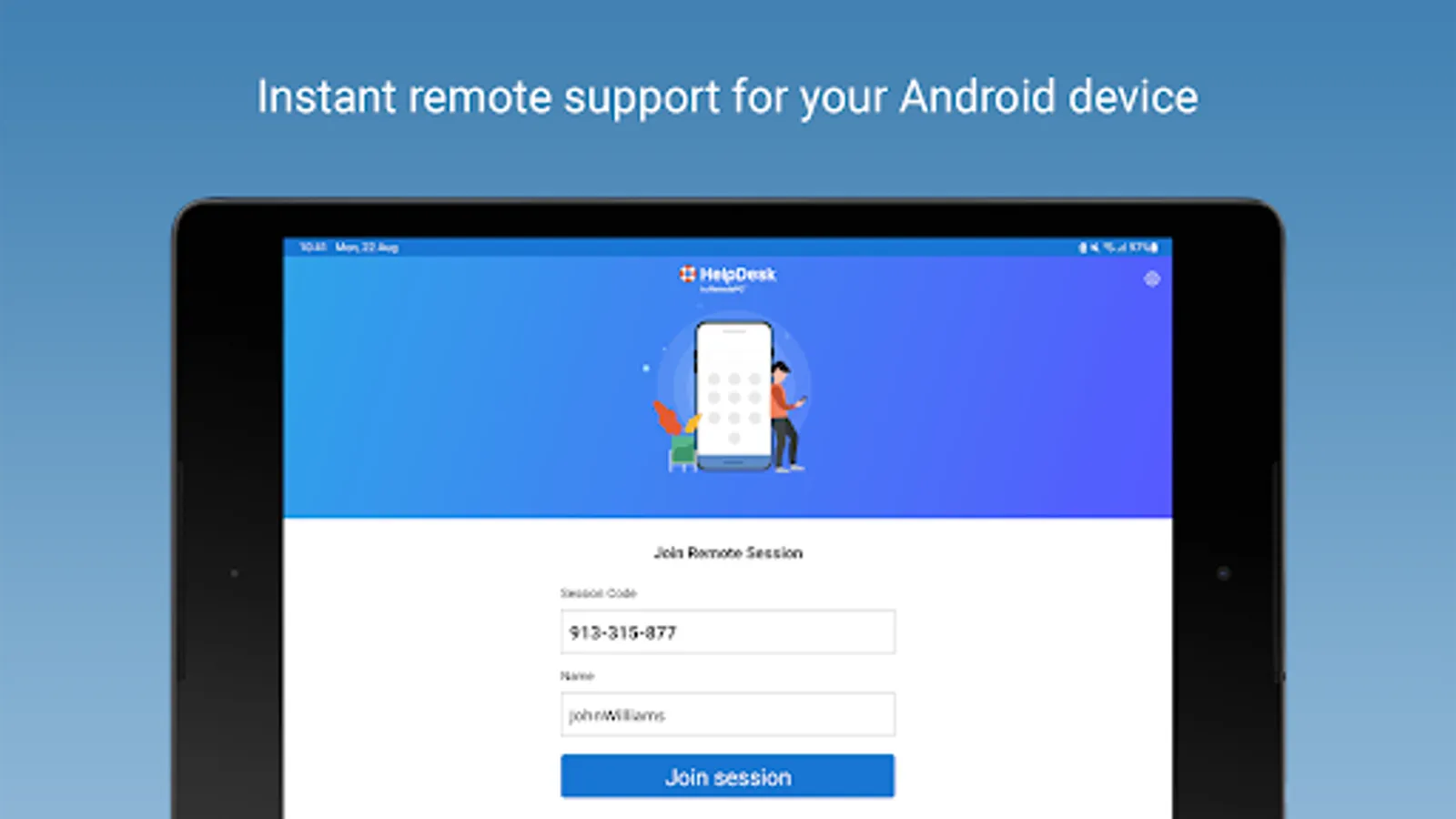
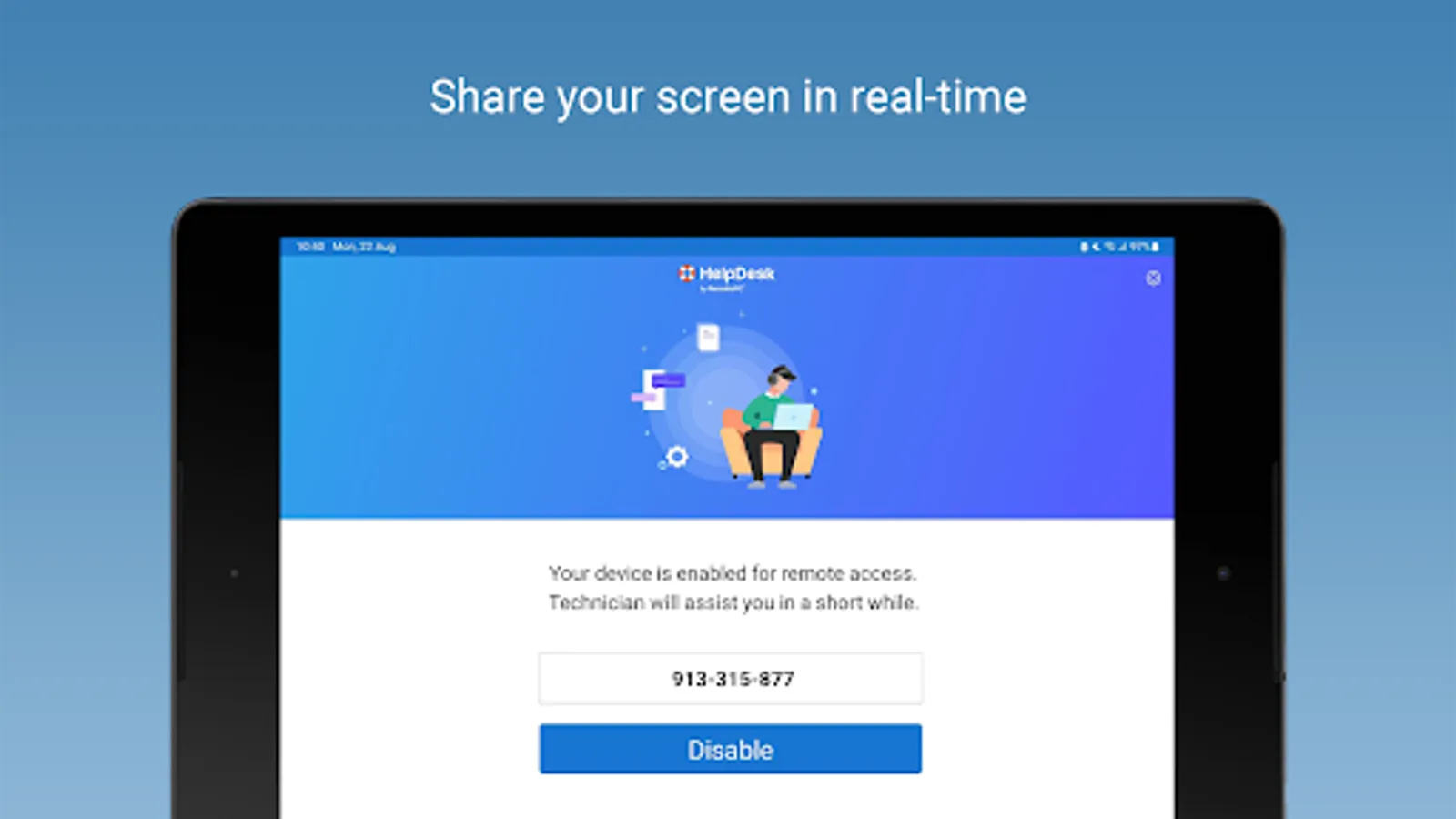
Receive on-demand remote assistance instantly or schedule a session with HelpDesk by RemotePC. Using a one-time app installation, your issues are resolved in a secure way.
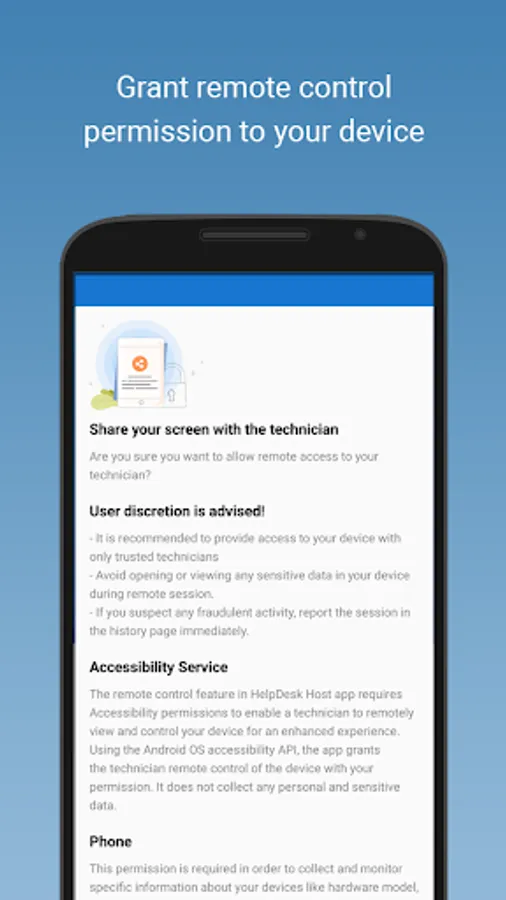
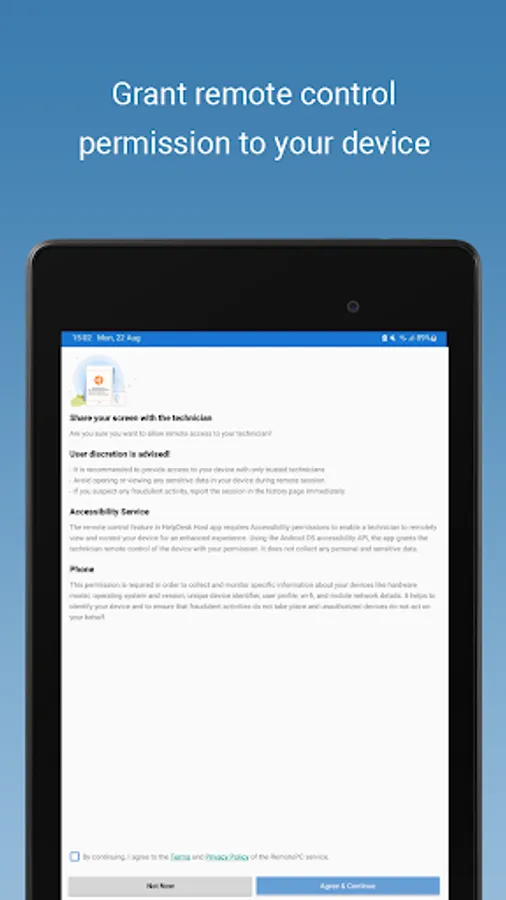
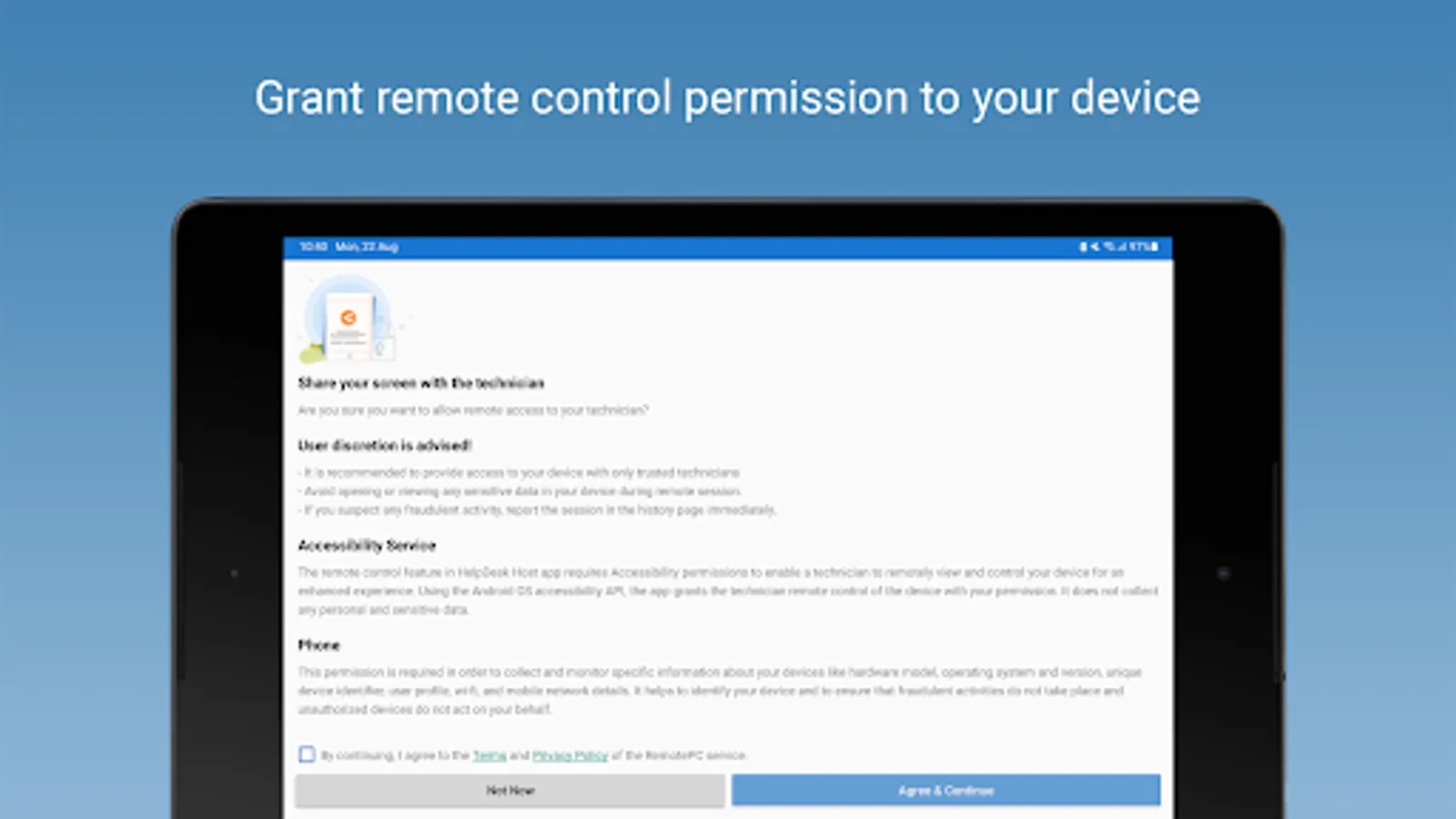
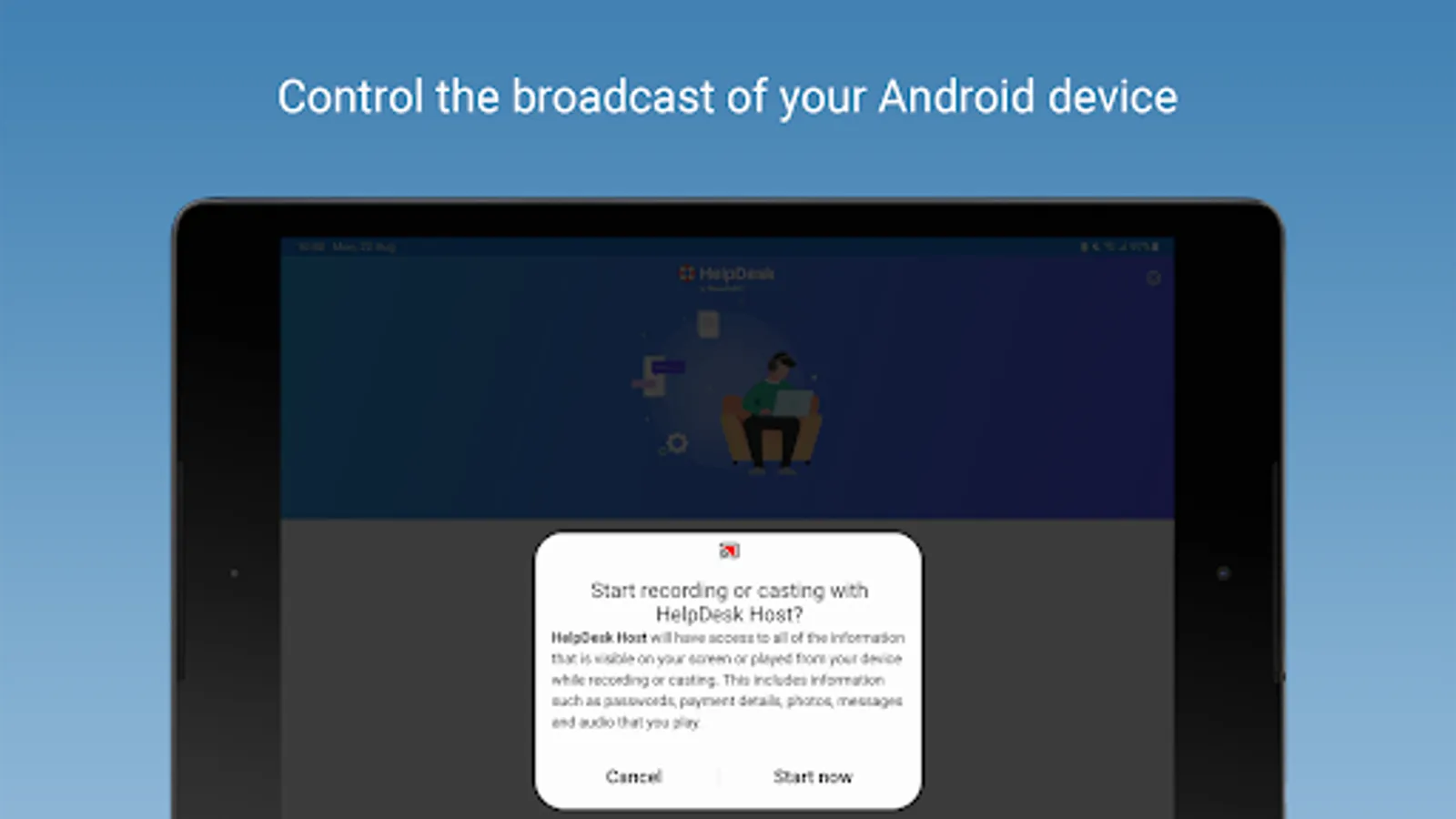
The remote control feature in HelpDesk Host app requires Accessibility permissions to enable a technician to remotely view and control your device for enhanced experience.
Using the Android OS accessibility API, the app grants the technician remote control access of the device with your permission. It does not collect any personal and sensitive data.
You need to enable the app under the Accessibility settings on your Android device.
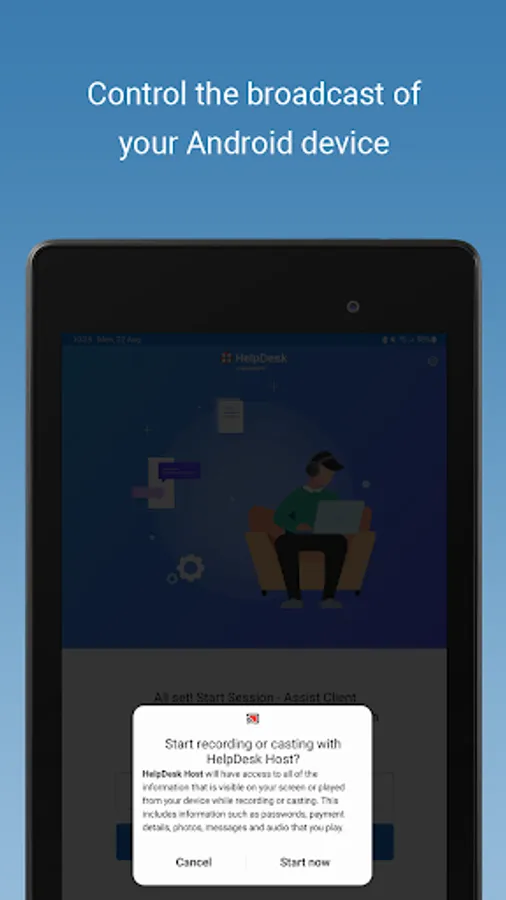
RemotePC applies the highest security standards to your connections,ensuring you are always in control of granting access to your device and
establishing or ending sessions.
We display the technician name and email address and encourage everyone to verify the technician's identity before granting access to any device to ensure your security.
Features
* Easy remote support on-demand from your trusted technician.
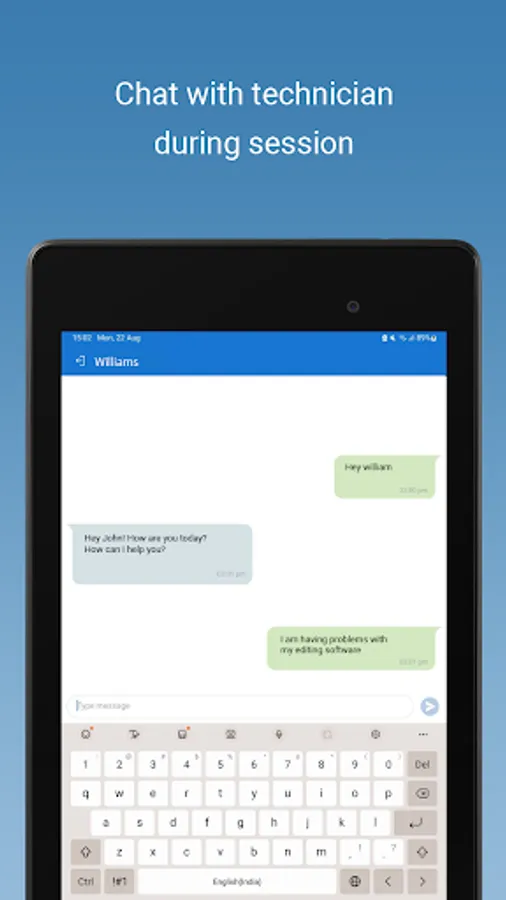
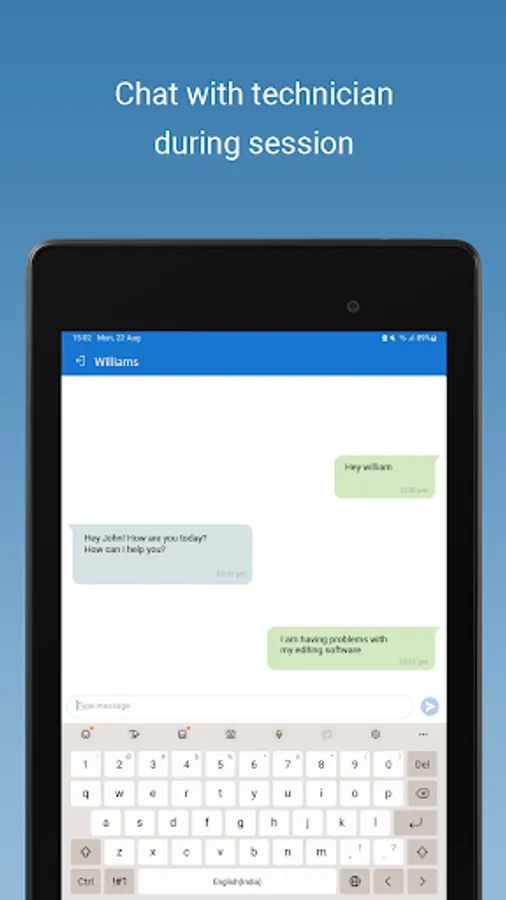
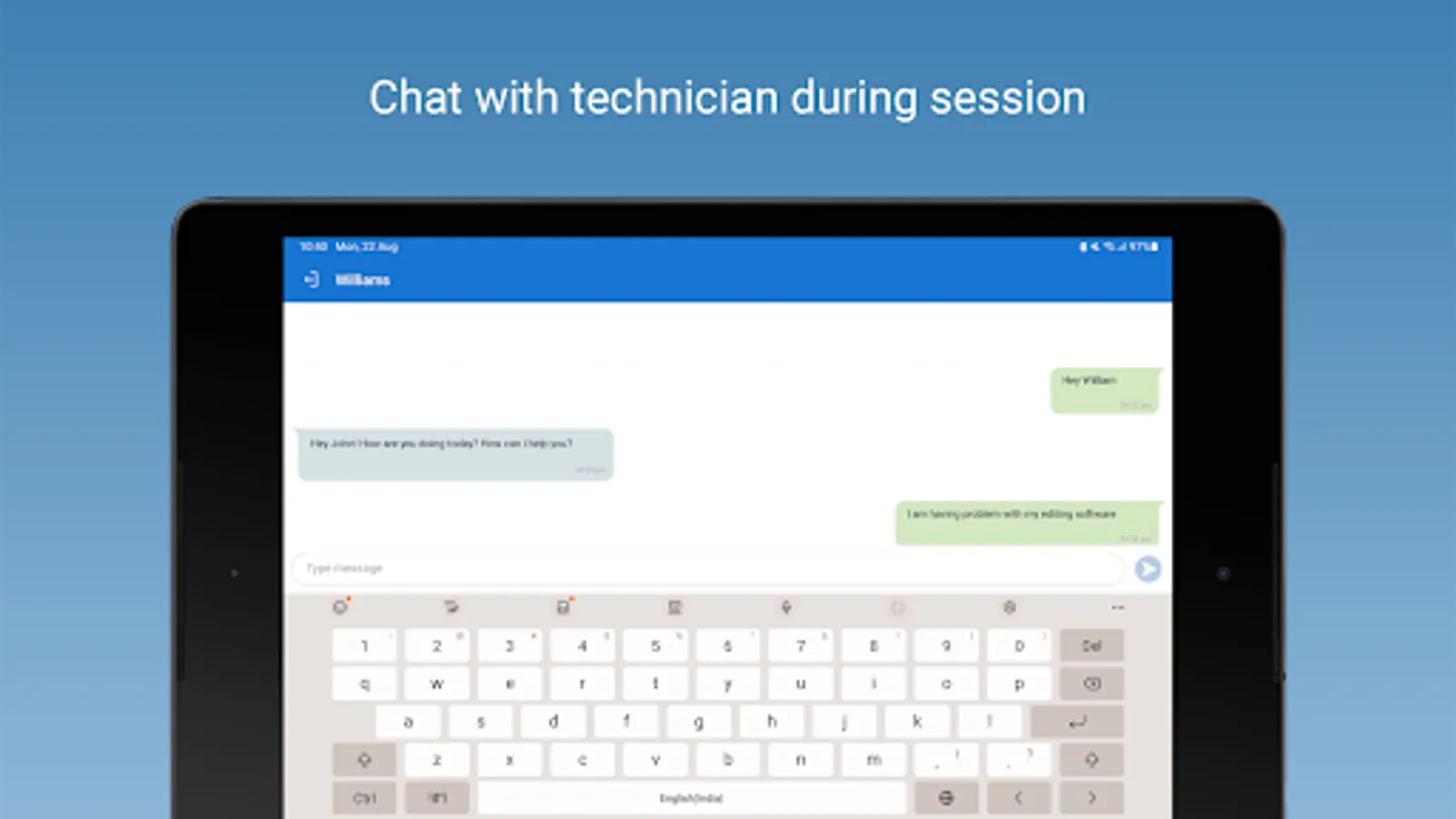
* Chat with technicians via text during the session for better understanding of the issues.
* The remote support is developed using TLS v 1.2/AES 256-bit encryption, so rest assured, the connection is highly secure.
The remote control feature in HelpDesk Host app requires Accessibility permissions to enable a technician to remotely view and control your device for enhanced experience.
Using the Android OS accessibility API, the app grants the technician remote control access of the device with your permission. It does not collect any personal and sensitive data.
You need to enable the app under the Accessibility settings on your Android device.
RemotePC applies the highest security standards to your connections,ensuring you are always in control of granting access to your device and
establishing or ending sessions.
We display the technician name and email address and encourage everyone to verify the technician's identity before granting access to any device to ensure your security.
Features
* Easy remote support on-demand from your trusted technician.
* Chat with technicians via text during the session for better understanding of the issues.
* The remote support is developed using TLS v 1.2/AES 256-bit encryption, so rest assured, the connection is highly secure.
HelpDesk Host Screenshots


Tap to Rate:
Reviews for HelpDesk Host
Shlok Pandey
12/29/2025
this app is a fraud . they tend to take your data and take your money
Kavita Mohinderu
12/29/2025
scam app dear don't install this aap if anyone told you to install