Intel® Unison™
Intel Corporation
4.4 ★
15K ratings
500,000+
downloads
Free
AppRecs review analysis
AppRecs rating 4.5. Trustworthiness 75 out of 100. Review manipulation risk 25 out of 100. Based on a review sample analyzed.
★★★★☆
4.5
AppRecs Rating
Ratings breakdown
5 star
71%
4 star
15%
3 star
4%
2 star
1%
1 star
9%
What to know
✓
Low review manipulation risk
25% review manipulation risk
✓
Credible reviews
75% trustworthiness score from analyzed reviews
✓
High user satisfaction
86% of sampled ratings are 4+ stars (4.4★ average)
About Intel® Unison™
Intel Unison will soon be discontinued. The first step in its wind-down process is ending service for most platforms at the end of June 2025. Lenovo Aura platforms will continue to be supported.
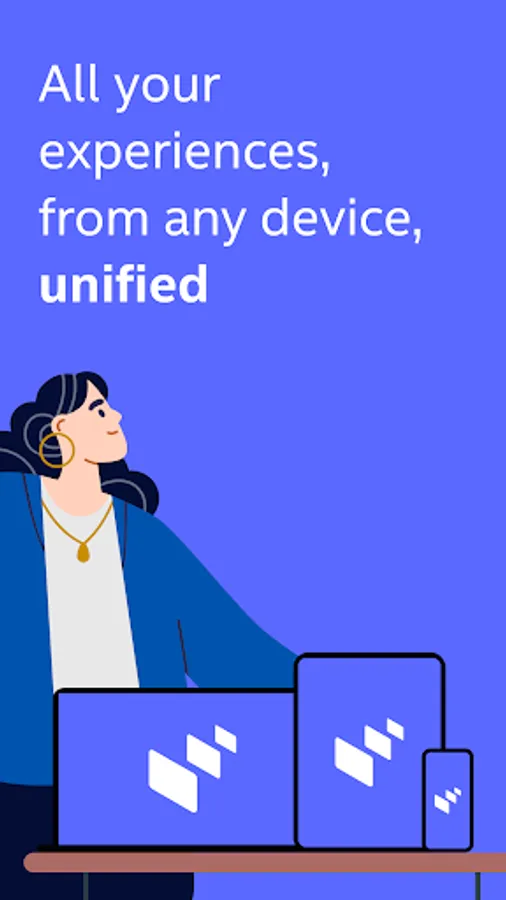
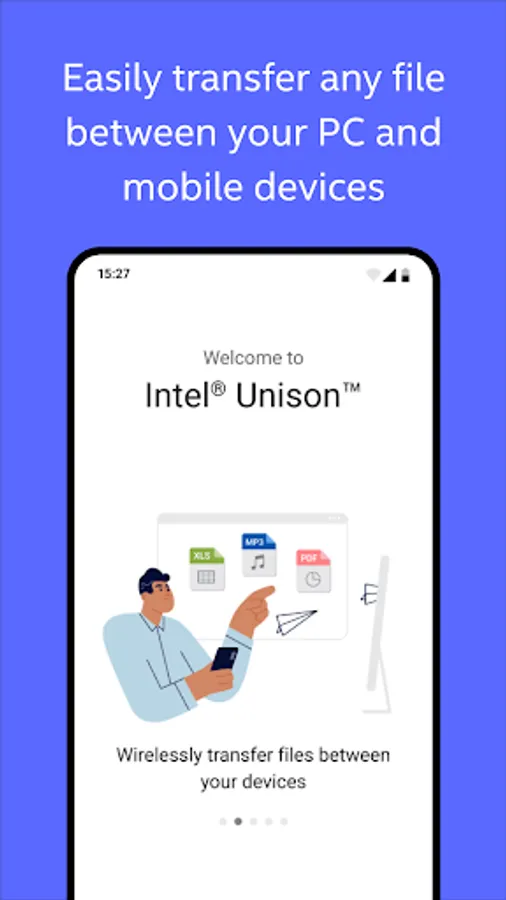
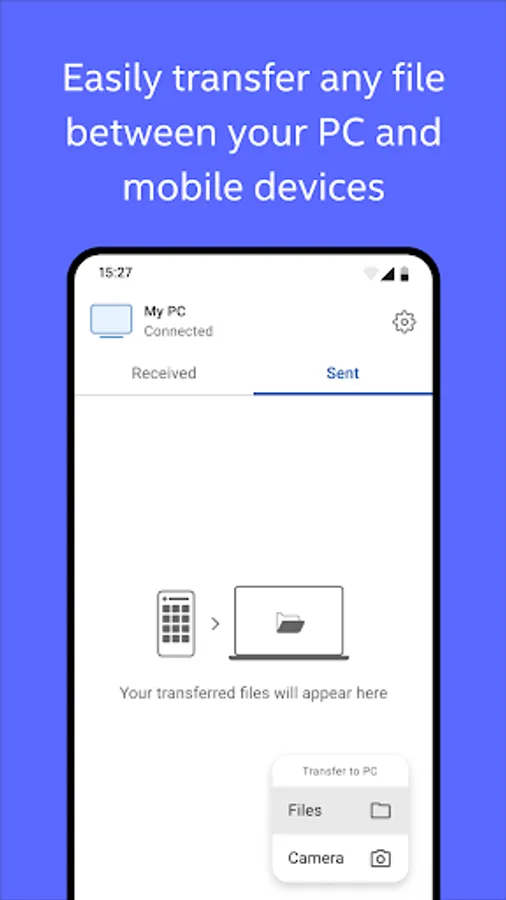
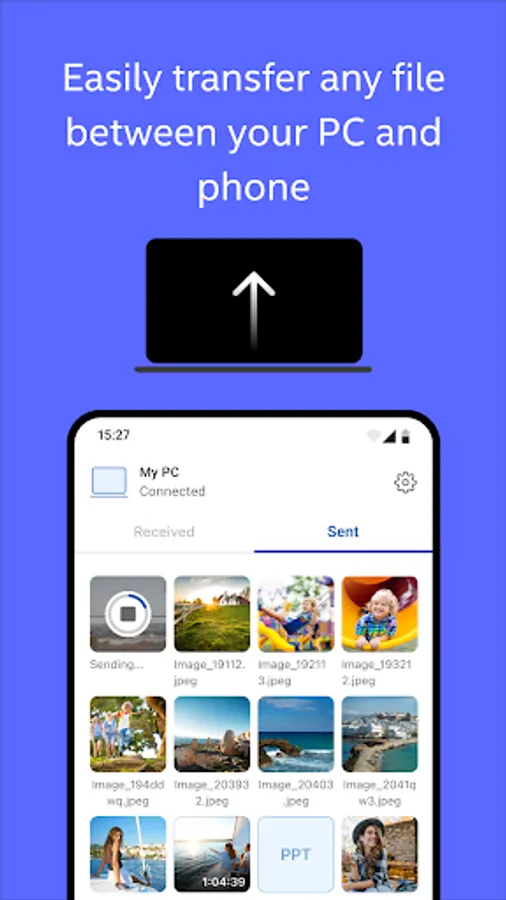
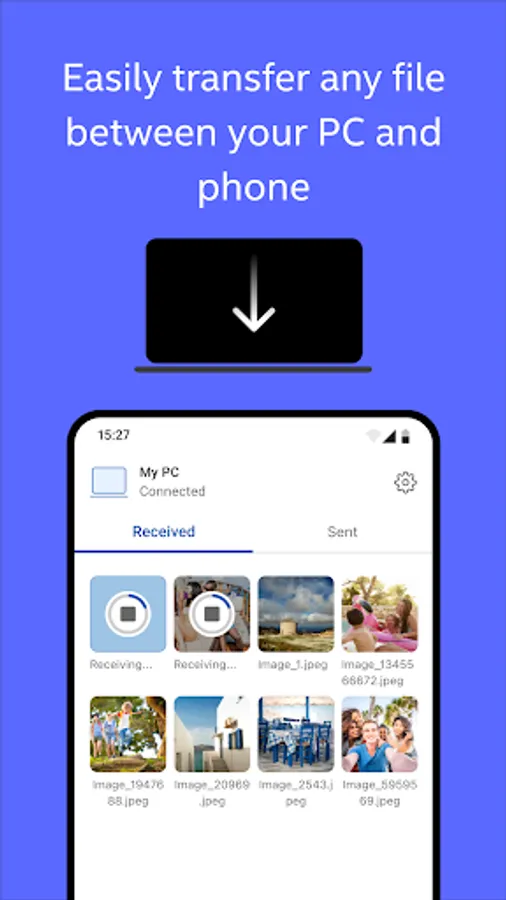
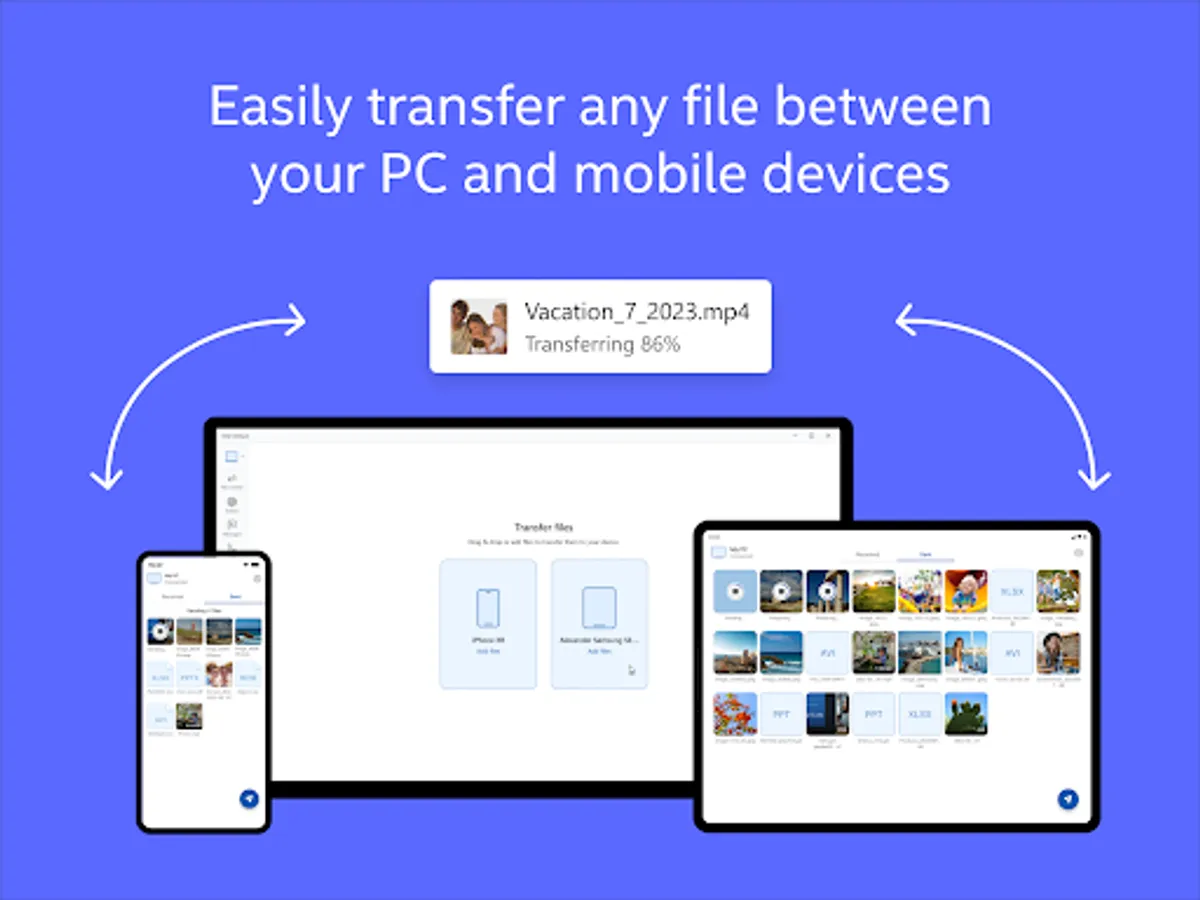
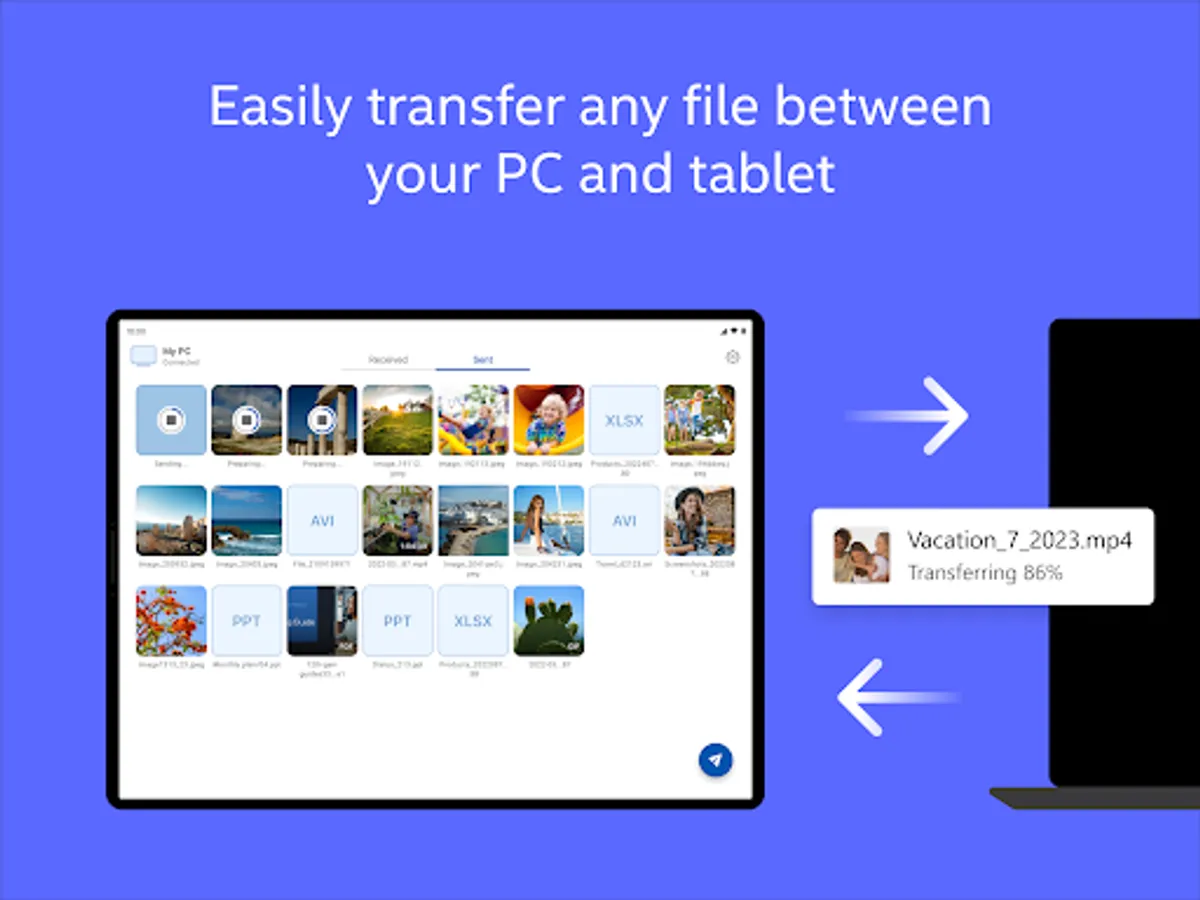
Unlock your connected world and multi-device experience to enjoy the freedom to work across operating systems. Intel® Unison™ seamlessly connects your mobile device to your PC for a universal, easy to use experience.
Intel® Unison™ solution is currently available for approved configurations of Windows-based PCs and pairs with phones or tablets. Intel Unison requires a companion Windows PC app that may already be preinstalled on your new Windows PC or can be downloaded from the Microsoft app store. All devices must run a supported OS version.
Instructions:
1. Install Unison app on your phone or tablet
2. Find the Intel Unison PC app on your new PC or install it from the Microsoft app store
3. Launch the Intel Unison apps on your PC and mobile device and follow the instructions
Unlock your connected world and multi-device experience to enjoy the freedom to work across operating systems. Intel® Unison™ seamlessly connects your mobile device to your PC for a universal, easy to use experience.
Intel® Unison™ solution is currently available for approved configurations of Windows-based PCs and pairs with phones or tablets. Intel Unison requires a companion Windows PC app that may already be preinstalled on your new Windows PC or can be downloaded from the Microsoft app store. All devices must run a supported OS version.
Instructions:
1. Install Unison app on your phone or tablet
2. Find the Intel Unison PC app on your new PC or install it from the Microsoft app store
3. Launch the Intel Unison apps on your PC and mobile device and follow the instructions
Intel® Unison™ Screenshots
Tap to Rate:
Reviews for Intel® Unison™
Nima Parandian
3/2/2026
⭐⭐⭐⭐⭐
Gouranga Sahoo
1/4/2026
not working