
In this collaboration app, you can join secure sessions using shared PINs or scheduled links and view shared content. Includes session management features, attendee lists, and language options.
AppRecs review analysis
AppRecs rating 3.5. Trustworthiness 0 out of 100. Review manipulation risk 0 out of 100. Based on a review sample analyzed.
★★★☆☆
3.5
AppRecs Rating
Ratings breakdown
5 star
53%
4 star
7%
3 star
7%
2 star
0%
1 star
33%
What to know
✓
Authentic reviews
No red flags detected
⚠
High negative review ratio
33% of sampled ratings are 1–2 stars
About Intel Unite®
If your organization or learning center has implemented the Intel Unite® solution for meetings or classrooms (Enterprise mode), this app provides access to collaborative sessions via an Android device connected to the corporate network - either directly or through a VPN. If you need help connecting, please contact the organization’s IT department.
SMARTER MEETINGS AND CLASSROOMS START HERE
Intel Unite® software powers secure, connected meeting spaces and classrooms- whether session participants are sitting around the table or halfway around the world.
Features included with this app:
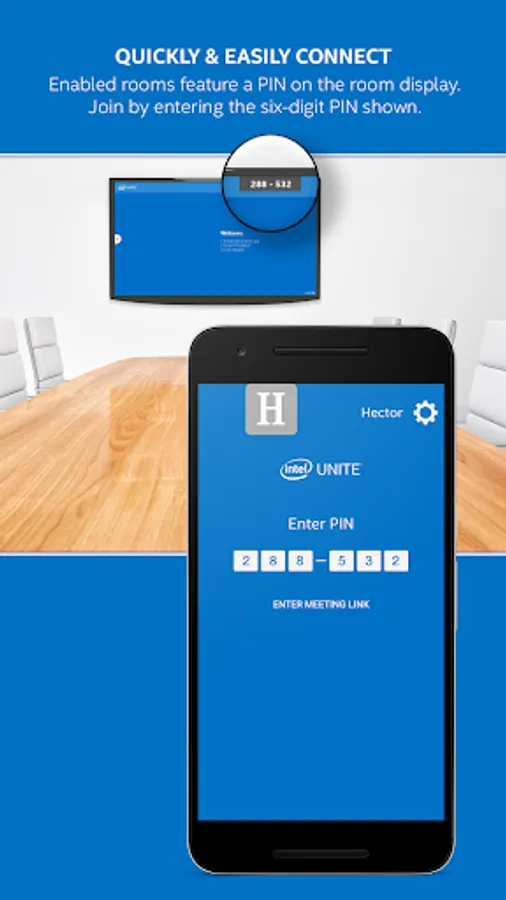
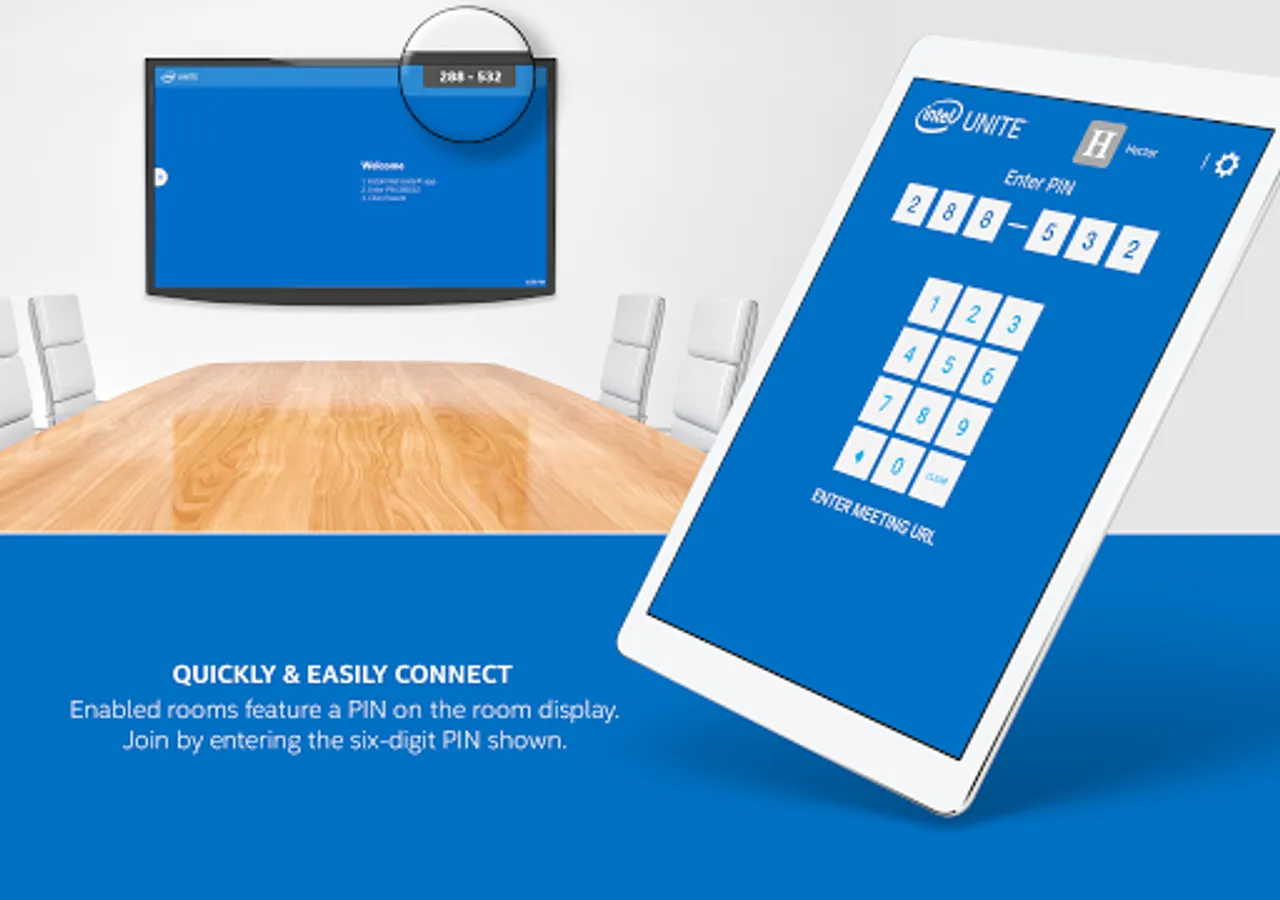
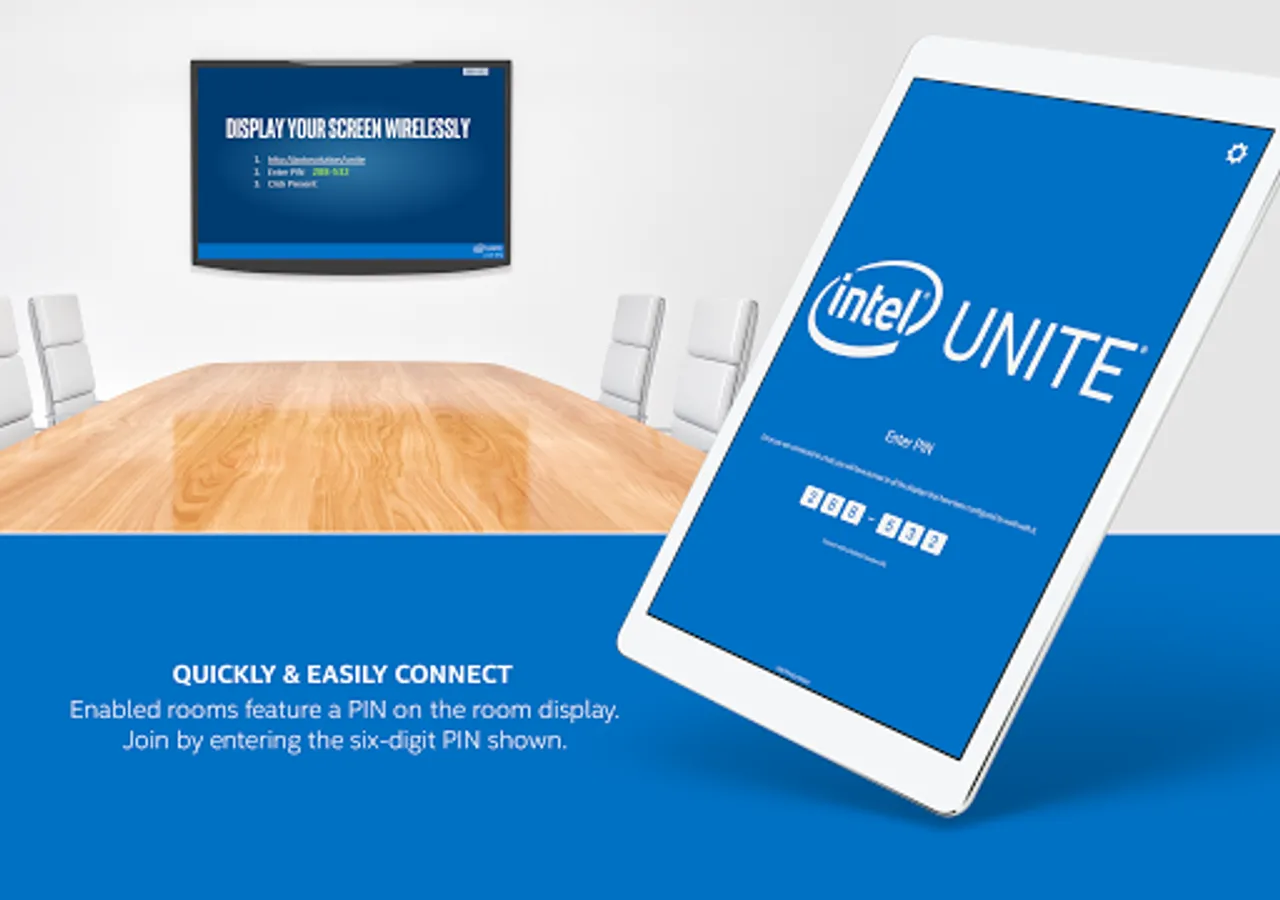
- Connect to a session using a secure shared PIN
- Connect to a session by a scheduled meeting link received in an email or other applications§
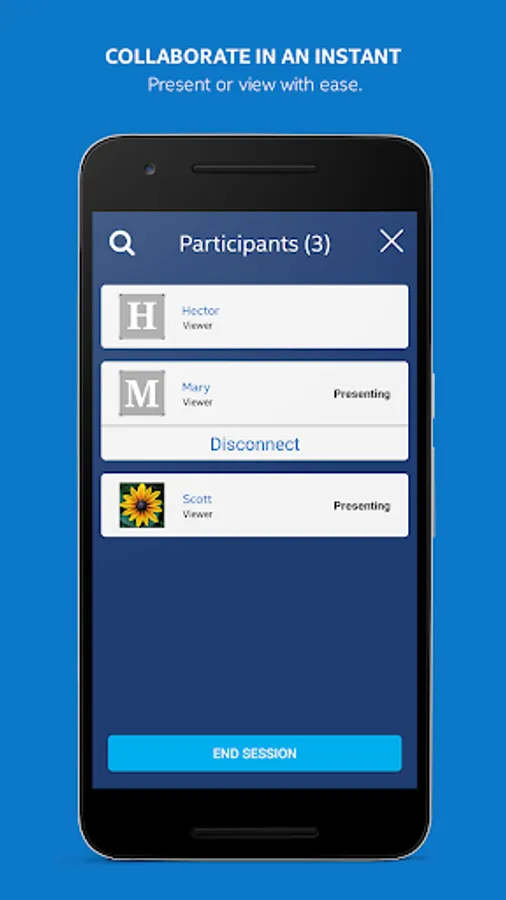
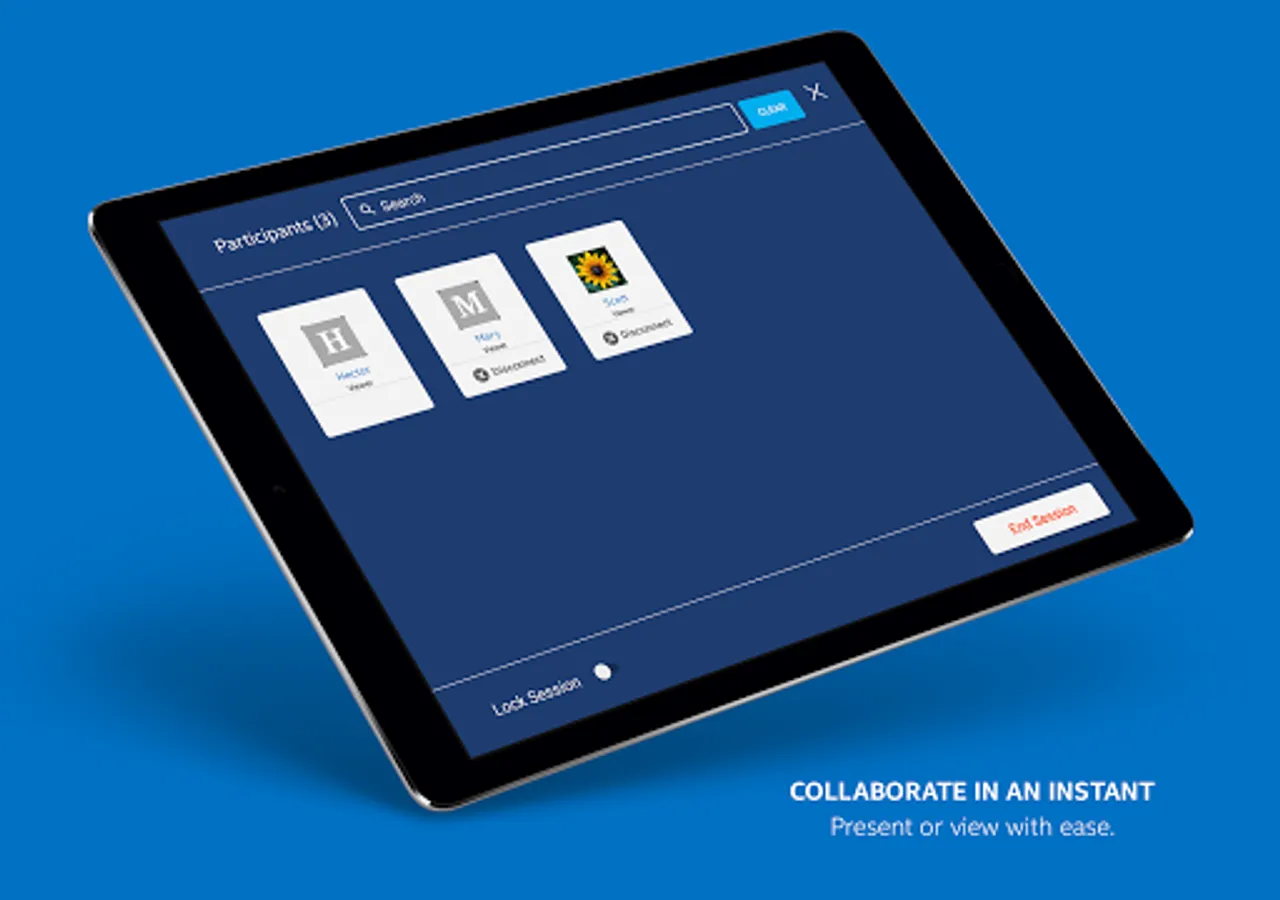
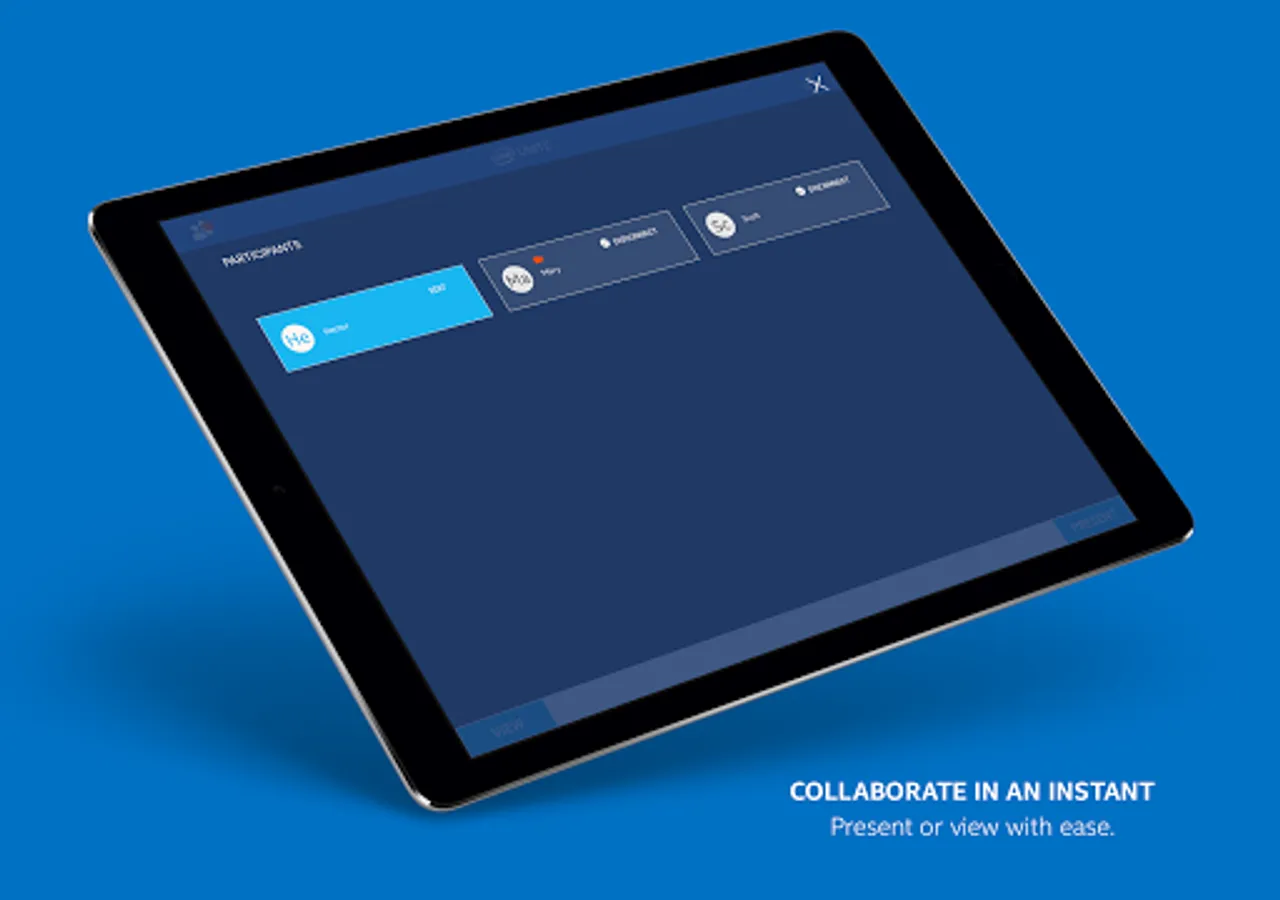
- See who else is attending
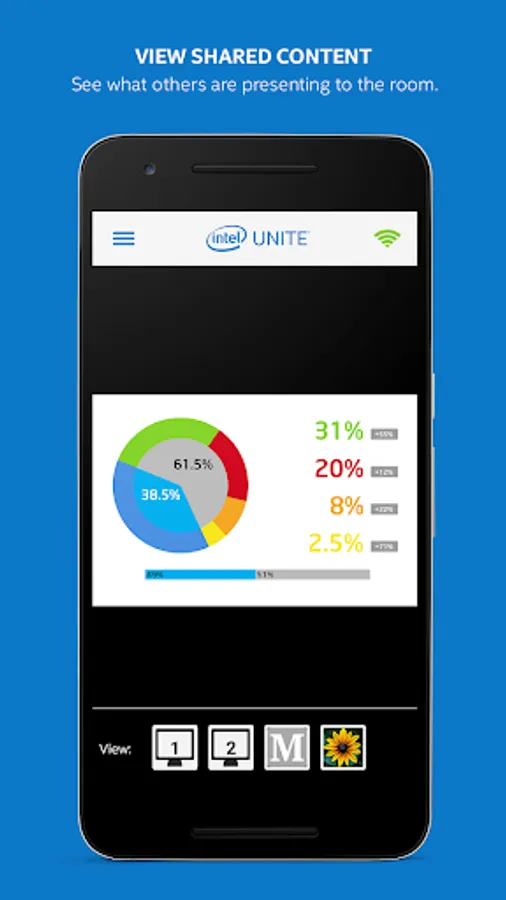
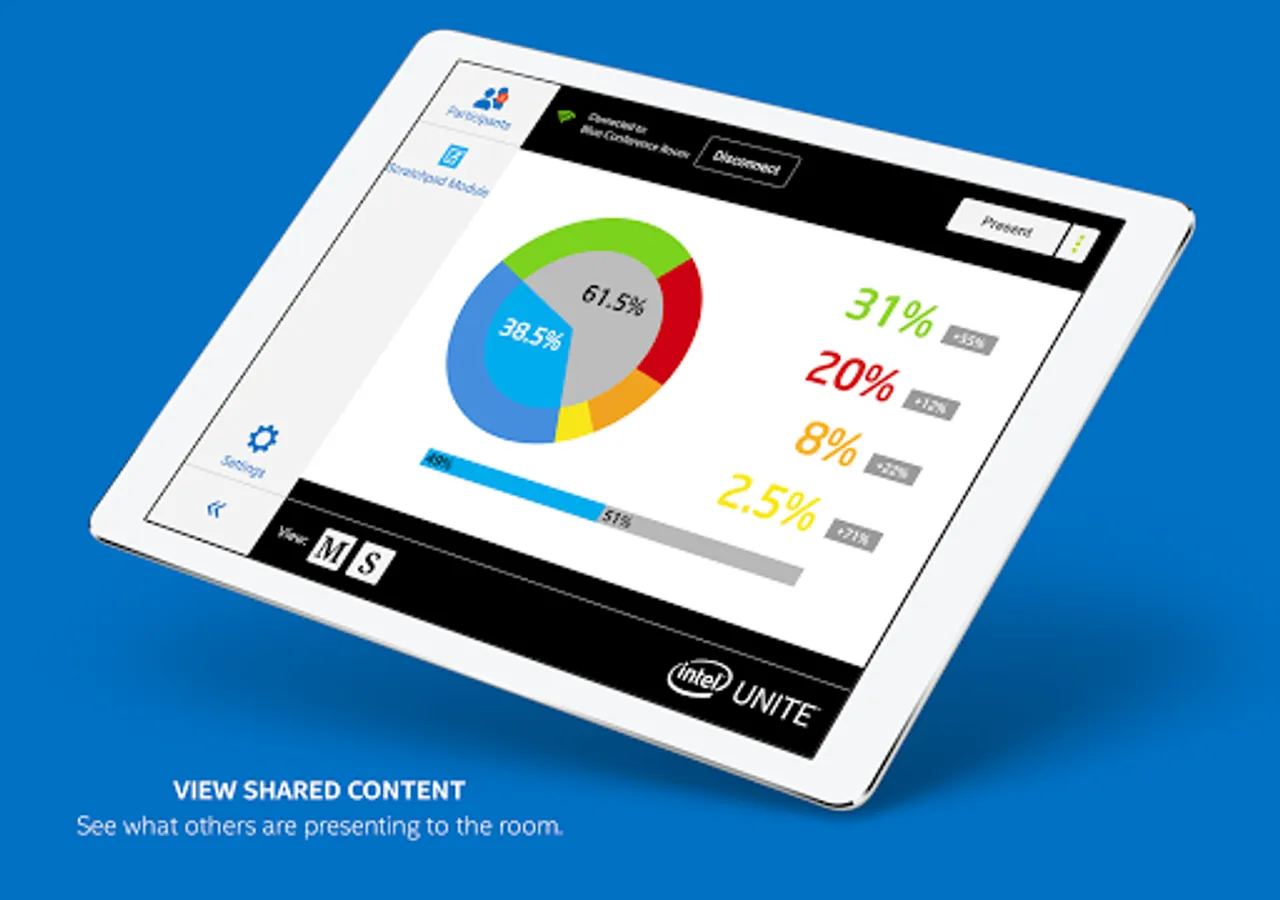
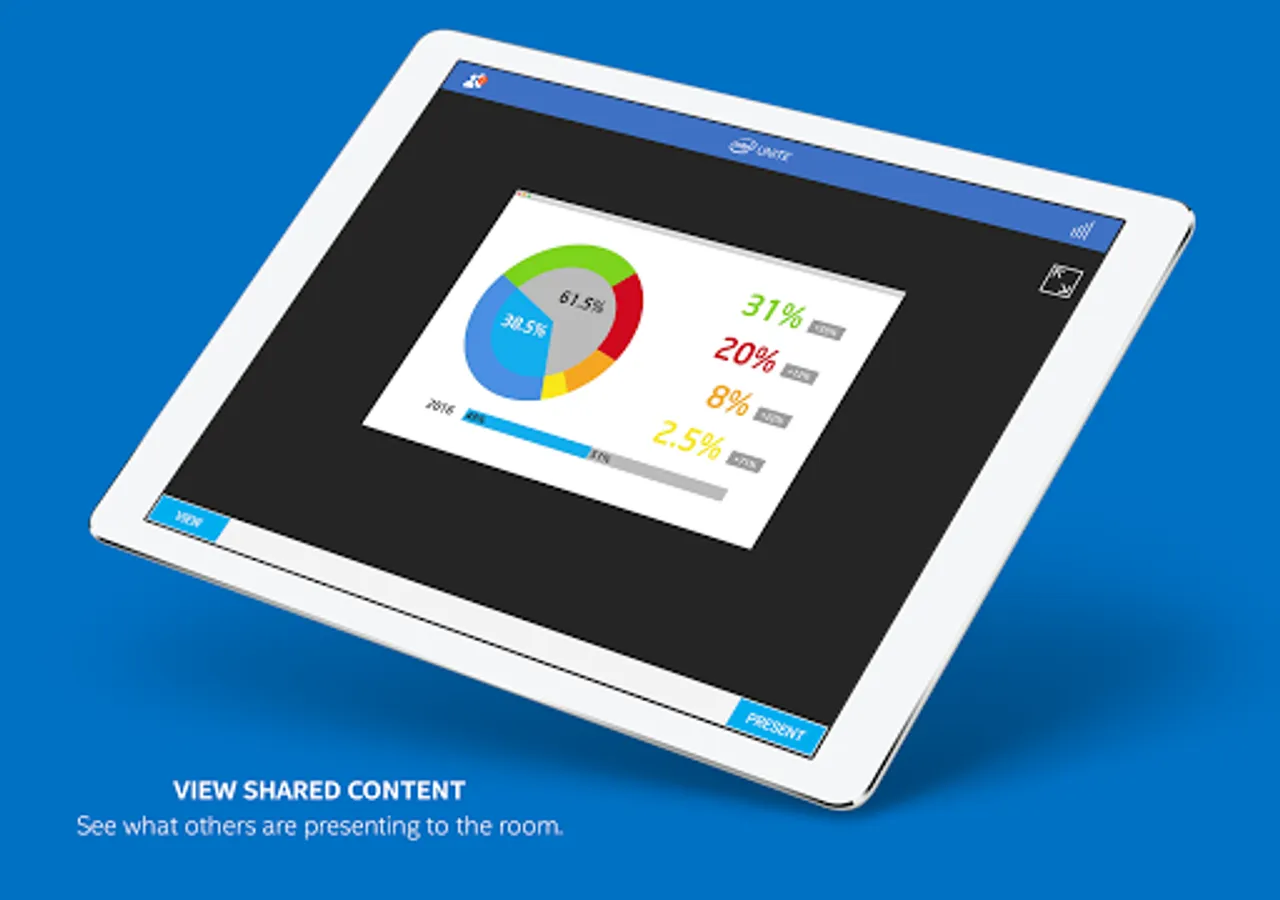
- View content from any session attendee sharing their screen
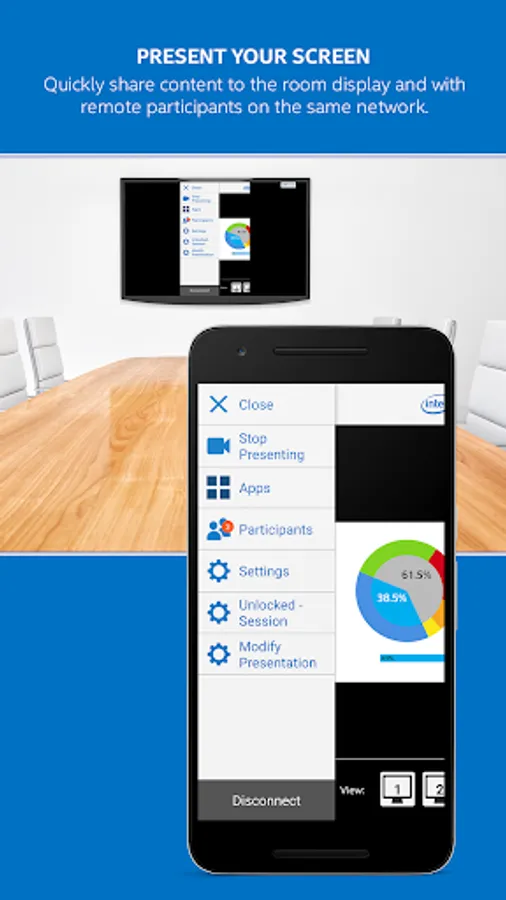
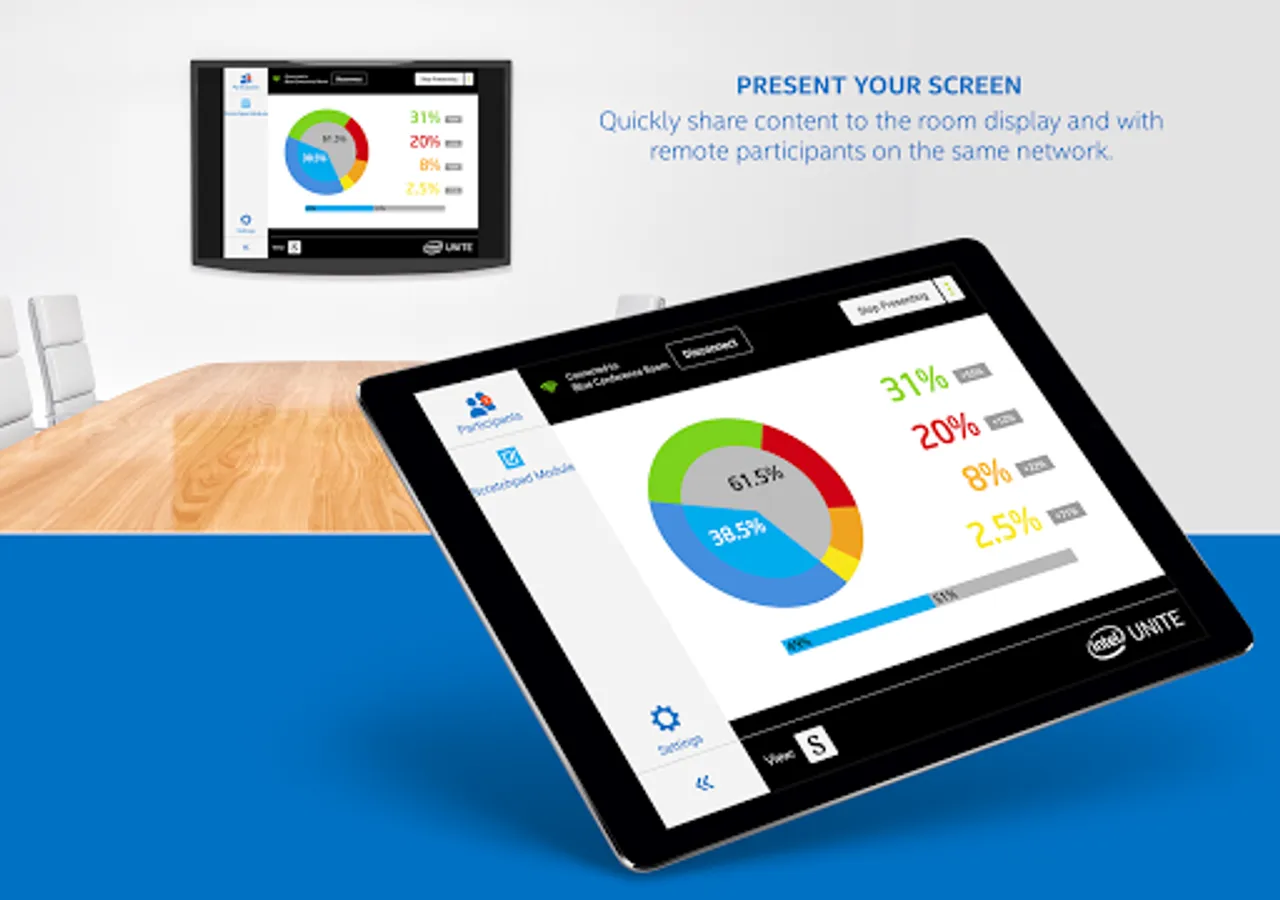
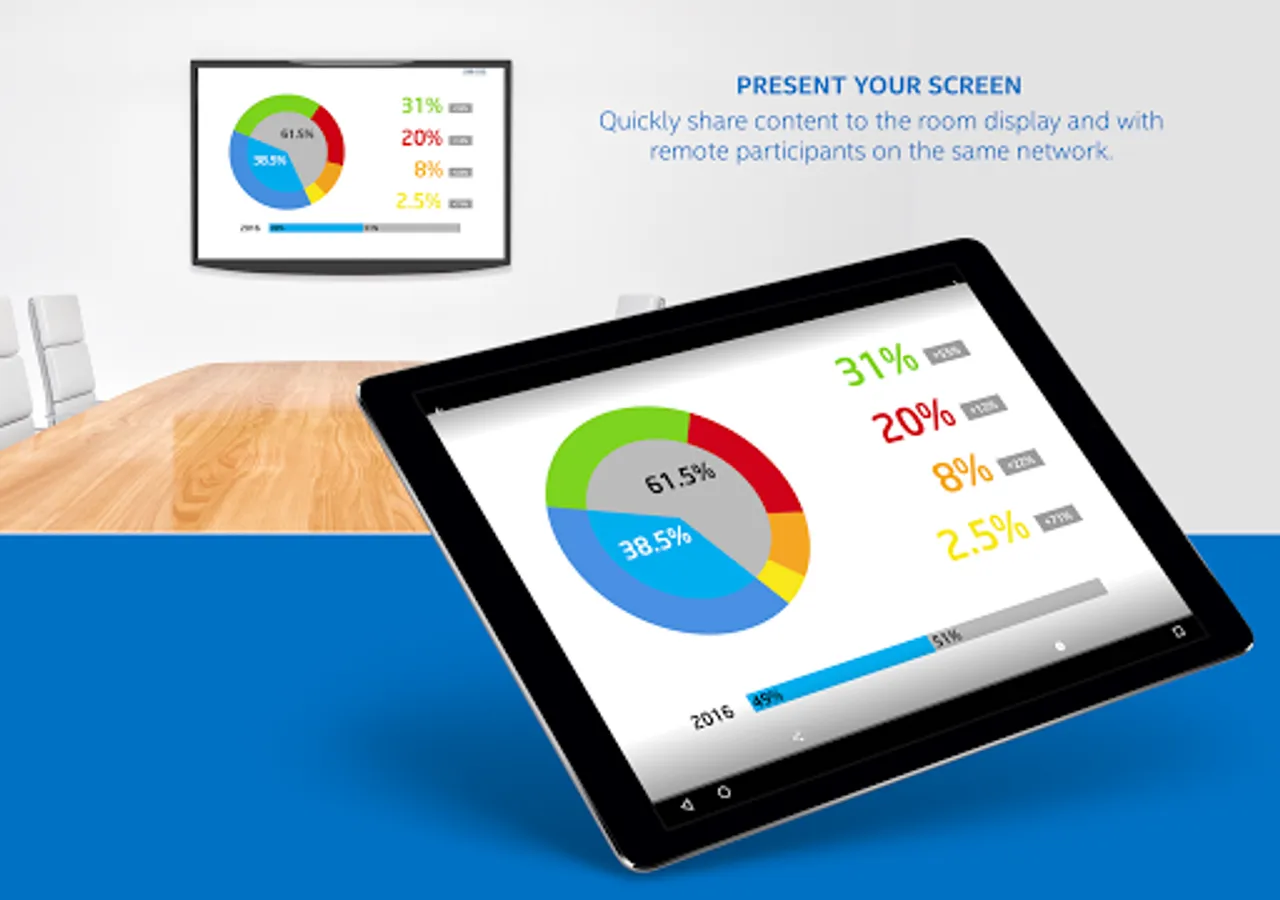
- Present to other participants connected to the Intel Unite® application.
- Network Status indicator
- Localized app versions, supported languages are English, Spanish, French, Portuguese, German, Italian, Korean, Japanese, Chinese Traditional, and Chinese Simplified
§ The ability to connect with a link and auto-reconnect requires installation of Intel Unite® software version 3.0 or higher within the organization’s IT infrastructure
SMARTER MEETINGS AND CLASSROOMS START HERE
Intel Unite® software powers secure, connected meeting spaces and classrooms- whether session participants are sitting around the table or halfway around the world.
Features included with this app:
- Connect to a session using a secure shared PIN
- Connect to a session by a scheduled meeting link received in an email or other applications§
- See who else is attending
- View content from any session attendee sharing their screen
- Present to other participants connected to the Intel Unite® application.
- Network Status indicator
- Localized app versions, supported languages are English, Spanish, French, Portuguese, German, Italian, Korean, Japanese, Chinese Traditional, and Chinese Simplified
§ The ability to connect with a link and auto-reconnect requires installation of Intel Unite® software version 3.0 or higher within the organization’s IT infrastructure
Intel Unite® Screenshots
Tap to Rate: