In this app management tool, you can organize and optimize installed applications through search, sorting, and batch deletion features. Includes app information display, security checks, and usage analysis functionalities.
AppRecs review analysis
AppRecs rating 4.0. Trustworthiness 79 out of 100. Review manipulation risk 29 out of 100. Based on a review sample analyzed.
★★★★☆
4.0
AppRecs Rating
Ratings breakdown
5 star
69%
4 star
10%
3 star
8%
2 star
3%
1 star
11%
What to know
✓
Low review manipulation risk
29% review manipulation risk
✓
Credible reviews
79% trustworthiness score from analyzed reviews
⚠
Ad complaints
Many low ratings mention excessive ads
About Smart App Manager
Smart App Manager provides a premium service that allows you to quickly and efficiently manage apps installed on your Android device.
Powerful search and sorting functions support smart app management even faster.
Customized app recommendations based on app usage patterns and unused app cleanup functions allow for even more efficient management.
In addition, you can check the permissions used by apps at a glance, taking security and privacy into consideration.
[Main features]
■ Main Dashboard
- Provides information on installed and unused apps
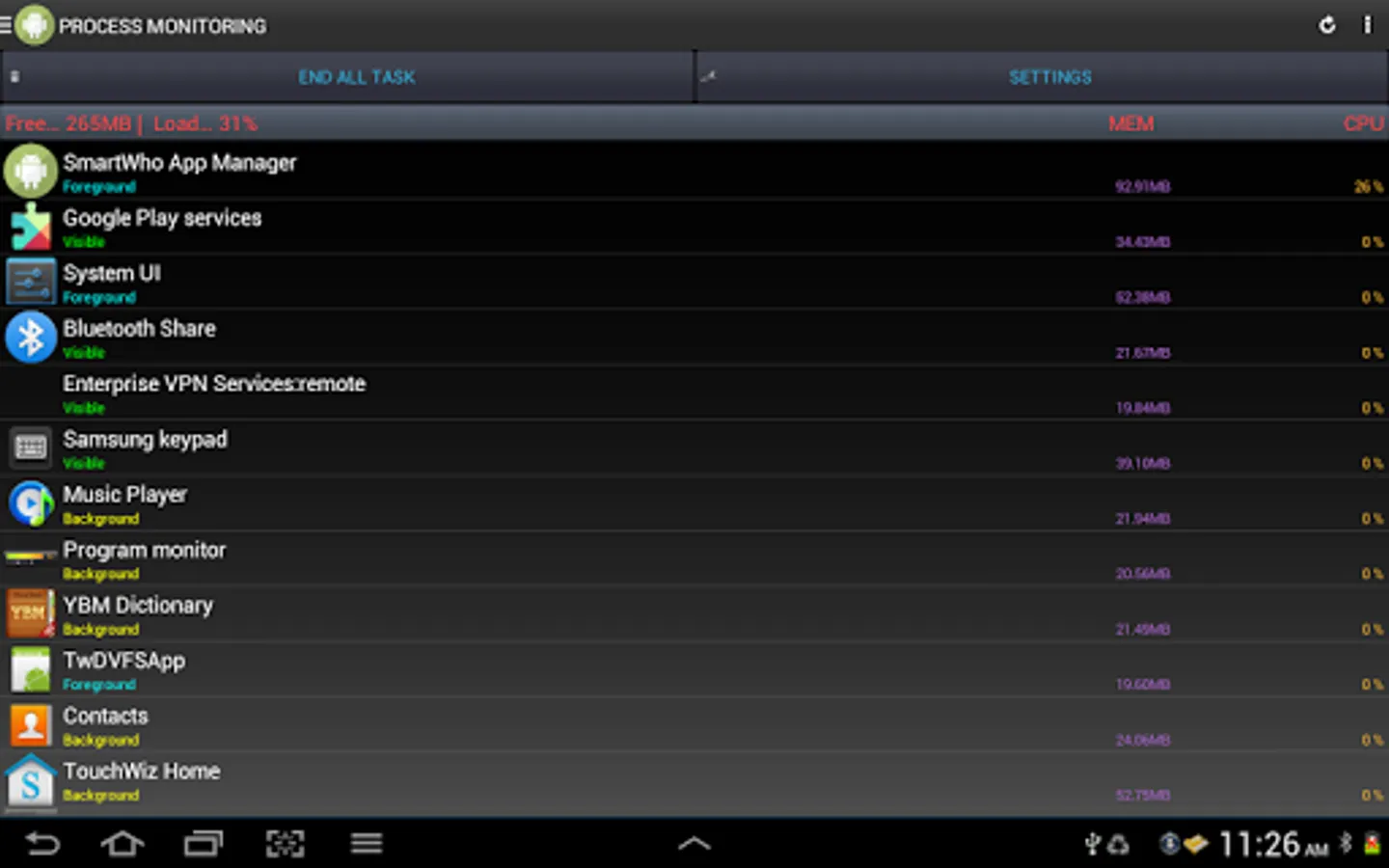
- Provides information on memory, storage, and battery
- Provides analysis of frequently used apps, security diagnosis, permission diagnosis, and app push status
■ App Manager
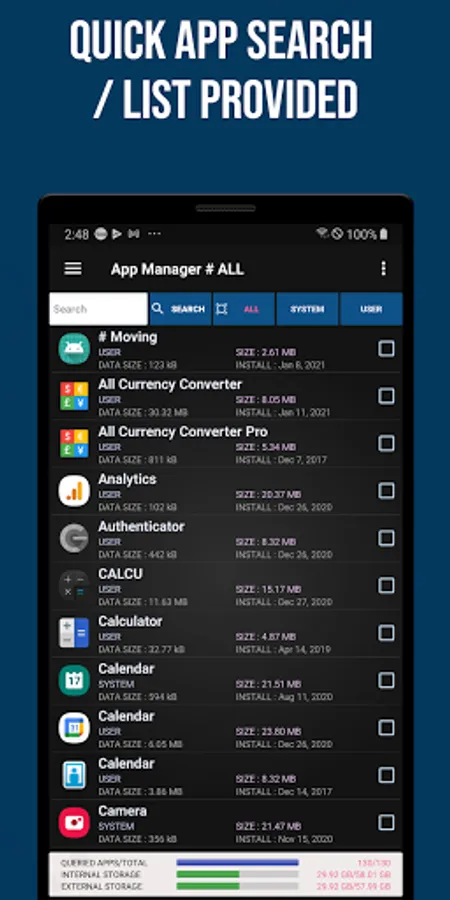
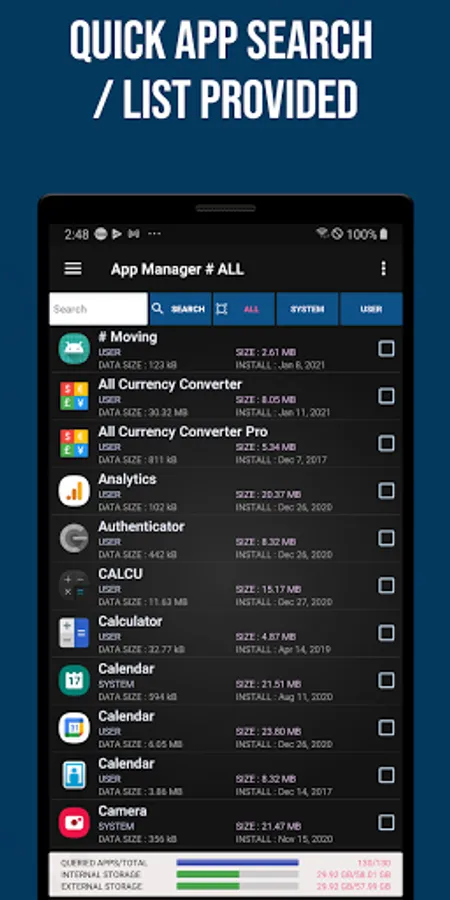
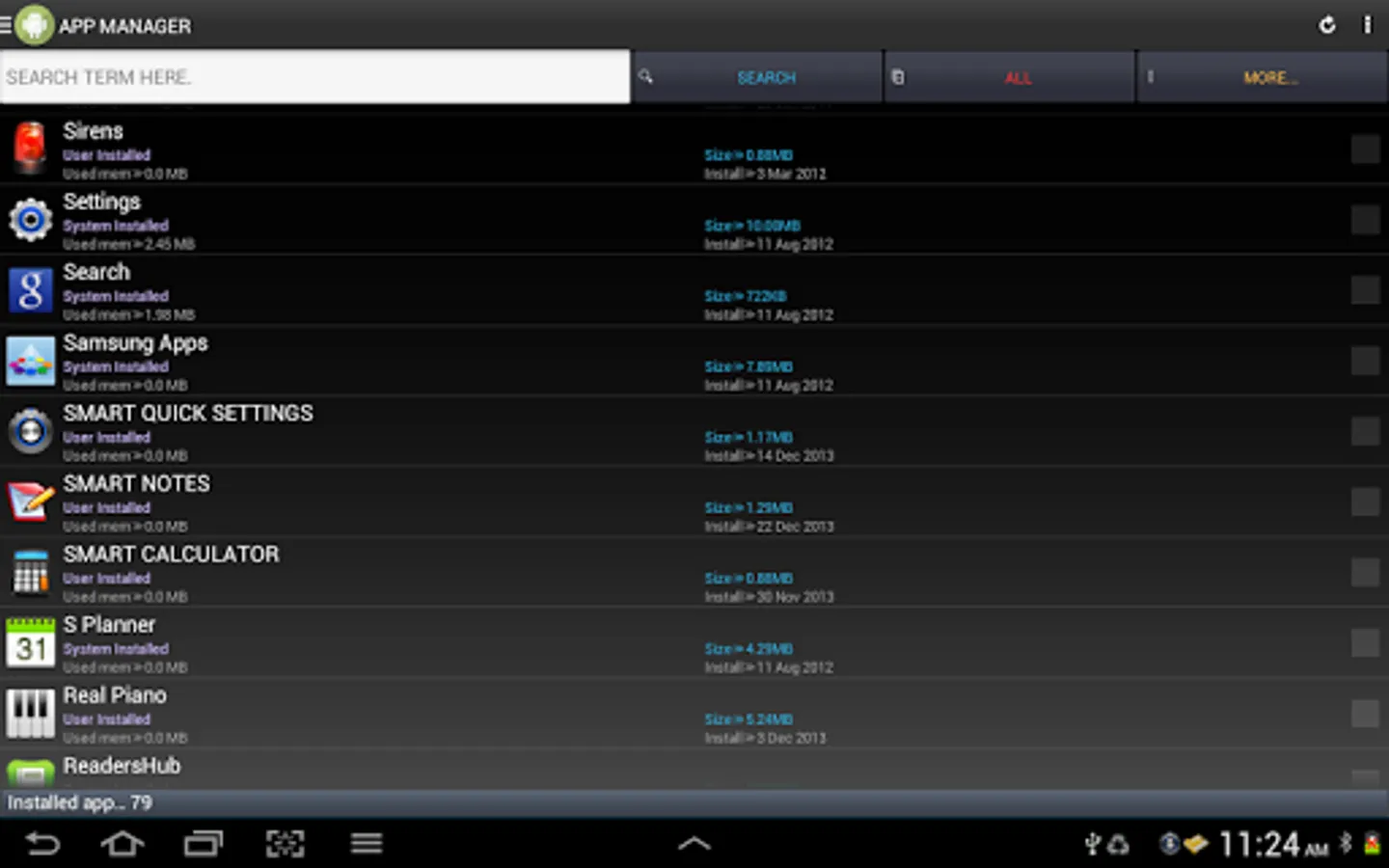
- Easily sort apps by app name, installation date, and app size through powerful search and sorting functions
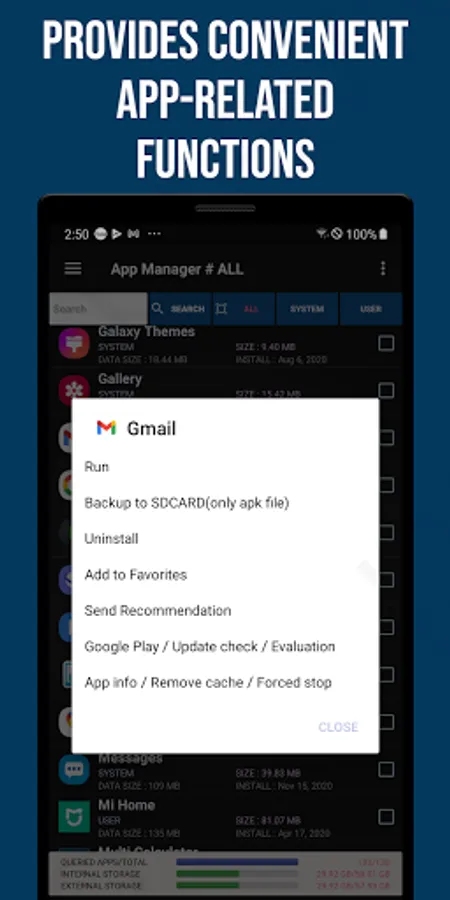
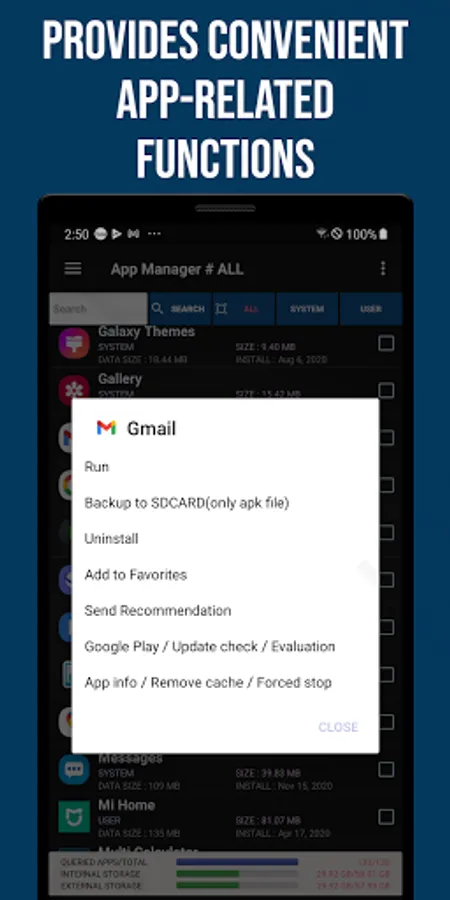
- Efficient and easy app management with support for multiple selection deletion and backup
- Check the list of installed apps and provide detailed information
- Supports app evaluation and comment writing functions
- Provides data and cache management functions
- Checks information on used memory and file capacity
- Provides app installation date inquiry and update management functions
■ Favorite Apps
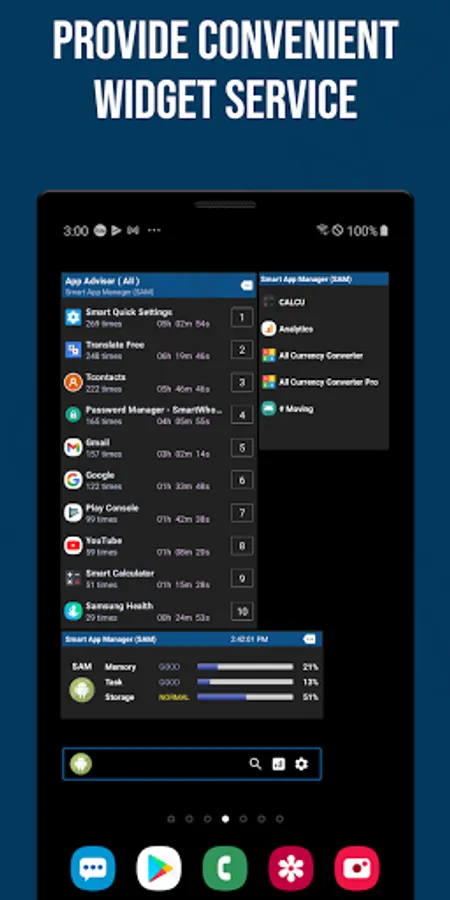
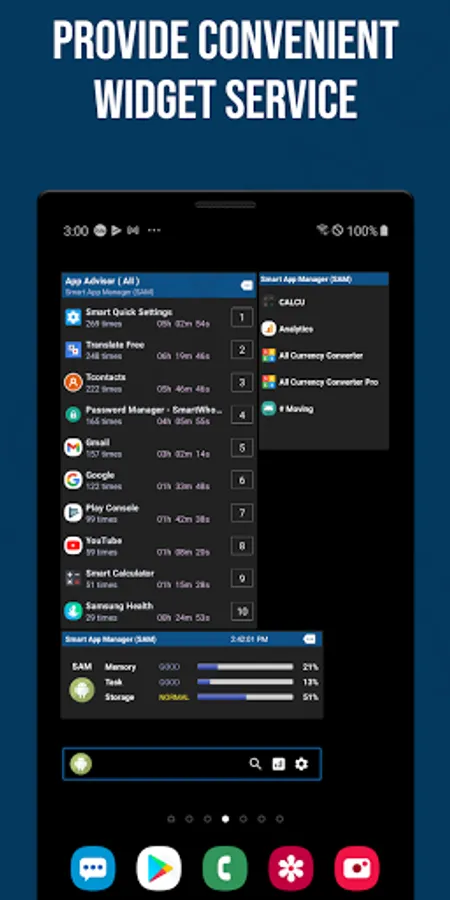
- Easily run apps registered by users from the home screen widget
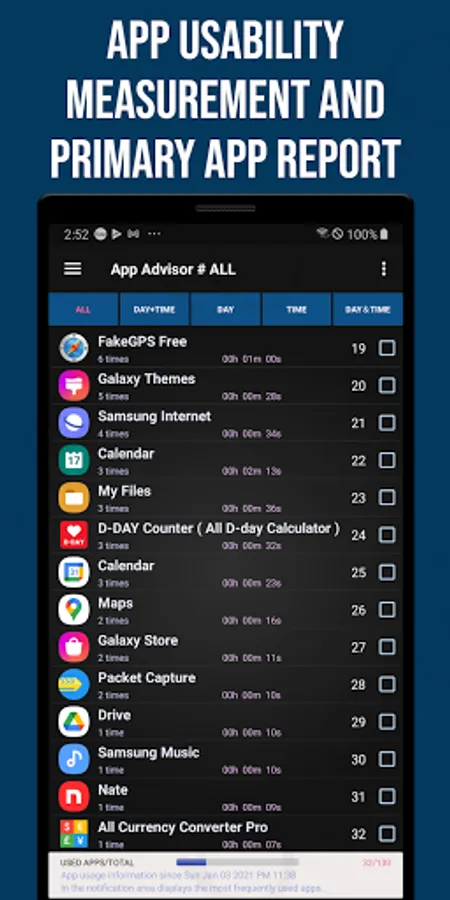
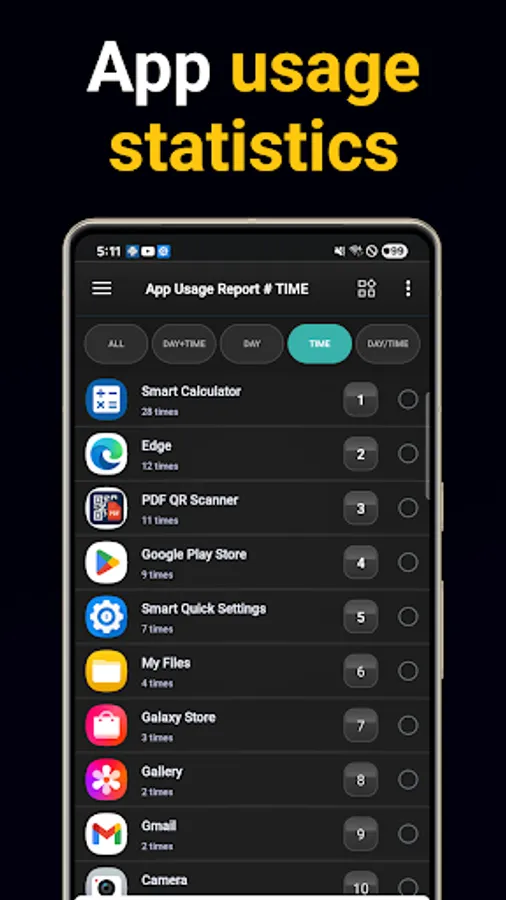
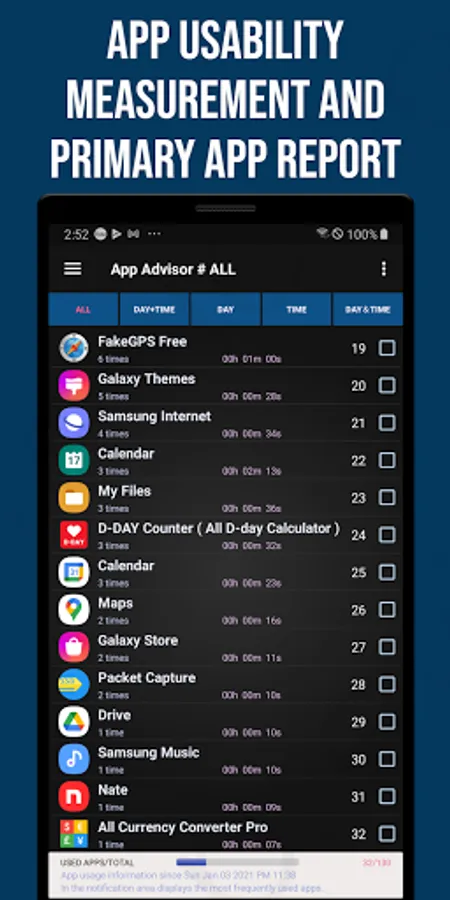
■ App Usage Analysis
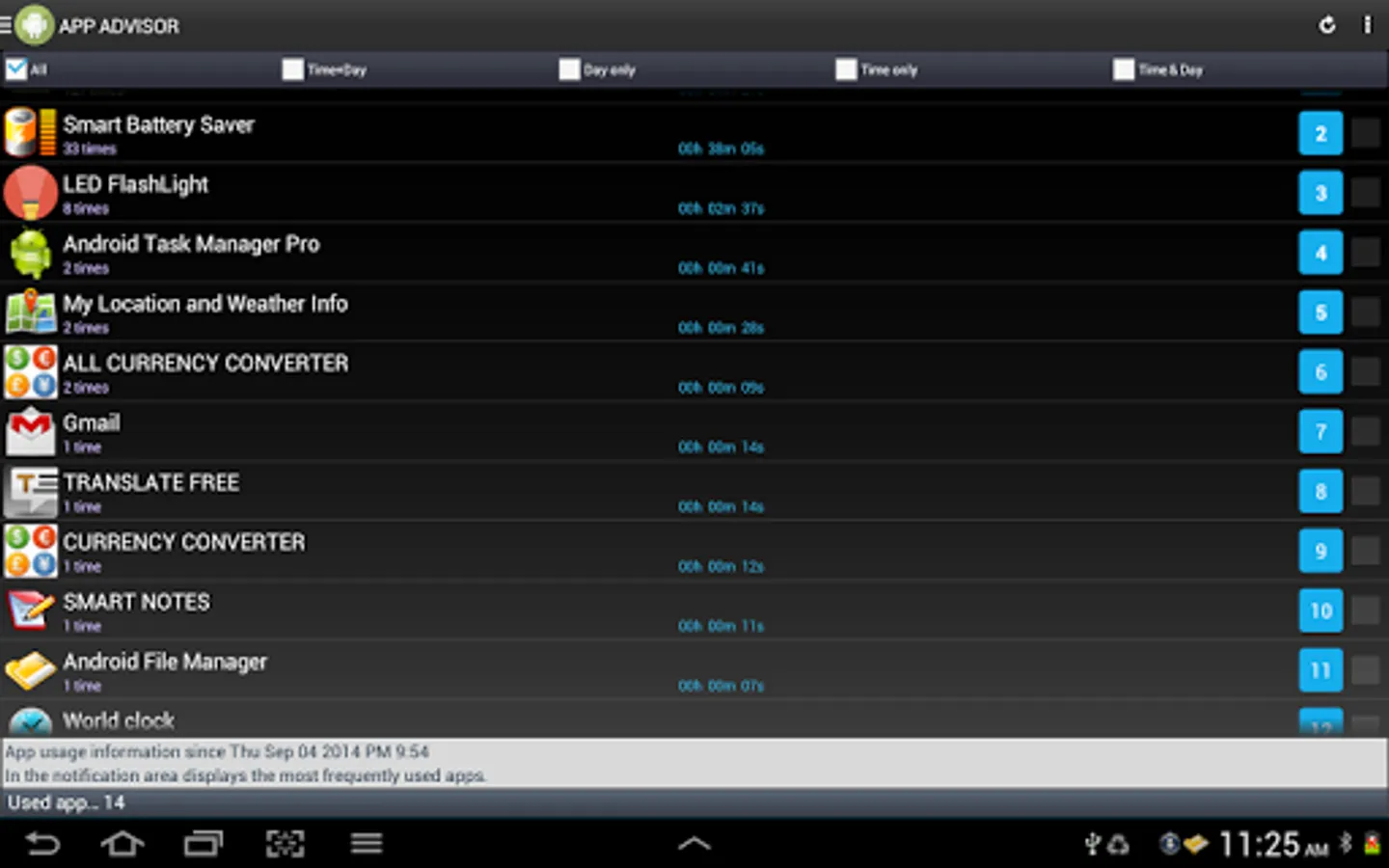
- Analyzes frequently used apps by day of the week and time zone
- Provides automatic recommended app shortcuts in the notification area
- Provides usage count and usage time information for each app
- Supports the function to exclude specific apps from the app usage report
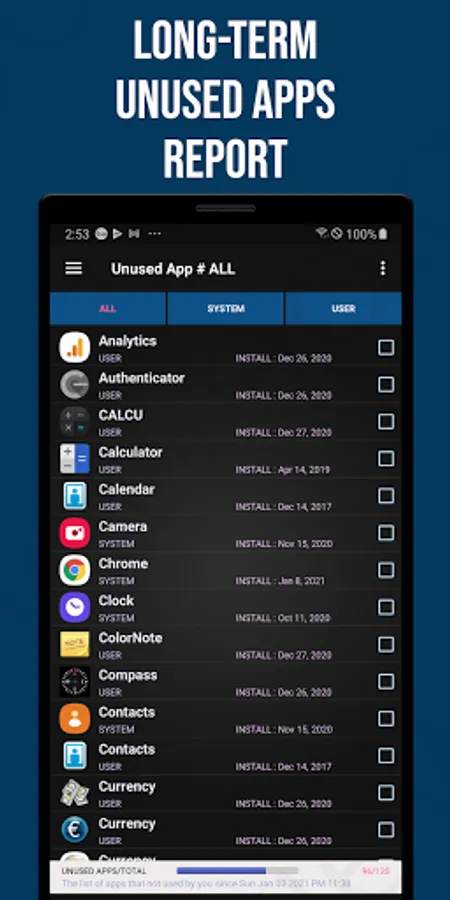
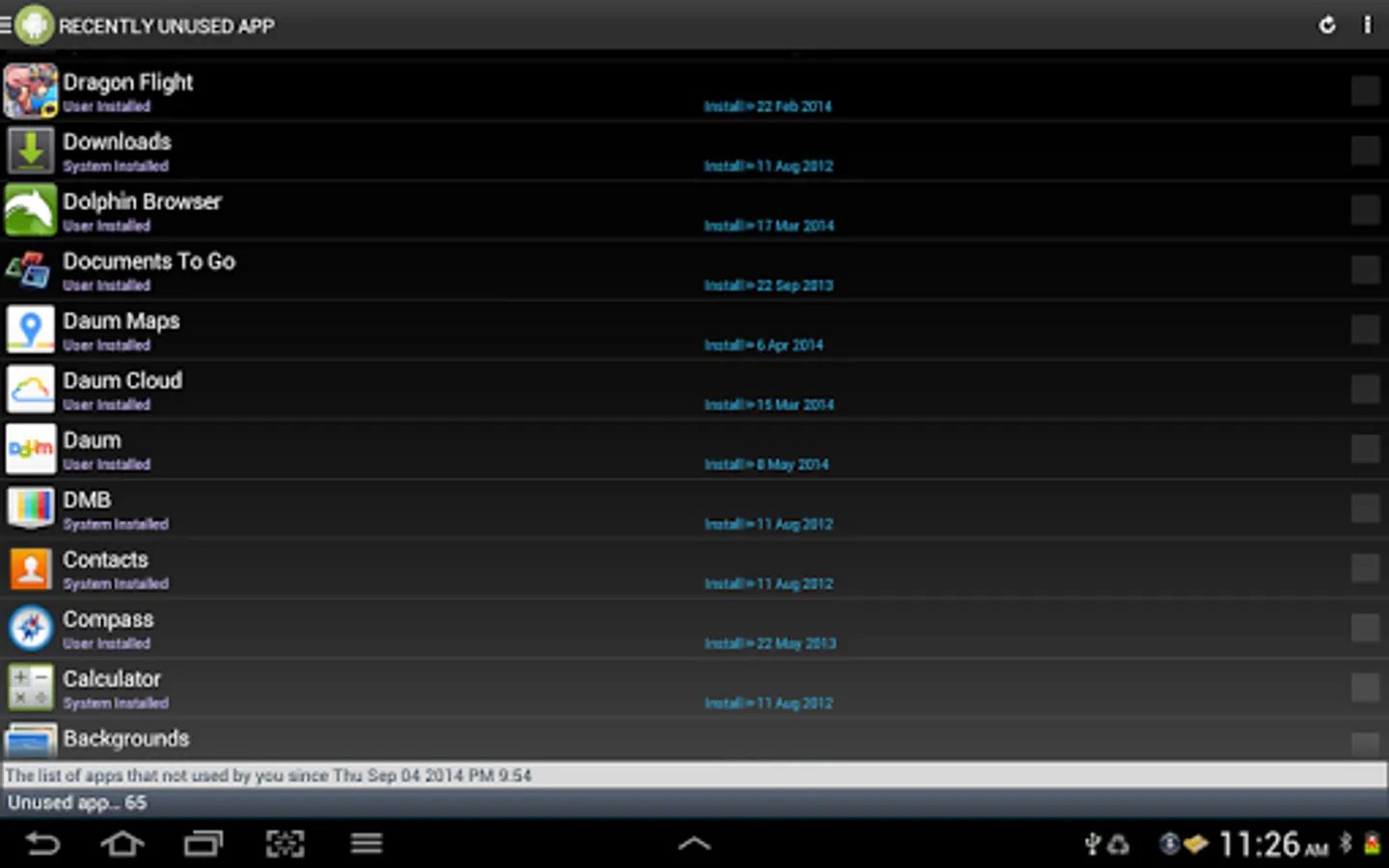
■ Unused Apps
- Supports efficient app management by automatically listing apps that have not been used for a certain period of time
■ App Deletion Suggestions
- Provides information on apps that have not been used for a certain period of time Provides apps as a list to support easy deletion
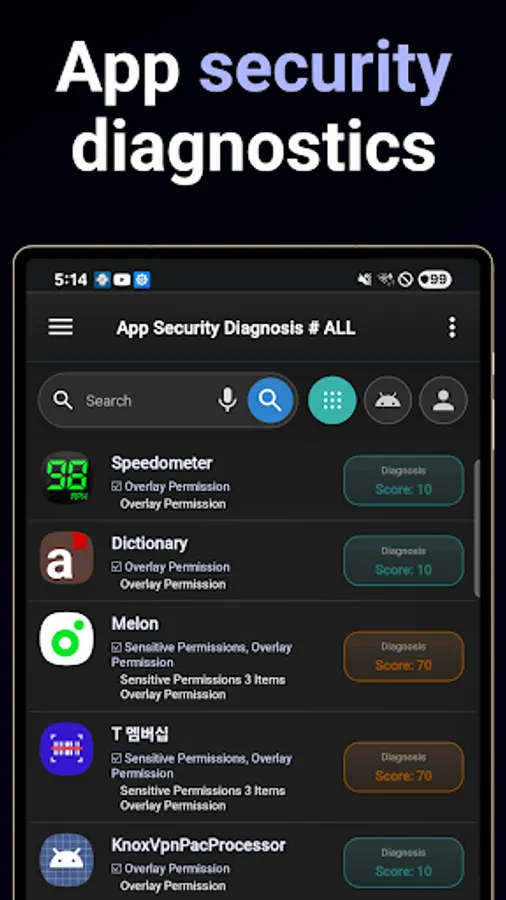
■ App security diagnosis
- Checks the security of installed apps and provides results
■ App push diagnosis
- Provides statistical data on the number of push alarms sent from apps
■ App permission diagnosis
- Provides a function to check permissions used by all apps installed on the smartphone
- Provides visualized permission usage request information
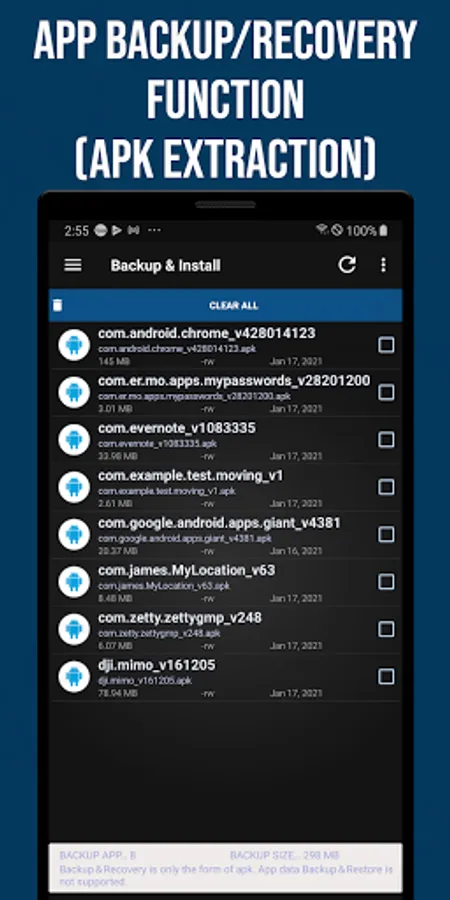
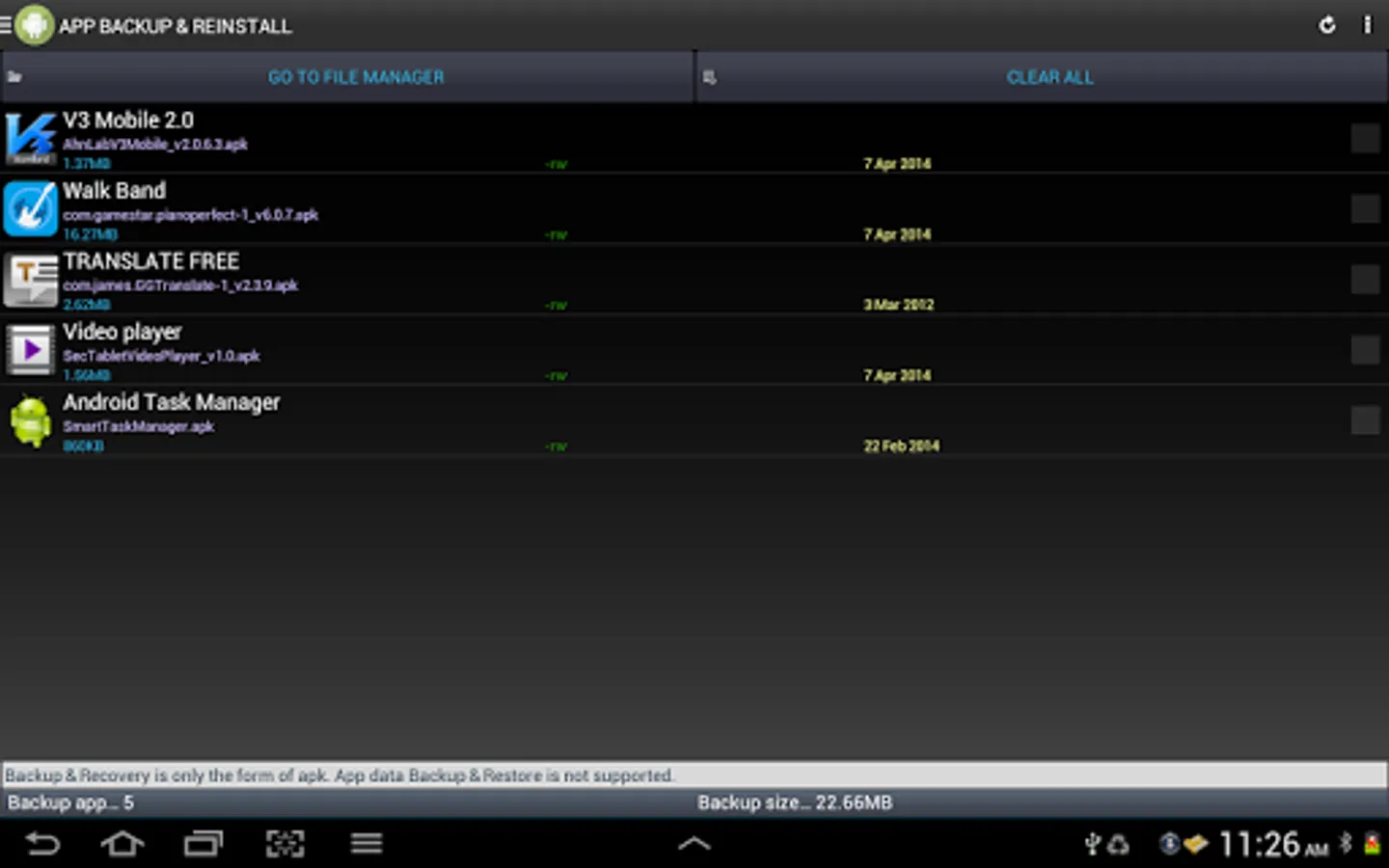
■ App backup and reinstallation
- Supports multiple selection deletion and restoration
- Provides backup and restoration functions to SD cards
- Supports installation of external APK files
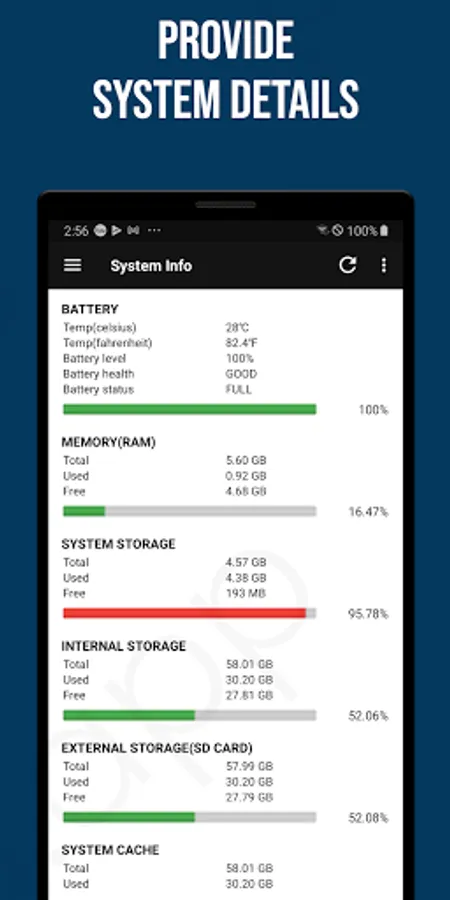
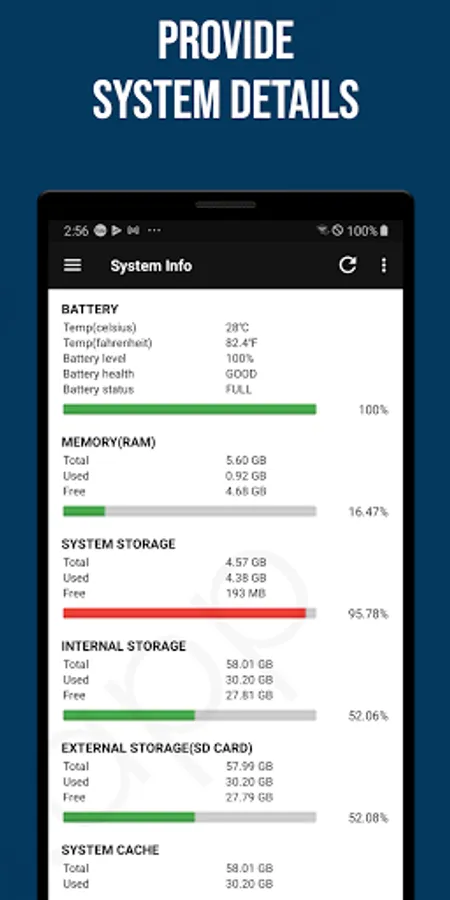
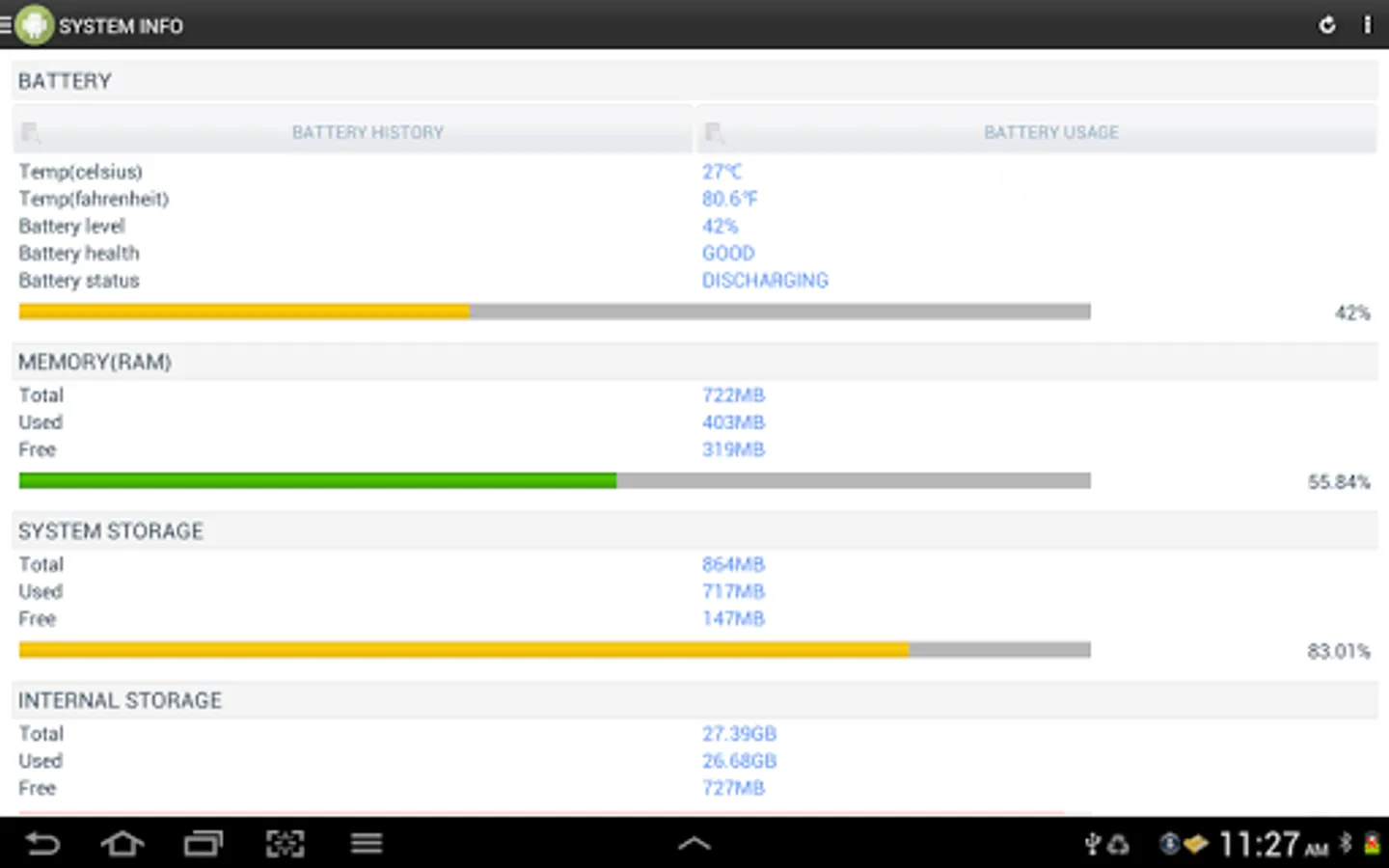
■ System information
- Check various system information such as battery status, memory, storage space, and CPU information
■ Home screen widget
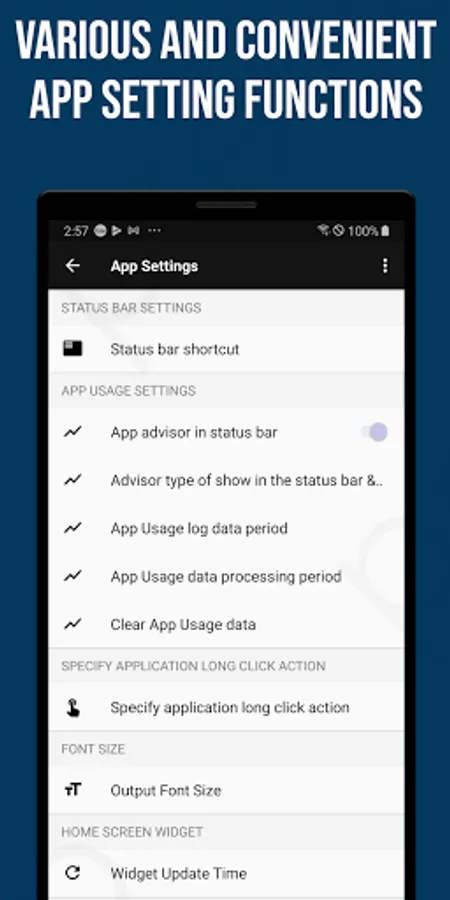
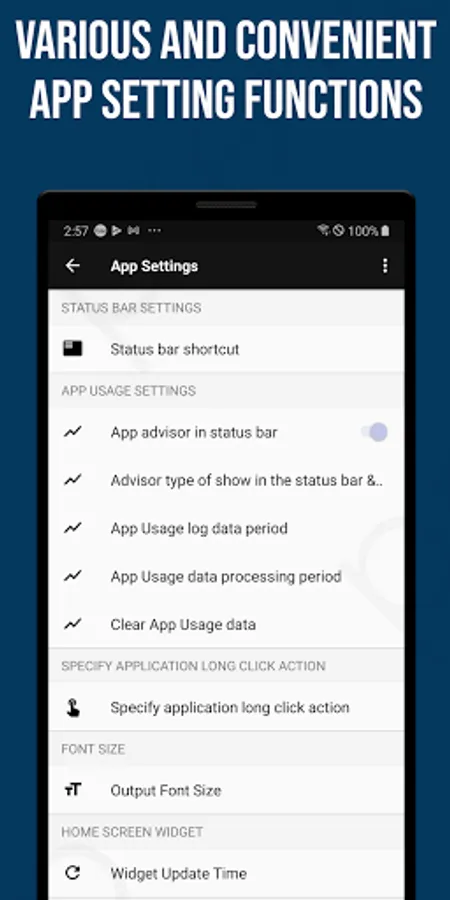
- Adjustable widget refresh time
- Various widget configurations such as comprehensive dashboard, favorite apps, and battery information
■ Notification area app recommendation system
- Provides customized app recommendation service reflecting user experience
[ Permission request guide]
■ Storage space permission
- Optional permission for using backup and reinstallation service
- Limited to reading and writing app installation APK files
■ App usage information permission
- Provides personalized app recommendation service based on usage statistics
- The collected data is used solely for statistical purposes, and **all data is stored only on your device** (it is never uploaded or shared externally).
■ App Push Notification Permission
- Collects the number of push notifications received for each app and provides users with push statistics by app.
- This permission only tracks the *count* of received notifications; it does not collect the content of notifications or any personal information.
- The collected data is used solely for statistical purposes, and **all data is stored only on your device** (it is never uploaded or shared externally).
Powerful search and sorting functions support smart app management even faster.
Customized app recommendations based on app usage patterns and unused app cleanup functions allow for even more efficient management.
In addition, you can check the permissions used by apps at a glance, taking security and privacy into consideration.
[Main features]
■ Main Dashboard
- Provides information on installed and unused apps
- Provides information on memory, storage, and battery
- Provides analysis of frequently used apps, security diagnosis, permission diagnosis, and app push status
■ App Manager
- Easily sort apps by app name, installation date, and app size through powerful search and sorting functions
- Efficient and easy app management with support for multiple selection deletion and backup
- Check the list of installed apps and provide detailed information
- Supports app evaluation and comment writing functions
- Provides data and cache management functions
- Checks information on used memory and file capacity
- Provides app installation date inquiry and update management functions
■ Favorite Apps
- Easily run apps registered by users from the home screen widget
■ App Usage Analysis
- Analyzes frequently used apps by day of the week and time zone
- Provides automatic recommended app shortcuts in the notification area
- Provides usage count and usage time information for each app
- Supports the function to exclude specific apps from the app usage report
■ Unused Apps
- Supports efficient app management by automatically listing apps that have not been used for a certain period of time
■ App Deletion Suggestions
- Provides information on apps that have not been used for a certain period of time Provides apps as a list to support easy deletion
■ App security diagnosis
- Checks the security of installed apps and provides results
■ App push diagnosis
- Provides statistical data on the number of push alarms sent from apps
■ App permission diagnosis
- Provides a function to check permissions used by all apps installed on the smartphone
- Provides visualized permission usage request information
■ App backup and reinstallation
- Supports multiple selection deletion and restoration
- Provides backup and restoration functions to SD cards
- Supports installation of external APK files
■ System information
- Check various system information such as battery status, memory, storage space, and CPU information
■ Home screen widget
- Adjustable widget refresh time
- Various widget configurations such as comprehensive dashboard, favorite apps, and battery information
■ Notification area app recommendation system
- Provides customized app recommendation service reflecting user experience
[ Permission request guide]
■ Storage space permission
- Optional permission for using backup and reinstallation service
- Limited to reading and writing app installation APK files
■ App usage information permission
- Provides personalized app recommendation service based on usage statistics
- The collected data is used solely for statistical purposes, and **all data is stored only on your device** (it is never uploaded or shared externally).
■ App Push Notification Permission
- Collects the number of push notifications received for each app and provides users with push statistics by app.
- This permission only tracks the *count* of received notifications; it does not collect the content of notifications or any personal information.
- The collected data is used solely for statistical purposes, and **all data is stored only on your device** (it is never uploaded or shared externally).
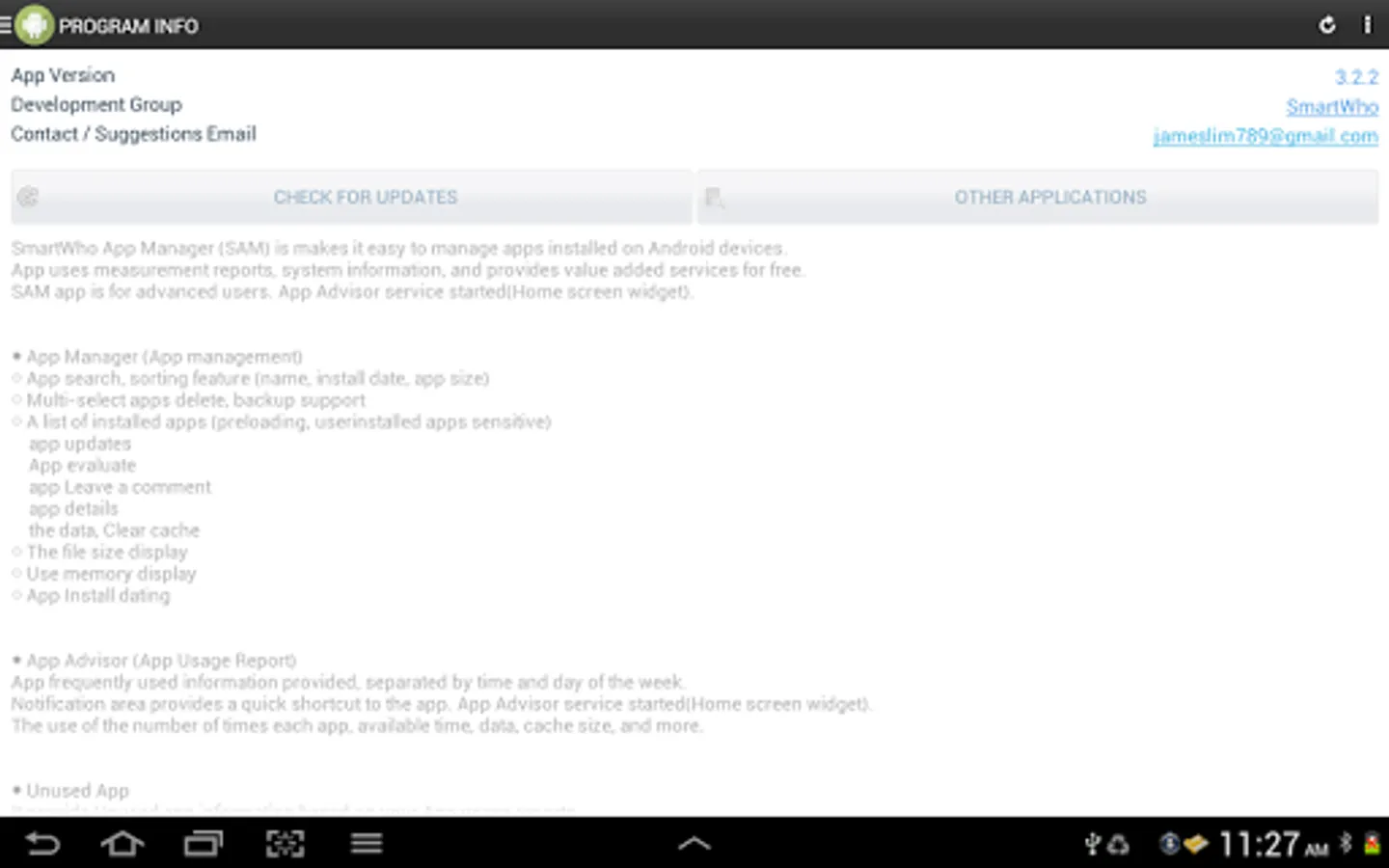
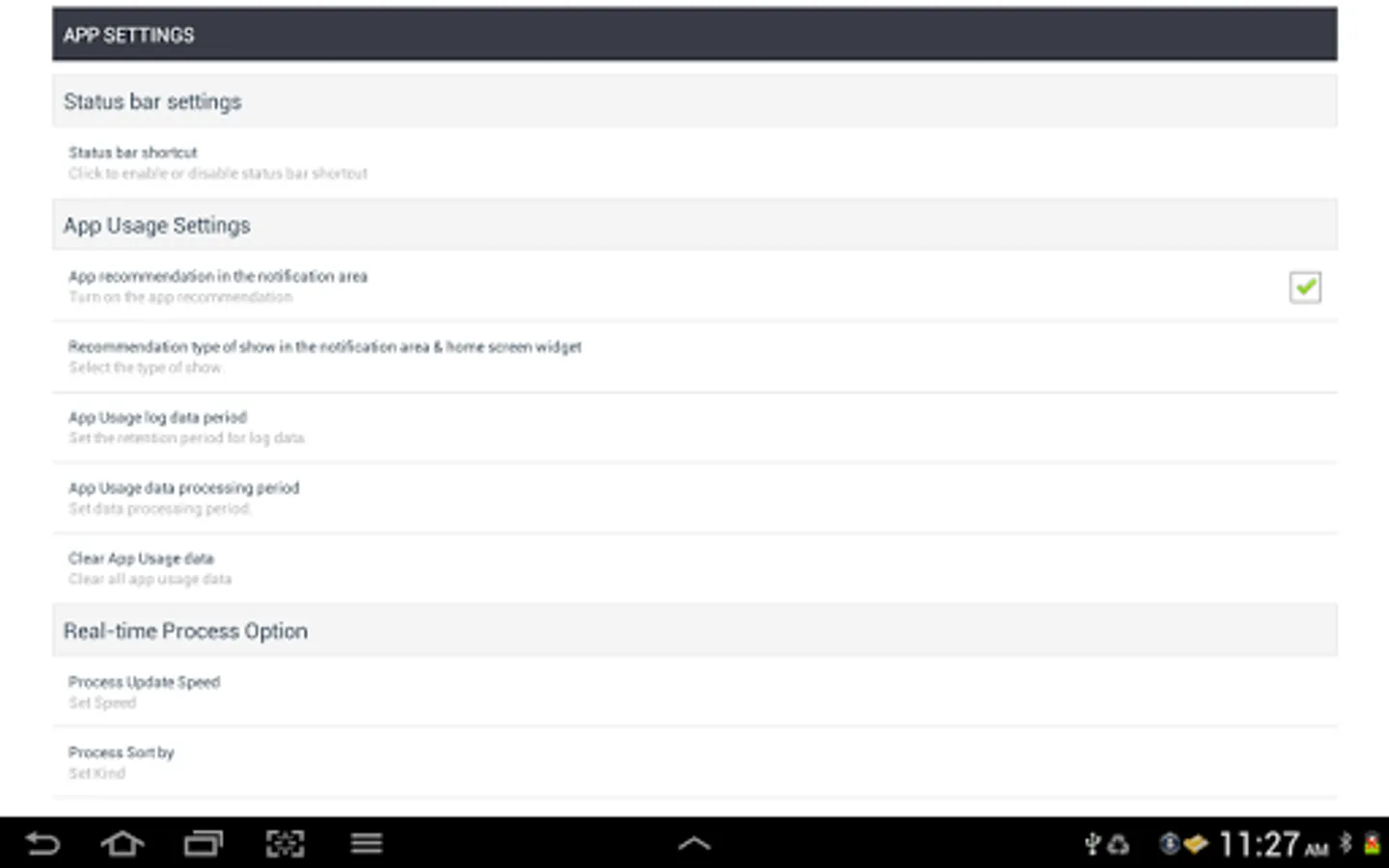
Smart App Manager Screenshots
Tap to Rate:
Reviews for Smart App Manager
A
1/26/2026
not good, no proper organization features
Sahir The bro
12/16/2025
not smart