In this password management app, users can securely store, generate, and organize sensitive information with encryption and biometric protection. Includes features such as template management, password generator, and backup options.
AppRecs review analysis
AppRecs rating 4.3. Trustworthiness 78 out of 100. Review manipulation risk 33 out of 100. Based on a review sample analyzed.
★★★★☆
4.3
AppRecs Rating
Ratings breakdown
5 star
69%
4 star
10%
3 star
5%
2 star
4%
1 star
13%
What to know
✓
Credible reviews
78% trustworthiness score from analyzed reviews
✓
High user satisfaction
79% of sampled ratings are 4+ stars (4.2★ average)
✓
Authentic reviews
Natural distribution, no red flags
About Smart Password Manager
■ Smart Password Manager Introduction
Securely manage your valuable information – with Smart Password Manager
No more worrying about forgotten passwords or security concerns.
Smart Password Manager is a powerful tool designed to protect and organize your sensitive information safely and efficiently.
■ Why Smart Password Manager Stands Out
1. Top-Level Security
- Utilizes the latest encryption technologies to ensure your data is fully protected.
- Completely disconnected from external networks to block any unauthorized access.
2. Complete Privacy Protection
- All data is stored only on your smartphone and is never transmitted to external servers.
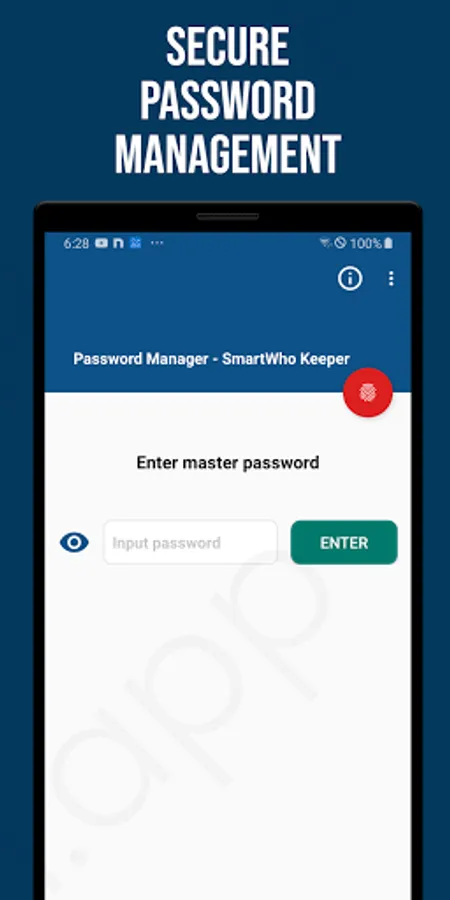
- Only the user knows the master password; once lost, it cannot be recovered.
- Regular backup features are available to prevent data loss.
3. Intuitive User Experience
- Easily add information using simple and customizable templates.
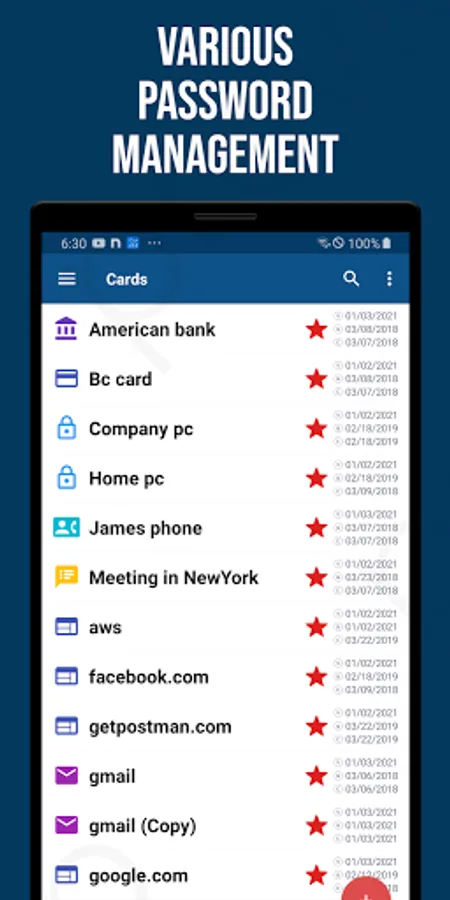
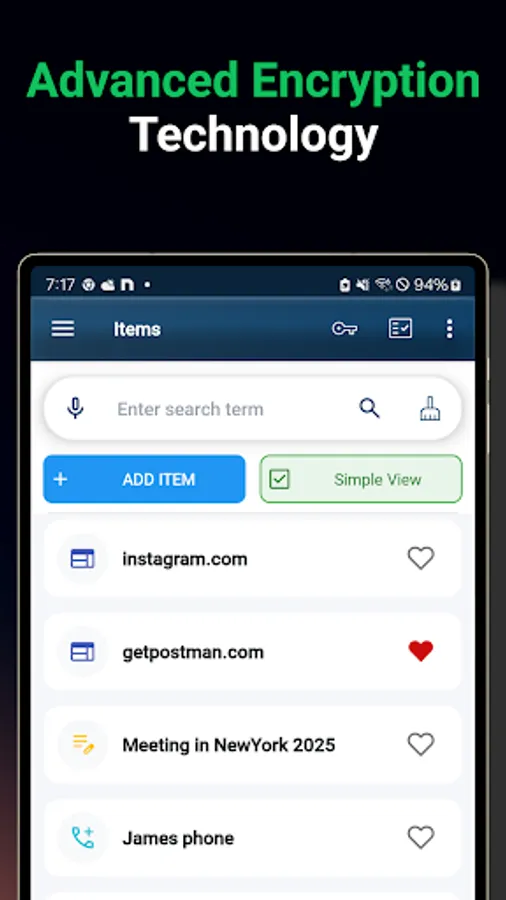
- Quickly find what you need with categories, favorites, and search functions.
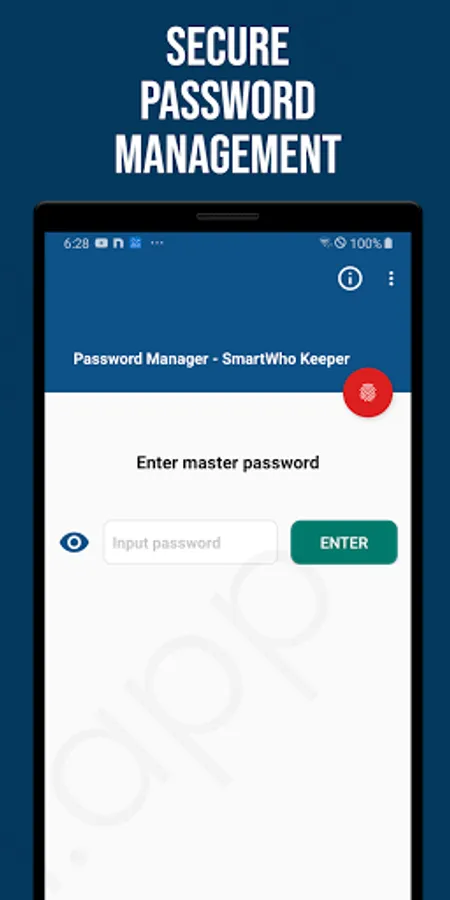
- Supports secure and convenient login via biometric authentication.
■ Key Features
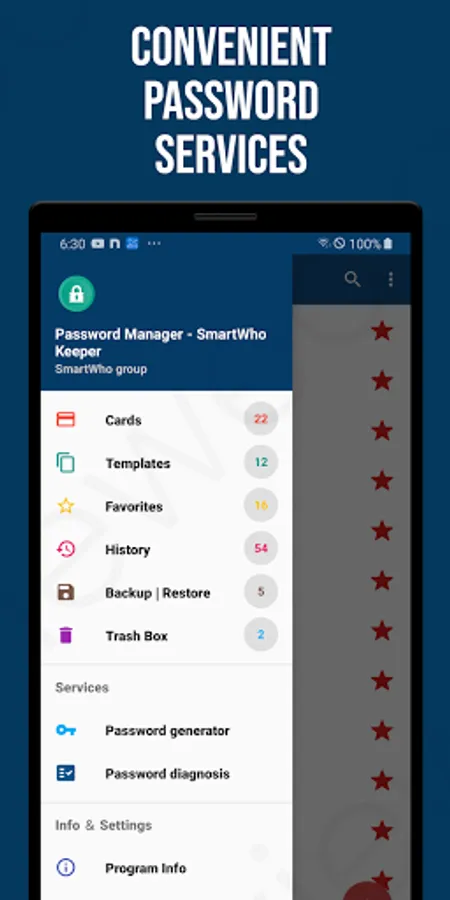
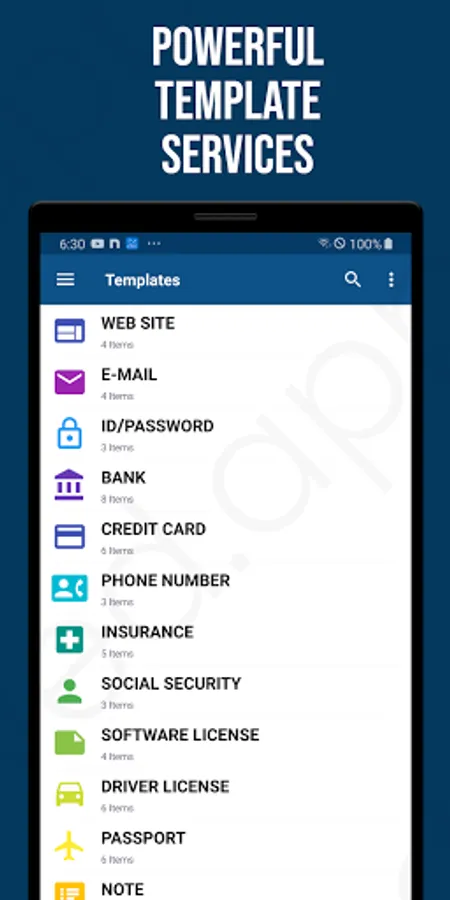
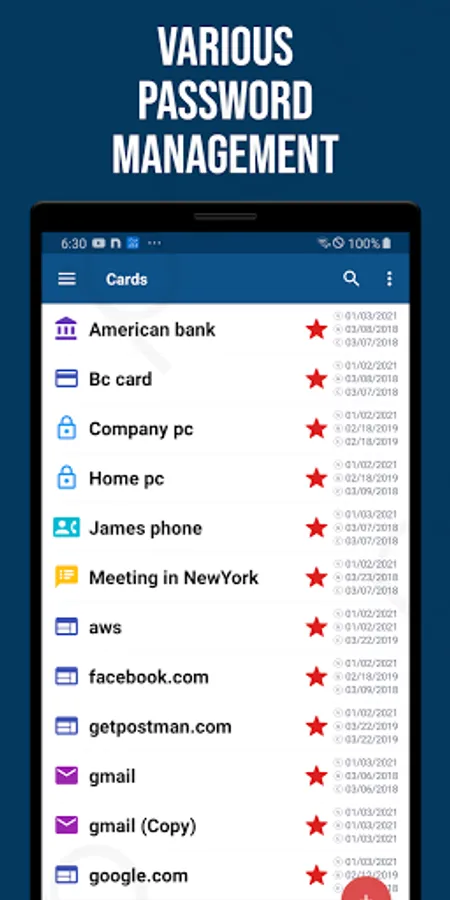
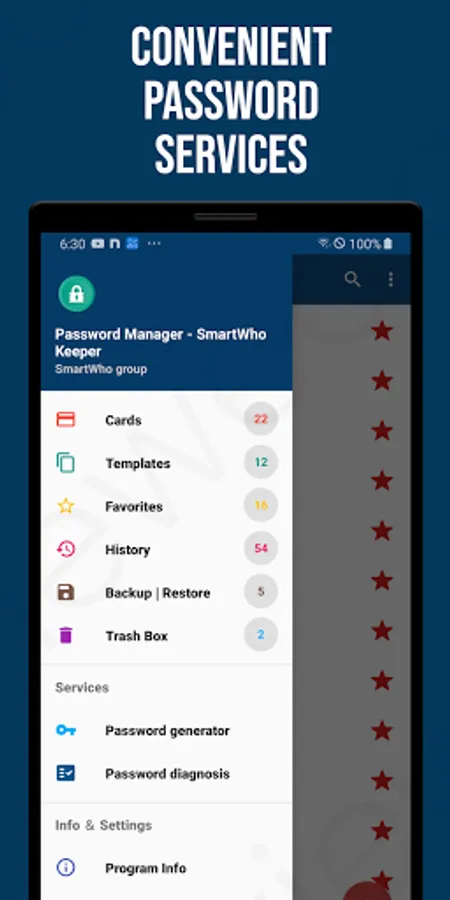
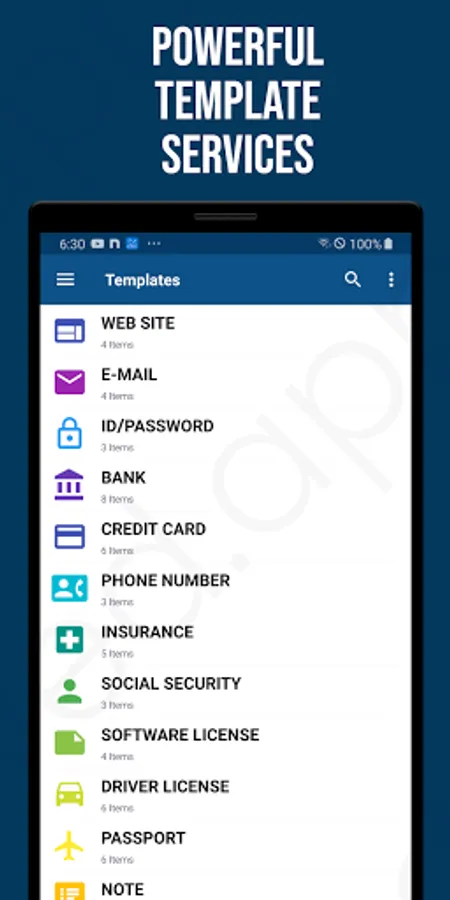
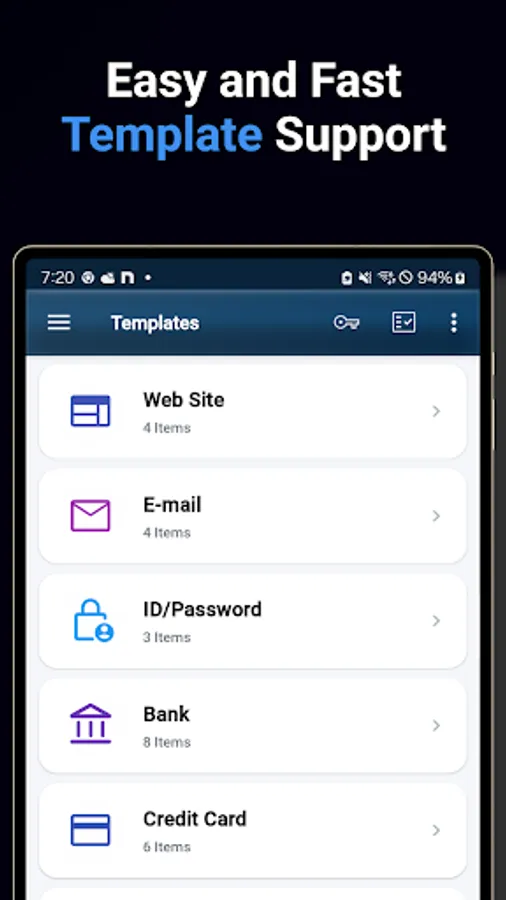
- Template Management: Manage various categories like websites, emails, banks, credit cards, passports, and insurance
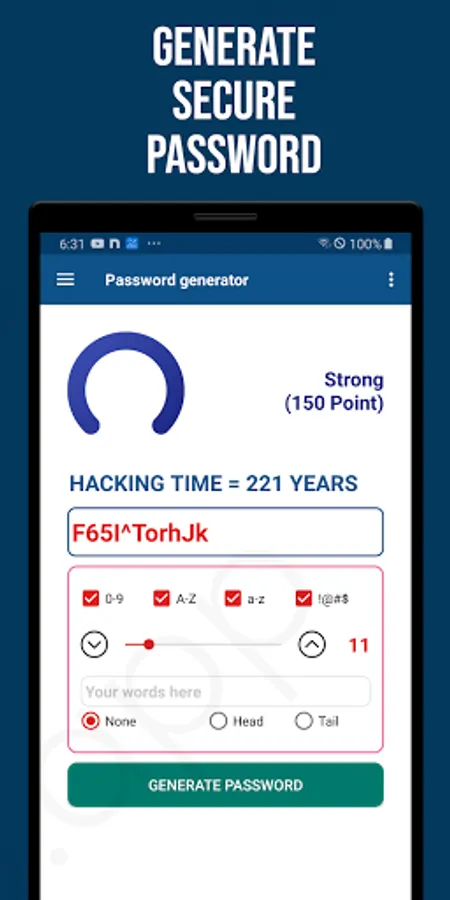
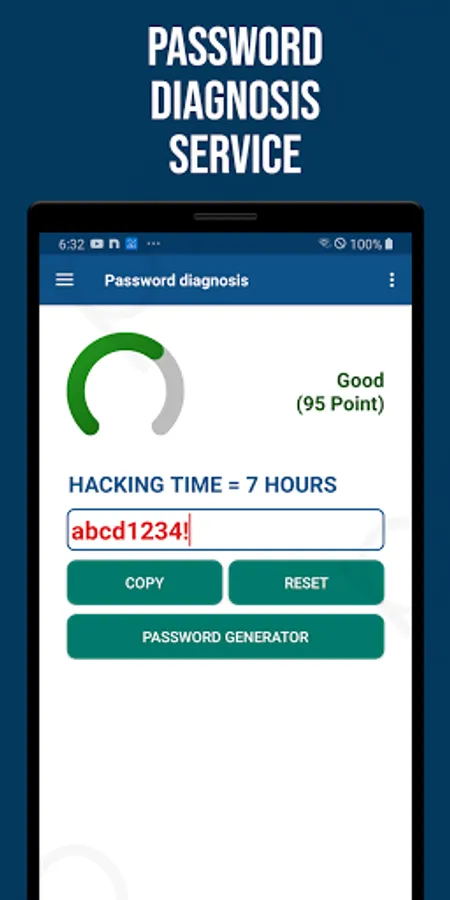
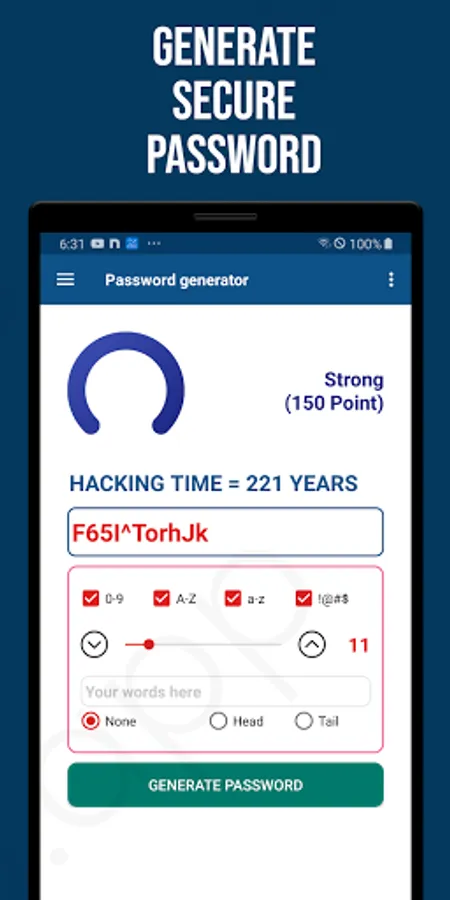
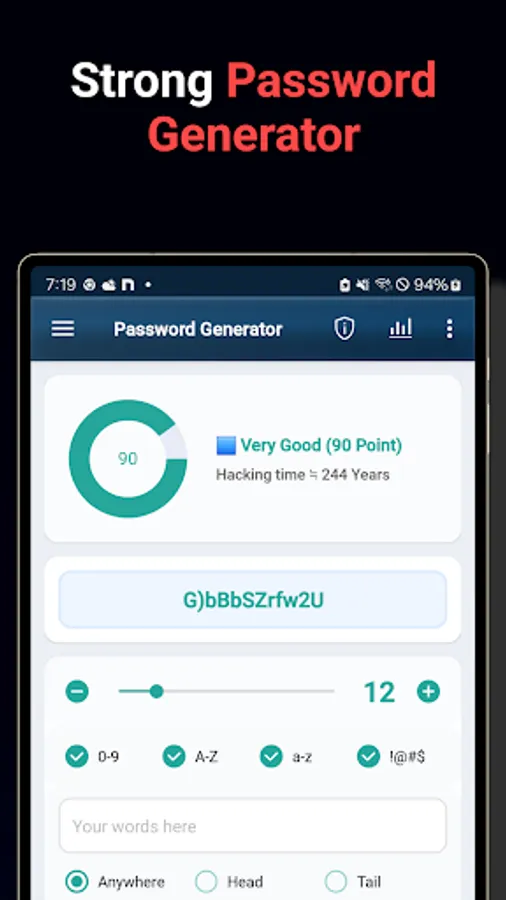
- Password Generator: Automatically create strong, hard-to-guess passwords
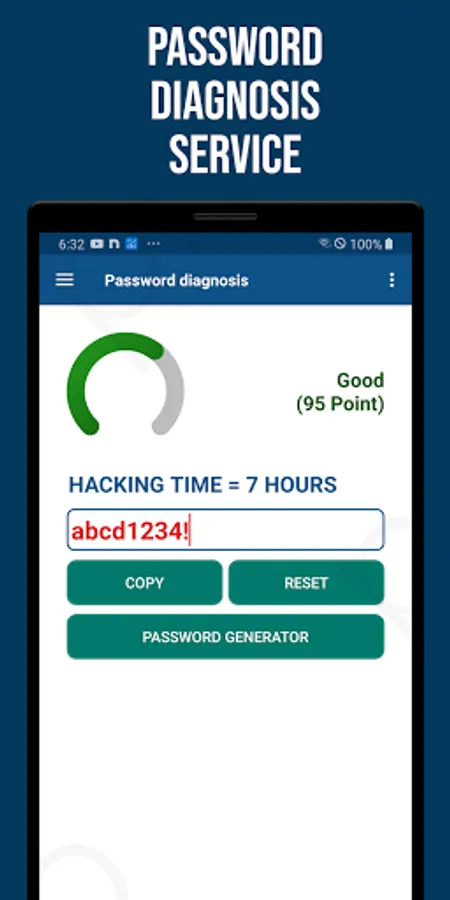
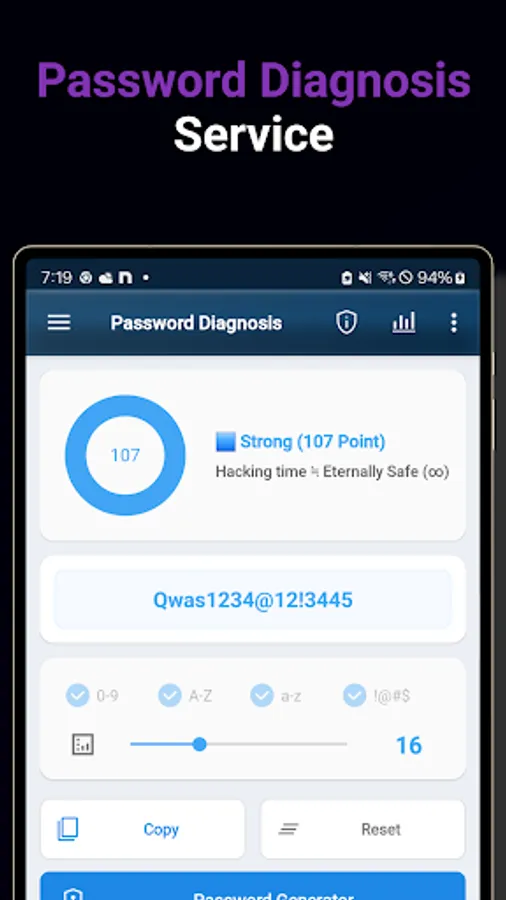
- Password Strength Analysis: Analyze the strength of your current passwords and detect vulnerabilities
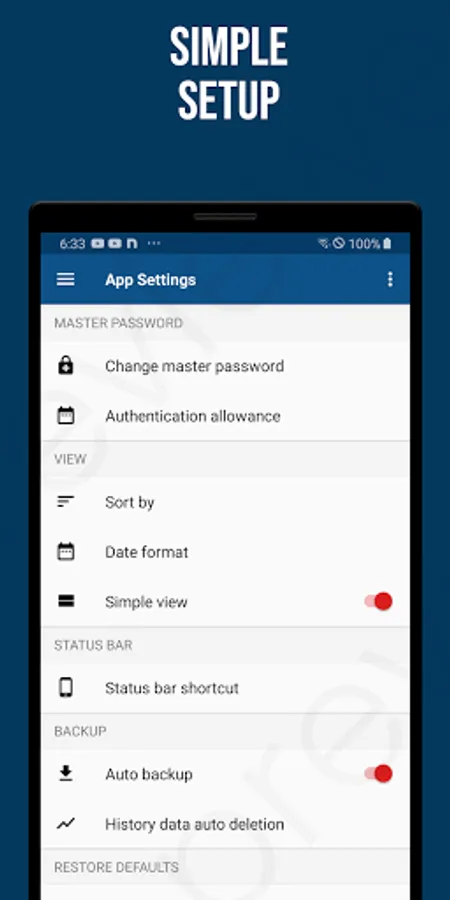
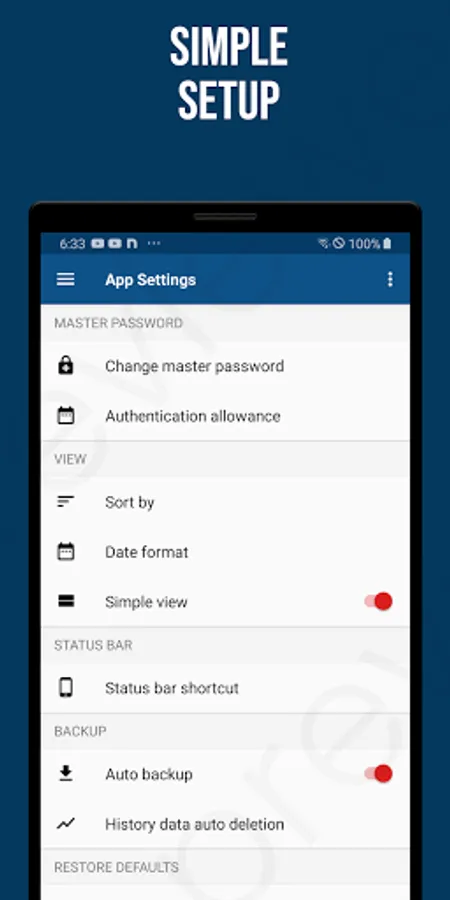
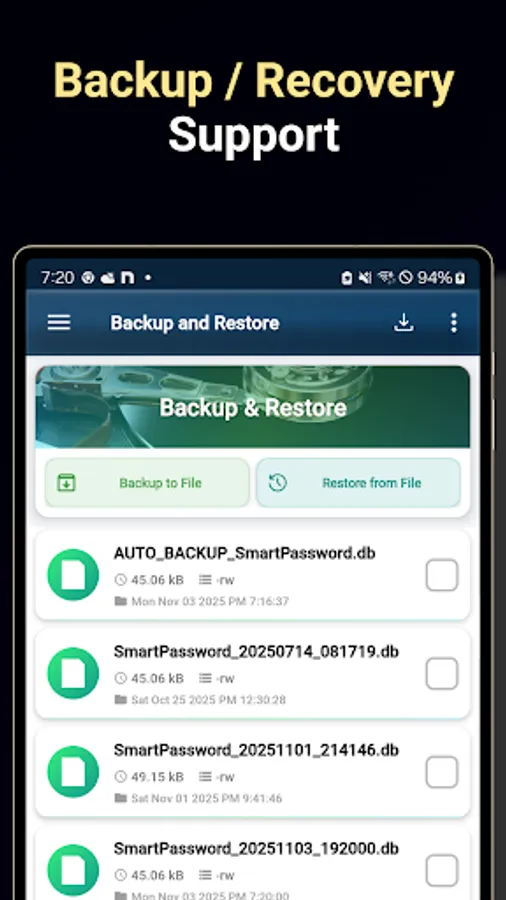
- Backup and Restore: Protect your data with automatic and manual backups, and restore it when needed
- Trash Bin: Temporarily store deleted entries and recover them if necessary
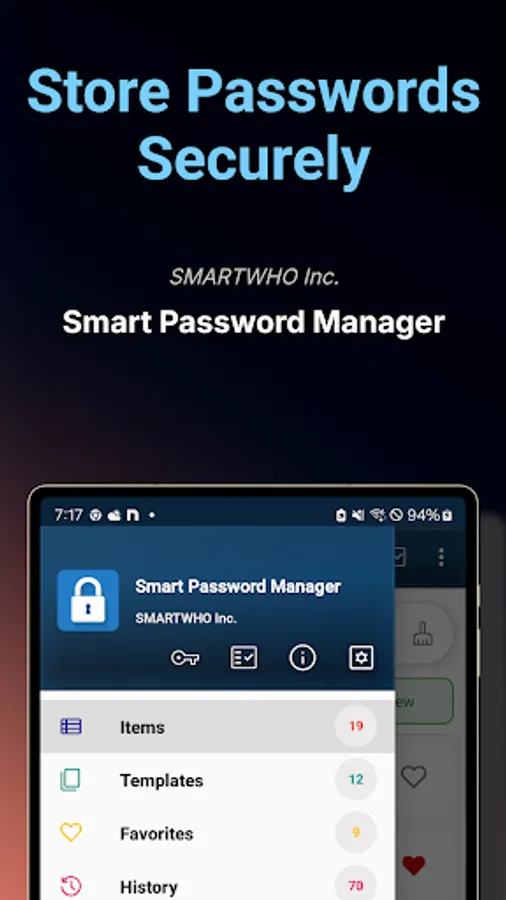
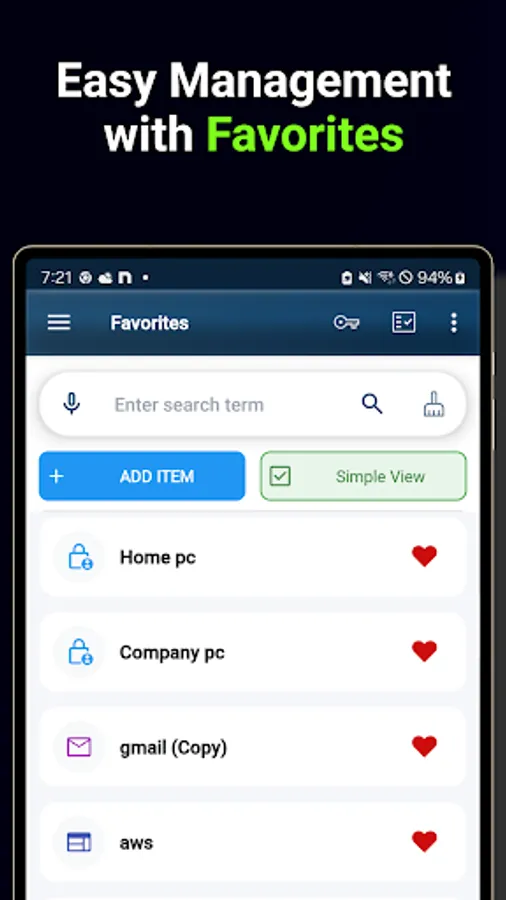
- Favorites: Quickly access frequently used items by marking them as favorites
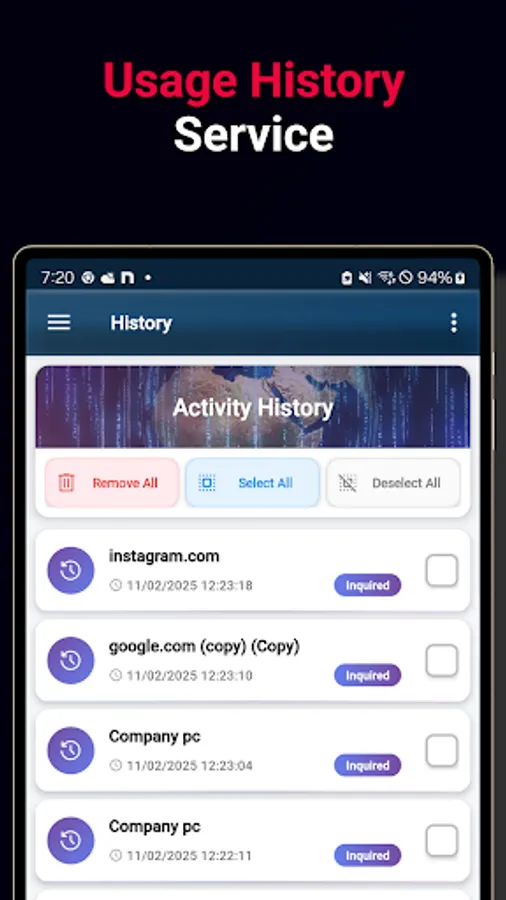
- Usage History: Monitor your data usage and activity at a glance
■ Template Examples
- Websites: URL, username, password
- Personal Information: Name, date of birth, ID number
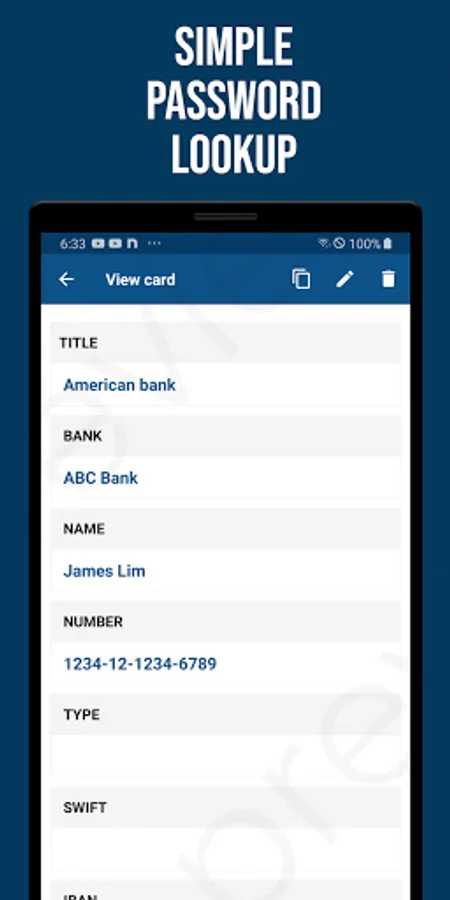
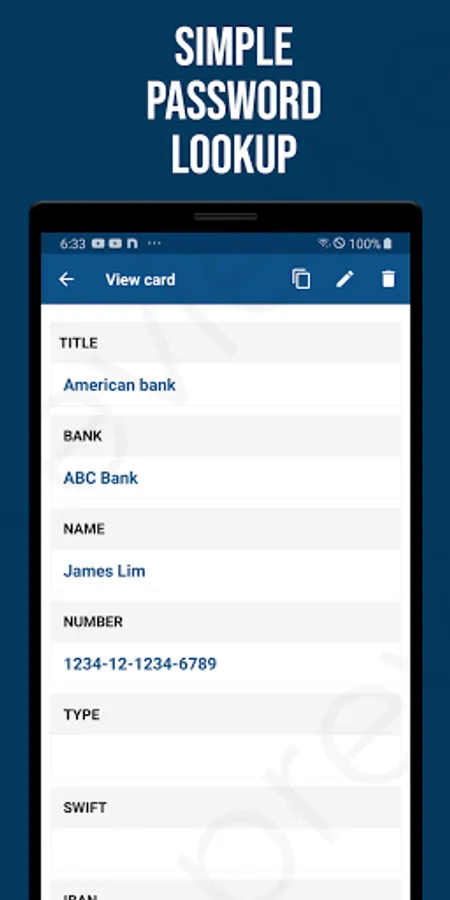
- Financial Information: Credit card number, CVV, bank account info, SWIFT and IBAN codes
- Documents / Licenses: Driver’s license, passport, software licenses
- Extended Notes: Add custom notes to store detailed information
[Get Started Now]
Experience a smarter, safer way to manage your information with Smart Password Manager.
No more stress over forgotten credentials – protect your digital life with confidence.
Securely manage your valuable information – with Smart Password Manager
No more worrying about forgotten passwords or security concerns.
Smart Password Manager is a powerful tool designed to protect and organize your sensitive information safely and efficiently.
■ Why Smart Password Manager Stands Out
1. Top-Level Security
- Utilizes the latest encryption technologies to ensure your data is fully protected.
- Completely disconnected from external networks to block any unauthorized access.
2. Complete Privacy Protection
- All data is stored only on your smartphone and is never transmitted to external servers.
- Only the user knows the master password; once lost, it cannot be recovered.
- Regular backup features are available to prevent data loss.
3. Intuitive User Experience
- Easily add information using simple and customizable templates.
- Quickly find what you need with categories, favorites, and search functions.
- Supports secure and convenient login via biometric authentication.
■ Key Features
- Template Management: Manage various categories like websites, emails, banks, credit cards, passports, and insurance
- Password Generator: Automatically create strong, hard-to-guess passwords
- Password Strength Analysis: Analyze the strength of your current passwords and detect vulnerabilities
- Backup and Restore: Protect your data with automatic and manual backups, and restore it when needed
- Trash Bin: Temporarily store deleted entries and recover them if necessary
- Favorites: Quickly access frequently used items by marking them as favorites
- Usage History: Monitor your data usage and activity at a glance
■ Template Examples
- Websites: URL, username, password
- Personal Information: Name, date of birth, ID number
- Financial Information: Credit card number, CVV, bank account info, SWIFT and IBAN codes
- Documents / Licenses: Driver’s license, passport, software licenses
- Extended Notes: Add custom notes to store detailed information
[Get Started Now]
Experience a smarter, safer way to manage your information with Smart Password Manager.
No more stress over forgotten credentials – protect your digital life with confidence.
Smart Password Manager Screenshots
Tap to Rate:
Reviews for Smart Password Manager
MOHIUDDIN
11/13/2025
Great Apps..
Ros Sarom
5/24/2025
ខ្ញុំពេញចិត្ត