Tap Counter Manager
JK.Fantasy
4.7 ★
911 ratings
50,000+
downloads
Free
+ in-app
With this tap counter manager, you can record and view tap or click counts, add messages to each counter, and customize colors for different projects. Includes support for multiple counters, reset options, and text-to-speech features.
AppRecs review analysis
AppRecs rating 4.7. Trustworthiness 47 out of 100. Review manipulation risk 48 out of 100. Based on a review sample analyzed.
★★★★☆
4.7
AppRecs Rating
Ratings breakdown
5 star
85%
4 star
7%
3 star
5%
2 star
0%
1 star
3%
What to know
⚠
Questionable review patterns
48% review manipulation risk - some review patterns appear unusual
⚠
Rating authenticity concerns
High rating concentration (85% 5-star) in sampled ratings
⚠
Review quality concerns
37% of sampled 5-star reviews are very short
About Tap Counter Manager
Please watch the teach video to know how to use it.
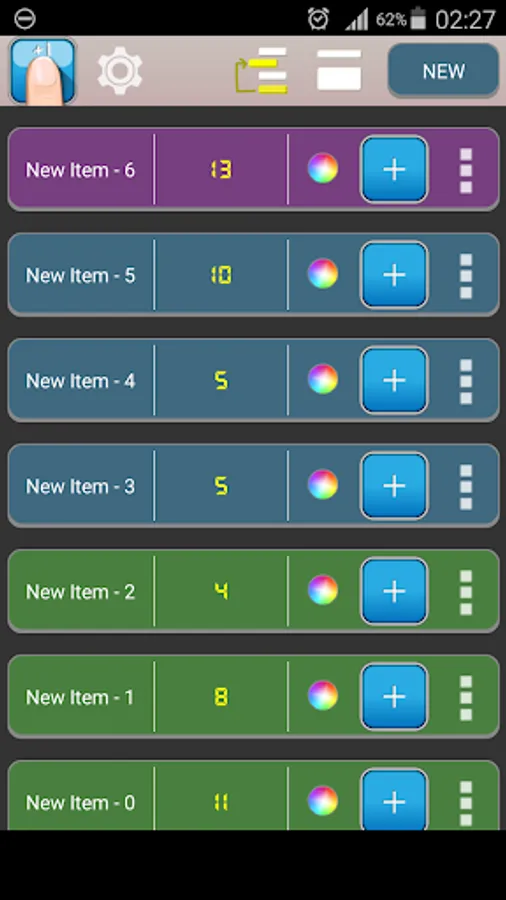
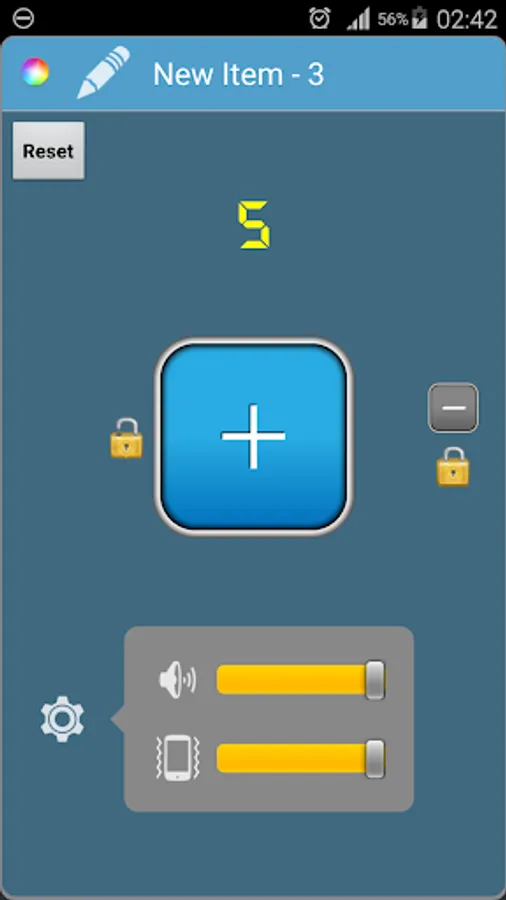
Depending on what you need, you can add multiple tap/click counters.
This application will record every time you tap/click.
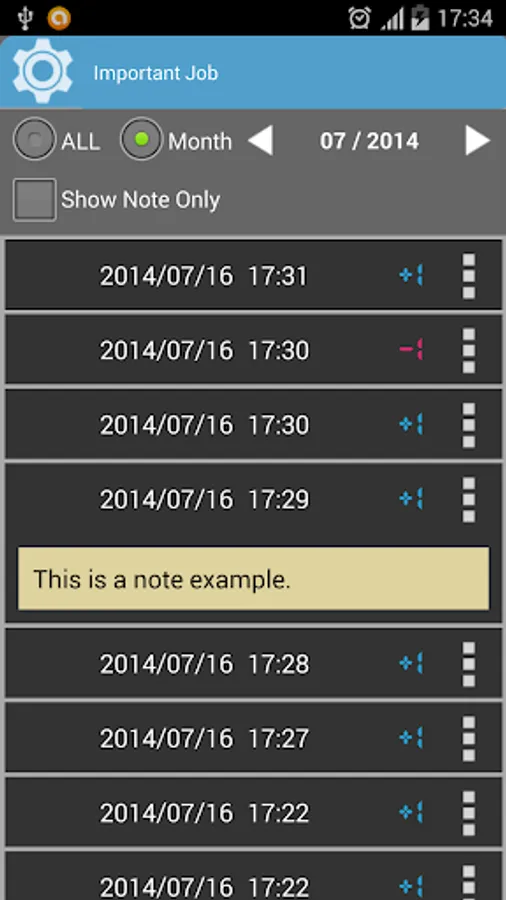
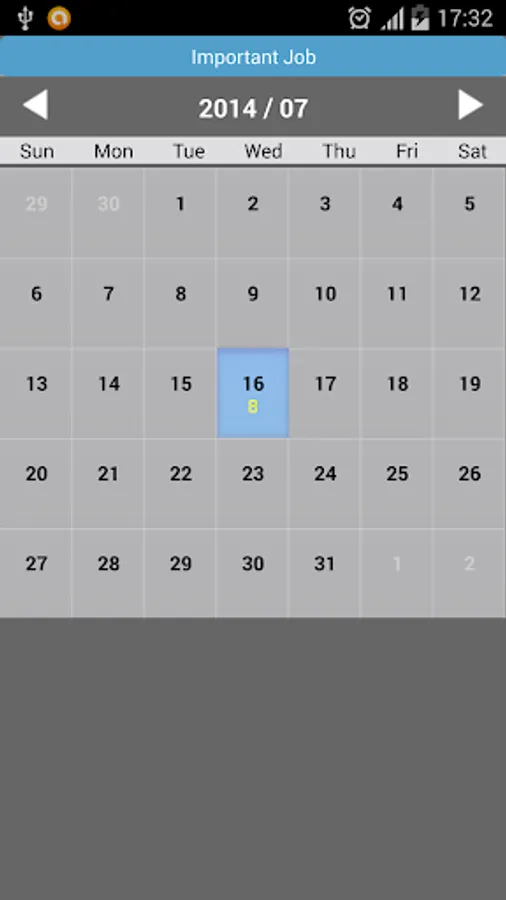
Then you can see all the tap/click time in list view. Support calendar mode, you can view the daily taps/clicks.
You can write a record message in tap/click counter. You also can write a record message at every tap/click point.
This application can change the color of each tap/click counter. Let you easily distinguish between different projects.
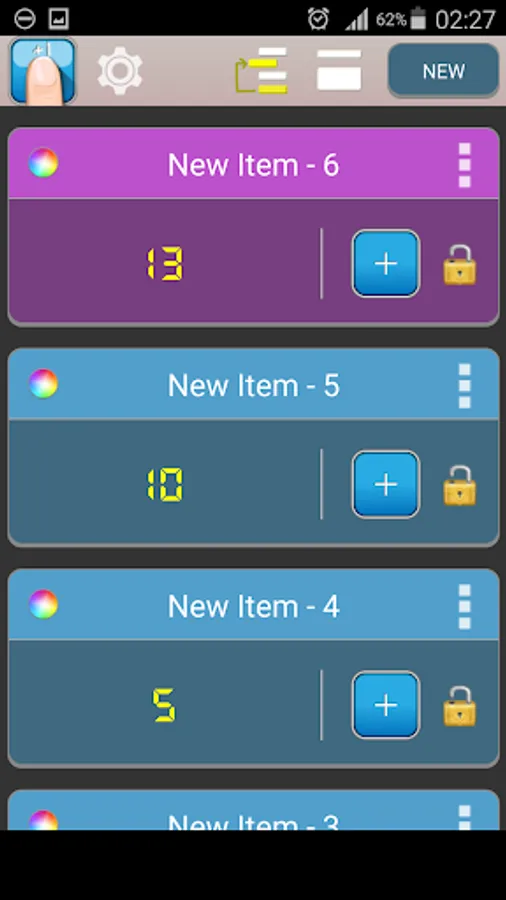
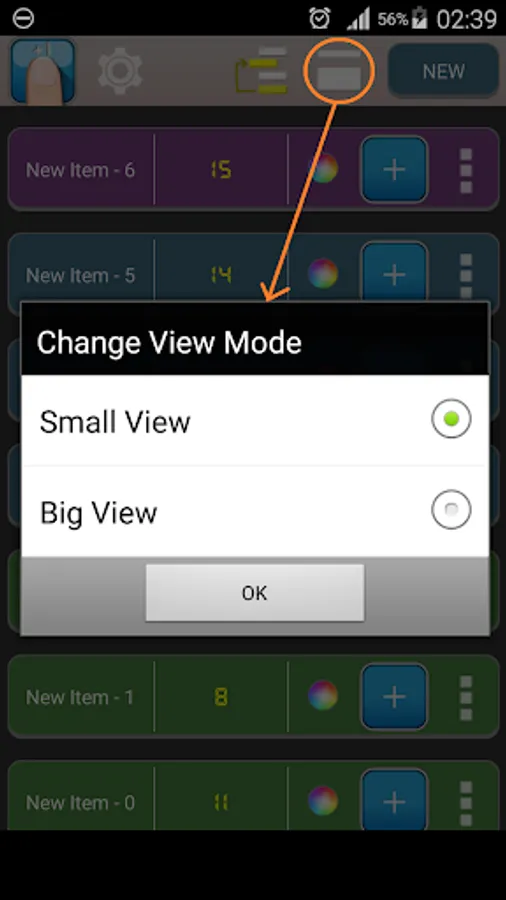
- You can change the small/big View.
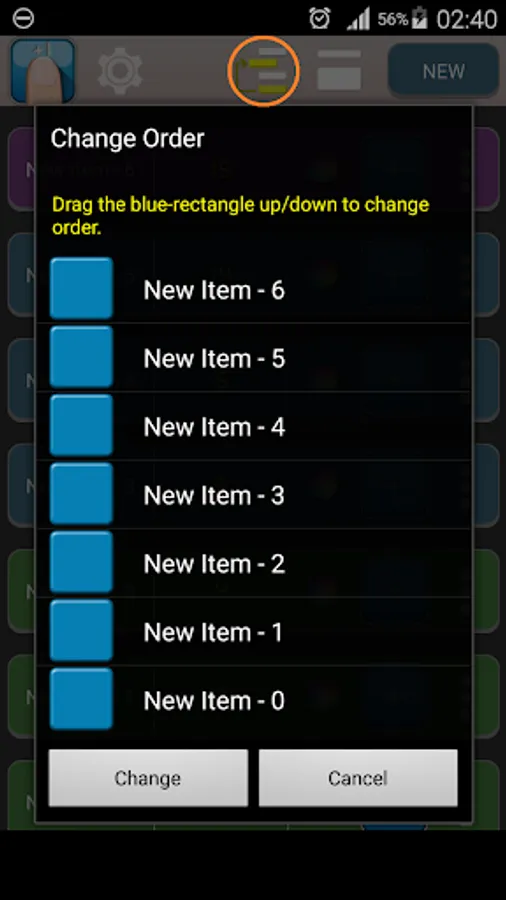
- You can change the counters' order easily.
- You can reset the counter.
- Support text to speech function.
- In single mode, you can use volume key to +1 or -1.
Depending on what you need, you can add multiple tap/click counters.
This application will record every time you tap/click.
Then you can see all the tap/click time in list view. Support calendar mode, you can view the daily taps/clicks.
You can write a record message in tap/click counter. You also can write a record message at every tap/click point.
This application can change the color of each tap/click counter. Let you easily distinguish between different projects.
- You can change the small/big View.
- You can change the counters' order easily.
- You can reset the counter.
- Support text to speech function.
- In single mode, you can use volume key to +1 or -1.
Tap Counter Manager Screenshots
Tap to Rate:
Reviews for Tap Counter Manager
Abhishek Menon
3/11/2025
Good
Grey Mealer
7/9/2023
I'd like more color options, but at least this one has metadata (calendar for tracking), widgets! and alert features (met your goal/total). Be nicer if you could set incremental values, though.