AppRecs review analysis
AppRecs rating . Trustworthiness 78 out of 100. Review manipulation risk 25 out of 100. Based on a review sample analyzed.
★
AppRecs Rating
Ratings breakdown
5 star
86%
4 star
0%
3 star
0%
2 star
0%
1 star
14%
What to know
✓
Low review manipulation risk
25% review manipulation risk
✓
Credible reviews
78% trustworthiness score from analyzed reviews
✓
High user satisfaction
86% of sampled ratings are 4+ stars (4.4★ average)
About Auto mute of media volume.
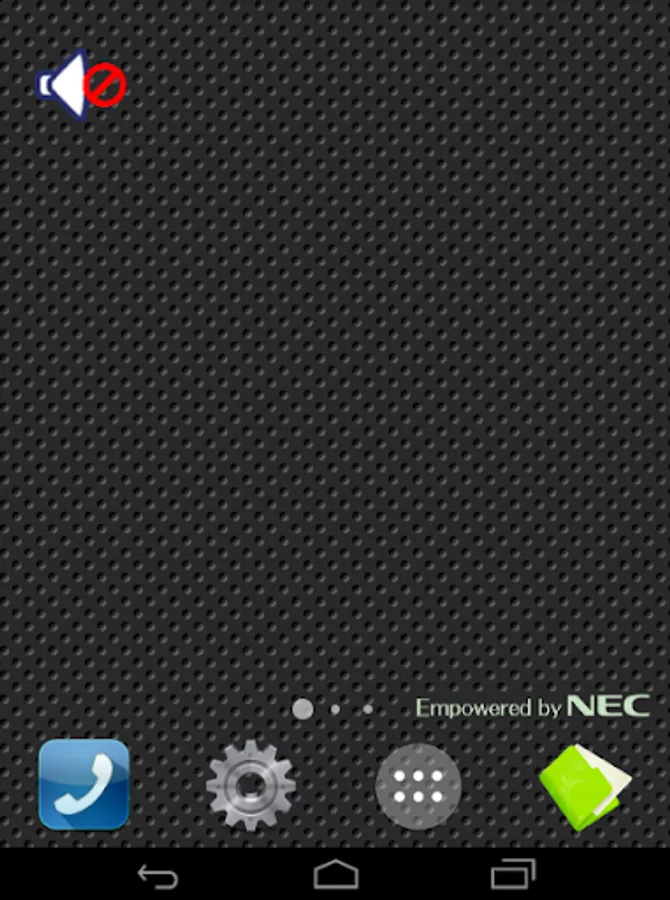
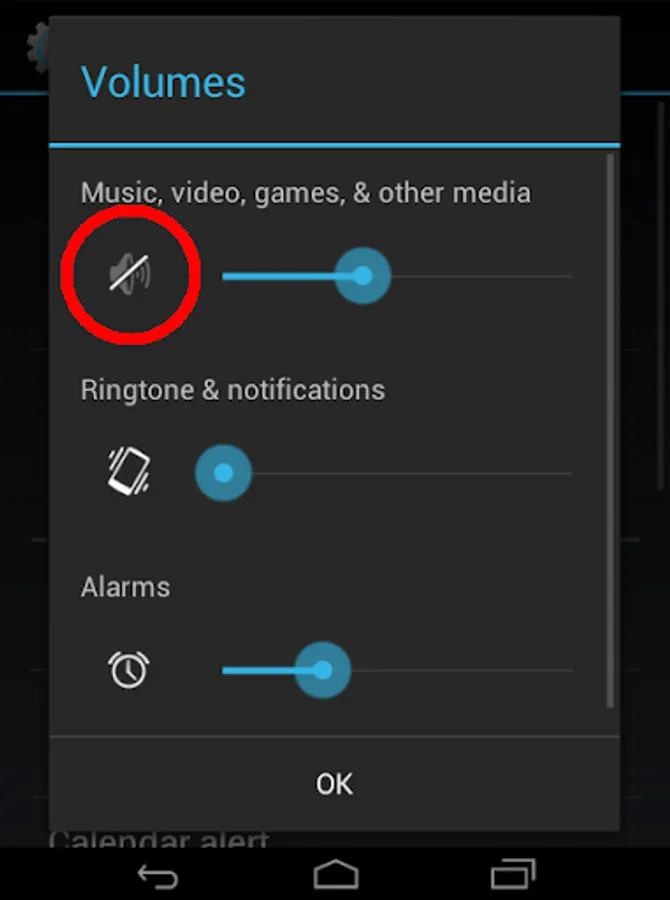
It mutes the media volume. Even if you touch the VOL key by mistake It will not sounds music from speaker.
When you plug headphones (including Bluetooth), unmute automatically, return to mute when unpluged.
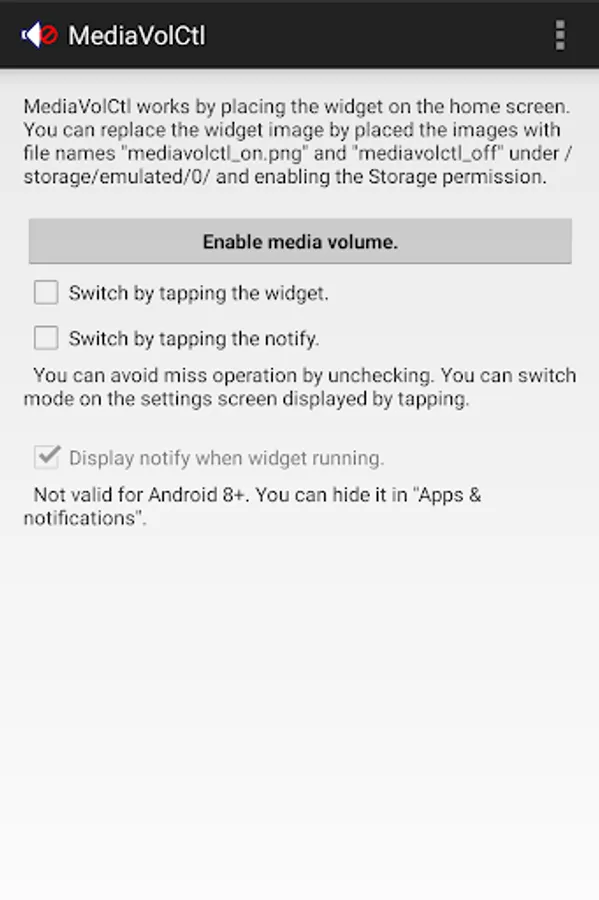
Manual switching of the mute state is also possible by tapping the widget.
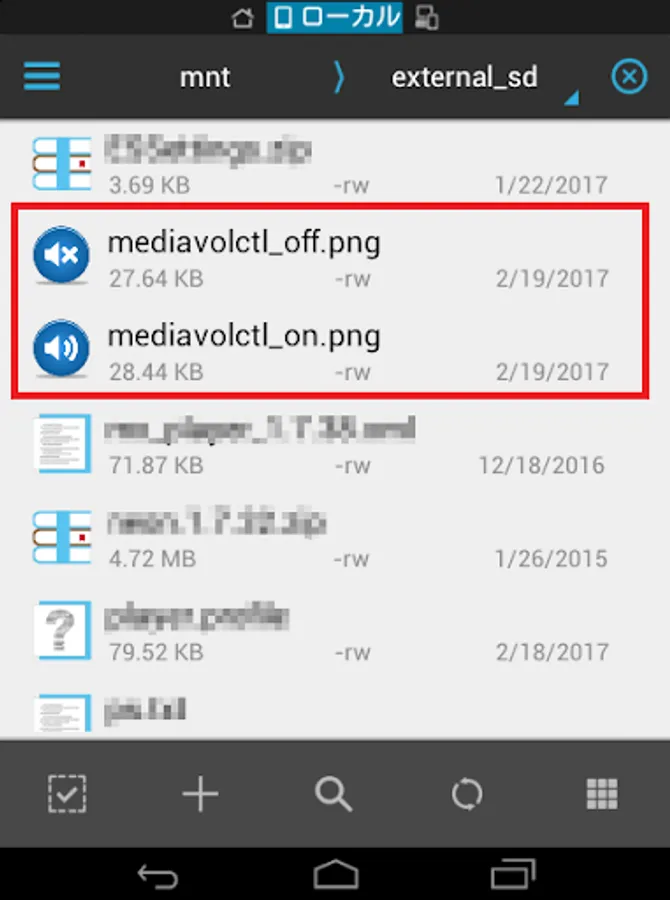
If there is an image file with the following name under the main storage, replace the icon image.( mediavolctl_on.png / mediavolctl_off.png )
Placing "mediavolctl.log" in the main storage outputs the debug log.
The following shell command can switch the mute state.
Mute am broadcast -a com.jp.ssipa.mediavolctl.ACTION_MUTE
Un-mute am broadcast -a com.jp.ssipa.mediavolctl.ACTION_MUTE_OFF
If you have any request, please comment on Google Play.
Auto mute of media volume. Screenshots


Tap to Rate:
Reviews for Auto mute of media volume.
Ndamulelo Thivhathi
9/15/2025
none
Sai Lohit
9/13/2025
does the job very well