Photo Keypad Lock Screen
JVR Developers
3.7 ★
105 ratings
10,000+
downloads
Free
+ in-app
In this lock screen app, you can customize your device with different photo keypads and wallpapers, and set a pattern for unlocking. Includes options for shape selection, wallpaper customization, and security questions.
AppRecs review analysis
AppRecs rating 3.7. Trustworthiness 77 out of 100. Review manipulation risk 35 out of 100. Based on a review sample analyzed.
★★★☆☆
3.7
AppRecs Rating
Ratings breakdown
5 star
67%
4 star
0%
3 star
0%
2 star
0%
1 star
33%
What to know
✓
Credible reviews
77% trustworthiness score from analyzed reviews
✓
Good user ratings
67% positive sampled reviews
⚠
High negative review ratio
33% of sampled ratings are 1–2 stars
About Photo Keypad Lock Screen
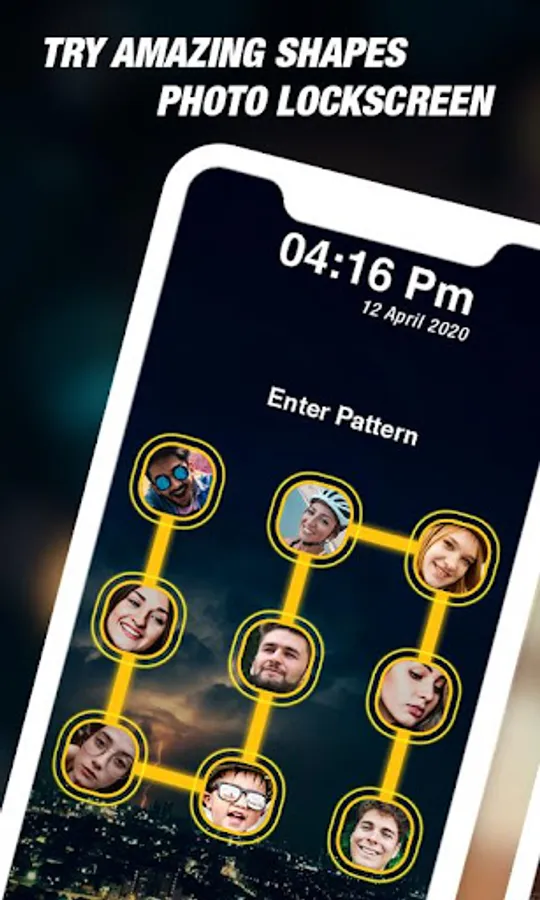
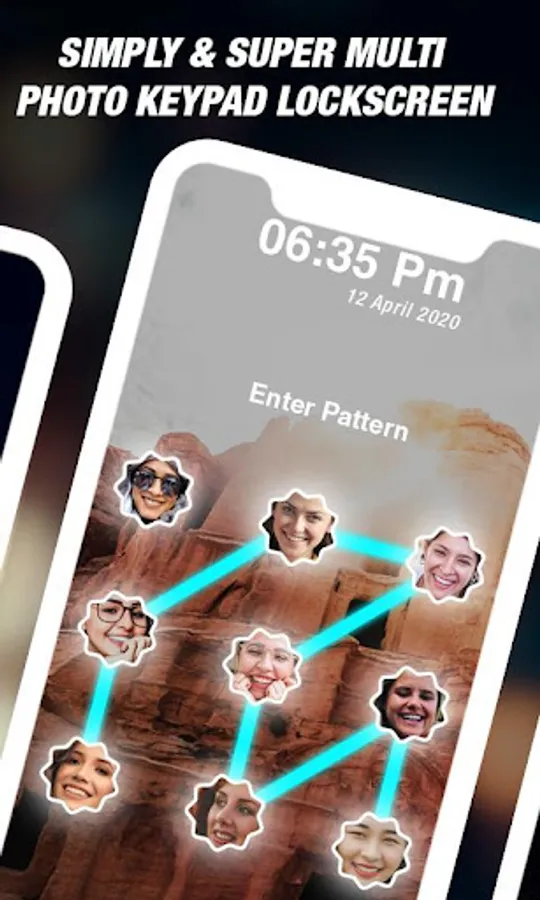
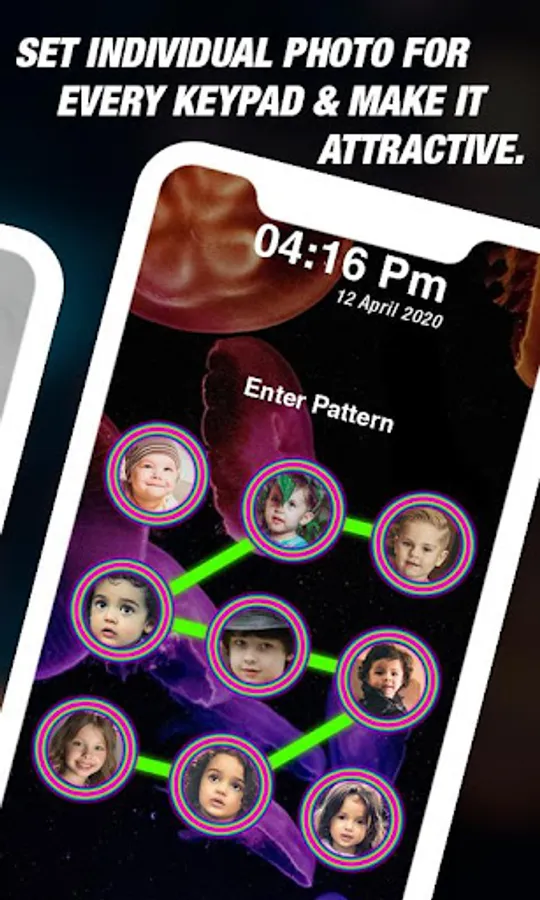
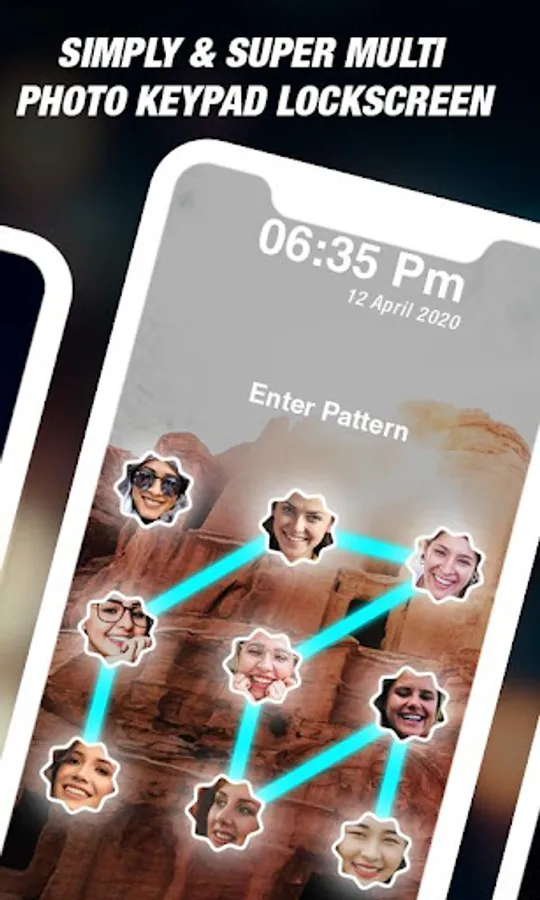
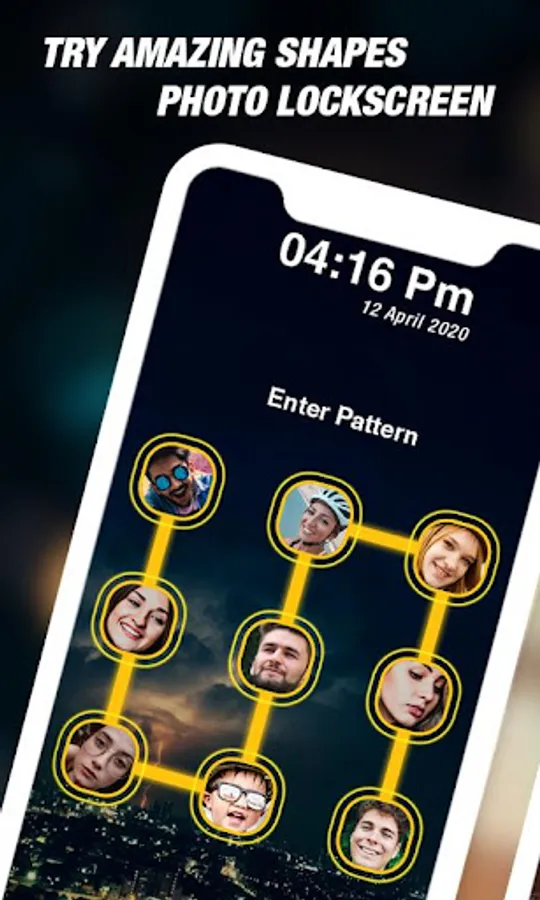
Photo lock screen is an attractive lockscreen app which contains different photo for every keypad and looks it amazing.
You have to enable lock screen service to overlay your lockscreen over system lock screen or when your phone is locked.
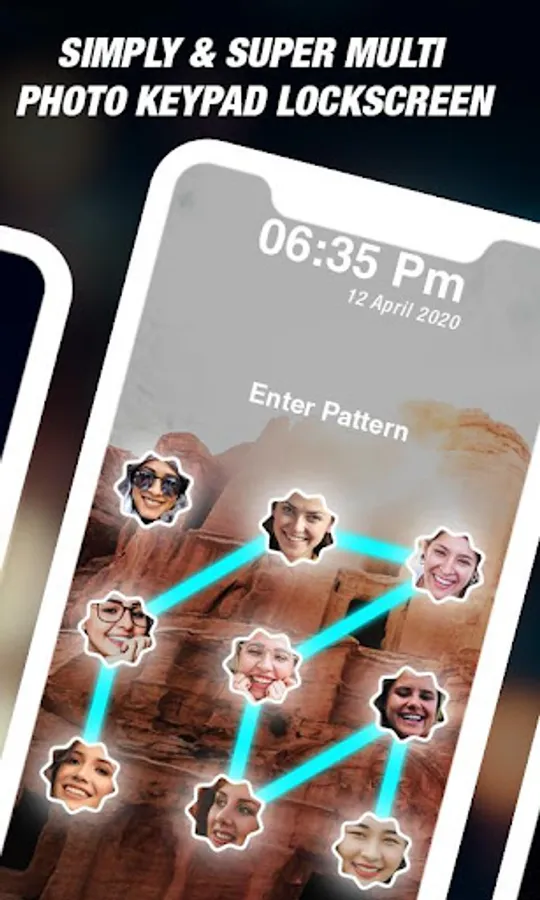
Set your pattern to unlock your phone.
For pattern set you have to connect atleast 4 connection.
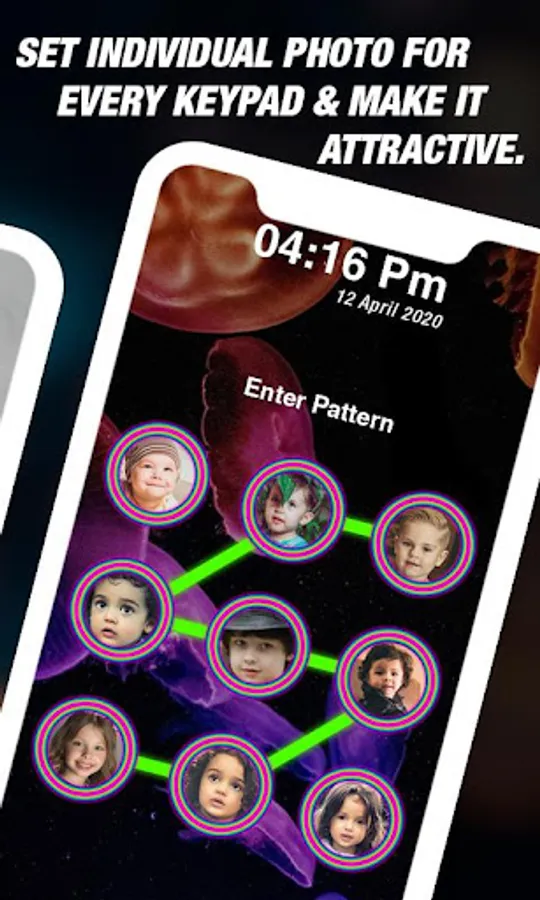
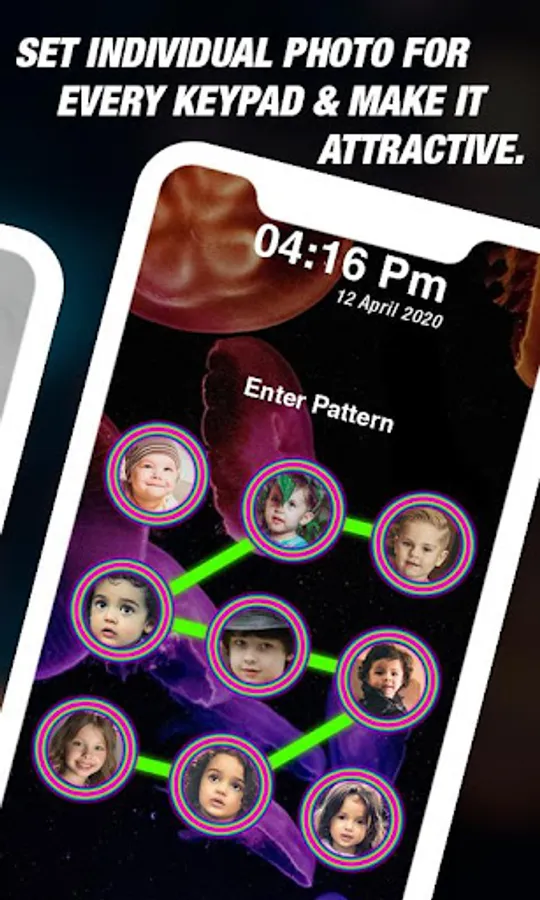
Set individual photo for every keypad and make it attractive.
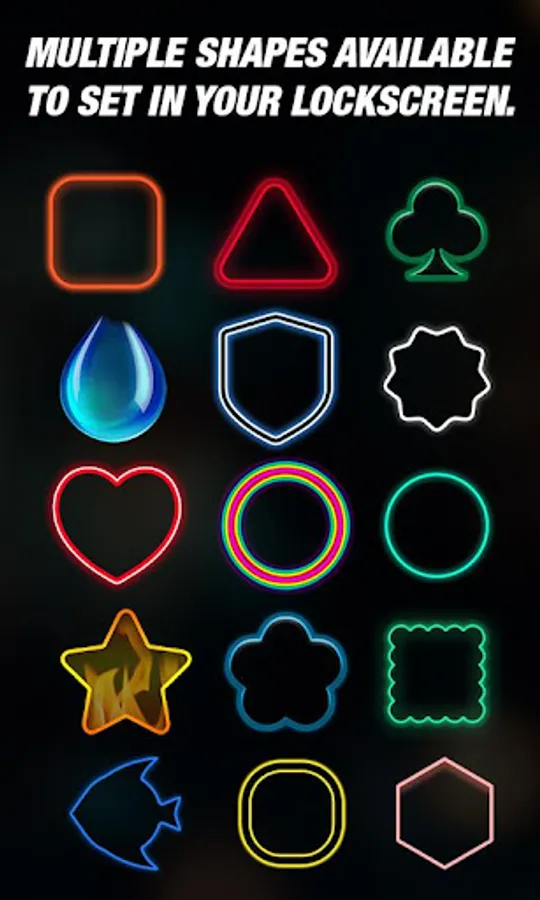
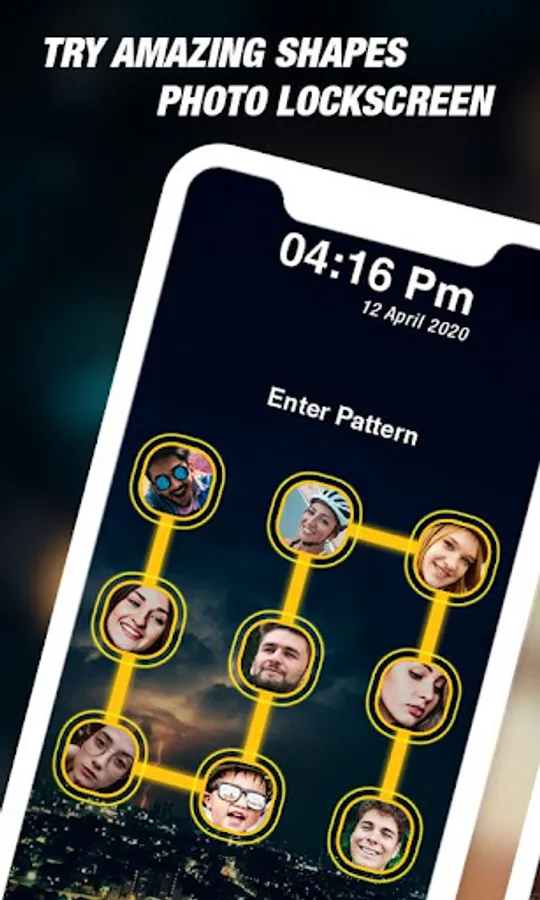
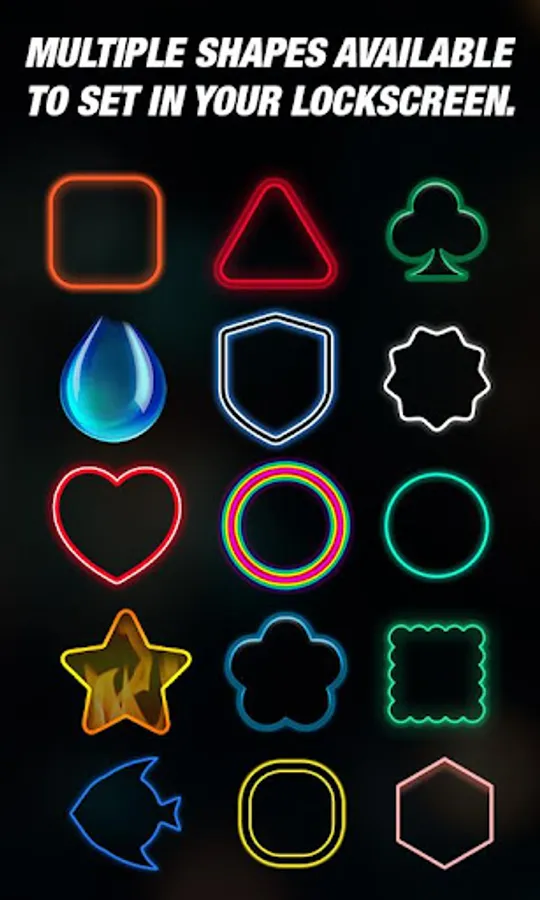
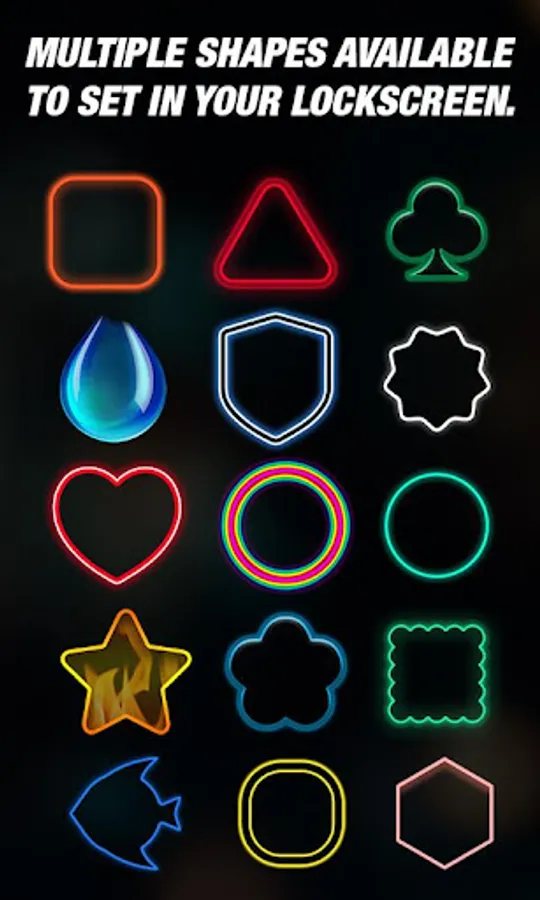
There are multiple shapes available to set in your lockscreen and customize lockscreen with shapes you like.
Easily select any shape for lock screen.
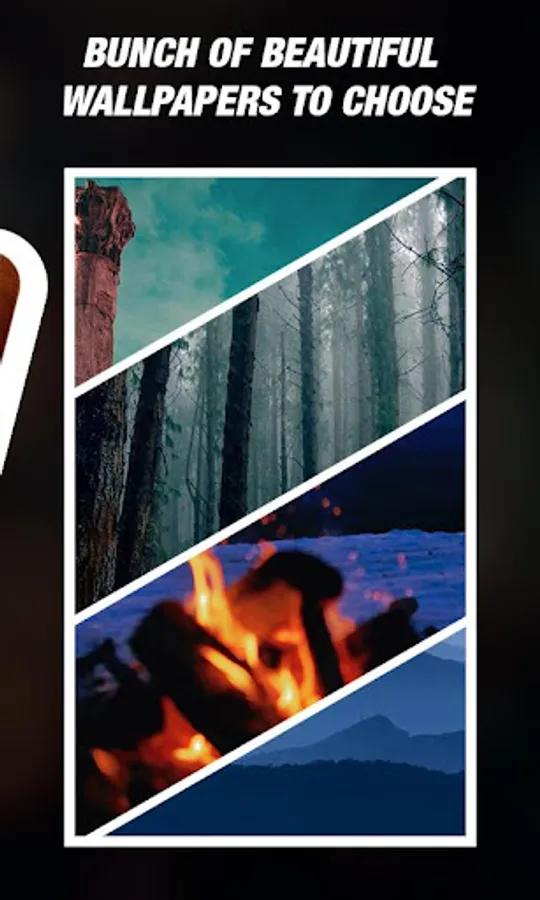
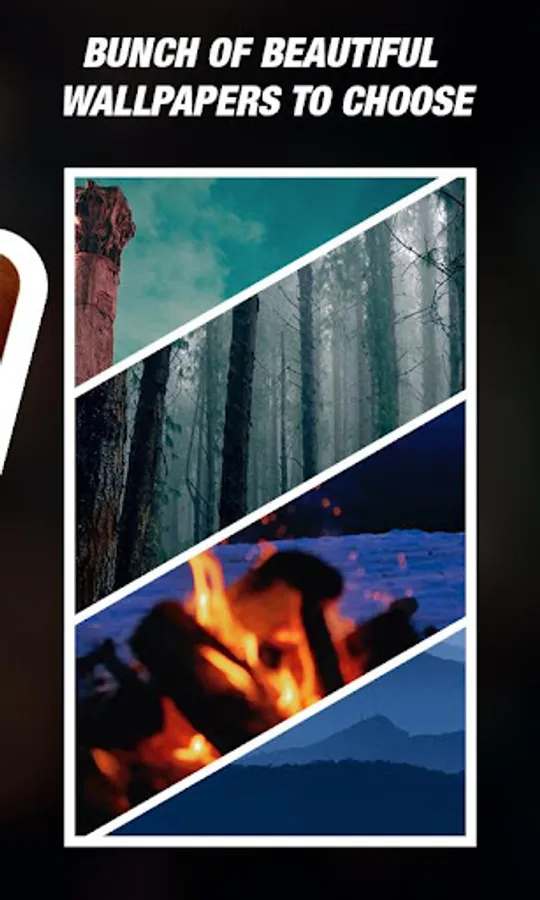
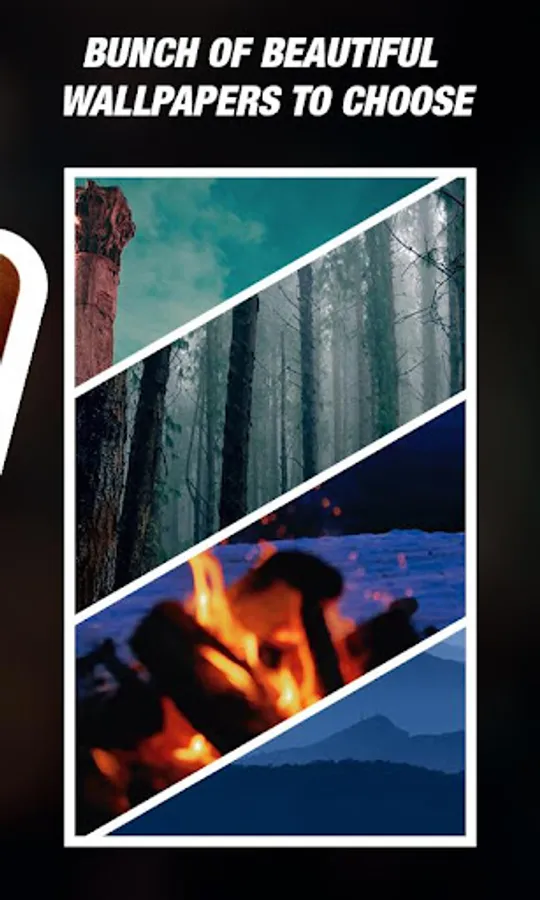
You can also change wallpaper for your lock screen.
Inbuilt wallpaper are also available.
You can also select wallpaper from your device storage.
Set security question in case you forgot your pattern then it helps to unlock your lock.
Vibration of keypad : option to switch on /off vibrate on keypad touch also available.
Disable system lock : If you have already system lock turned on than you have to disable it. To disable system lockscreen the app will direct you to mobile's system page where you can disable the lockscreen.
After setting shapes, individual photo and wallpaper of your lock screen you can see preview of the lockscreen within app.
Photo lock screen is simple and easy tool to set your lock screen with different keypad photos with unique keypad shapes and wallpaper.
Required Permission:
android.permission.READ_EXTERNAL_STORAGE : to access device storage
android.permission.VIBRATE : keypad vibrate on/off
android.permission.RECEIVE_BOOT_COMPLETED : start service after reboot device
android.permission.SYSTEM_ALERT_WINDOW : overlay your lock screen layout
android.permission.DISABLE_KEYGUARD : disable keygurad(home,back,recent) on lockscreen
You have to enable lock screen service to overlay your lockscreen over system lock screen or when your phone is locked.
Set your pattern to unlock your phone.
For pattern set you have to connect atleast 4 connection.
Set individual photo for every keypad and make it attractive.
There are multiple shapes available to set in your lockscreen and customize lockscreen with shapes you like.
Easily select any shape for lock screen.
You can also change wallpaper for your lock screen.
Inbuilt wallpaper are also available.
You can also select wallpaper from your device storage.
Set security question in case you forgot your pattern then it helps to unlock your lock.
Vibration of keypad : option to switch on /off vibrate on keypad touch also available.
Disable system lock : If you have already system lock turned on than you have to disable it. To disable system lockscreen the app will direct you to mobile's system page where you can disable the lockscreen.
After setting shapes, individual photo and wallpaper of your lock screen you can see preview of the lockscreen within app.
Photo lock screen is simple and easy tool to set your lock screen with different keypad photos with unique keypad shapes and wallpaper.
Required Permission:
android.permission.READ_EXTERNAL_STORAGE : to access device storage
android.permission.VIBRATE : keypad vibrate on/off
android.permission.RECEIVE_BOOT_COMPLETED : start service after reboot device
android.permission.SYSTEM_ALERT_WINDOW : overlay your lock screen layout
android.permission.DISABLE_KEYGUARD : disable keygurad(home,back,recent) on lockscreen
Photo Keypad Lock Screen Screenshots
Tap to Rate:
Reviews for Photo Keypad Lock Screen
Naing Gyi
3/23/2023
😇
Samaru Same
1/4/2023
Oro