With this drawing app, you can create artwork by drawing with your fingers or a pen, insert custom texts, and set images as backgrounds. Includes features like color customization, editing tools, undo, share, and save options.
AppRecs review analysis
AppRecs rating 3.2. Trustworthiness 0 out of 100. Review manipulation risk 0 out of 100. Based on a review sample analyzed.
★★★☆☆
3.2
AppRecs Rating
Ratings breakdown
5 star
45%
4 star
9%
3 star
0%
2 star
9%
1 star
36%
What to know
✓
Authentic reviews
Natural distribution, no red flags
⚠
High negative review ratio
45% of sampled ratings are 1–2 stars
About Mobile Paint
Mobile Paint is a useful and user-friendly drawing app.
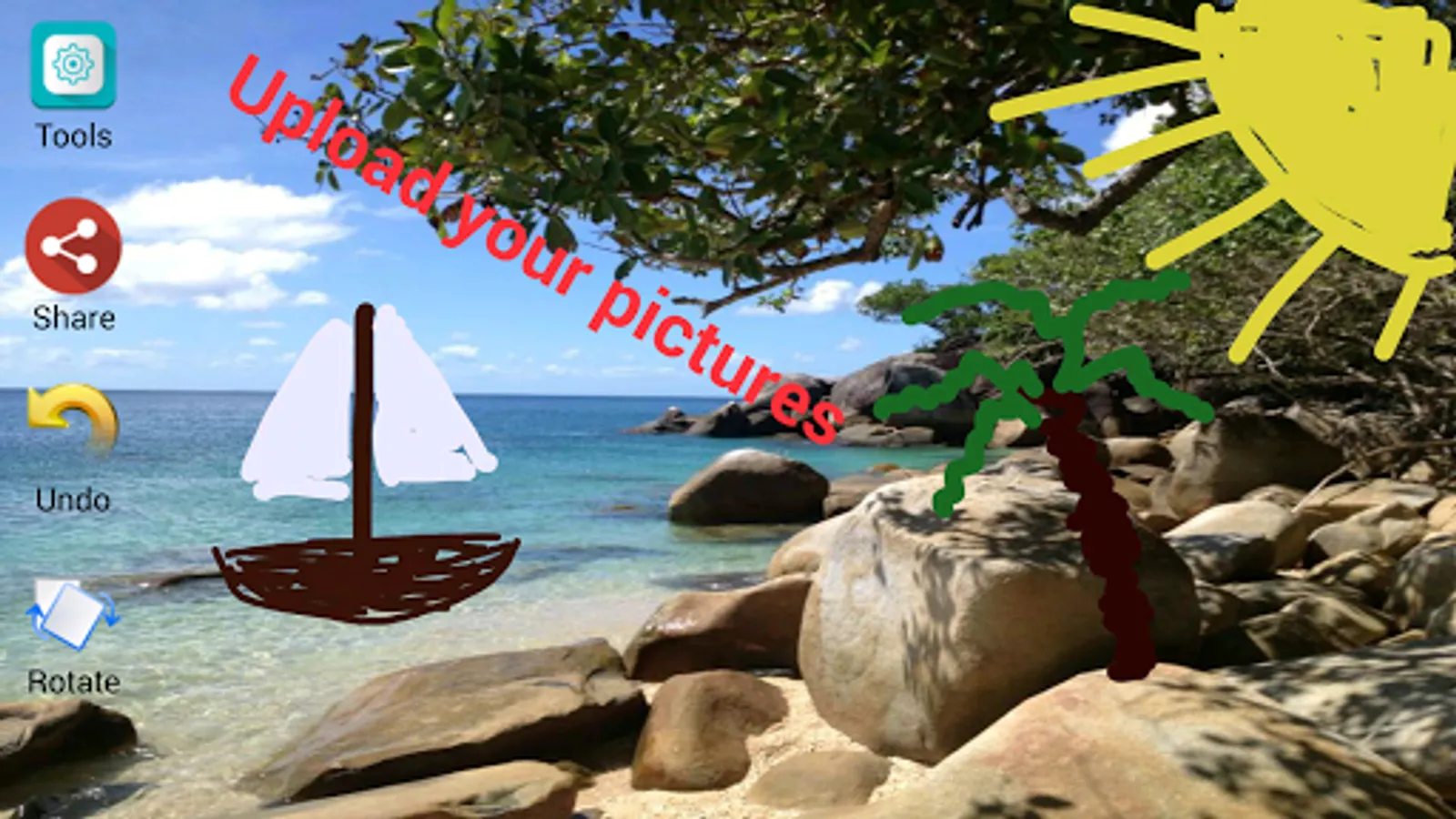
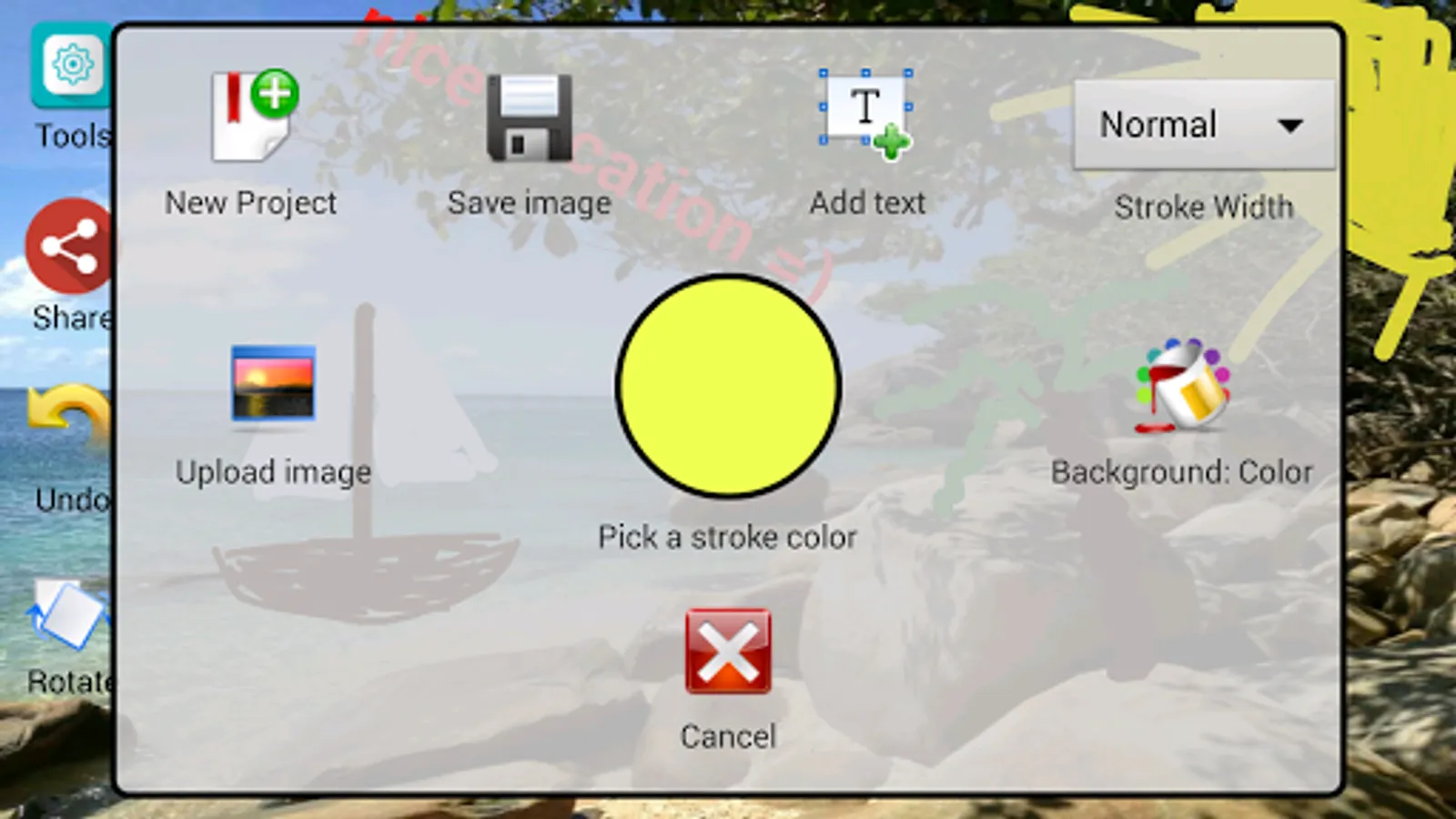
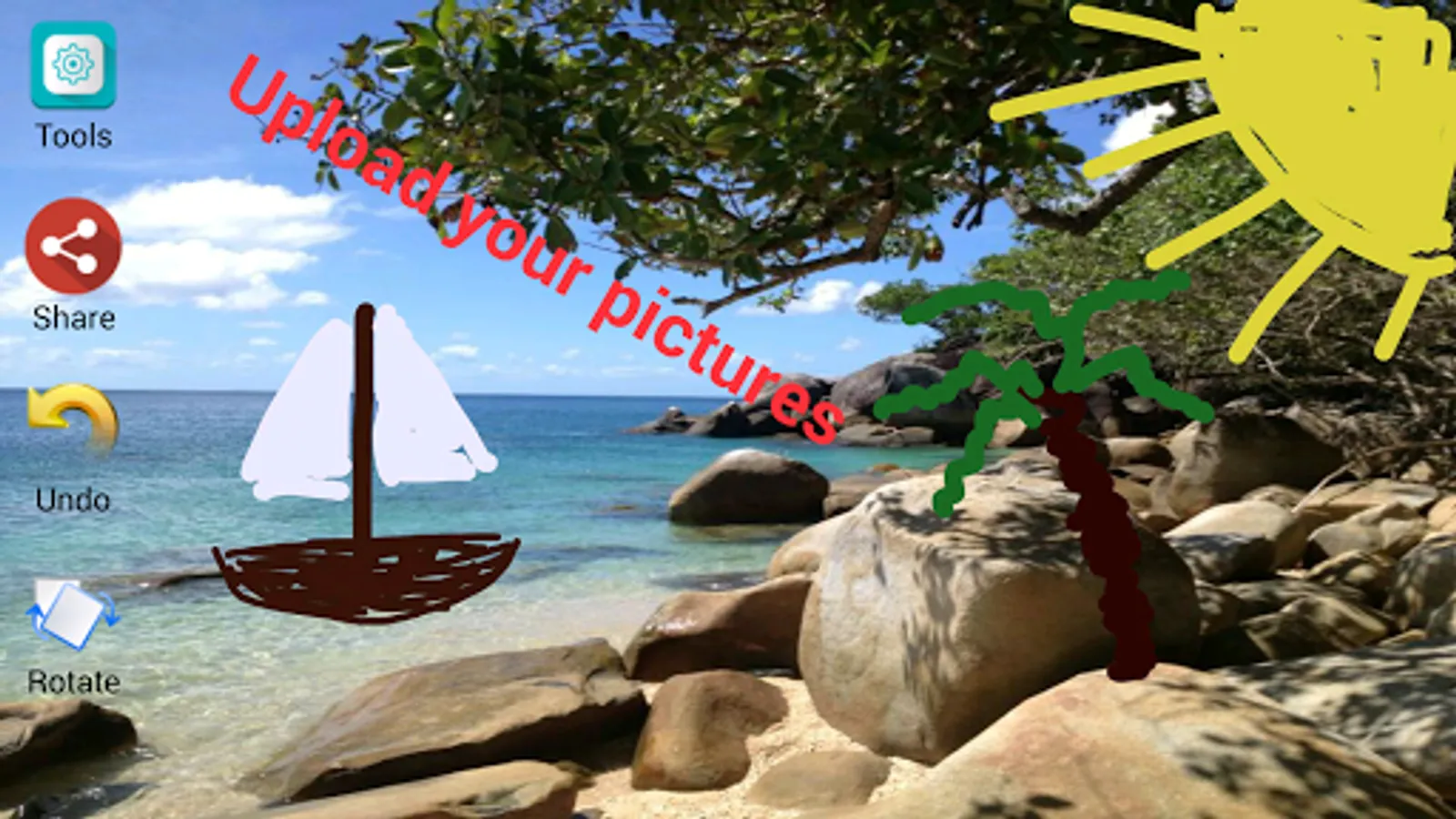
You can pick your own images from the galery and set them as background in Mobile Paint.
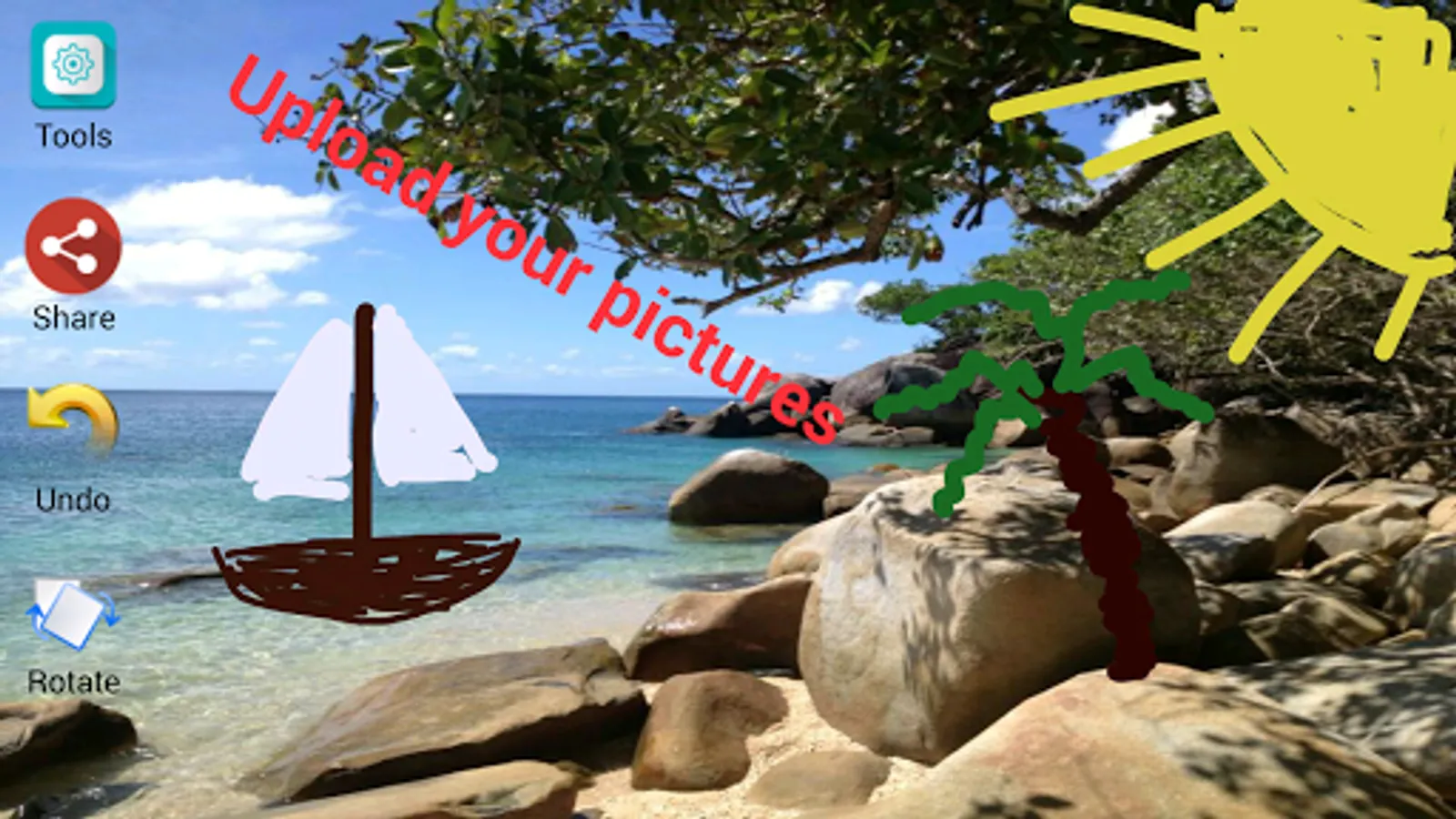
Furthermore you can insert custom texts in Mobile Paint. These texts can later be edited, deleted or moved (drag and drop).
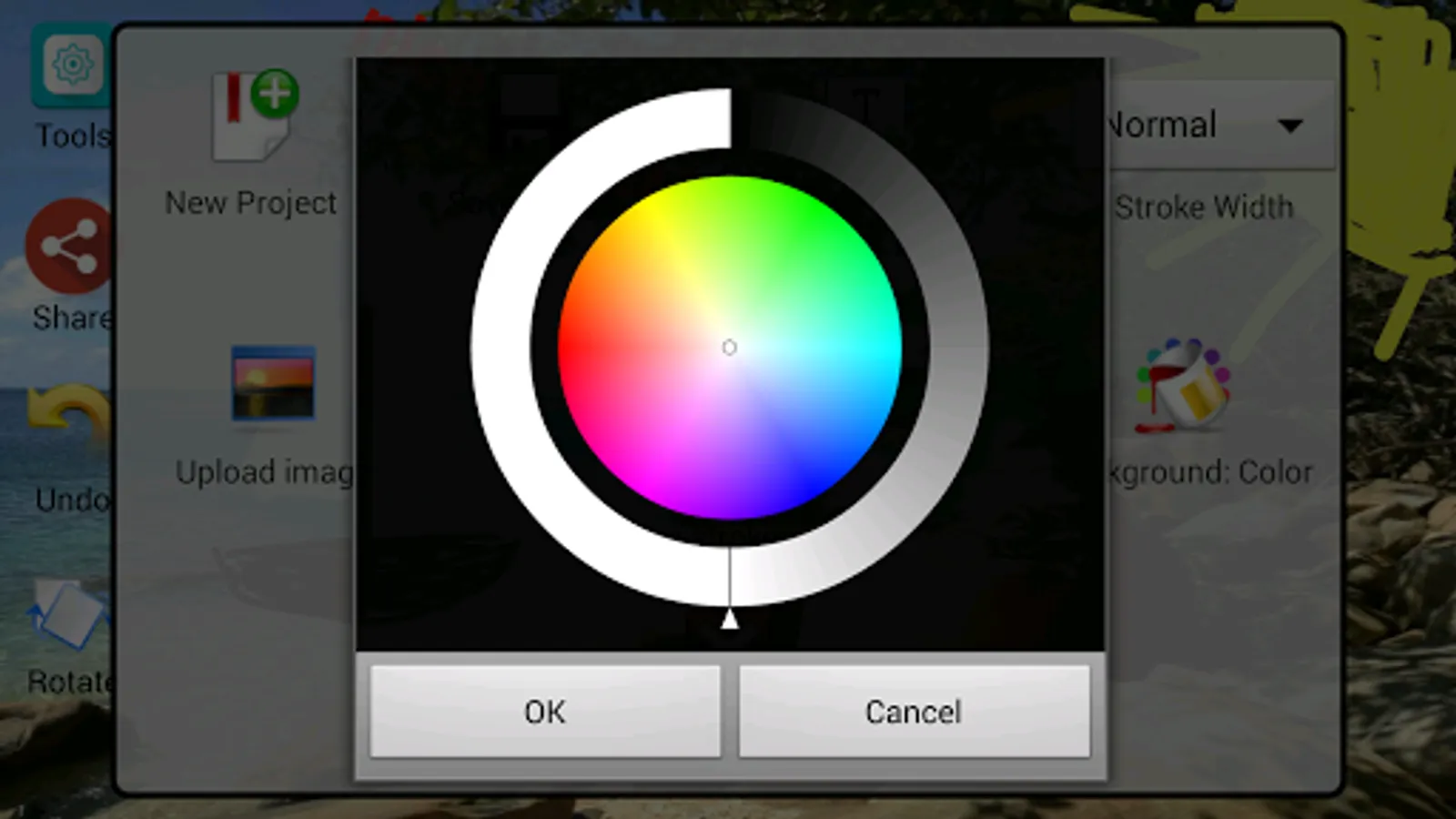
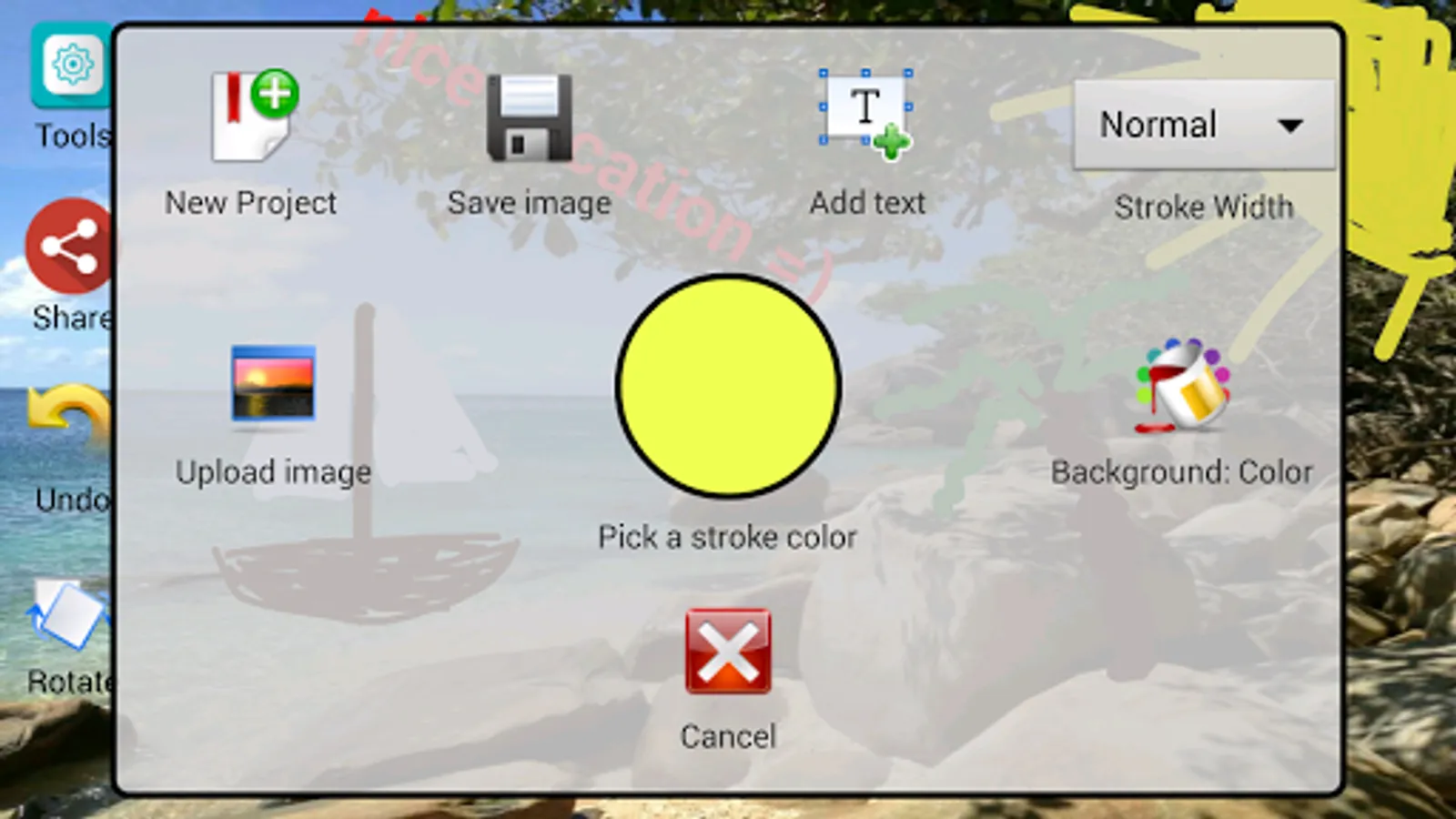
In Mobile Paint you can create your own color creation and use them for your texts, background or stroke.
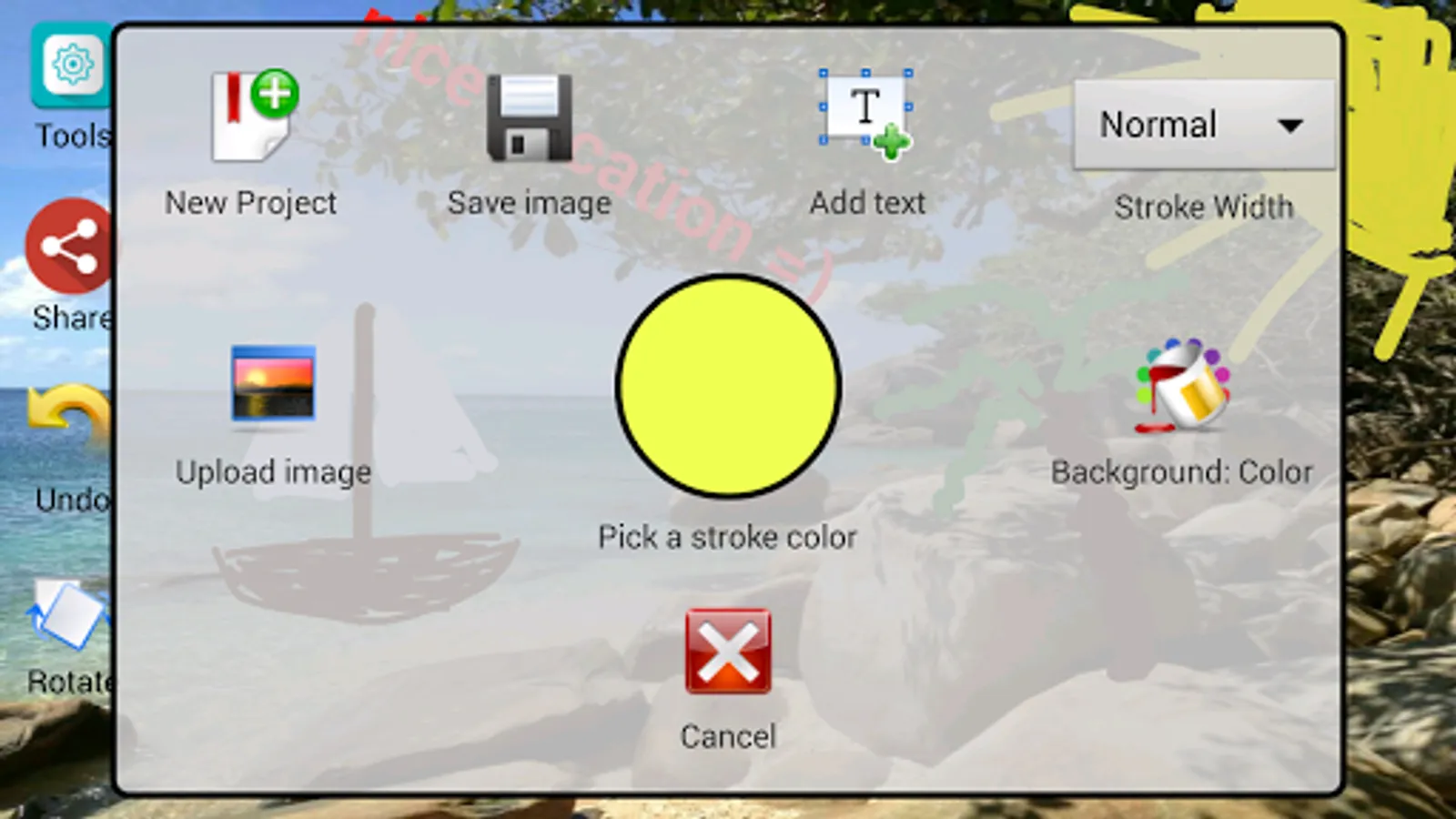
After you are finished with your Mobile Paint artwork, you can share it with your friends or save it in the galery.
Functions:
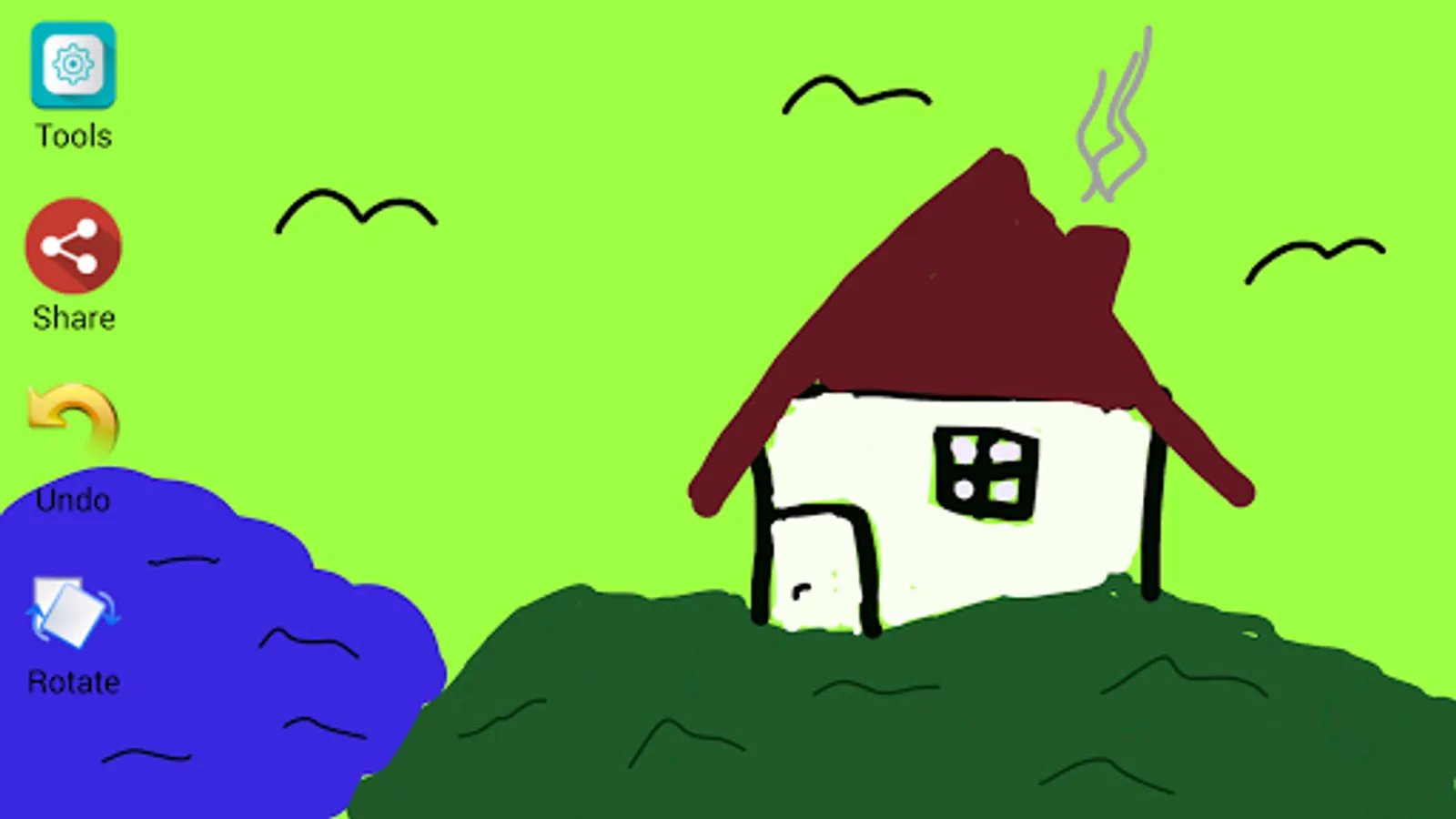
- Draw with your fingers or a pen (different colors and stroke widths)
- Use own pictures as background
- Insert, edit, move, rotate and delete your custom texts
- Custom colors for texts, strokes and background
- Undo function
- Share function
- Save function
You can pick your own images from the galery and set them as background in Mobile Paint.
Furthermore you can insert custom texts in Mobile Paint. These texts can later be edited, deleted or moved (drag and drop).
In Mobile Paint you can create your own color creation and use them for your texts, background or stroke.
After you are finished with your Mobile Paint artwork, you can share it with your friends or save it in the galery.
Functions:
- Draw with your fingers or a pen (different colors and stroke widths)
- Use own pictures as background
- Insert, edit, move, rotate and delete your custom texts
- Custom colors for texts, strokes and background
- Undo function
- Share function
- Save function
Mobile Paint Screenshots
Tap to Rate: