
Screenshot Pro 2
Kewitschka Apps
4.1 ★
3K ratings
100,000+
downloads
$1.49
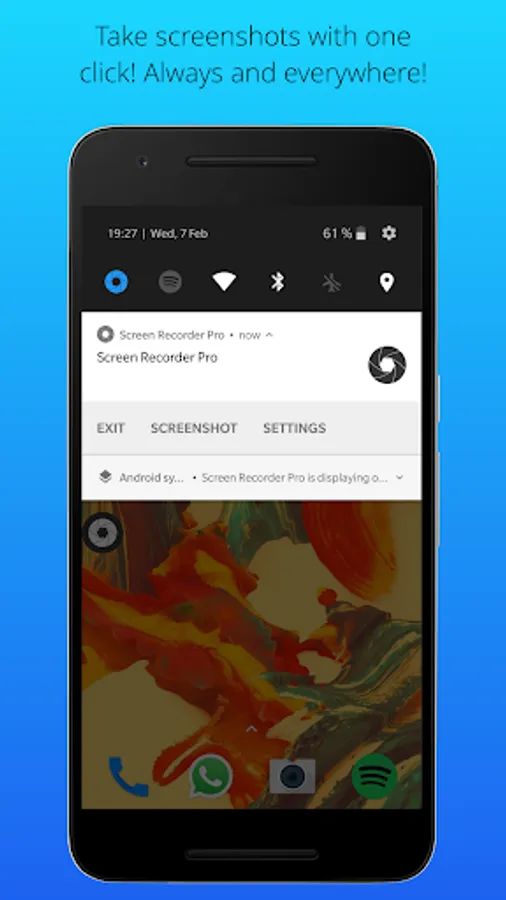
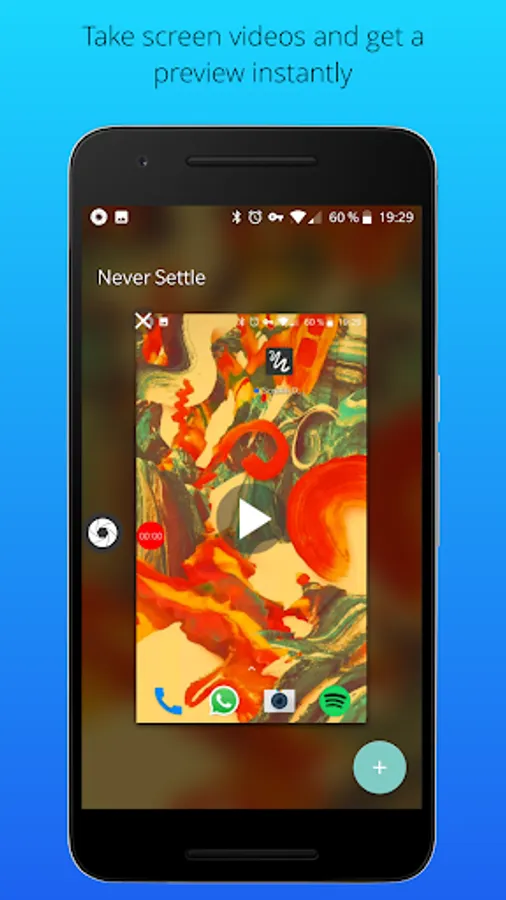
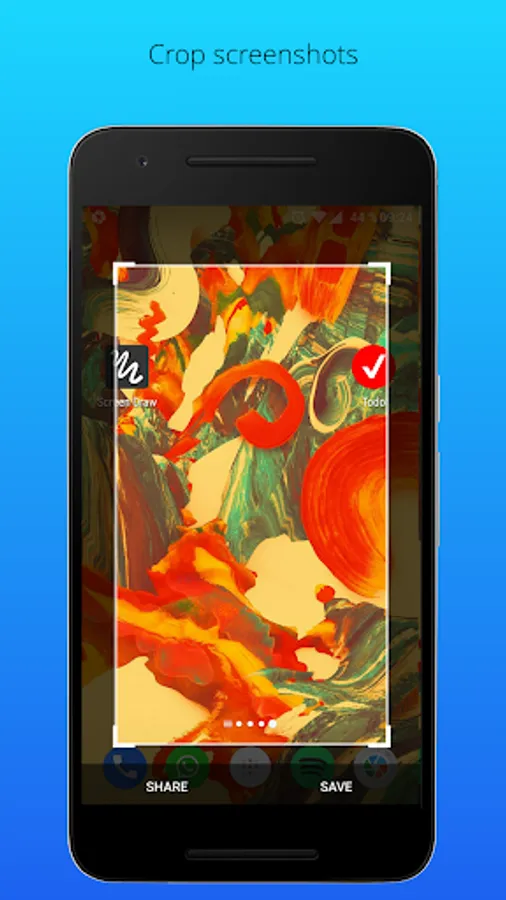
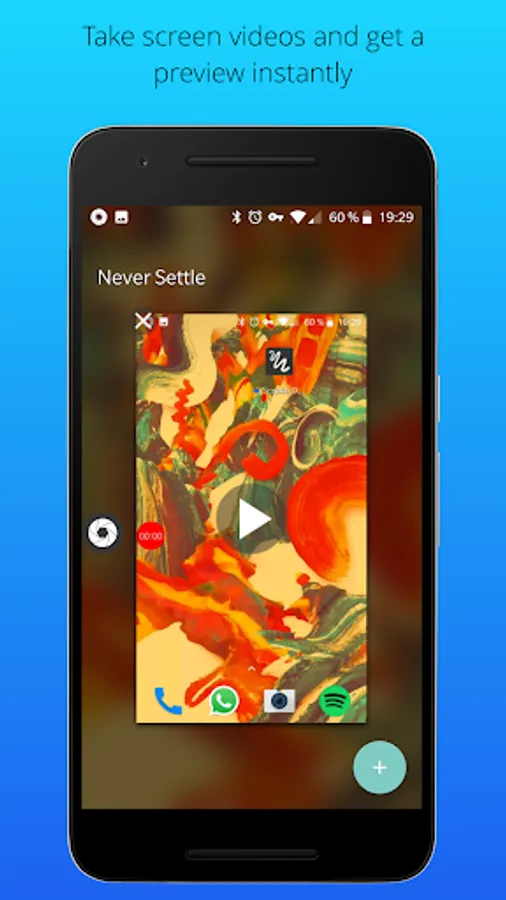
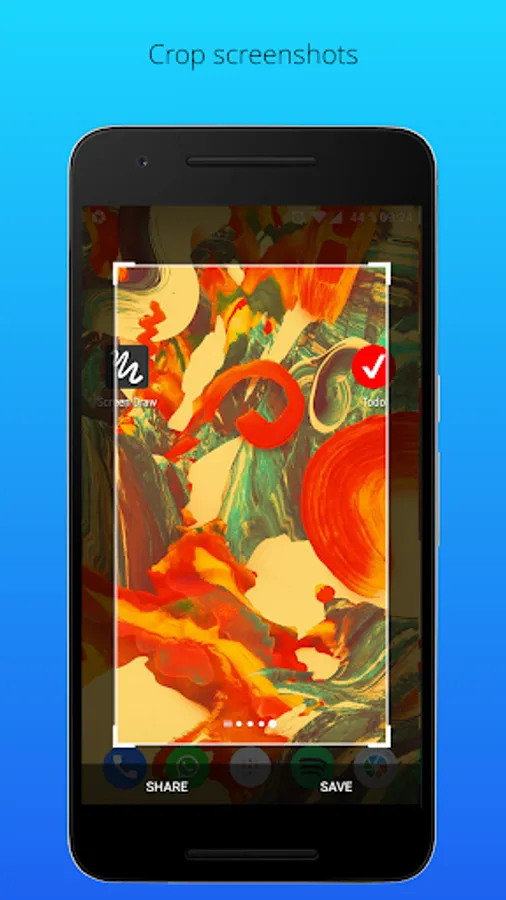
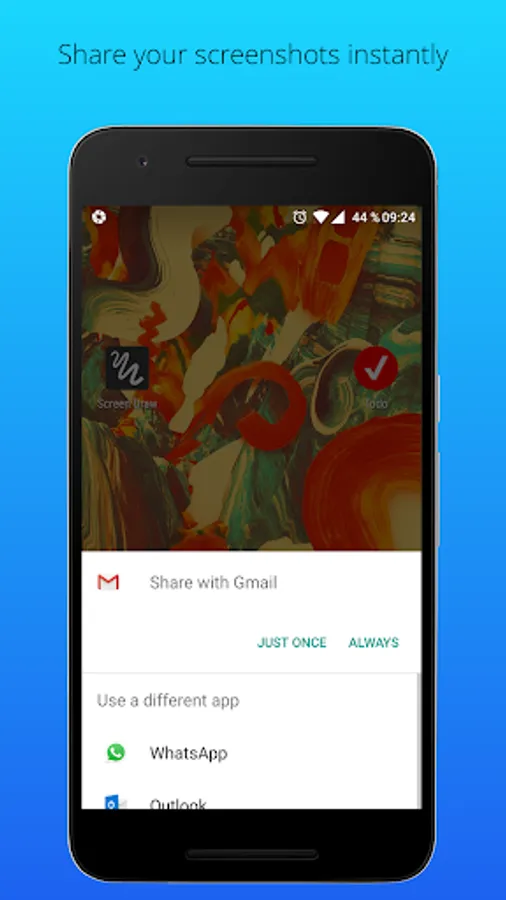
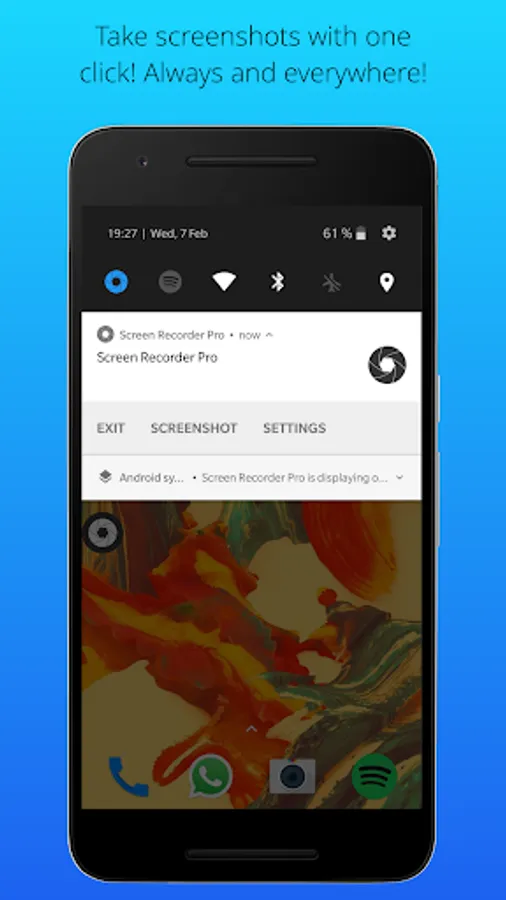
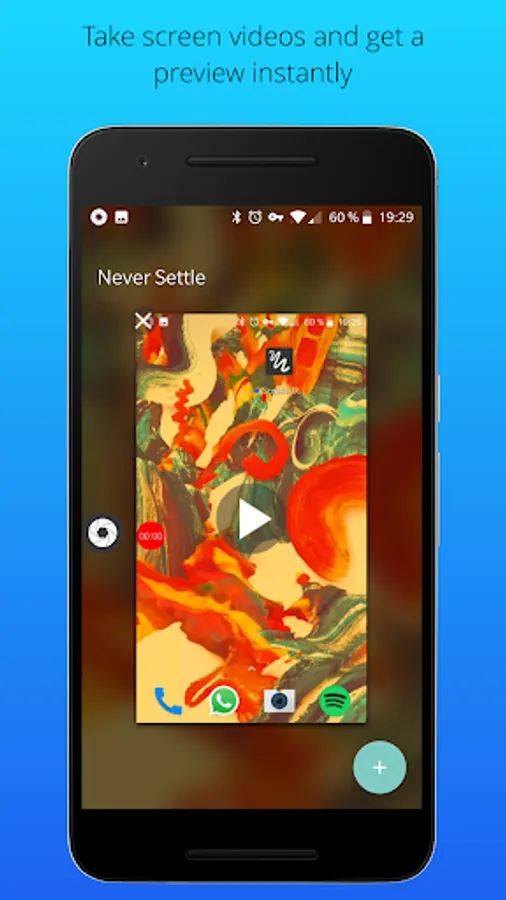
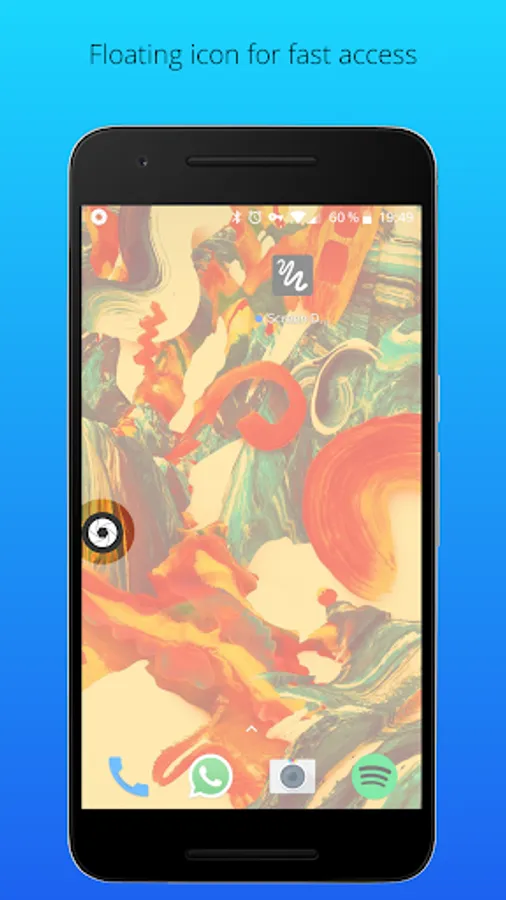
In this app, you can capture screenshots and videos with a single tap, using a floating button or notification access. Includes options to crop, share, and automatically save media to the gallery.
AppRecs review analysis
AppRecs rating 4.0. Trustworthiness 79 out of 100. Review manipulation risk 27 out of 100. Based on a review sample analyzed.
★★★★☆
4.0
AppRecs Rating
Ratings breakdown
5 star
60%
4 star
16%
3 star
7%
2 star
5%
1 star
12%
What to know
✓
Low review manipulation risk
27% review manipulation risk
✓
Credible reviews
79% trustworthiness score from analyzed reviews
✓
High user satisfaction
76% of sampled ratings are 4+ stars (4.1★ average)
About Screenshot Pro 2
Info: The microphone permission is needed to be able to take videos with sound.
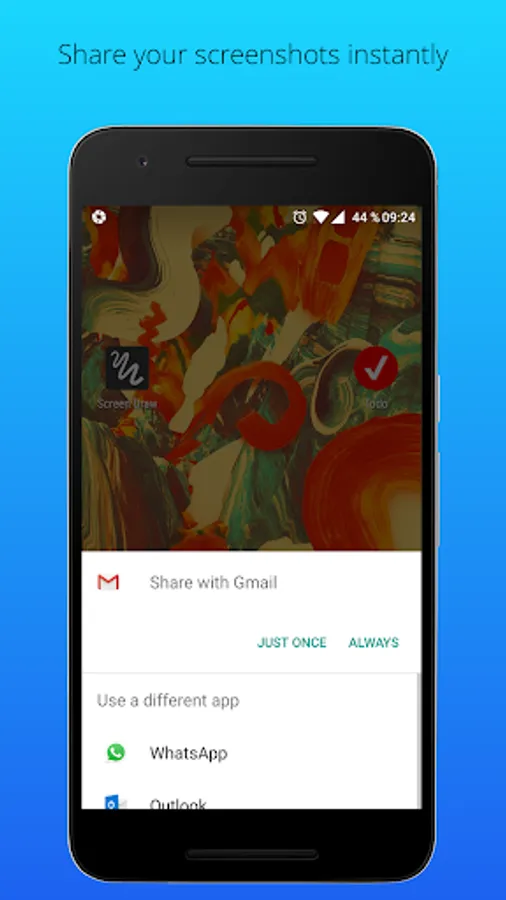
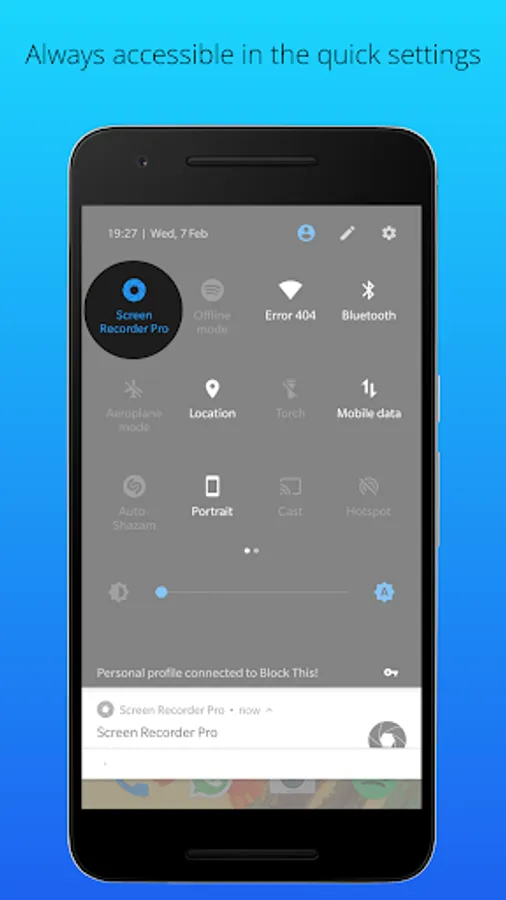
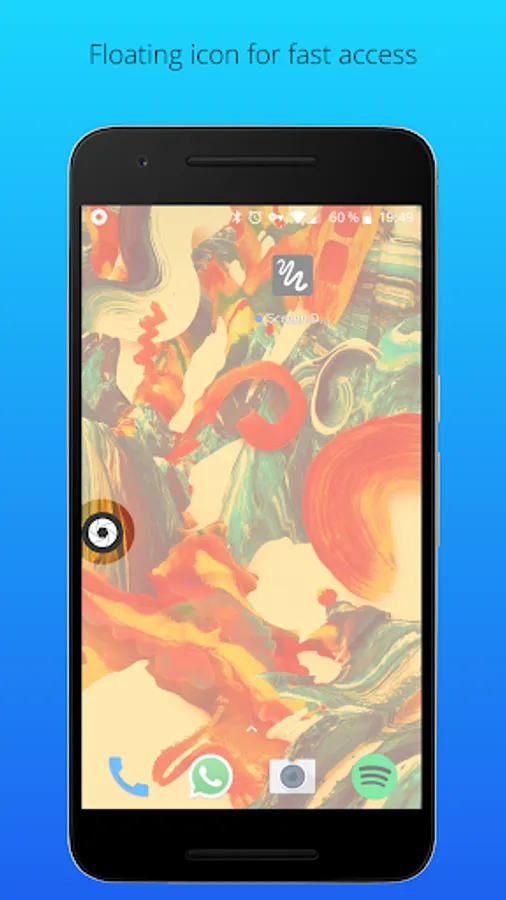
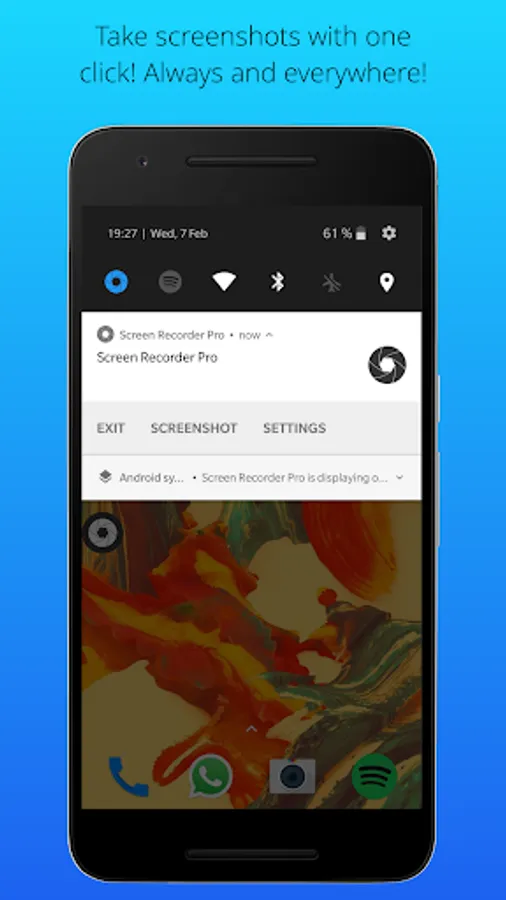
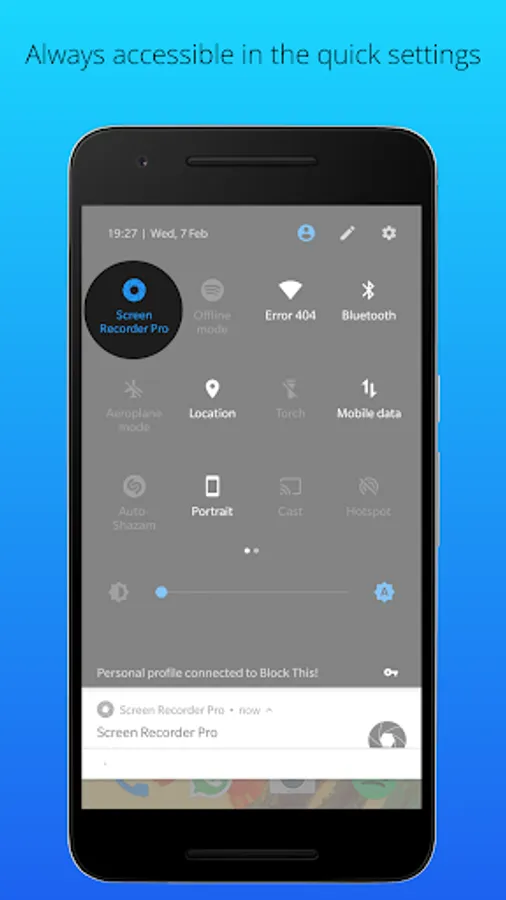
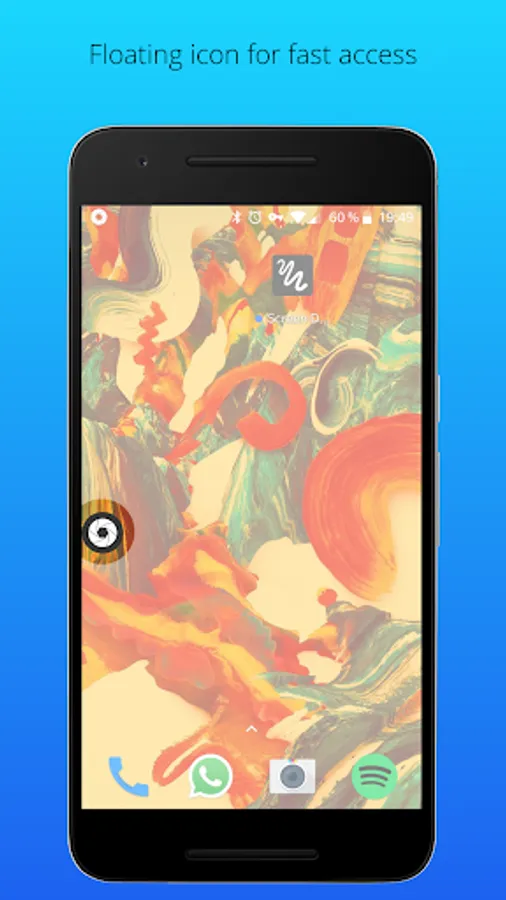
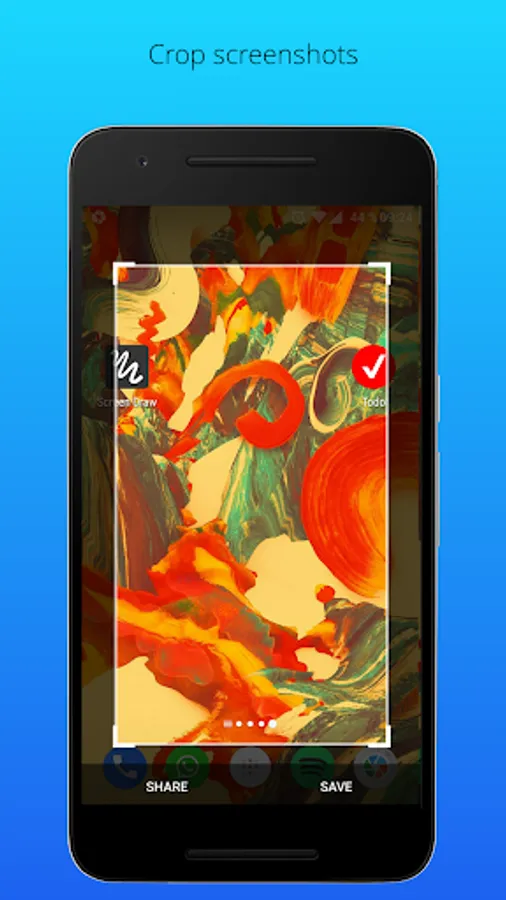
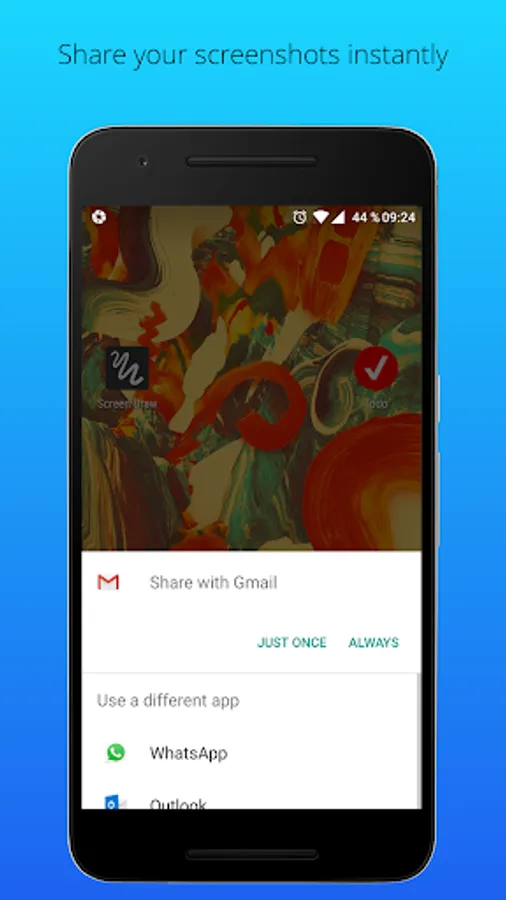
The times are over, where you had to trigger complicated key combinations just to take a screenshot or a screen video. With Screenshot Pro you can take screenshots and screen videos with just 1 click, share it with any app or crop it. Screenshot Pro is hided to the notification bar, once it is launched. That means it is always and everywhere accessible, no matter on which screens you are. You can also add a floating button to have it accessible even more quickly. By clicking on the button or the notification you can take screenshots or screen videos instantly. All screenshots and videos are stored in the gallery.
That's all! It is as easy as that!
• Screenshots and screen videos with just one click
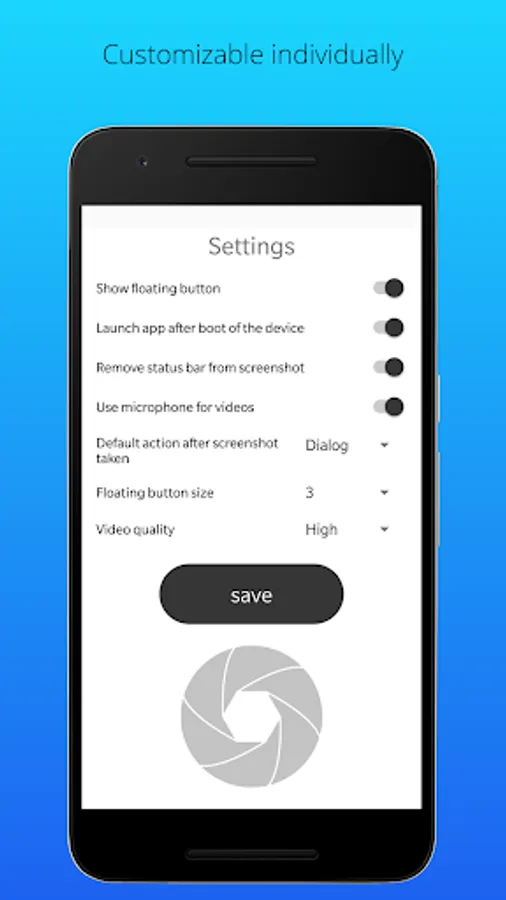
• Floating icon
• Crop screenshots
• Share screenshots
• Always and everywhere accessible
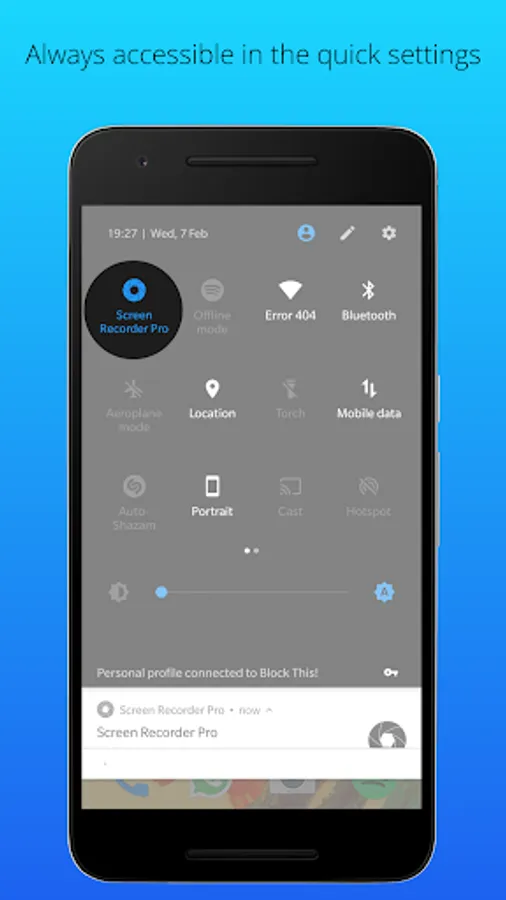
• Shortcut in quick settings (for Android 7.0 and larger)
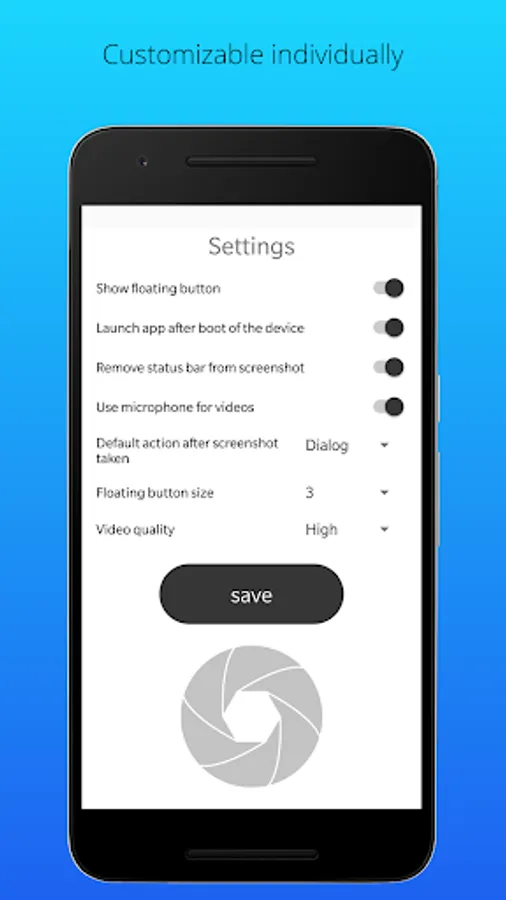
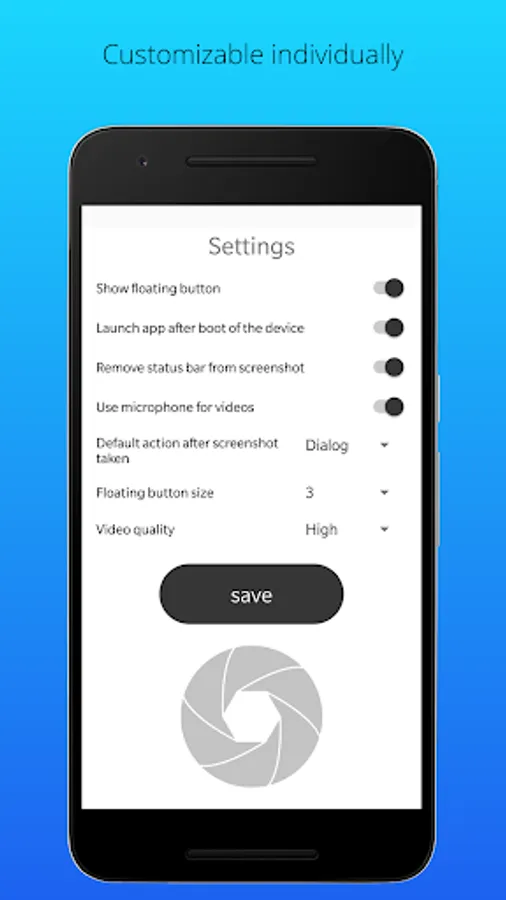
• Autostart after boot of device
• Delete status bar from screenshots
• Choose default action after screenshot taken
The times are over, where you had to trigger complicated key combinations just to take a screenshot or a screen video. With Screenshot Pro you can take screenshots and screen videos with just 1 click, share it with any app or crop it. Screenshot Pro is hided to the notification bar, once it is launched. That means it is always and everywhere accessible, no matter on which screens you are. You can also add a floating button to have it accessible even more quickly. By clicking on the button or the notification you can take screenshots or screen videos instantly. All screenshots and videos are stored in the gallery.
That's all! It is as easy as that!
• Screenshots and screen videos with just one click
• Floating icon
• Crop screenshots
• Share screenshots
• Always and everywhere accessible
• Shortcut in quick settings (for Android 7.0 and larger)
• Autostart after boot of device
• Delete status bar from screenshots
• Choose default action after screenshot taken
Screenshot Pro 2 Screenshots
Tap to Rate:
Reviews for Screenshot Pro 2
Josh O'Niell
1/5/2025
Handle the screen shot vid very well like the idea of wedge hangs around nicely done
Jonathan,Aw Jonathan888
10/1/2023
Great, nice app, thank you.