Barcode Client Server
Learn24bd
4.9 ★
105 ratings
5,000+
downloads
Free
+ in-app
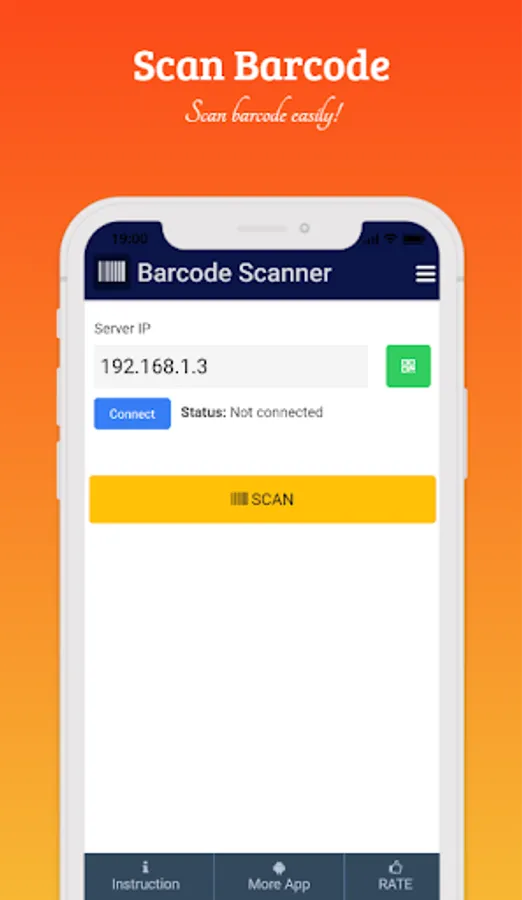
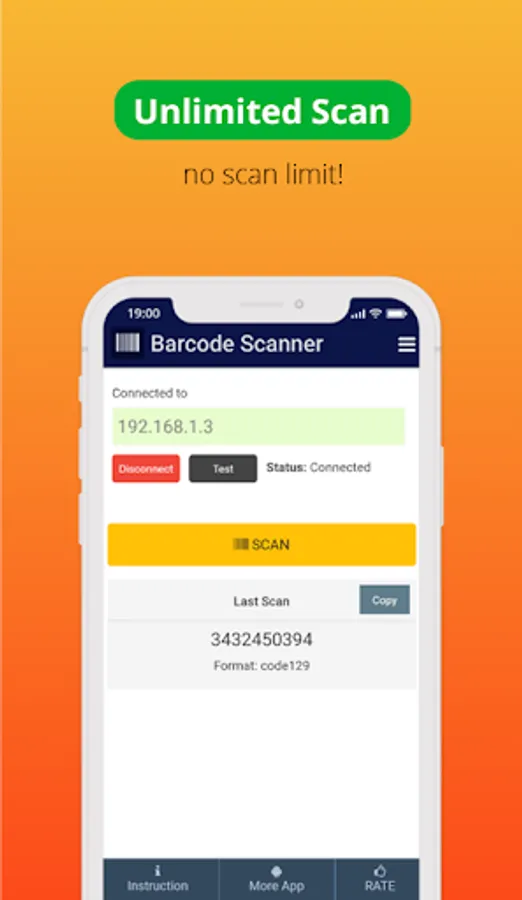
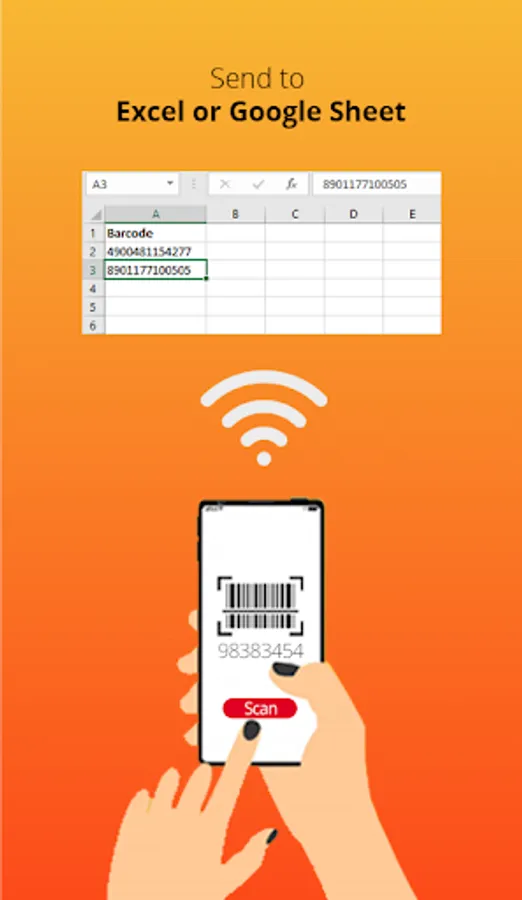
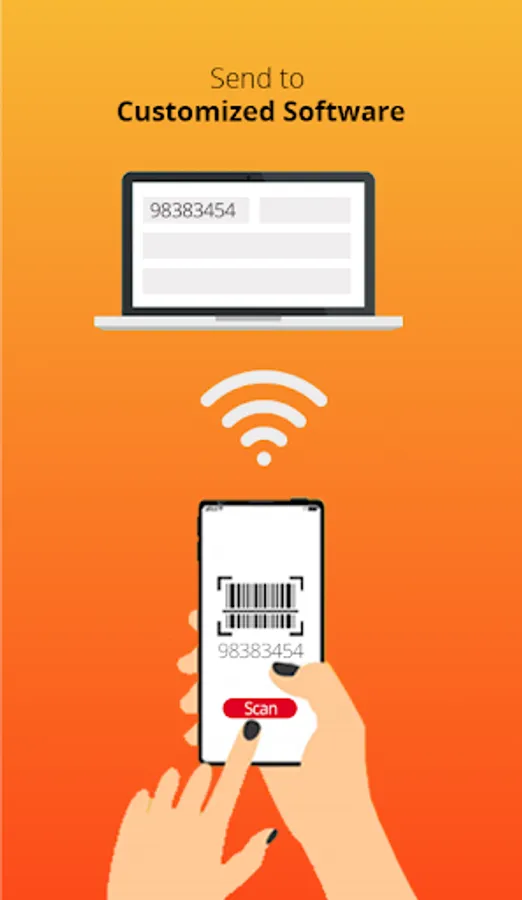
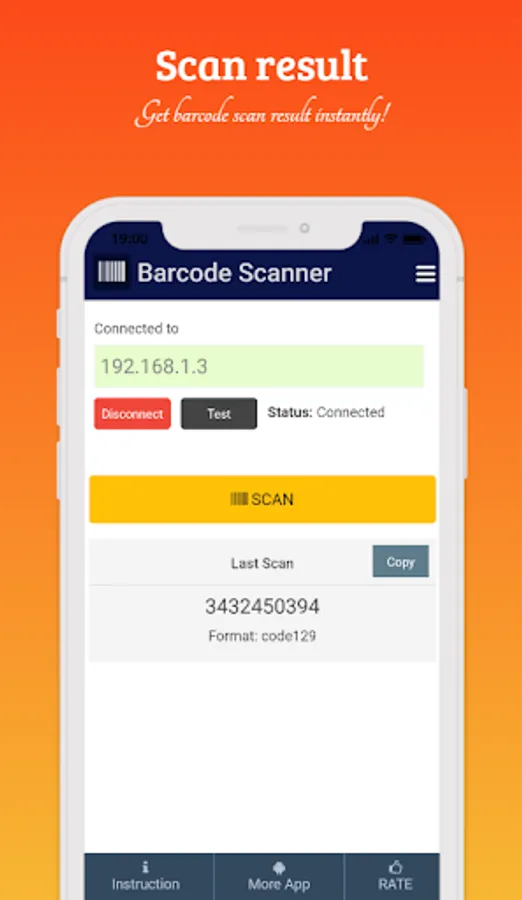
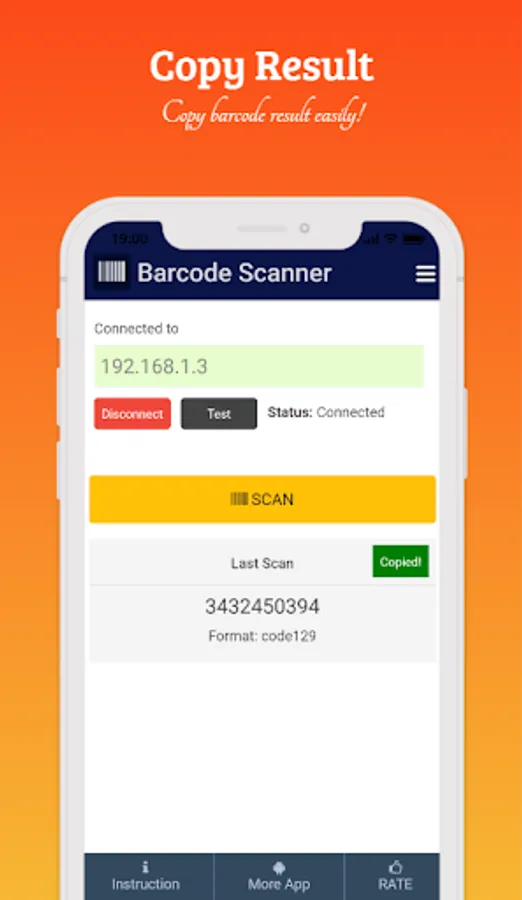
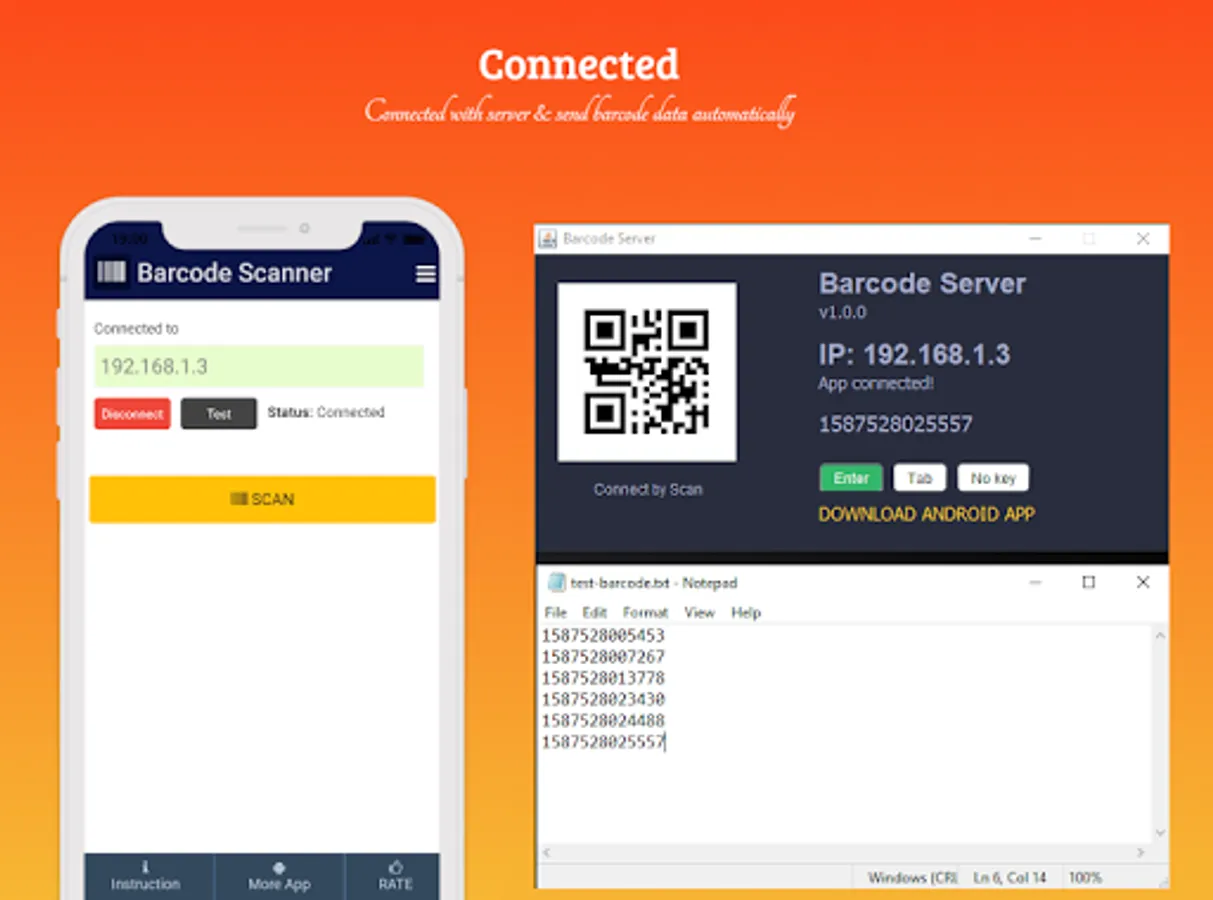
In this app, users can scan barcodes with their smartphone and send the data to a PC via QR code or server connection. Includes support for multiple barcode types and easy connection setup.
AppRecs review analysis
AppRecs rating 4.6. Trustworthiness 80 out of 100. Review manipulation risk 32 out of 100. Based on a review sample analyzed.
★★★★☆
4.6
AppRecs Rating
Ratings breakdown
5 star
86%
4 star
14%
3 star
0%
2 star
0%
1 star
0%
What to know
✓
Credible reviews
80% trustworthiness score from analyzed reviews
✓
High user satisfaction
86% of sampled ratings are 5 stars
✓
Authentic reviews
No red flags detected
About Barcode Client Server
- Features
- Lightweight app
- Simple and easy to use
- Barcode scan and copy barcode easily
- Support most used barcode types
- Connect to PC by scanning QR code
- Can connect to PC
- and more features
- Support Types
QR_CODE, DATA_MATRIX, UPC_A, UPC_E, EAN_8, EAN_13, CODE_39, CODE_93, CODE_128, CODABAR, ITF, RSS14, PDF_417, RSS_EXPANDED, AZTEC
- How to connect server
- Download BarcodeServer zip file from https://github.com/haruncpi/barcode-server
- Extract the zip file and run BarcodeServer.exe
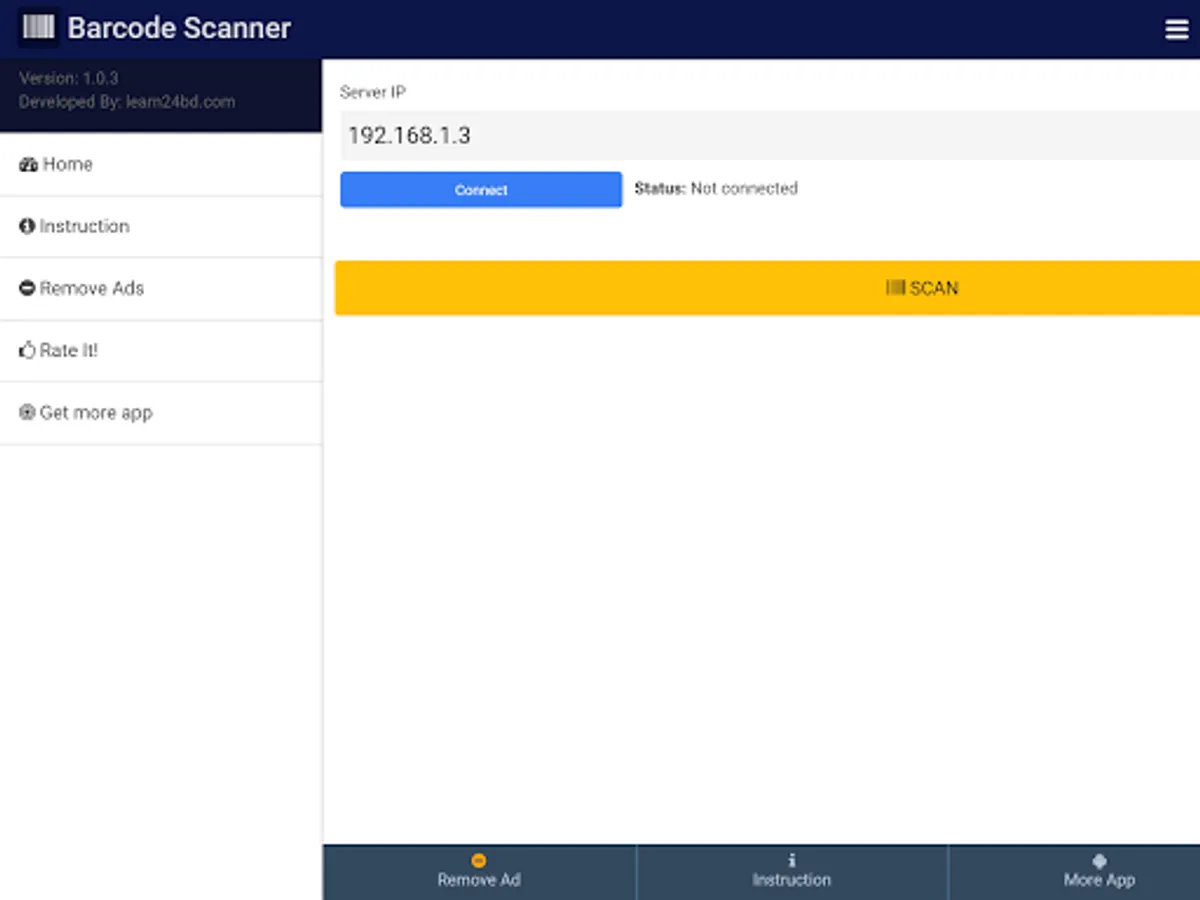
- Open the Barcode Client-Server android app and connect it with your server IP.
- Done!
Important Note: For sending the barcode to PC, your server and mobile must be connected with the same WiFi network.
Barcode Client Server Screenshots
Tap to Rate:
Reviews for Barcode Client Server
Poltak Reinold
1/13/2024
Best & superb barcode client server app.. This is what I need. I'm using this app and it works perfectly with POS Aronium for my retail shop. Great job for developer 🫰
Venkitesh KS
12/1/2022
Very good app except one thing...While scanning the barcodes, it adds and additional '1' at the end every time making it an error... but in the app the barcode number is showing correct but in pc side it adds 1 at the end.. please help..tried uninstalling installing etc.. nothing helps