AppRecs review analysis
AppRecs rating . Trustworthiness 74 out of 100. Review manipulation risk 32 out of 100. Based on a review sample analyzed.
★
AppRecs Rating
Ratings breakdown
5 star
66%
4 star
13%
3 star
5%
2 star
7%
1 star
9%
What to know
✓
Credible reviews
74% trustworthiness score from analyzed reviews
✓
High user satisfaction
79% of sampled ratings are 4+ stars (4.2★ average)
⚠
Pricing complaints
Many low ratings mention paywalls or pricing
About Simple Stock Manager Plus
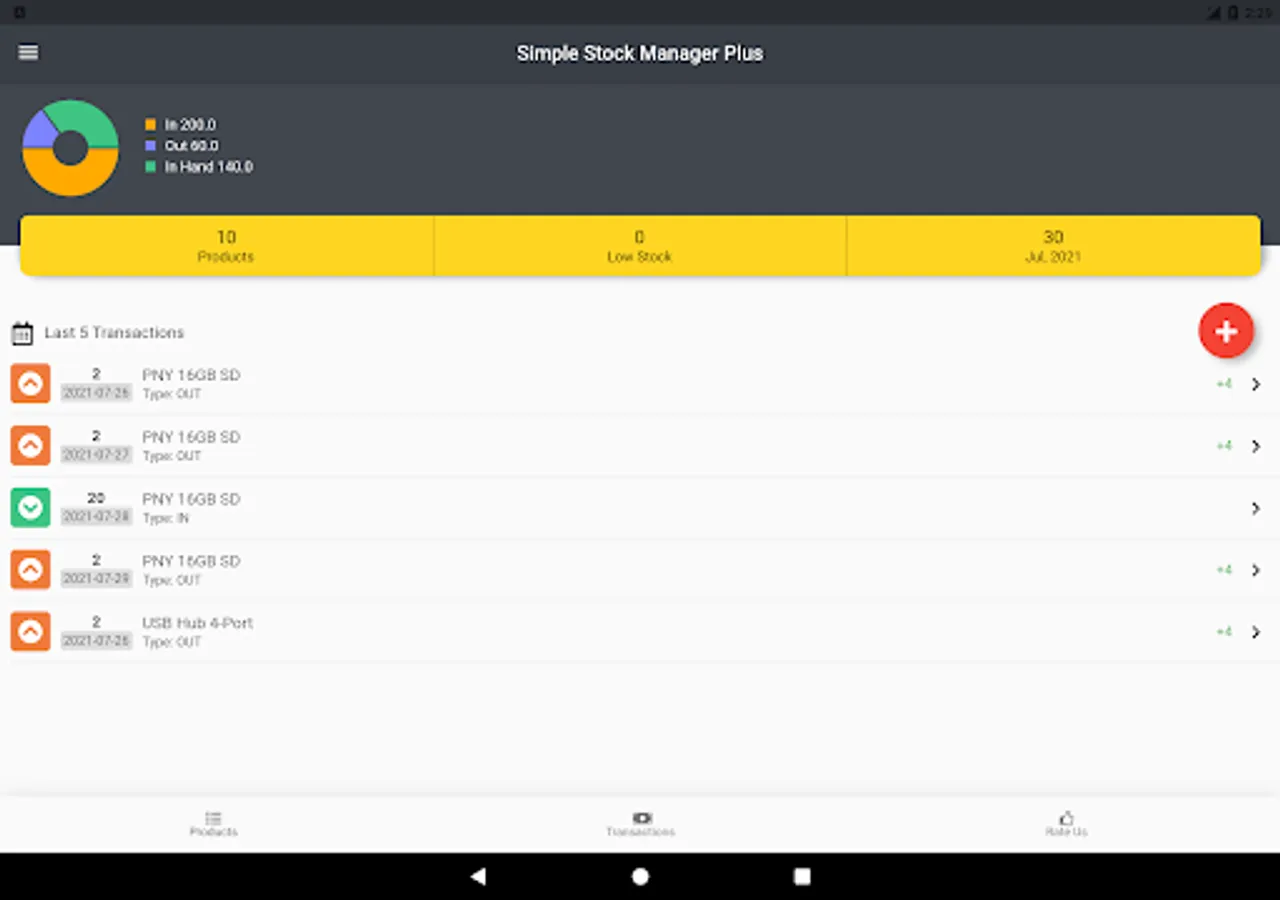
Using a gigantic application for small businesses is really a hassle! For this purpose, Simple Stock Manager Plus is a really simple, performant and easy to use android application for managing stock inventory for your business.
Application function & features
- User-friendly UI & UX
Our application is simple & user-friendly. The application use is very easy to use. Anyone can operate this application at the very beginning of use. Just install and use.
- Stock & Inventory management
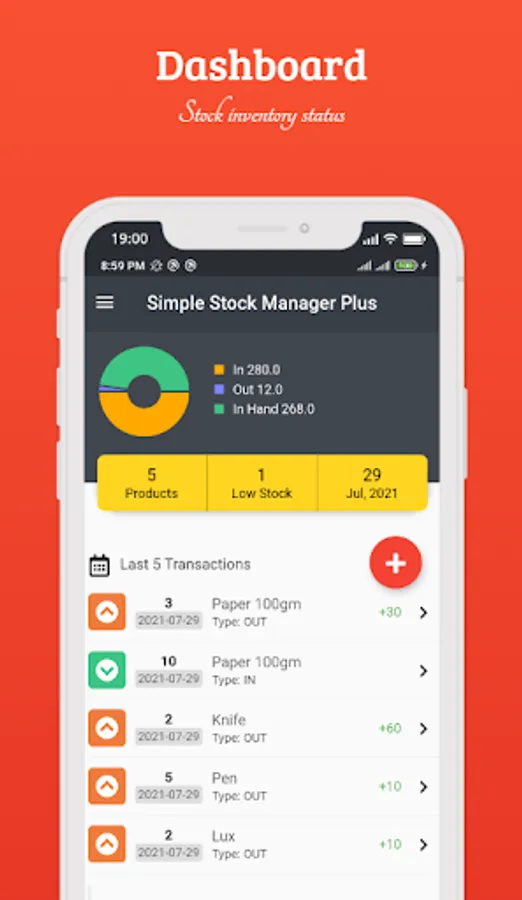
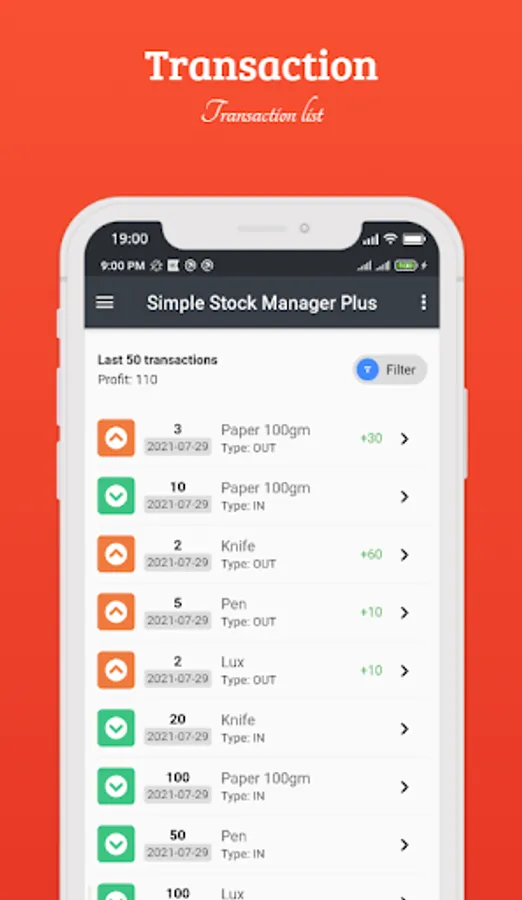
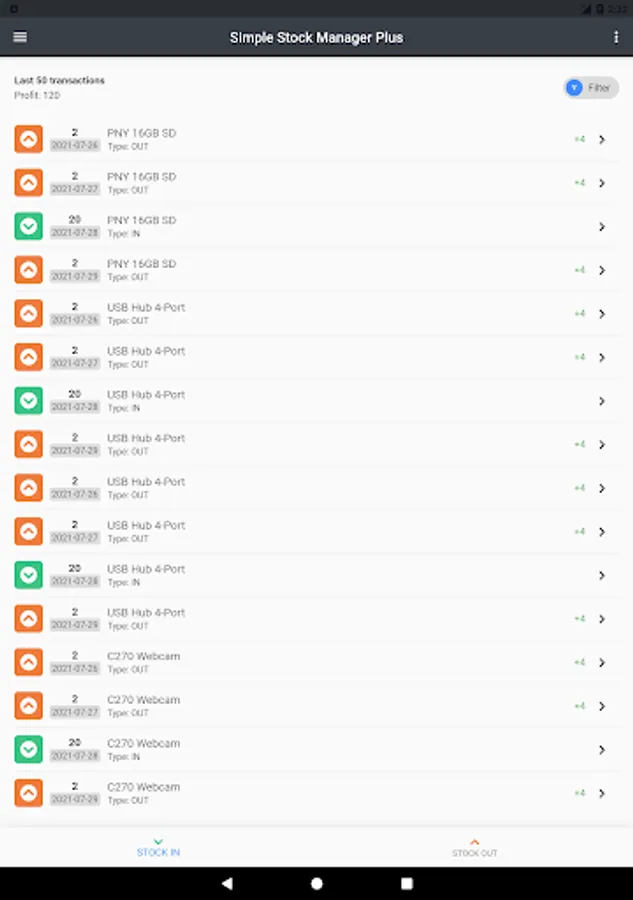
With Simple Stock Manager Plus, you can simplistically manage stock & inventory. With few entries, you will get the entire stock inventory status, report and more.
- Low Stock Warning
You can set per item low stock warning to get notified when particular item stock gets below of stock warning quantity.
- Quick Searching
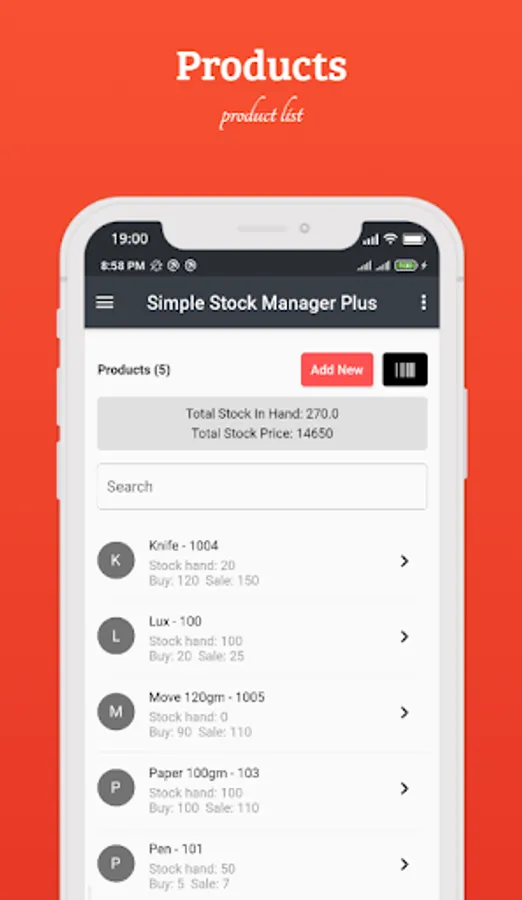
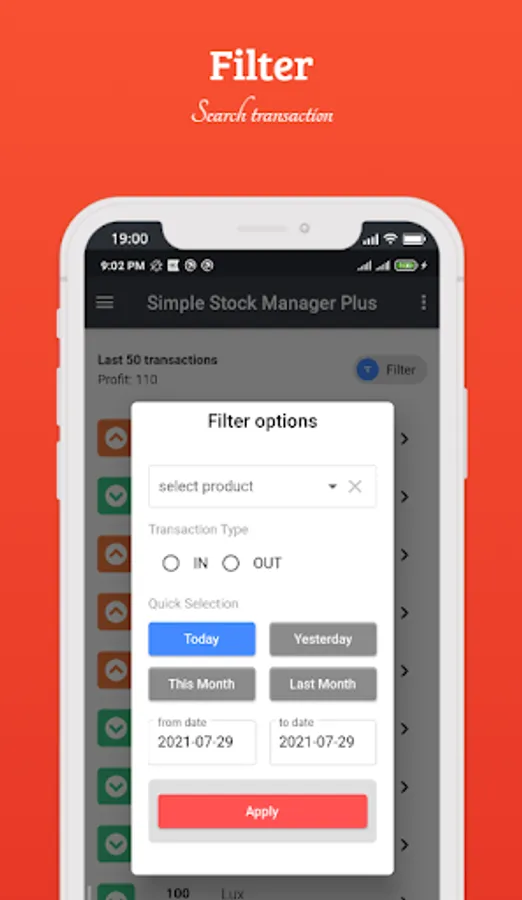
This app gives you a live searching feature. Just enter the search term it will give you an instant search result.
- Manage Data
You can manage your product & transaction data at any time. You can insert new data, edit and delete your data according to your need.
- Login Security
By default, login security is off state. You can easily on this feature from the app settings option.
- Data Security
Your data on your device. we don't track your data. All of your data is saved on your device. The backup data is also on your device encrypted. No one can see the data.
- Backup
You can backup your data in your device or cloud.
- Restore
You can easily restore your data from your device or cloud.
- Data Export
You can export your products and transactions data CSV and PDF format.
Frequently Asked Questions
Q: What is the function of the Simple Stock Manage Plus?
A: The "Simple Stock Manager Plus" function is to manage product stock inventory simplistically.
Q: Is the application online or offline?
A: offline.
Q: Is dark mode available?
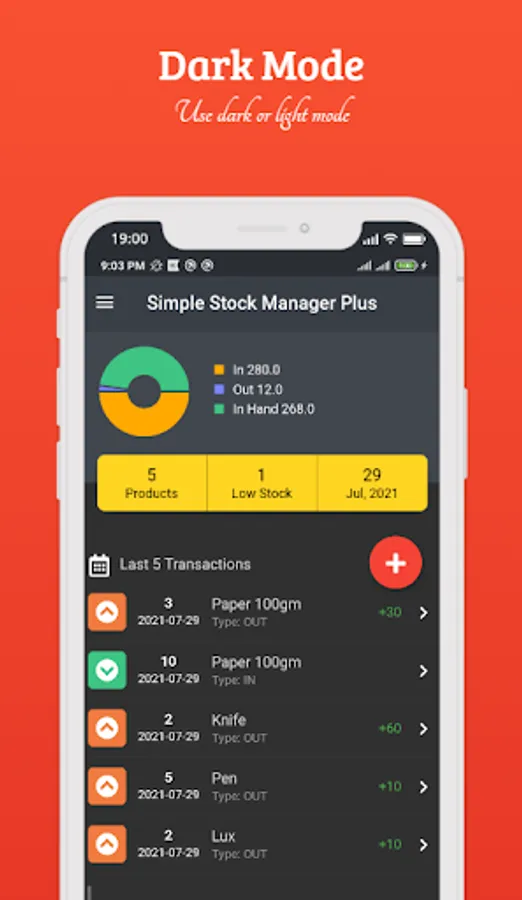
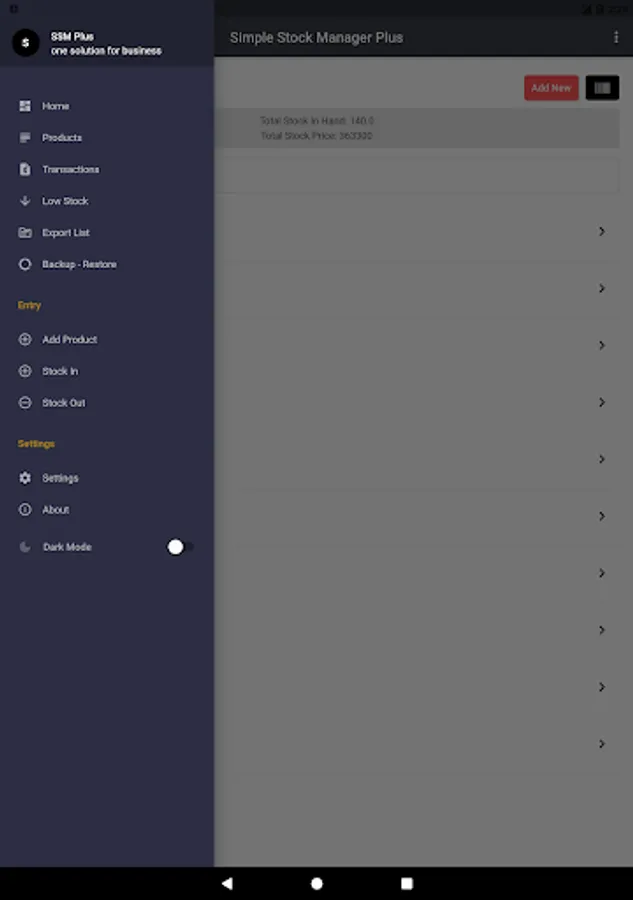
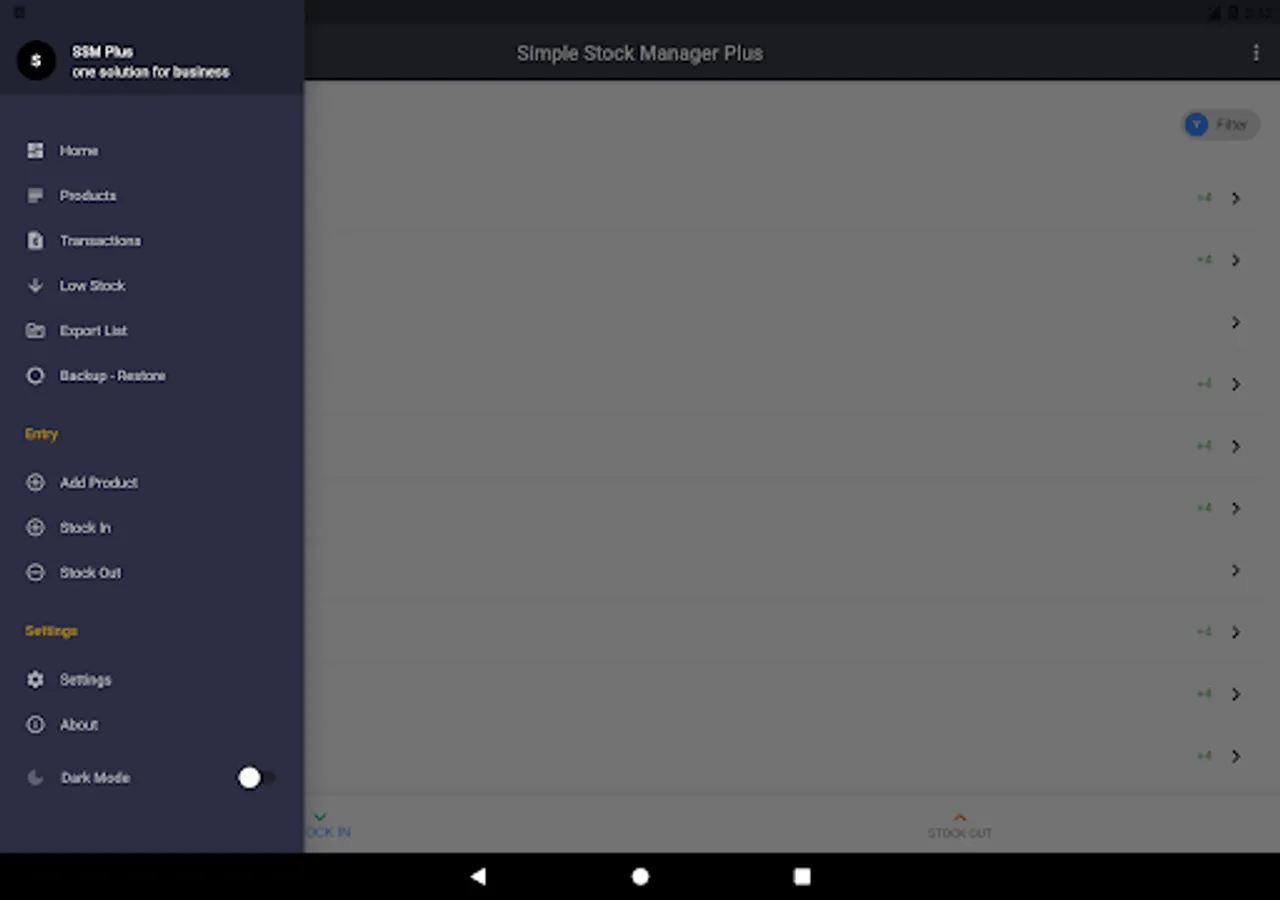
A: Yes. You can switch dark or light mode from the side menu.
Q: Is there login password security?
A: Yes, by default it is not enabled. You can easily enable these features from app settings.
Q: It required a password for login, what is the password?
A: The default password is 12345. You can change it from the settings menu.
Q: Where my data will be store & what is data security?
A: Your data will be stored on your device. No one gets to access your data. The back data is encrypted. So no worry about your data.
Q: Is there any backup facility?
A: Yes.
Application function & features
- User-friendly UI & UX
Our application is simple & user-friendly. The application use is very easy to use. Anyone can operate this application at the very beginning of use. Just install and use.
- Stock & Inventory management
With Simple Stock Manager Plus, you can simplistically manage stock & inventory. With few entries, you will get the entire stock inventory status, report and more.
- Low Stock Warning
You can set per item low stock warning to get notified when particular item stock gets below of stock warning quantity.
- Quick Searching
This app gives you a live searching feature. Just enter the search term it will give you an instant search result.
- Manage Data
You can manage your product & transaction data at any time. You can insert new data, edit and delete your data according to your need.
- Login Security
By default, login security is off state. You can easily on this feature from the app settings option.
- Data Security
Your data on your device. we don't track your data. All of your data is saved on your device. The backup data is also on your device encrypted. No one can see the data.
- Backup
You can backup your data in your device or cloud.
- Restore
You can easily restore your data from your device or cloud.
- Data Export
You can export your products and transactions data CSV and PDF format.
Frequently Asked Questions
Q: What is the function of the Simple Stock Manage Plus?
A: The "Simple Stock Manager Plus" function is to manage product stock inventory simplistically.
Q: Is the application online or offline?
A: offline.
Q: Is dark mode available?
A: Yes. You can switch dark or light mode from the side menu.
Q: Is there login password security?
A: Yes, by default it is not enabled. You can easily enable these features from app settings.
Q: It required a password for login, what is the password?
A: The default password is 12345. You can change it from the settings menu.
Q: Where my data will be store & what is data security?
A: Your data will be stored on your device. No one gets to access your data. The back data is encrypted. So no worry about your data.
Q: Is there any backup facility?
A: Yes.
Simple Stock Manager Plus Screenshots
Tap to Rate:
Reviews for Simple Stock Manager Plus
Salman Khan
1/24/2026
sr I lose my mobile now at new mobile how can I get my all stock back? and I added my recovery email in old mobile but now I can't get my stock my English is also very week sorry if u not get my question
Ezera Yemane
11/3/2025
it's Best app