Kids Alarm Clock
Lensoft
3.1 ★
store rating
10,000+
downloads
Free
AppRecs review analysis
AppRecs rating 2.9. Trustworthiness 71 out of 100. Review manipulation risk 27 out of 100. Based on a review sample analyzed.
★★☆☆☆
2.9
AppRecs Rating
Ratings breakdown
5 star
21%
4 star
34%
3 star
11%
2 star
0%
1 star
34%
What to know
✓
Low review manipulation risk
27% review manipulation risk
✓
Credible reviews
71% trustworthiness score from analyzed reviews
⚠
High negative review ratio
34% of sampled ratings are 1–2 stars
About Kids Alarm Clock
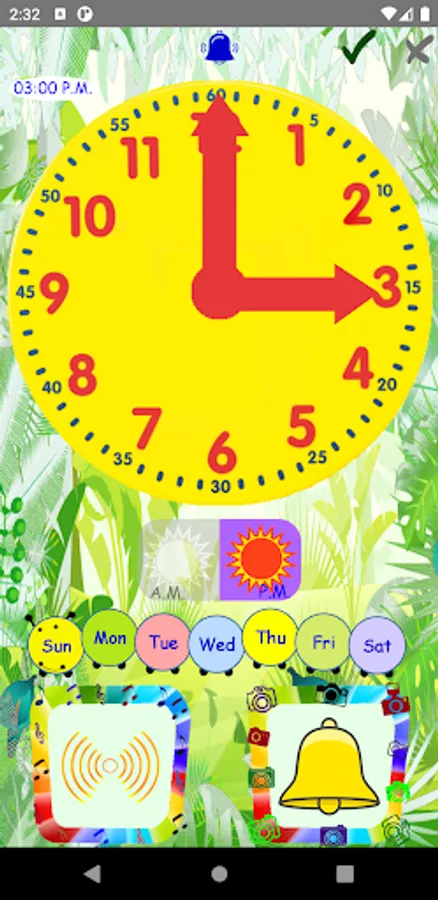
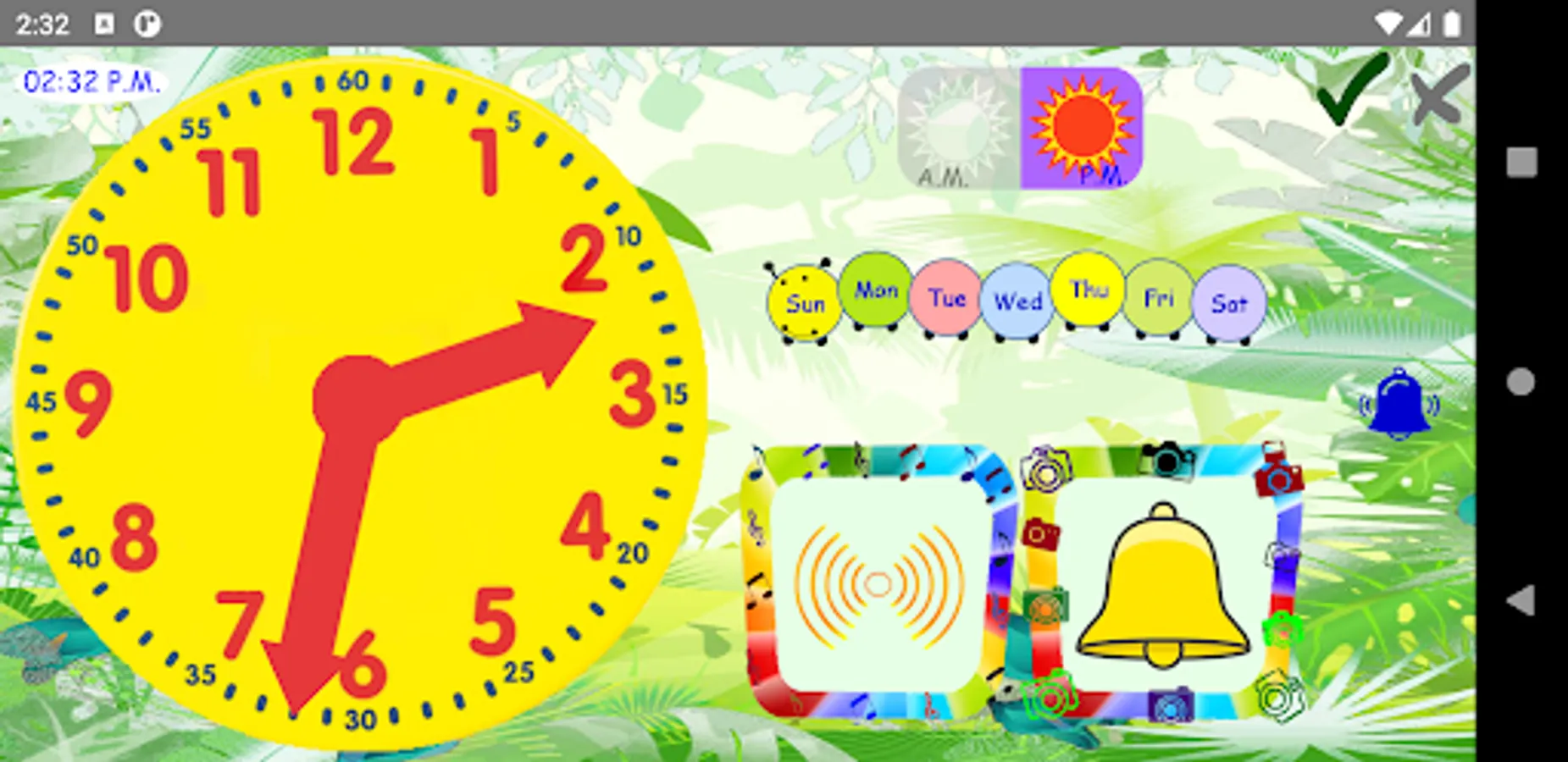
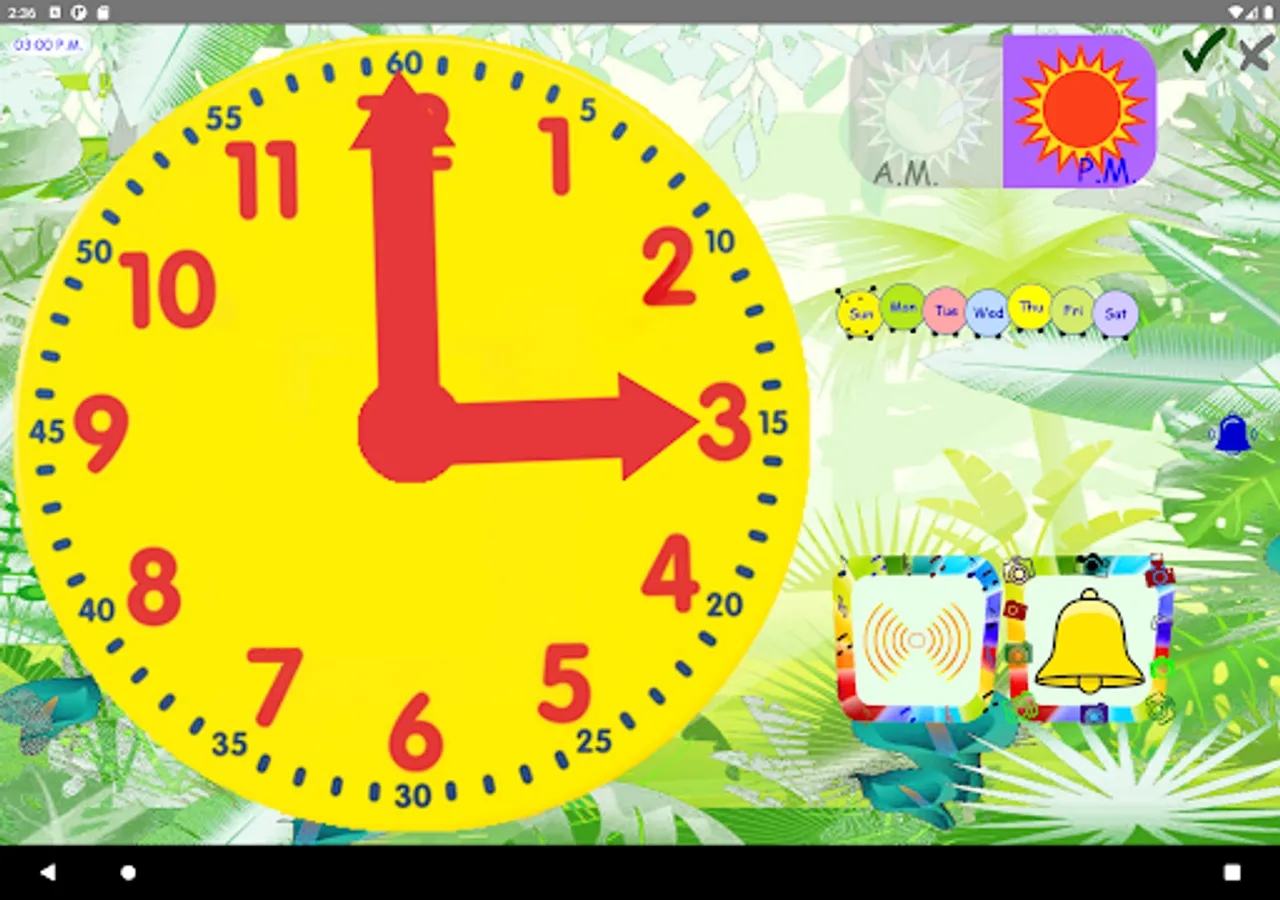
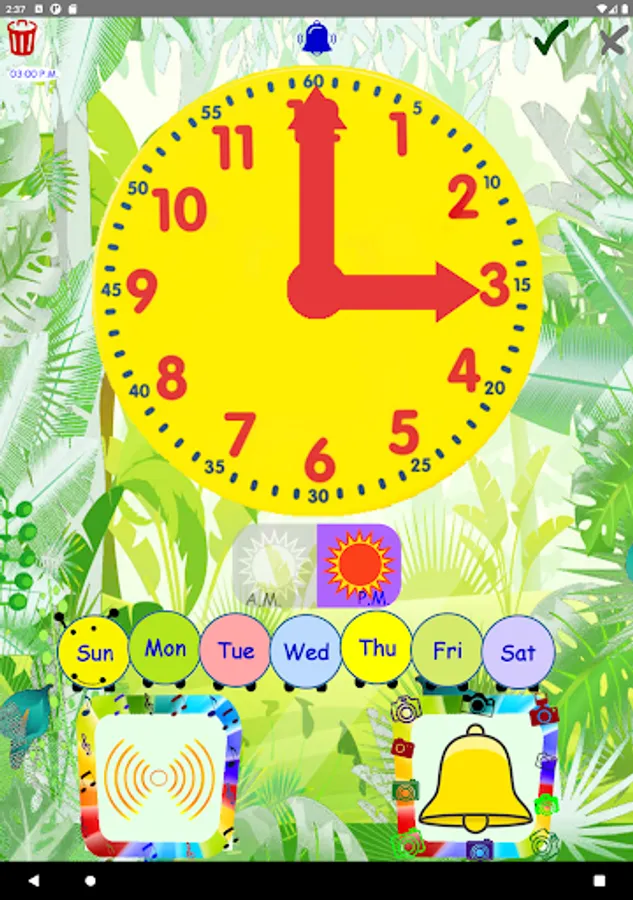
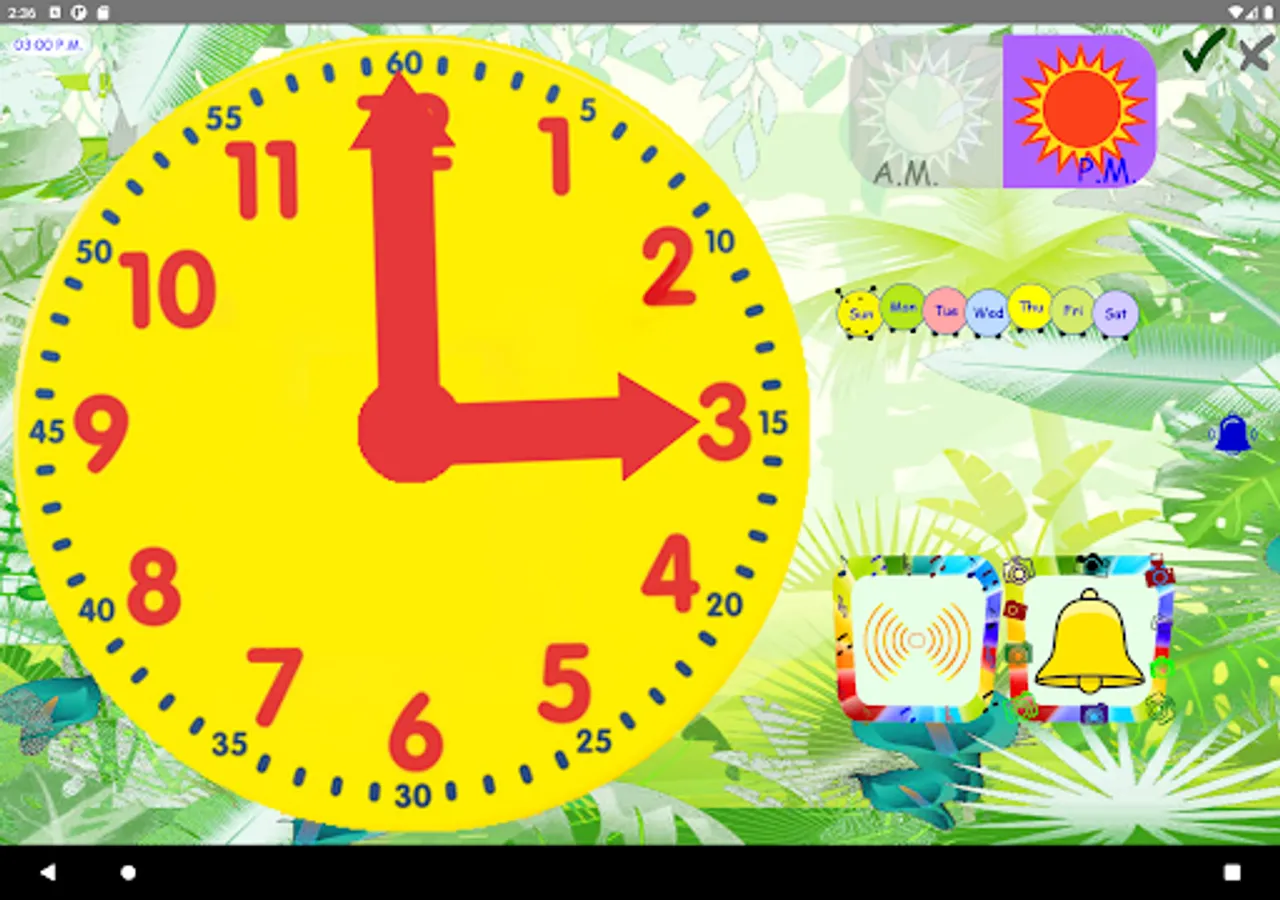
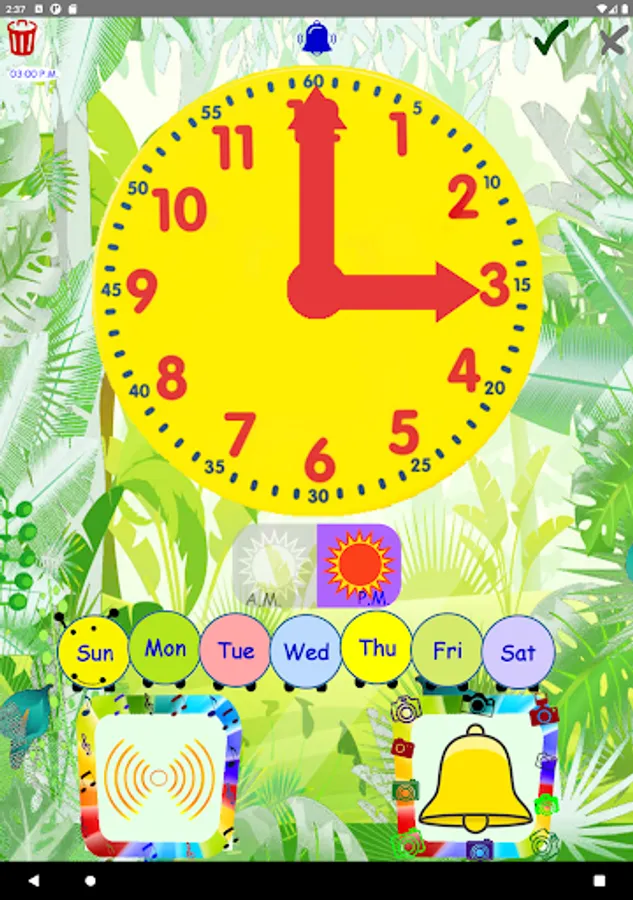
This free alarm clock is designed for children. Move the clock hands to set time. Select different tags (pictures) and music. Choose among popular melodies. It supports 12-hour and 24-hour time formats. Teach children to set a time. This application has a realistic and big clock, quick and easy to use on small screens.
Main features
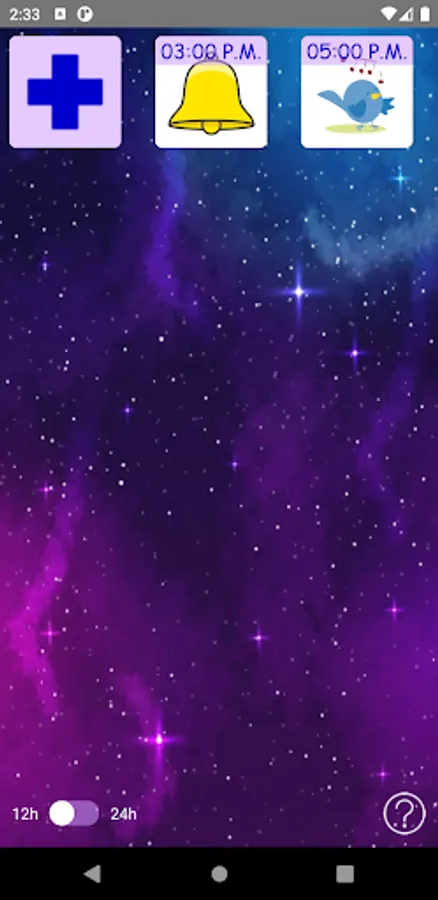
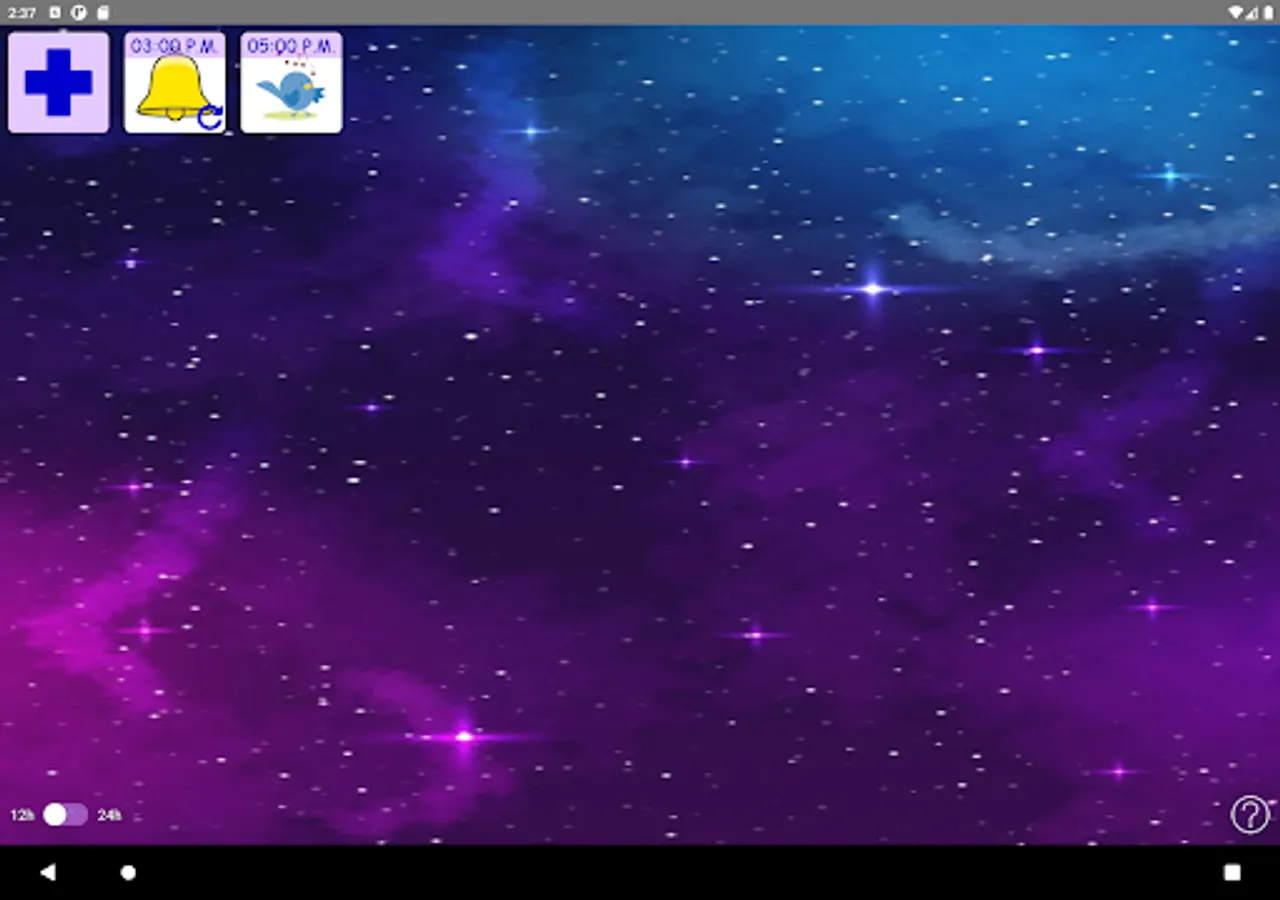
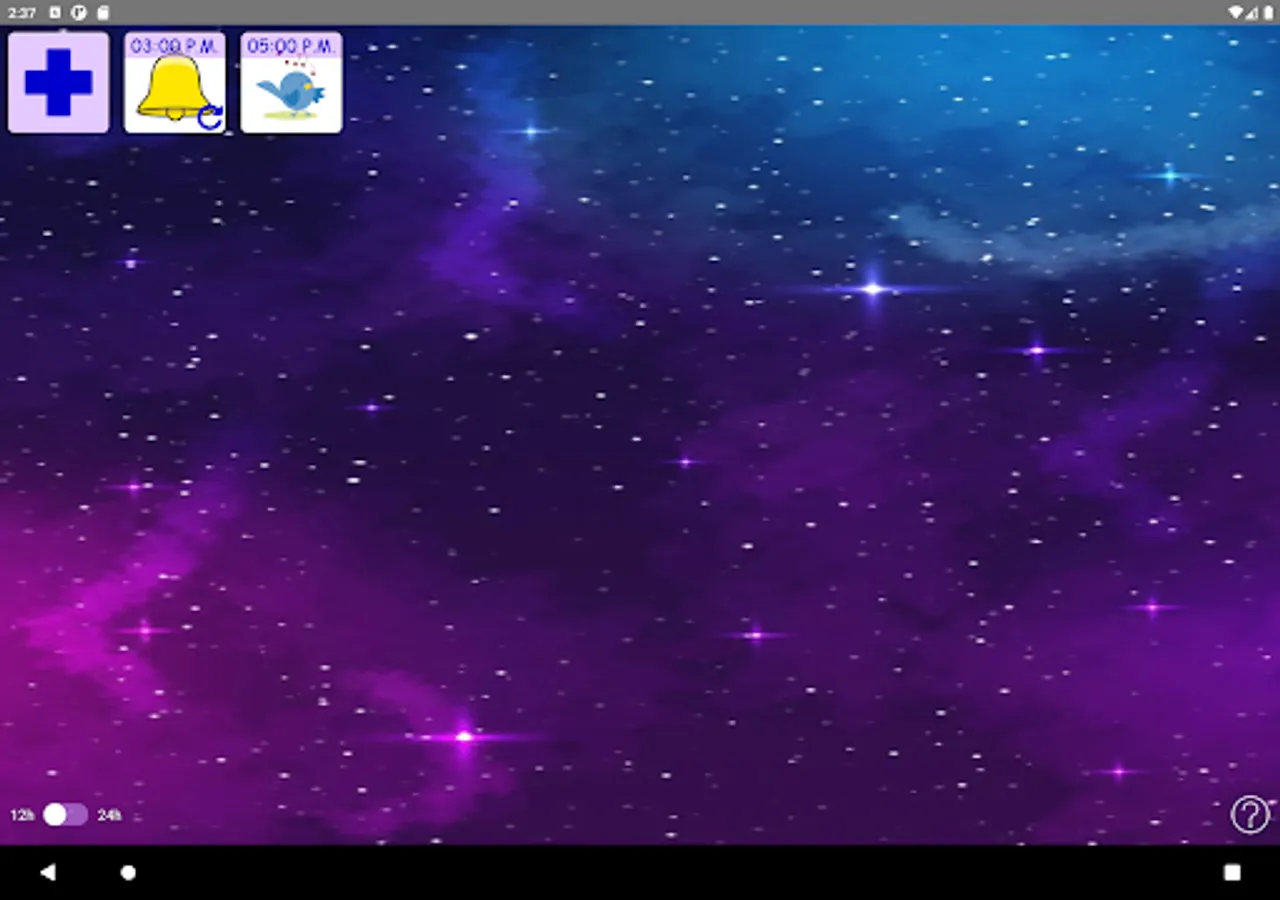
- Multiple alarms
- Multiple melodies
- Multiple tags (pictures)
- Repeat option
- Set on / off
- 12-hour and 24-hour time formats
- Vibration
- When the alarm is triggered, the volume will be increased gradually. It will return to its previous setting when the alarm window is closed
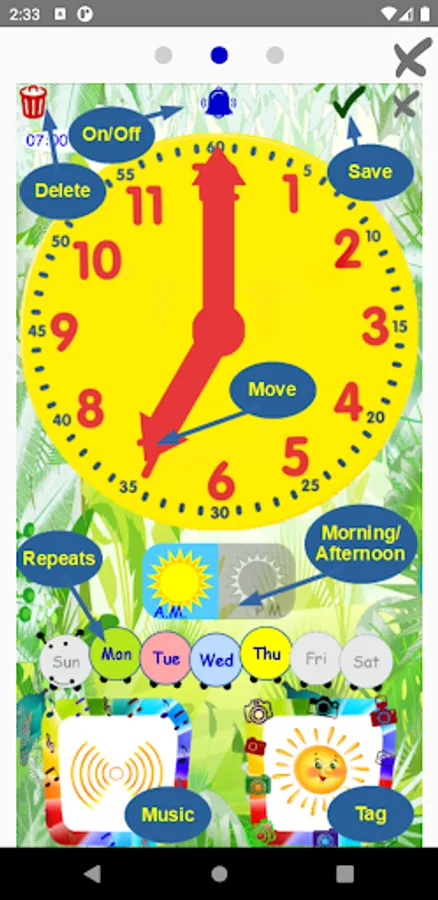
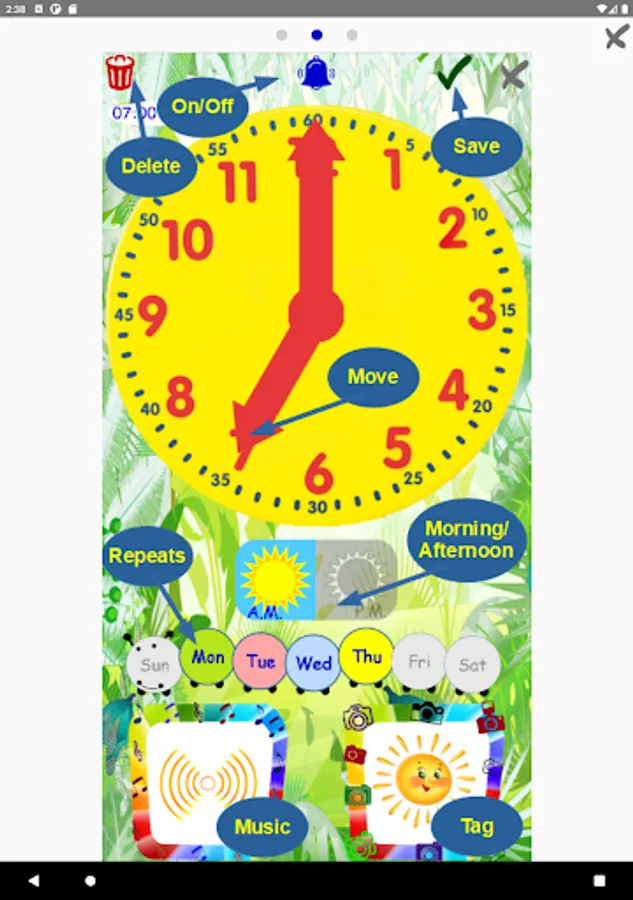
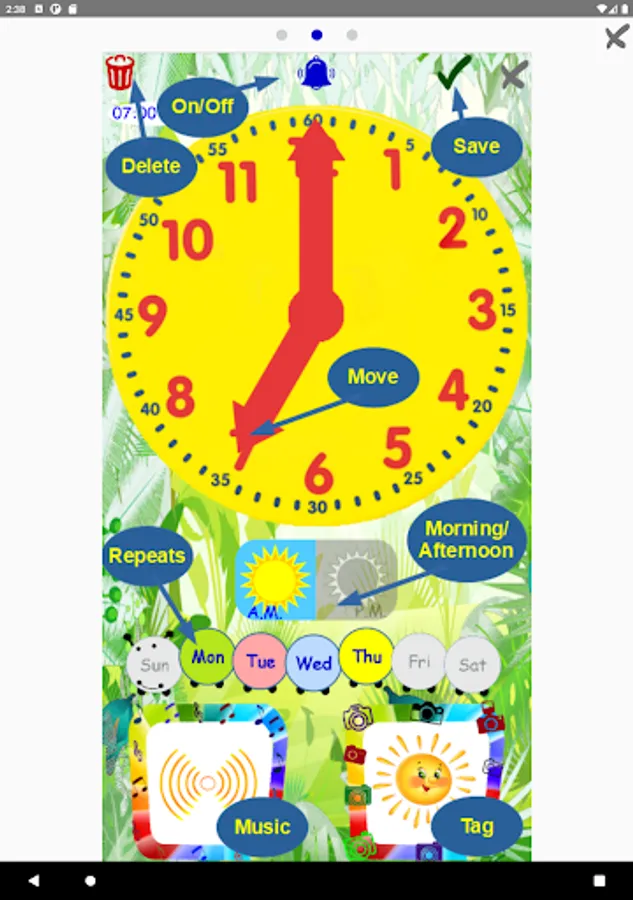
To select music, press the "tunes" frame or slide the pictures inside it. Press the "play" button to hear melodies. To select a tag, press the "photo" frame or slide the pictures inside it. To delete an alarm, press the "trash" button. To switch it on / off, press the "bell" button. When the alarm is triggered, move the ladybug to turn it off.
Waking up will be much more pleasant with this free and beautiful design app. Feel good and start a new, great day! This free Kids Alarm Clock will be the best choice for sure! The application "Kids Alarm Clock" is the best colourful children's alarm clock for you and your children! Colourful pictures, fabulous music and funny design for kids - all this will please you and your children. Awakening with such an alarm clock is a pleasure, a charge of positive, smiles and a cheerful mood all day long! Use the app as a reminder for your child.
Attention!
Some devices may not work with this type of alarm. It is highly recommended to test the device before using this application.
How to test
1. Create an alarm
2. Close the application by swiping up from the bottom of your screen to the top
3. Check that the alarm is working
Attention!
Please avoid to "Force Close" the application from the system settings. In this case, you will need to restart the application to enable alarms.
Main features
- Multiple alarms
- Multiple melodies
- Multiple tags (pictures)
- Repeat option
- Set on / off
- 12-hour and 24-hour time formats
- Vibration
- When the alarm is triggered, the volume will be increased gradually. It will return to its previous setting when the alarm window is closed
To select music, press the "tunes" frame or slide the pictures inside it. Press the "play" button to hear melodies. To select a tag, press the "photo" frame or slide the pictures inside it. To delete an alarm, press the "trash" button. To switch it on / off, press the "bell" button. When the alarm is triggered, move the ladybug to turn it off.
Waking up will be much more pleasant with this free and beautiful design app. Feel good and start a new, great day! This free Kids Alarm Clock will be the best choice for sure! The application "Kids Alarm Clock" is the best colourful children's alarm clock for you and your children! Colourful pictures, fabulous music and funny design for kids - all this will please you and your children. Awakening with such an alarm clock is a pleasure, a charge of positive, smiles and a cheerful mood all day long! Use the app as a reminder for your child.
Attention!
Some devices may not work with this type of alarm. It is highly recommended to test the device before using this application.
How to test
1. Create an alarm
2. Close the application by swiping up from the bottom of your screen to the top
3. Check that the alarm is working
Attention!
Please avoid to "Force Close" the application from the system settings. In this case, you will need to restart the application to enable alarms.