Jabra Enhance Select
Jabra Enhance
3.2 ★
1K ratings
10,000+
downloads
Free
In this hearing aid app, you can customize sound settings, switch between programs, and stream audio. Includes remote adjustments by professionals, call support, and tutorials.
AppRecs review analysis
AppRecs rating 3.1. Trustworthiness 89 out of 100. Review manipulation risk 17 out of 100. Based on a review sample analyzed.
★★★☆☆
3.1
AppRecs Rating
Ratings breakdown
5 star
41%
4 star
6%
3 star
10%
2 star
16%
1 star
27%
What to know
✓
Low review manipulation risk
17% review manipulation risk
✓
Credible reviews
89% trustworthiness score from analyzed reviews
⚠
High negative review ratio
43% of sampled ratings are 1–2 stars
About Jabra Enhance Select
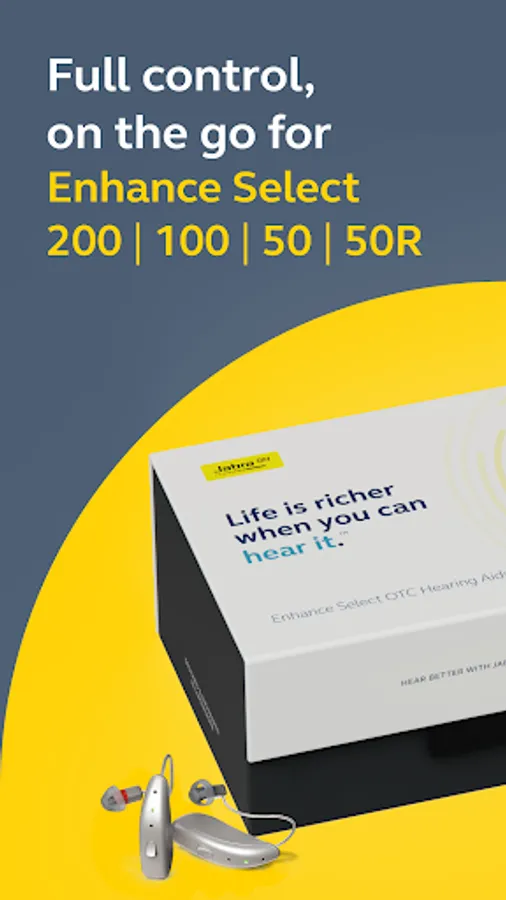
The Jabra Enhance Select app gives you full control over your Enhance Select hearing aids – all from your smartphone. Control and customize your hearing aid settings, stream music, take calls, and connect with our US-based Customer Support Team.
Who’s Jabra Enhance? We combine high-tech, medical-grade hearing aids with expert care – all for thousands less than the average national price. Because we believe life is richer when you can hear it. Learn more at www.jabraenhance.com.
TOP APP FEATURES:
Hearing Aid Controls:
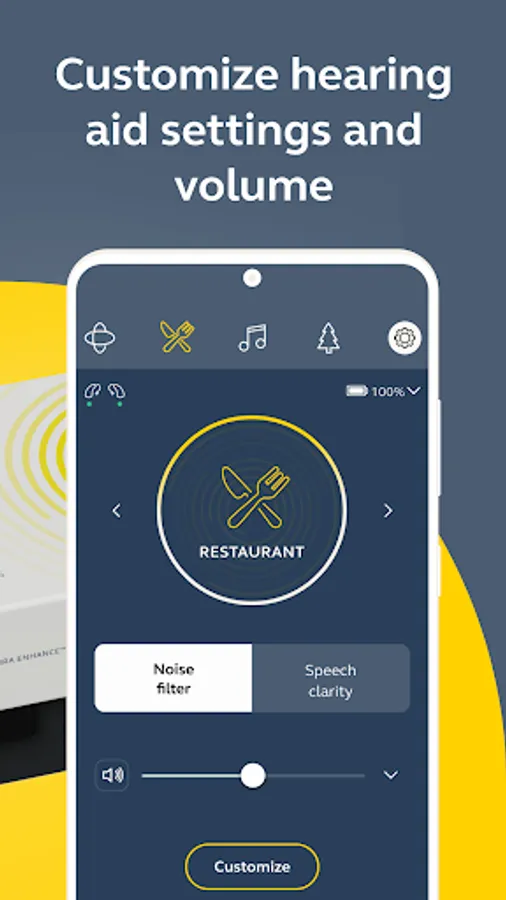
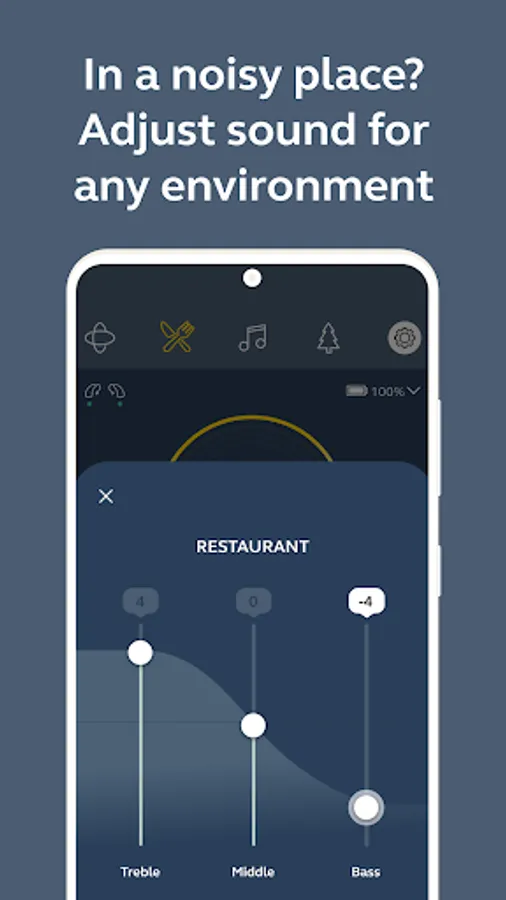
Optimize your sound quality for different listening environments by choosing between 4 programs: All-Around, Restaurant, Outdoor, and Music. Easily adjust volume for both ears at the same time or adjust for right and left independently. Want to customize further? Explore more advanced options in Sound Equalizer.
Easy Remote Adjustments:
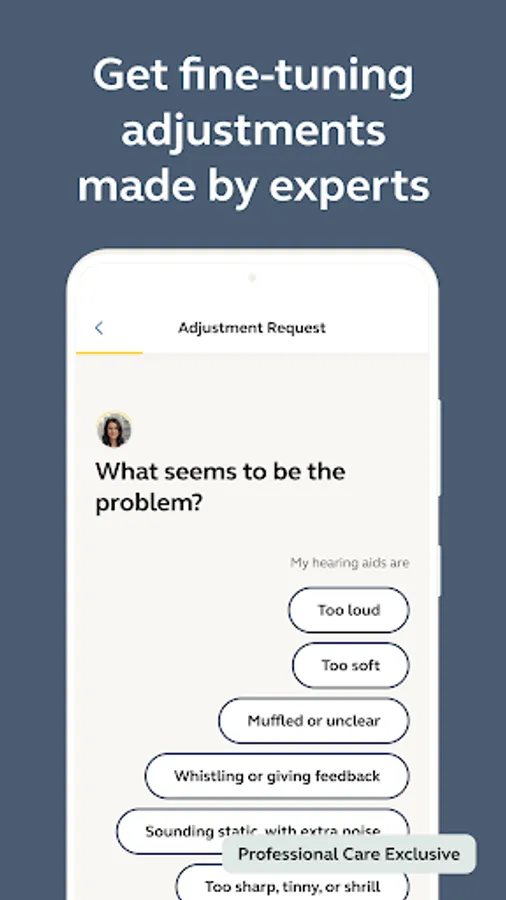
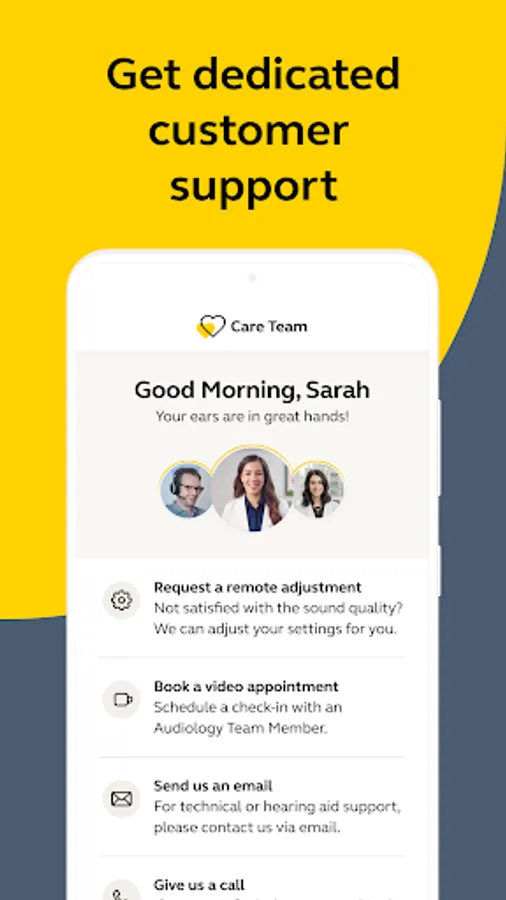
Customers who have access to our Licensed Audiology Team can request hearing aid sound adjustments any time directly from the app – no more repeated office visits for easy tweaks to your hearing! A licensed hearing professional can adjust your hearing aid programming remotely through the app (like magic). Once your new programming is ready, you’ll download it to your hearing aids and start hearing better right away.
Care Team:
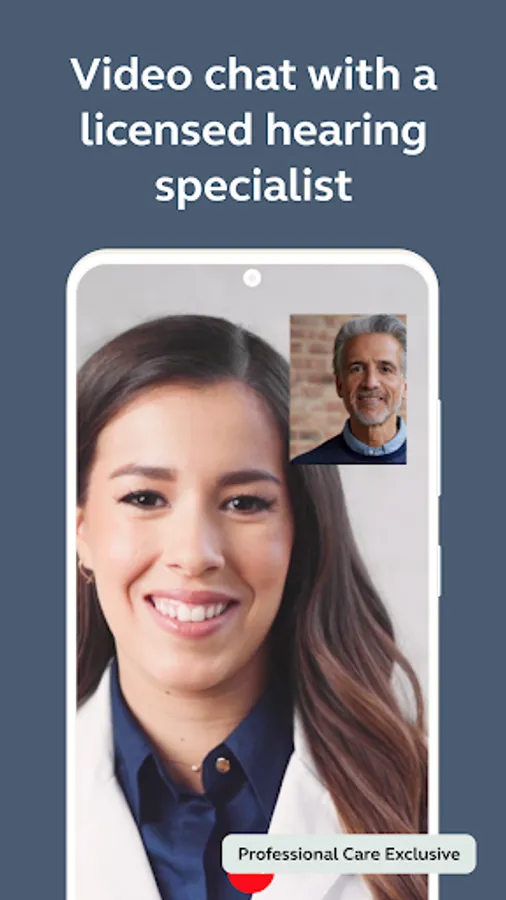
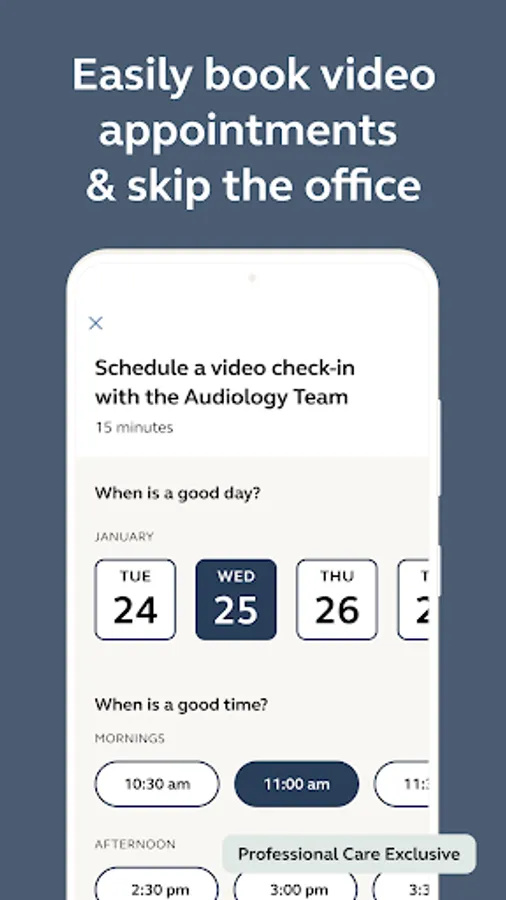
All customers can call our Customer Support Team right from the app for questions, technical support, or troubleshooting. Customers who have access to care can also connect with our Audiology Team via video appointments, or schedule a follow-up at any time.
Help Center:
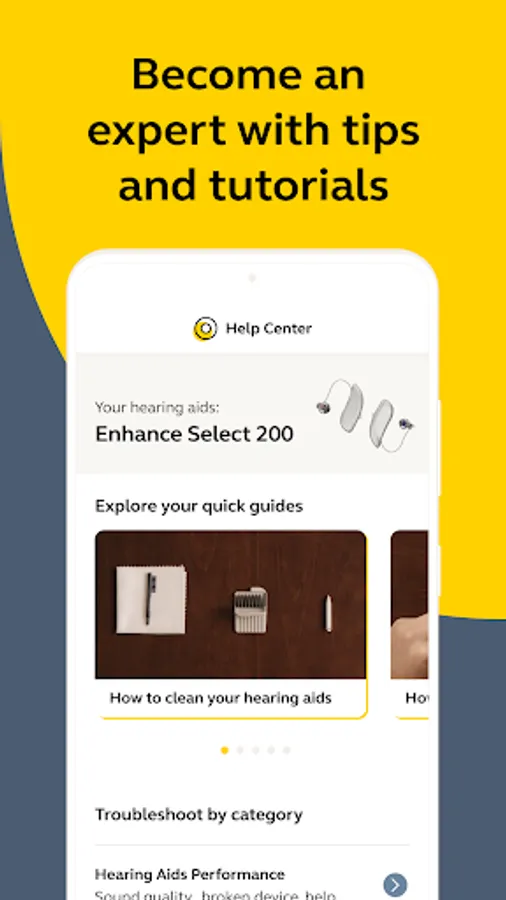
Learn all about your hearing aids with step-by-step video tutorials and interactive help articles that are curated just for you. If you still need help, we make it easy to get in touch with us.
COMPATIBILITY:
Supported hearing aid models:
Enhance Select 50
Enhance Select 50R
Enhance Select 50R Rx
Enhance Select 100
Enhance Select 200
Enhance Select 200 Rx
Enhance Select 300
Enhance Select 500
Enhance Select 700
App Mobile Device:
Please consult the Jabra Enhance website for up-to-date information about compatible Android devices: www.jabraenhance.com/compatibility.
IMPORTANT MESSAGE REGARDING ANDROID 12 COMPATIBILITY
If your smartphone is on or has been updated to Android 12, you may experience connectivity issues between your hearing aids and smartphone, specifically with one hearing aid disconnecting and not immediately being able to reconnect. For up-to-date information about connectivity issues and general compatibility, please visit our compatibility page at www.jabraenhance.com/compatibility.
Who’s Jabra Enhance? We combine high-tech, medical-grade hearing aids with expert care – all for thousands less than the average national price. Because we believe life is richer when you can hear it. Learn more at www.jabraenhance.com.
TOP APP FEATURES:
Hearing Aid Controls:
Optimize your sound quality for different listening environments by choosing between 4 programs: All-Around, Restaurant, Outdoor, and Music. Easily adjust volume for both ears at the same time or adjust for right and left independently. Want to customize further? Explore more advanced options in Sound Equalizer.
Easy Remote Adjustments:
Customers who have access to our Licensed Audiology Team can request hearing aid sound adjustments any time directly from the app – no more repeated office visits for easy tweaks to your hearing! A licensed hearing professional can adjust your hearing aid programming remotely through the app (like magic). Once your new programming is ready, you’ll download it to your hearing aids and start hearing better right away.
Care Team:
All customers can call our Customer Support Team right from the app for questions, technical support, or troubleshooting. Customers who have access to care can also connect with our Audiology Team via video appointments, or schedule a follow-up at any time.
Help Center:
Learn all about your hearing aids with step-by-step video tutorials and interactive help articles that are curated just for you. If you still need help, we make it easy to get in touch with us.
COMPATIBILITY:
Supported hearing aid models:
Enhance Select 50
Enhance Select 50R
Enhance Select 50R Rx
Enhance Select 100
Enhance Select 200
Enhance Select 200 Rx
Enhance Select 300
Enhance Select 500
Enhance Select 700
App Mobile Device:
Please consult the Jabra Enhance website for up-to-date information about compatible Android devices: www.jabraenhance.com/compatibility.
IMPORTANT MESSAGE REGARDING ANDROID 12 COMPATIBILITY
If your smartphone is on or has been updated to Android 12, you may experience connectivity issues between your hearing aids and smartphone, specifically with one hearing aid disconnecting and not immediately being able to reconnect. For up-to-date information about connectivity issues and general compatibility, please visit our compatibility page at www.jabraenhance.com/compatibility.
Jabra Enhance Select Screenshots
Tap to Rate:
Reviews for Jabra Enhance Select
Dee NY
12/29/2025
The app takes at least 15 min before it connects to the hearing aids. It keeps saying to put them back in the charger. but it won't connect. Very annoying
Terry Swift
12/29/2025
the absolute worst