
AppRecs review analysis
AppRecs rating . Trustworthiness 64 out of 100. Review manipulation risk 43 out of 100. Based on a review sample analyzed.
★
AppRecs Rating
Ratings breakdown
5 star
75%
4 star
0%
3 star
0%
2 star
0%
1 star
25%
What to know
⚠
Questionable review patterns
43% review manipulation risk - some review patterns appear unusual
About MAXST AR View
MAXST AR View app lets you experience Maxst’s AR technology at a glance. Here are 6 key features of MAXST AR SDK.
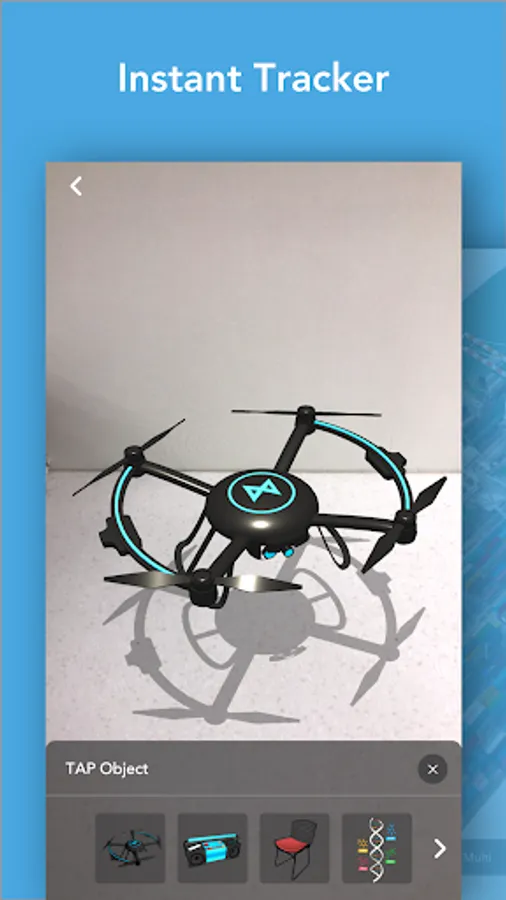
1. Instant Tracker
Instant Tracker detects a horizontal plane and recognizes space with sensor. You can place 3D objects instantly.
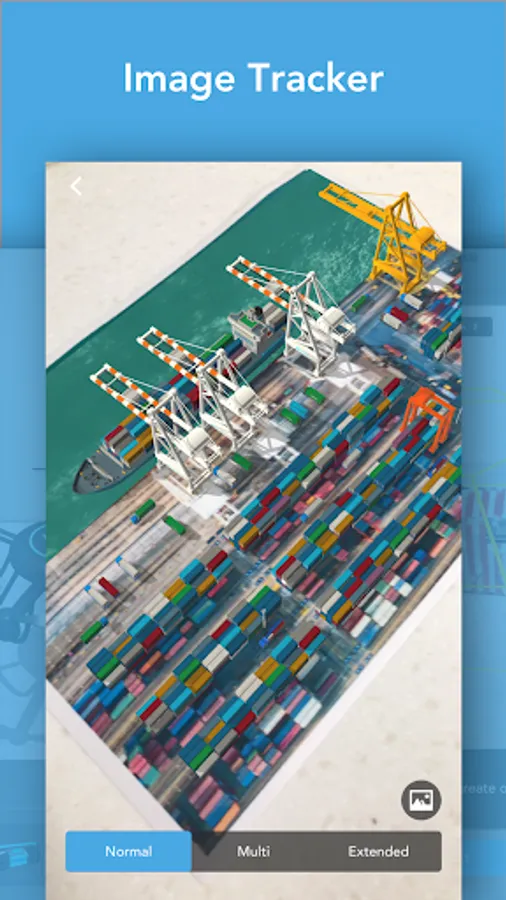
2. Image Tracker
Image Tracker recognizes and tracks images. Extended mode makes you track an image at a far distance and Multi-target mode lets you track up to 3 images at once.
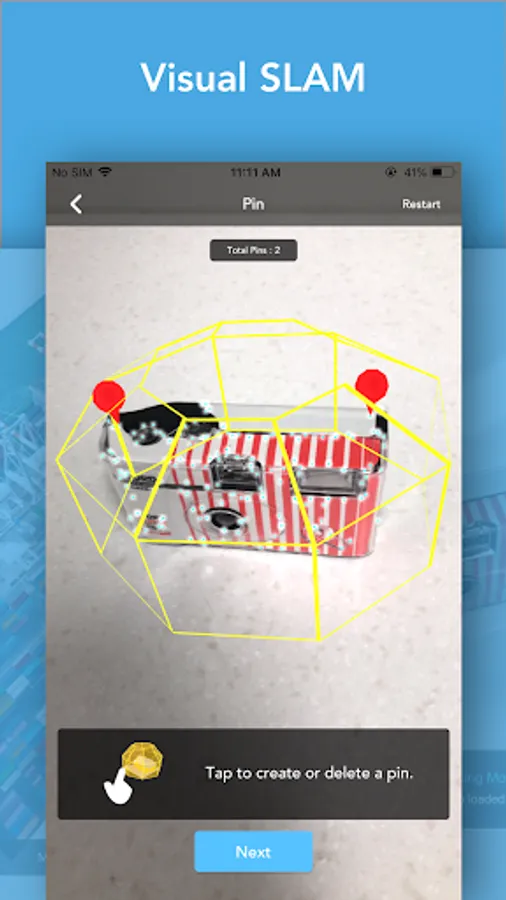
3. Visual SLAM
MAXST’s innovative SLAM technology helps you scan a specific area more accurately. We support the Pinning function so that you can place 3D objects more easily. After mapping, you can check the result in Object Tracker.
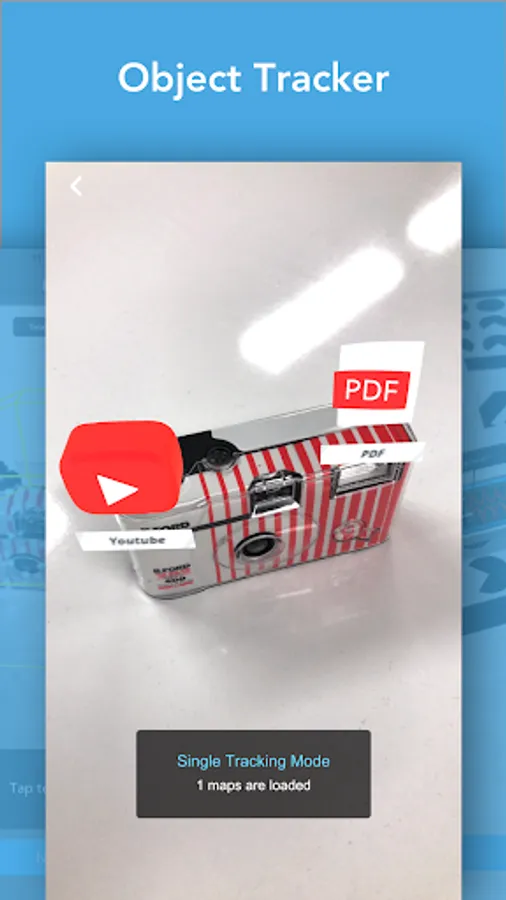
4. Object Tracker
Object Tracker recognizes and tracks the maps made by Visual SLAM.
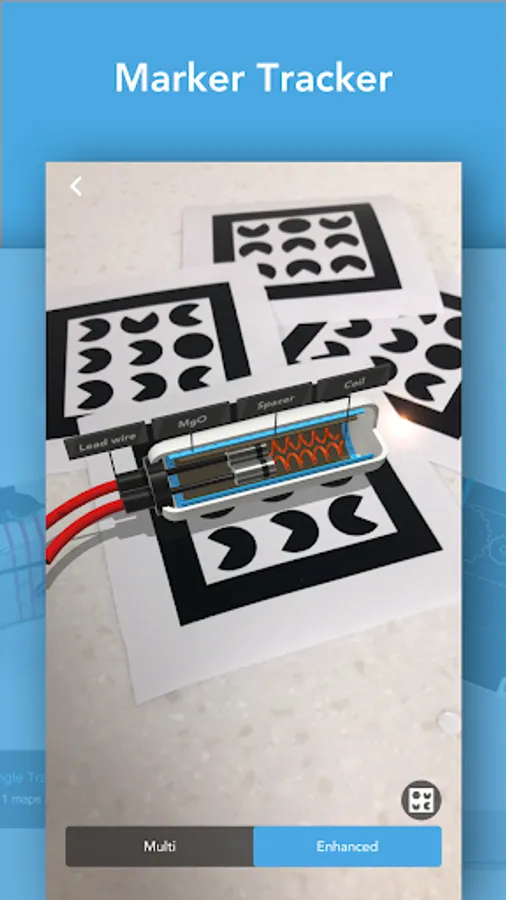
5. Marker Tracker
Marker Tracker recognizes and tracks MAXST’s Markers.
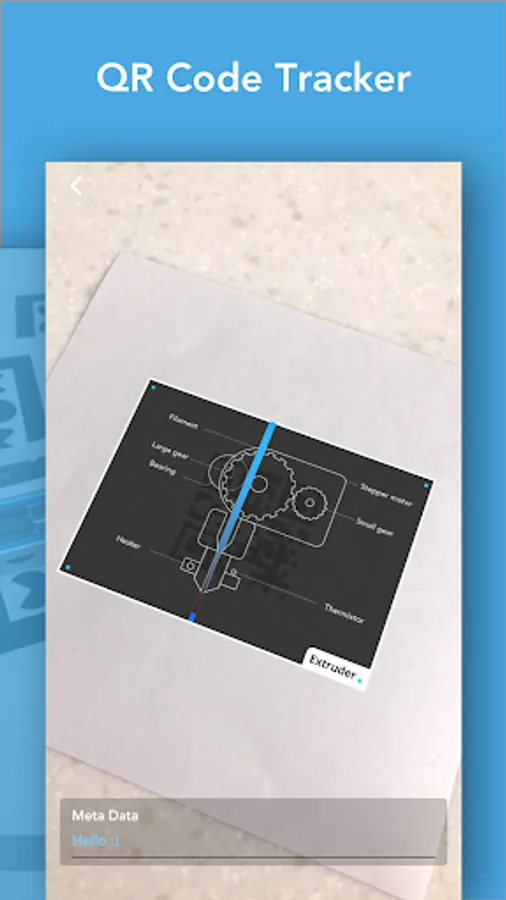
6. QR Code Tracker
QR Code Tracker recognizes and tracks QR codes and shows information of the code.
+ QR/Barcode Reader
QR/Barcode Reader allows you to scan the QR/Barcodes and shows information of the code.
For more information about MAXST AR SDK: https://developer.maxst.com/
1. Instant Tracker
Instant Tracker detects a horizontal plane and recognizes space with sensor. You can place 3D objects instantly.
2. Image Tracker
Image Tracker recognizes and tracks images. Extended mode makes you track an image at a far distance and Multi-target mode lets you track up to 3 images at once.
3. Visual SLAM
MAXST’s innovative SLAM technology helps you scan a specific area more accurately. We support the Pinning function so that you can place 3D objects more easily. After mapping, you can check the result in Object Tracker.
4. Object Tracker
Object Tracker recognizes and tracks the maps made by Visual SLAM.
5. Marker Tracker
Marker Tracker recognizes and tracks MAXST’s Markers.
6. QR Code Tracker
QR Code Tracker recognizes and tracks QR codes and shows information of the code.
+ QR/Barcode Reader
QR/Barcode Reader allows you to scan the QR/Barcodes and shows information of the code.
For more information about MAXST AR SDK: https://developer.maxst.com/
MAXST AR View Screenshots
Tap to Rate:
Reviews for MAXST AR View
Pooja
1/13/2021
The app is crashing on launch itself!
A Google user
7/7/2018
my kids looooves your app. I've never seen him so enthralled before. hours and hours of fun (and peace and quiet for me. thank you.) only one problems. can't exit the app. i have to Purchase a new phone just so i Can see my background. and those buttons agIn.