
AppRecs review analysis
AppRecs rating . Trustworthiness 69 out of 100. Review manipulation risk 27 out of 100. Based on a review sample analyzed.
★
AppRecs Rating
Ratings breakdown
5 star
17%
4 star
0%
3 star
17%
2 star
0%
1 star
67%
What to know
✓
Low review manipulation risk
27% review manipulation risk
⚠
Mixed user feedback
Average 2.0★ rating suggests room for improvement
About Visual SLAM Tool
The MAXST Visual SLAM Tool is designed to help you with mapping object/space.
With Visual SLAM Tool and MAXST AR SDK you can blend 3D content with the real world and create immersive AR experience.
There are two main functions.
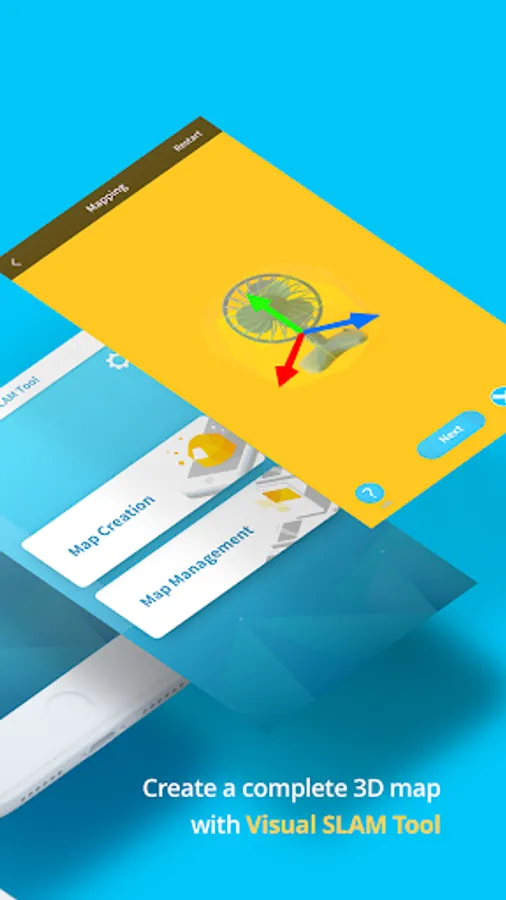
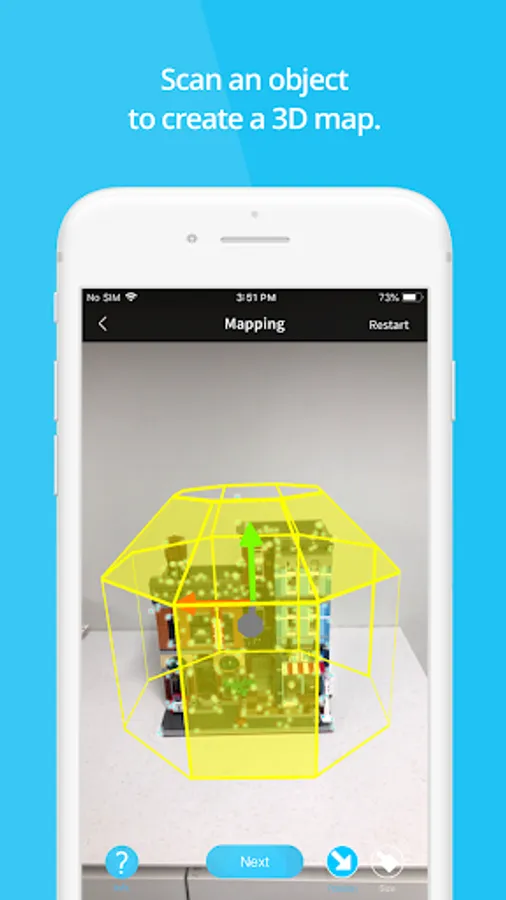
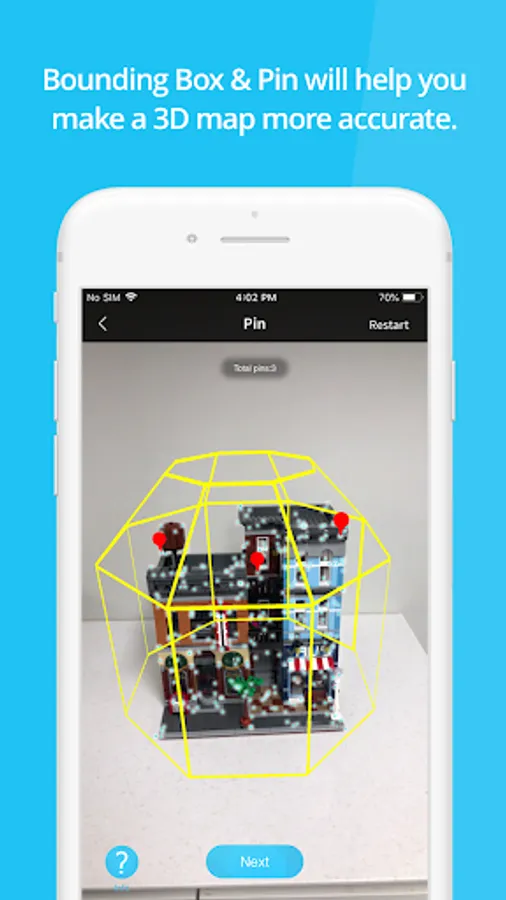
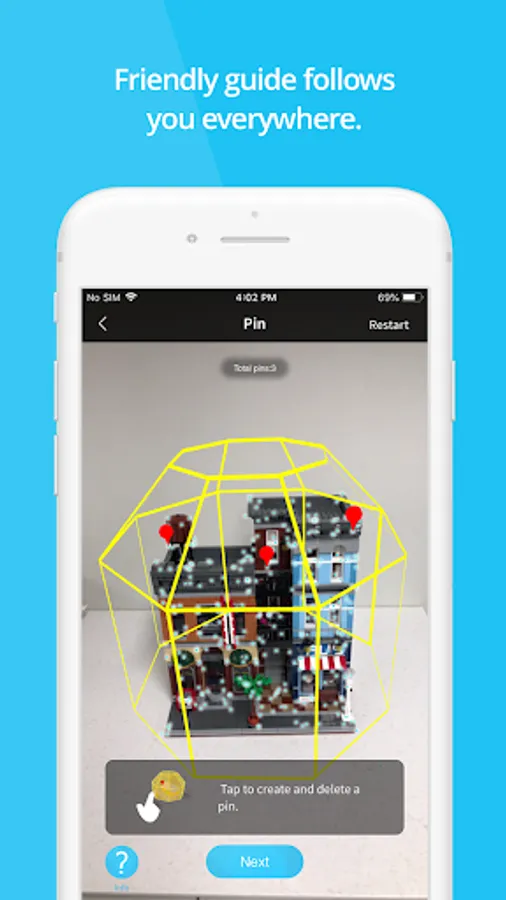
1. [Map Creation]: You can create map files by mapping medium scale (size 0.3m ~ 1.5m) object and space. MAXST provides Bounding Box and Pin UI that help you make more accurate 3D Map.
- Bounding Box specifies the mapping area. You can adjust Bounding Box size and position to fit your object.
- Pin indicates a specific location where you want to augment 3D content.
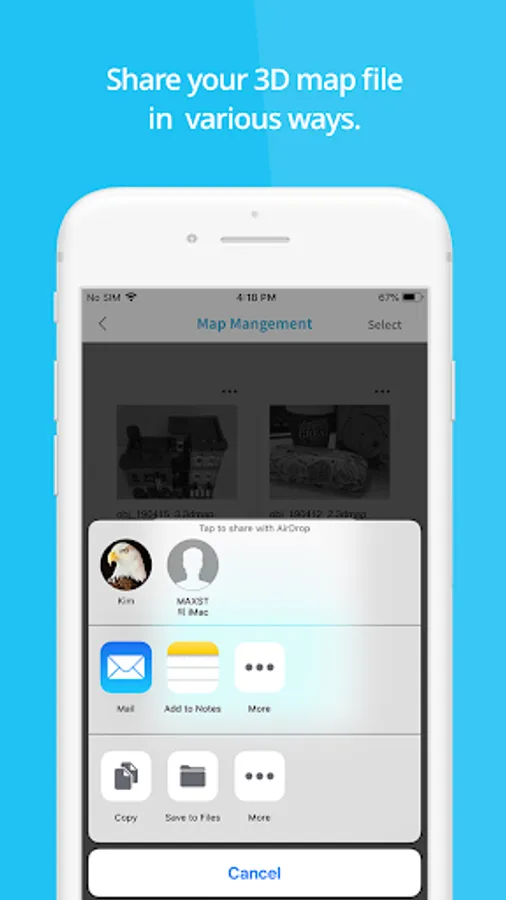
2. [Map Management]: You can manage the created 3D map files. In Map Management you can edit pins and share the map file in various ways.
You can load up map files at Unity 3D and render 3D objects wherever you like on them.
Please refer to MAXST Developer Site for more detailed instructions on how to use the key functions of MAXST AR SDK: https://developer.maxst.com/MD/doc/4_1_x/intro
Note!
- Visual SLAM Tool app can only be used with SDK version 4.1.x or later. If you are using SDK version 4.0.x or earlier use MAXST AR Map Manager.
With Visual SLAM Tool and MAXST AR SDK you can blend 3D content with the real world and create immersive AR experience.
There are two main functions.
1. [Map Creation]: You can create map files by mapping medium scale (size 0.3m ~ 1.5m) object and space. MAXST provides Bounding Box and Pin UI that help you make more accurate 3D Map.
- Bounding Box specifies the mapping area. You can adjust Bounding Box size and position to fit your object.
- Pin indicates a specific location where you want to augment 3D content.
2. [Map Management]: You can manage the created 3D map files. In Map Management you can edit pins and share the map file in various ways.
You can load up map files at Unity 3D and render 3D objects wherever you like on them.
Please refer to MAXST Developer Site for more detailed instructions on how to use the key functions of MAXST AR SDK: https://developer.maxst.com/MD/doc/4_1_x/intro
Note!
- Visual SLAM Tool app can only be used with SDK version 4.1.x or later. If you are using SDK version 4.0.x or earlier use MAXST AR Map Manager.
Visual SLAM Tool Screenshots
Tap to Rate:
Reviews for Visual SLAM Tool
Sten Deter
12/25/2022
Doesn't work
Zhirair Aleksandryan
8/27/2022
Туфта