In this app, you can run and manage Lua scripts on Android devices. Includes script editing, system commands, and graphic functions.
AppRecs review analysis
AppRecs rating 3.0. Trustworthiness 0 out of 100. Review manipulation risk 0 out of 100. Based on a review sample analyzed.
★★★☆☆
3.0
AppRecs Rating
Ratings breakdown
5 star
50%
4 star
0%
3 star
0%
2 star
0%
1 star
50%
About Luarida
Ruarida (Luarida) is a script that runs on Android (Script).
It was implemented Script want to set a simple program as Pocket Computer in the smartphone.
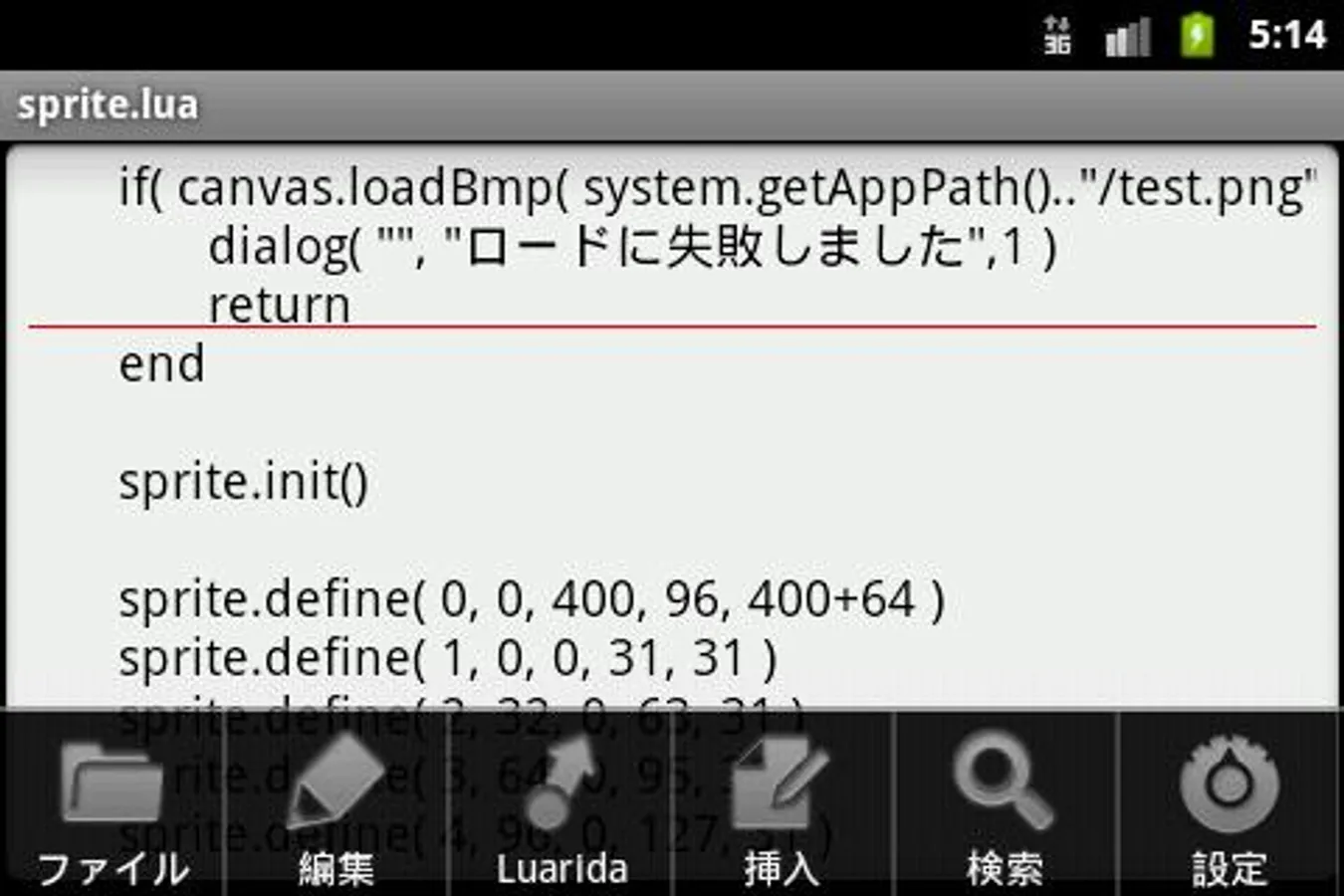
Language is Lua. You can easily write a program as BASIC. I think there is a bug, please a lot of opinions.
If there is already luarida folder on the SD card, sample files are not installed. You can copy and paste from the Web site, you must rename the folder. Even during the public in various market sample.
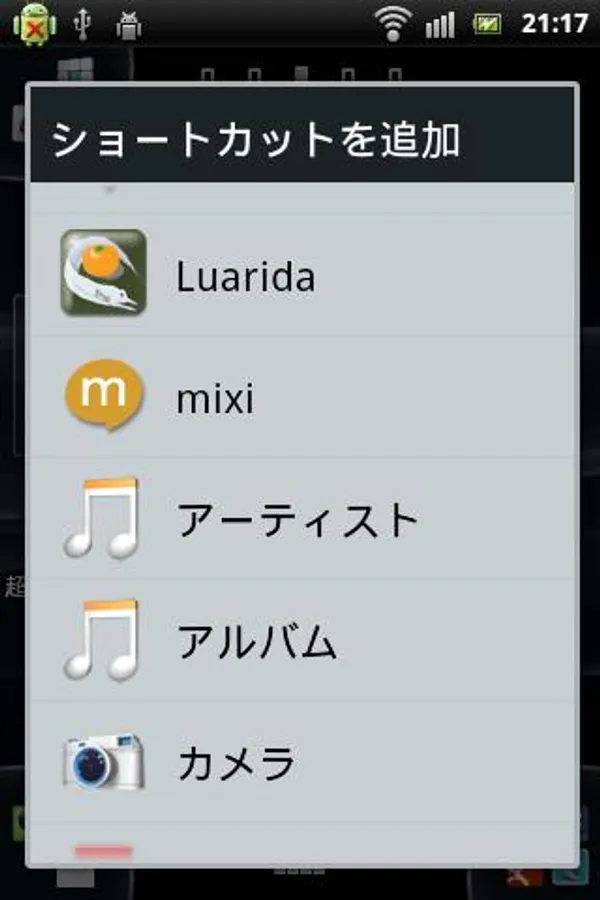
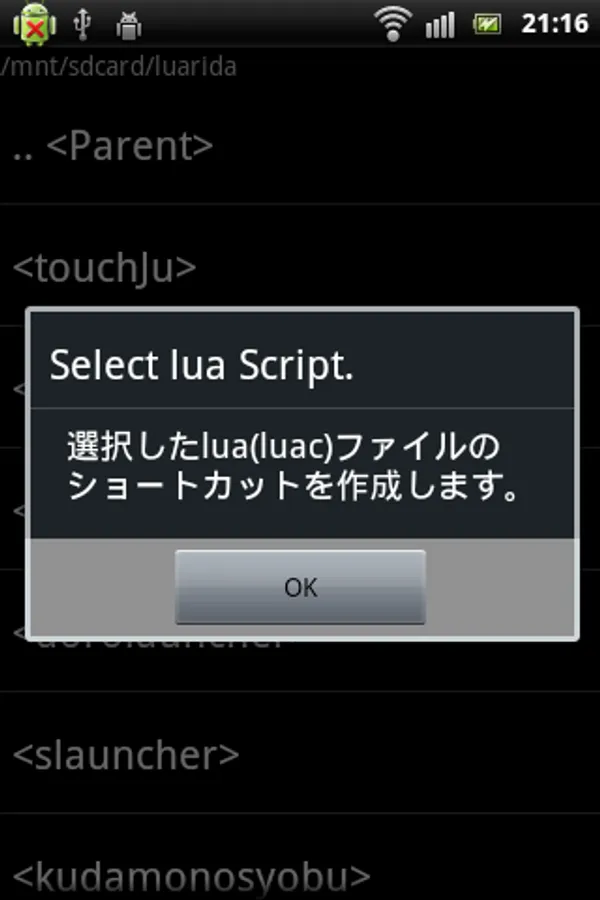
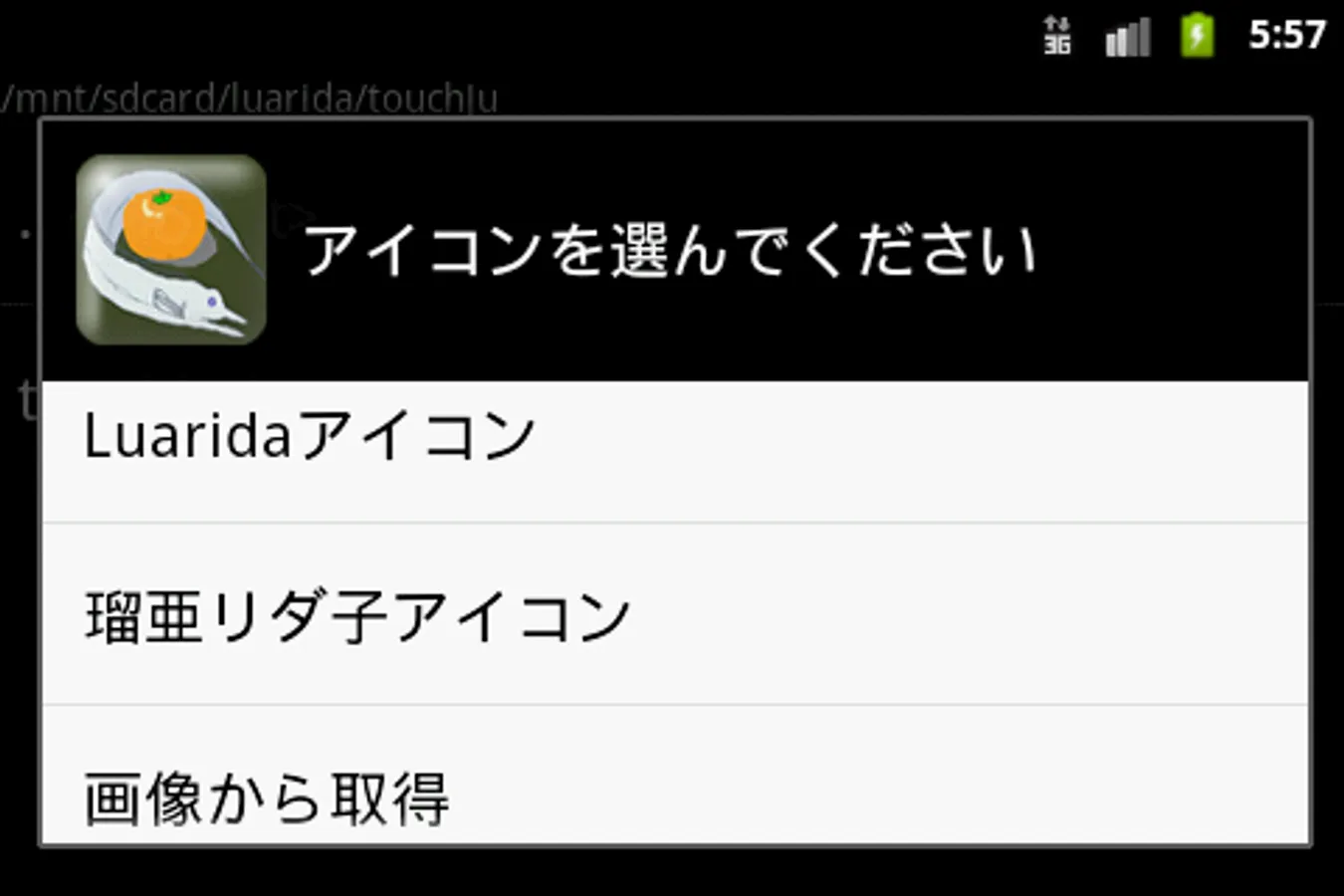
Self-made program can be placed in the home as a shortcut.
So as to be able to exchange information among users, it has launched a group called "Luarida Fun Club". You can go to a group from the following URL.
https://groups.google.com/forum/#!forum/luarida-fun-club
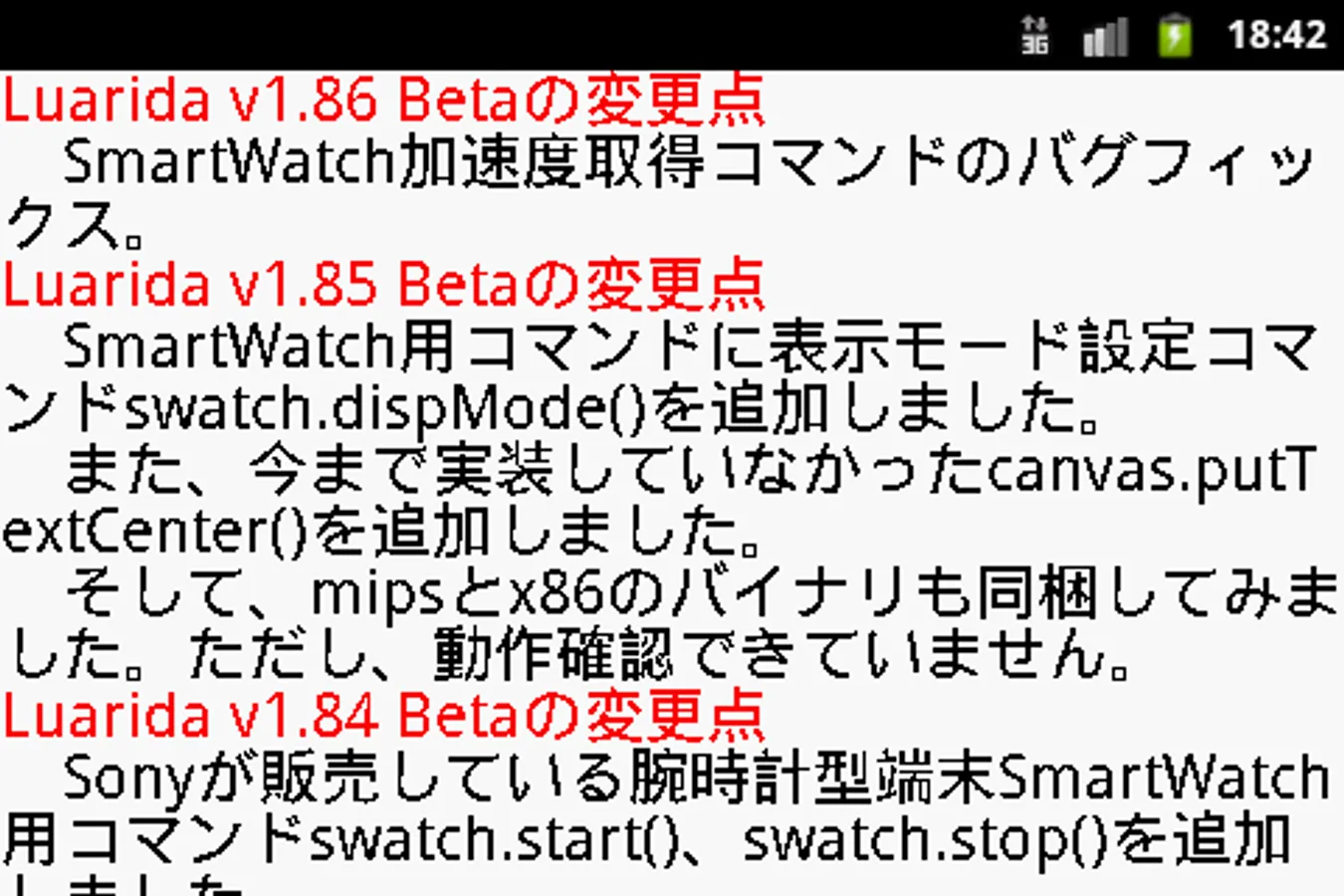
SmartWatch for the program of Sony also released you can write, but to run, you must have the SmartWatch application "Bitmap catcher".
--- Luarida Command List ---
(1) Input Command
editsetText (text)
editText (title [, flag])
touch ([mode])
inkey ([mode])
(2) System Command
system.exit ()
system.expCall (classname [, data, type])
system.getAppPath ()
system.getCardMnt ()
system.getSec ()
system.impCallActionSend (text [, type])
system.impCallActionView (text, type)
system.setrun (Luafilename)
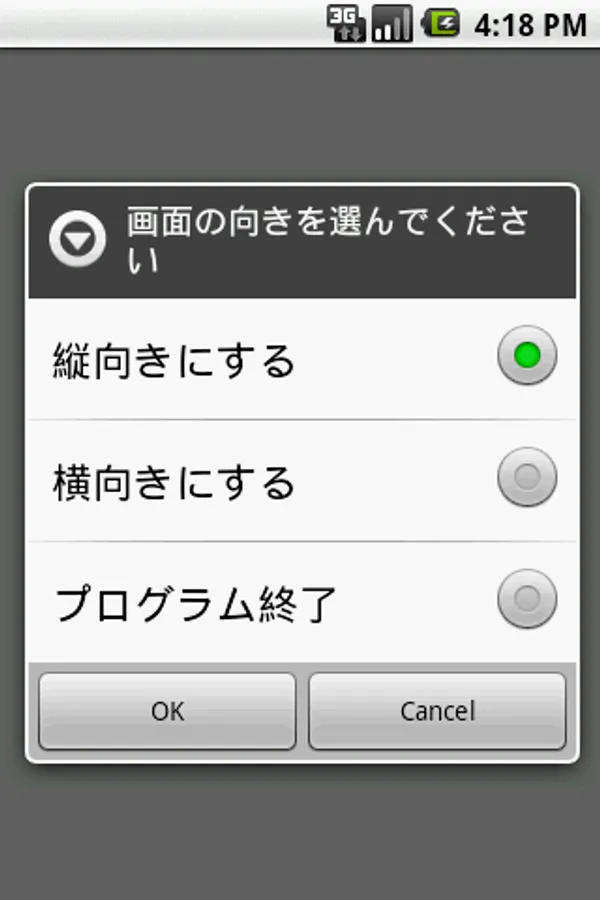
system.setScreen (mode)
system.setSleep (off (keep) / on)
system.version ()
El_Psy_Congroo ()
(3) Graphic Command
canvas.drawCircle (x, y, r, color [, fill])
canvas.drawCls ([colorcode])
canvas.drawLine (x0, y0, x1, y1, colorcode)
canvas.drawRect (x0, y0, x1, y1, colorcode [, fill])
canvas.getBmpSize (filename)
canvas.getColor (x, y)
canvas.getg (gx0, gy0, gx1, gy1, wx0, wy0, wx1, wy1)
canvas.getviewSize ()
canvas.loadBmp (filename, x0, y0, x1, y1 [, n])
canvas.putCircle (x, y, r, colorcode [, fill])
canvas.putCls ([colorcode])
canvas.putflush ([x0, y0, x1, y1])
canvas.putg (gx0, gy0, gx1, gy1, wx0, wy0, wx1, wy1)
canvas.putLine (x0, y0, x1, y1, colorcode)
canvas.putRect (x0, y0, x1, y1, colorcode [, fill])
canvas.putrotg (cx, cy, angle, wx0, wy0, wx1, wy1)
canvas.putWork (xs0, ys0, xs1, ys1, xd0, yd0, xd1, yd1)
canvas.saveBmp (filename, x0, y0, x1, y1)
canvas.setMainBmp (Width, Height)
canvas.setWorkBmp (Width, Height)
canvas.workCls ([colorcode])
canvas.workflush (x0, y0, x1, y1)
color (r, g, b [, Alpha])
(4) Text Command
canvas.drawText (text, x, y, size, colorcode [, backcolorcode])
canvas.drawTextBox (text, x, y, size, colorcode, wide [, backcolorcode])
canvas.drawTextCenter (text, x, y, size, colorcode [, backcolorcode])
canvas.drawTextRotate (text, x, y, angle, size, colorcode [, backcolorcode])
canvas.putText (text, x, y, size, colorcode [, backcolorcode])
canvas.putTextBox (text, x, y, size, color, wide [, backcolorcode])
canvas.putTextCenter (text, x, y, size, colorcode [, backcolorcode])
canvas.putTextRotate (text, x, y, angle, size, colorcode [, backcolorcode])
(5) Http Command
http.addHeader (headername, data)
http.addParam (post-parameter)
http.clrHeader ()
http.clrParam ()
http.get (url, savefilename)
http.post (url)
http.setContentType (content-type)
http.setPostFile (post-filename)
http.status ()
(6) Dialog Command
dialog (title, text [, button])
item.add (text [, flag])
item.check (title)
item.clear ()
item.list (title)
item.radio (title, position)
toast (text [, time])
(7) Sensor Command
sensor.getAccel ()
sensor.setdevAccel (sw)
sensor.setdevMagnet (sw)
sensor.setdevOrient (sw)
sensor.getGdirection ()
sensor.getMagnet ()
sensor.getOrient ()
(8) Sound Command
sound.beep ([hz [, ms]])
sound.isPlay (soundnumber)
sound.pause (soundnumber)
sound.restart (soundnumber)
sound.setSoundFile (filename, soundnumber, flag)
sound.start (soundnumber [, loop])
sound.stop (soundnumber)
(9) ZIP Command
zip.addFile (compressed-filename [, melt-folder])
zip.exec (zipfilename)
zip.status ()
(10) socket Command
sock.close (Number)
sock.connectOpen (Number, Address, Port [, TimeOut])
sock.getAddress (Number [, Local])
sock.listenOpen (Number, Port [, TimeOut])
sock.nclose (Number)
sock.nconnectOpen (Number, Address, Port [, TimeOut])
sock.ngetAddress (Number [, Local])
sock.nlistenOpen (Number, Port [, TimeOut])
sock.nrecv (Number [, TimeOut])
sock.nsend (Number, Data, Length)
sock.recv (Number [, TimeOut])
sock.send (Number, Data, Length)
Since the number of characters in the description was over, the rest of the command please refer to the commentary blog.
http://d.hatena.ne.jp/tarosay/20110217/1297957894
It was implemented Script want to set a simple program as Pocket Computer in the smartphone.
Language is Lua. You can easily write a program as BASIC. I think there is a bug, please a lot of opinions.
If there is already luarida folder on the SD card, sample files are not installed. You can copy and paste from the Web site, you must rename the folder. Even during the public in various market sample.
Self-made program can be placed in the home as a shortcut.
So as to be able to exchange information among users, it has launched a group called "Luarida Fun Club". You can go to a group from the following URL.
https://groups.google.com/forum/#!forum/luarida-fun-club
SmartWatch for the program of Sony also released you can write, but to run, you must have the SmartWatch application "Bitmap catcher".
--- Luarida Command List ---
(1) Input Command
editsetText (text)
editText (title [, flag])
touch ([mode])
inkey ([mode])
(2) System Command
system.exit ()
system.expCall (classname [, data, type])
system.getAppPath ()
system.getCardMnt ()
system.getSec ()
system.impCallActionSend (text [, type])
system.impCallActionView (text, type)
system.setrun (Luafilename)
system.setScreen (mode)
system.setSleep (off (keep) / on)
system.version ()
El_Psy_Congroo ()
(3) Graphic Command
canvas.drawCircle (x, y, r, color [, fill])
canvas.drawCls ([colorcode])
canvas.drawLine (x0, y0, x1, y1, colorcode)
canvas.drawRect (x0, y0, x1, y1, colorcode [, fill])
canvas.getBmpSize (filename)
canvas.getColor (x, y)
canvas.getg (gx0, gy0, gx1, gy1, wx0, wy0, wx1, wy1)
canvas.getviewSize ()
canvas.loadBmp (filename, x0, y0, x1, y1 [, n])
canvas.putCircle (x, y, r, colorcode [, fill])
canvas.putCls ([colorcode])
canvas.putflush ([x0, y0, x1, y1])
canvas.putg (gx0, gy0, gx1, gy1, wx0, wy0, wx1, wy1)
canvas.putLine (x0, y0, x1, y1, colorcode)
canvas.putRect (x0, y0, x1, y1, colorcode [, fill])
canvas.putrotg (cx, cy, angle, wx0, wy0, wx1, wy1)
canvas.putWork (xs0, ys0, xs1, ys1, xd0, yd0, xd1, yd1)
canvas.saveBmp (filename, x0, y0, x1, y1)
canvas.setMainBmp (Width, Height)
canvas.setWorkBmp (Width, Height)
canvas.workCls ([colorcode])
canvas.workflush (x0, y0, x1, y1)
color (r, g, b [, Alpha])
(4) Text Command
canvas.drawText (text, x, y, size, colorcode [, backcolorcode])
canvas.drawTextBox (text, x, y, size, colorcode, wide [, backcolorcode])
canvas.drawTextCenter (text, x, y, size, colorcode [, backcolorcode])
canvas.drawTextRotate (text, x, y, angle, size, colorcode [, backcolorcode])
canvas.putText (text, x, y, size, colorcode [, backcolorcode])
canvas.putTextBox (text, x, y, size, color, wide [, backcolorcode])
canvas.putTextCenter (text, x, y, size, colorcode [, backcolorcode])
canvas.putTextRotate (text, x, y, angle, size, colorcode [, backcolorcode])
(5) Http Command
http.addHeader (headername, data)
http.addParam (post-parameter)
http.clrHeader ()
http.clrParam ()
http.get (url, savefilename)
http.post (url)
http.setContentType (content-type)
http.setPostFile (post-filename)
http.status ()
(6) Dialog Command
dialog (title, text [, button])
item.add (text [, flag])
item.check (title)
item.clear ()
item.list (title)
item.radio (title, position)
toast (text [, time])
(7) Sensor Command
sensor.getAccel ()
sensor.setdevAccel (sw)
sensor.setdevMagnet (sw)
sensor.setdevOrient (sw)
sensor.getGdirection ()
sensor.getMagnet ()
sensor.getOrient ()
(8) Sound Command
sound.beep ([hz [, ms]])
sound.isPlay (soundnumber)
sound.pause (soundnumber)
sound.restart (soundnumber)
sound.setSoundFile (filename, soundnumber, flag)
sound.start (soundnumber [, loop])
sound.stop (soundnumber)
(9) ZIP Command
zip.addFile (compressed-filename [, melt-folder])
zip.exec (zipfilename)
zip.status ()
(10) socket Command
sock.close (Number)
sock.connectOpen (Number, Address, Port [, TimeOut])
sock.getAddress (Number [, Local])
sock.listenOpen (Number, Port [, TimeOut])
sock.nclose (Number)
sock.nconnectOpen (Number, Address, Port [, TimeOut])
sock.ngetAddress (Number [, Local])
sock.nlistenOpen (Number, Port [, TimeOut])
sock.nrecv (Number [, TimeOut])
sock.nsend (Number, Data, Length)
sock.recv (Number [, TimeOut])
sock.send (Number, Data, Length)
Since the number of characters in the description was over, the rest of the command please refer to the commentary blog.
http://d.hatena.ne.jp/tarosay/20110217/1297957894
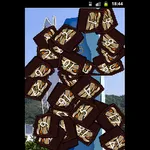
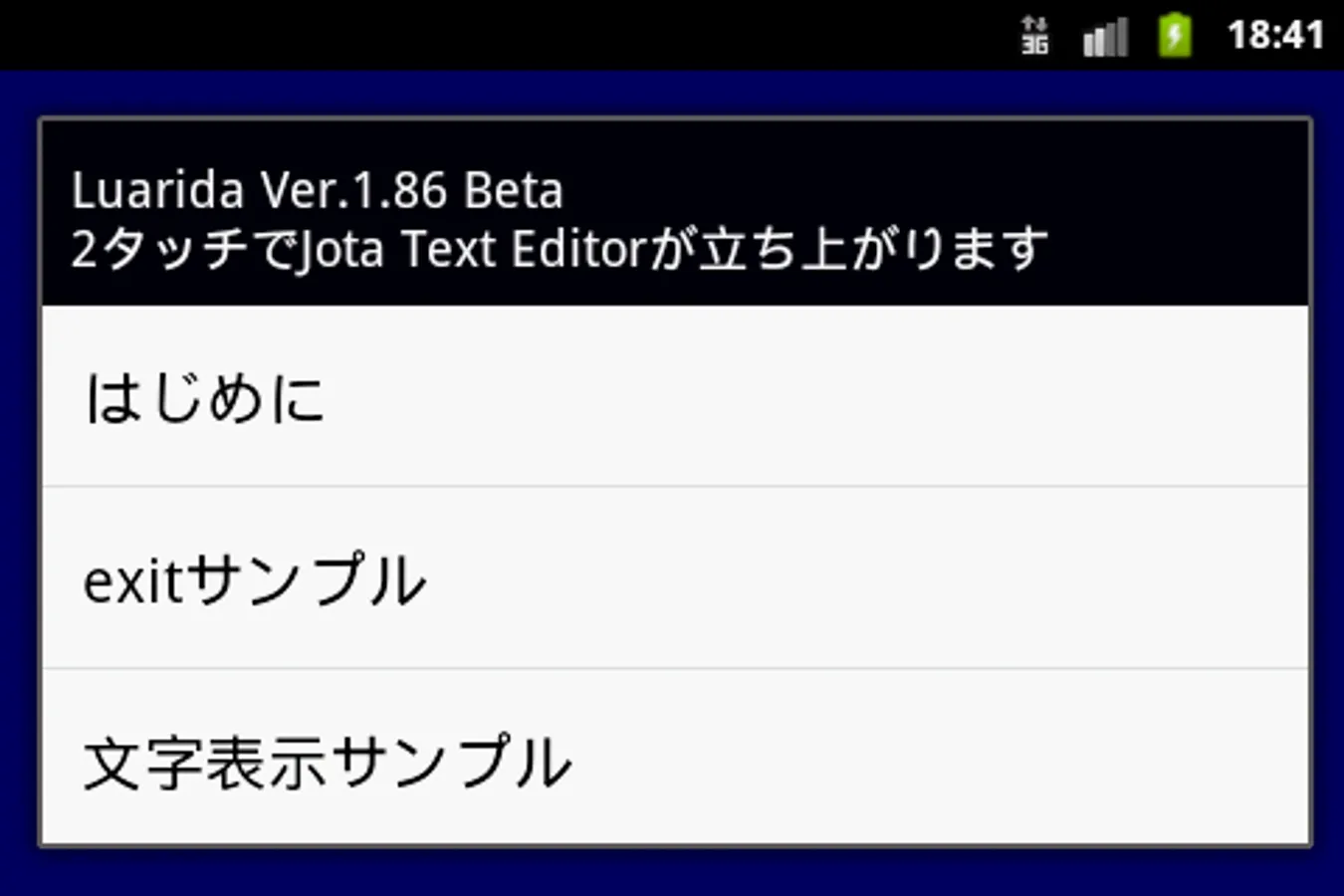
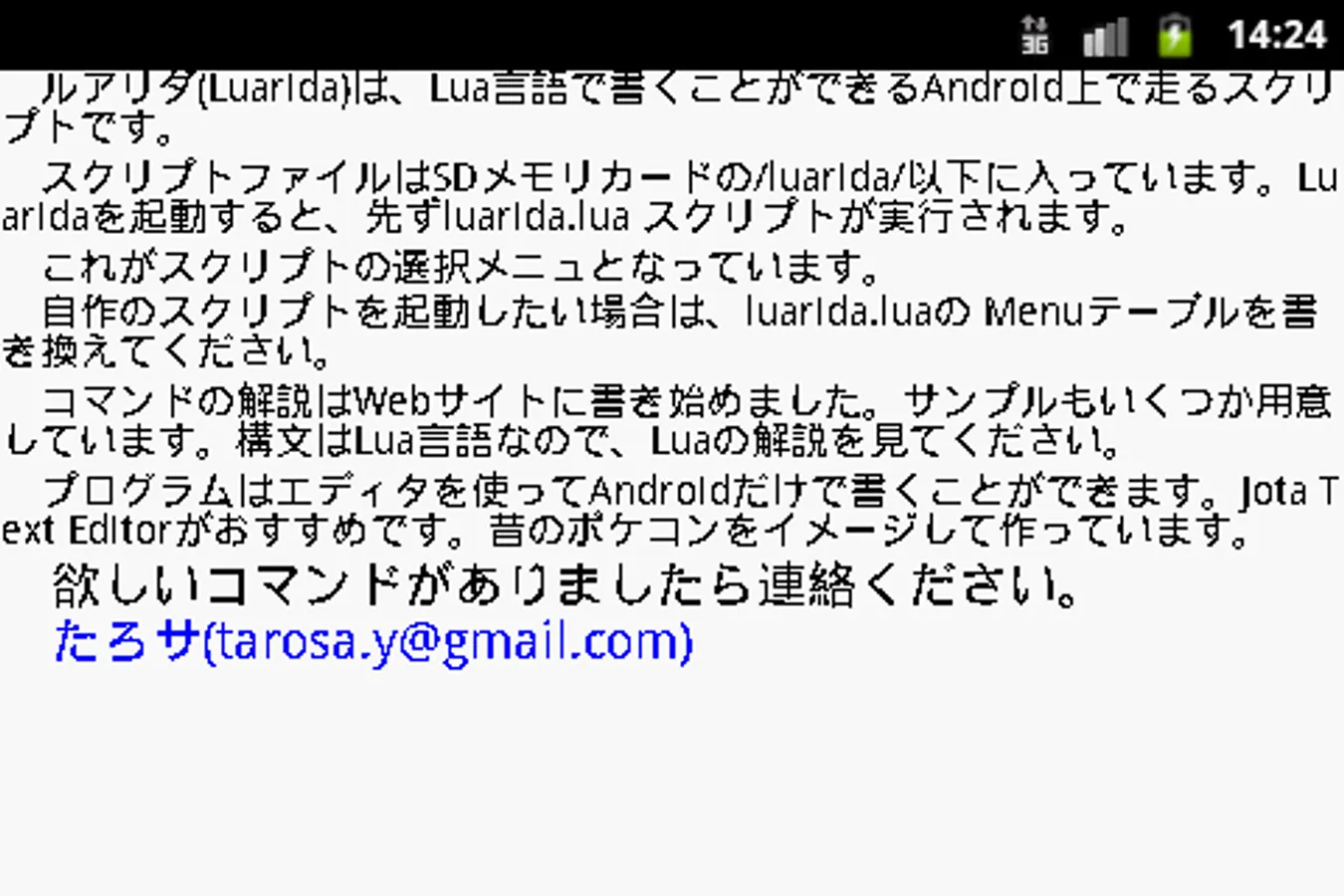
Luarida Screenshots
Tap to Rate: