Material Things Pro - Icons
Nate Wren Design
4.8 ★
169 ratings
5,000+
downloads
$2.49
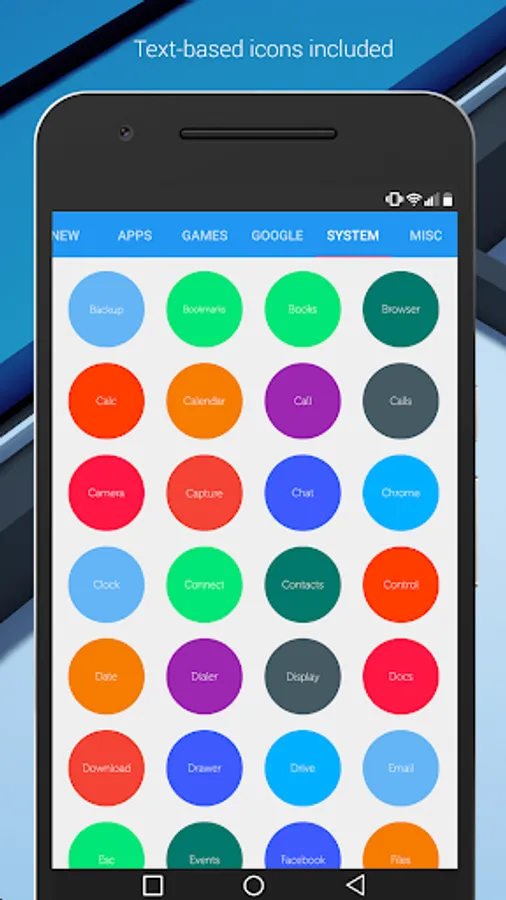
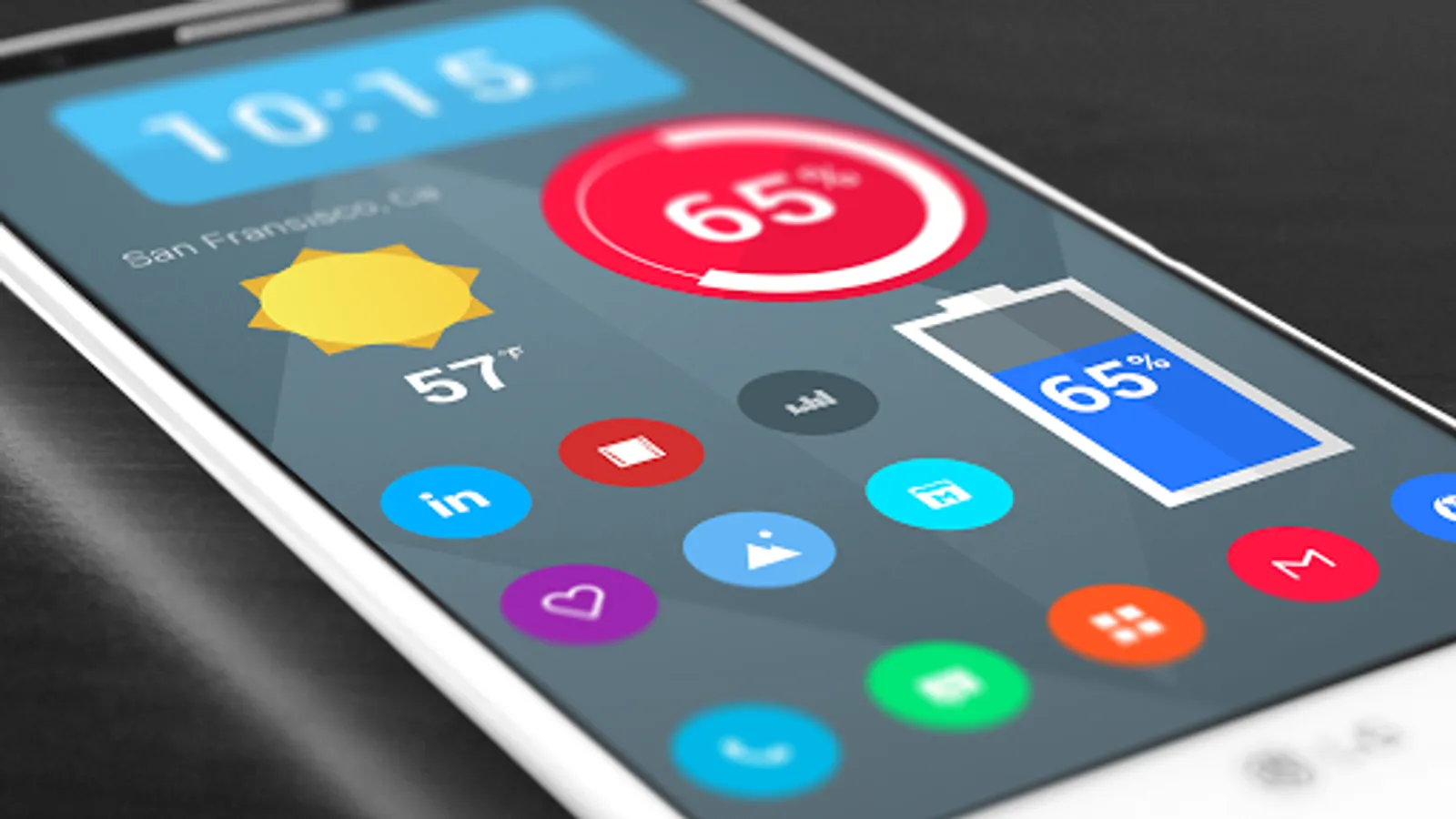
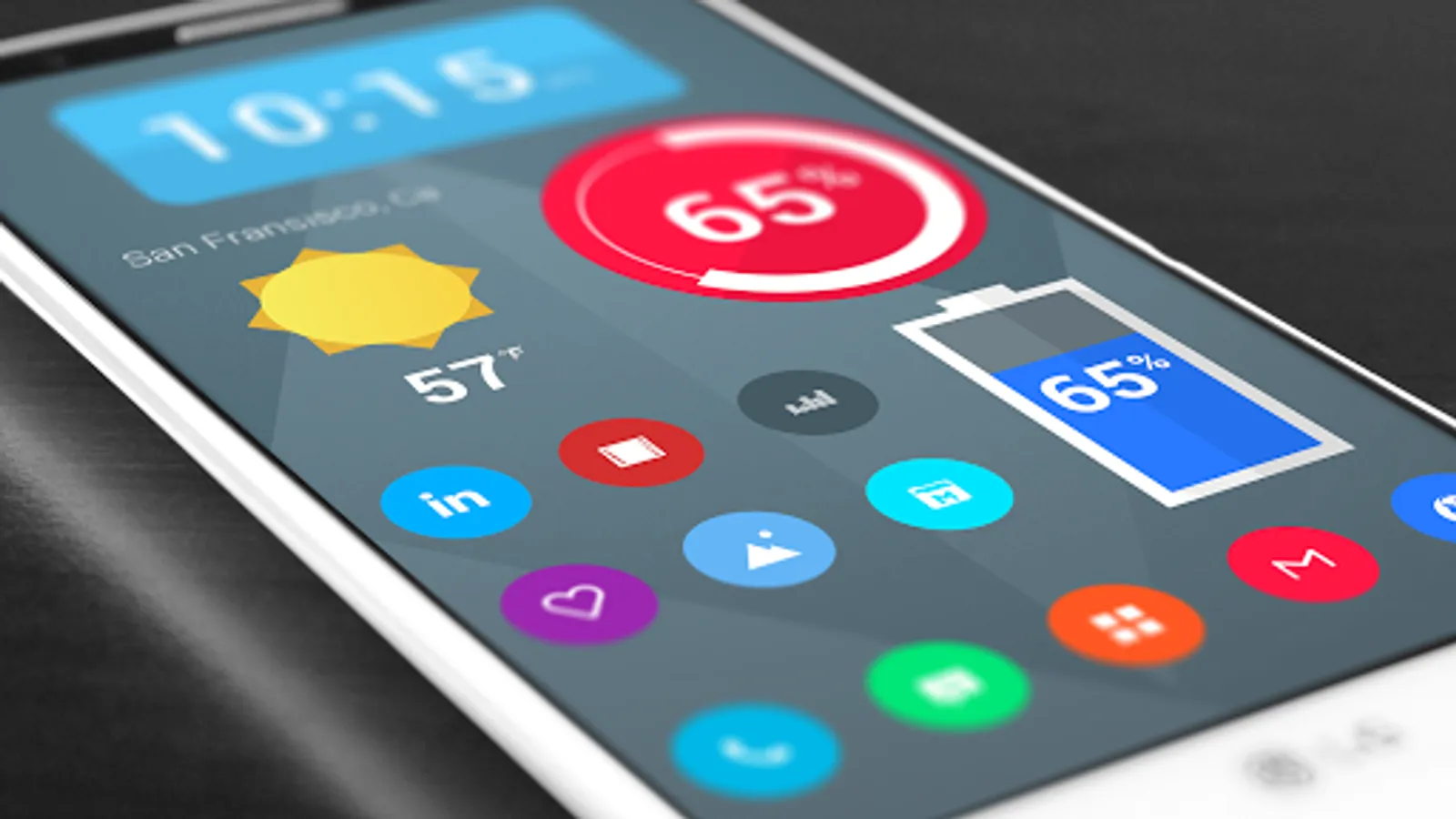
In this icon theme app, you can customize your device with over 3,700 hand-crafted flat HD icons and matching wallpapers. Includes widgets for clocks, battery, and weather, along with icon request features.
AppRecs review analysis
AppRecs rating 4.4. Trustworthiness 43 out of 100. Review manipulation risk 35 out of 100. Based on a review sample analyzed.
★★★★☆
4.4
AppRecs Rating
Ratings breakdown
5 star
93%
4 star
4%
3 star
0%
2 star
4%
1 star
0%
What to know
✓
Authentic reviews
No red flags detected
⚠
Rating authenticity concerns
High rating concentration (93% 5-star) in sampled ratings
About Material Things Pro - Icons
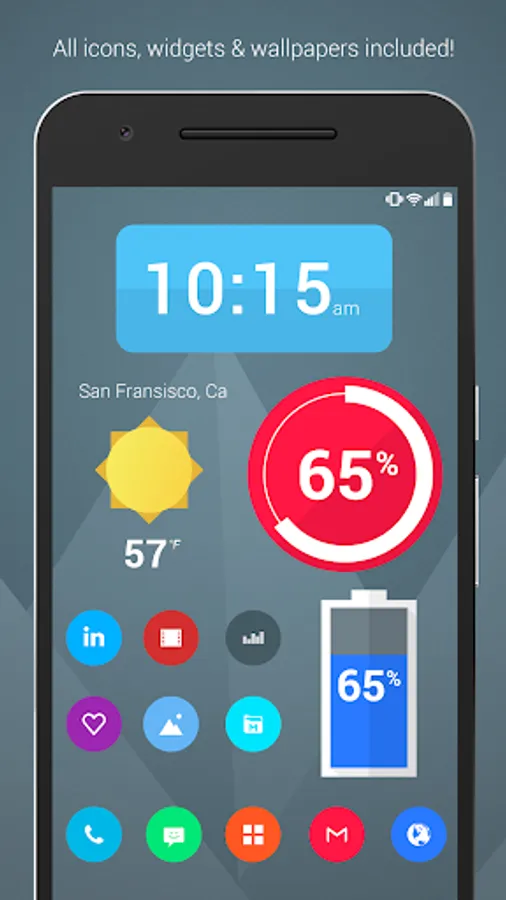
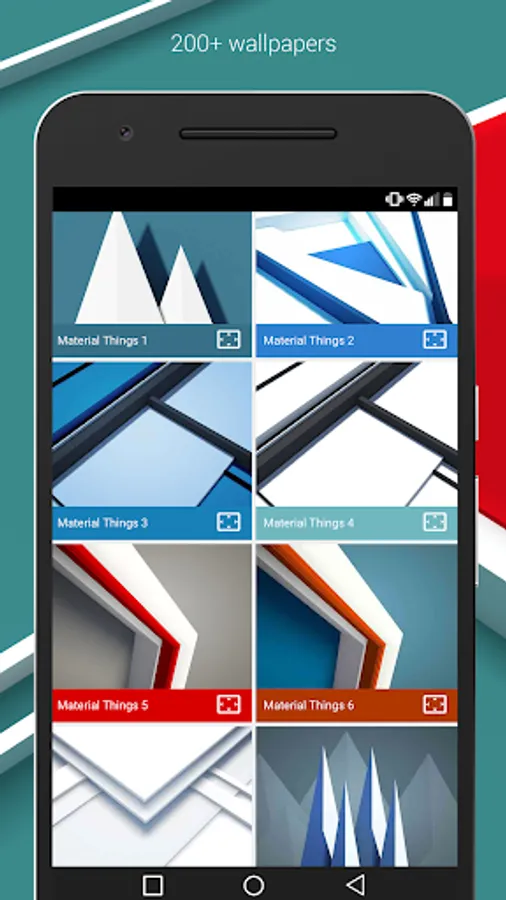
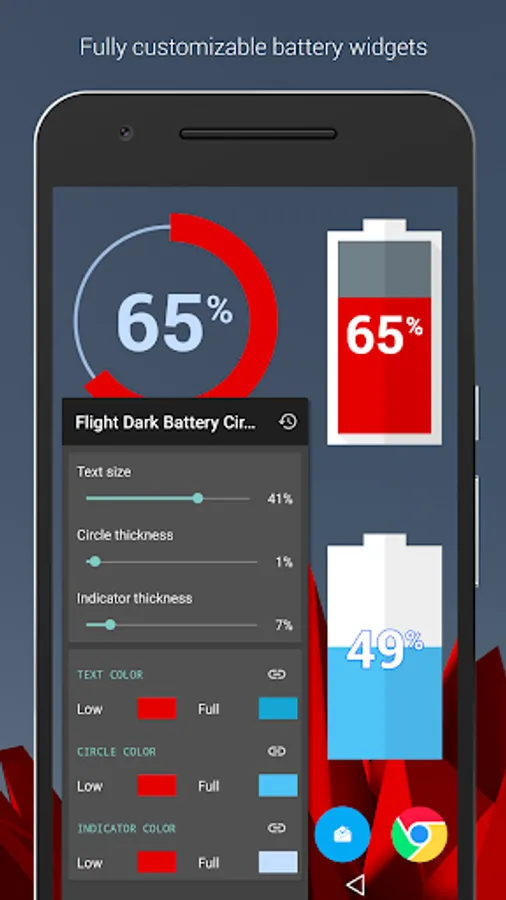
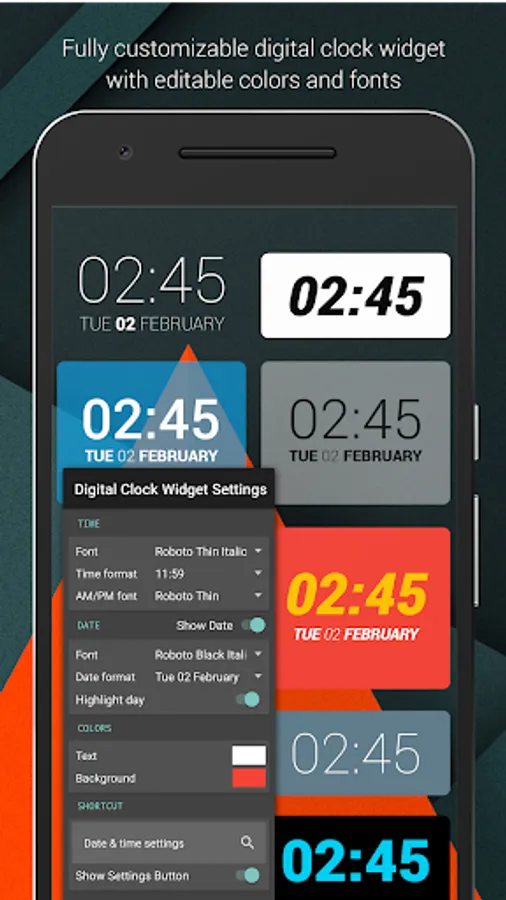
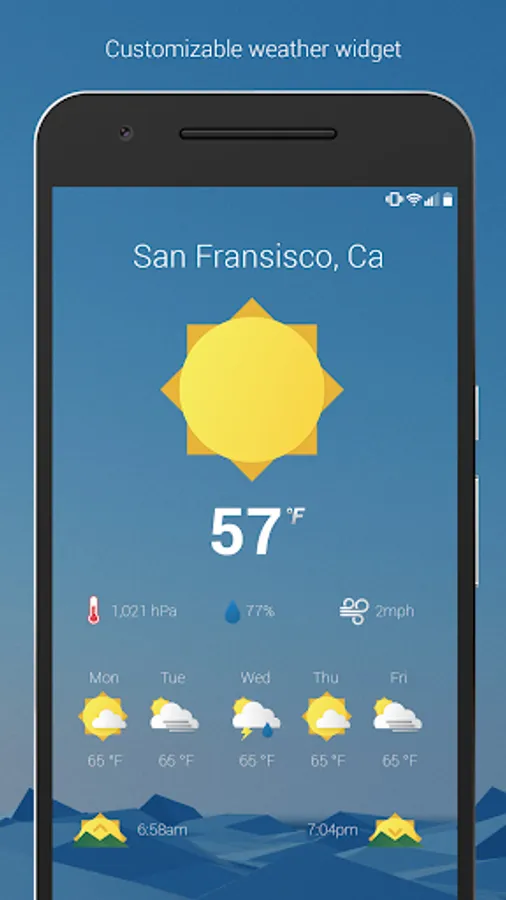
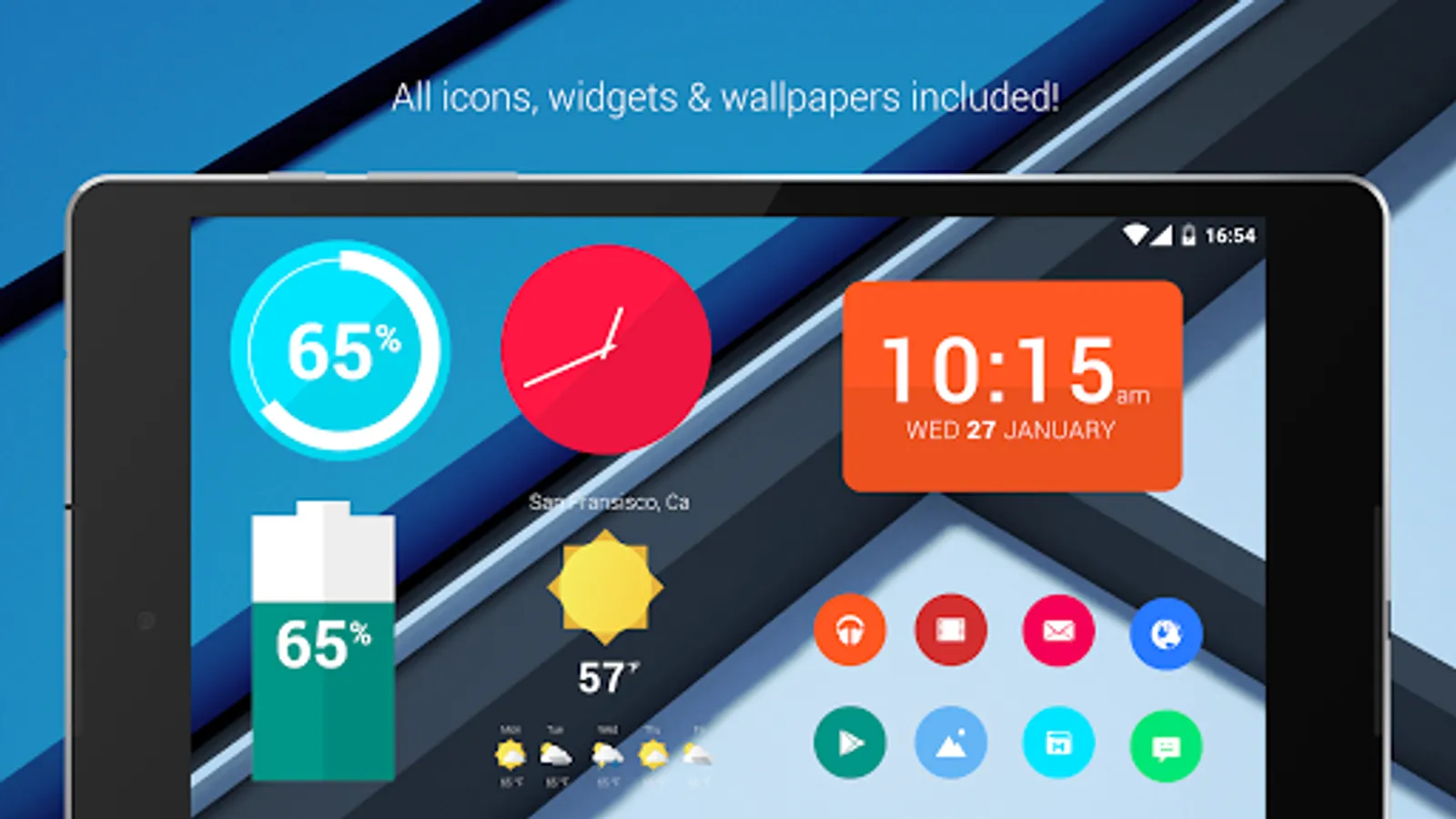
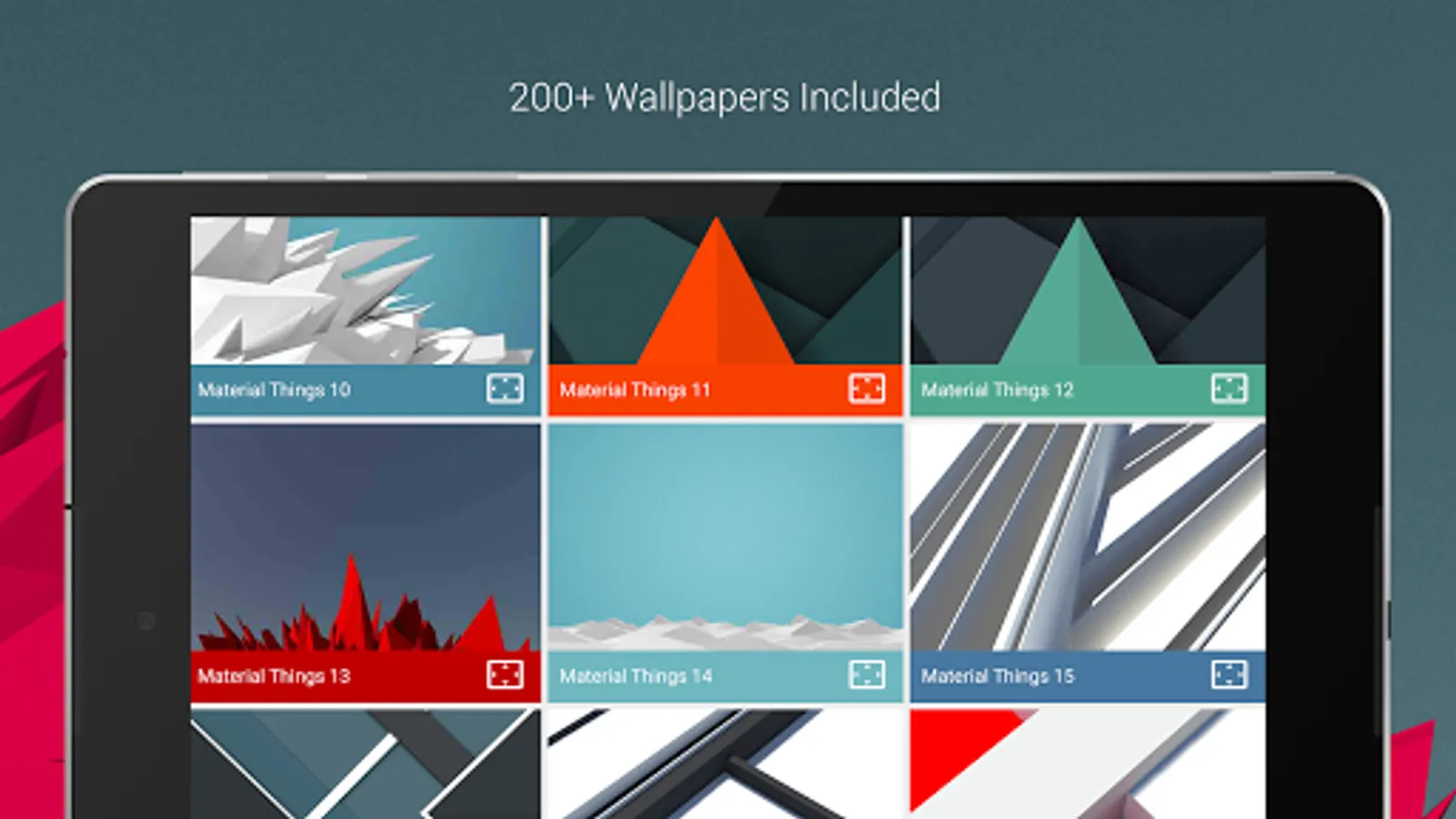
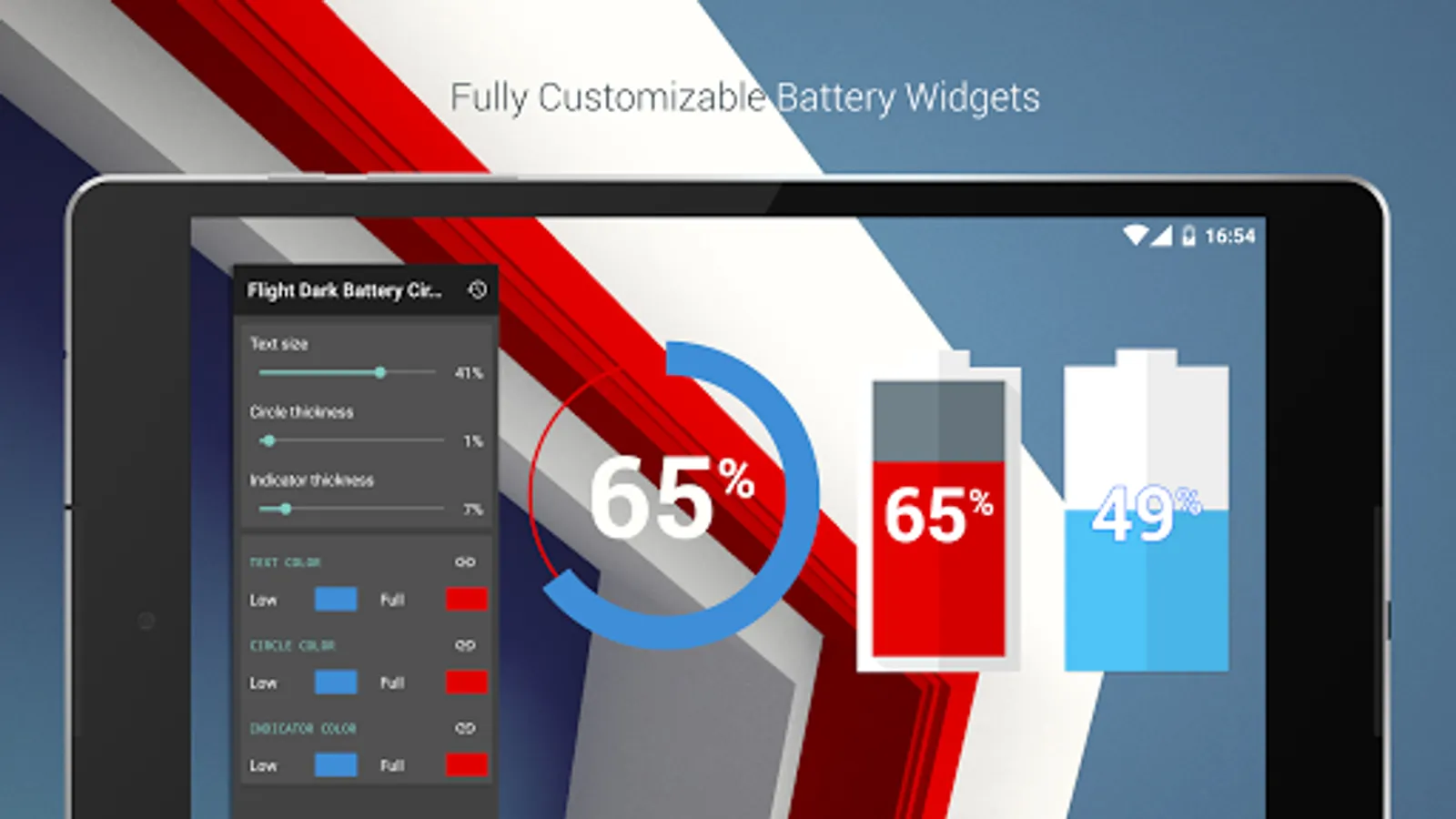
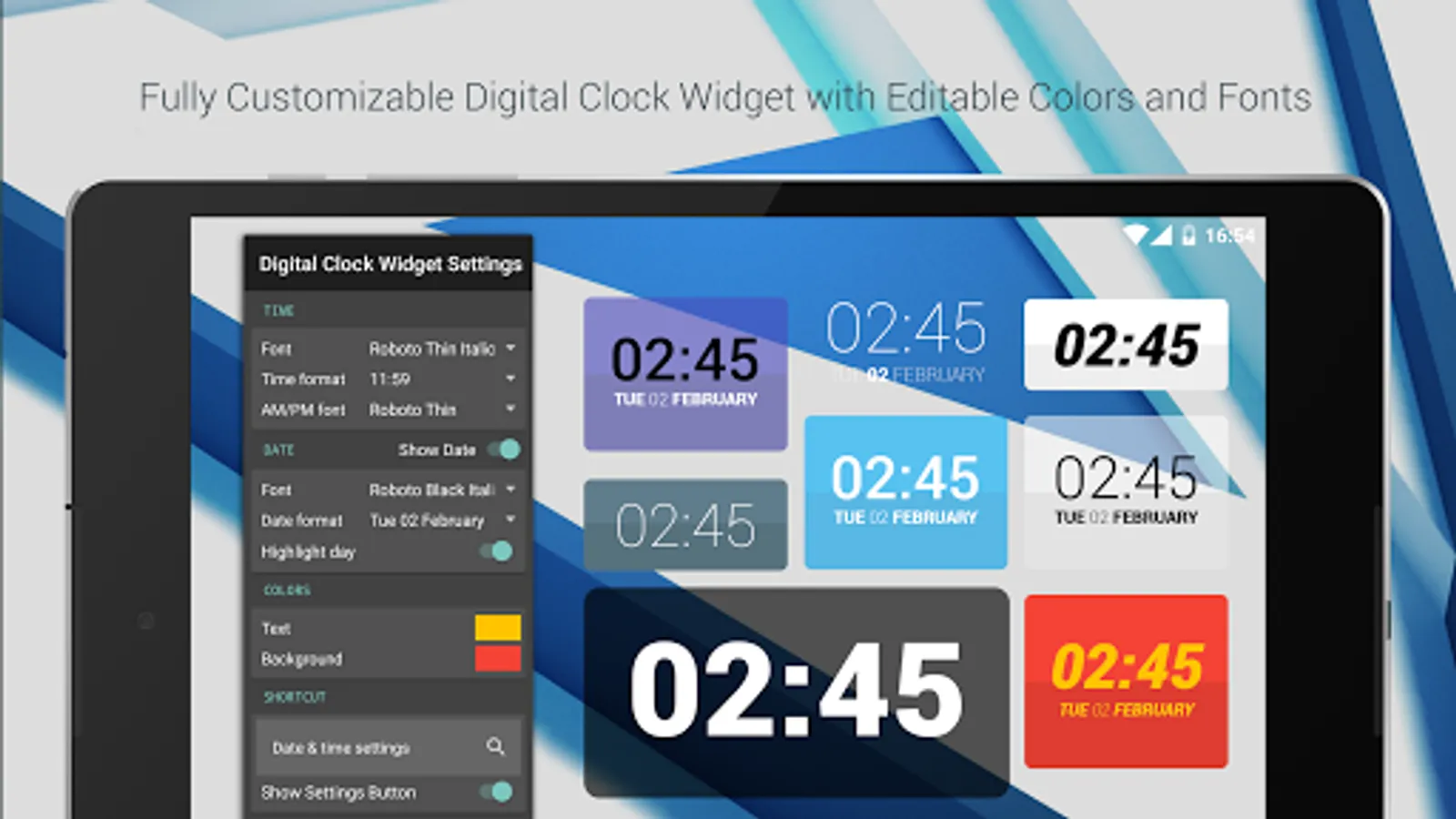
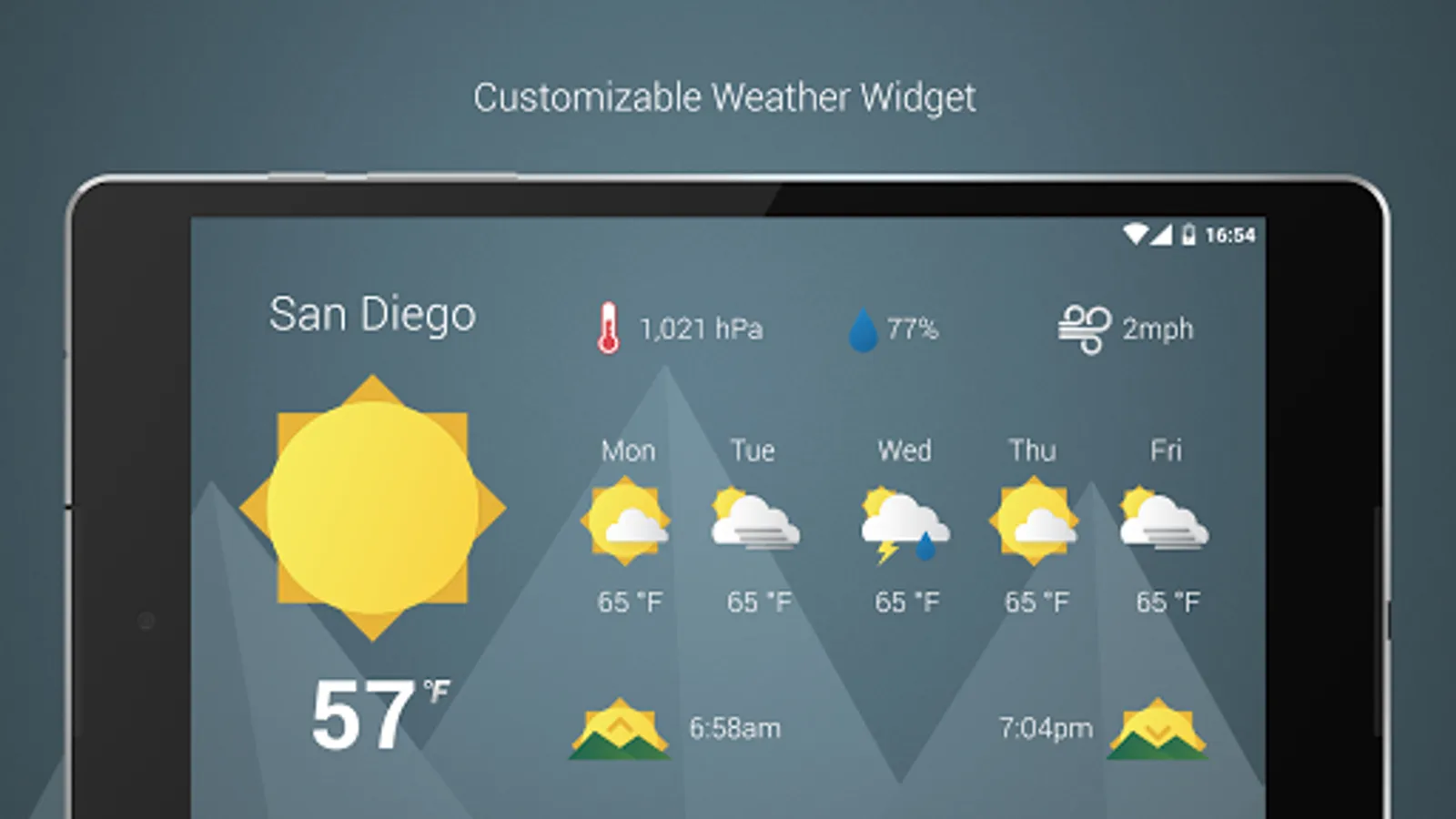
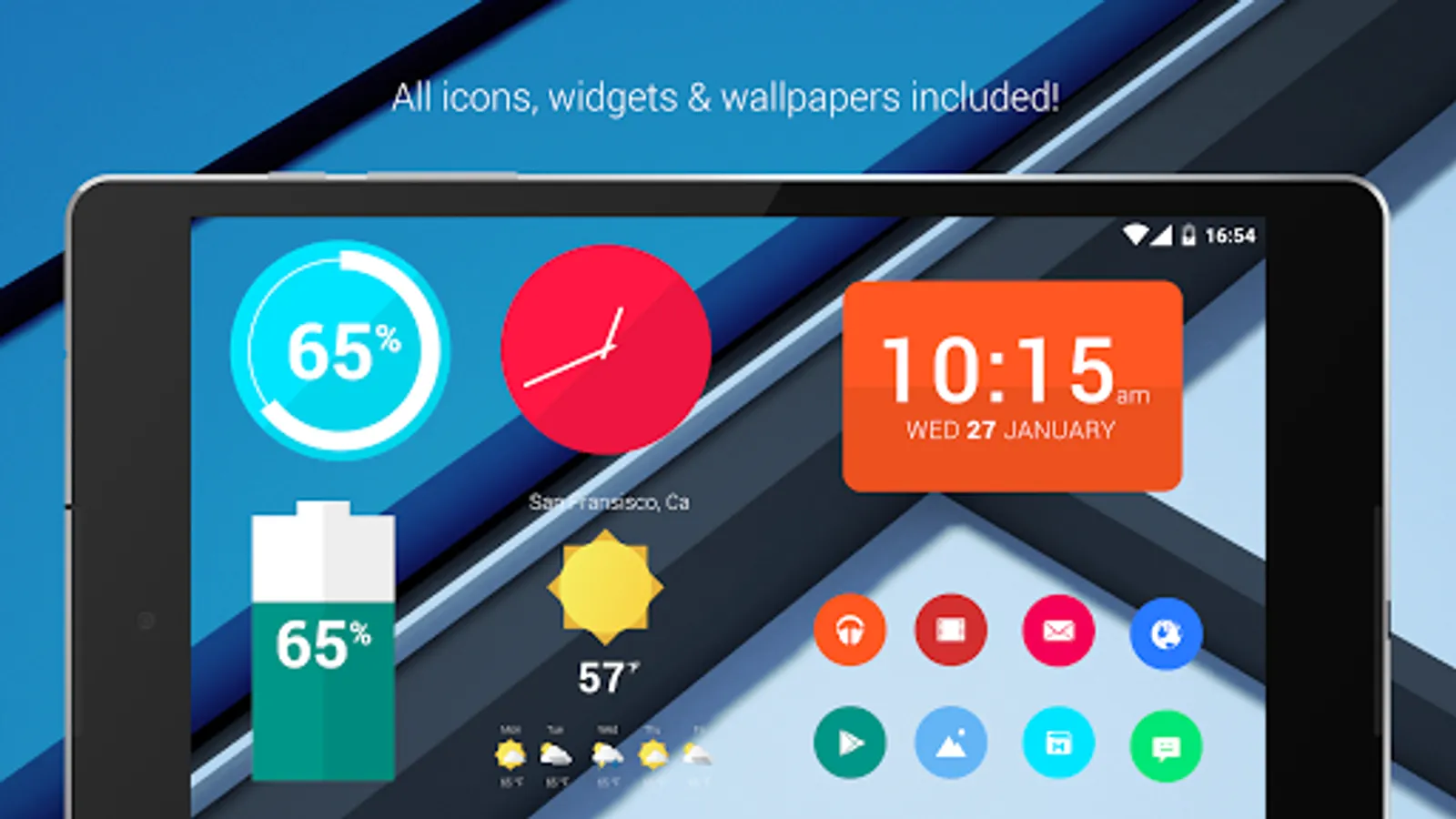
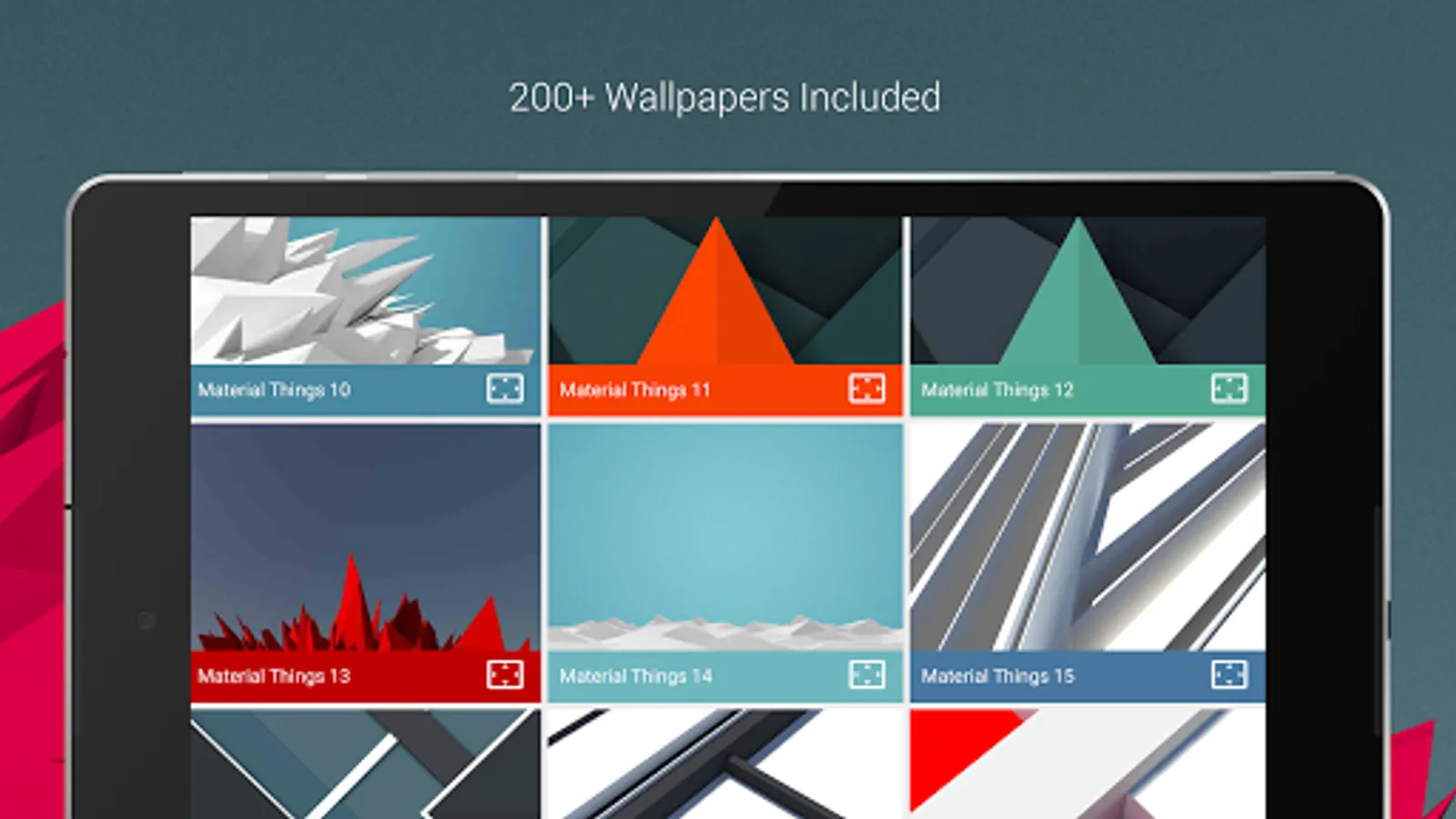
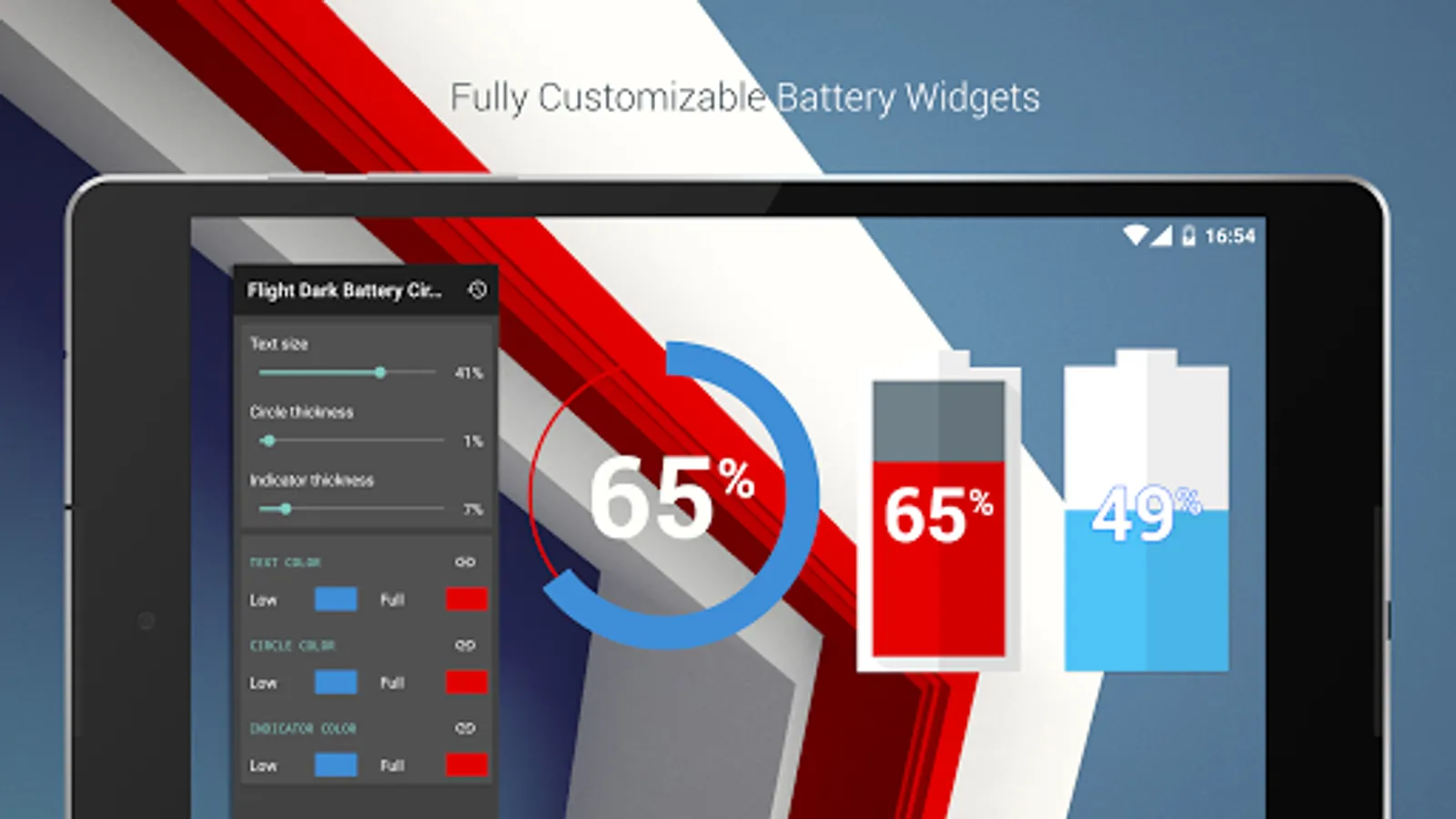
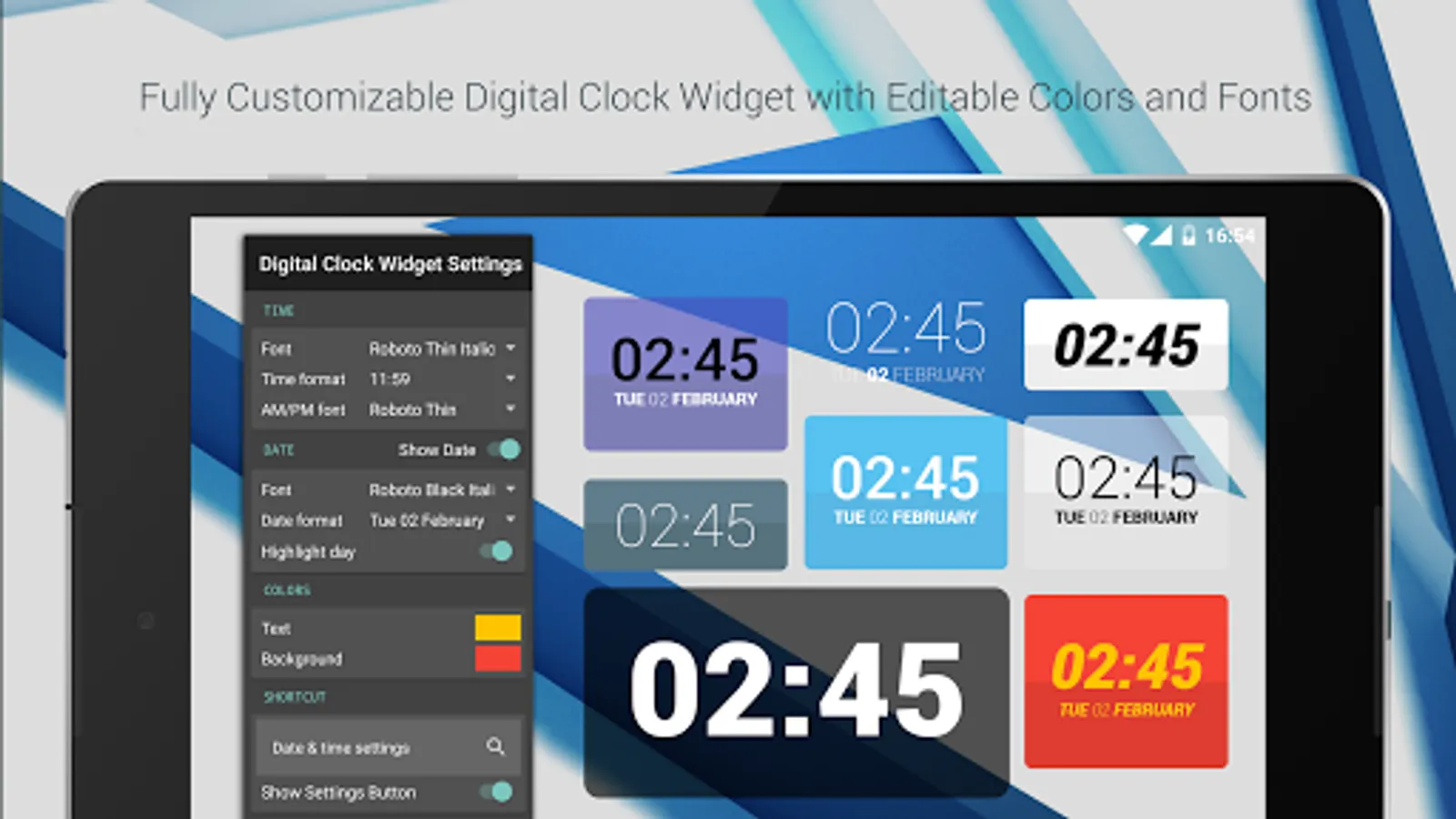
Material Things (pro version) is an icon theme for your android phone or tablet inspired by material design. Color up your display with some simple, clean material Icons. Included with the hand-crafted icons are matching wallpapers, and widgets for clocks, battery & weather. Widgets offer color, size, and font customization and over 200 custom made and hand-picked wallpapers included.
QUICK TIPS
You can manually edit icons in most launchers by long-pressing the icon you'd like to edit.
Widgets: If your widget stops updating, check your system or battery settings to make sure the app is exempt from battery optimization. More info at https://dontkillmyapp.com/
DISCLAIMER
You may need a 3rd party launcher to apply the icon pack.
PRO VERSION
This is the pro version of the app. Get the free version here: https://play.google.com/store/apps/details?id=com.natewren.materialfree
HOW-TO GUIDE
http://natewren.com/apply
FEATURES
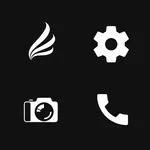
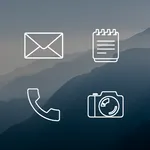
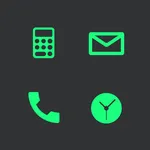
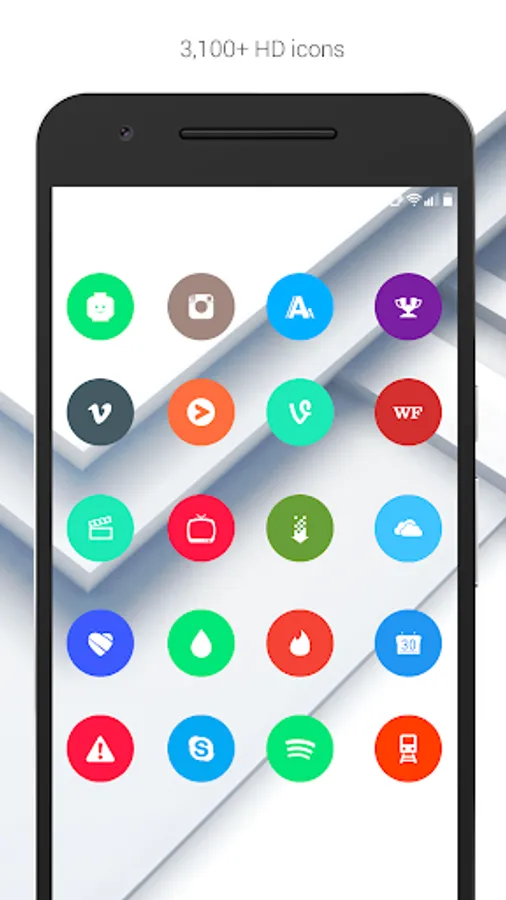
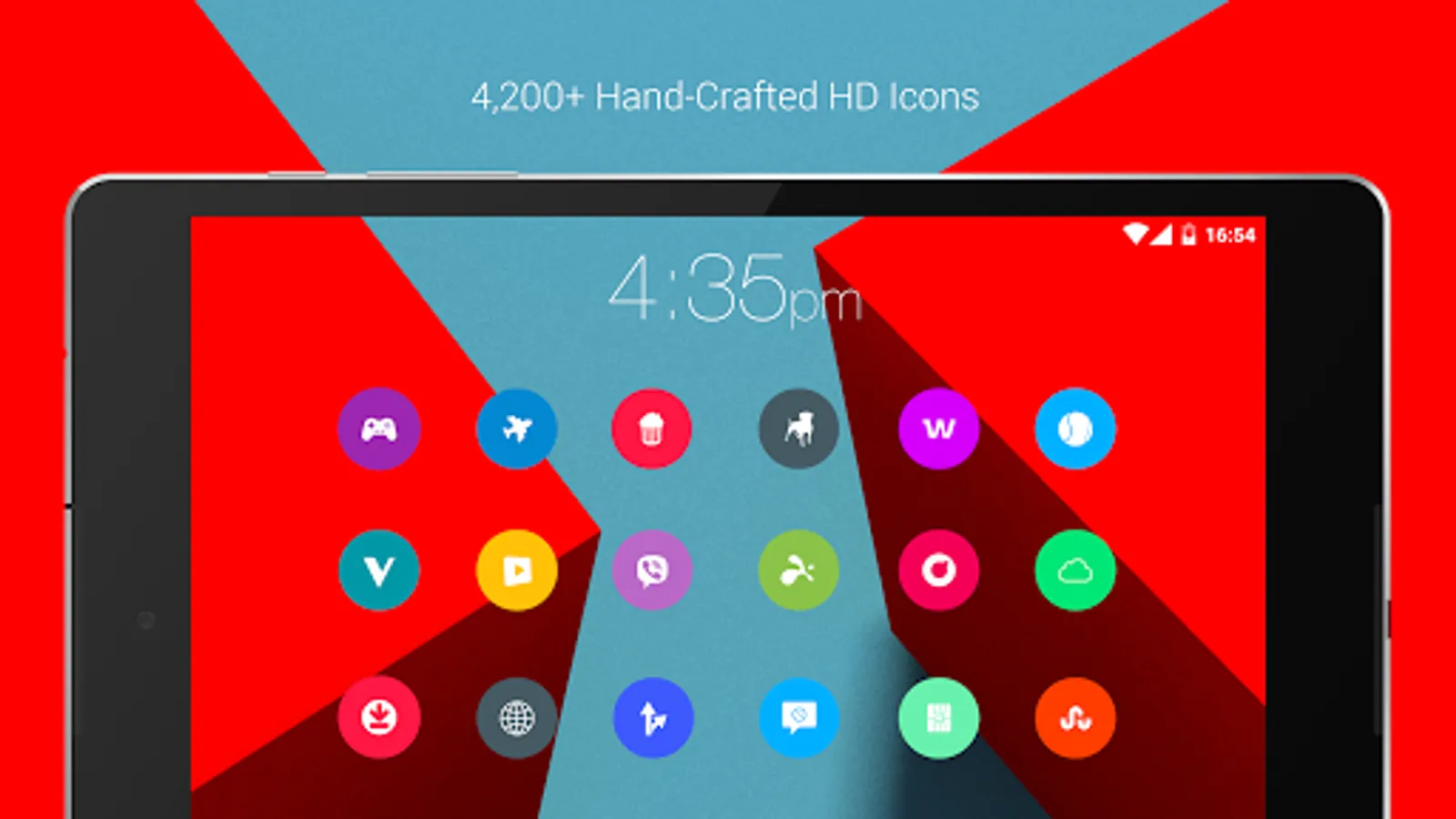
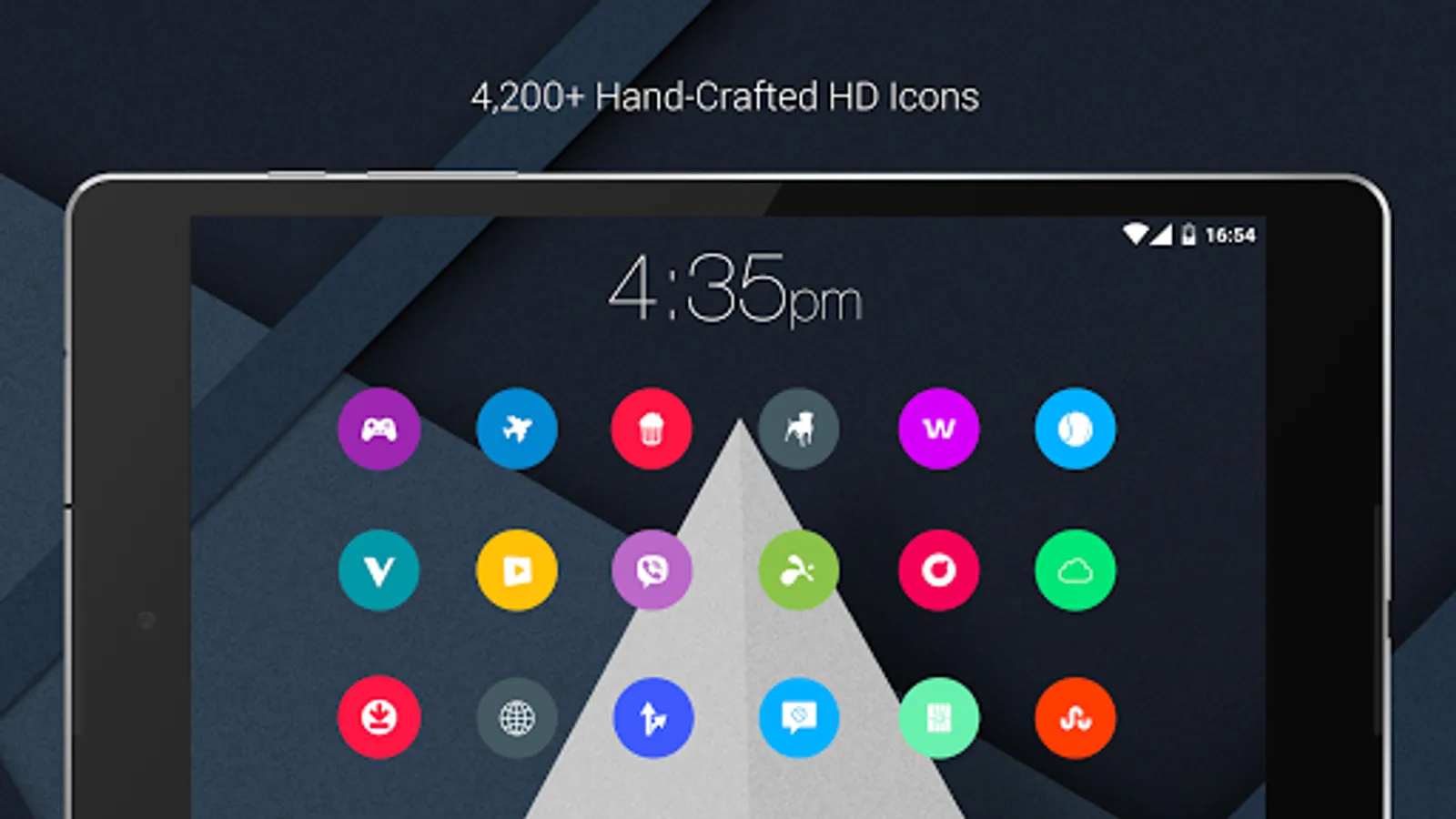
• 3,700+ hand crafted flat, clean & simple colorful flat HD icons with many variations of default icons such as phone, contacts, camera, etc.
• 20 Customized material designed wallpapers. Wallpapers are 3D renders inspired by the theme and material design. All material wallpapers shown are included!
• XXXHDPI high definition colorful icons included for super large HD screens. All Icons are 192x192
• Customized cloud/sky/landscape wallpapers. Wallpapers have been edited to show off the colorful icons nicely
• Some parts of the flat icons are transparent letting each show the provided sky/landscape backgrounds or to your own backgrounds
• Wallpaper chooser comes installed
• Request icons via "Request" tab
• Clean, material, icons go with any background.
• Muzei support for rotating wallpapers
• New icons added regularly
WIDGETS
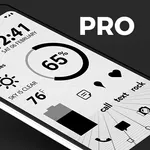
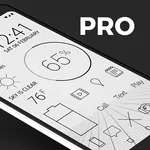
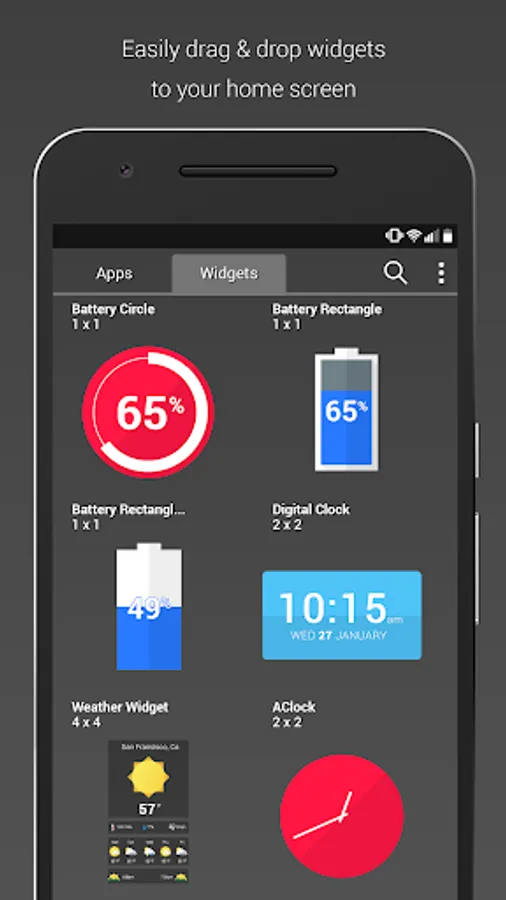
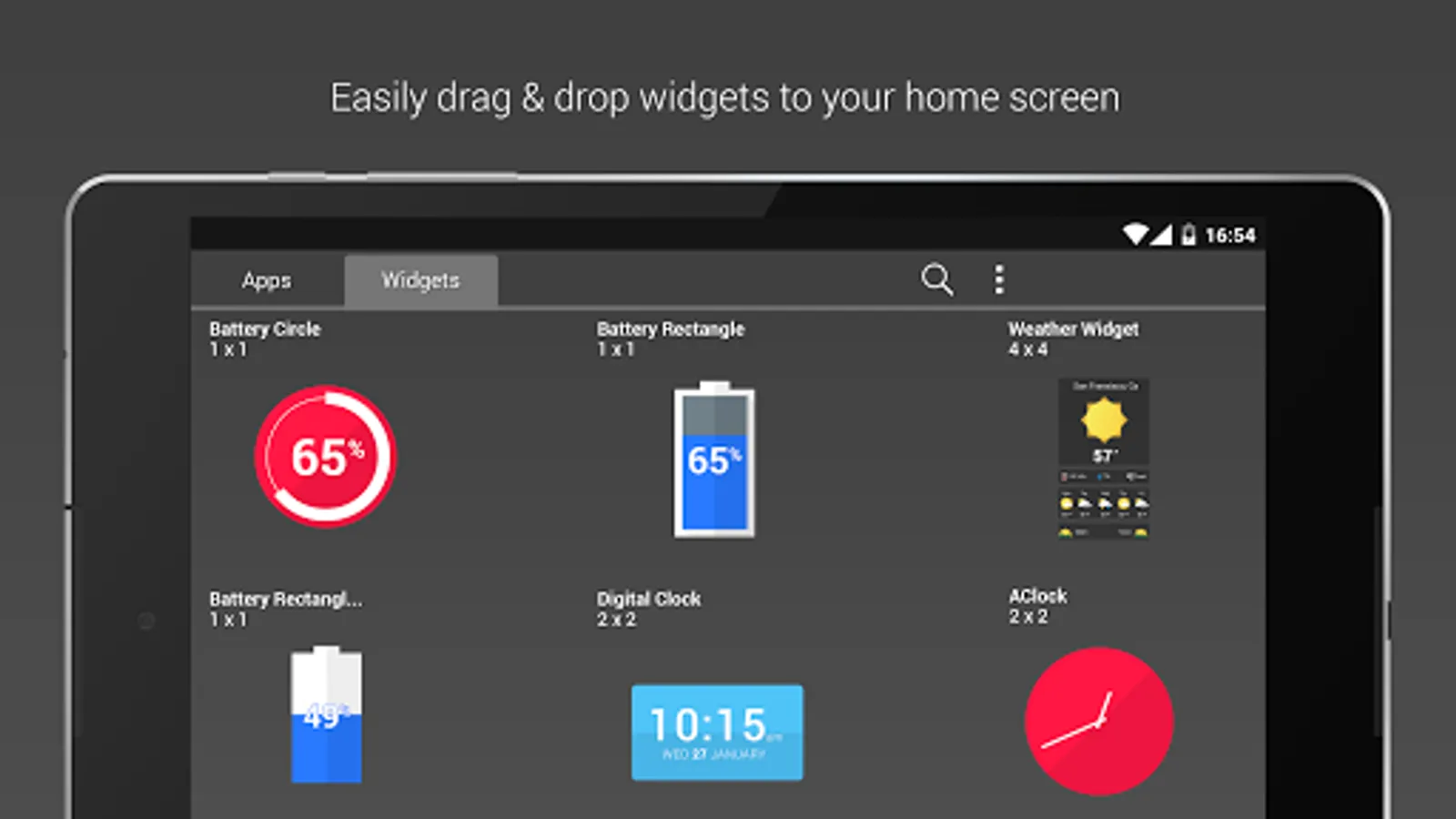
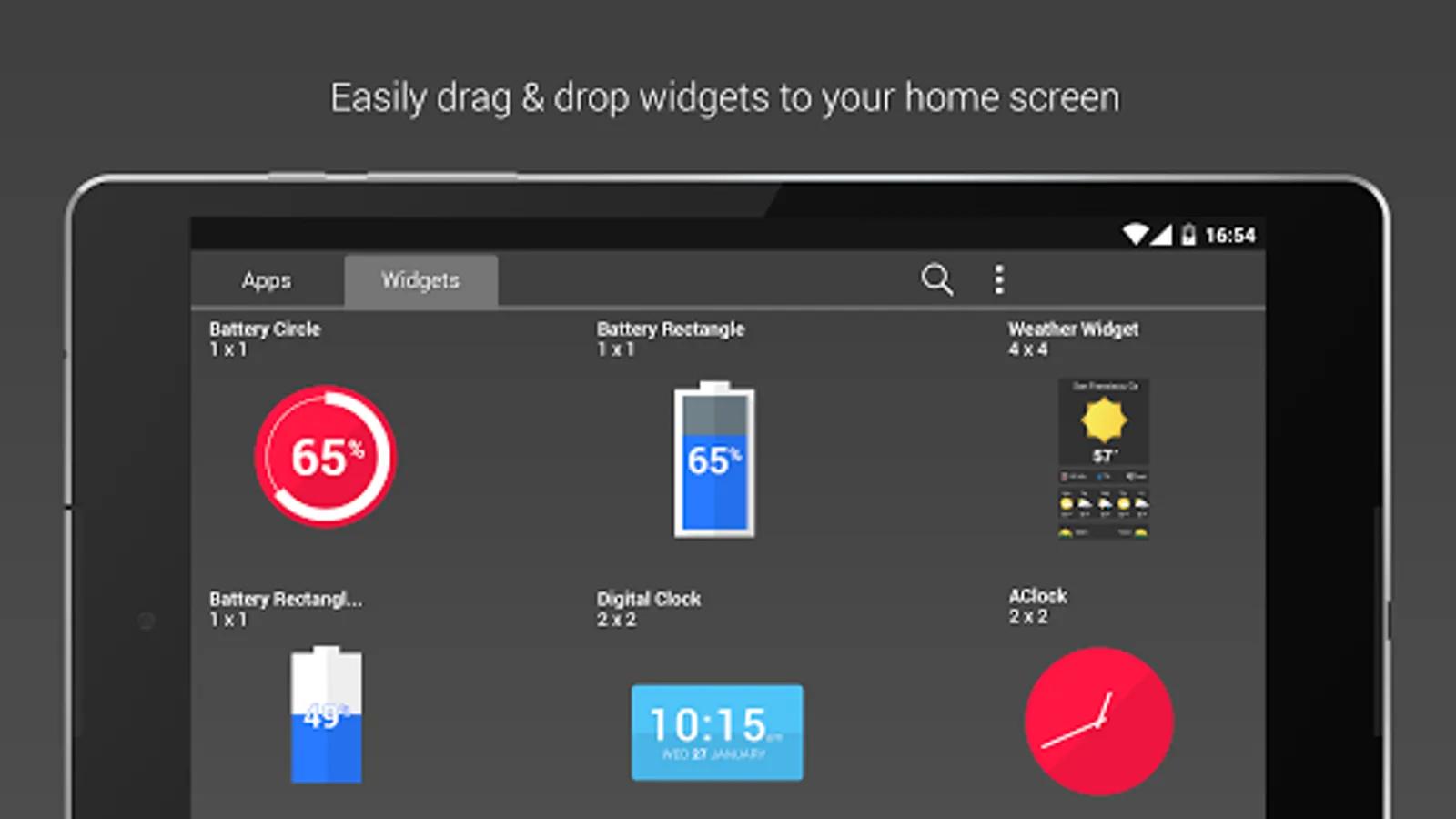
System widgets as well as editable KWGT widgets are included.
• Battery widgets
• Digital clock widgets
• Analog clock widget
• Weather widgets
HOW TO APPLY ICONS VIA ICON PACK
1. Open the app after installing
2. Navigate to "Apply" tab
3. Select your Launcher
HOW TO APPLY ICONS VIA LAUNCHER
1. Open Launcher settings by tapping + holding on an empty area of home screen
2. Select personalization options
3. Select icon pack
FOLLOW ME
Twitter: https://twitter.com/natewren
QUESTIONS/COMMENTS
natewren@gmail.com
http://www.natewren.com
QUICK TIPS
You can manually edit icons in most launchers by long-pressing the icon you'd like to edit.
Widgets: If your widget stops updating, check your system or battery settings to make sure the app is exempt from battery optimization. More info at https://dontkillmyapp.com/
DISCLAIMER
You may need a 3rd party launcher to apply the icon pack.
PRO VERSION
This is the pro version of the app. Get the free version here: https://play.google.com/store/apps/details?id=com.natewren.materialfree
HOW-TO GUIDE
http://natewren.com/apply
FEATURES
• 3,700+ hand crafted flat, clean & simple colorful flat HD icons with many variations of default icons such as phone, contacts, camera, etc.
• 20 Customized material designed wallpapers. Wallpapers are 3D renders inspired by the theme and material design. All material wallpapers shown are included!
• XXXHDPI high definition colorful icons included for super large HD screens. All Icons are 192x192
• Customized cloud/sky/landscape wallpapers. Wallpapers have been edited to show off the colorful icons nicely
• Some parts of the flat icons are transparent letting each show the provided sky/landscape backgrounds or to your own backgrounds
• Wallpaper chooser comes installed
• Request icons via "Request" tab
• Clean, material, icons go with any background.
• Muzei support for rotating wallpapers
• New icons added regularly
WIDGETS
System widgets as well as editable KWGT widgets are included.
• Battery widgets
• Digital clock widgets
• Analog clock widget
• Weather widgets
HOW TO APPLY ICONS VIA ICON PACK
1. Open the app after installing
2. Navigate to "Apply" tab
3. Select your Launcher
HOW TO APPLY ICONS VIA LAUNCHER
1. Open Launcher settings by tapping + holding on an empty area of home screen
2. Select personalization options
3. Select icon pack
FOLLOW ME
Twitter: https://twitter.com/natewren
QUESTIONS/COMMENTS
natewren@gmail.com
http://www.natewren.com
Material Things Pro - Icons Screenshots
Tap to Rate:
Reviews for Material Things Pro - Icons
Wallace Edward Newcomb
1/26/2025
Color!
Gabriel Mancuso
4/19/2024
Like all your apps you do not update them on a regular basis this makes them worthless