Terminal - Classic Green Theme
Nate Wren Design
4.1 ★
6K ratings
500,000+
downloads
Free
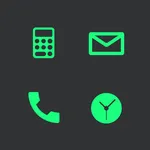
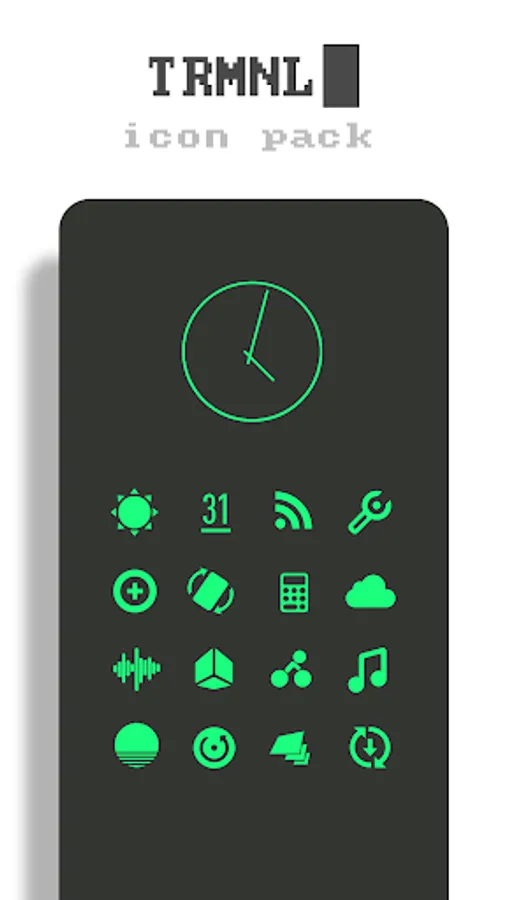
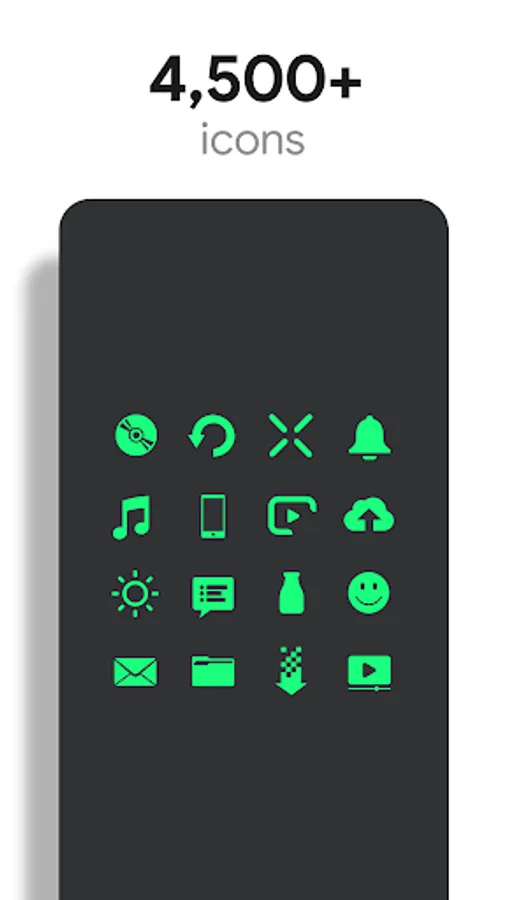
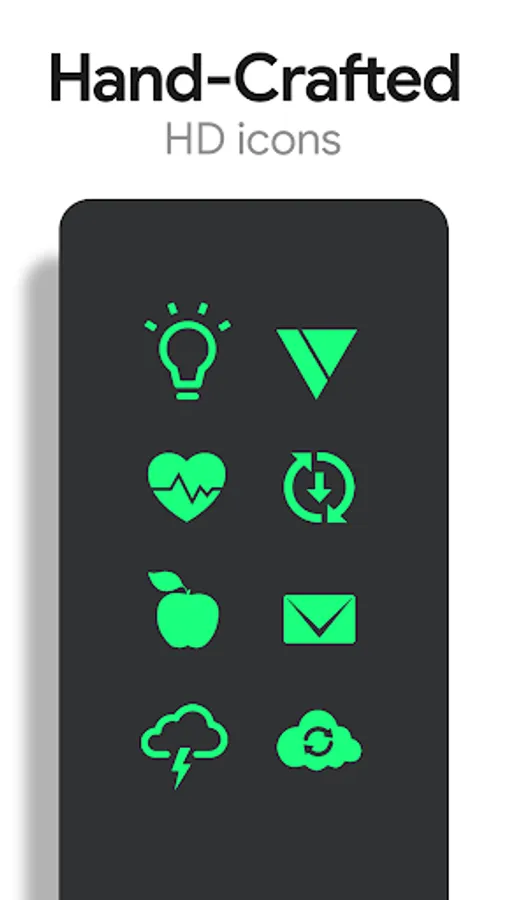
In this icon theme, you can customize app icons with a green CRT monitor aesthetic using a launcher of your choice. Includes over 5,100 handcrafted HD icons, wallpapers, and Muzei support for rotating backgrounds.
AppRecs review analysis
AppRecs rating 3.7. Trustworthiness 79 out of 100. Review manipulation risk 27 out of 100. Based on a review sample analyzed.
★★★☆☆
3.7
AppRecs Rating
Ratings breakdown
5 star
61%
4 star
16%
3 star
6%
2 star
6%
1 star
11%
What to know
✓
Low review manipulation risk
27% review manipulation risk
✓
Credible reviews
79% trustworthiness score from analyzed reviews
⚠
Ad complaints
Many low ratings mention excessive ads
About Terminal - Classic Green Theme
Terminal is a theme that applies new icons to the most popular apps through a launcher of your choice. Each icon was hand crafted with simplicity in mind. The 5,100+ green icons and wallpapers are inspired by old CRT terminal monitors The icons are xxxhdpi which means they're HD or high enough resolution to get cool looking green icons on any device out there.
QUICK TIPS
You can manually edit icons in most launchers by long-pressing the icon you'd like to edit.
DISCLAIMER
You may need a 3rd party launcher to apply the icon pack. Please download a launcher before installing.
Nova is recommended for the best experience and supports icon name search when manually applying icons. For more info on searching while manually applying icons please visit https://natewren.com/manually-edit-icons/.
HOW-TO GUIDE
http://natewren.com/apply
FEATURES
• 5,100+ Hand-crafted HD green icons
• HD Terminal wallpapers
• Muzei support for rotating wallpapers
• New icons added regularly
• XXXHDPI high definition modern, green icons included for super large HD screens. All Icons are 192x192.
• Some parts of the green icons are transparent letting each show the provided scenic/landscape backgrounds or to your own backgrounds.
• Wallpaper chooser comes installed to replicate an old CRT monitor on your device..
• Easy link to request more outline icons.
• Clean icons work best with dark wallpapers.
HOW TO APPLY ICONS VIA ICON PACK
1. Open the app after installing
2. Navigate to "Apply" tab
3. Select your Launcher
HOW TO APPLY ICONS VIA LAUNCHER
1. Open Launcher settings by tapping + holding on an empty area of home screen
2. Select personalization options
3. Select icon pack
HEX CODEg
Green: #1aff7e
FOLLOW ME
Twitter: https://twitter.com/natewren
QUESTIONS/COMMENTS
natewren@gmail.com
http://www.natewren.com
QUICK TIPS
You can manually edit icons in most launchers by long-pressing the icon you'd like to edit.
DISCLAIMER
You may need a 3rd party launcher to apply the icon pack. Please download a launcher before installing.
Nova is recommended for the best experience and supports icon name search when manually applying icons. For more info on searching while manually applying icons please visit https://natewren.com/manually-edit-icons/.
HOW-TO GUIDE
http://natewren.com/apply
FEATURES
• 5,100+ Hand-crafted HD green icons
• HD Terminal wallpapers
• Muzei support for rotating wallpapers
• New icons added regularly
• XXXHDPI high definition modern, green icons included for super large HD screens. All Icons are 192x192.
• Some parts of the green icons are transparent letting each show the provided scenic/landscape backgrounds or to your own backgrounds.
• Wallpaper chooser comes installed to replicate an old CRT monitor on your device..
• Easy link to request more outline icons.
• Clean icons work best with dark wallpapers.
HOW TO APPLY ICONS VIA ICON PACK
1. Open the app after installing
2. Navigate to "Apply" tab
3. Select your Launcher
HOW TO APPLY ICONS VIA LAUNCHER
1. Open Launcher settings by tapping + holding on an empty area of home screen
2. Select personalization options
3. Select icon pack
HEX CODEg
Green: #1aff7e
FOLLOW ME
Twitter: https://twitter.com/natewren
QUESTIONS/COMMENTS
natewren@gmail.com
http://www.natewren.com
Terminal - Classic Green Theme Screenshots
Tap to Rate:
Reviews for Terminal - Classic Green Theme
Jaiden (GNSleepie)
12/18/2024
Literally impossible to use the icon pack, sat through 10 minutes of ads just for it to not work
Aditya Vishwakarma
10/11/2024
🎉🎉